Week - 9 - Reflecting the geometry
AIM:
To reflect the geometry.
OBJECTIVE:
- Create a macro that will reflect the given multicomponent FE part with ease.
- It should be independent of the deck.
- The only inputs allowed are, original CAD comp, reflected CAD comp, and original FE comps.
- The name of the component should also be taken as input from the user. Also, ask the user to suffix the name with an “_” by displaying a help string.
PROCEDURE:
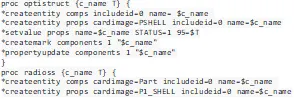
- First, in order to create components and property and to assign respective property to the component, I have used (*createentity, *setvalue,*propertyupdate) in two different procedures in the name of solver profile.
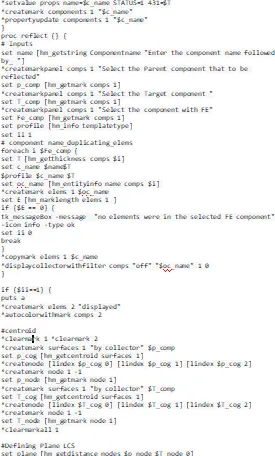
- Then parent component and target componet is marked using (*createmarkpanel comp)
- The elements are copied into the user-defined component using (*copymark)
- The centroid of the target component and parent component found using (hm_centroid ) command which gives an output of coordinates of centroid then the node is added to the centroid of the component using (*createnode)
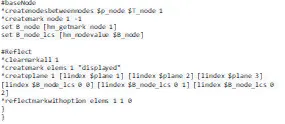
- The two nodes in between two centroid node are created using (*createnodebetweennodescreate)
- The plane is created using (*createplane)command with obtained plane coordinate obtained previously in a mark id
- And Then the elements were reflected using the (*reflectmarkwithoption)
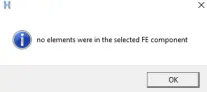
- Then the null condition is defined if there are no elements in parent component using if condition with an popup say that there is no elements in the selected component using (tk_messagebox) command.

CODE:
RESULTS:
- To reflect the multicomponent FE part macro is created.
- The reflect component is named & is taken from the input user.