Week 8-3D Tetra Meshing Challenge
AIM:
1) Create a Teramesh for Housing component with the following quality criteria.
2) For the given model, Create a 3D Tetramesh with the following quality criteria.
3) For the given assembly model, Create a 3D Tetramesh with the following quality criteria.
OBJECTIVE:
Model - 1: 2d to 3d conversion
Elements size: Min: 2mm; Target: 5mm; Max: 7mm
Tet collapse: 0.15
Model - 2: Quick Tetra Mesh/ Volume Tetra Mesh
Elements size: 3mm
Tet collapse: 0.15
Model - 3: Quick Tetra Mesh/ Volume Tetra Mesh
Elements size: 4mm
Tet collapse: 0.15
PROCEDURE:
MODEL-1: 2D TO 3D CONVERSION:
In this method quad or tria mwshing is carried out in all outer surfaces of the geometry. During tetra mesh all quads has been automatically split into trias, which is known as tetra elements.
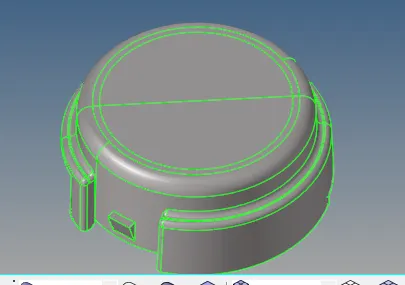
- The model is imported in STP format.
- Once the model is imported, we have to clean the geometry to avoid element failure.
- The surface is cleaned & the line less than 2mm is removed( minimum element size is 2mm)
- For cleaning, we are using quick edit such option such as toggle, replace, node to line etc.
- 2D meshing is performed using only tria elements & the shell kept under the mentioned quality criteria.
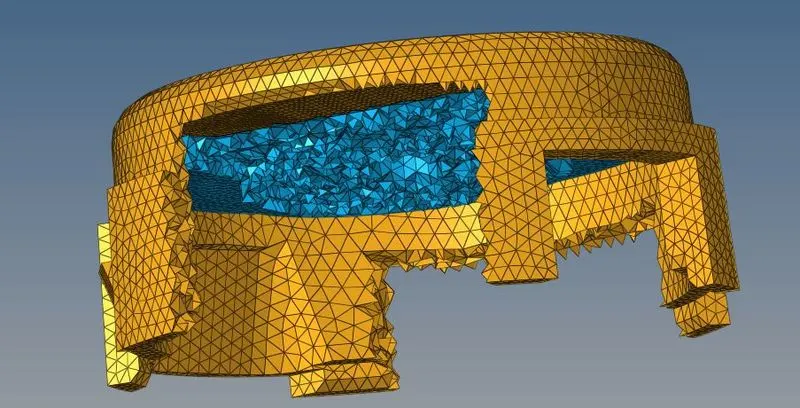
- After 2D meshing, we need to convert into solid tria elements(3D Tetra mesh option)
- Then select the elements within fixed tria/quad in tetra option and mesh the component.
- Fixed trias & check the connectivity of the trias. Use the mask option, we can check wheather volumetric mesh is performed.
MODEL-2:
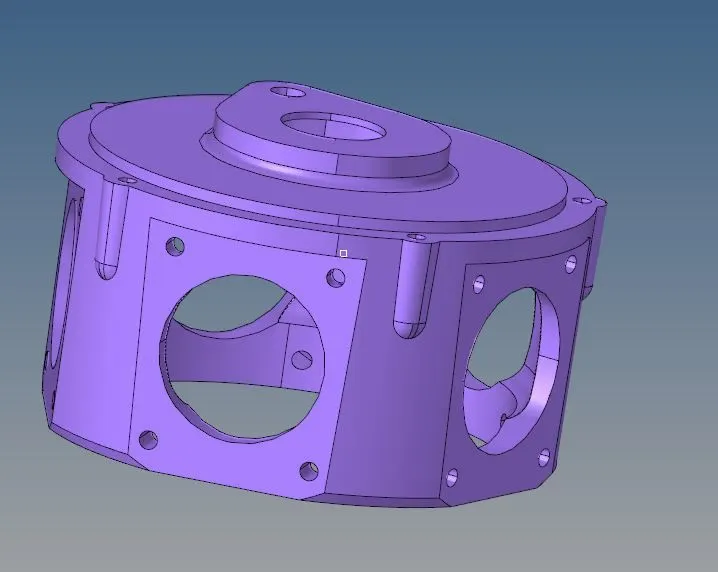
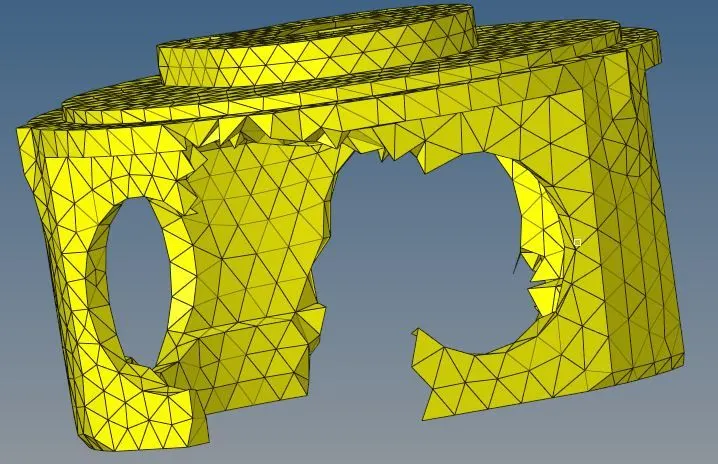
- Import the model & perform geometry cleanup.
- In this model, only surface geometry is avaliable, so there is no need to delete the solids.
- By clicking view we can see the utility tab in the menu bar. Select the geometry/ mesh in utility & select the quick mesh option.
- Select the component & change the mesh size into 6mm as mentioned. Choose the element size as trias only before meshing.
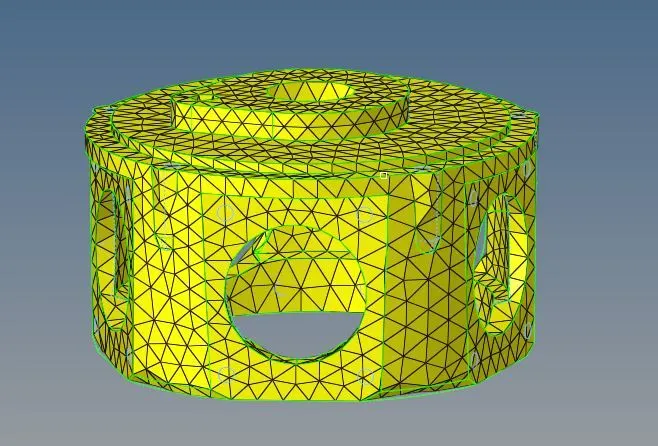
MODEL-3:
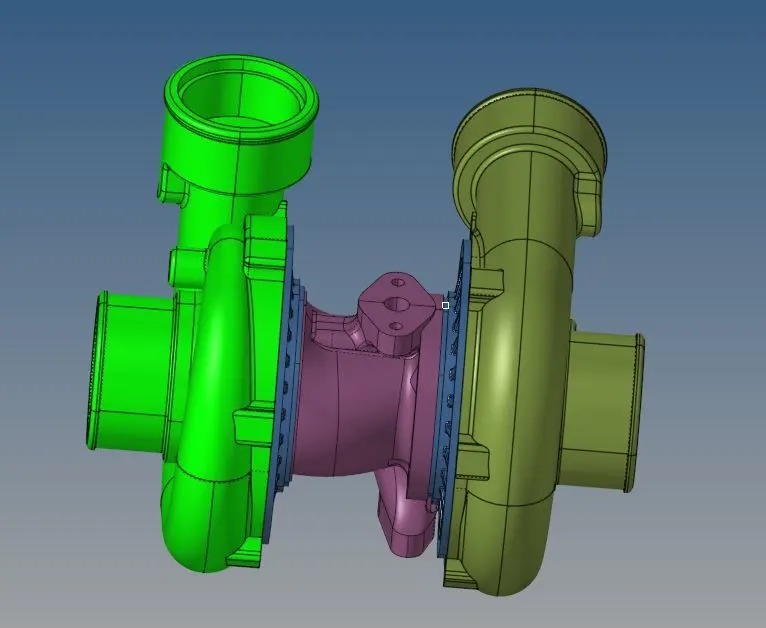
- Import the model & perform geometry clean-up.
- Tetra mesh can be generated by using surfaces, but there shouldn't be any free edges.
- To rectify the failed elements, we can use either by changing the distance between the nodes or remeshing the component again.
- While remeshing the component tet collapse should be checked in order to reduce the failure of tet collapse.
RESULTS:
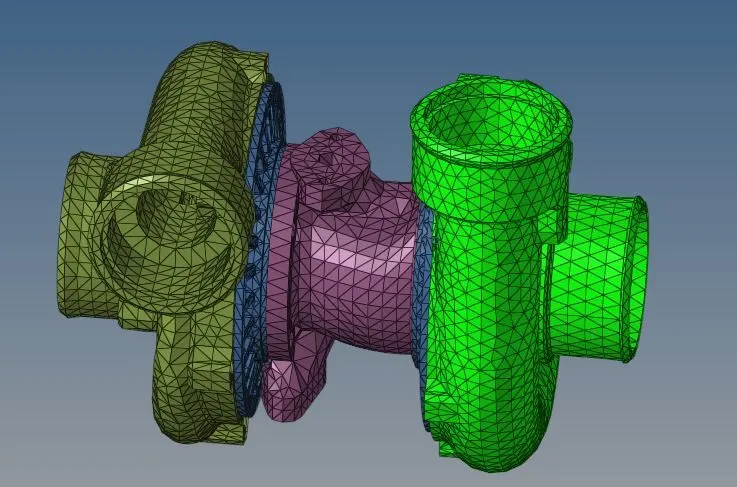
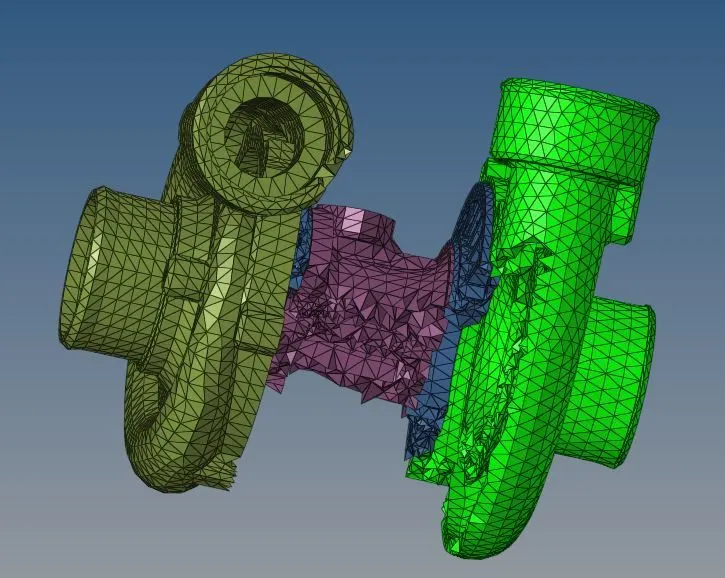
- For the given component, we have performed automesh.
- Different ways of meshing are implemented for the various components.