Week 4-1D Element Creation Challenge
AIM:-Mesh the Given component with the Size of 5 Units. Create 1D elements on the following component with given cross-section and DOF.
APPARATUS :- FE MODEL,LAPTOP,ANSA SOFTWARE.
Procedure:
- Import the given IGS file into HyperWorks and open the model from downloads and import.[command:Import-Geomentry-select the file-Import].
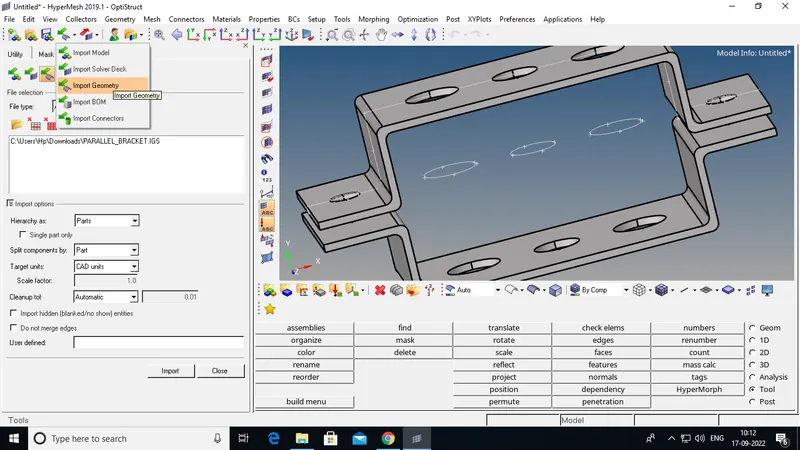
Step1:- Make Mid Surface .
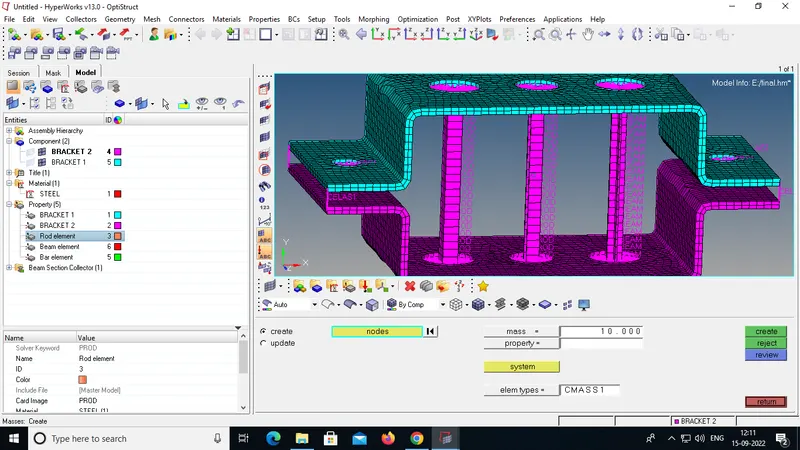
d. & e. Applying the mass of magnitude 10 with the RBE2 link
f. Joining of two components with Spring elements .
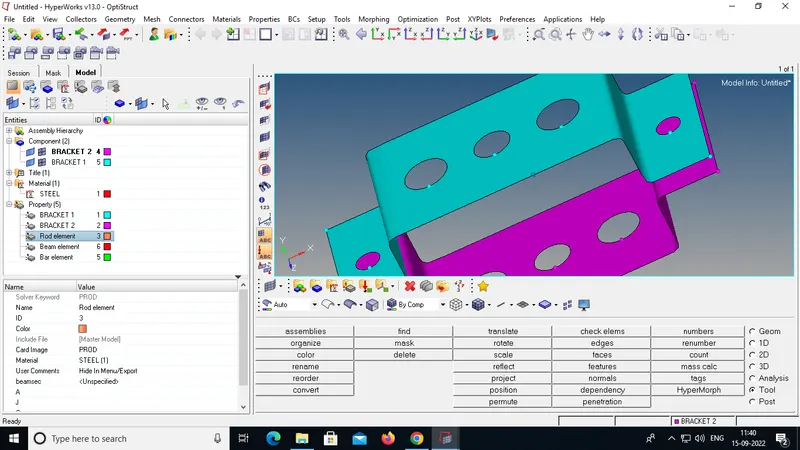
Step2:- Create Material. And mashing.
RBE2 AND RBE3 ELEMENTS
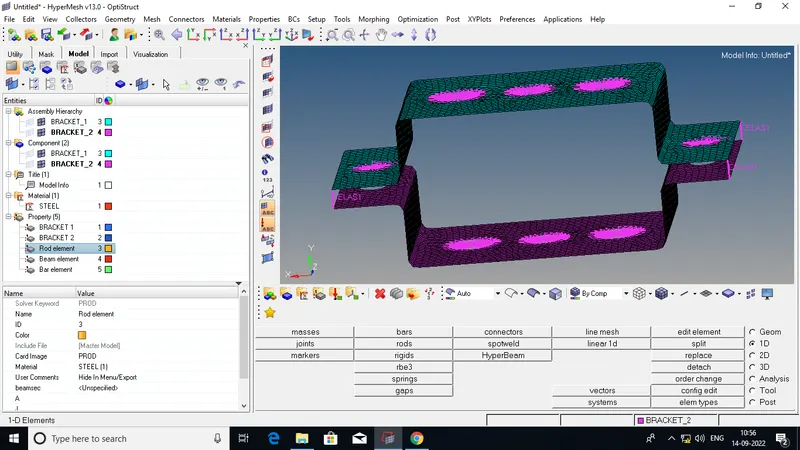
- skin offset is selected for this model because the fillets and surface capturing will be attained by using skin offset and rename the extracted mid-surface.
- The name mid-surface it self says the surface between the surfaces.so,that the Dimensions can be mentioned in the property card.
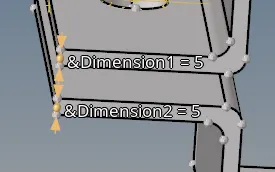
- similarly do the same for the lower bracket as well and rename the model.
MASSES AND SPRING CONECTION
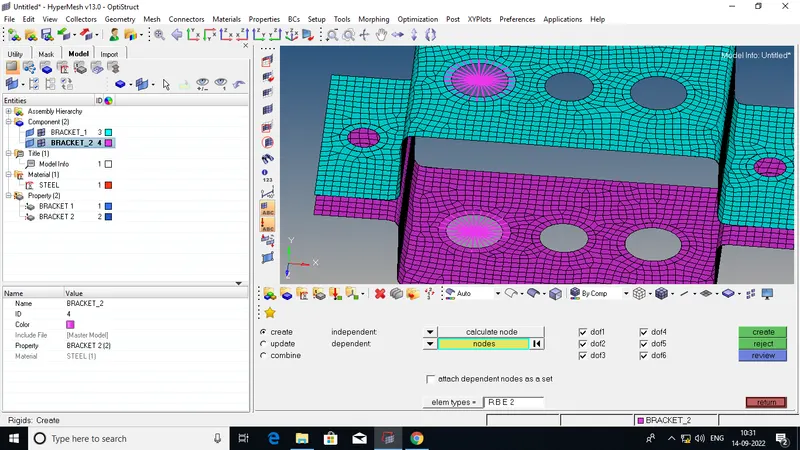
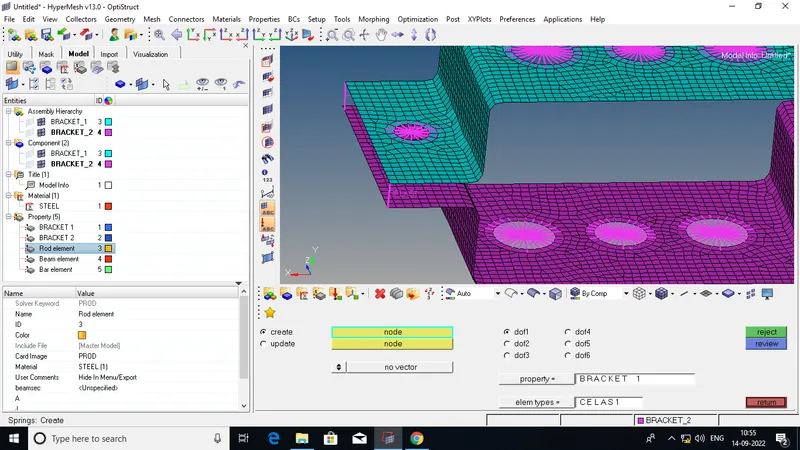
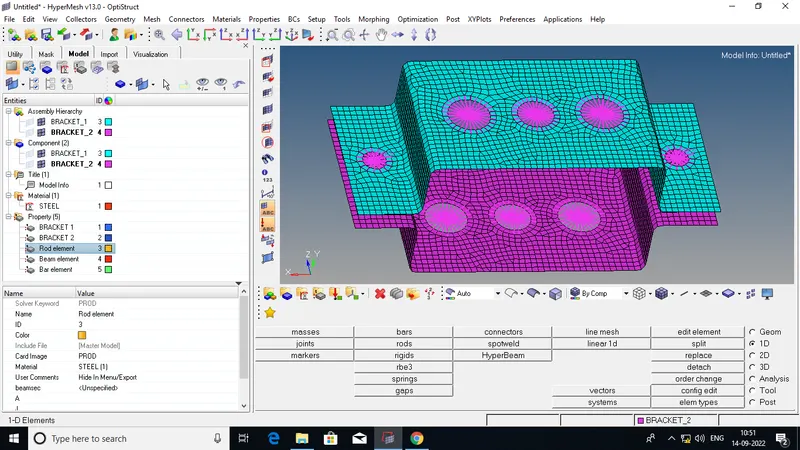
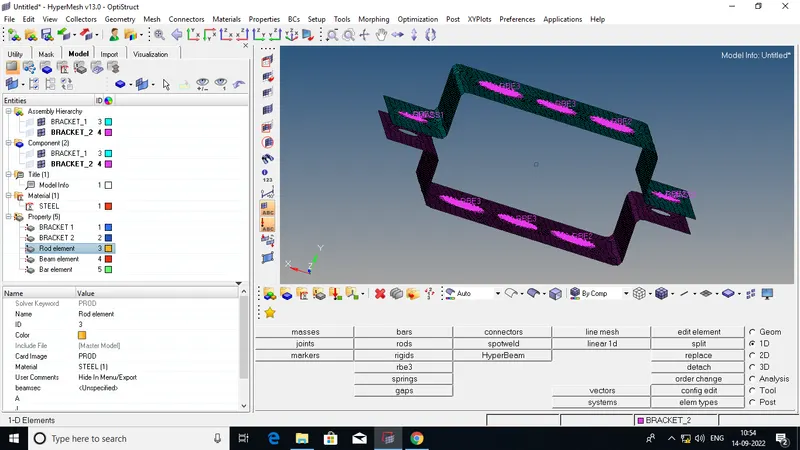
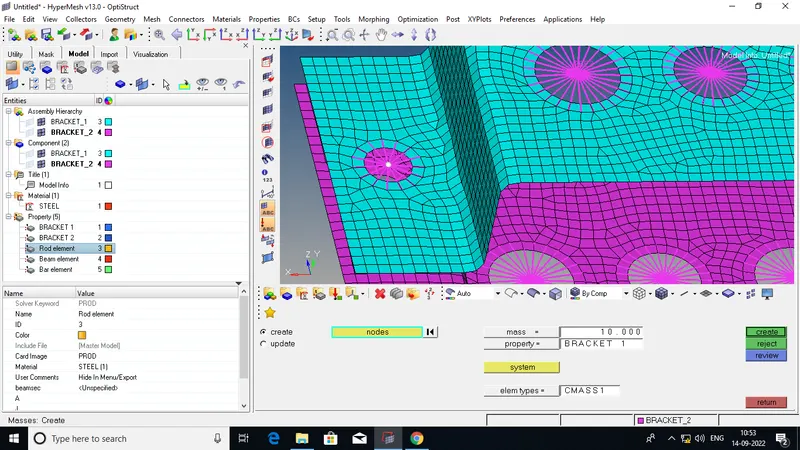
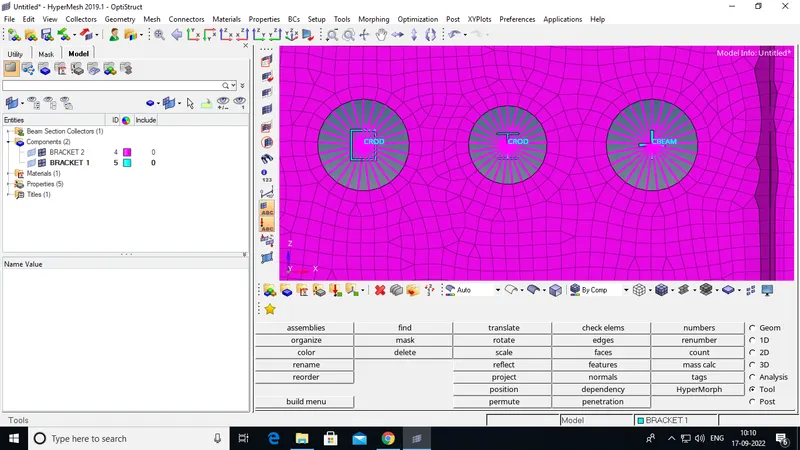
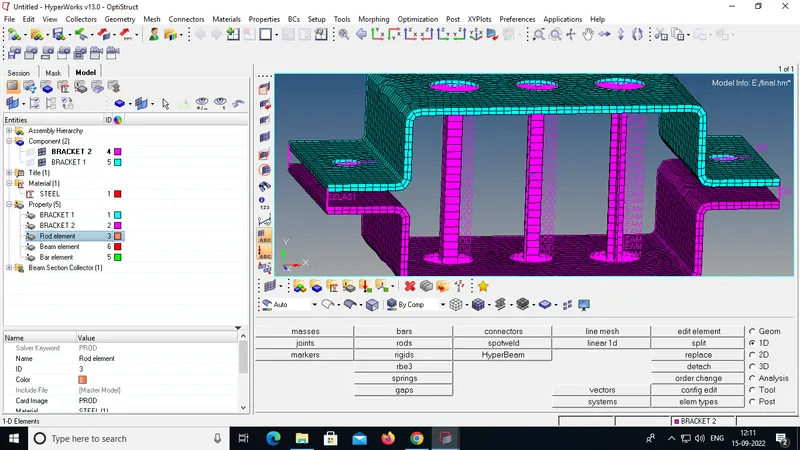
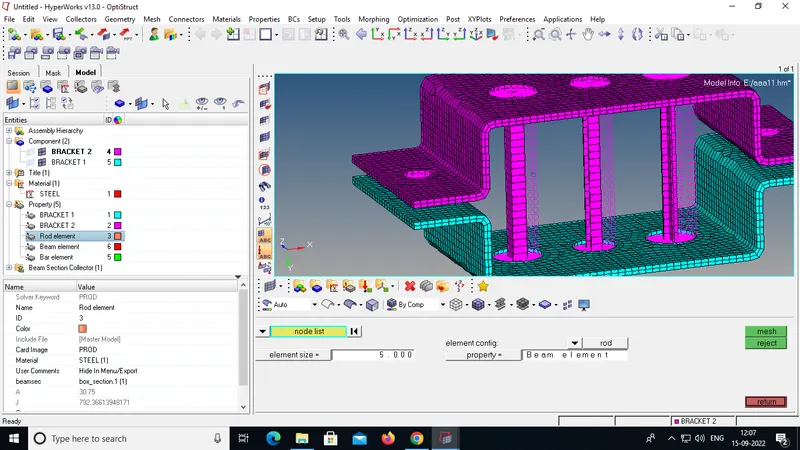
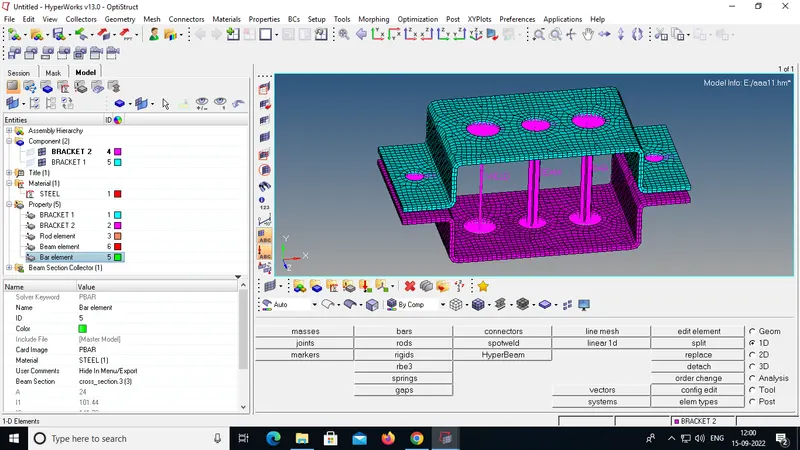
Step3:-Creat Cross Section and apply 1D Elements.
a. Rod element:- Translational DOF should be Constrained with RBE2 link
Cross-Section: BOX- Dimension a= 12 mm
dimension b=10 mm
Thickness t= 0.75 mm
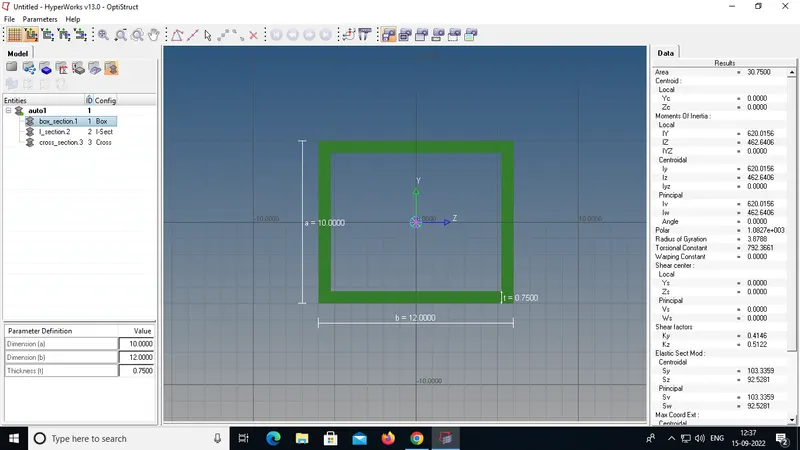
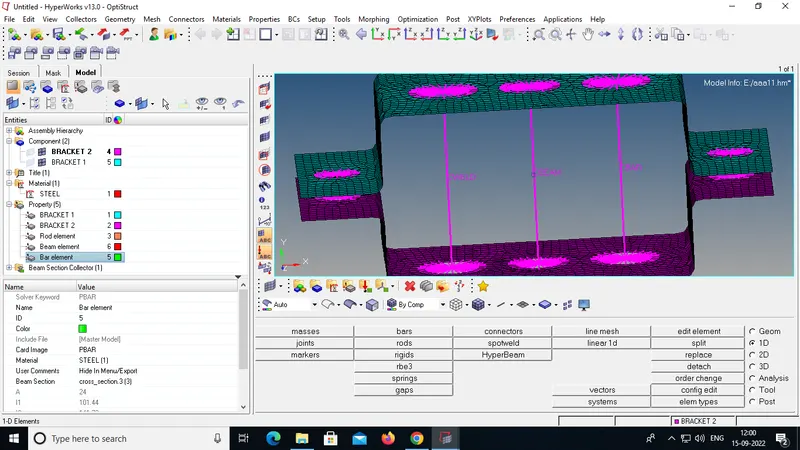
b. Beam element:- All DOF should be constrained with RBE3 link
Cross-Section: I Section- Dimension a= 8 mm
Dimension b= 10 mm
Dimension c= 8.5 mm
Thickness t1= 0.75 mm
Thickness t2= .6 mm
Thickness t3= .6 m
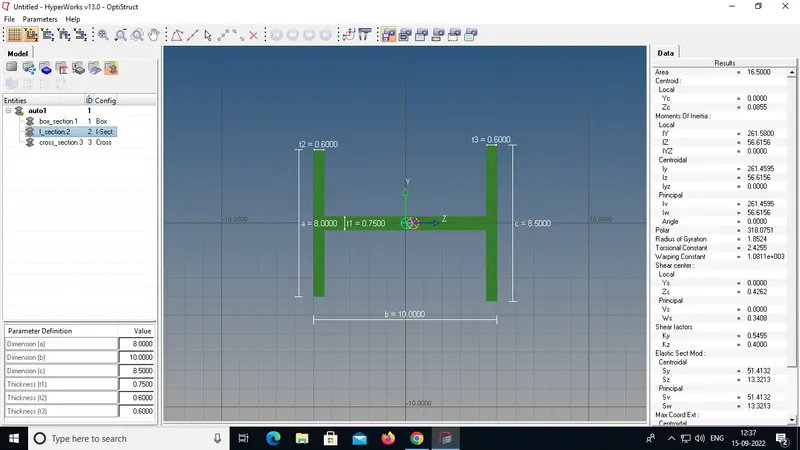
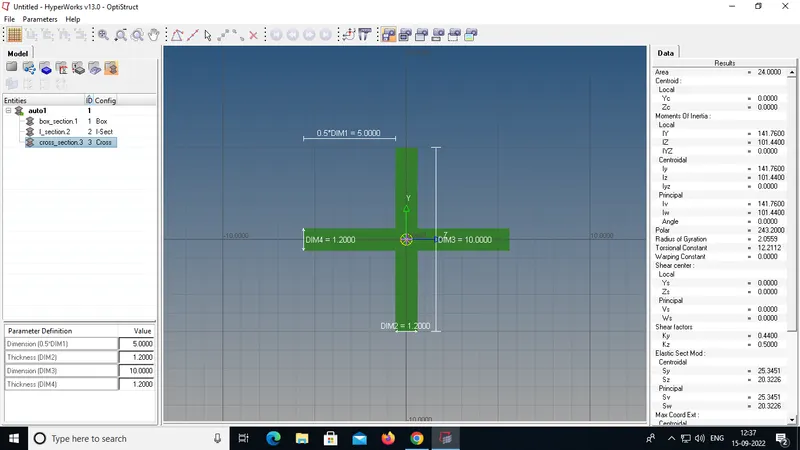
c. Bar element:- Constrain only x and y DOFs With RBE3 link
Cross-section: X section- Dimension DIM1= 5 mm
Thickness DIM2= 1.2 mm
Dimension DIM3= 10 mm
Thickness DIM4= 1.2mm
Learning outcome:
- geomentry cleanup using different tools.The use of various surface methods provided like skin offset,offset+planes...etc.
- 2D mesh the compoonent using automesh and reason for creating washer splits and hole or bolt ares.
- 1D elements diployement using the rigids,RB3,rods and bars.
- HyperBeams creating using various cross-sections.
- creating properties and assign them to the model.