Week 9-Creation of 1D Connectors Challenge
AIM:- The objective of this challenge is to perfrom 1D connectors as per given connection data after deploying the mesh.
Procedure:-
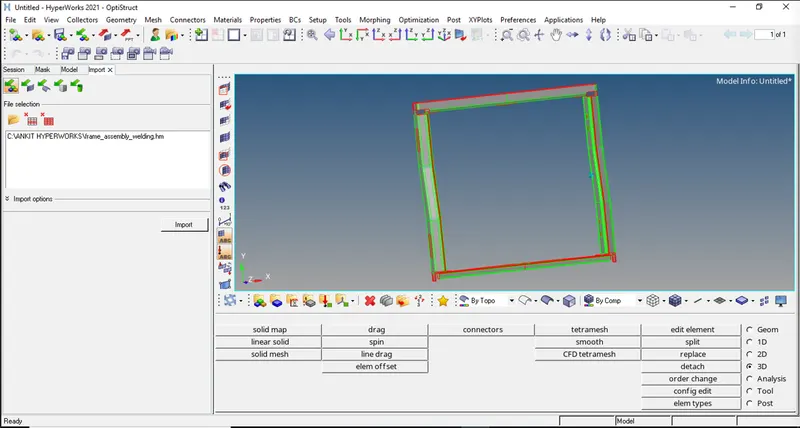
Step 1:- Import the given CAD model into Hyperworks software.
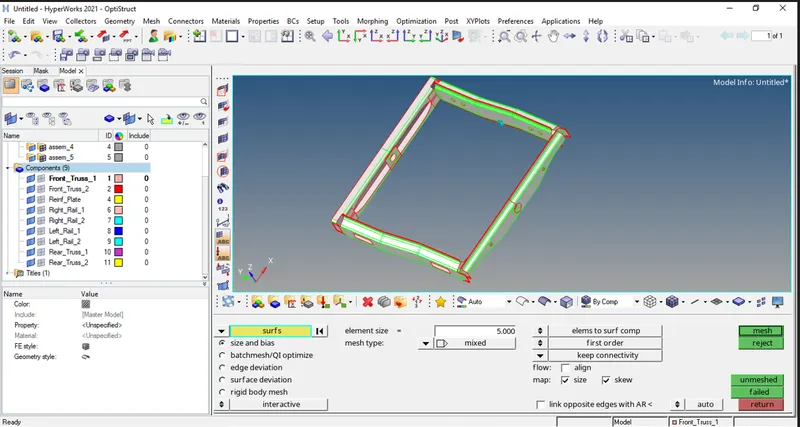
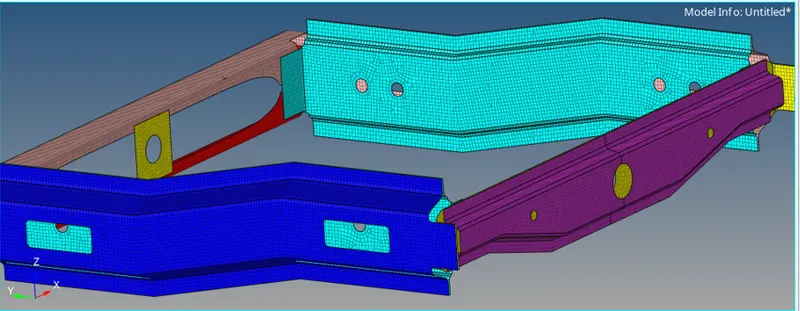
Step 2:- Meshing .
Step 3:- Conections.
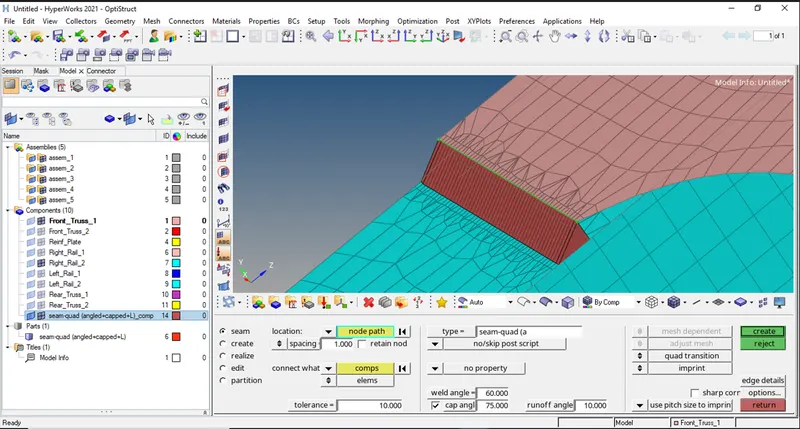
1} Right_Rail_2 & Front_truss_1:- Seam-Quad(angled+capped+L)
2} Left_Rail_2 & Front_truss_1:- Quad elements
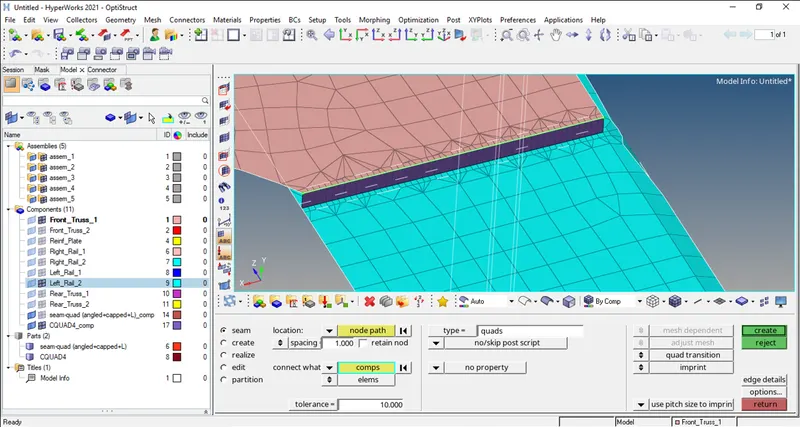
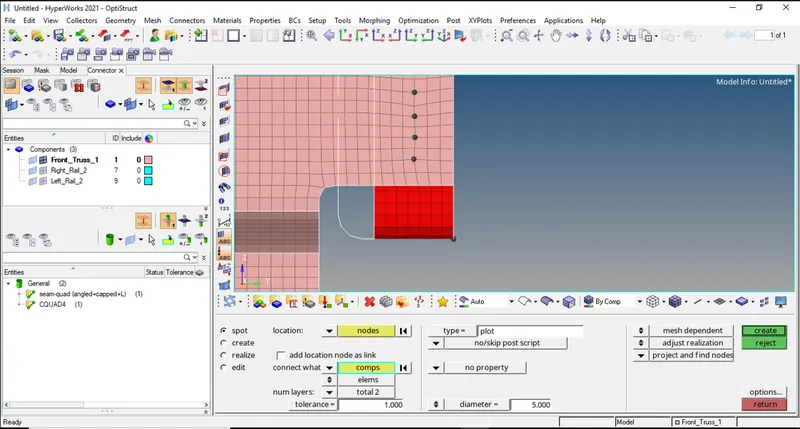
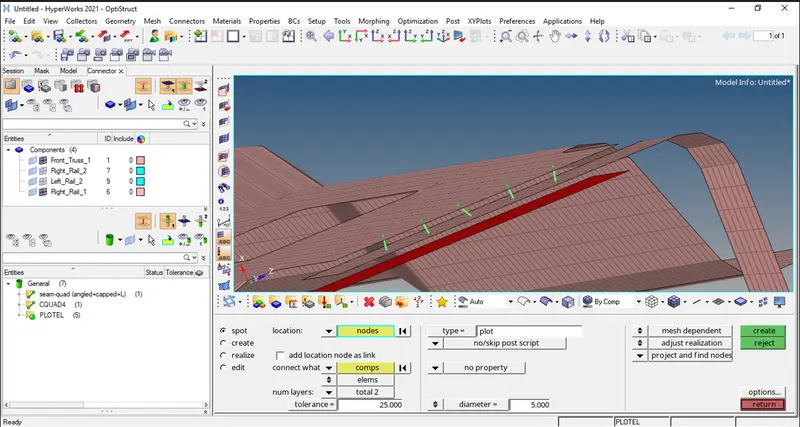
3} Front_truss_2, Front_truss_1 & Right_Rail_1:- Spot weld with 2 Layers and 5 mm Diameter
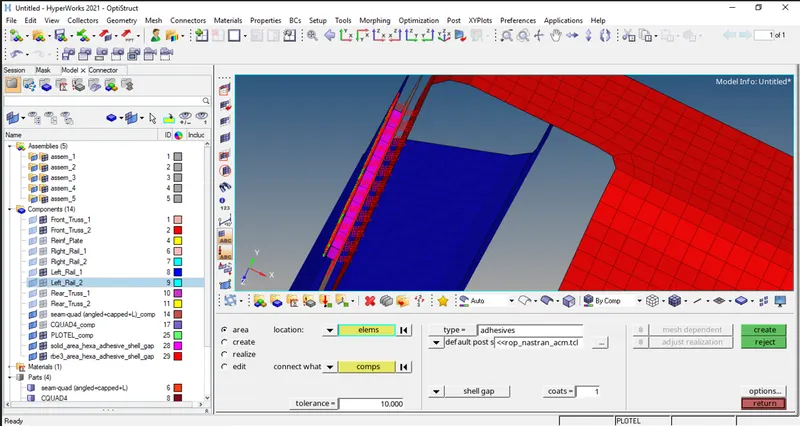
4} Front_truss_2, Front_truss_1 & Left_Rail_1:- Hexa (Adhesive)
5} Rear_truss_2 & Right_Rail_2:- Bolt Connector.
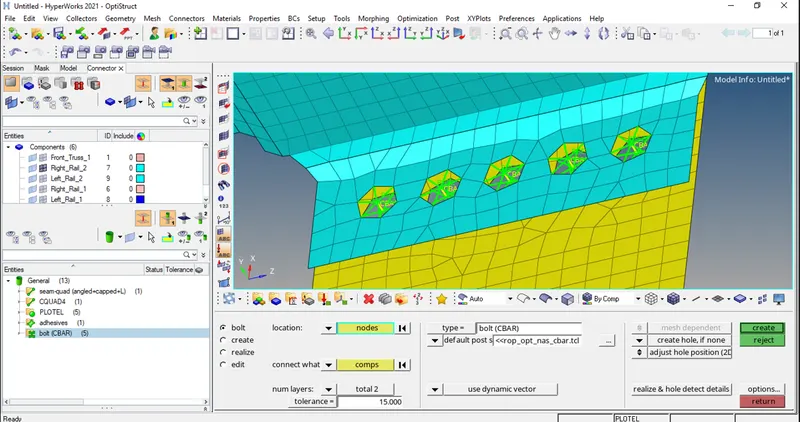
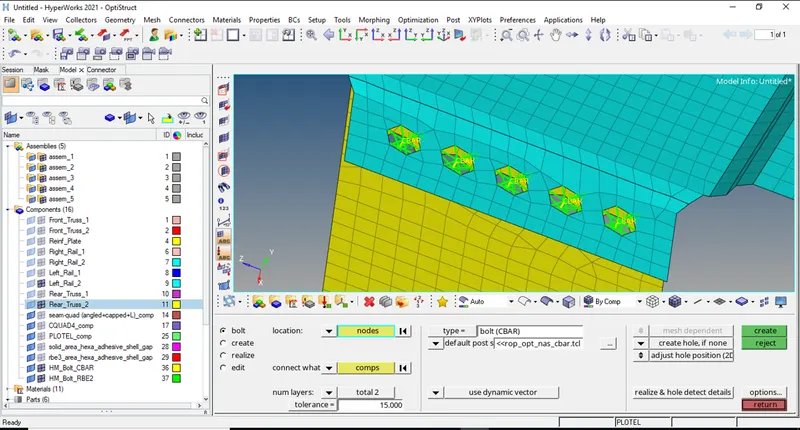
6} Rear_truss_2 & Left_Rail_2:- Bolt Connector.
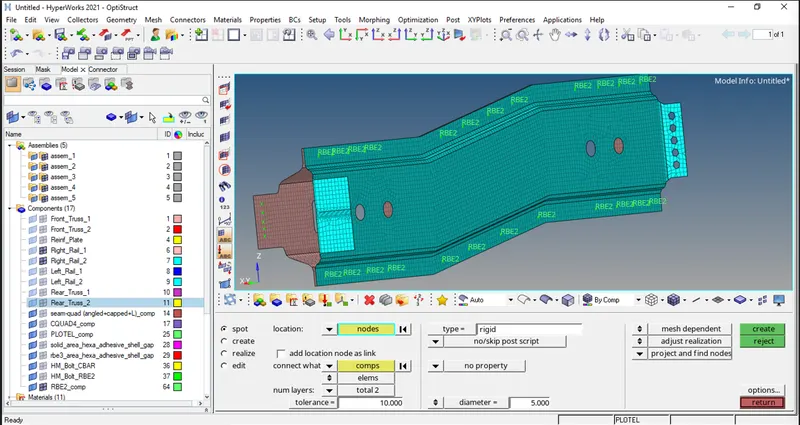
7} Right_Rail_1 & Right_Rail_2:- Spot-weld with Rigid Elements
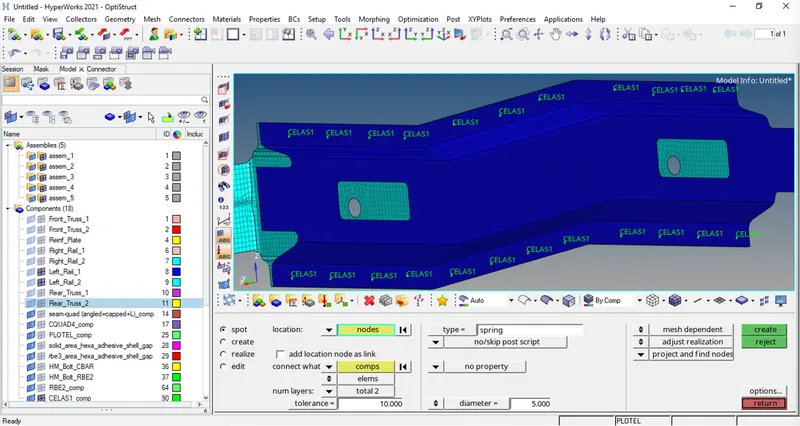
8} Left_Rail_1 & Left_Rail_2:- Spot-weld with Spring Elements.
9} Rest all the component left Join them with suitable connectors.
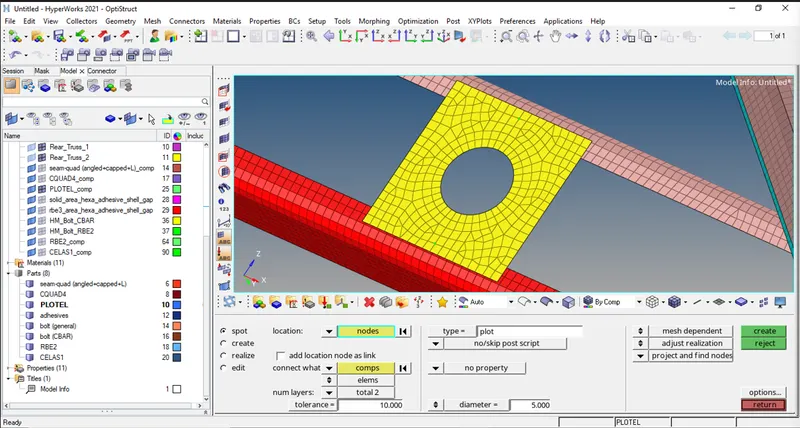
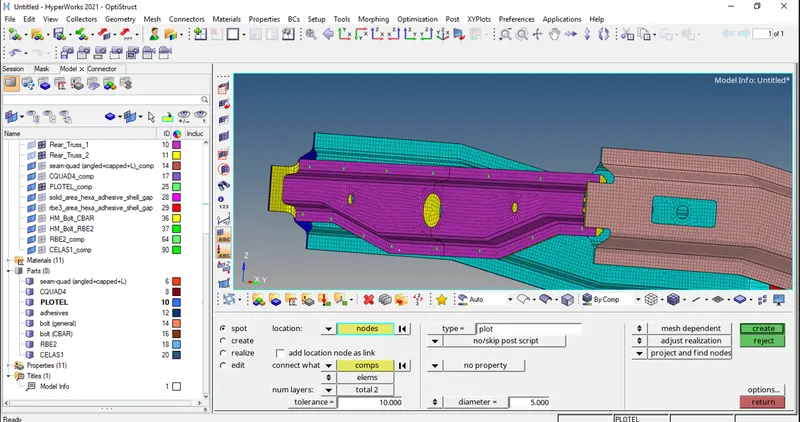
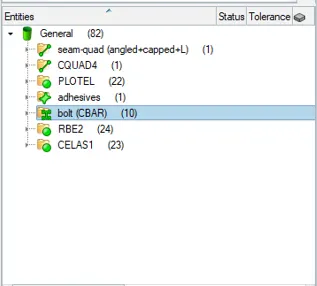
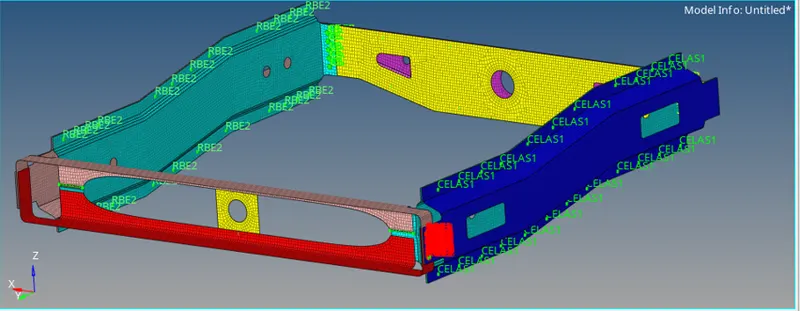
ALL CONECTIONS:-
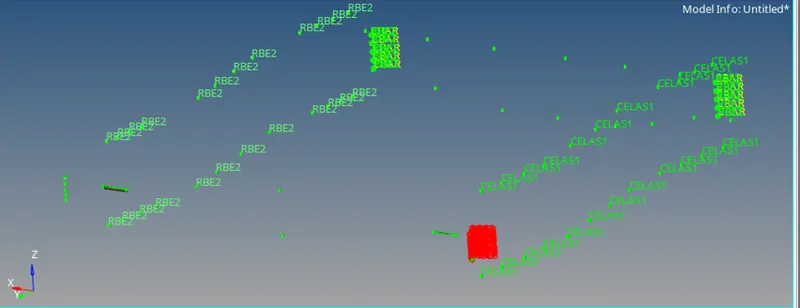
Conclusion:-
The conclusion of this challenge is that the given model is generated with mesh and given required 1D connectors to all components successfully.