Week 8-3D Tetra Meshing Challenge
Aim-
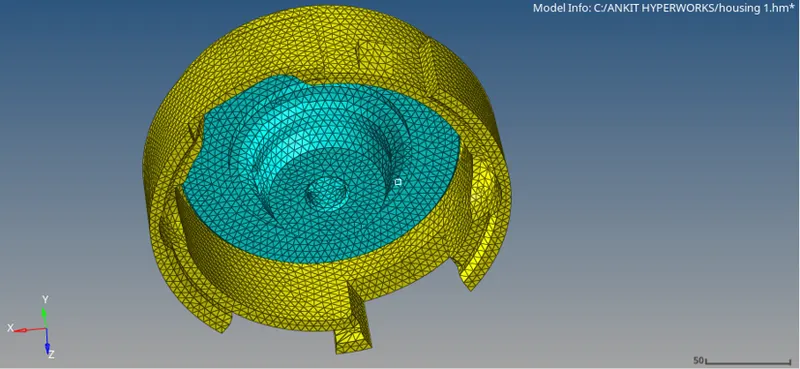
To perform 3D terta mesh on given models and satisfy given quality criteria.
Procedure-
Step 1:- Model-1(Housing Assembly)-
- Initially we will import the given model for that go to import>>import geometry>>Step file then hit import.
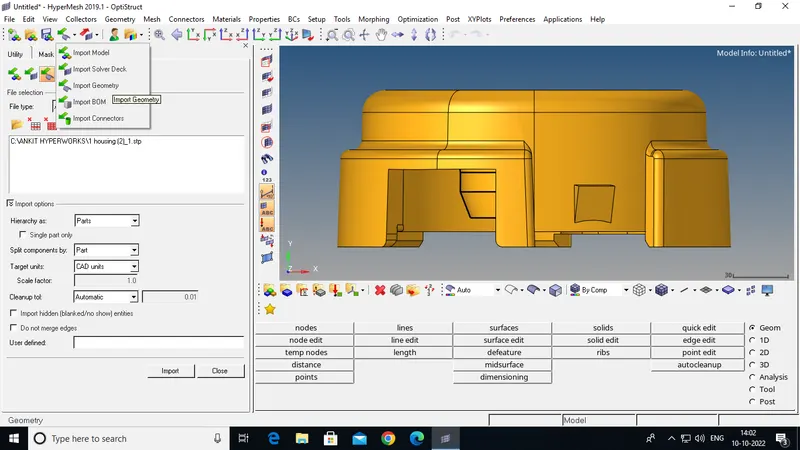
Step 2:- Separate The Geometry .
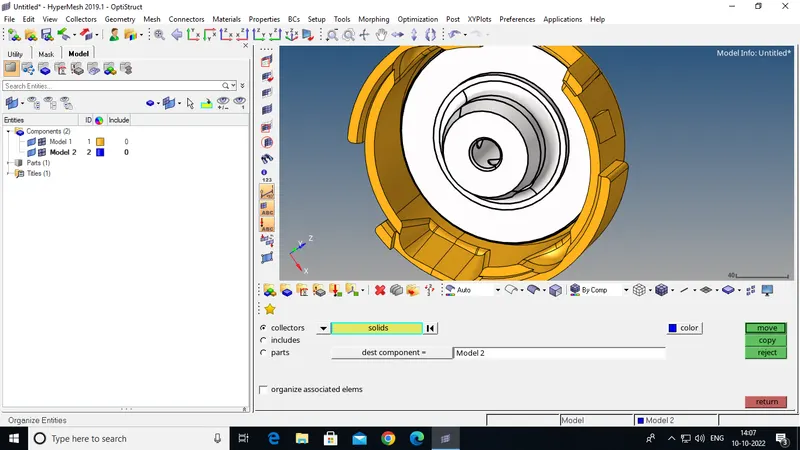
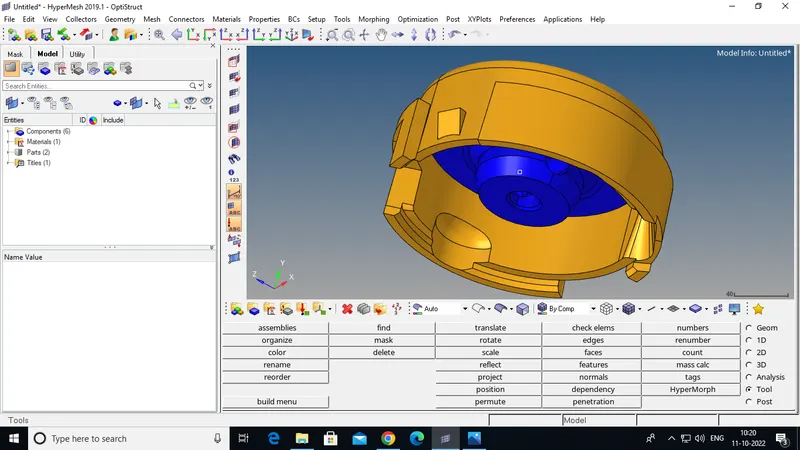
Step 3:- cleaning The Geometries.
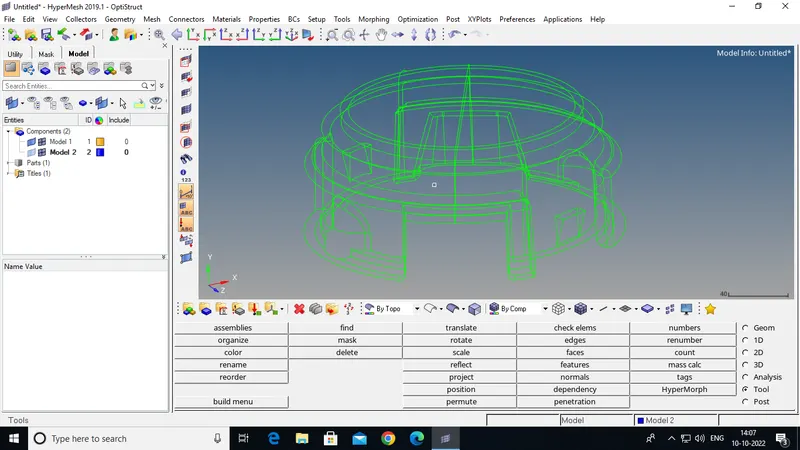
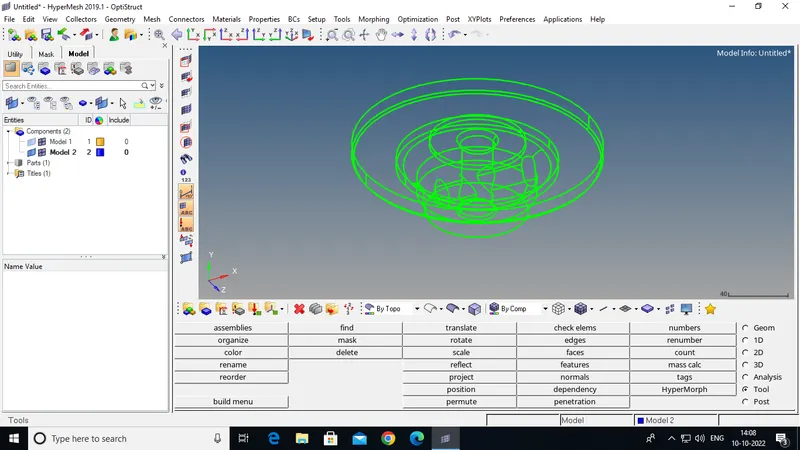
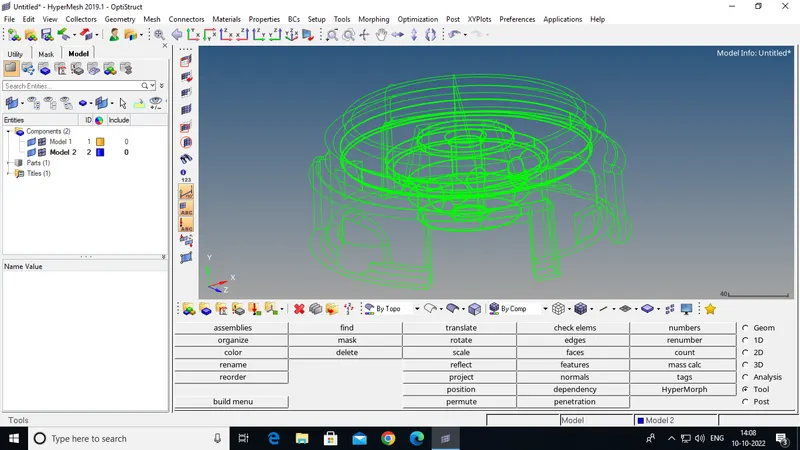
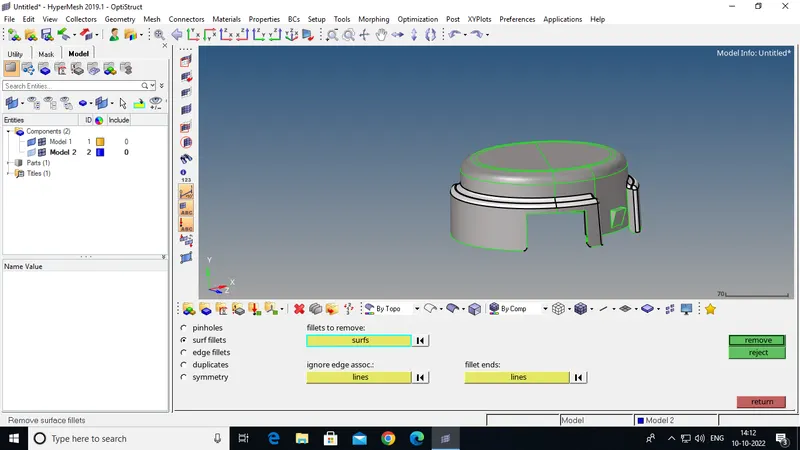
Step 4:- Defeaturing The Geometries (Like Surface Fillet).
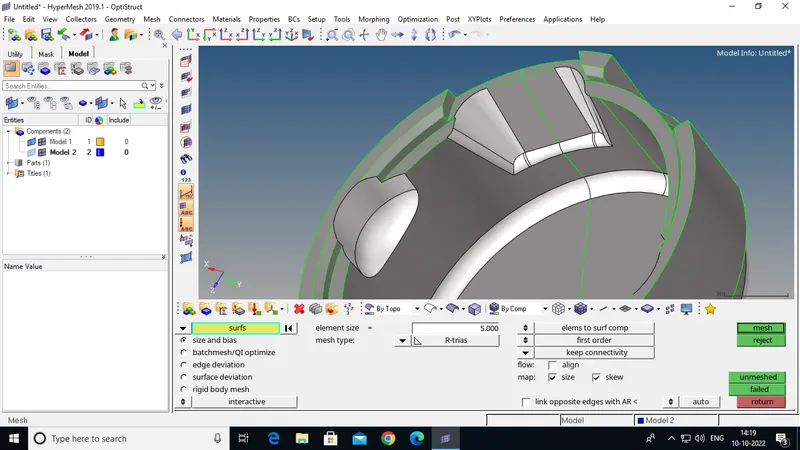
Step 5:- Surface Meshing By R-Trias And Normal Trias .
(with element size of 5mm).
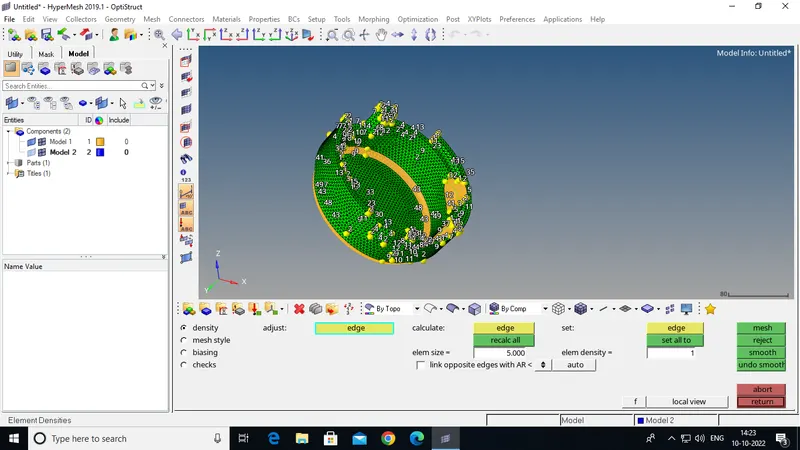
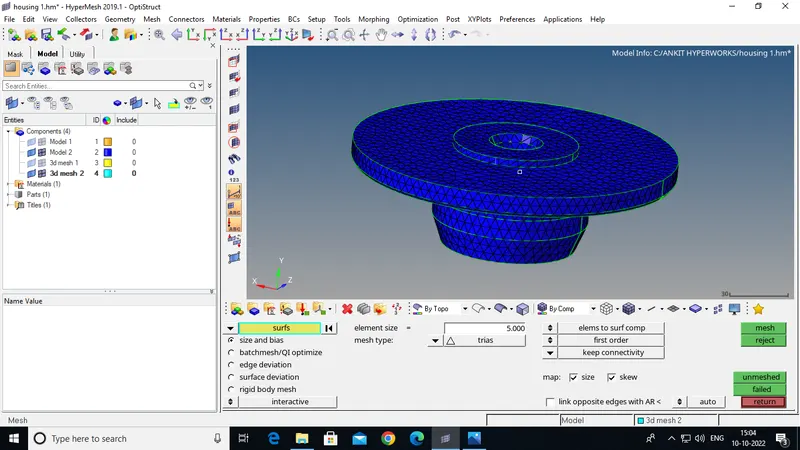
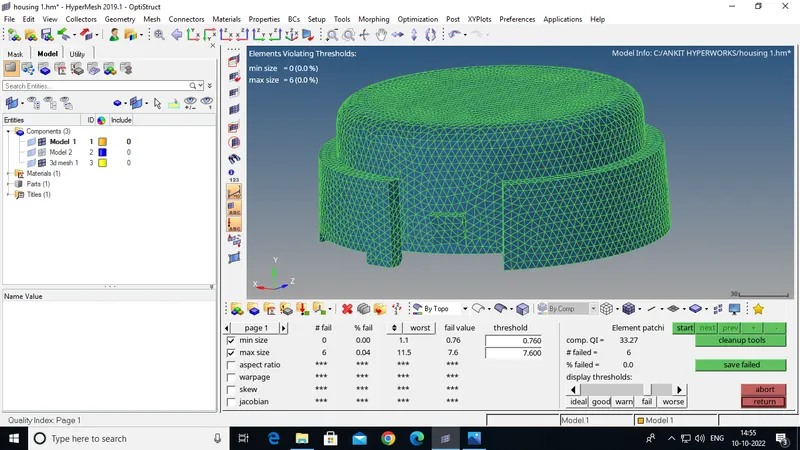
Step 6:- Check The Elements For Element Quality .
(Elements sizes: Min- 2 Units, Max- 7 Units).
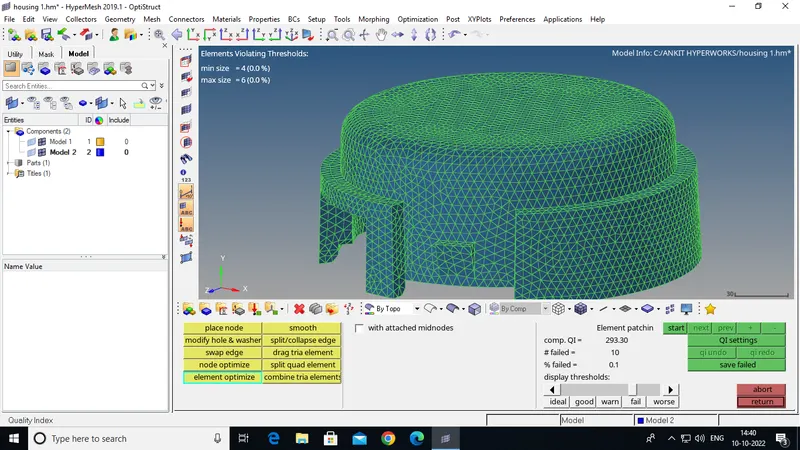
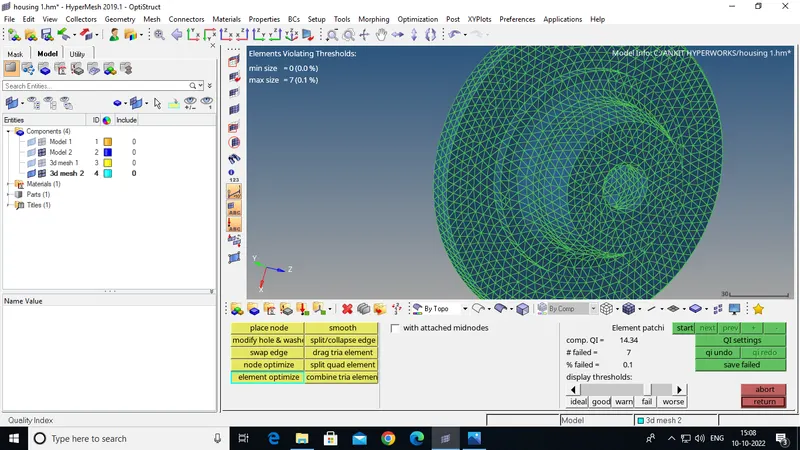
I Improve The Quality Of Emelents By Some Tools Like:-
(place node,smooth,element optimize,and some more.)
Step 7:- Creat 3D Element By 2D to 3D Conversion .
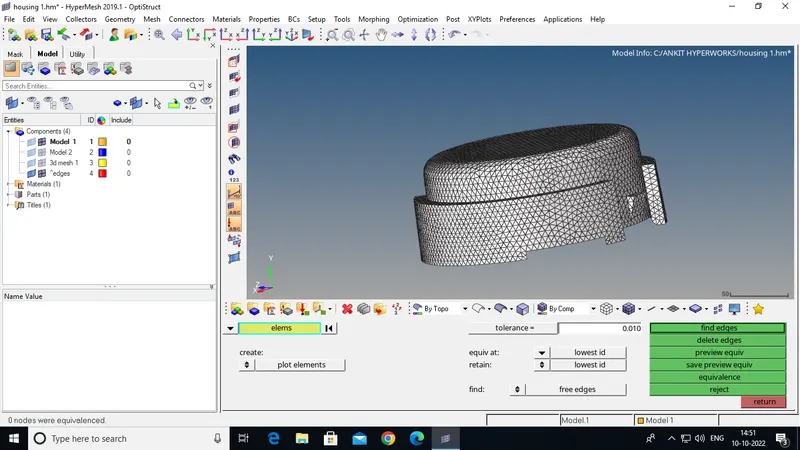
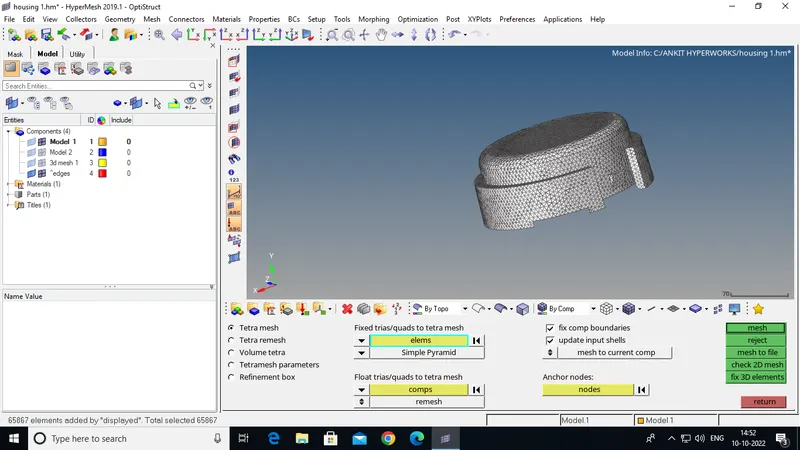
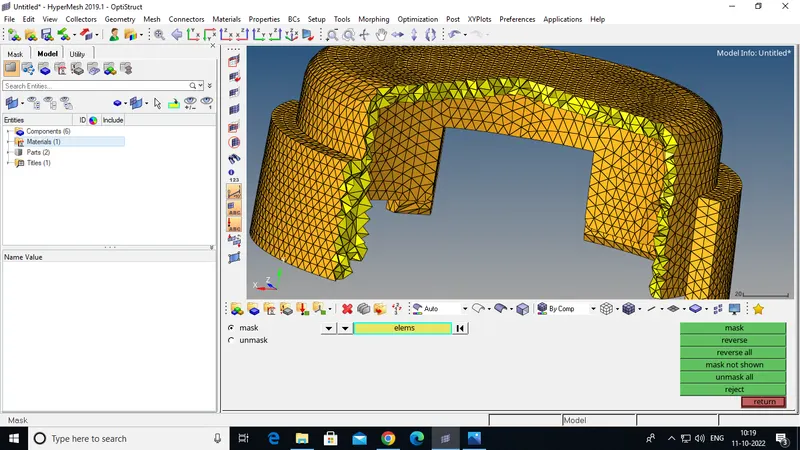
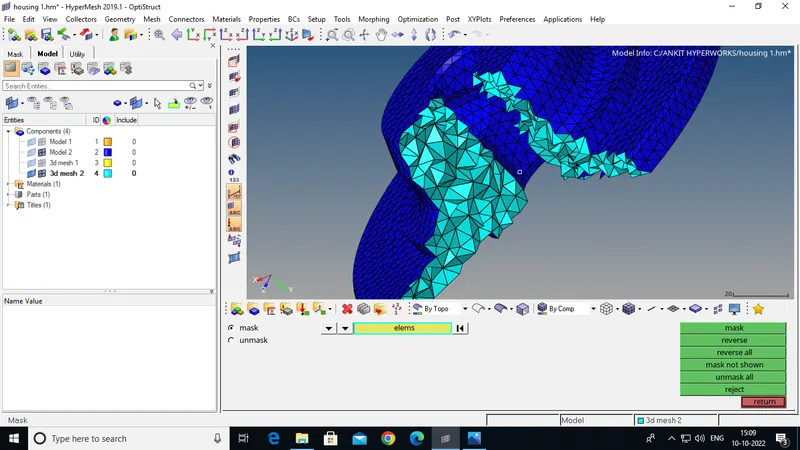
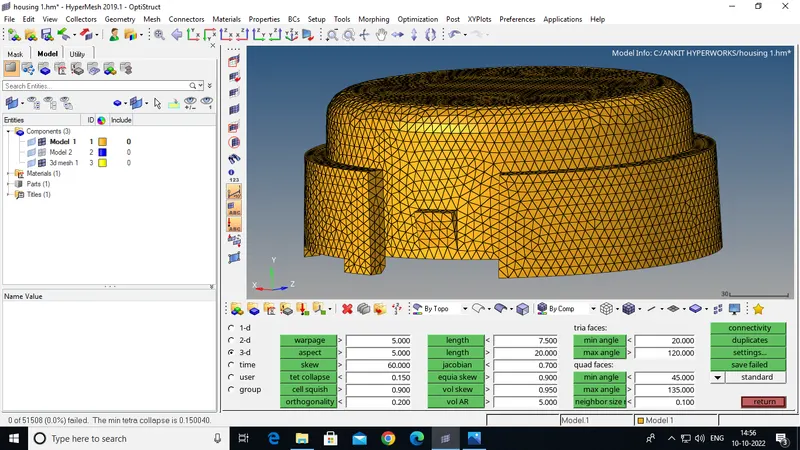
Step 8:- Check 3D Elements For Quality.
(Tet collapse: 0.15).
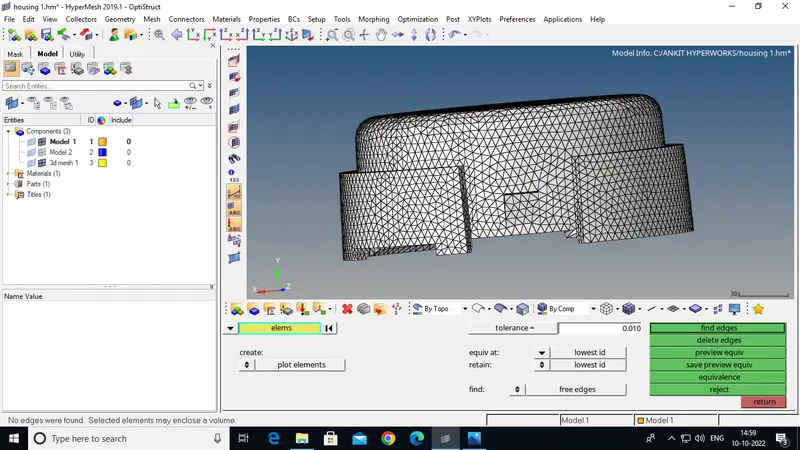
CHECK FOR FREE EDGES:-
FULL GEOMETRY
MODEL 2:-
Step 1:-
- Initially we will import the given model for that go to import>>import geometry>>Step file then hit import.
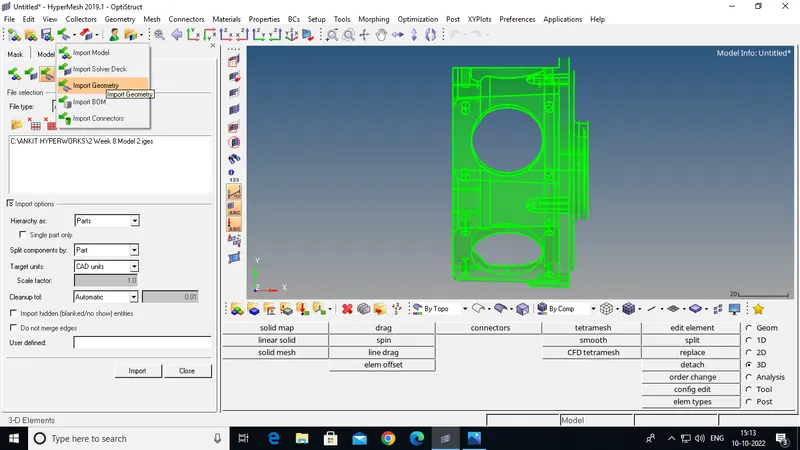
Step 2:- Delete Solid.
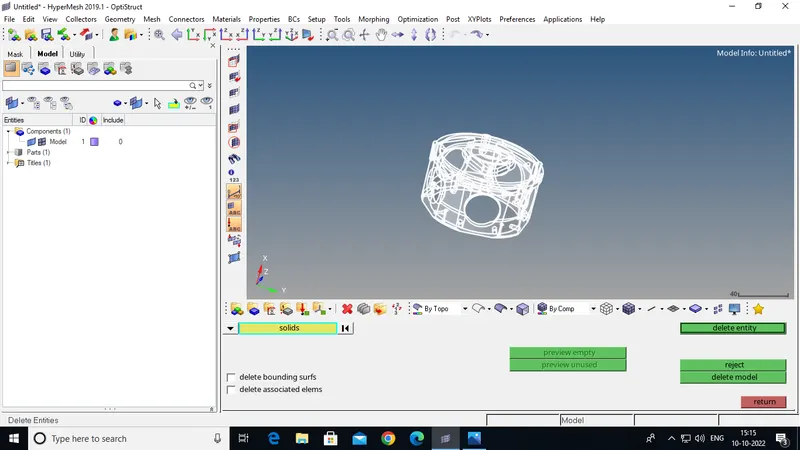
Step 3:- cleaning The Geometries.
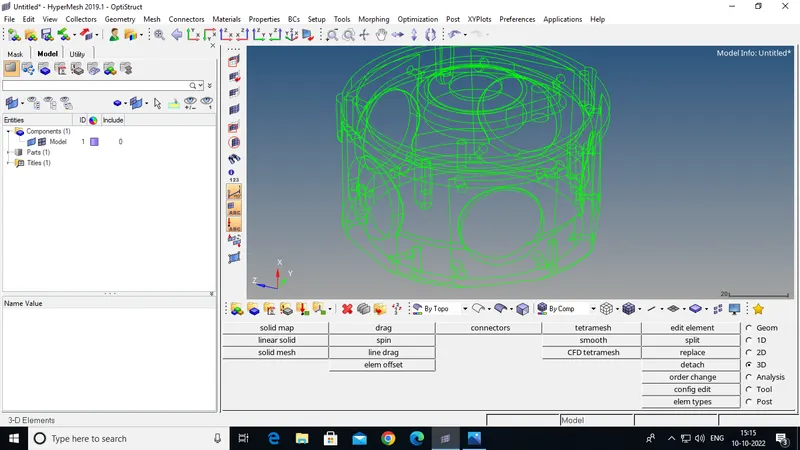
Step 4:- 3D Meshing By Quick Tetra Mesh.
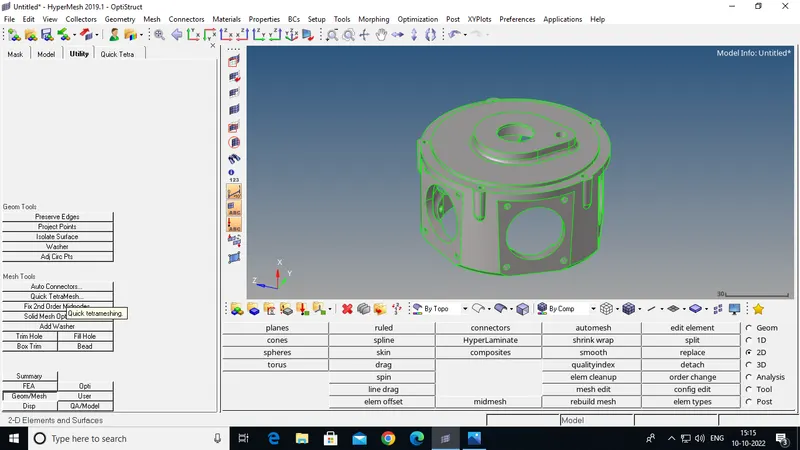
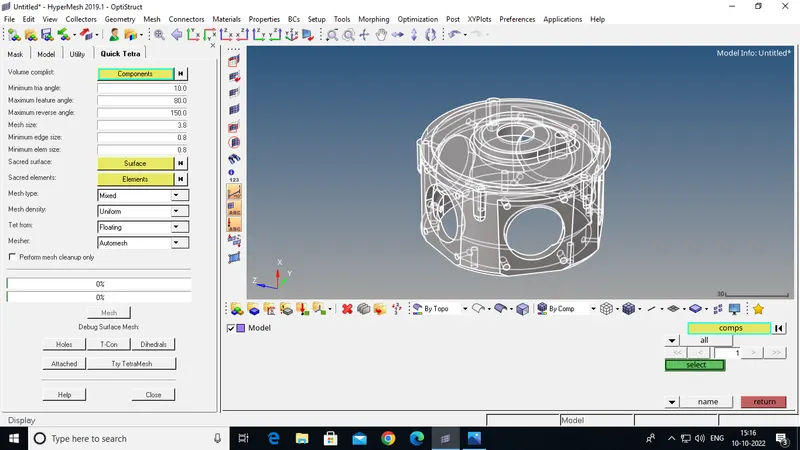
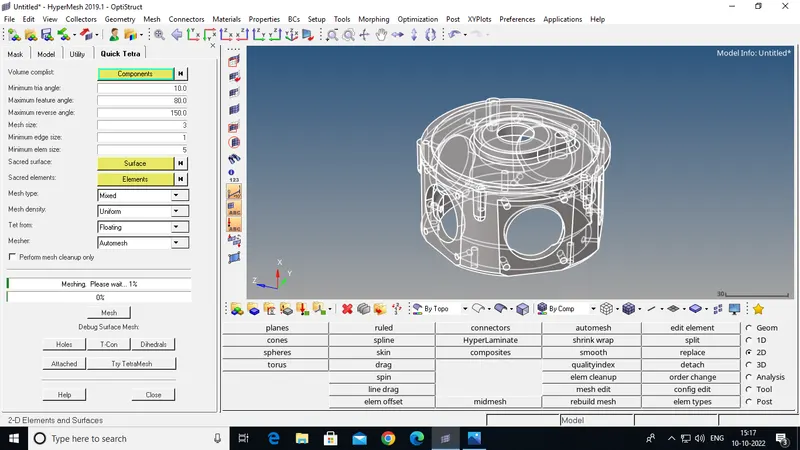
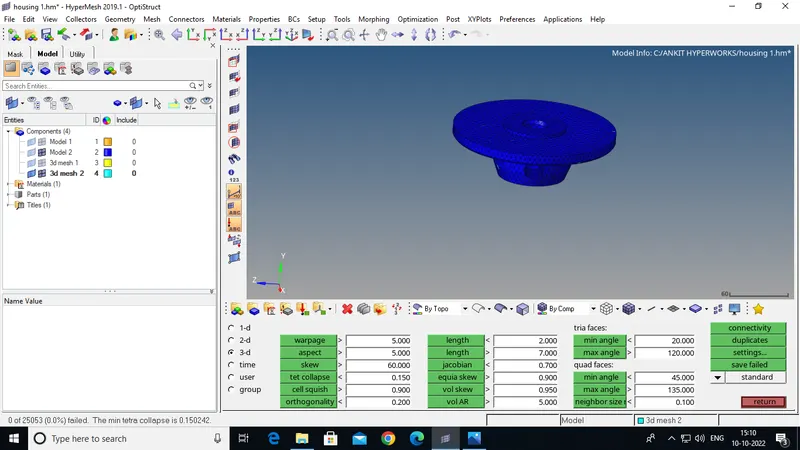
Step 5:- Element Quality Check .
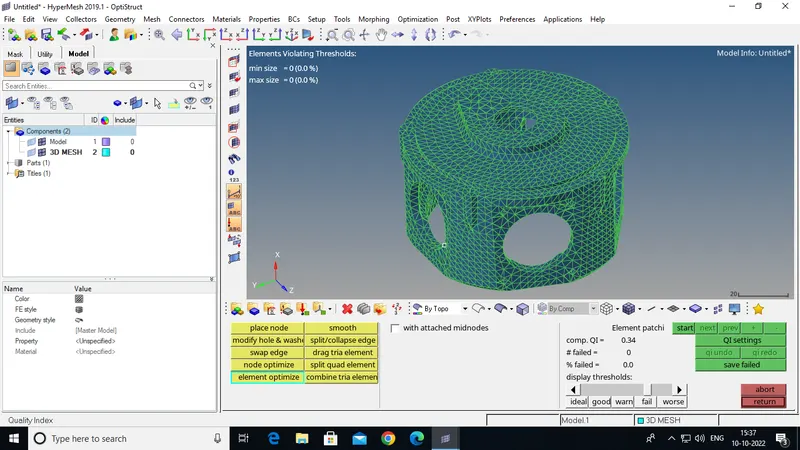
FULL GEOMETRY
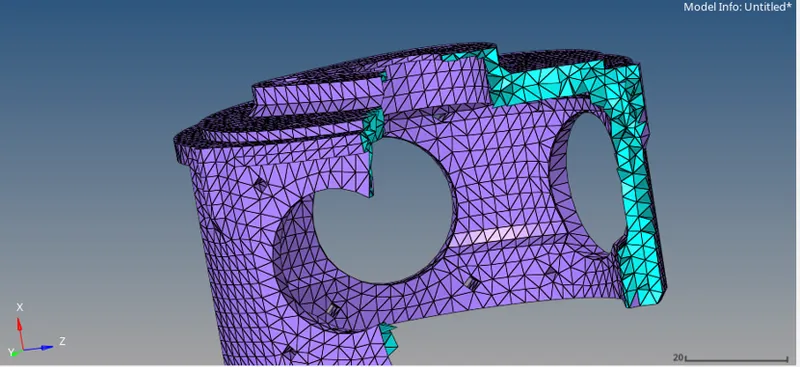
MODEL 3:-
Step 1:- Initially ww will import the given model for that go to import>>import geometry>>Step file then hit import.
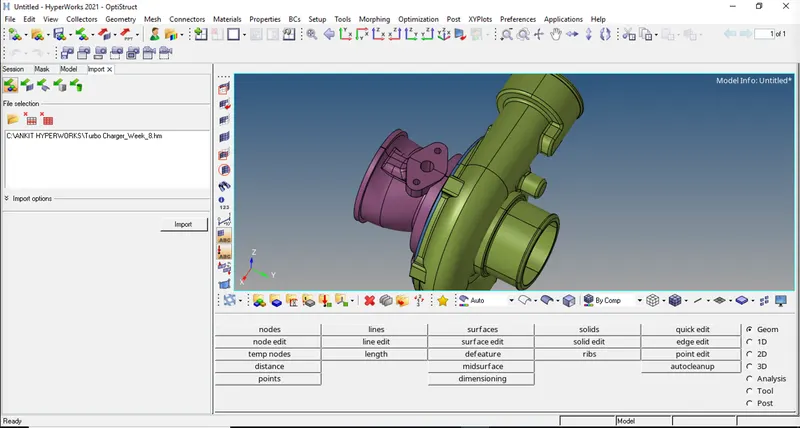
Step 2:- cleaning The Geometries.
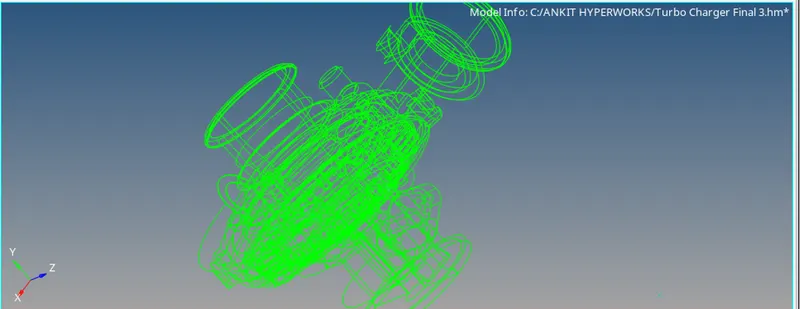
Step 3:- Creat Solids For All Parts.
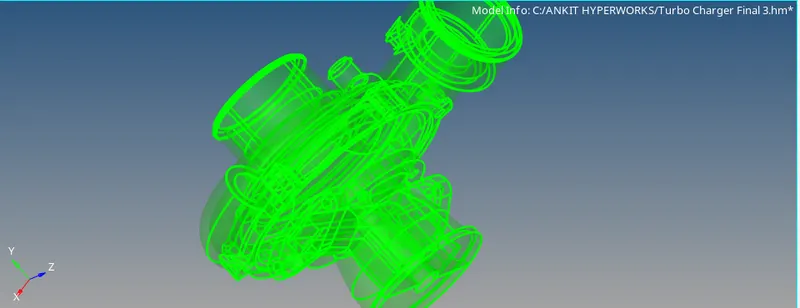
Step 4:- 3D Meshing By Volume Tetra Mesh.
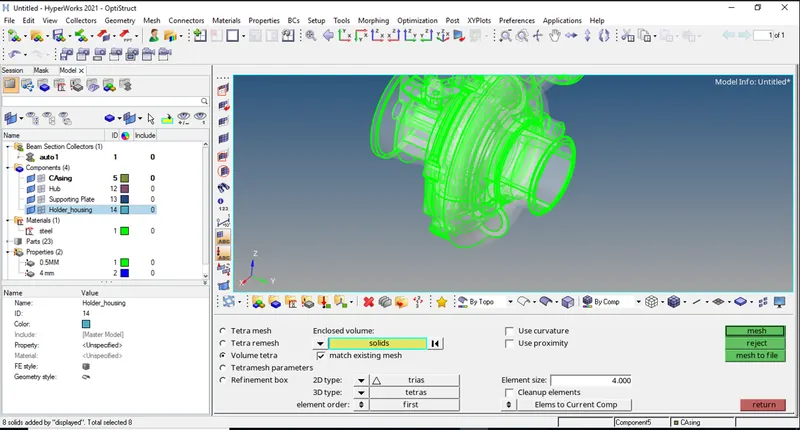
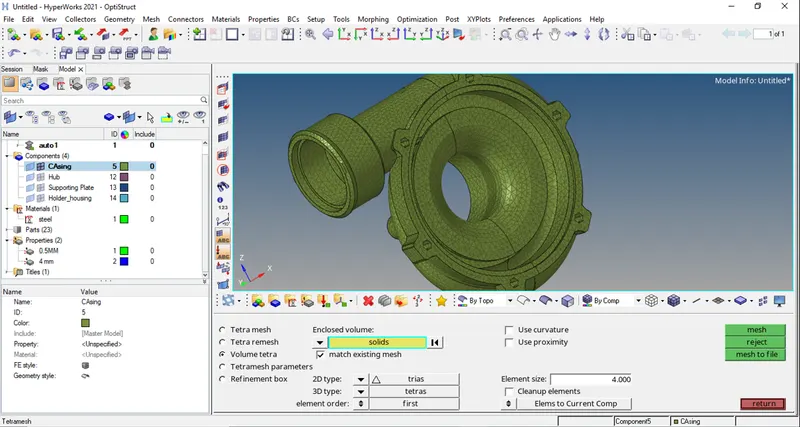
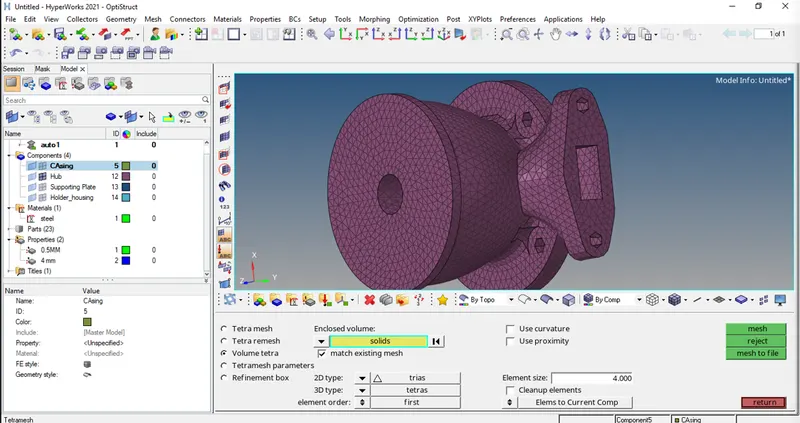
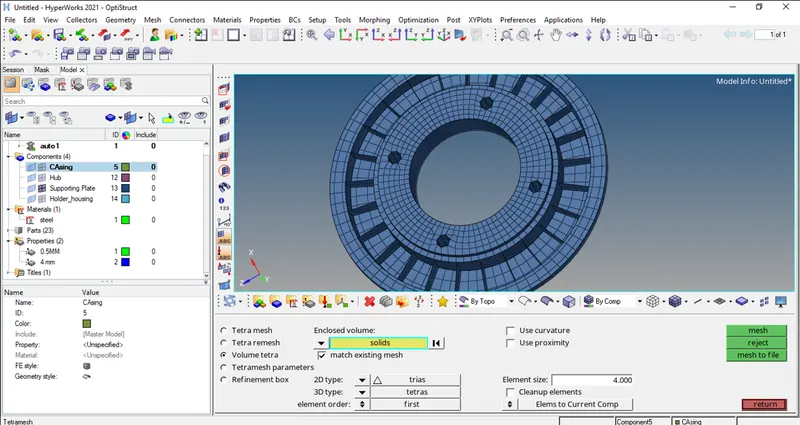
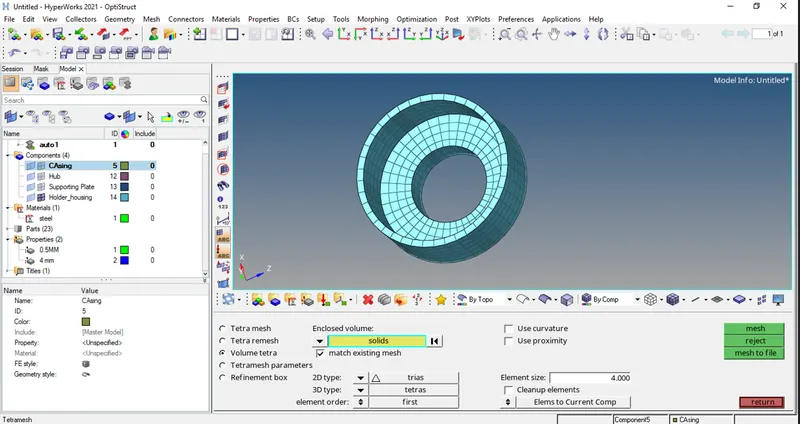
Step 5:- Element Quality Check .
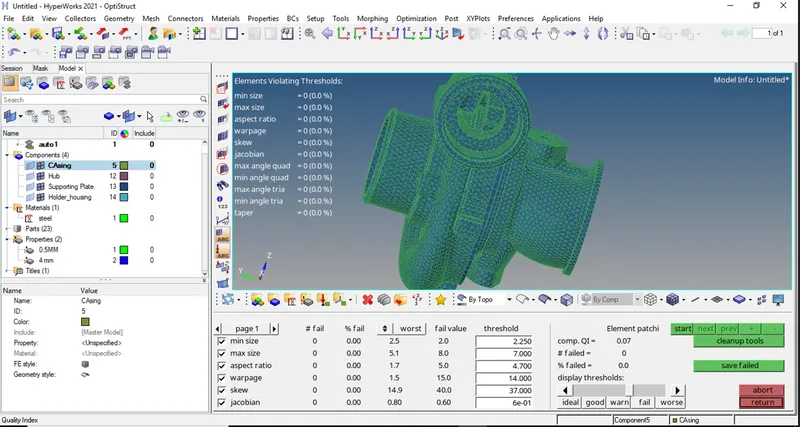
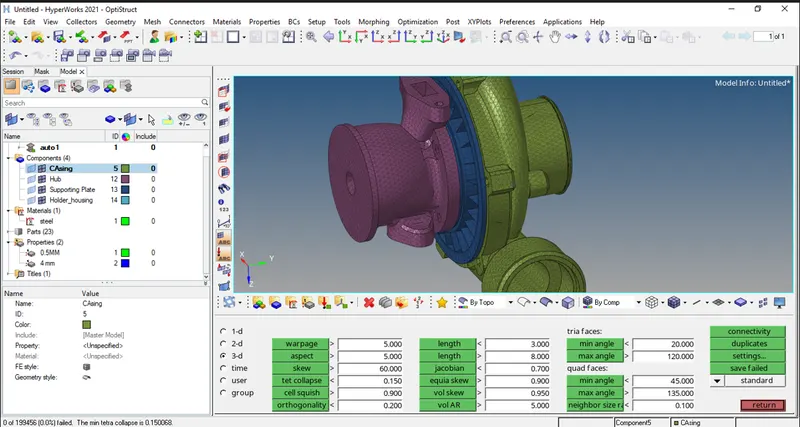
FULL GEOMETRY.
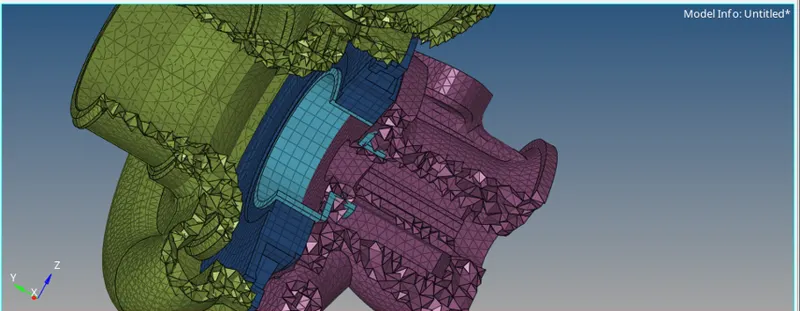
Conclusion-
- Learnt about 3D tetra mesh using 2D tria mesh.
- Quick tetra mesh of solid part, Volume tetra mesh.
- How to do remesh of failed elements.