Tool Test-2
AIM :- The given Intake Manifold component, check for the geometrical errors and mesh the Surfaces with the given 2D element Quality criterias given below.
|
S.No |
Quality Criteria |
Value |
|
1 |
Target/Average length |
3 |
|
2 |
Minimum Length |
1 |
|
3 |
Maximum Length |
5 |
And
Use tetra elements to mesh the Volumes defined in the model and check for the below quality after Volume meshing.
|
S.No |
Quality Criteria |
Value |
|
1 |
Tet collapse |
0.2 |
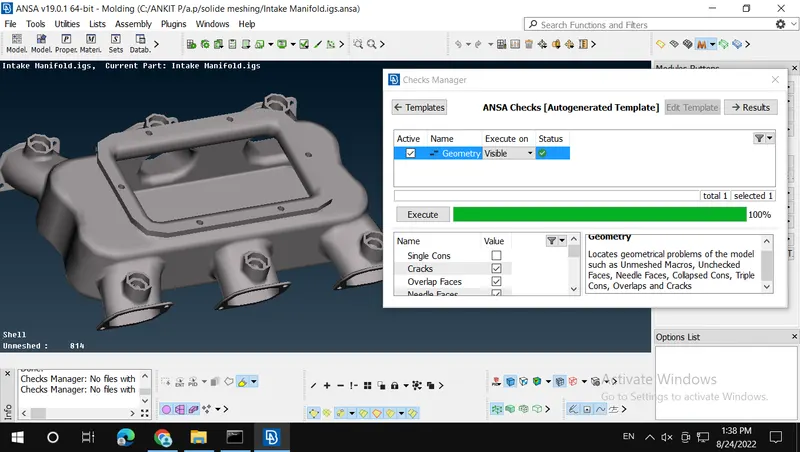
Step 1 :- I check for the geometrical error. and clean the geometry 100%.
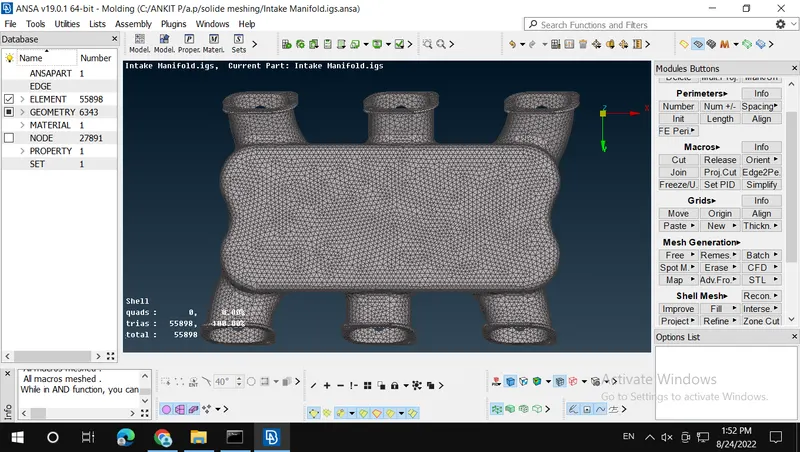
Step 2 :- Make 2D Mesh / Shell Mash.
In Some Curved Area I Use Ortho Tria Elements For good Meshing Results.
Step 3 :- Make 3D Mesh / Solid Mesh.
In Volume Mesh / Solid Mesh
1]Define:- Define the volumes for the shell elements using volume mesh-volumes-define-Wholedb. Select the component one by one using PID tool.
2]List :- After creating property for individual component. Now we can mesh the shell elements to solid elements using v.mesh-volumes-list. Now Rightclick the defined component in list tool. After that select the remesh option. Now the mesh tool module appeared, select the method you want such as tetra rapid or tetra FEM. (In this project Both Tetra Fem is done)
3]Move :- Move Free, If any 3D elements are failed for tet collapse. Use fix quality tool v.mesh-improve-fix quality. we can use another tool such as mvfree by selecting grids-mv free.
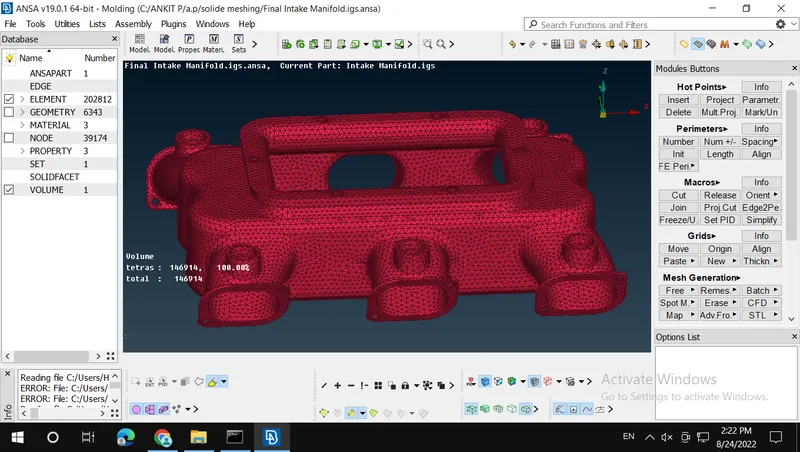
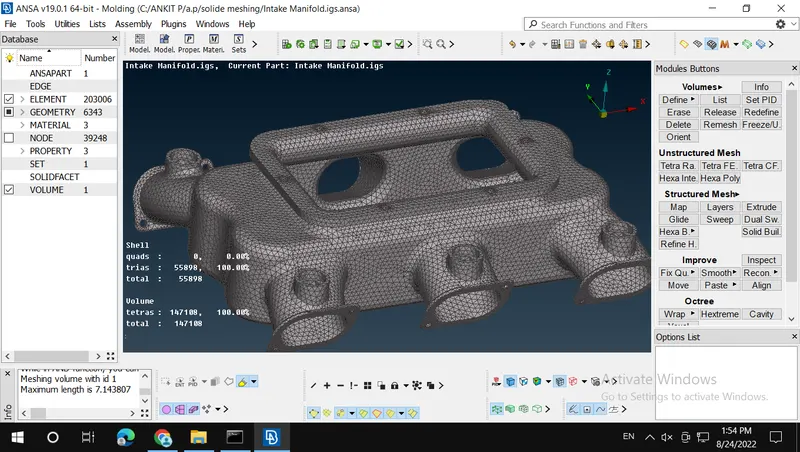
All Results Are Under Quality Criteria, Which is given.