Week - 8 - Morphing
Aim :To do morphing for the given CAD model using ANSA.
Apparatus : CAD model,ANSA software.
What is morphing
- Morph is a very helpful tool for Shape modifications. Most of the Morphing Modificationscan be applied both on FE and Geometry models. The functions of the MORPH menu canbe used to reshape shell and solid FE-Models, avoiding returning back to the CAD modelfor modifications and re-meshing the model. In this way, different versions of a complete meshedmodel may be created for optimization or any other purpose. Applications of Morphing can be foundin any discipline: Durability, Crash, NVH, CFD etc. Furthermore, Morphing can be applied toGeometry (CAD) models. In general, Geometry Morphing follows the same concept with Fe-ModelMorphing. All the MORPHING functions provide detailed instructions in order to guide the user at every step. The instructions appear in the Status Bar (located just below the ANSA working area
Box Morphing
- Box Morphing is performed via Boxes that can be reshaped by moving the Control Points that are located along their Edges. These Boxes can load almost any kind of entities. The user can move
the Control Points in order to reshape the Boxes in two modes. - Non-morphing mode: Boxes are simply reshaped in order to better fit to the model's shape.
Morphing mode: Boxes are reshaped and their loaded entities are morphed accordingly.
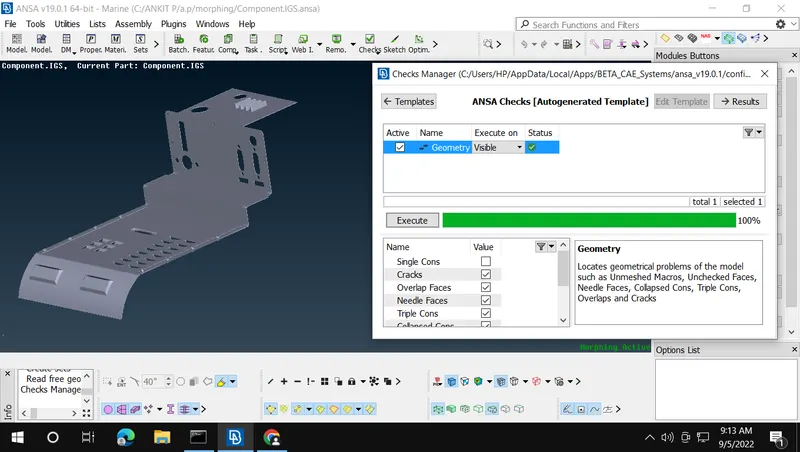
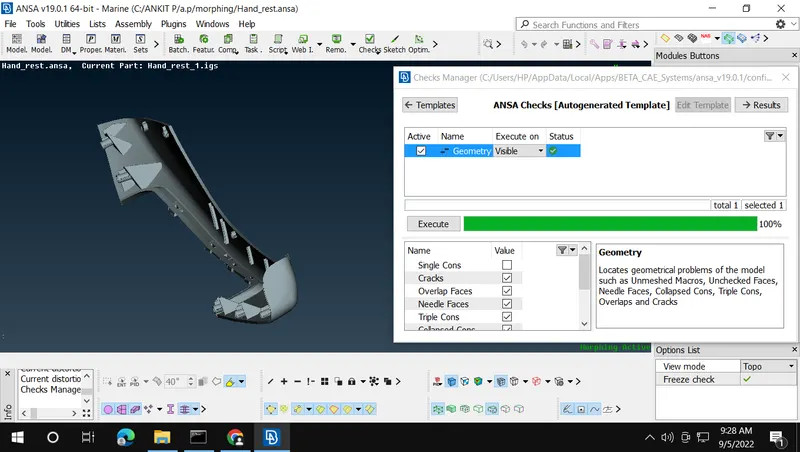
Step 1 :- I check for the geometrical error. and clean the geometry 100%.
For Model 1 (Component File).
For model 2 (Hand_rest.ansa file).
Step 2:- Morph Terminology For Both Models.
- Morphing Boxes
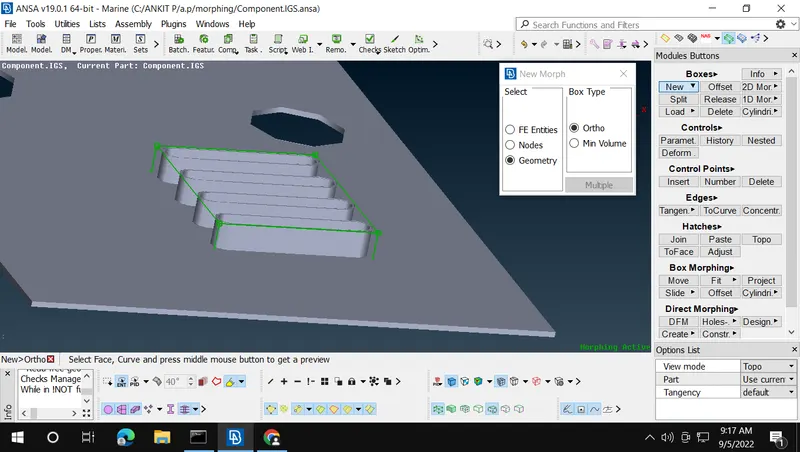
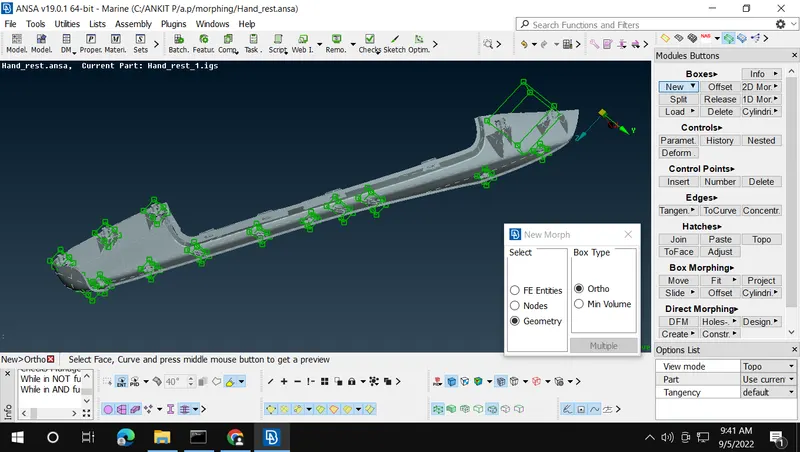
- Control Points
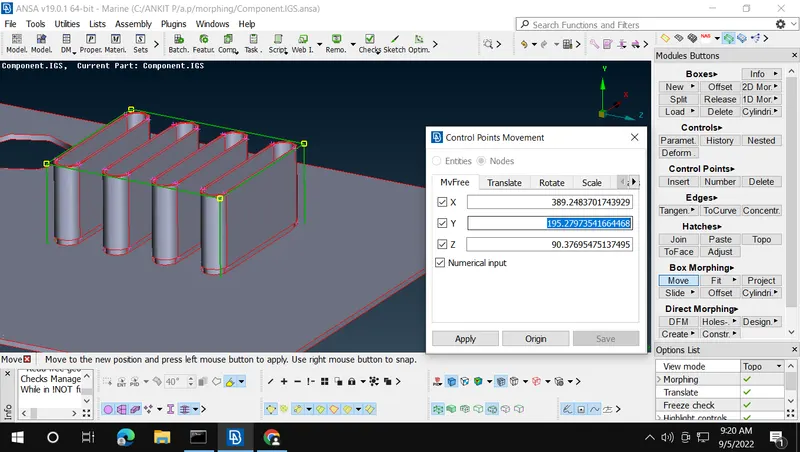
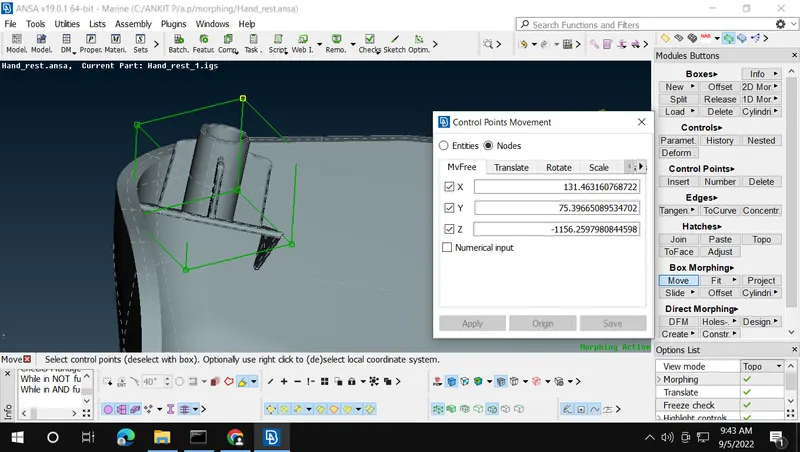
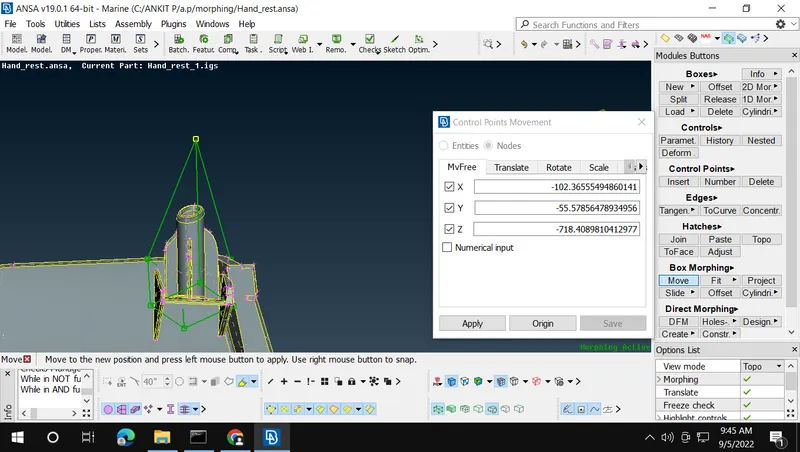
- Morphing Box Edges
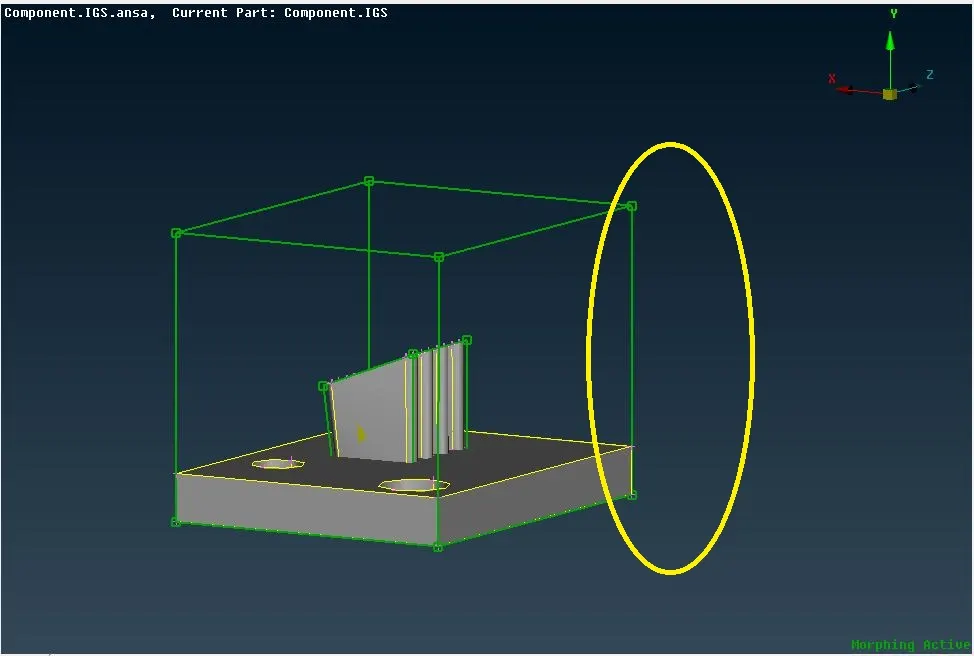
- MORPHING THE GIVEN COMPONENTS BEFORE AND AFTER
- RESULT AND LEARNING OUTCOMES:
- Through this assignment we learn the basic of maorphing technique and what is morphing
- basic of morphing terminology like edge ,box, node of morphinig
- what is direct morphing and net morphing etc..
- how to change the design parameters of the model using morphing is learned.
- how to change the design parameters of the model using morphing is learned.