Week 6-Meshing of Hood Challenge
Aim-
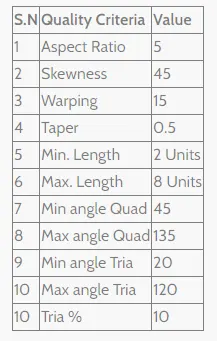
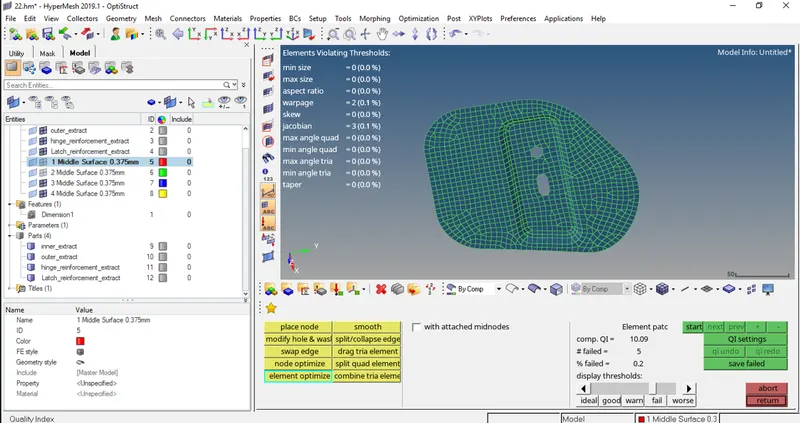
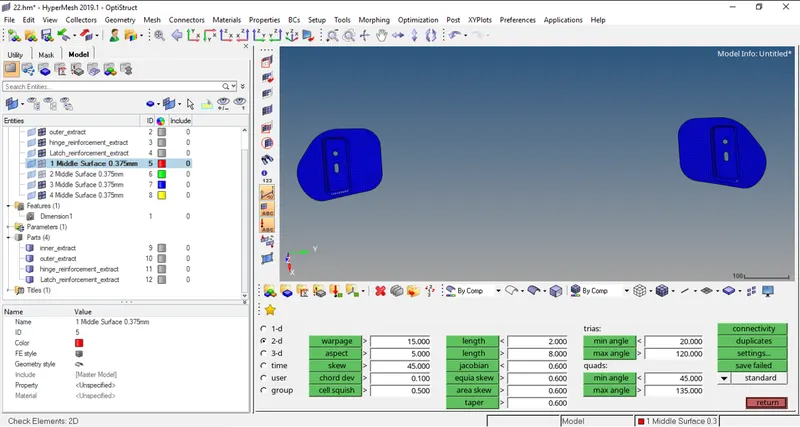
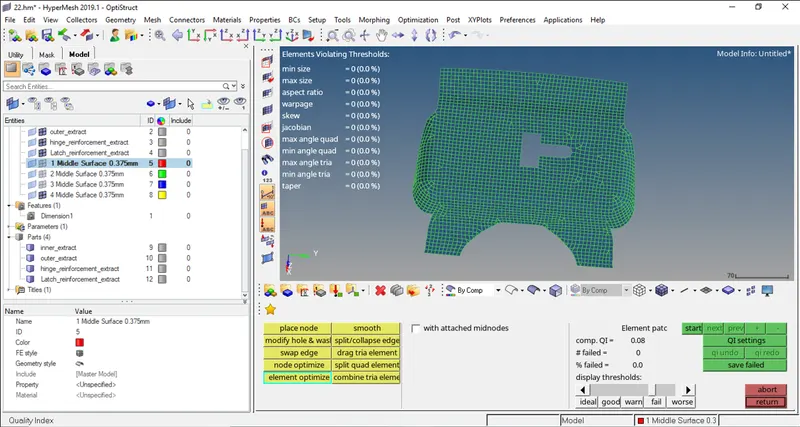
To do a 2D mesh of given Hood assembly as per given data and to do a quality check as per given condition mentioned below.
Element quality criteria :-
Procedure-
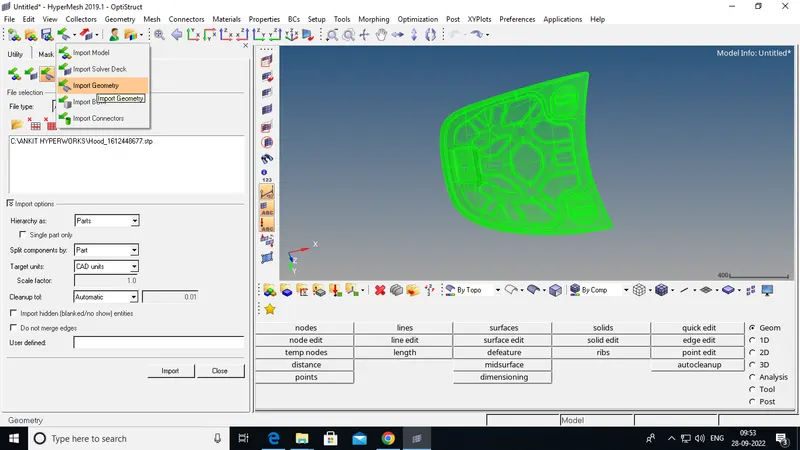
- Intially we have to import the model given to us, for that go to import>>import model and then select file and click on import.
- The given hood assembly consists of 4 parts, viz. 1.inner extract, 2. outer extract, 3.hinge reinforcement extract & 4. Latch reinforcement extract
Step 1:- Import Geometry :-
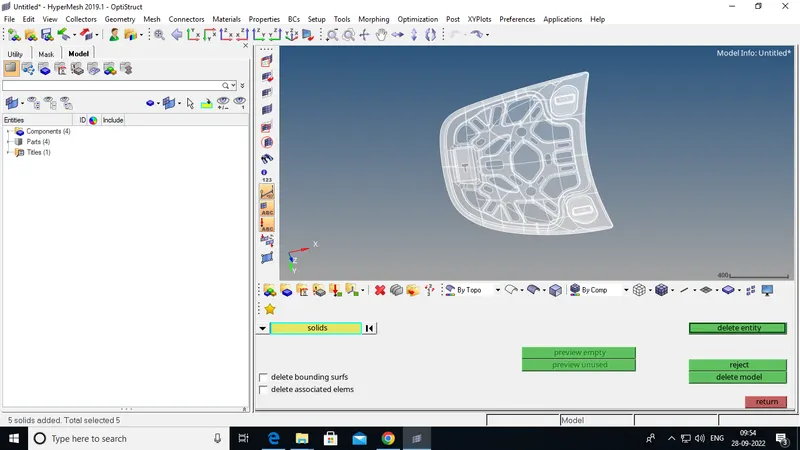
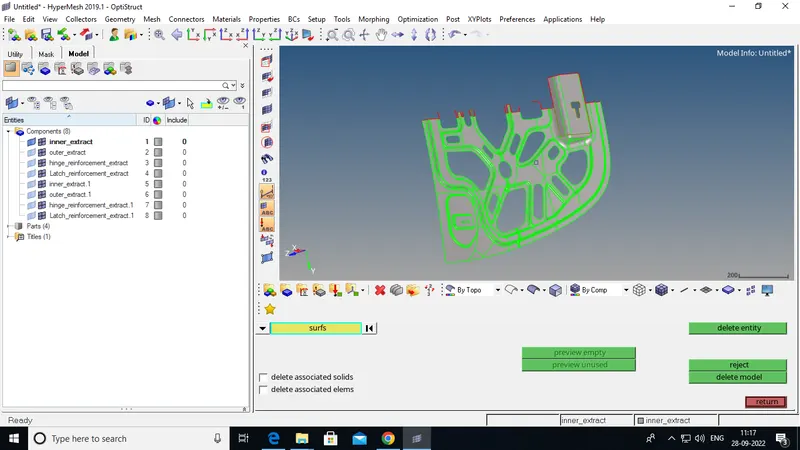
Step 2:-Delete solide from Geometry:-
Inner extract-
- Make Sure that current selected component is inner extract only.
- Now go to delete and remove all the solids present in the active model.
- Go to topology view and check for any geomerty errors in the model.
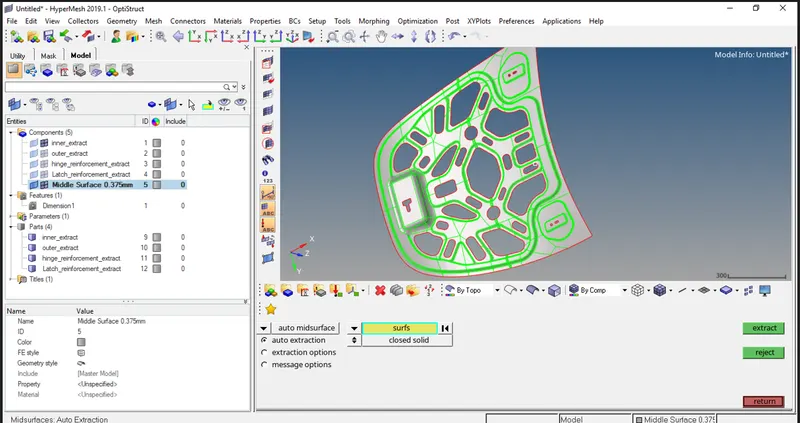
- Now go to mid surface and create mid surface.
- Now again check for the geometry errors in the generated mid surface and do cleanup if required.
- Now we can see in the below snap that the geometry is symetric from all side except the centre postion non highlighted.
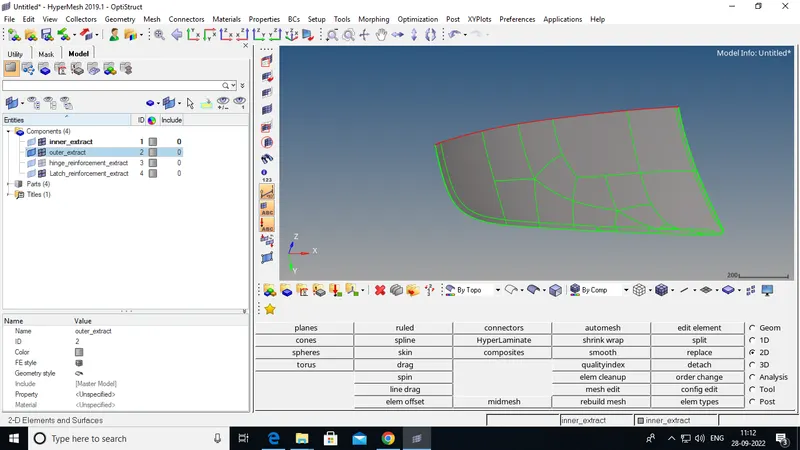
- So, we can delete that portion and continue for meshing of half portion.
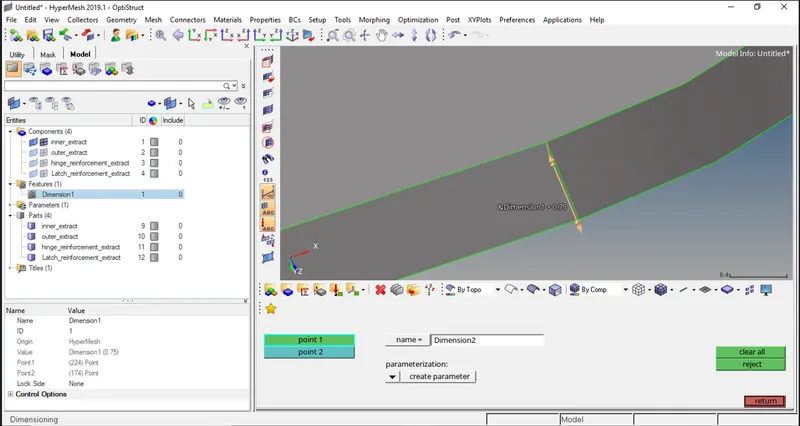
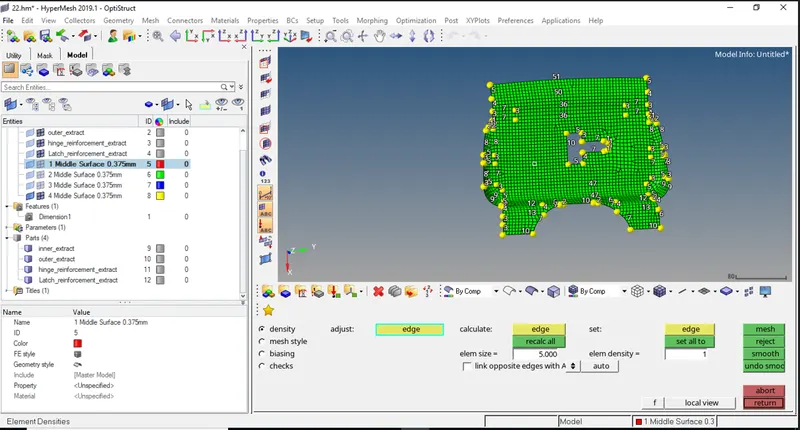
Step 3:- Dimensioning:-
Step 4:- Mid Surface Creation:-
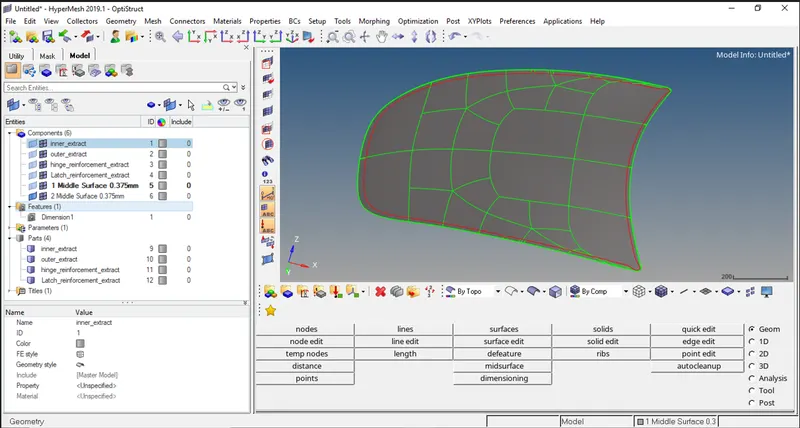
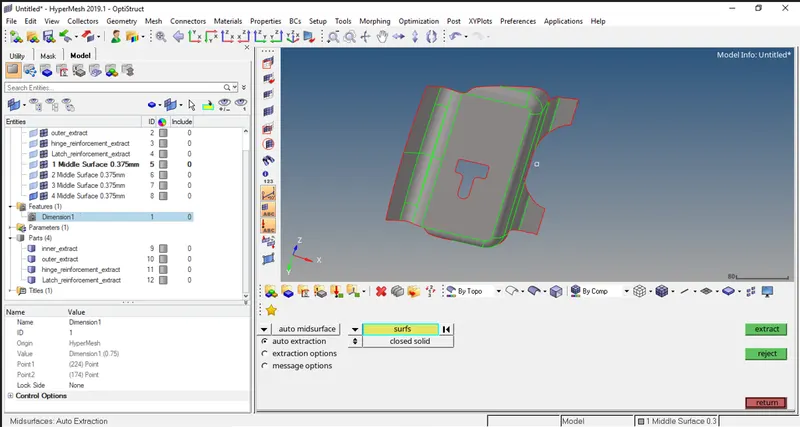
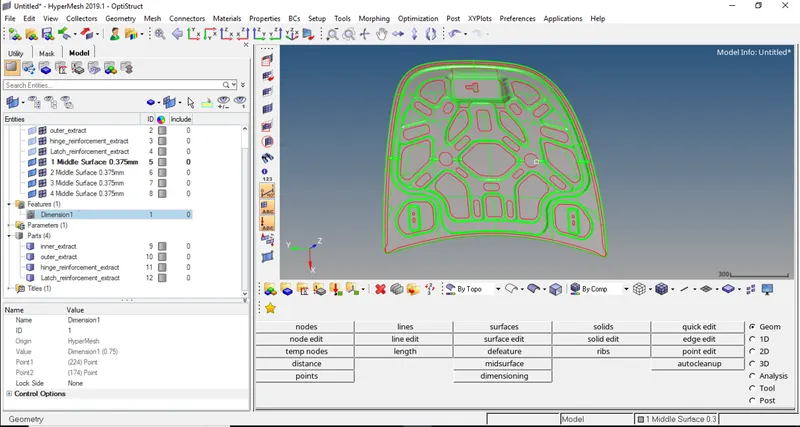
Step 5:- Meshing Of All Components:-
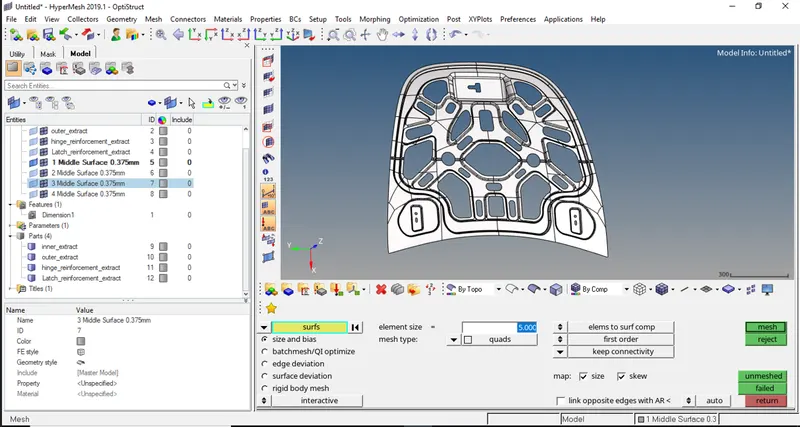
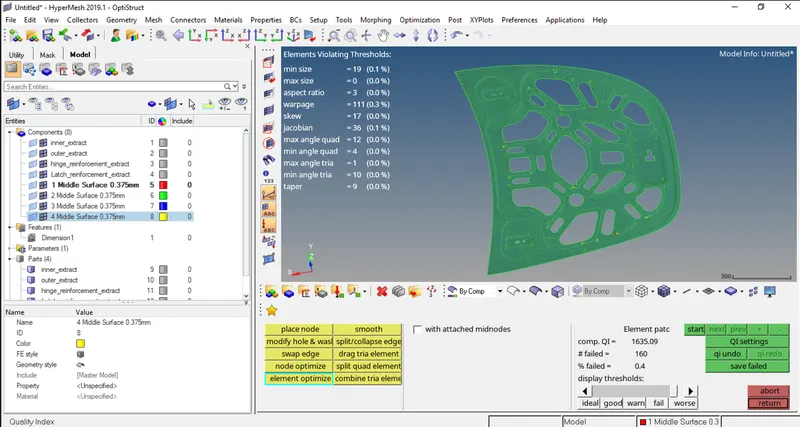
Step 6:- Creat Material And Proparty with the Thickness of 0.375mm :-
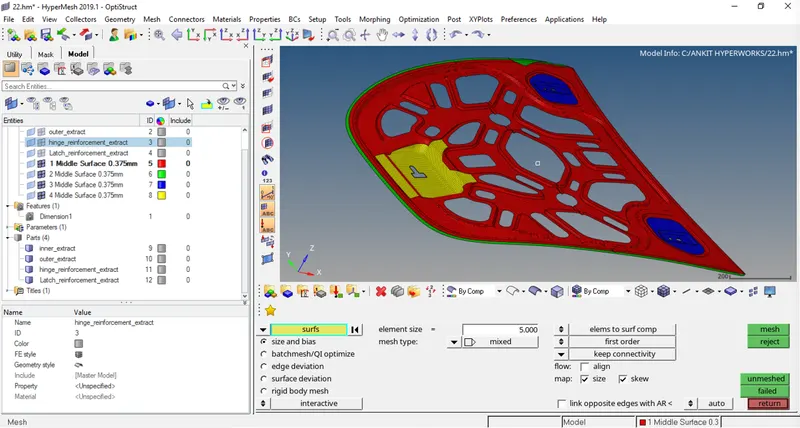
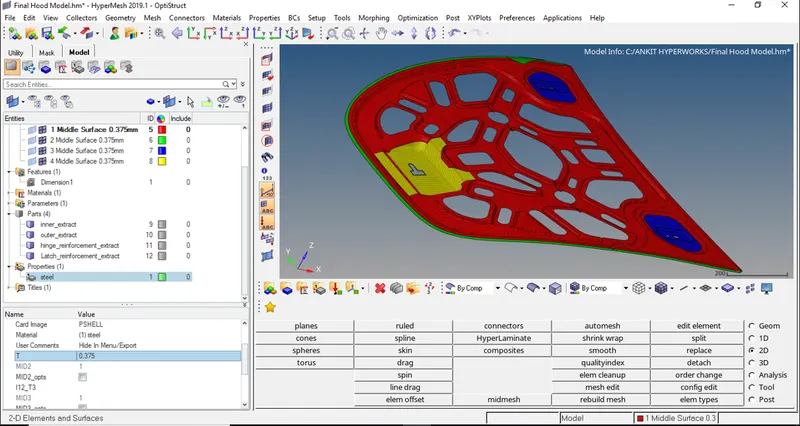
Conclusion-
- We should first check the geometry errors and clear them manually, also we must toggle lines which are not required and which are very close to each other.
- We must take care of lines & Edges by which we are going to create mesh.
- We cannot ignore orremove trias at the curved edges and there should not be any back to back trias.
- We should maintain mesh flow with trias and quads, by that we can only get a good mesh of any part.