Week 2- 2R Robotic Arm Challenge
Aim : To simulate the forward kinematics of a 2R robotics arm using MATLAB.
Objectives :
- To study and understand forward kinematic performance of a 2R robotic arm
- Simulation of forward kinematics of a 2R robotic arm using MATLAB
Kinematics - Kinematics is a subfield of classical mechanics that describes the motion of points, bodies (objects), and systems of bodies (groups of objects) without considering the forces that cause them to move. Kinematics, as a field of study, is often referred to as the "geometry of motion" and is occasionally seen as a branch of mathematics. A kinematics problem begins by describing the geometry of the system and declaring the initial conditions of any known values of position, velocity and/or acceleration of points within the system. Then, using arguments from geometry, the position, velocity and acceleration of any unknown parts of the system can be determined. The study of how forces act on bodies falls within kinetics, not kinematics.
Forward kinematics - Forward kinematics refers to the use of the kinematic equations of a robot to compute the position of the end-effector from specified values for the joint parameters. The kinematics equations of the robot are used in robotics, computer games, and animation. The reverse process that computes the joint parameters that achieve a specified position of the end-effector is known as inverse kinematics.
Robotics arm : A robotic arm (not robotic hand) is a type of mechanical arm, usually programmable, with similar functions to a human arm; the arm may be the sum total of the mechanism or may be part of a more complex robot. The links of such a manipulator are connected by joints allowing either rotational motion (such as in an articulated robot) or translational (linear) displacement. The links of the manipulator can be considered to form a kinematic chain. The terminus of the kinematic chain of the manipulator is called the end effector and it is analogous to the human hand.
Program -
clear all
close all
clc
% Arm length in meters
l1 = 1
l2 = 0.5
%link angles
angle1 = linspace(0,90,10);
angle2 = linspace(0,90,10);
%taking t as a counting valuefor the resulting frames
t=1
for i = 1:length(angle1)
ANGLE1=angle1(i);
for j = 1:length(angle2)
ANGLE2=angle2(j);
x1 = 0;
y1 = 0;
x2 = l1*cosd(ANGLE1);
y2 = l1*sind(ANGLE2);
x3 = x2 + l2*cosd(ANGLE2);
y3 = y2 + l2*sind(ANGLE2);
plot([x1 x2],[y1 y2],'linewidth',5,'color','r')
hold on
plot([x2 x3],[y2 y3],'linewidth',4,'color','y')
hold off
axis([-0.5 2 0 2])
M(t) = getframe(gcf);
t=t+1;
end
end
movie(M)
videofile = VideoWriter('kinmatic_arm.avi','uncompressed AVI');
open(videofile)
writeVideo(videofile,M)
close(videofile)
Simulation Video -
please find the link of the simulation video mentioned below
Forward Kinematic Robotics Arm | MATLAB
Result-
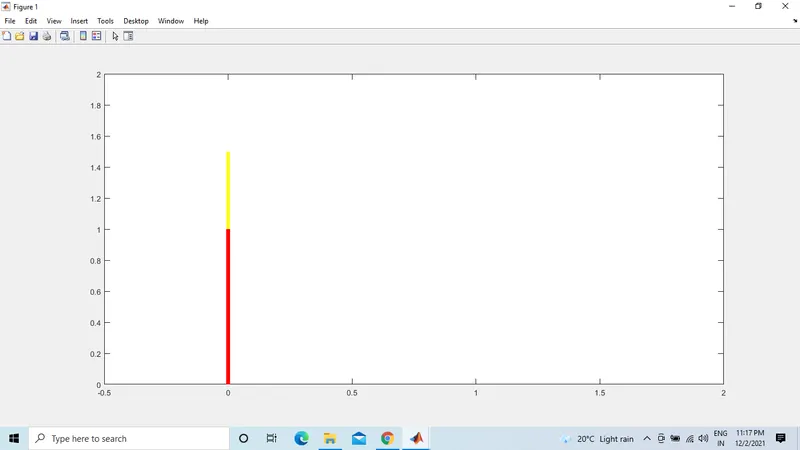
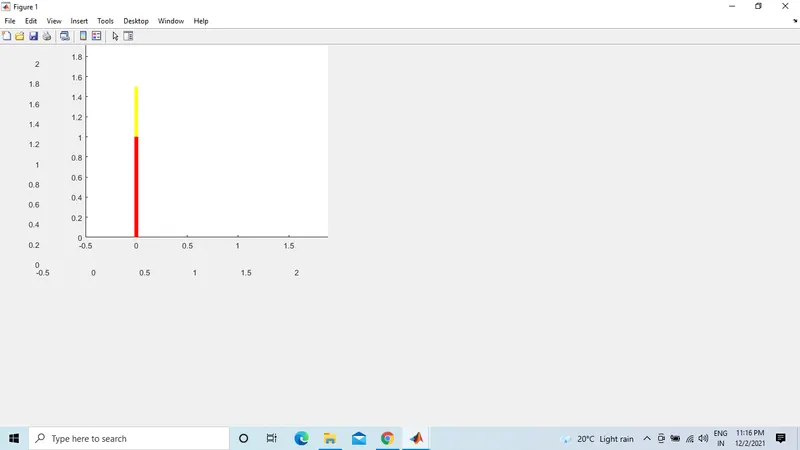
Conclusion :
The forward kinematics of a 2R robotic arm simulation has been done using MATLAB. The simulation helps us define the boundary area for the robotics arm movement so we can accordingly desing the work space and assign the job to the robot.