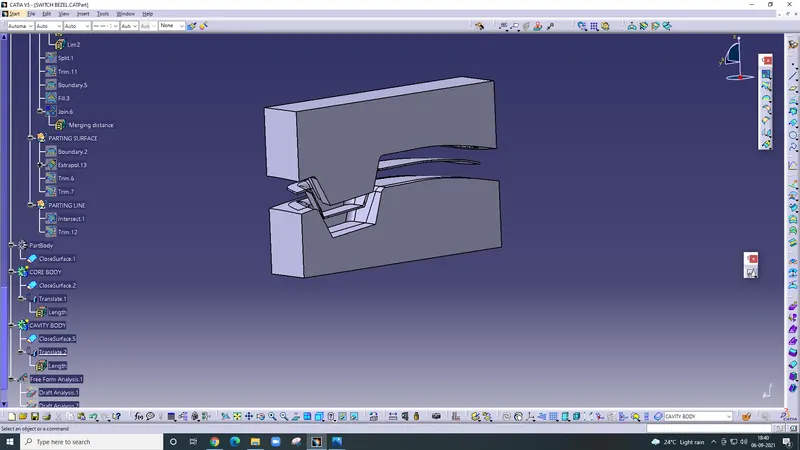
Week 8 - Challenge 5 - Core & Cavity Design
Create Core and Cavity block for the Switch bezel
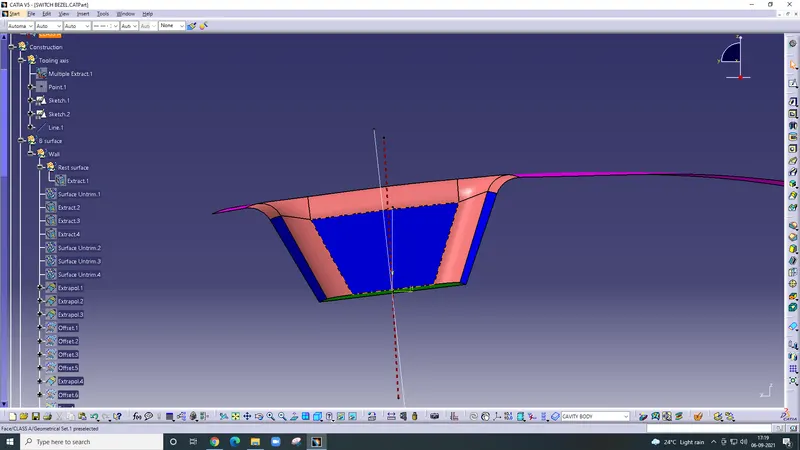
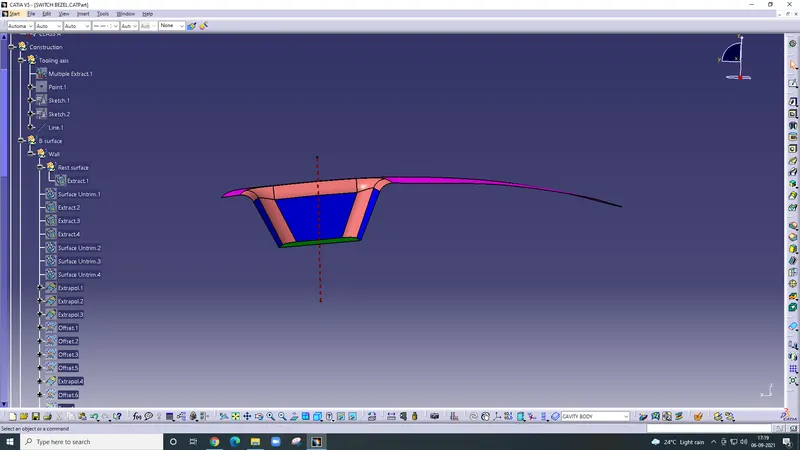
Tooling Axis -
Firstly extract the base of the switch bezel and taking a point on it.
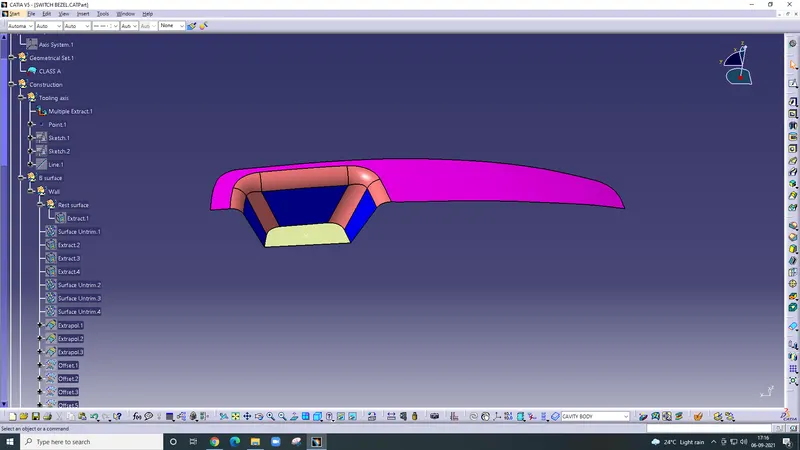
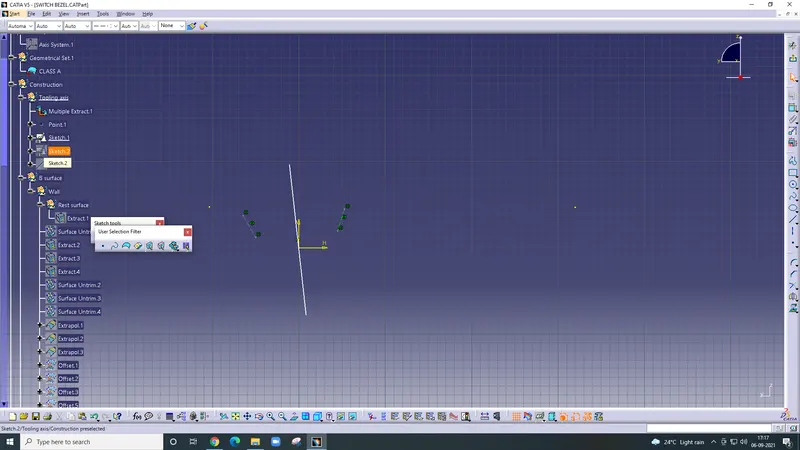
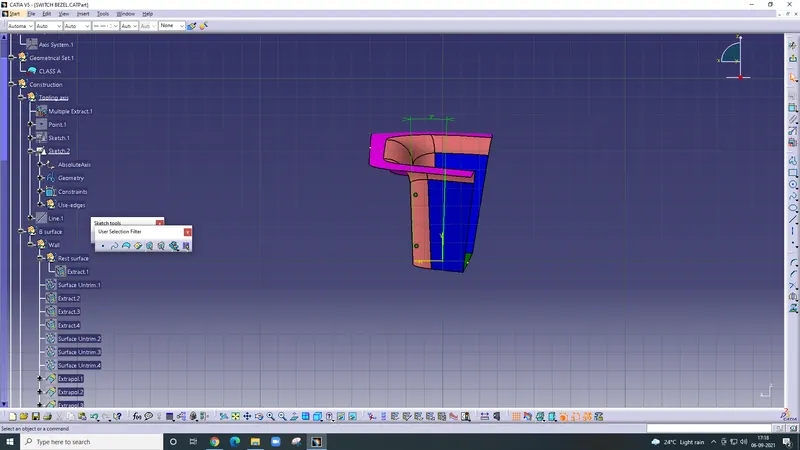
Draw to lines on the opposite surfaces of the walls in the Y direction, then use bisecting method and get the Y direction tooling axis. Then use the same method to get the X-direction tooling axis. Since there is only one face in the X direction so create another line at 6 degrees from the face line. Then use the bisecting method on the X direction And Y-direction line and to get the main tooling axis.
CORE AND CAVITY DESIGN
Parting surface
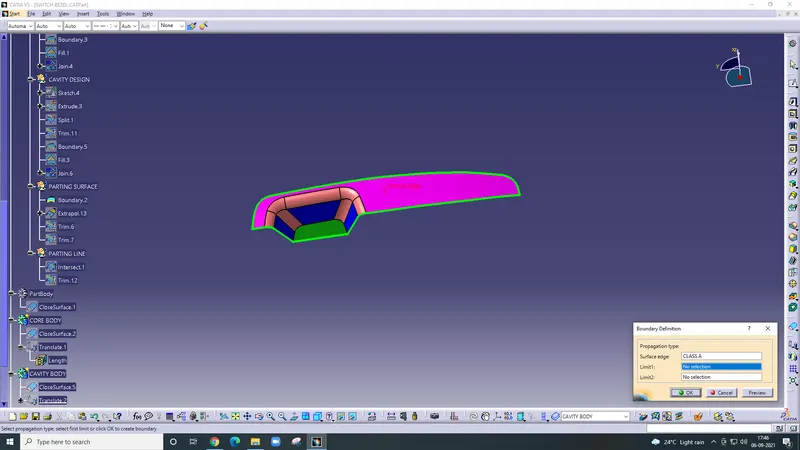
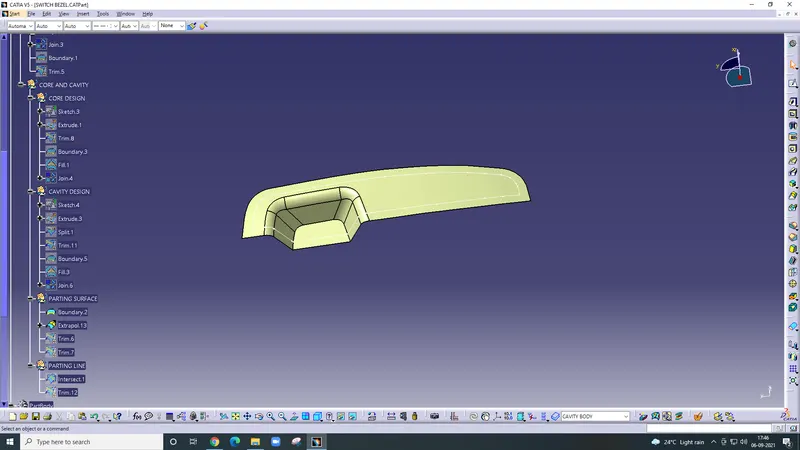
Firstly Check the boundary of class A surface
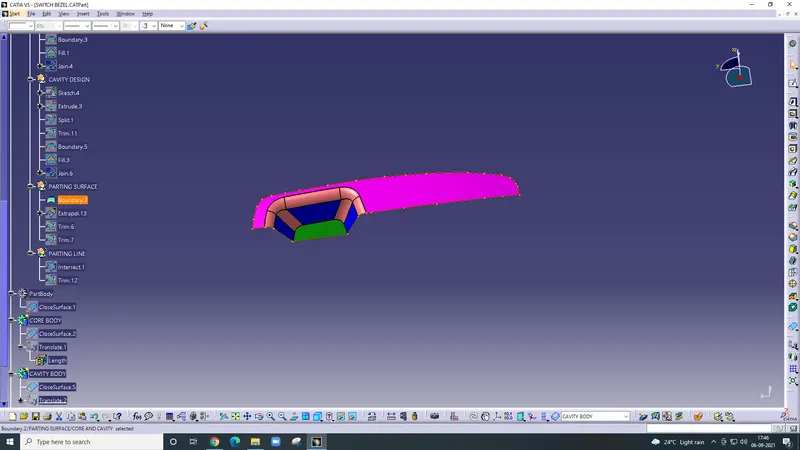
Then Extrapolate the class A surface
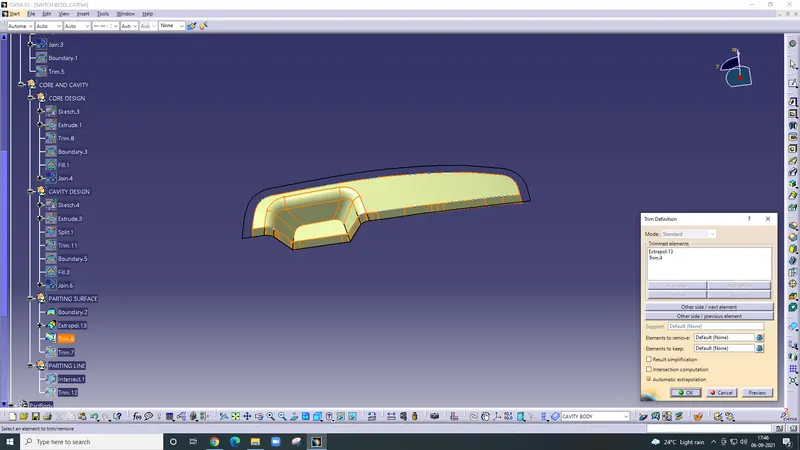
then trim With extrapolate class A surface and the Trim.4 ( class C surface)
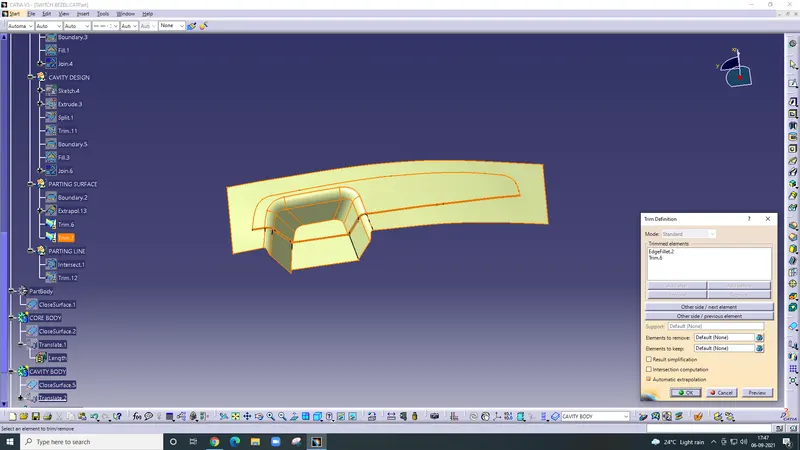
then trim with Edgefillet.2 the Trim.6.
Parting Surface
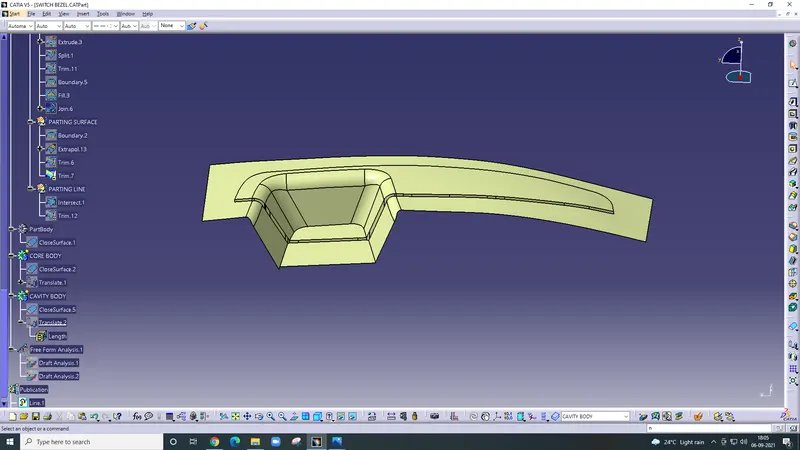
Core Design
Draw the sketch on the parting surface then extrude the sketch and then it is trim
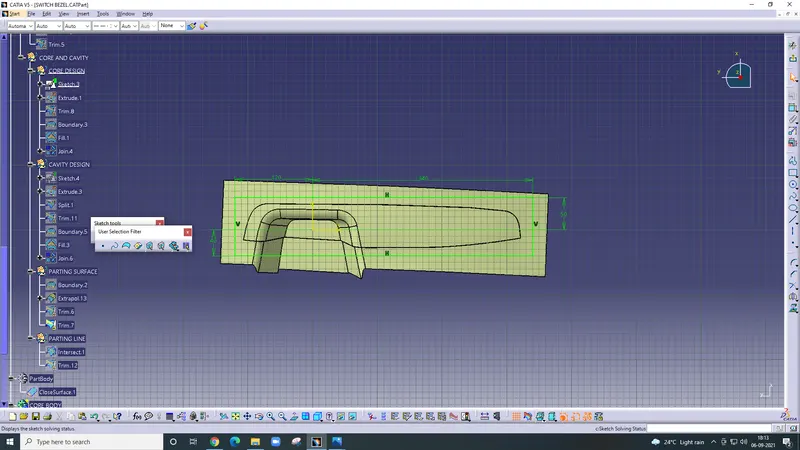
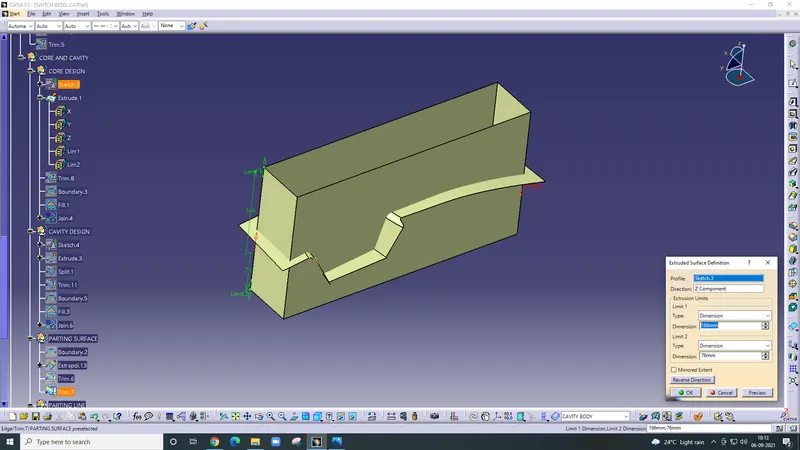
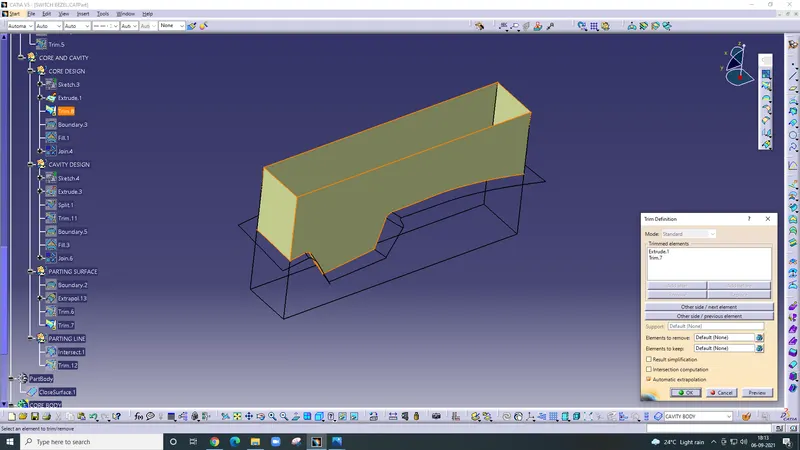
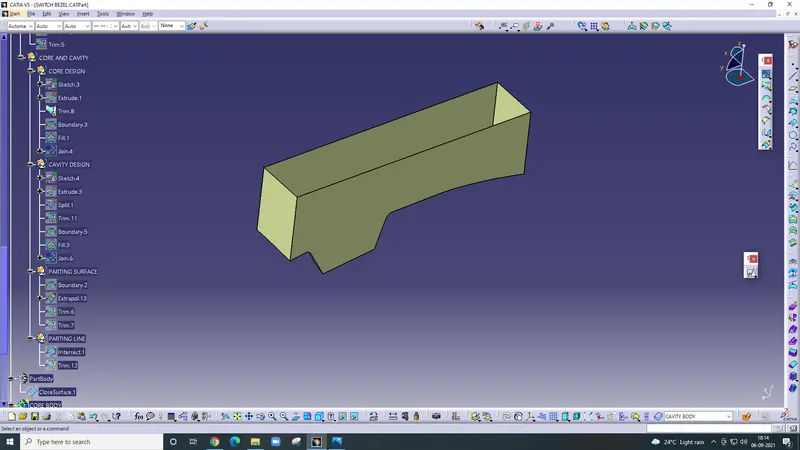
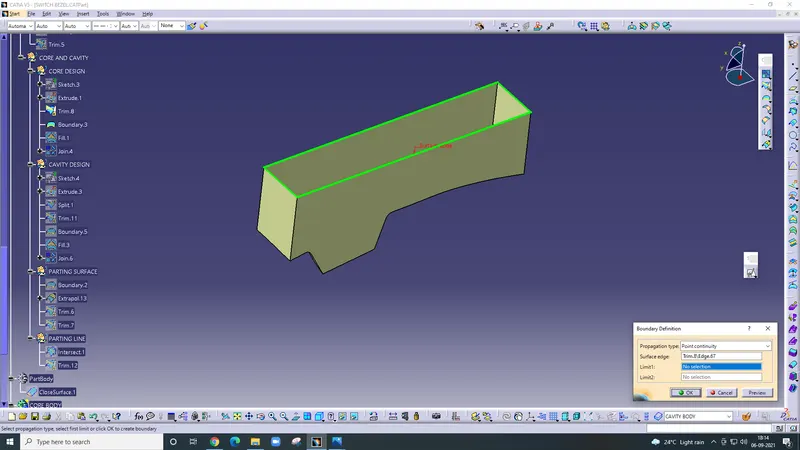
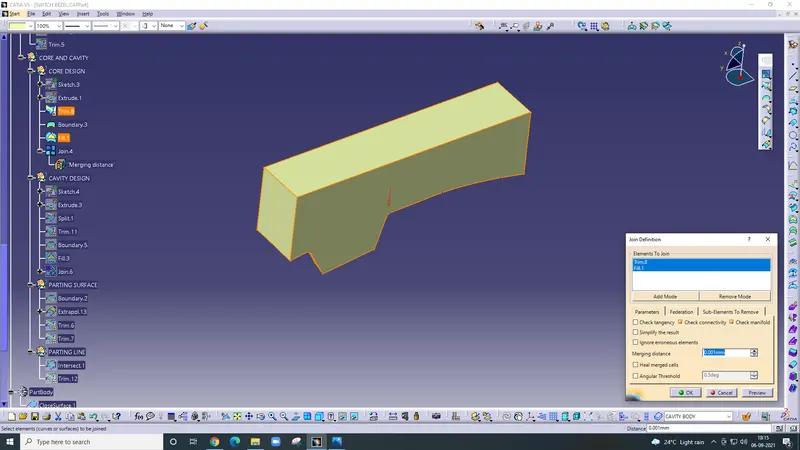
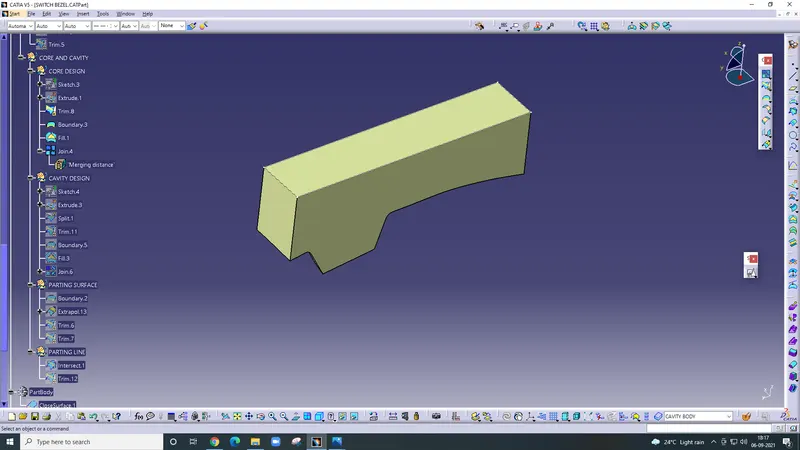
after that check, the boundaries then use the fill command and fill the upper portion
Cavity Design
Draw the Sketch on the parting surface then Extrude after that Split and then trim it.
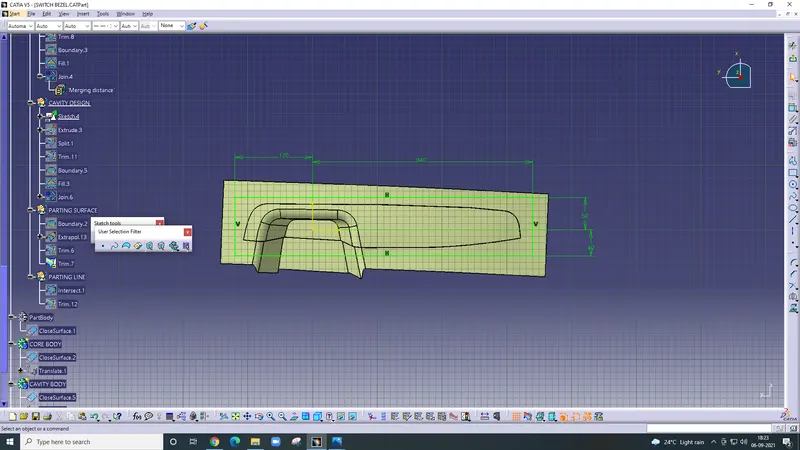
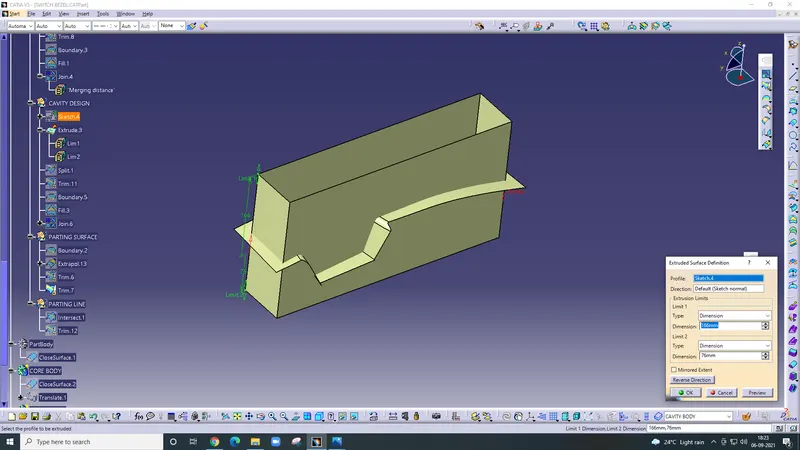
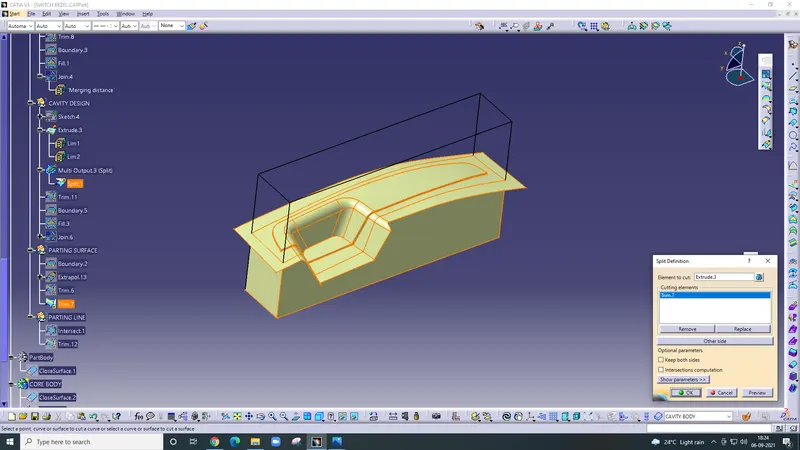
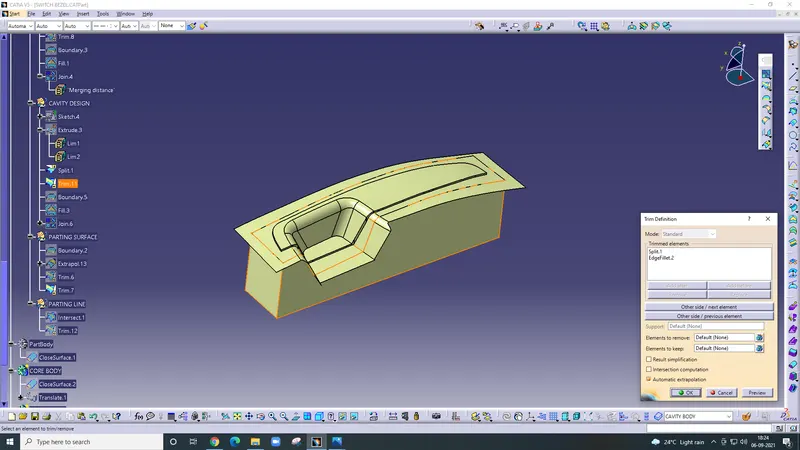
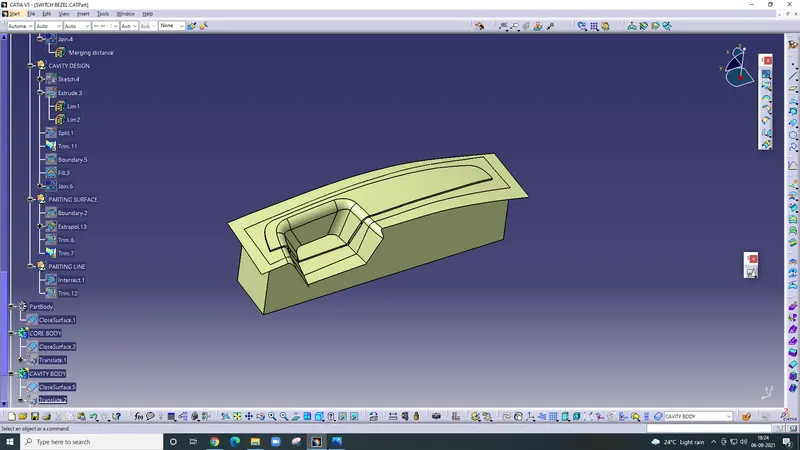
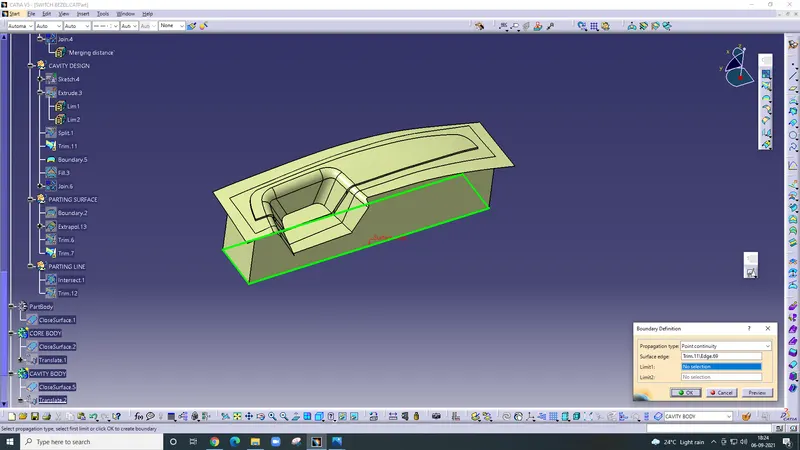
apply boundary command then use fill command
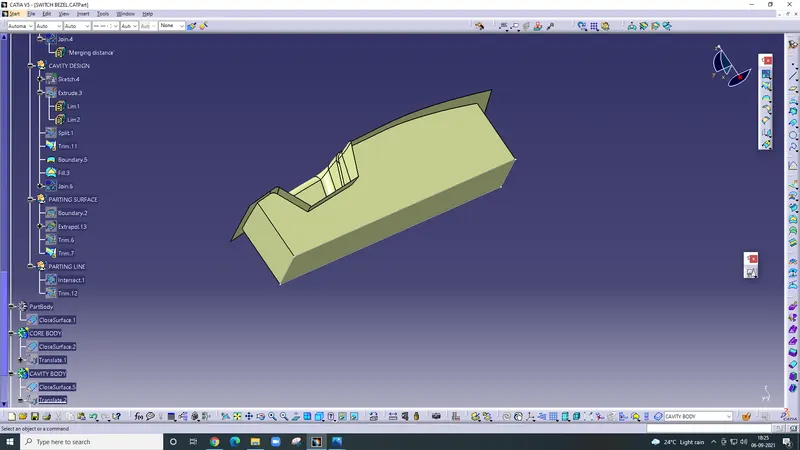
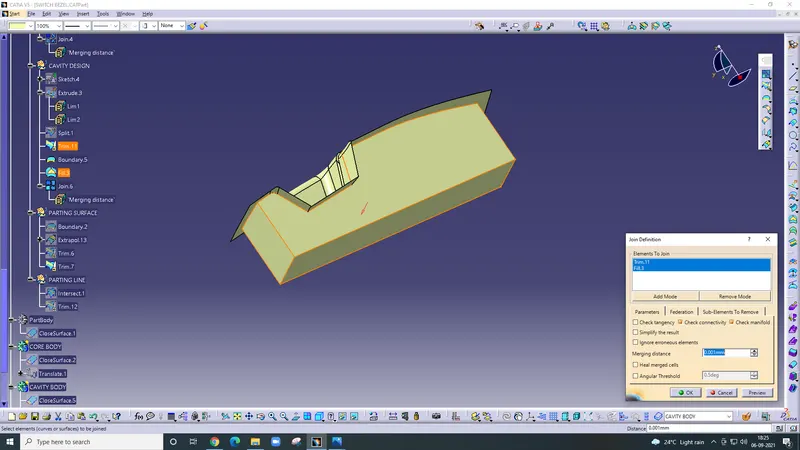
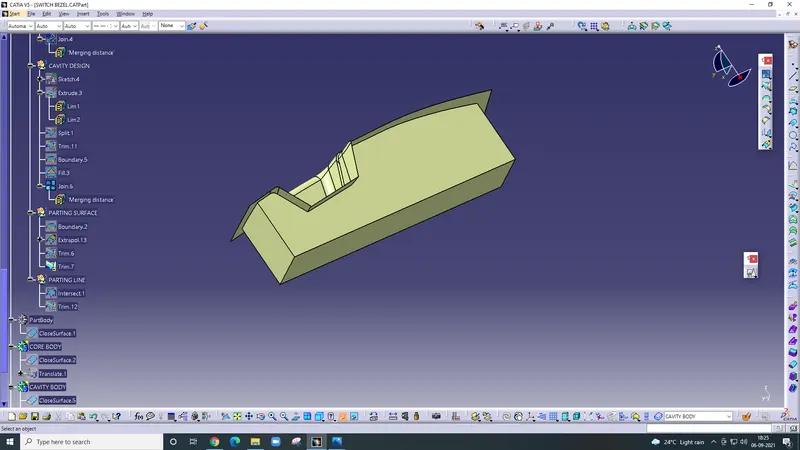
Join command
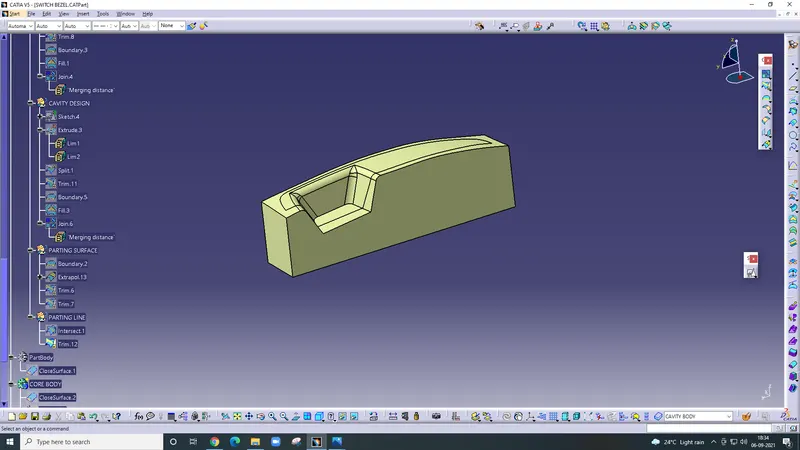
Parting Line
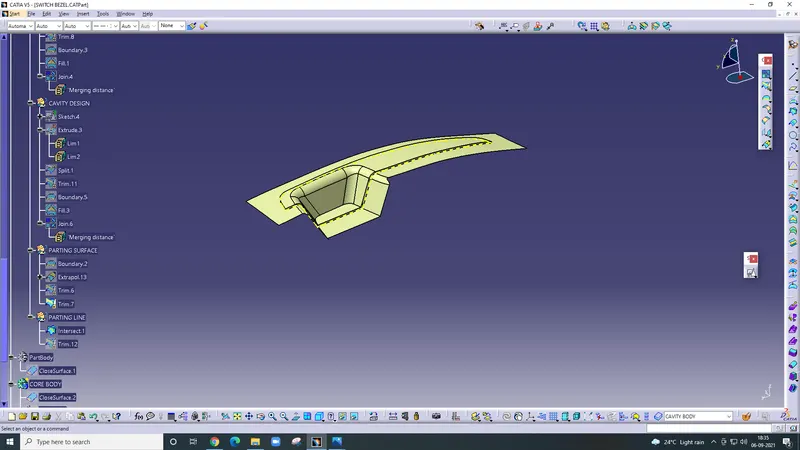
After that Translate command is used and gets the final product.