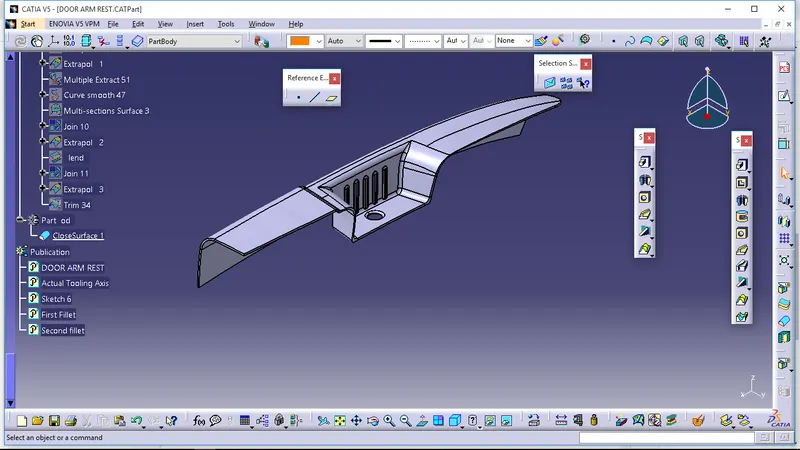
Door Arm Rest Week 8 Challenge
Objective - We create a Door Arm Rest
Steps in Door Arm Rest Design -
1. In this design we need two tooling axis for draft analysis to ensure proper draft angle for core and cavity.
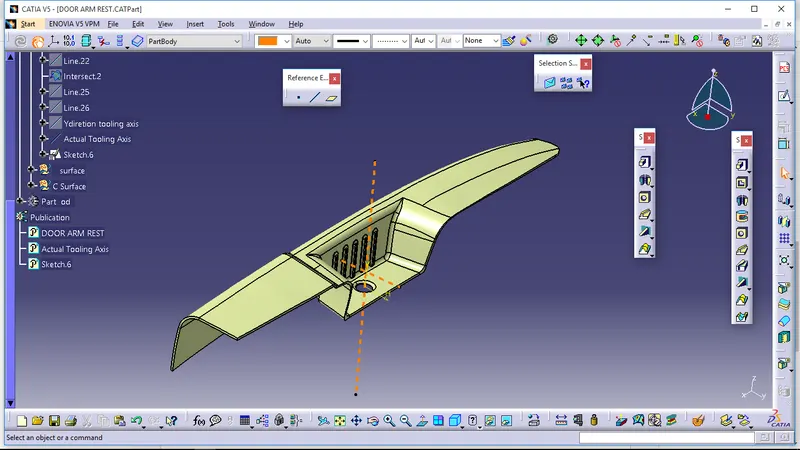
2.Creation of Actual Tooling Axis1-
First select the point on the base and insert the axis system on it .After that select the Intersect 3D Element to get projection of class A surface in the respective plane. Create lines through the points that doesn't look clear for draft.
Draw the bisecting line those two lines. Create the X and Y direction bisecting lines through this method. Now Bisect those X and Y direction axis to get Actual frist tooling axis.
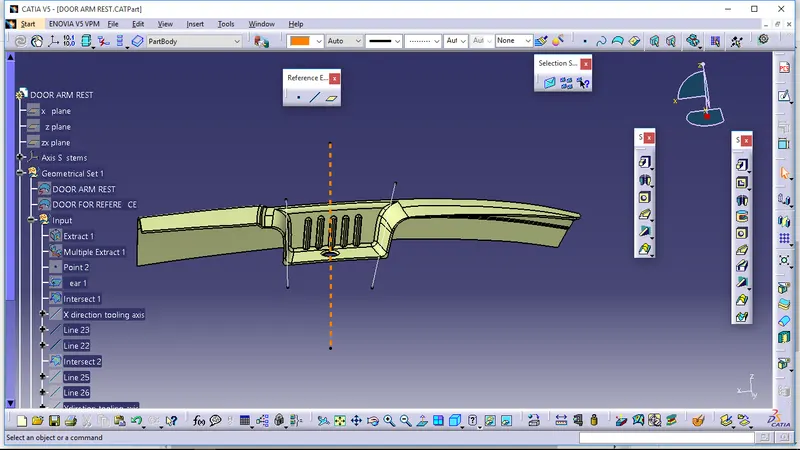
3.Create of tooling Axis 2 -
Select the respective plane and take the projection. Draw one line on the base projection and draw one random line and bisect those lines to get the tooling axis 2. Tooling Axis 1 And 2 intersect each other.
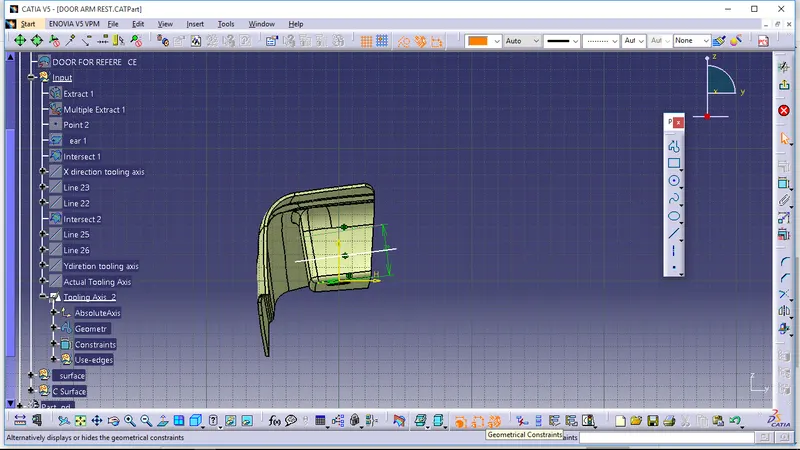
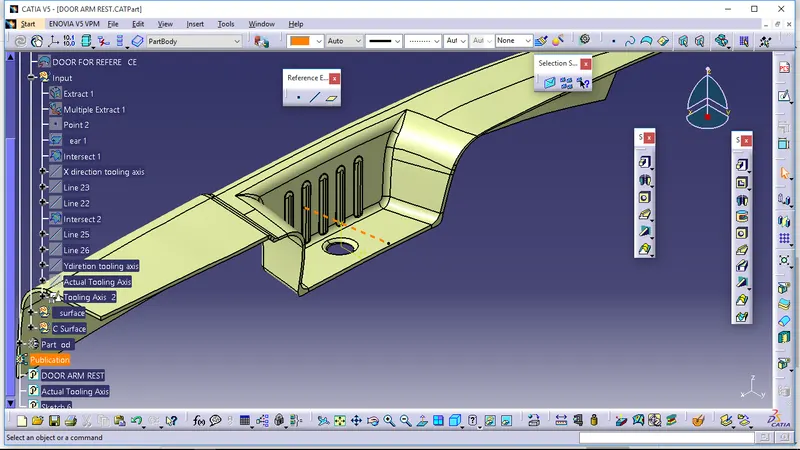
4. Creation Of B Surface -
Draw the B Surface with the Help of class A surface in two halves.
First Fillet
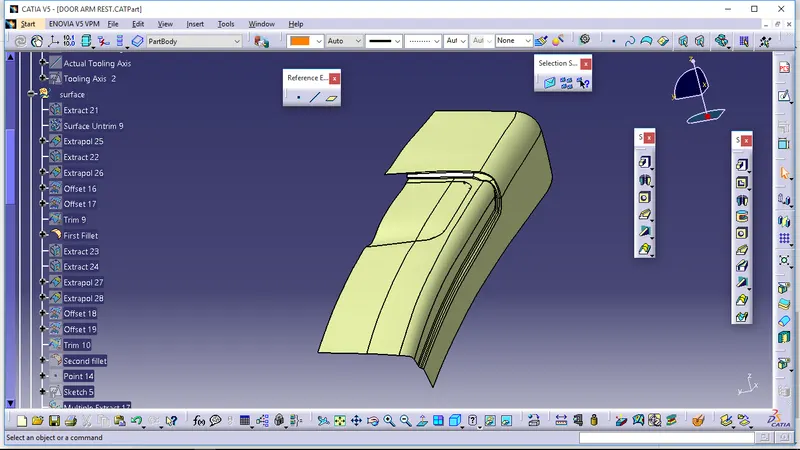
second fillet
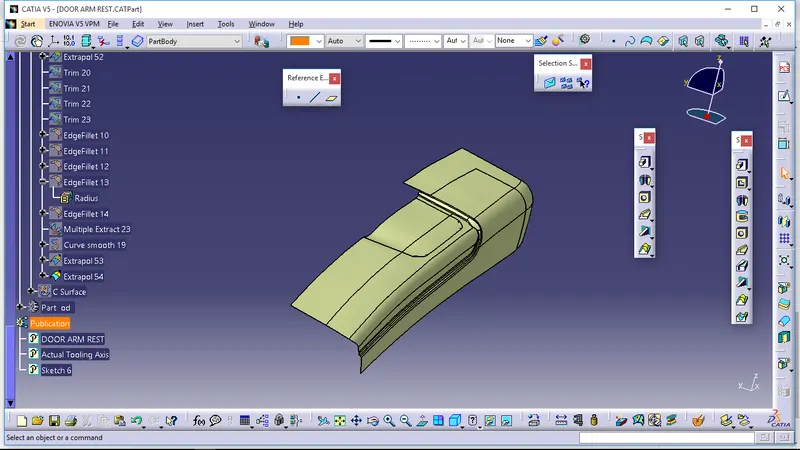
First And Second Fillet Combine-
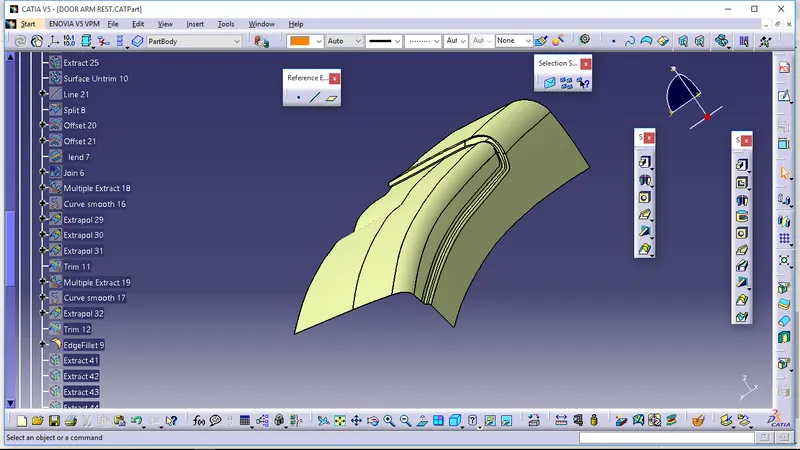
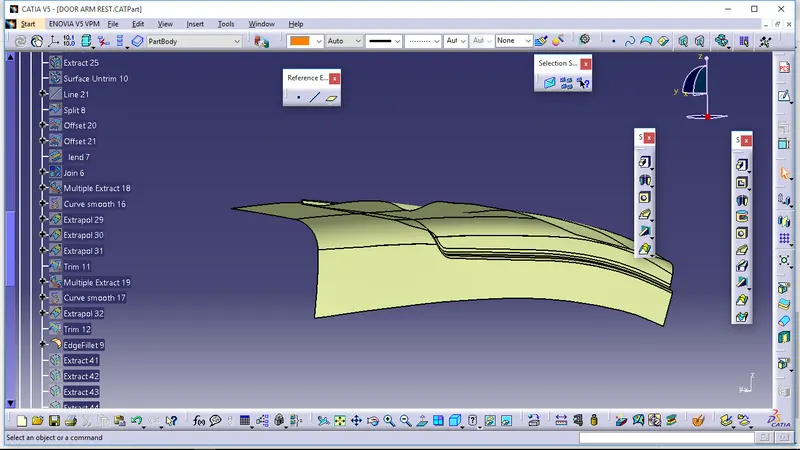
5.Craetion Of C Surface-
In the C Surface perfom Sweep operation on the class A surface to get class C surface. Then Join Class A surface And C surface and make sure that there is ni gap in between them.
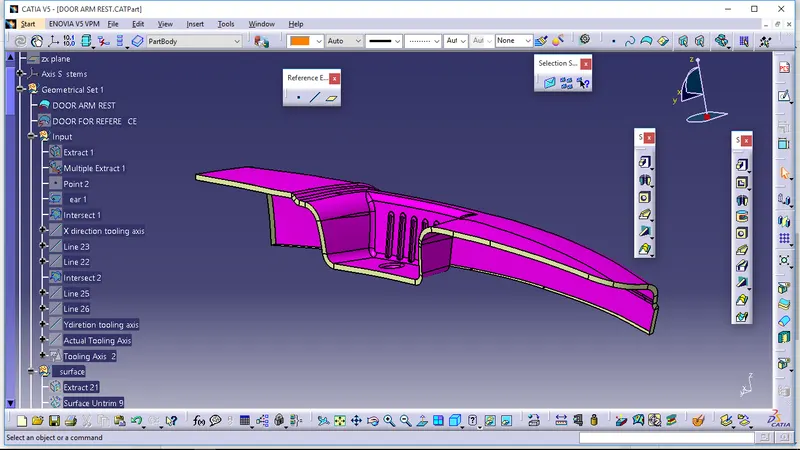
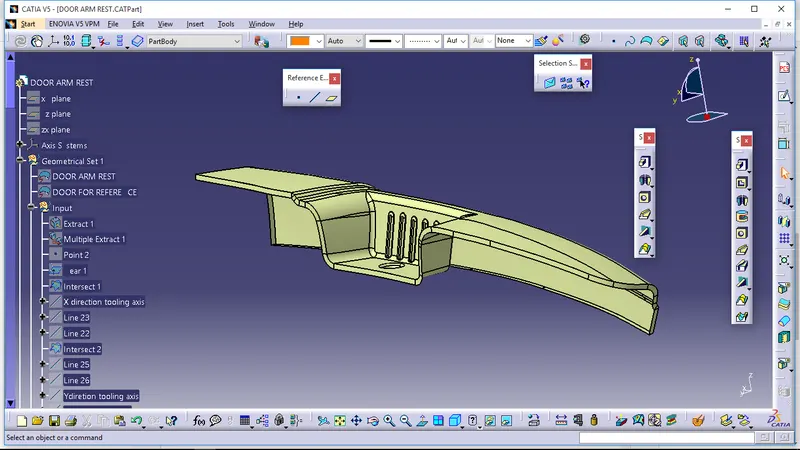
6.After that Trim this surface with class B surface to get final mold part.
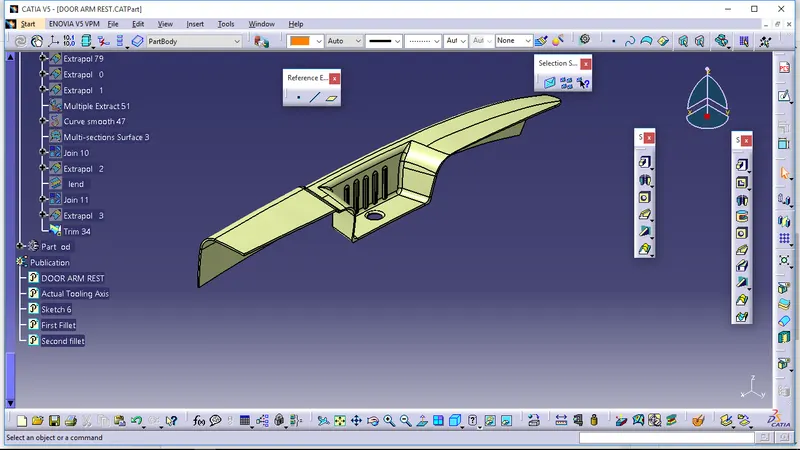
7. Make these body in part design using command Closed Surface.