Project
Aim - To study and analyze bajaj All-terrain vehicle.
Objective - To prepare a technical report on the bajaj all-terrain vehicle.
All-terrain vehicle -
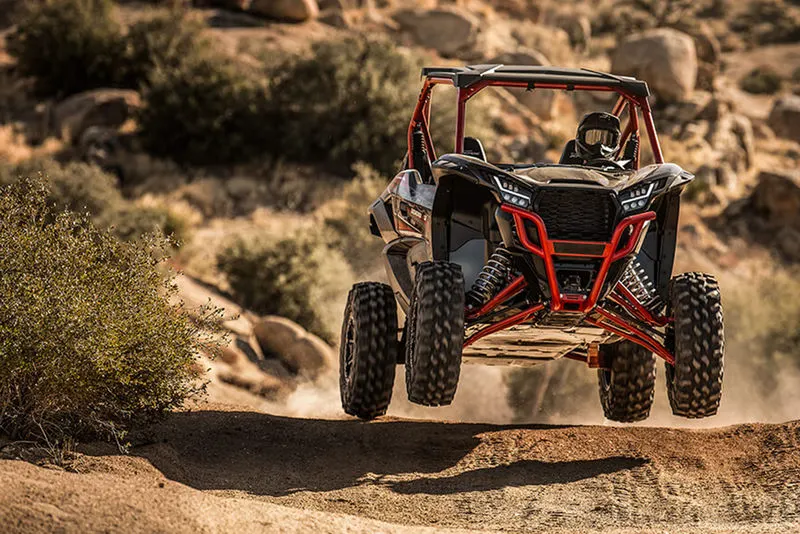
The all-terrain vehicle also called a light utility vehicle a quad bike, or simply a quad, as defined by the American national standards institute (ANSI); is a vehicle that travels on low-pressure tires, with a seat that is straddled by the operator, along with handlebars for steering control. As the name implies, it is designed to handle a wider variety of terrain than most other vehicles. The rider sits on and operates these vehicles like a motorcycle, but the extra wheels give more stability at slower speeds. Although most are equipped with three or four wheels, six-wheel models exist for specialized applications.
Major components are used in the Simulink model
Generic Engine -
The Generic Engine block represents a general internal combustion engine. This block is a suitable generic engine for spark-ignition and diesel. Speed-power and speed-torque parameterizations are provided. A throttle physical signal input specifies the normalized engine torque. Optional dynamic parameters include crankshaft inertia and response time lag. A physical signal port outputs the engine fuel consumption rate based on the fuel consumption model that you choose. Optional speed and redline controllers prevent engines to stall and enable cruise control.
Ports:
- B – Mechanical rotational conserving port associated with the engine block. This is the base port. The engine block is the physical body that contains the piston cylinders.
- F - Mechanical rotational conserving port associated with the engine crankshaft. This is the follower port of the engine. The crankshaft transmits the power generated from the combustion process. Typically, you attach a clutch and transmission at this port.
- T – Physical Signal Port specifying the normalized engine throttle valve
- P – Physical signal output port reporting the instantaneous engine power, in W
- FC – Physical signal output port reporting the fuel consumption rate, in kg/s
CVT -
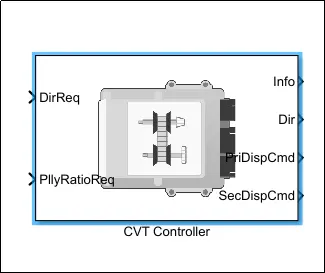
CVT stands for "Continuously variable transmission" block. This controller is used for changing the gear ratios effectively, While the vehicle is in motion. It appears in the Simulink GUI as shown in below fig. And The CVT transmission systems are also known as shiftless, step-less transmissions.
Simple gear -
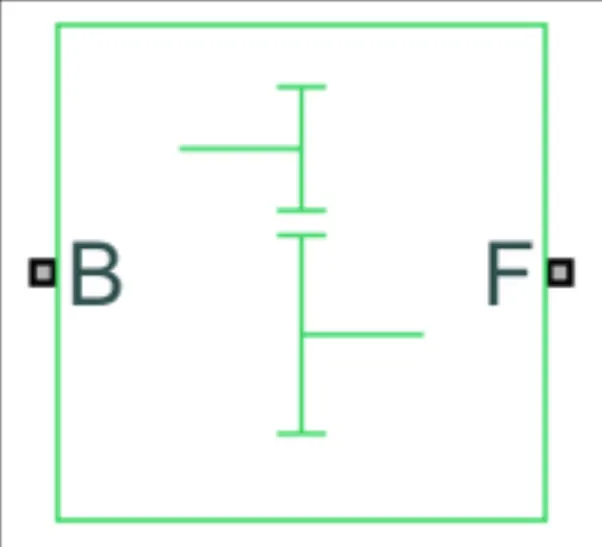
The simple gear is the combination of the driver and the driven gear where the speed is reduced by the gear ratio. The gear ratio is defined as,
Gear Ratio =(followed gear speed/base gear speed)
Vehicle Body:
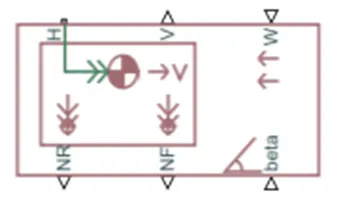
A two-axle vehicle with longitudinal dynamics and motion and adjustable mass, geometry, and drag properties. The vehicle can have the same or a different number of wheels on each axle. For example, two wheels on the front axle and one wheel on the rear axle. The vehicle wheels are assumed identical in size. The vehicle can also have a center of geometry (CG) that is at or below the plane of travel.
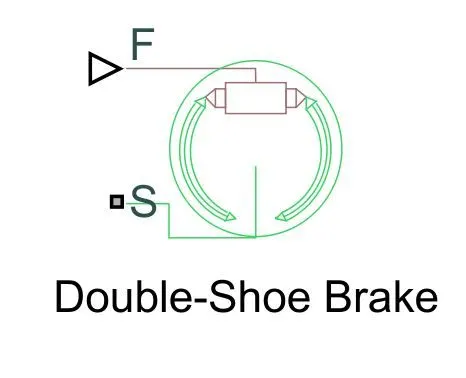
Double shoe brake:
The double shoe brake block represents a frictional brake with two pivoted rigid shoes that press against a rotating drum to produce a braking action. The rigid shoes sit inside or outside the rotating drum in a diametrically opposed configuration. A positive actuating force causes the rigid shoes to press against the rotating drum. Viscous and contact friction between the drum and the rigid shoe surface cause the rotating drum to decelerate.
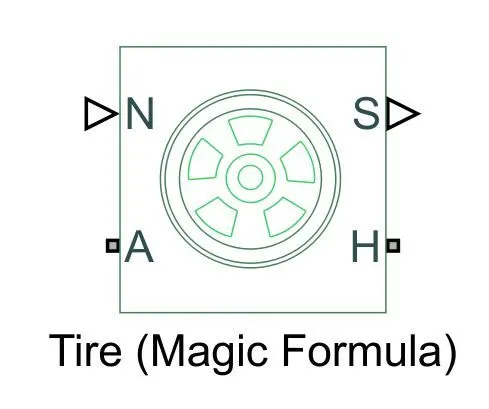
Tire:
The vehicle body is connected to the 4 tires on each axle to move the vehicle according to the power input to the axle.
There are four model configuration types given. They are listed below:
- BAJA ATV model with Dashboard
- BAJA ATV model without Dashboard
- BAJA ATV model-Mapped lookup table with Dashboard
- BAJA ATV model-Mapped lookup table without Dashboard
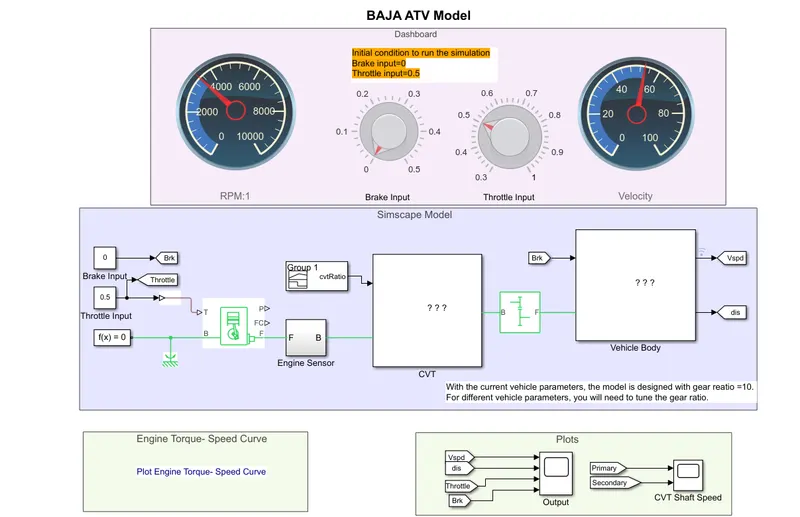
All configurations will work the same. So, one model is chosen & the input parameters such as throttle & Brake in that model are changed. In order to view, How the results vary. So, The "BAJA ATV model with Dashboard" is taken. This appears in the Simulink GUI as shown in below fig. This model is simulated for three cases. They are explained below.
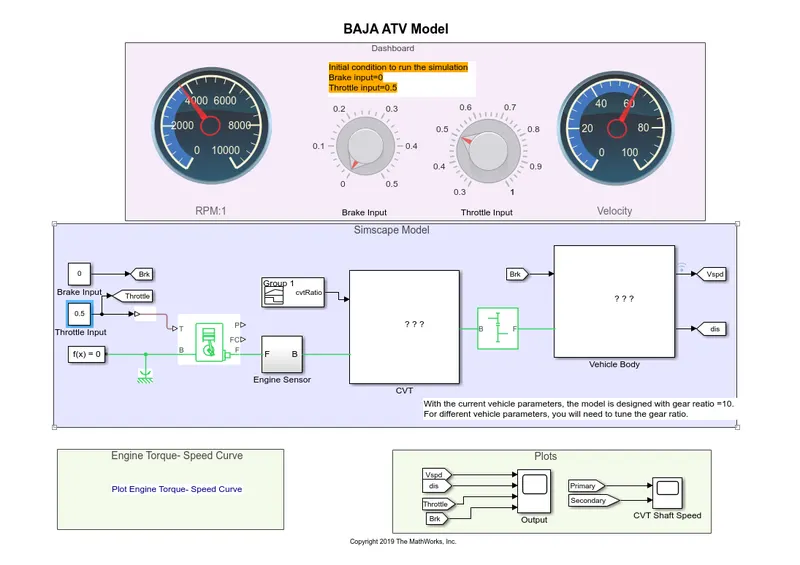
Case 1: Running the simulation as it is, without changing the input parameters:
In this case, the input parameters such as Brake & Throttle are not changed. There is no braking(Where brake input = 0) applied & Throttling is applied at the value of 0.5. As shown in below fig. And the simulation is run for 200 seconds.
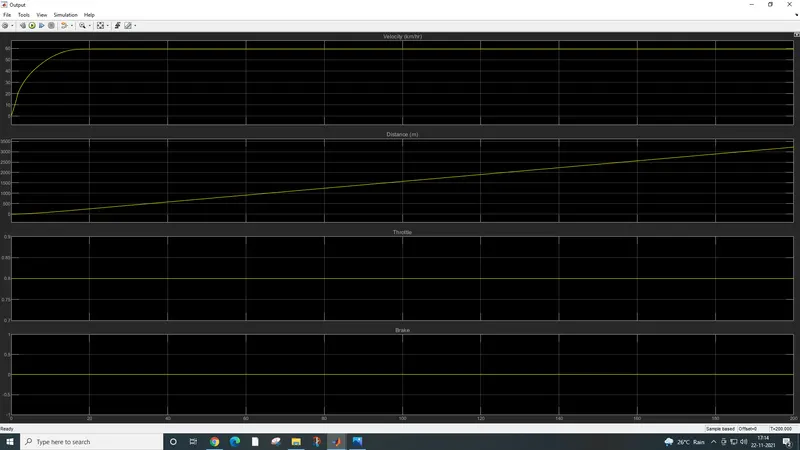
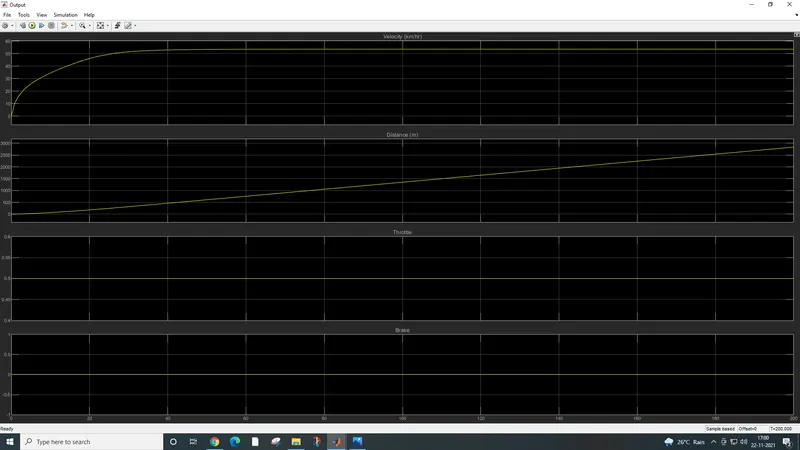
After running the simulation, The obtained outputs in the scope block appear as shown below fig. The vehicle speed gradually increases to the range between 50 to 60 Kmph & then remains constant. As shown in below fig. As the brake is not applied, there is no effect on the brake plot.
Case 2:
In this case, the braking effect is applied. By varying the brake input 0.3 & the throttle input is kept constant. As shown in below fig.
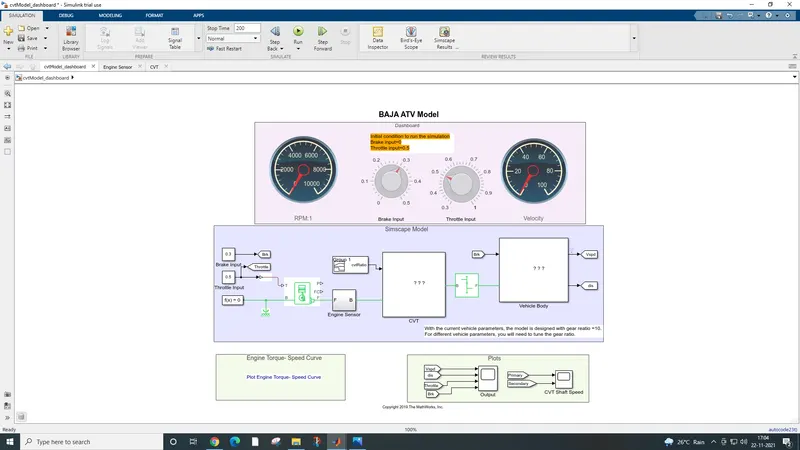
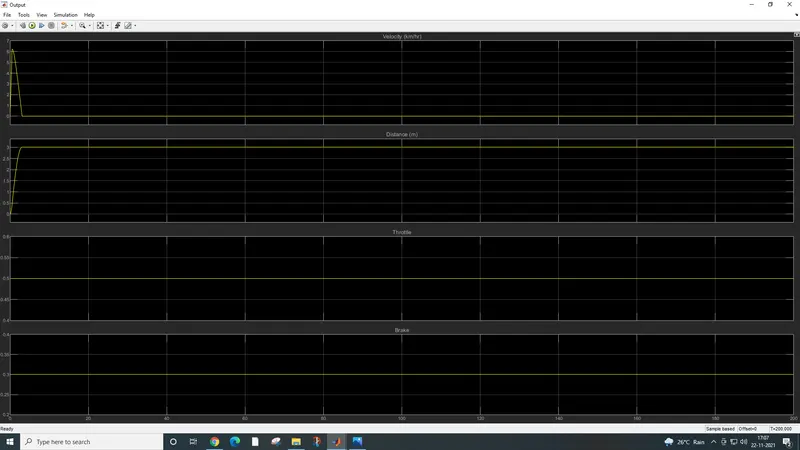
Then the simulation is run for 200 seconds. After running the simulation, The obtained outputs in the scope block appear as shown below fig. the vehicle speed increases gradually to a range of 6 to 7Kmph & decreases suddenly within a short period of time. This is due to the braking effect applied by the brake input. And the throttle & brake will be constant right from the start with respect to their assigned values.
Case 3:
In this case, the braking effect is not applied. Varying the throttle input from 0.8 leads to an increase in vehicle speed. The set-up appears as shown in the below fig.
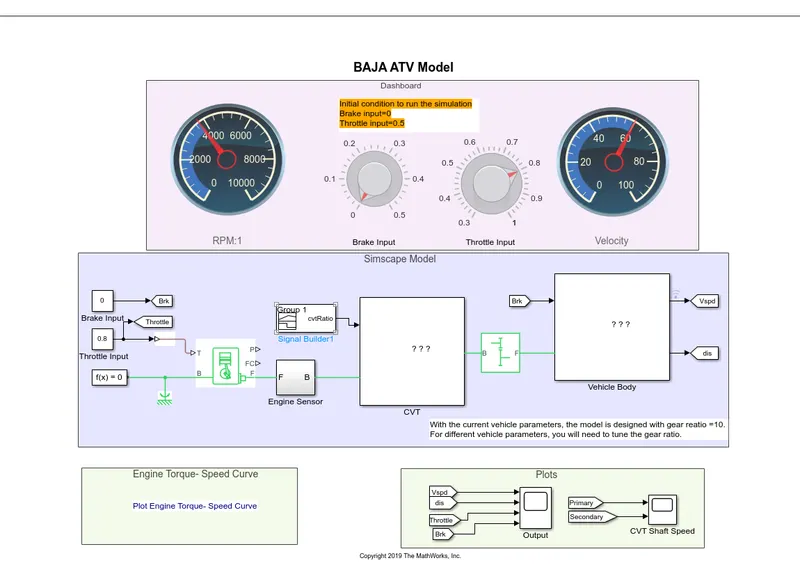
After running the simulation, The obtained outputs in the scope block appear as shown below fig. the vehicle speed gradually increases to 60 Kmph & then remains constant. As shown in below fig. As the brake is not applied, there is no effect on the brake plot, it remains 0