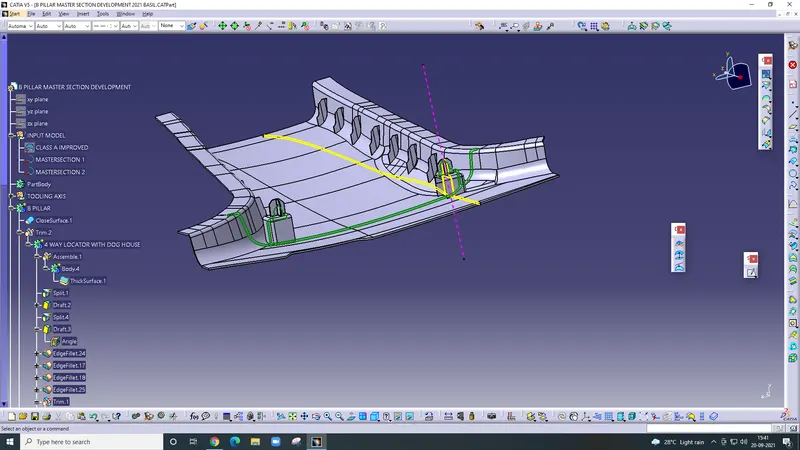
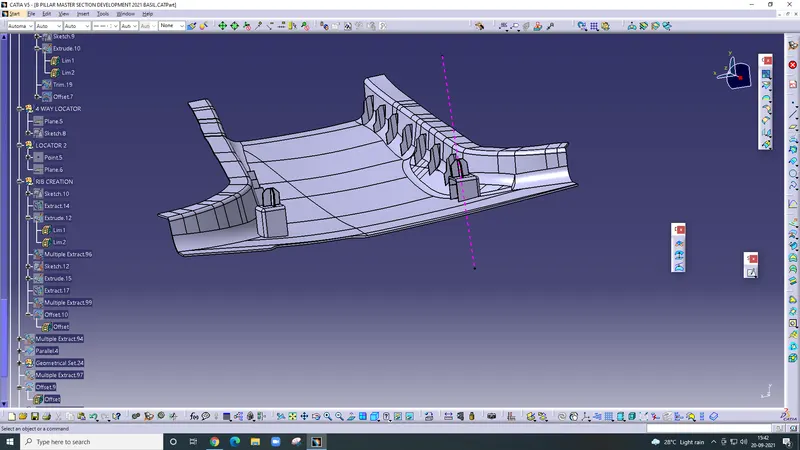
Week 9 - Project - Master Section Development
Aim- Master section development.
Introduction- Master sections are the guides for design requirements that decide the component packaging after technical Styling, Concept, or Class-A surfaces.
Procedure-
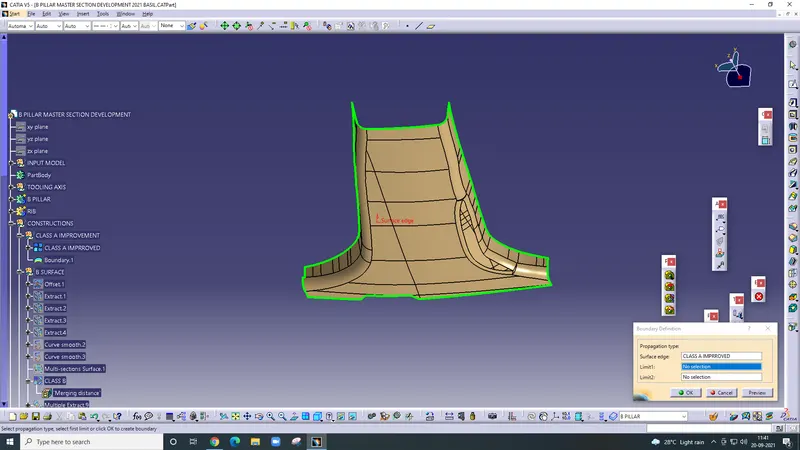
Firstly check the boundary and improve the class A surface and work on a patch. Then use the join command and join all patches after that use multisection to create a missing patch.
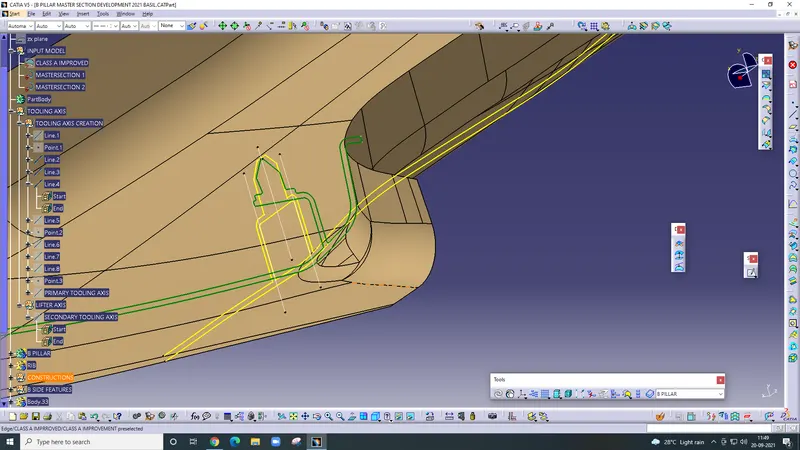
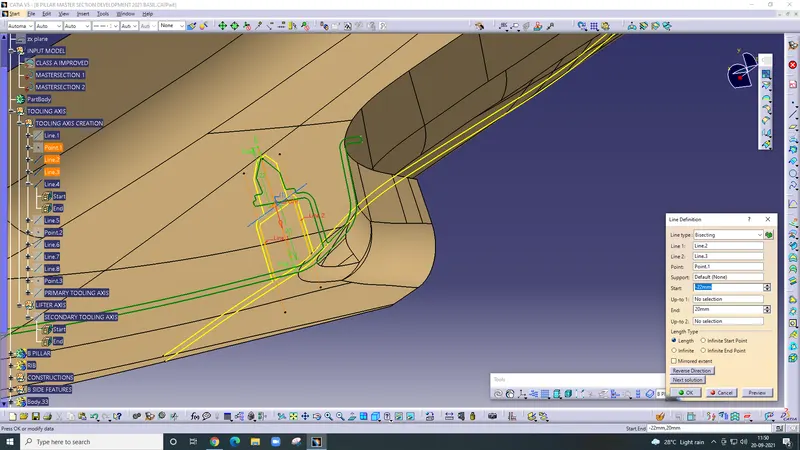
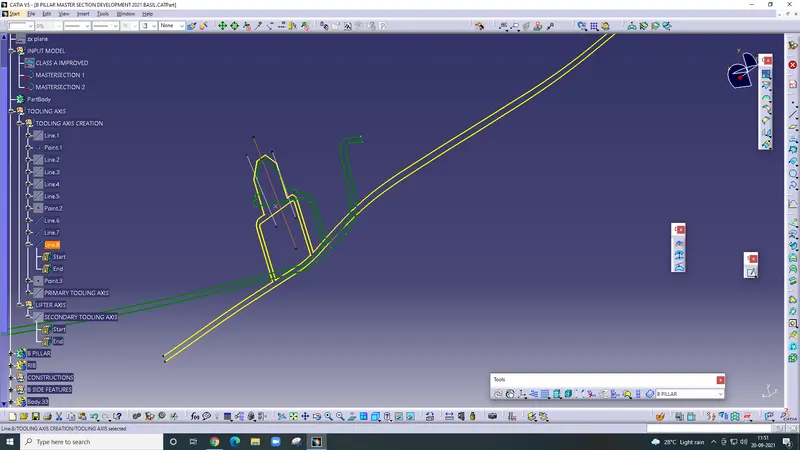
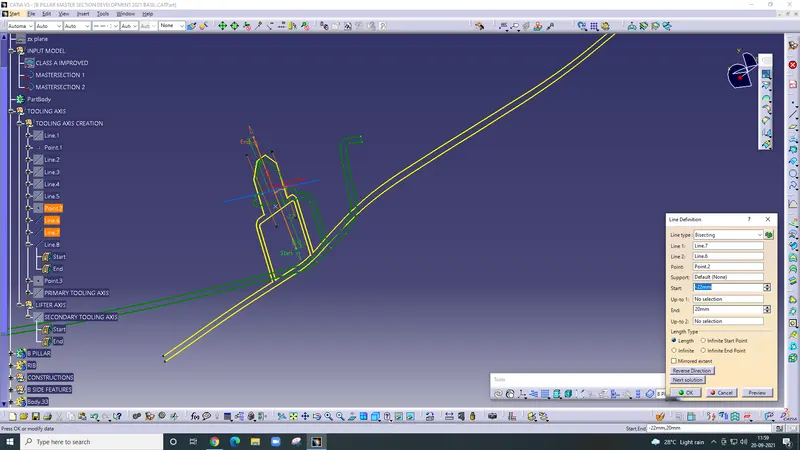
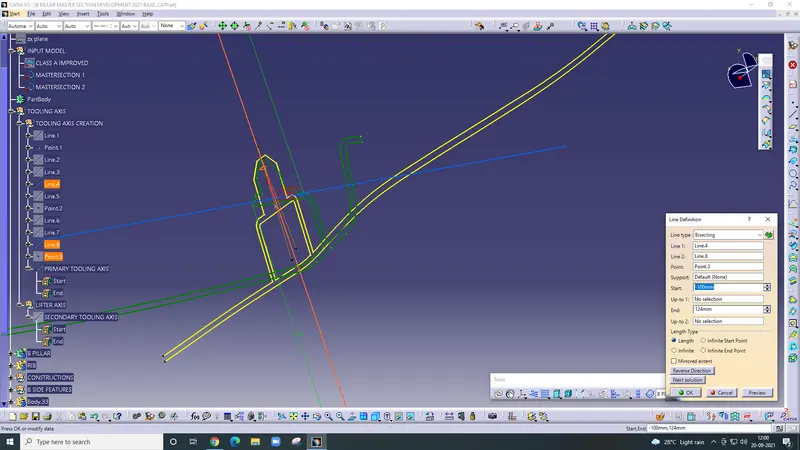
Tooling Axis - After that draw the tooling axis using the bisecting method.
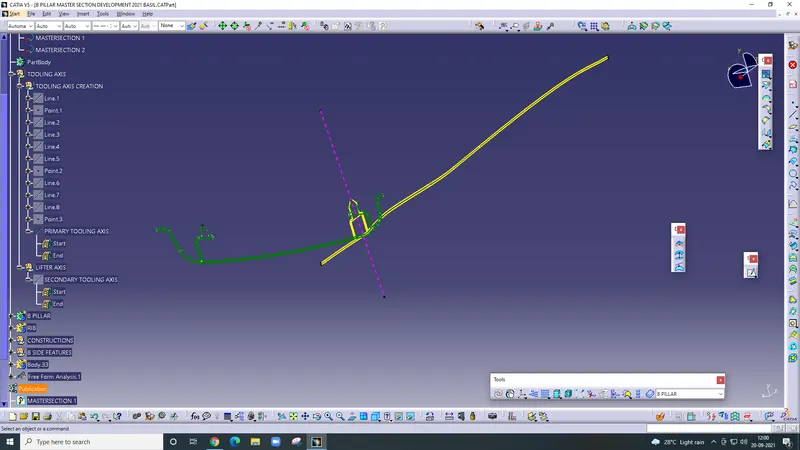
B Surface
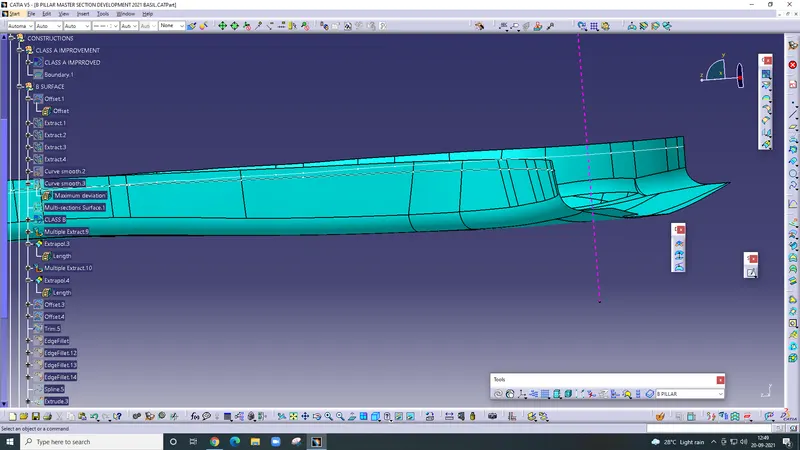
Extract the base sidewall and outer flange are extract separately using multi extract command. Then offset the surface 2mm.
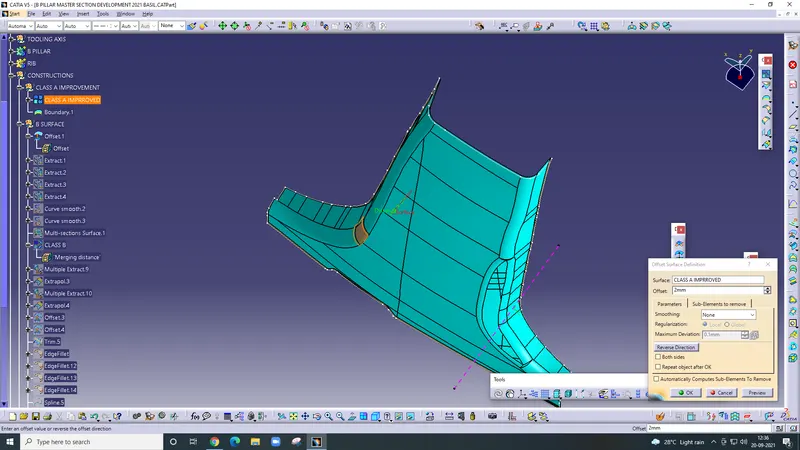
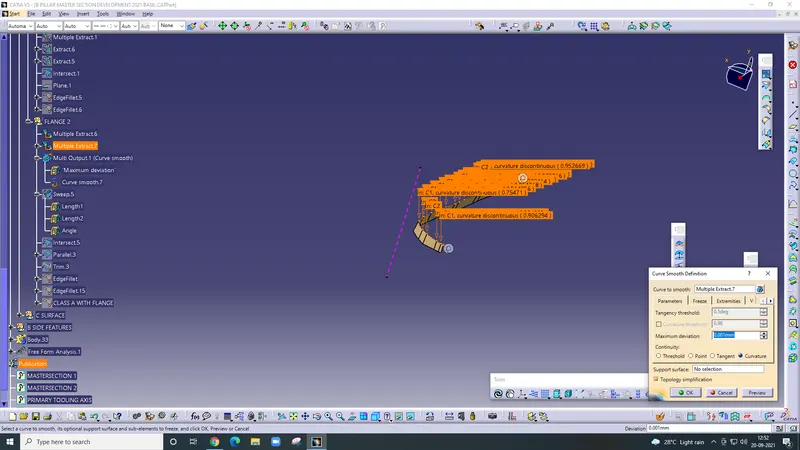
After offsetting the improved class A surface one patch are detect, then extract the side of the patch and use a smooth curve then use the multi-sectional command and clear the patch to use the join command and join.
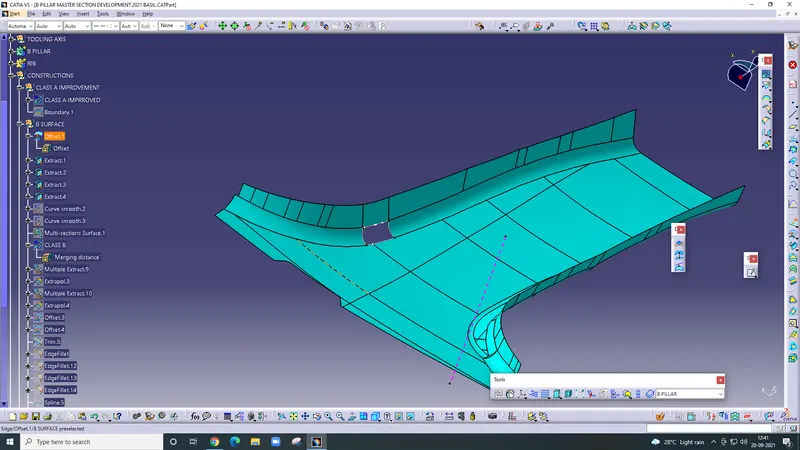
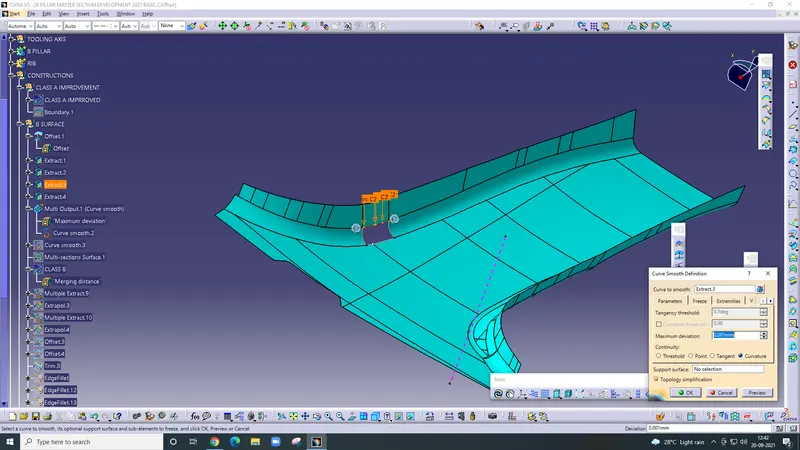
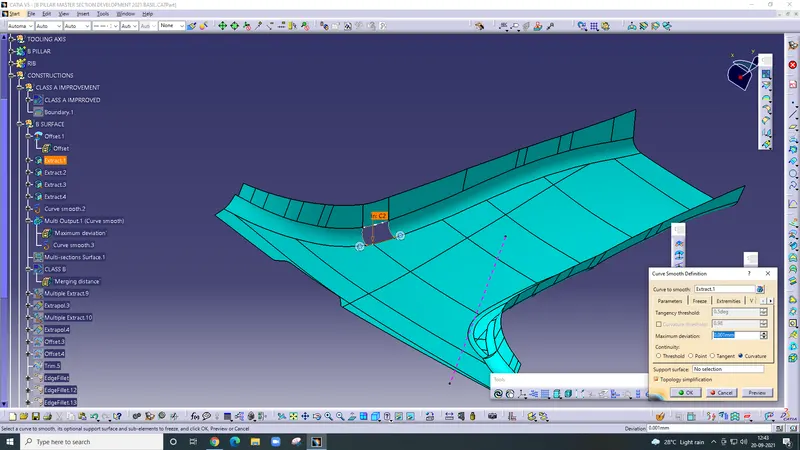
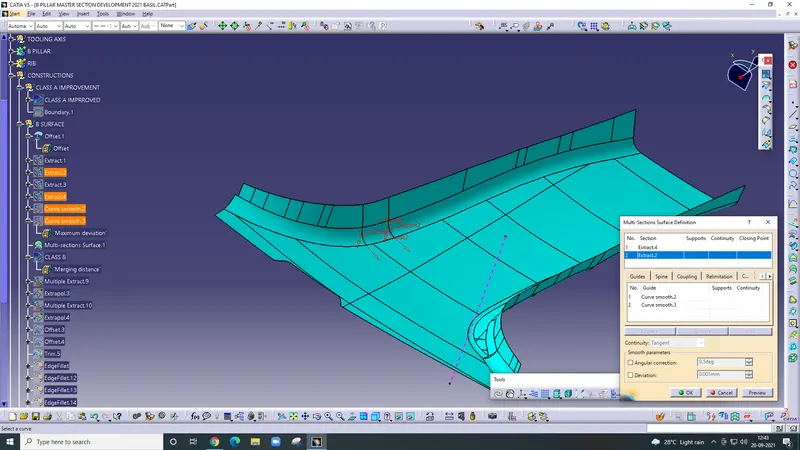
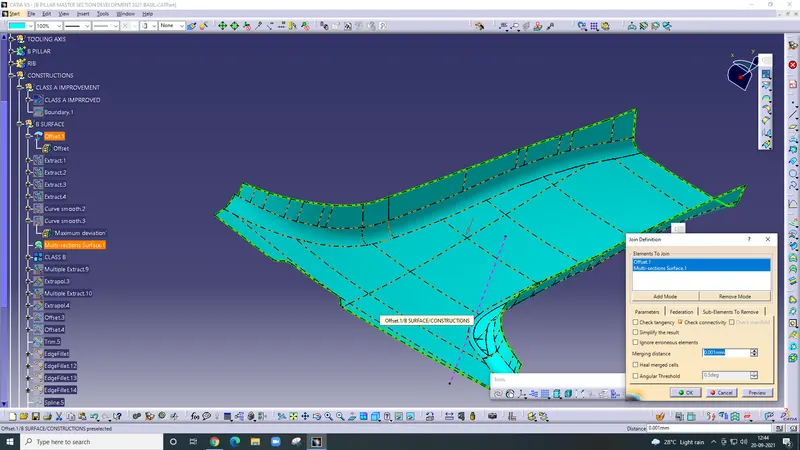
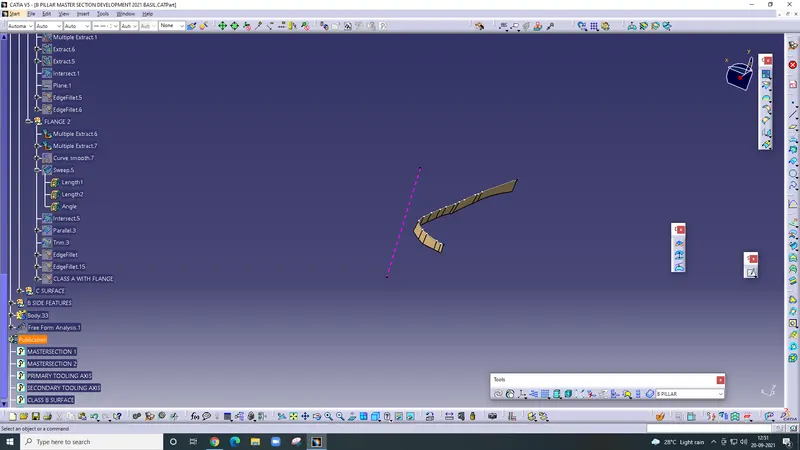
After that create the flange firstly extract the outer edge then extrapolate this extract side.
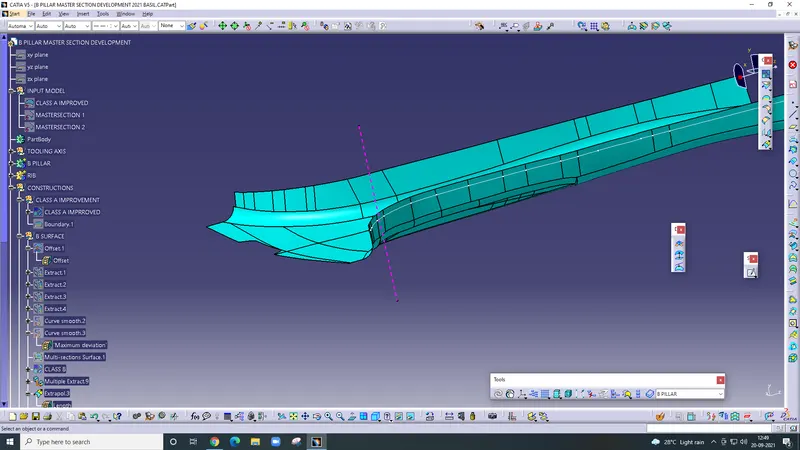
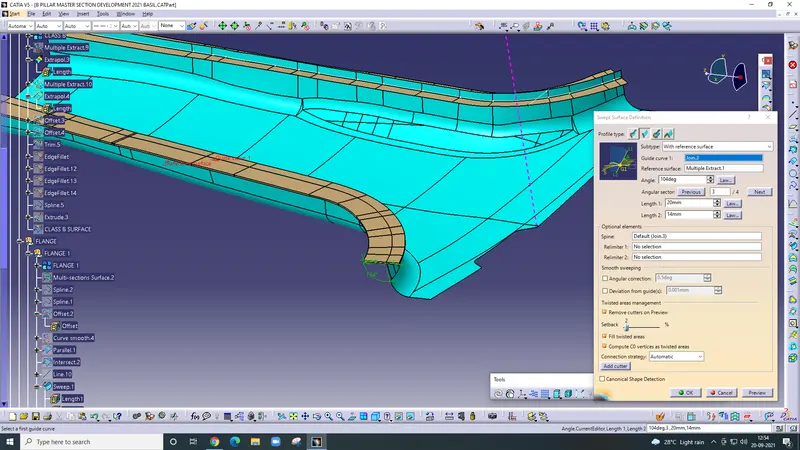
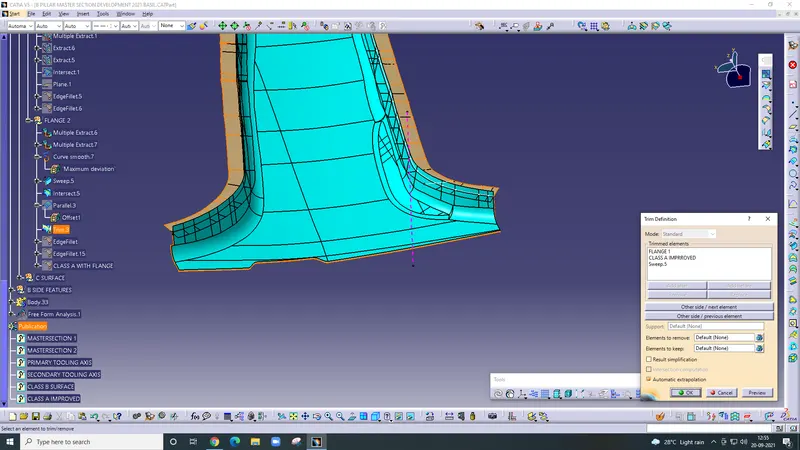
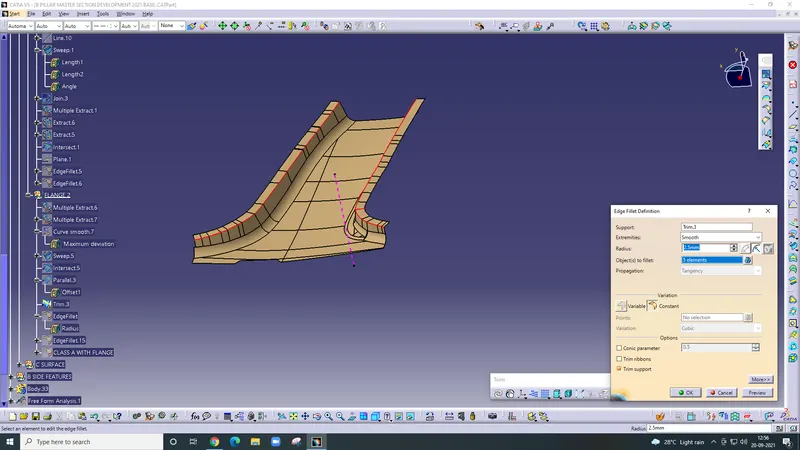
after that create the c surface
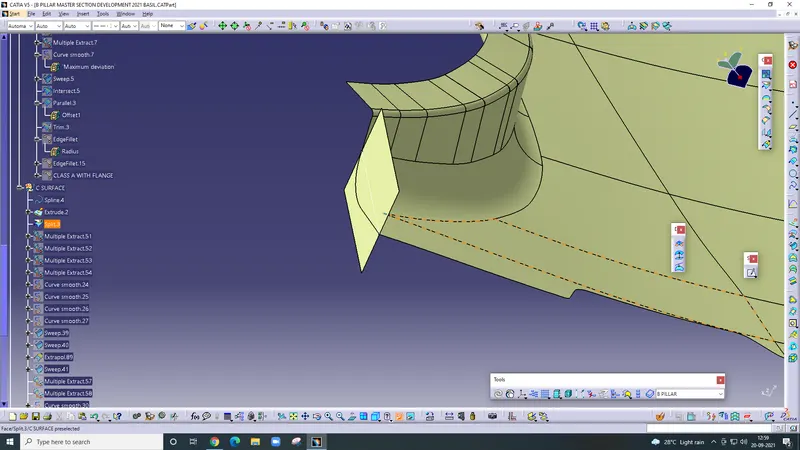
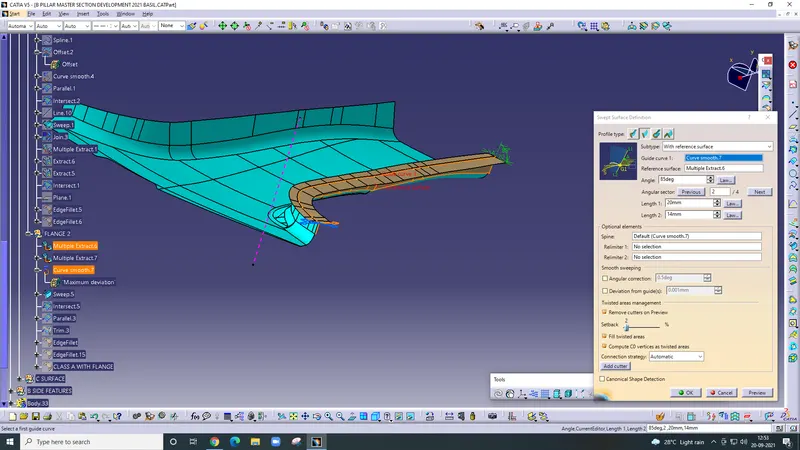
extract the outer side of the flange and sweep it.
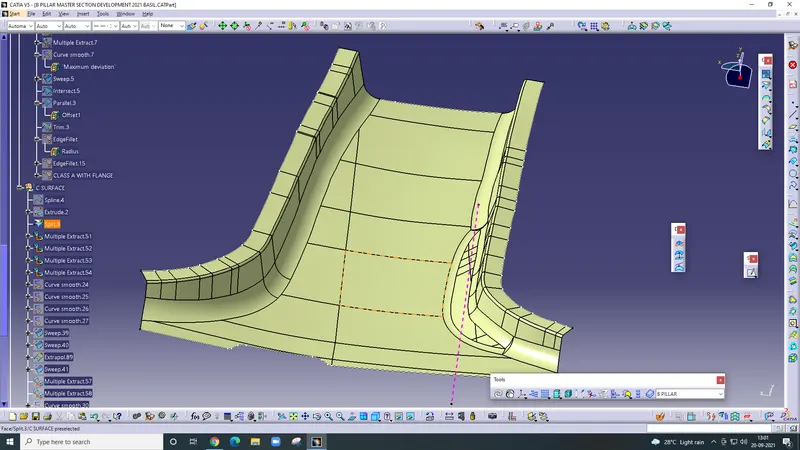
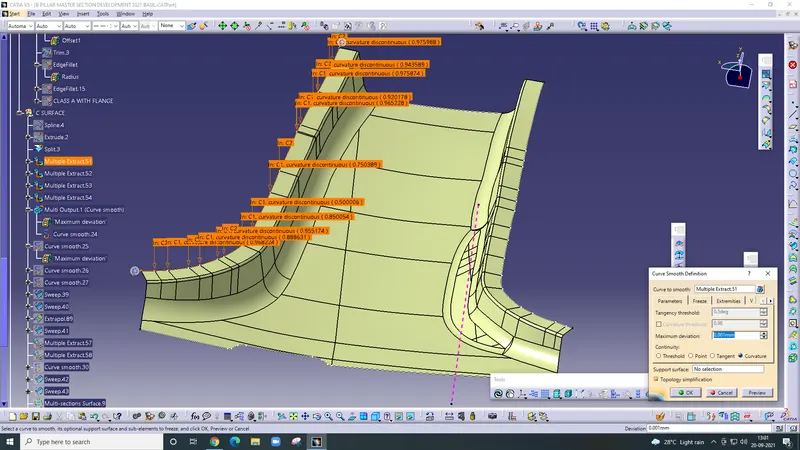
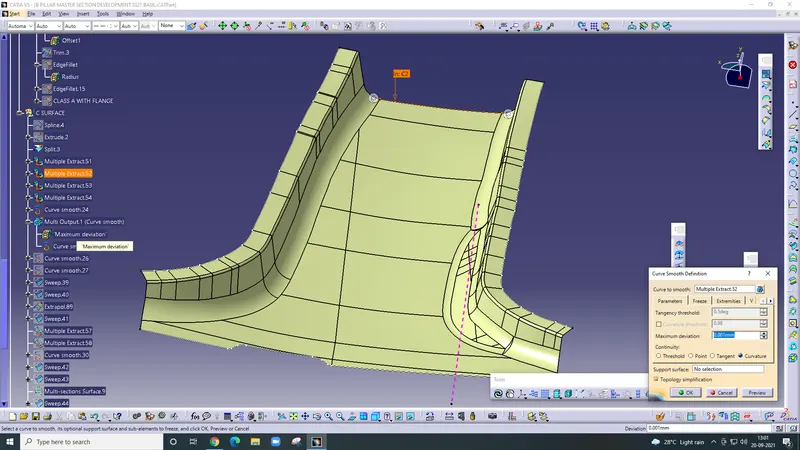
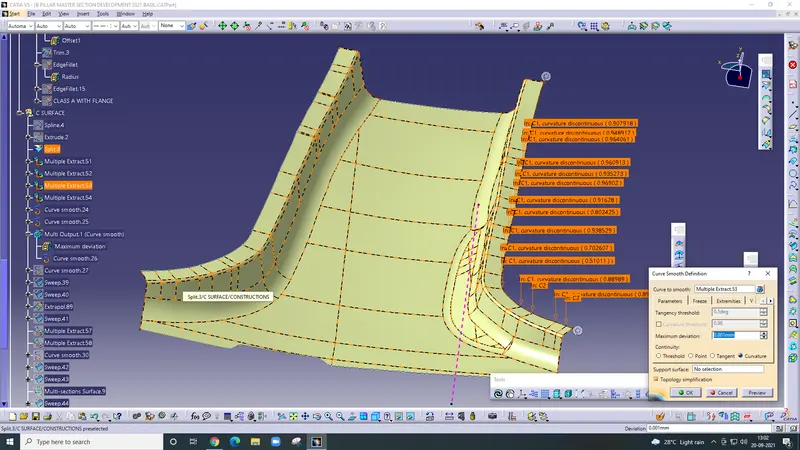
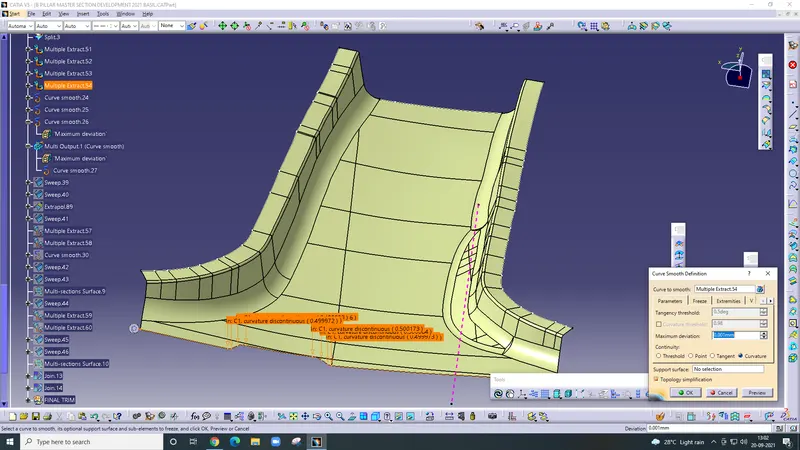
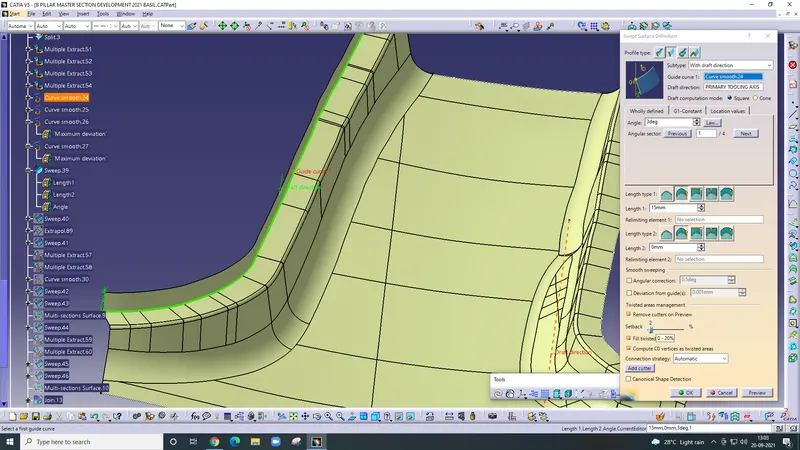
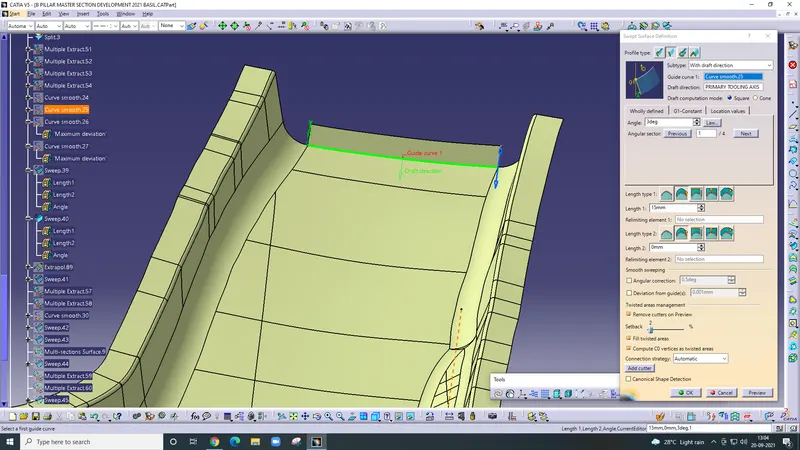
after that extrapolate the sweep
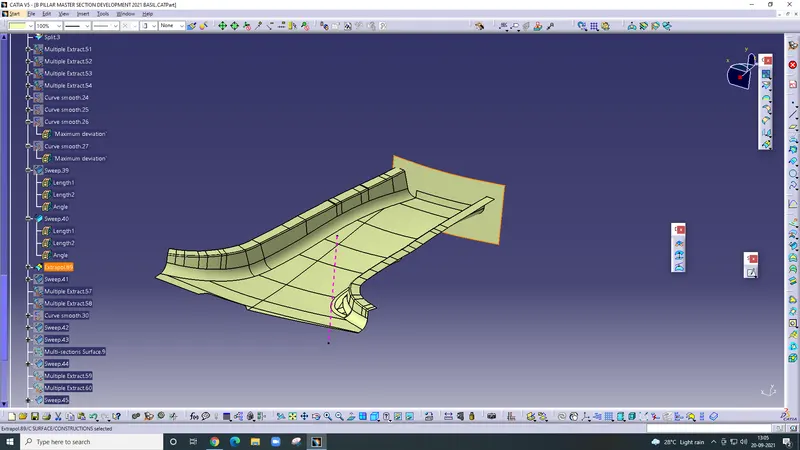
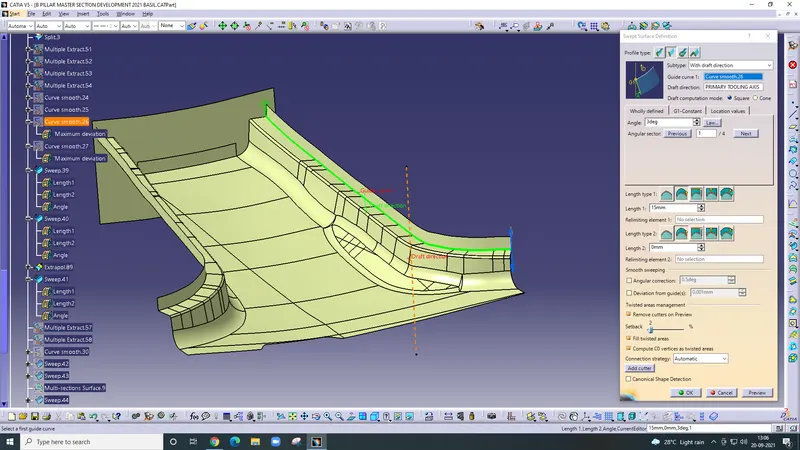
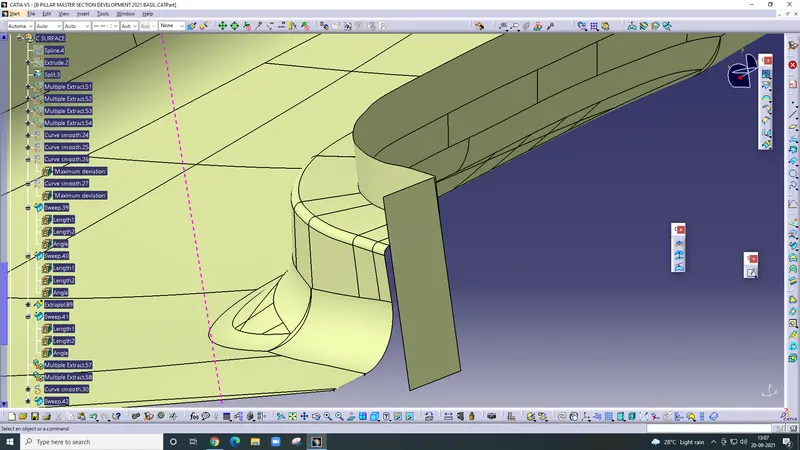
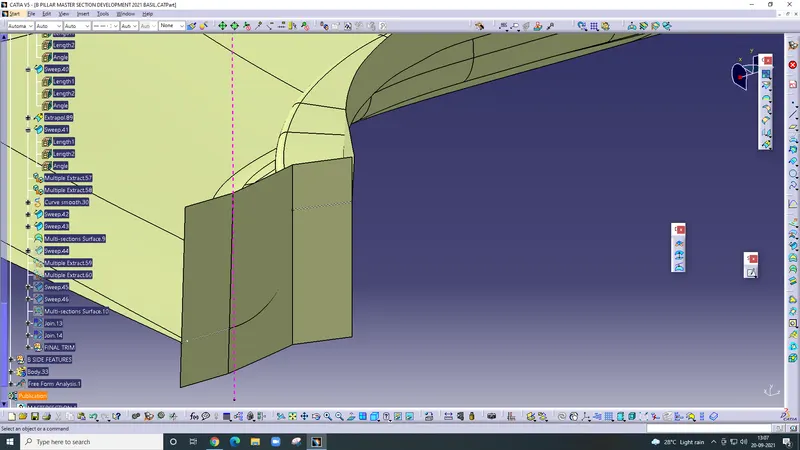
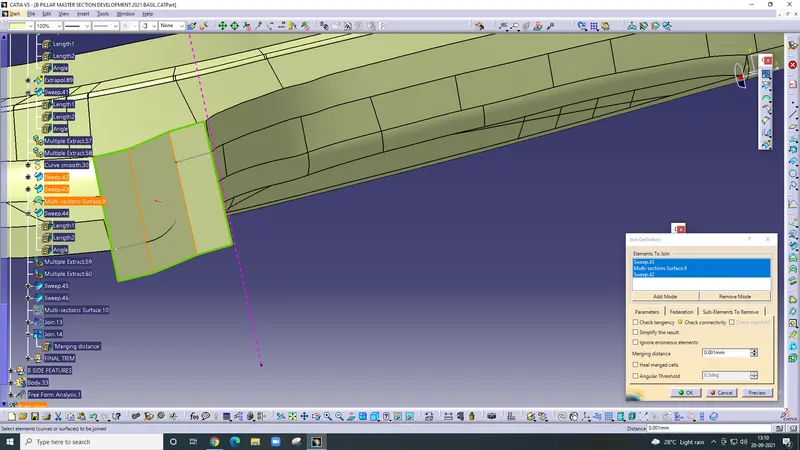
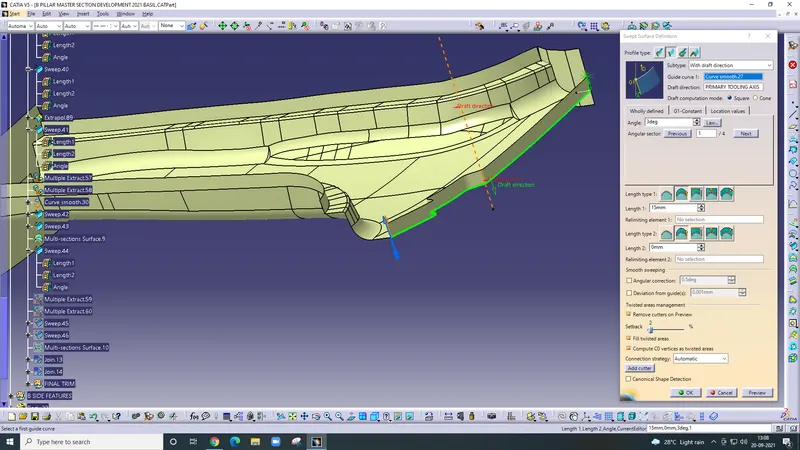
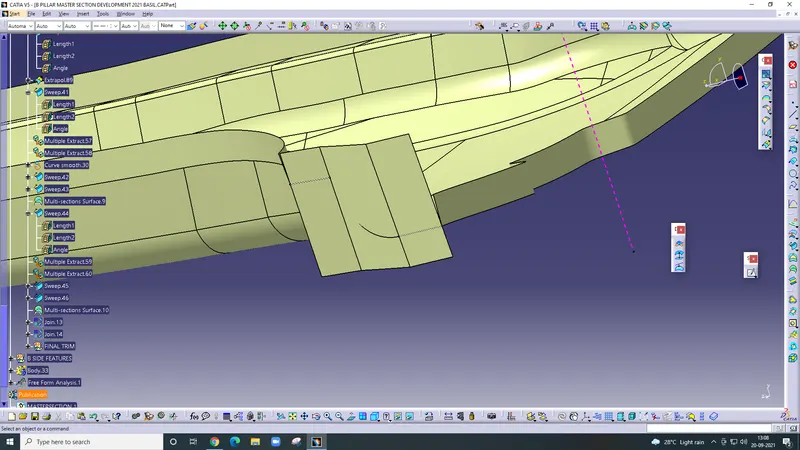
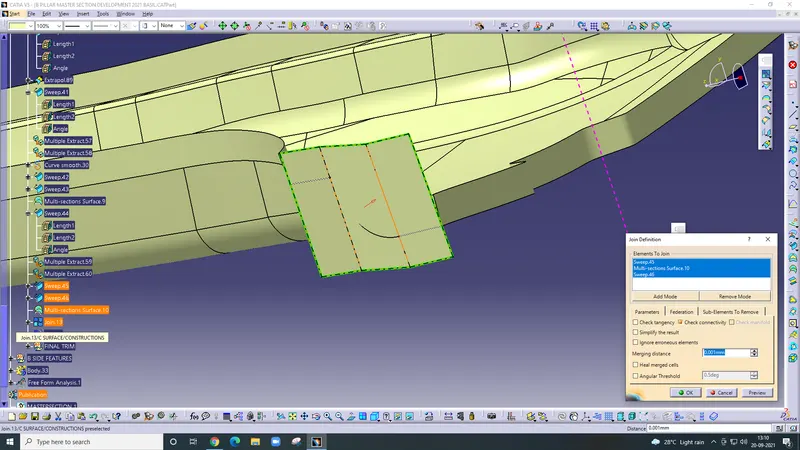
after that trim commands are apply
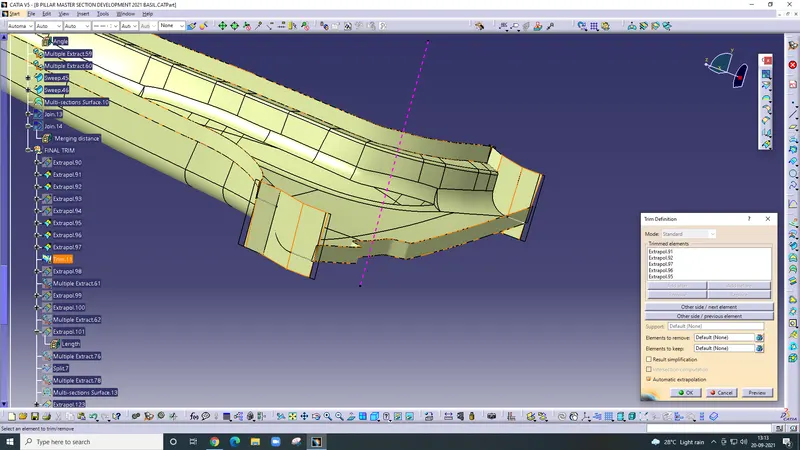
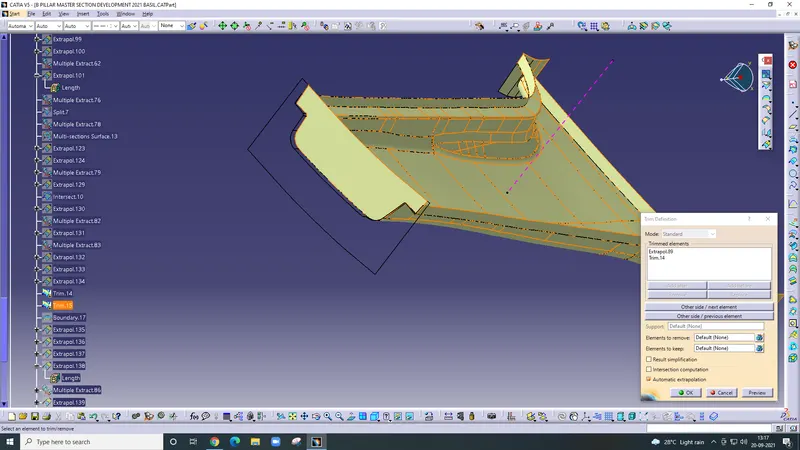
after that class, B surface check the boundary
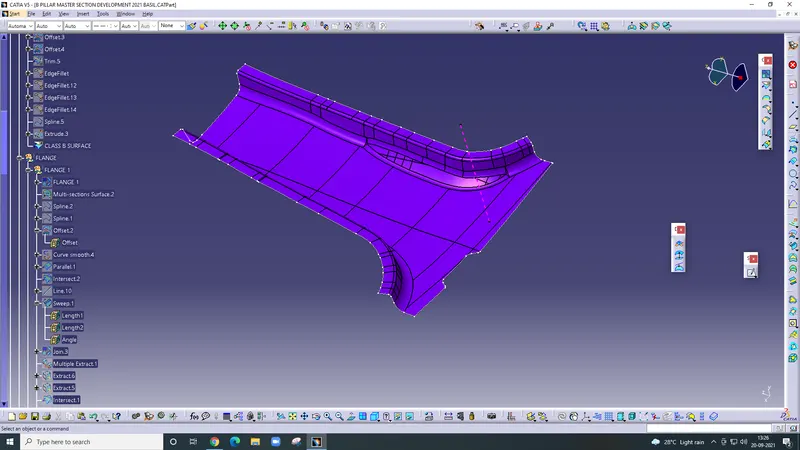
extrapolate the B surface up to 2mm
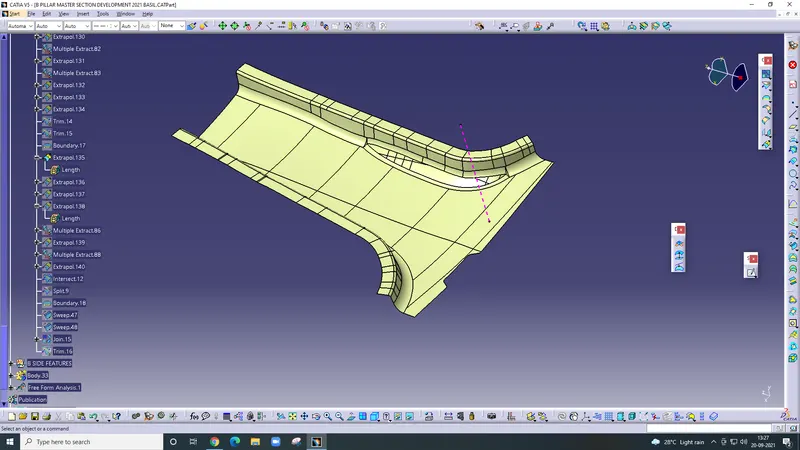
Final trim
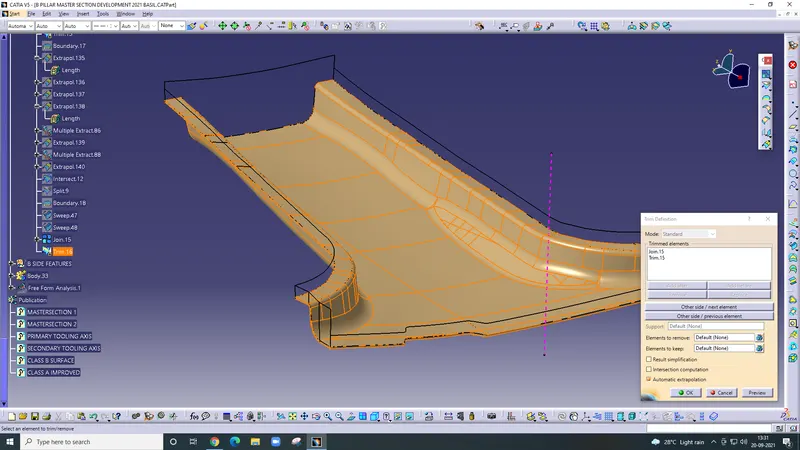
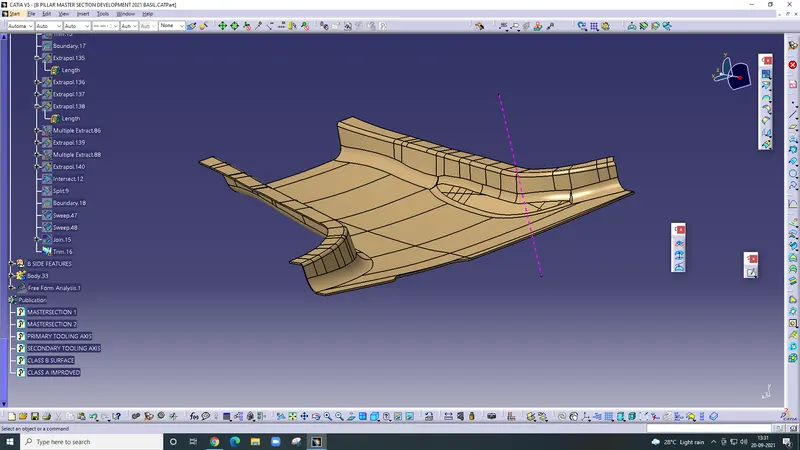
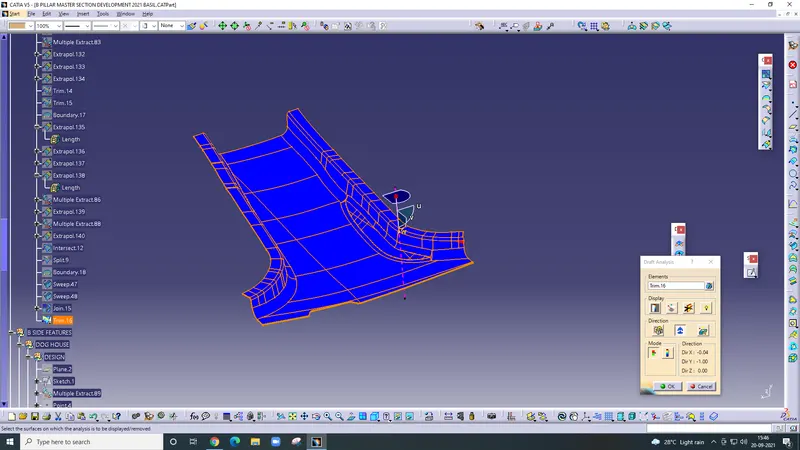
Doghouse creation
Firstly take a plane and draw the sketch
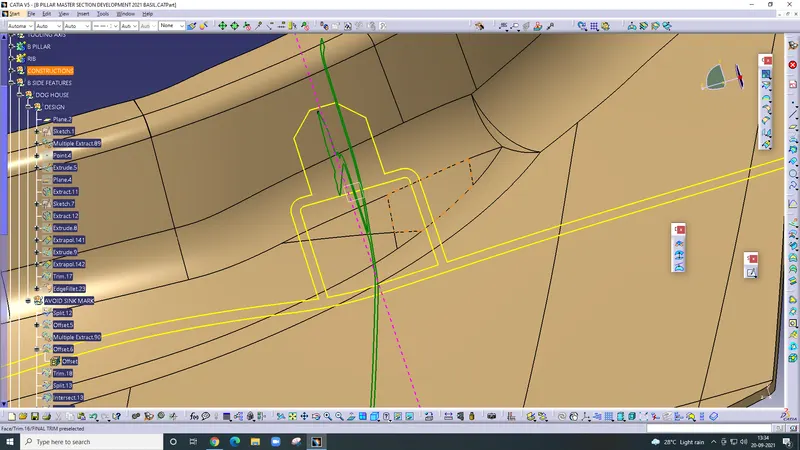
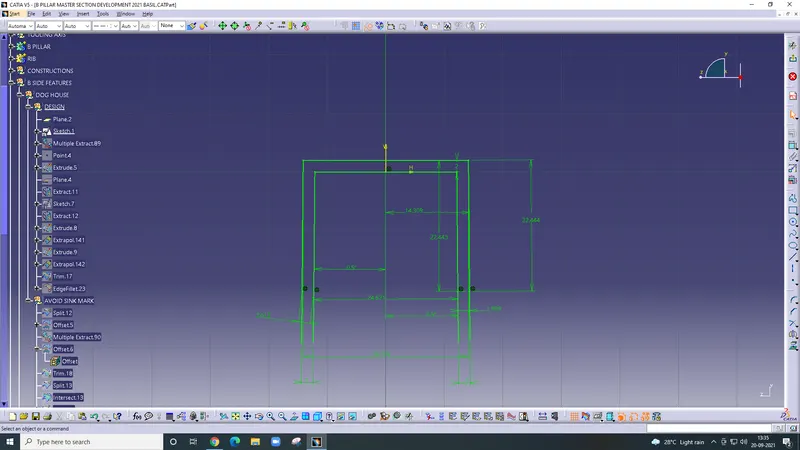
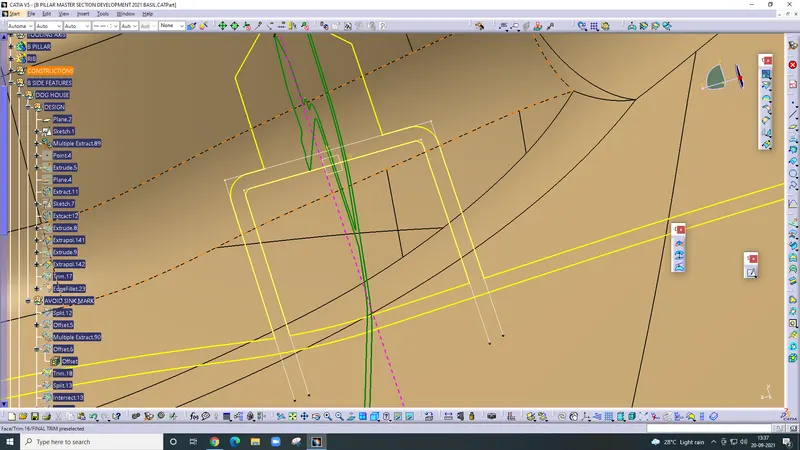
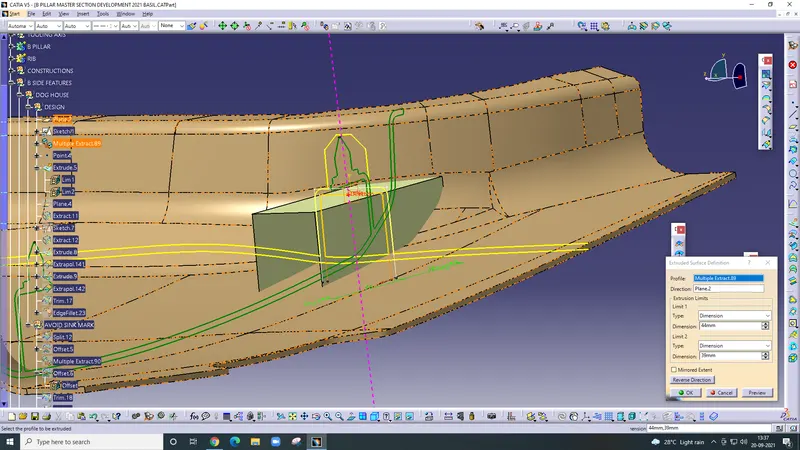
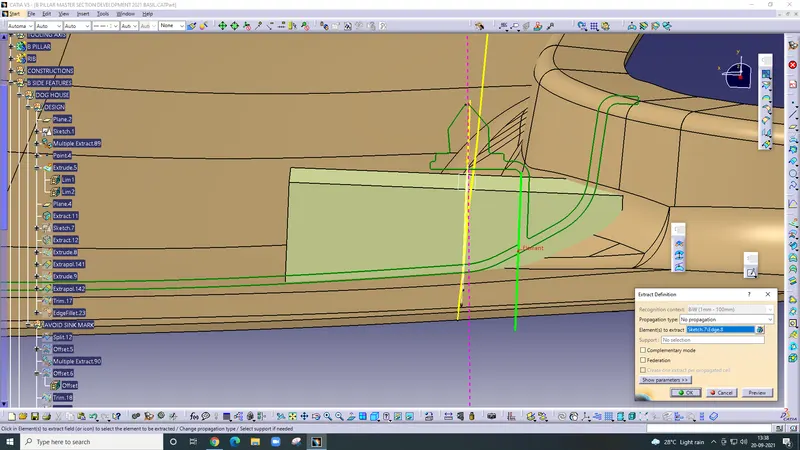
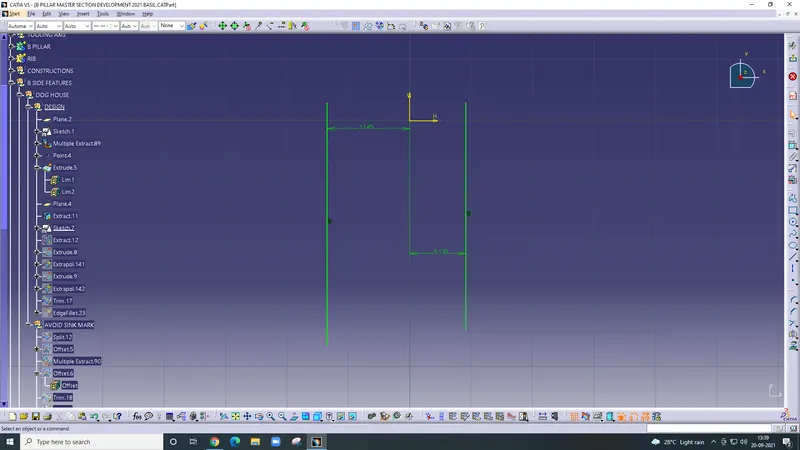
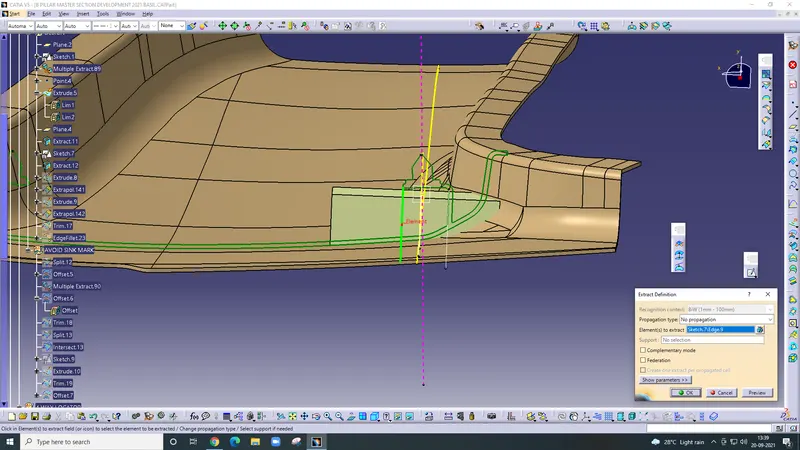
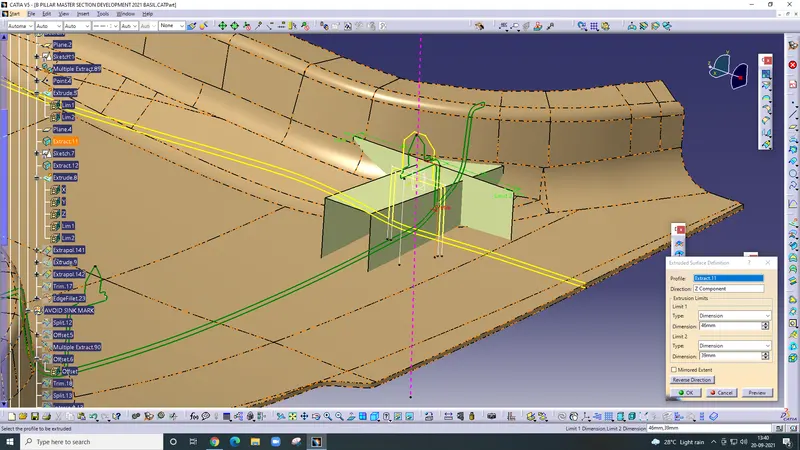
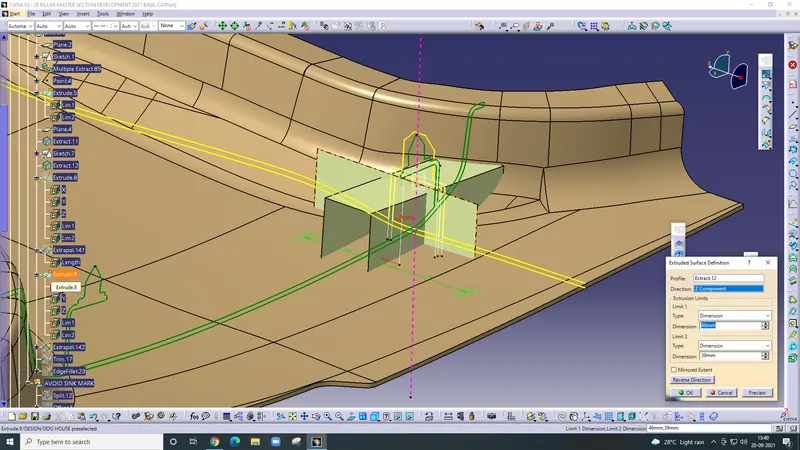
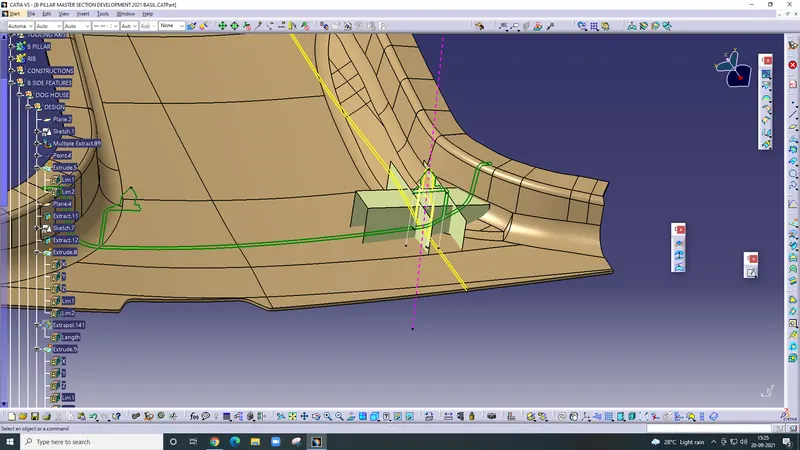
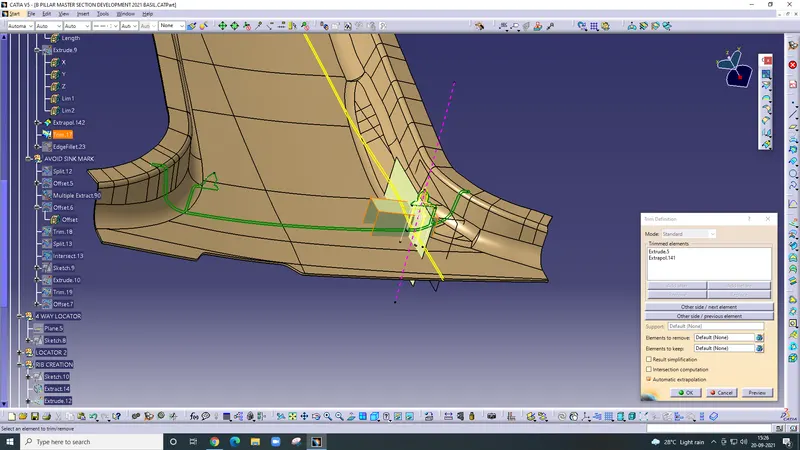
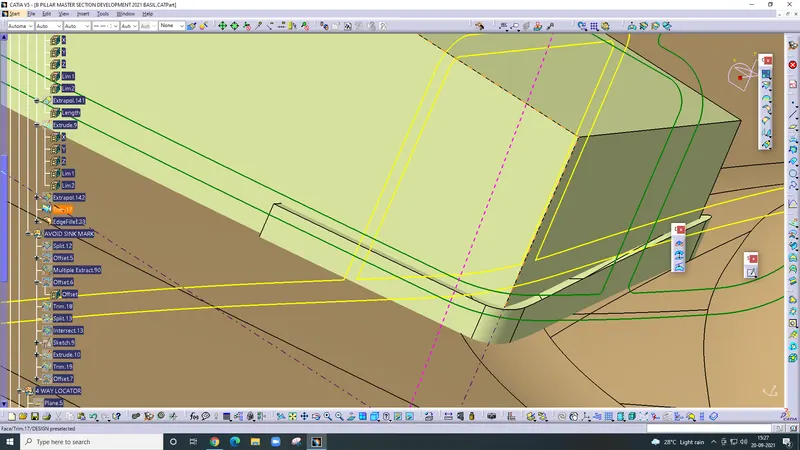
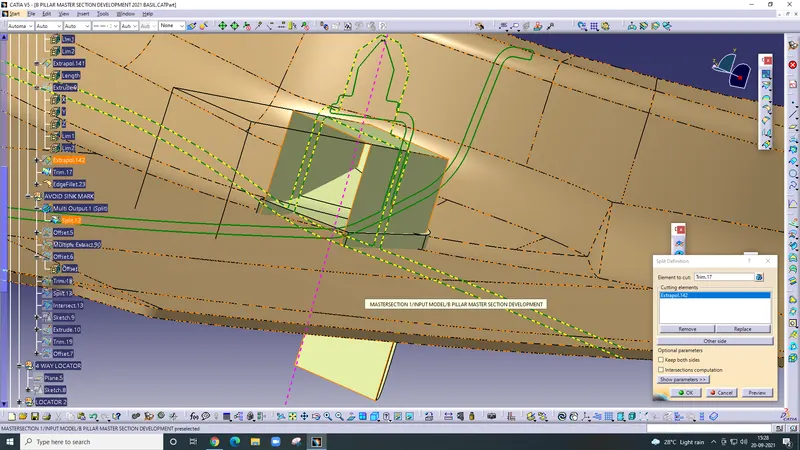
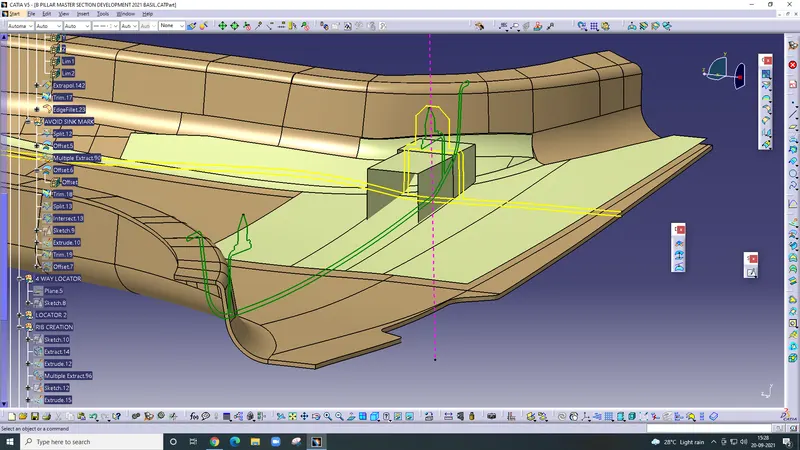
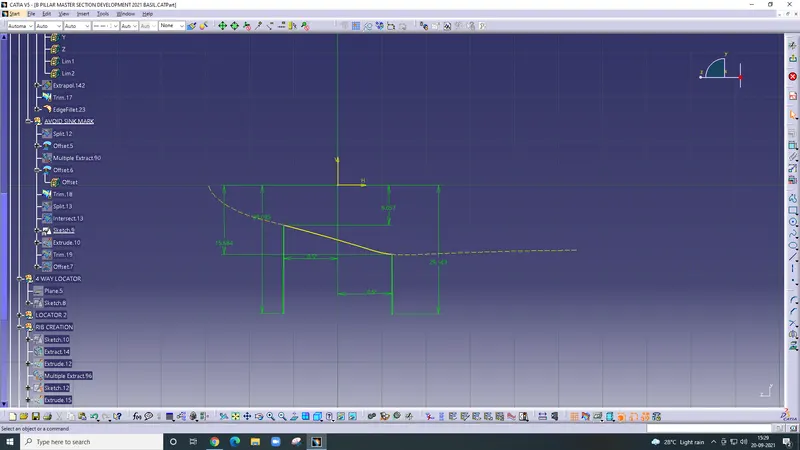
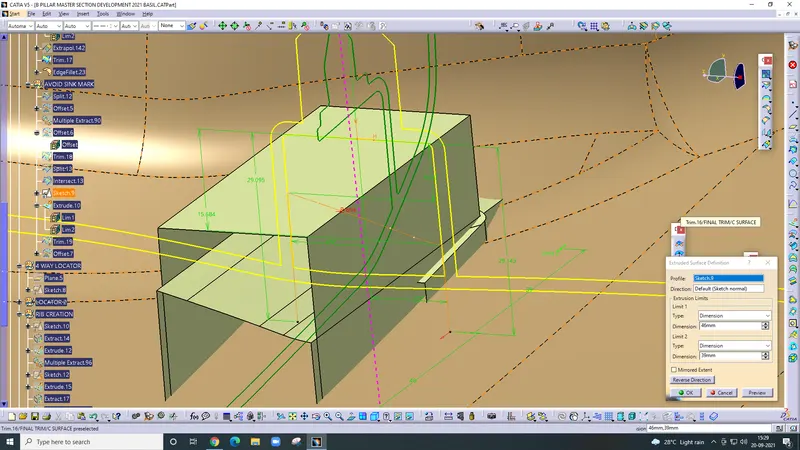
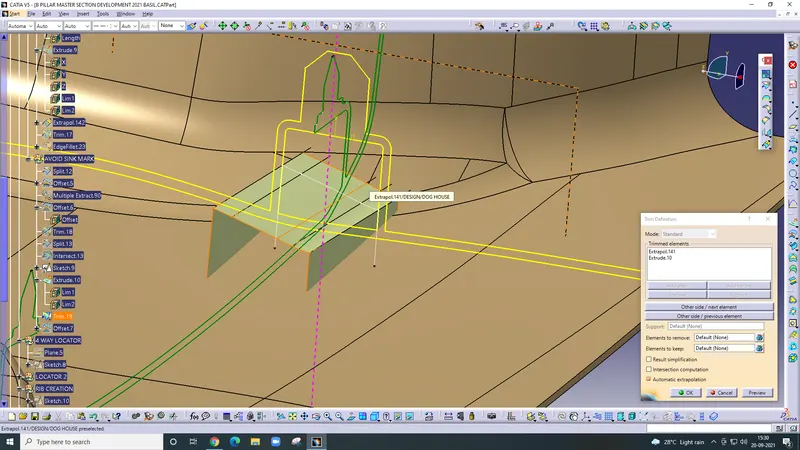
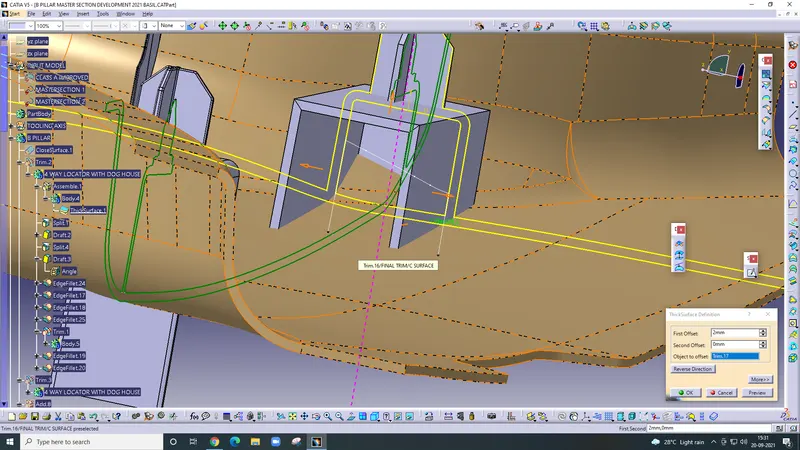
Draw locator
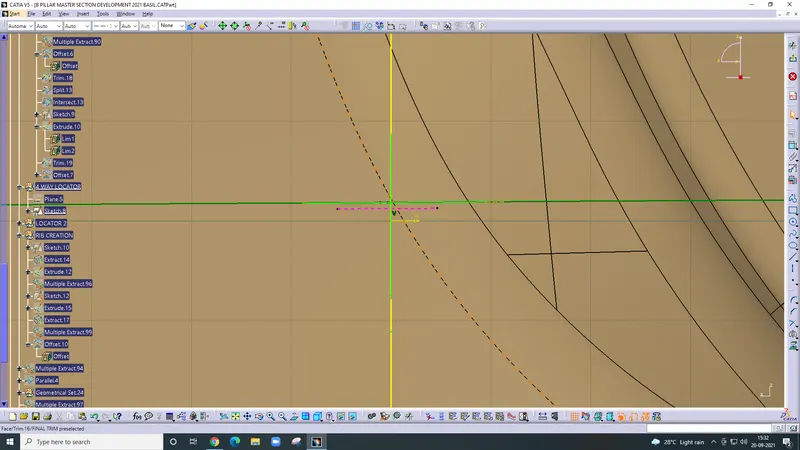
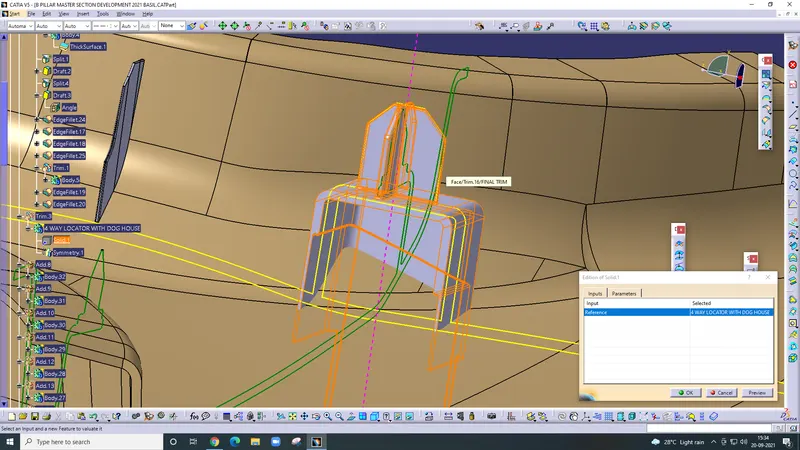
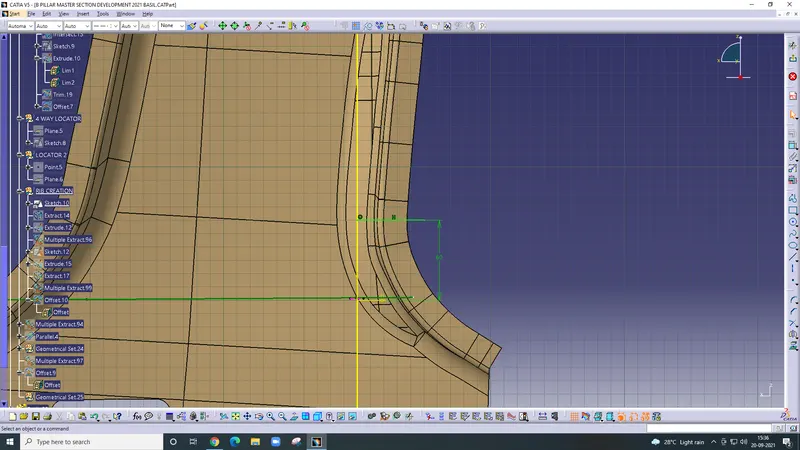
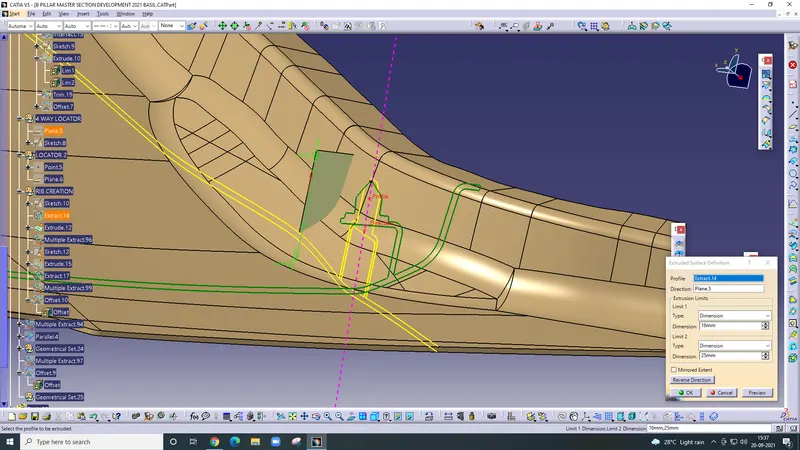
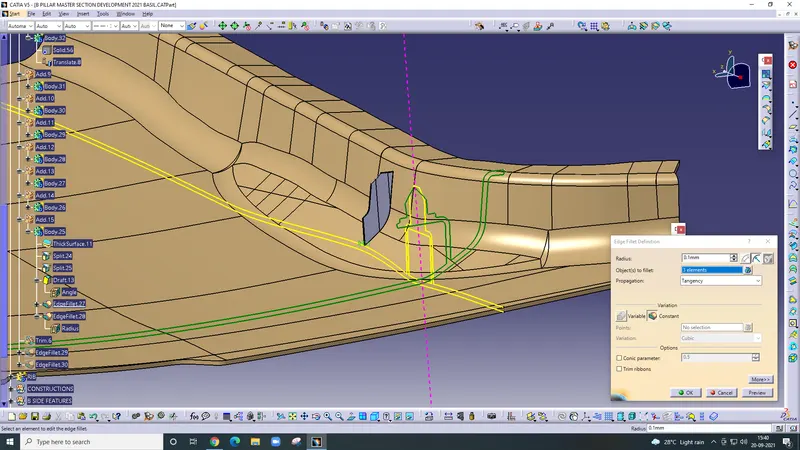
Rib creation
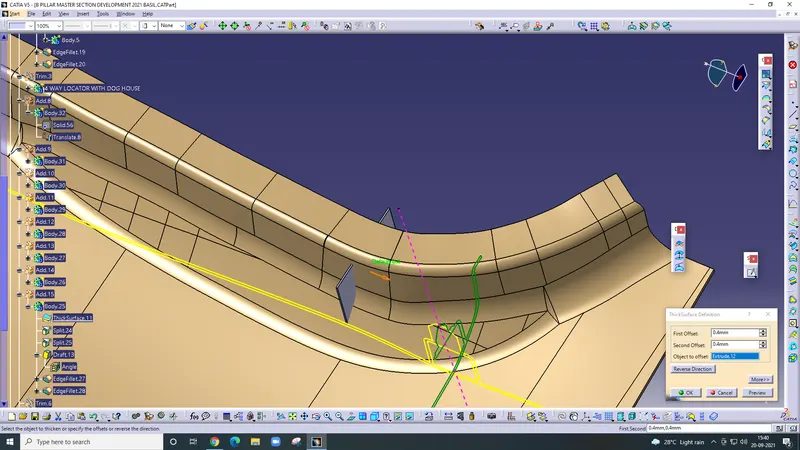
Draw a line then extrude it after that use thick surface command then untrim