Advanced Sheet Metal Design Using NX Cad Challenge_5_Odd Shaped Enclosure
Odd Enclosure
Objective:
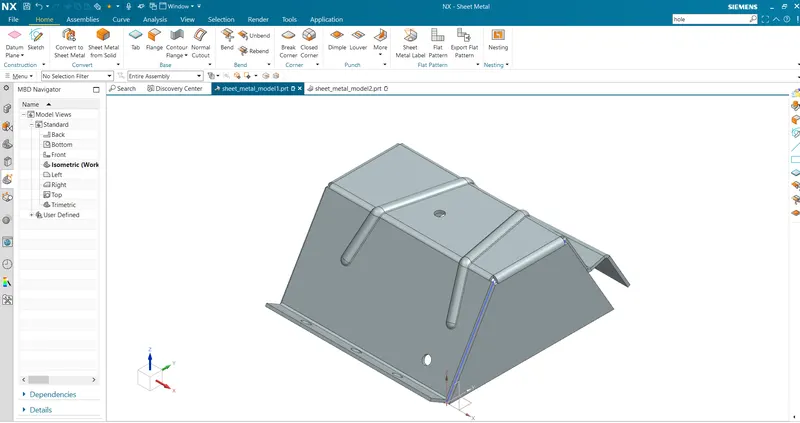
To create a sheet metal design of odd enclosure using NX CAD solid body and to take screen shot of all possible views.
Introduction:
Sheet Metal is a type of material that is flattened into thin sheets. Sheet metal is made by taking a large cast in and rolling it into a long ribbon of the thickness it wants.
Sheet metal enclosures is use to resist corrosion and provide electrical conductivity. The product is widely used for various industrial purposes.
Design methodology
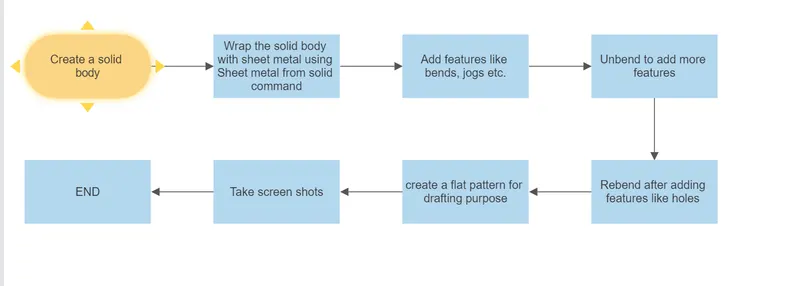
Following commands are used:
Extrude:
The extrude command is used to extrude the selected sketch to a required dimensions.The extrude command is used to create as solid body which is later converted to sheet metal.
SHEET METAL FROM SOLID BODY:
Sheet metal from solid body is a command used to create sheet metal from the solid body by selecting the faces and the edges.This can be used to import the dum body and convert them to a sheet metal.
FLANGE:
This command is used to add a flat flange to the bend portion of the casing.
JOG:
Jog is a command used to create an offset or a step in a tab.NX creates the jog by lifting material on one side of the jog lineand adding a flange between the two sides.
UNBEND:
This is the next step followed while designing the odd shaped enclosure,the unbending is done to add other features like dimple,beads to the main face of the casing.
BEAD:
A Bead is a long,drawn out impression,which is impressed to increase stiffness in metal sheets or plates.It is also important that how the bead runs over the workpiece.
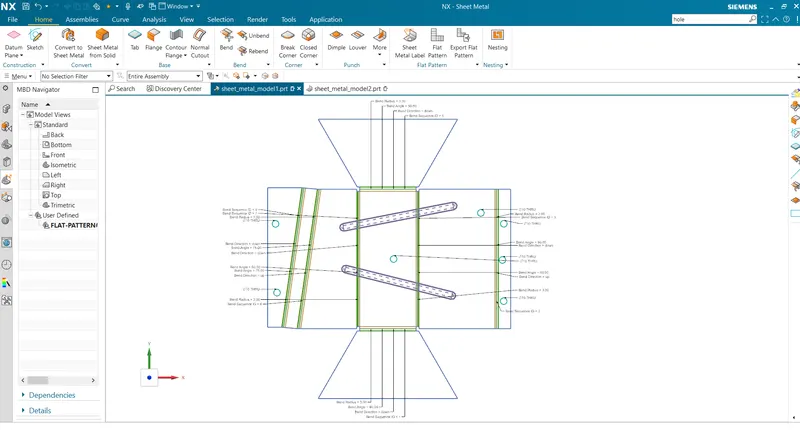
FLAT PATTERN:
The Flat pattern is the last step for creating the sheet metal casing where the required information will be displayed for the Manufacturing purposes.
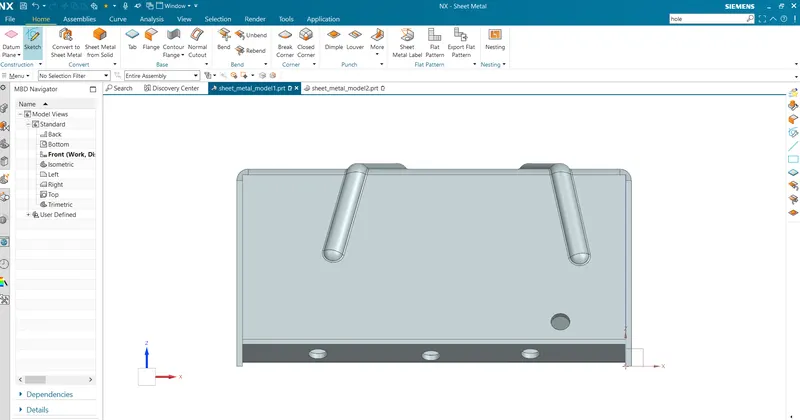
FRONT VIEW
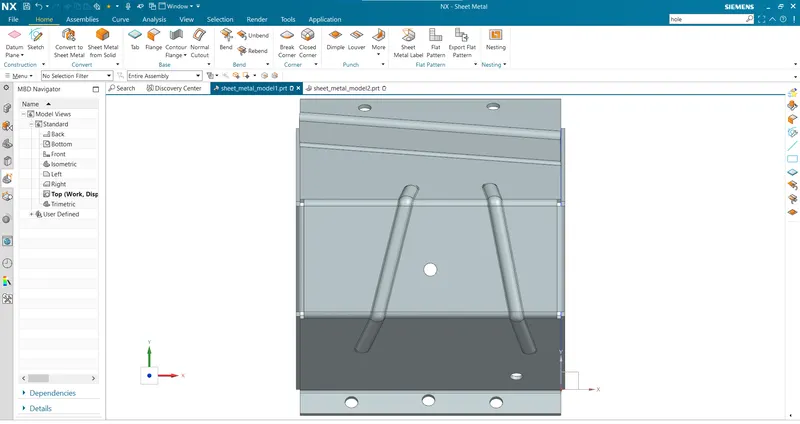
TOP VIEW
ISOMETRIC VIEW
FLAT PATTERN