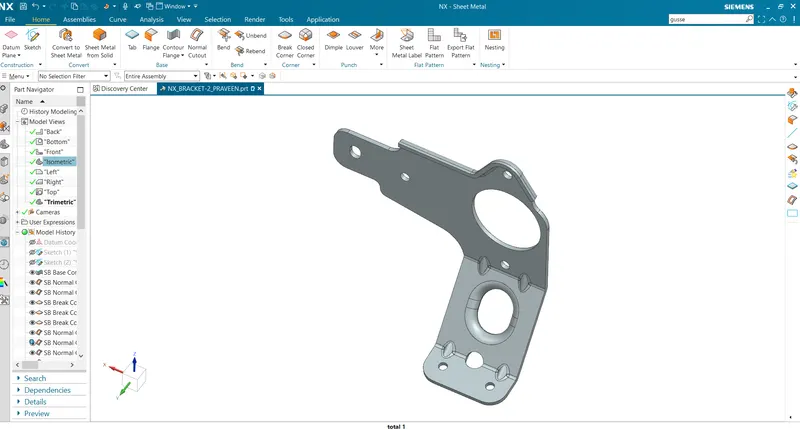
Advanced Sheet Metal Design Using NX Cad Challenge_7_ Metal bracket-II
Objective:
To design Metal bracket as per drawing in NX CAD advance sheet metal design software.
Introduction:
A metal bracket is a fastener or connector designed to secure and hold two pieces or objects together. They are used to support shelves, stabilize equipment, fasten uprights, or serve as decorative accents. Metal brackets come with or without holes and can be threaded to allow screws to be attached to them.
Brackets vary widely in shape, but a prototypical bracket is the L-shaped metal piece that attaches a shelf (the smaller component) to a wall (the larger component): its vertical arm is fixed to one (usually large) element, and its horizontal arm protrudes outwards and holds another (usually small) element.
Flow chart:
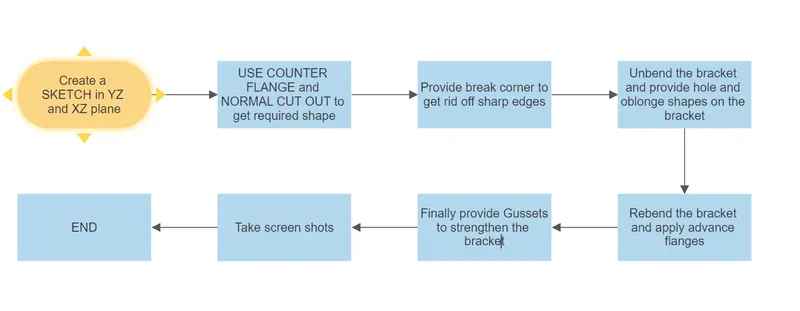
Major Command Used:
1.CONTOUR FLANGE:
This command is used to create a flange by extruding a sketch along a vector,or by sweeping a sketch along an edge or chain edge.NX adds bend automatically using the default bend radius value.
2.NORMAL CUTOUT:
Normal Cutout command is used to cut material by projecting a sketch onto the model and then cutting perpendicular to the faces intersected by the projection.
3.BREAK CORNER:
It is used to round or chamfer sharp cornersof a tab or flange.
4.ADVANCED FLANGE:
This command is a very powerful tool because it can easily form flanges in a tangent curves or in complex shapes of the feature.
5.GUSSET:
Sheet Metal Gusset tool can quickly add various size and shaped gussets to your bent parts which will provide additional strength to your model.
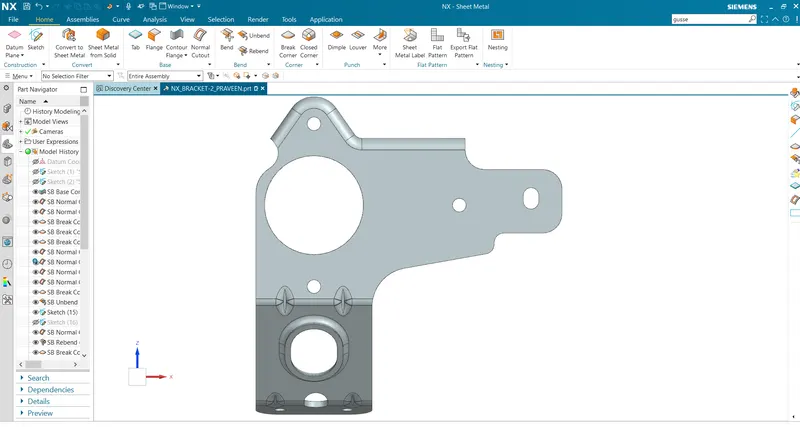
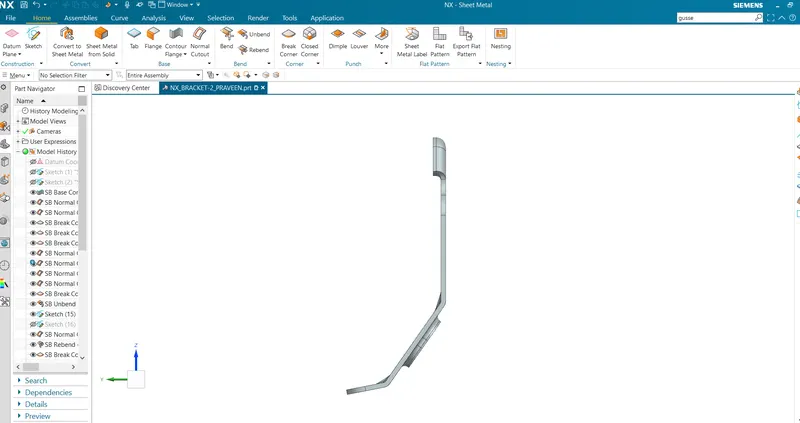
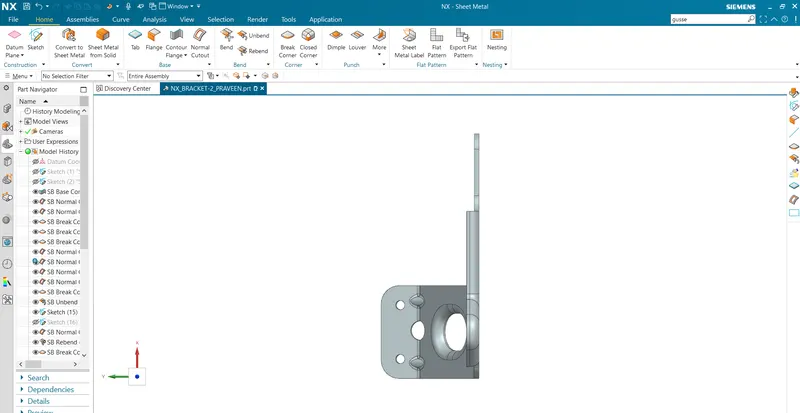
Images of Bracket are shown below:
Front Image
Side image
Top image
Isometric view