Wiring harness routing & packaging Rules Week 3 Challenge
1)
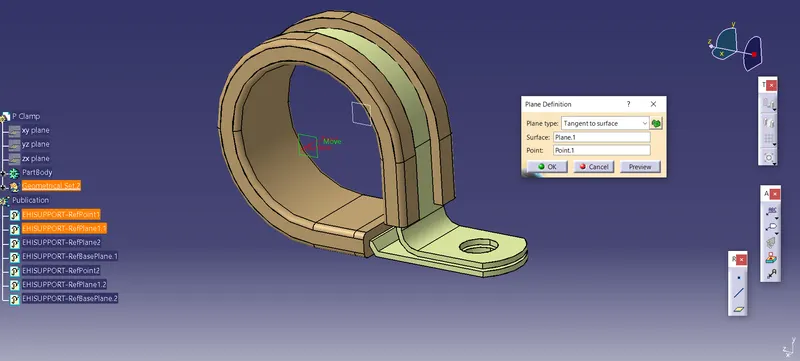
P clamp bundle entry plane
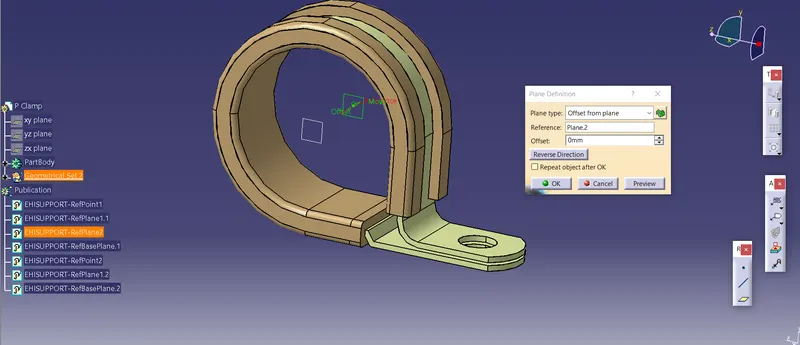
P clamp Bundle exit plane
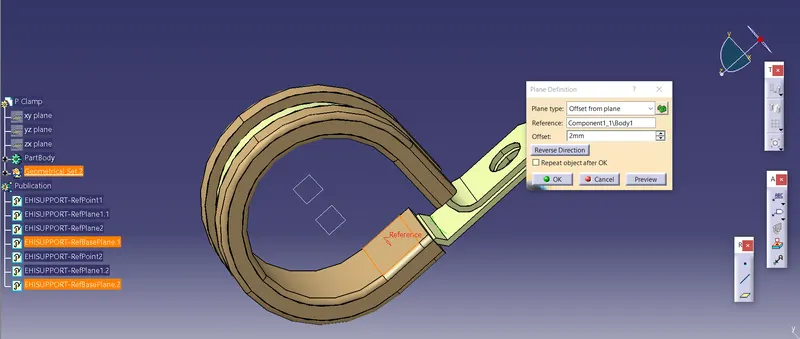
P clamp base plane selection
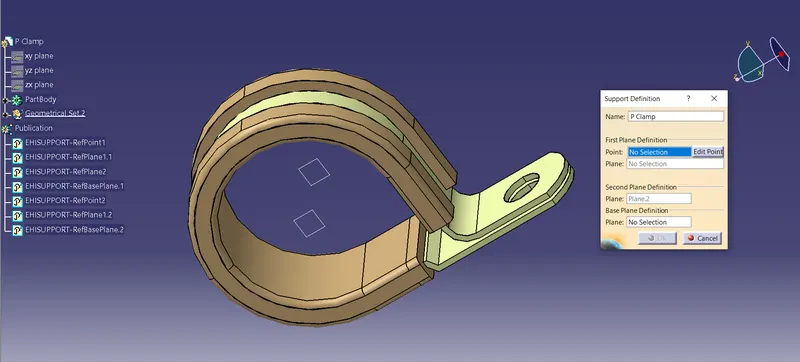
P Clamp Support part definition
Steps followed
- Import p clamp part in to the part design
- Define the work object
- Define the points and planes corresponding for bundle entry and exit.
- Go to the electrical part design and define support part.
- Define support part for entry and exit plane.
2)
Back shell axis system definition
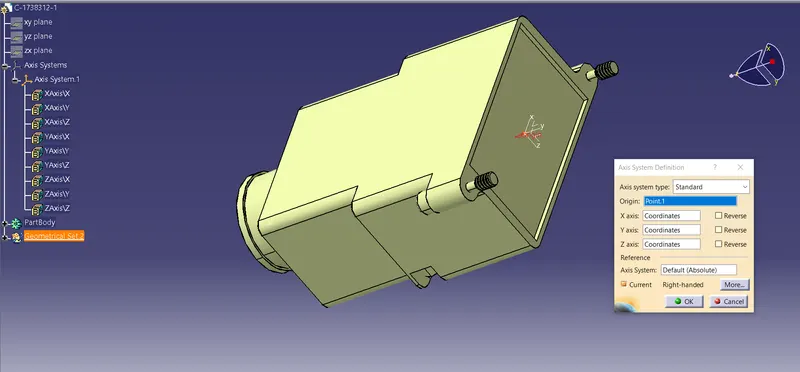
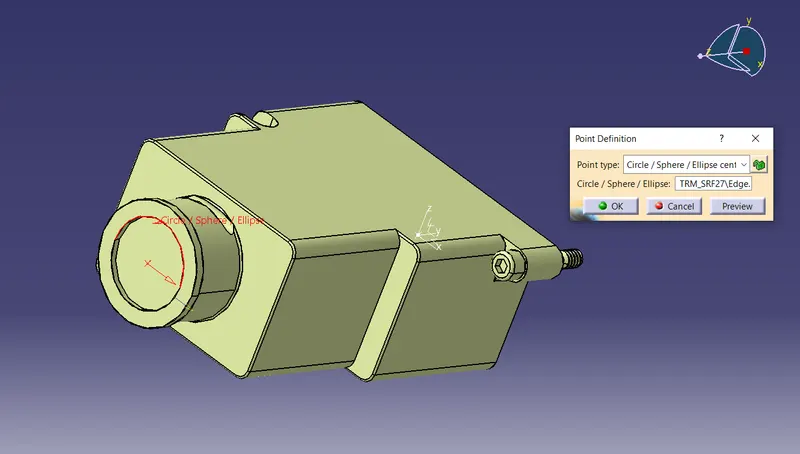
Back shell bundle point definition
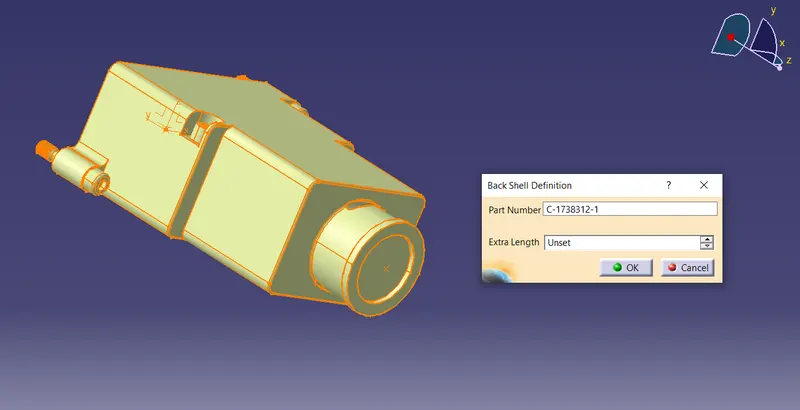
Back shell definition
Steps followed
- Import the back shell part in to catia.
- Define axis system for connector entry point.
- Define bundle entry connection point.
- Go to the electrical part design
- Define back shell
- Define back shell connection point.
- Define bundle connection point.
3)
Corrugated 5mm tube
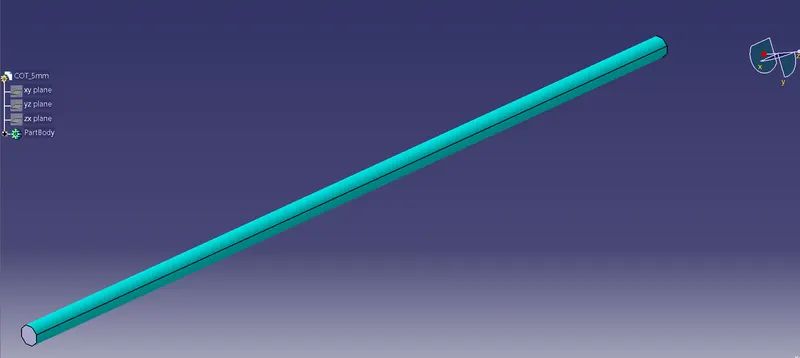
Corrugated 10mm tube
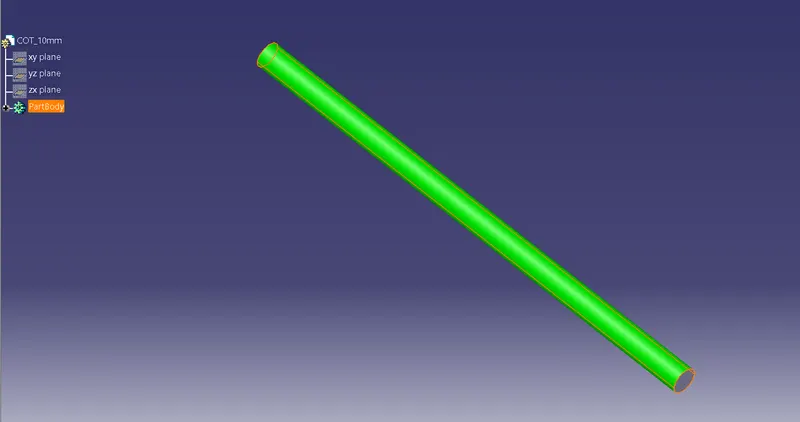
Corrugated 15mm tube
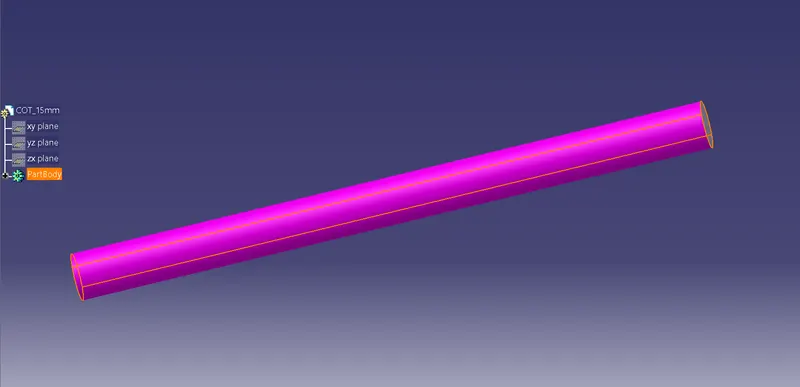
Corrugated 20mm tube
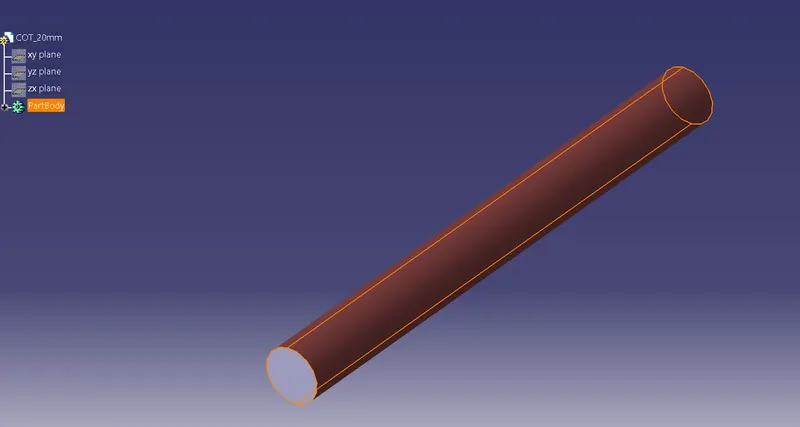
Corrugated 35mm tube
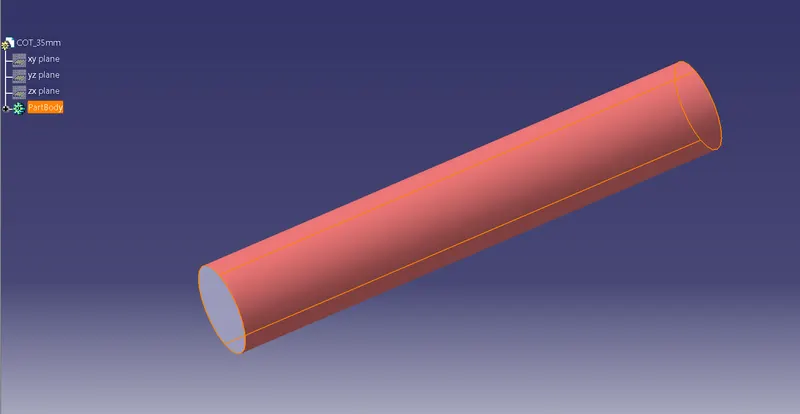
Catalogue creation
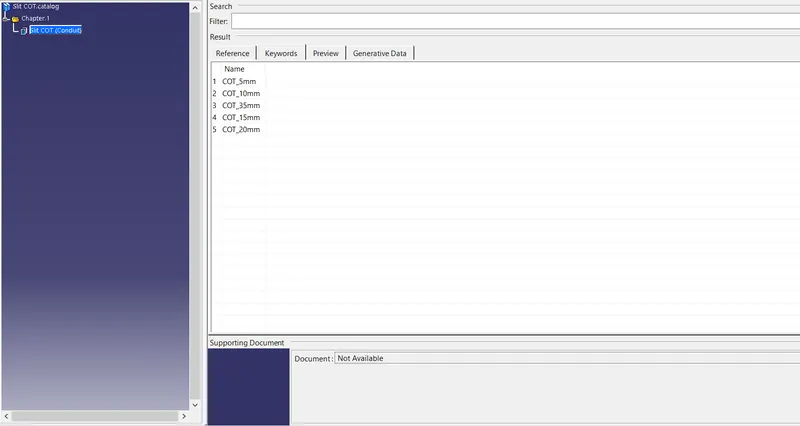
Steps followed
- Define new part and named as "COT_diameter".
- Go to electrical part design.
- Define protection part
- Select type as corrugated
- Set inner diameter, thickness and bend radius
- Create catalogue for corrugated tube.