Wiring harness design in CATIA V5 - 3D modeling Week 7 Challenge
1)
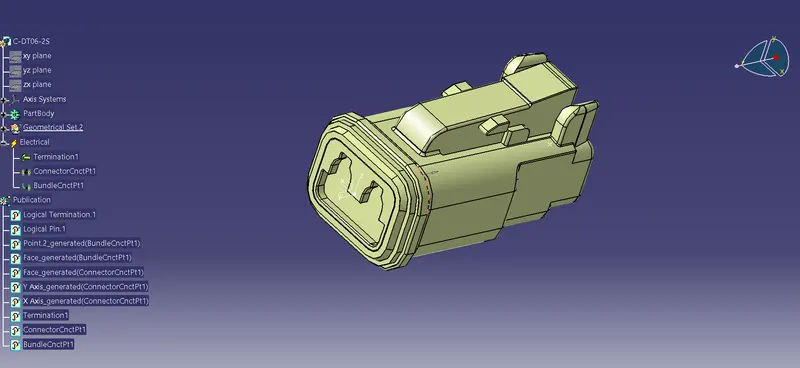
Electrically defined DT06-2S connector
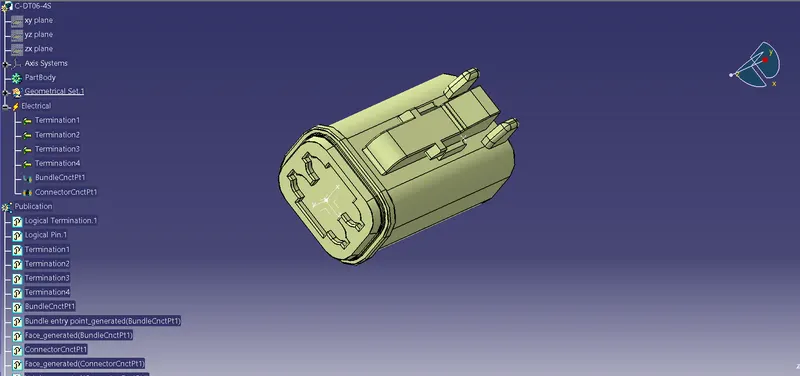
Electrically defined DT06-4S connector
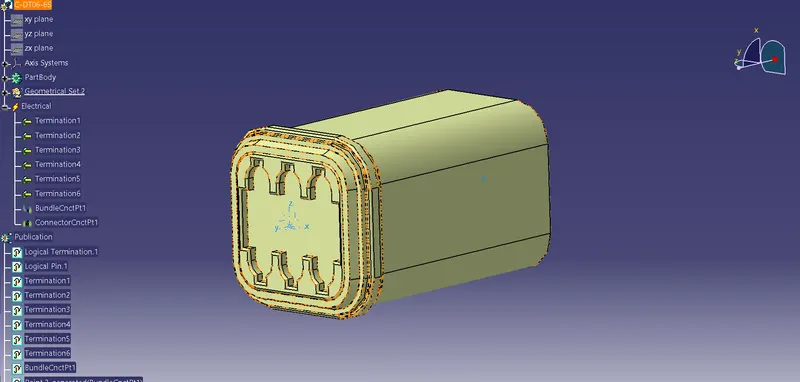
Electrically defined DT06-6S connector
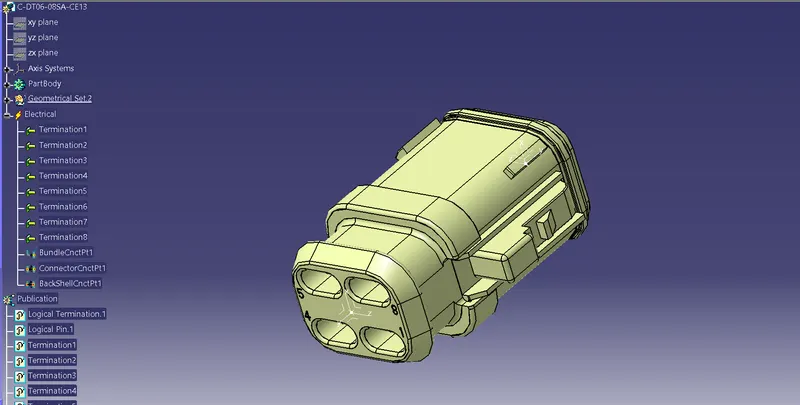
Electrically defined DT06-08SA connector
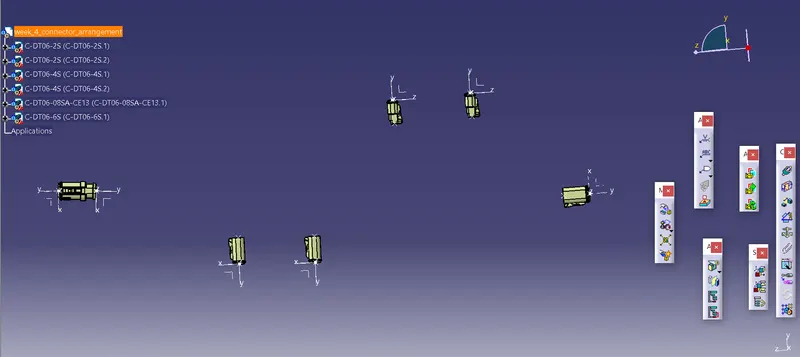
Geomertical arrangement of connectors before bundle routing
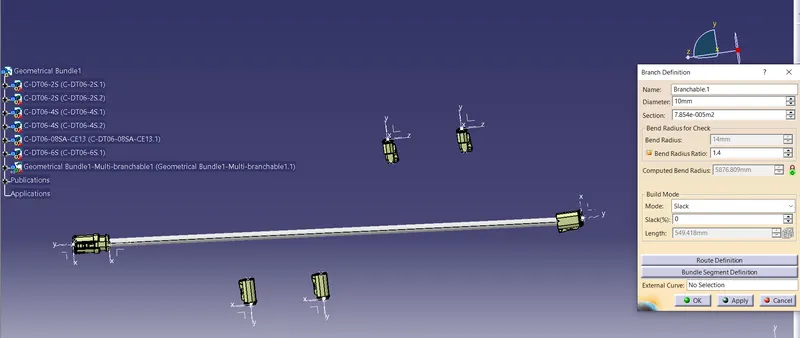
Brach definition
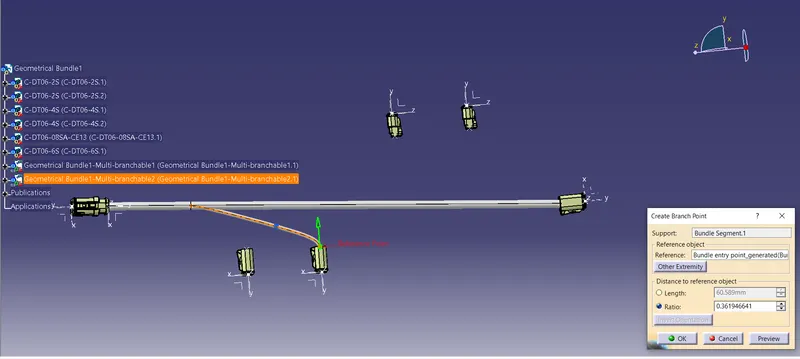
Creation of sub branch
Routed bundle with connectors before coating
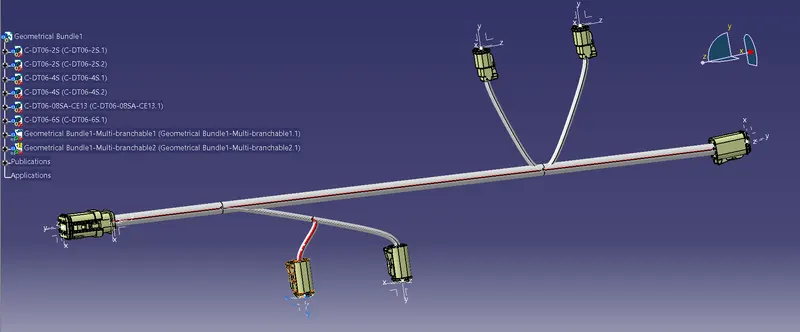
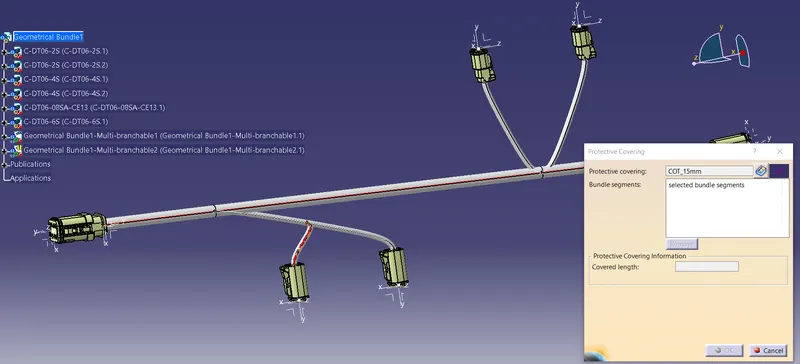
Protective covering installation
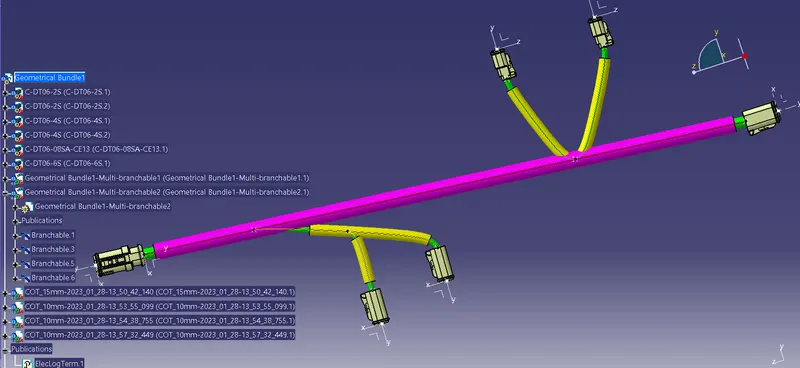
Final routing assembly
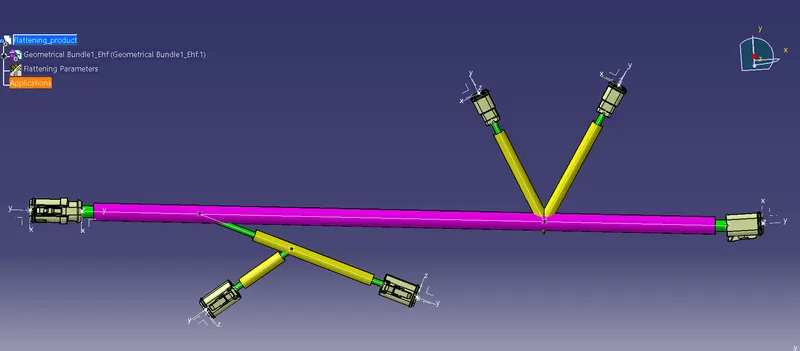
Flattenig product
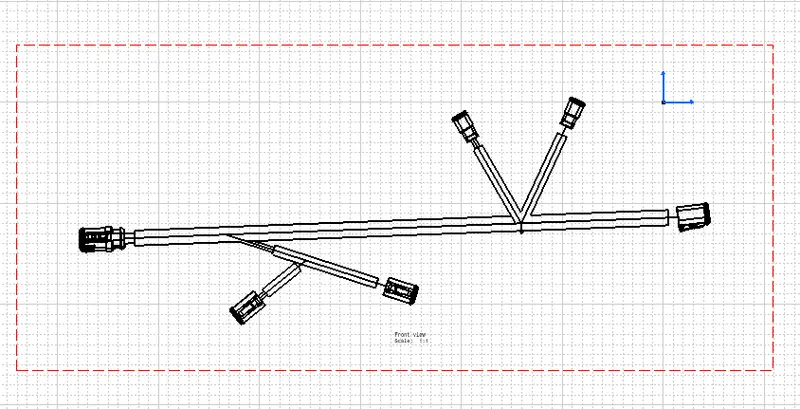
CAT Part Drawing
STEPS FOLLOWED
- Define all the connectors electrically.
- Go to electrical assembly and provide distance between the connectors(DT06-6S and DT06-08SA) are 550 mm.
- Provide another dimentional parameters to the remaining connectors specified to the question.
- All the electrical connections and constaints are defined.
- Switch to electrical harness assembly.
- Ensure to select the product asharness geometrical bundle.
- Select multi-branchable option and provide bend radius ratio is 1.4.
- If additional length is requred,then provide some value for percentage slack.
- Select add branch option to give additional branch to the assembly.
- Select protective covering option, go to COT Tube catalogues and select appropriate COT Tube for developed bundle.
- Update the workbench.
- Switch in to electrical harness flattening.
- Extract the routing assembly in to the flattening product.
- Assembly is flattened Using flatten tool.
- Create the drawing model from flattening assembly.