Wiring harness design in CATIA V5 - 3D modeling Week 4 Challenge
1)
Electrically defined DT06-2S connector
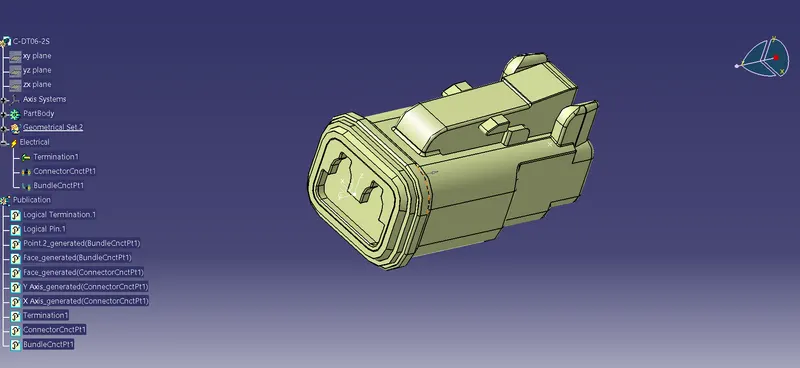
Electrically defined DT06-4S connector
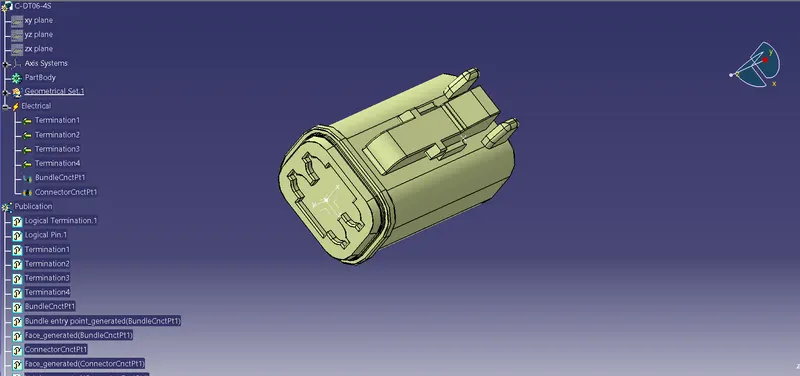
Electrically defined DT06-6S connector
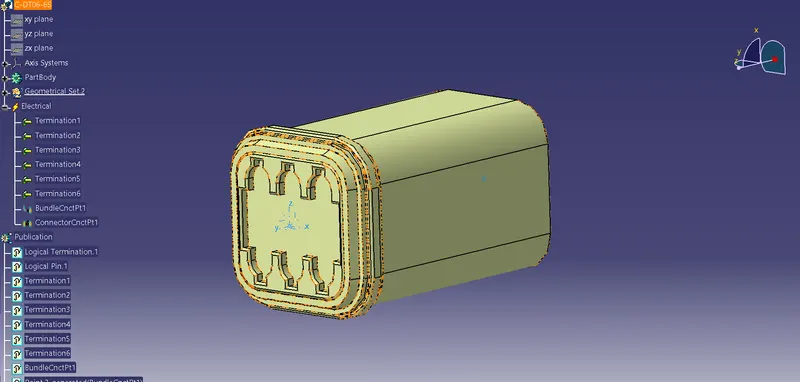
Electrically defined DT06-08SA connector
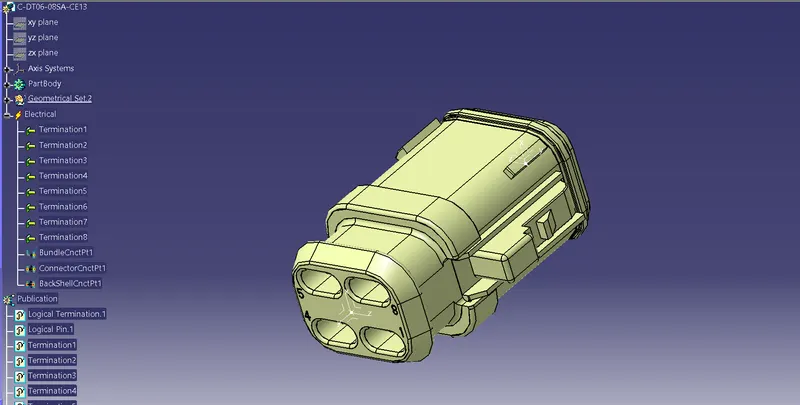
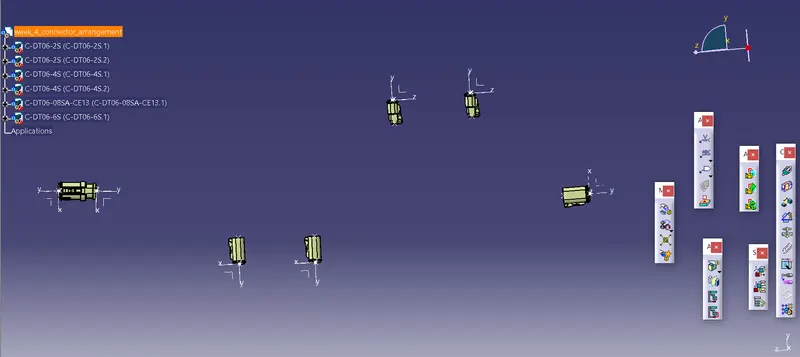
Geomertical arrangement of connectors before bundle routing
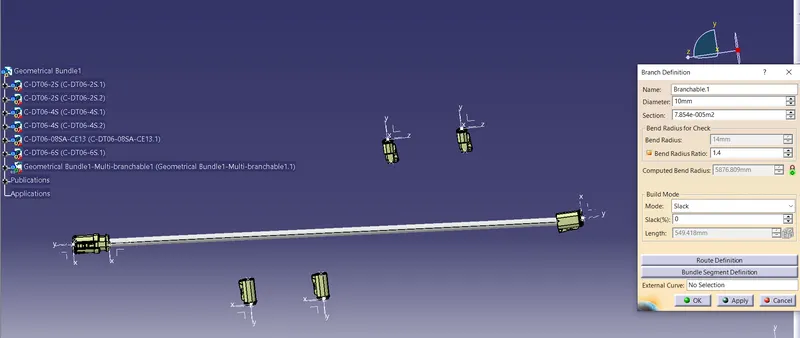
Brach definition
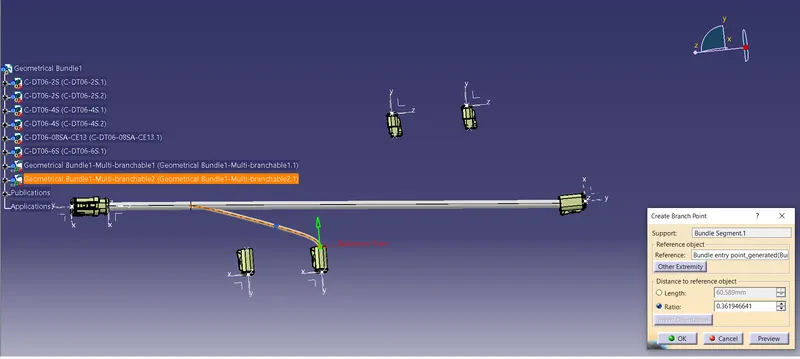
Creation of sub branch
Routed bundle with connectors before coating
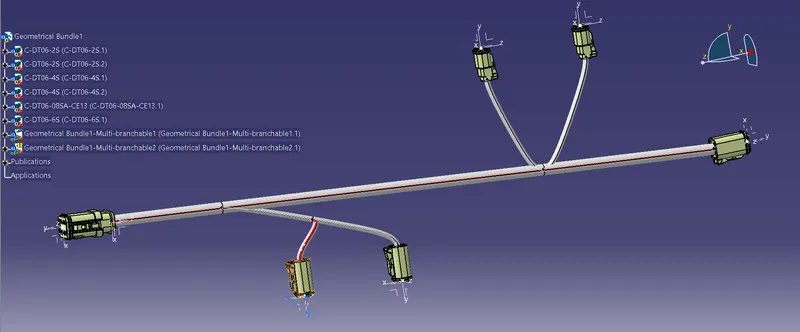
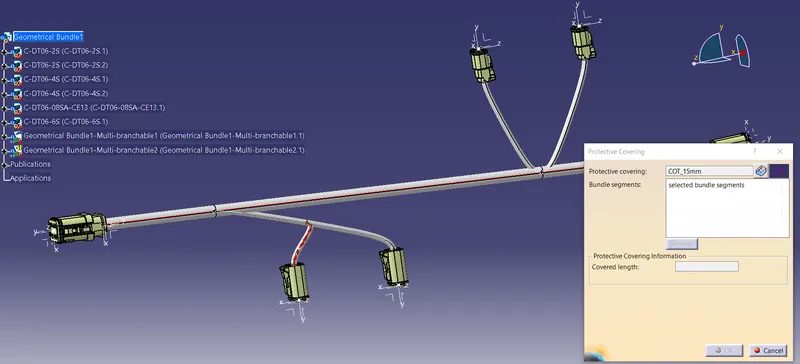
Protective covering installation
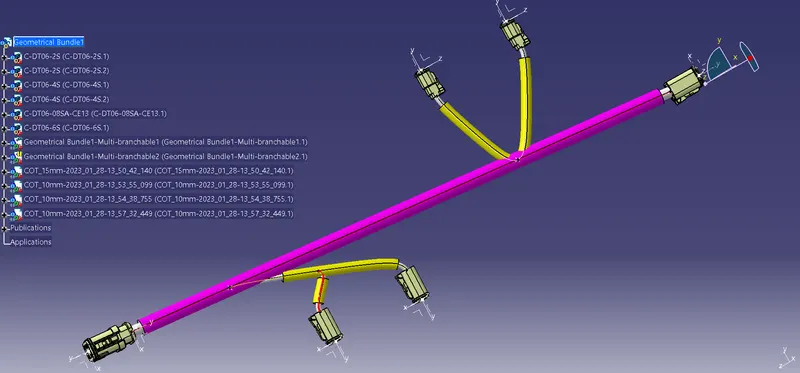
Final Routing Assembly
Steps followed
- Define all the connectors electrically.
- Go to electrical assembly and provide distance between the connectors(DT06-6S and DT06-08SA) are 550 mm.
- Provide another dimentional parameters to the remaining connectors specified to the question.
- All the electrical connections and constaints are defined.
- Switch to electrical harness assembly.
- Ensure to select the product asharness geometrical bundle.
- Select multi-branchable option and provide bend radius ratio is 1.4.
- If additional length is requred,then provide some value for percentage slack.
- Select add branch option to give additional branch to the assembly.
- Select protective covering option, go to COT Tube catalogues and select appropriate COT Tube for developed bundle.
- Update the workbench.
Conclusion
Electrical routing of given connectors are created using Catia V5 and successfully obtained the electrical routing assembly.