Wiring harness design in CATIA V5 - 3D modeling Week 5 & 6 Challenge
1)
Aim: Route Harness A and Harness B layout in Electrical workbench. Make assumption for harness bundle diameters.
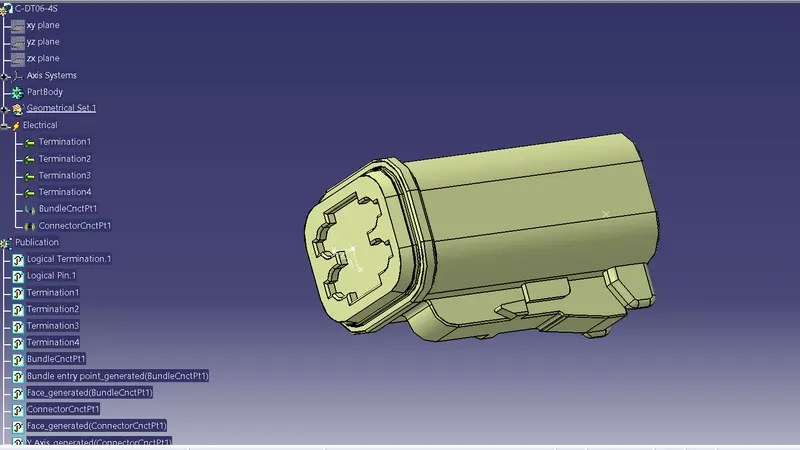
Electrically defined connector C-DTO6-4S
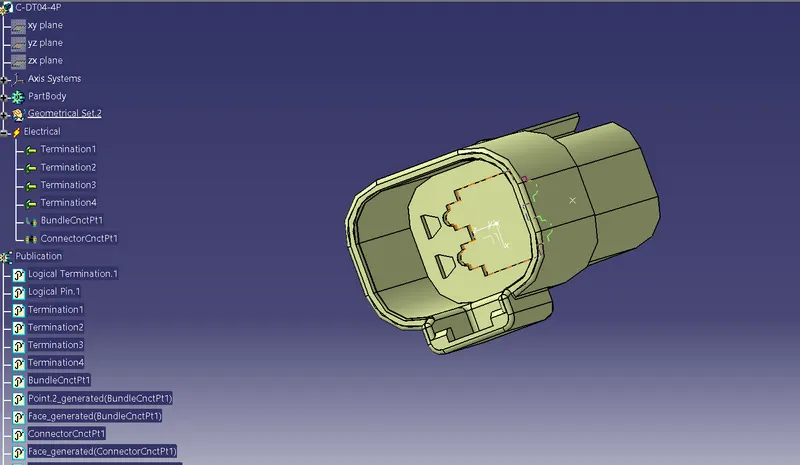
Electrically defined connector C-DT04-4P
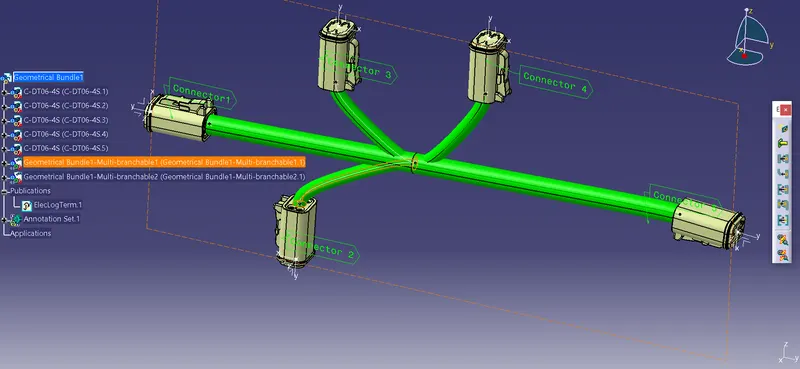
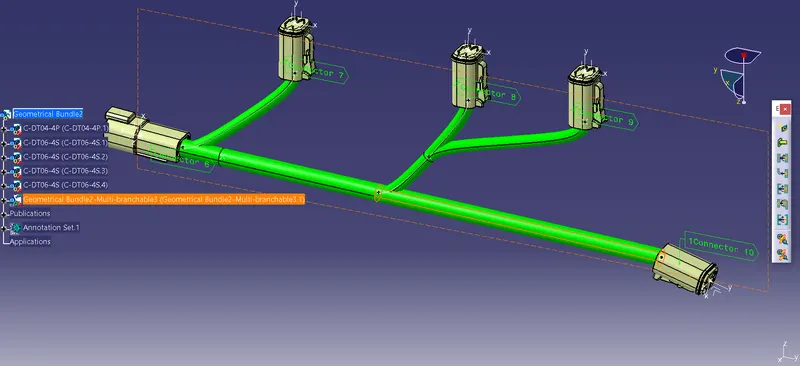
Developed Harness B
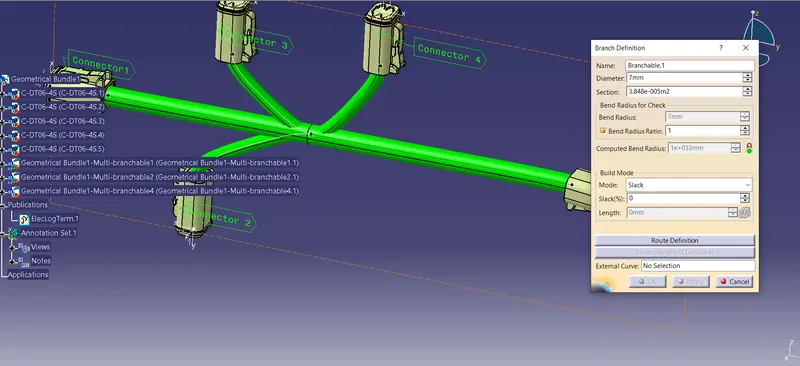
Branch definition
Annotation For developed bundle connections
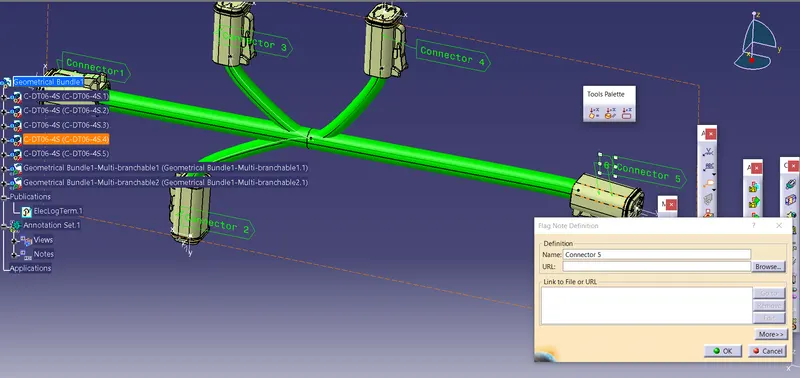
Harness A
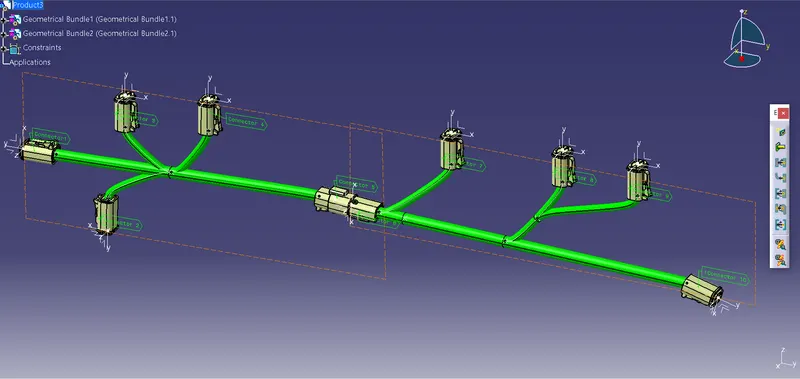
Assembly Design for Harness A and Harness B
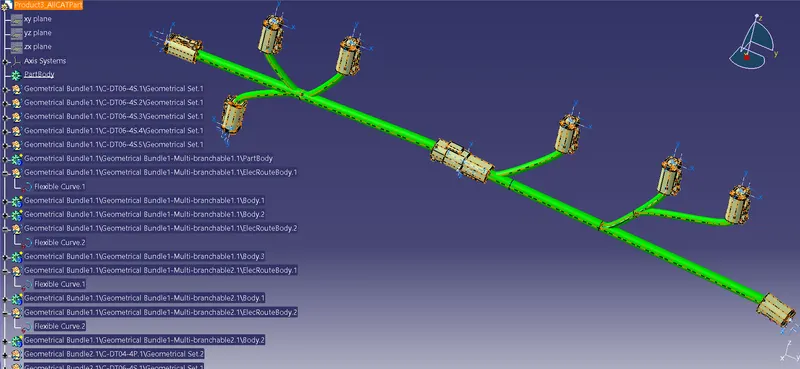
 CAT.part of harness assembly
STEPS FOLLOWED
- Arrange the Harness B conncetors in the assembly design.
- Switch in to electrical harness assembly.
- Select Geometrical bundle for Harness B.
- Select multi branchable and create branches and sub-branches for Harness B.
- Branch diameter is 10 mm and sub-branch diameter is 7mm for Harness B.
- Go back to assembly design and provide annotation for Harness B connectors.
- Arrange the Harness A conncetors in the assembly design.
- Switch in to electrical harness assembly.
- Select Geometrical bundle for Harness A.
- Select multi branchable and create branches and sub-branches for Harness A.
- Branch diameter is 10 mm and sub-branch diameter is 7mm for Harness A.
- Go back to assembly design and provide annotation for Harness A connectors.
- Create new product file for Harness A and Harness B.
- Go back to 'Electrical Assembly Design' and connect both the assembly together by using "Connect electrical devices".
- Go back to assembly design generate cat parts from product.
Conclusions
- Harness A and Harness B bundles-connectors are created and assmbled them successfully.
- CAT Part is successfully developed from product.