3D Tetra Meshing
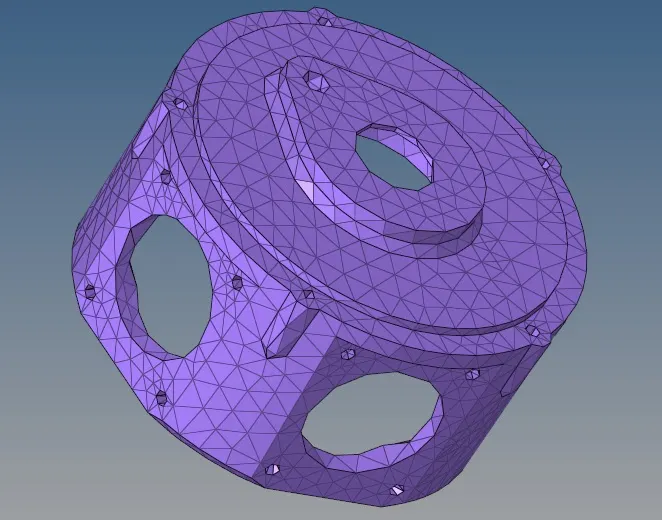
Aim: To Generate Tetramesh for the given components as per the quality criterion.
Model:
Housing:
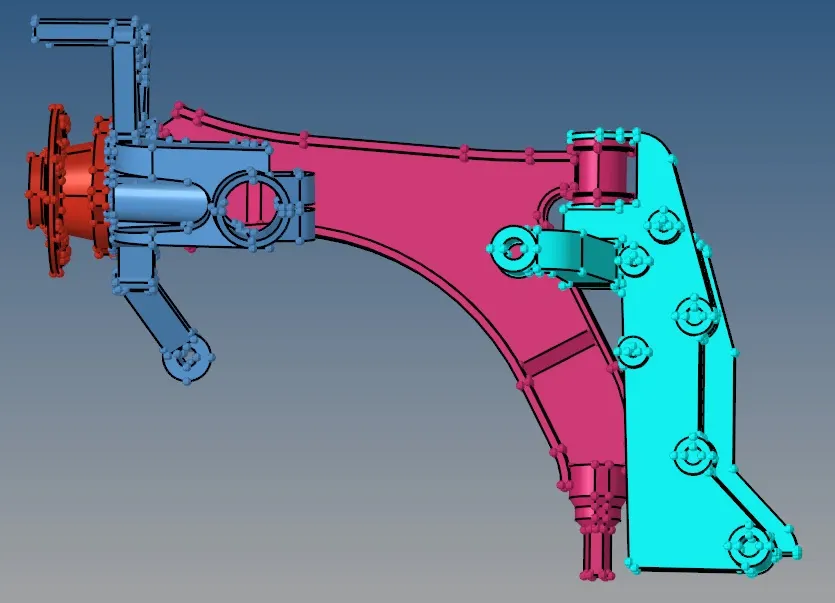
Chassis Assembly:
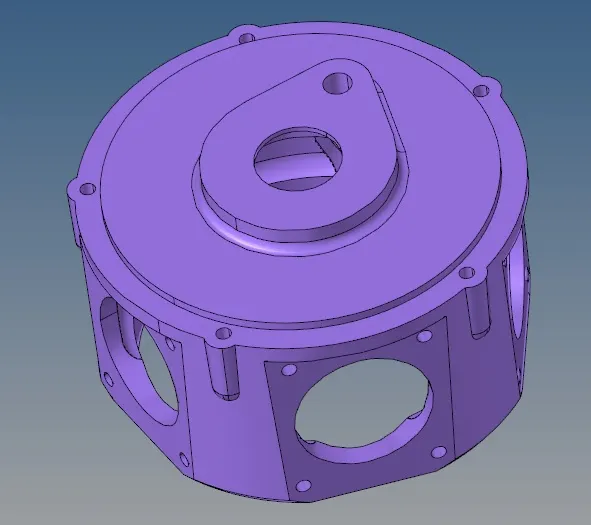
Crank Housing:
Procedure:
Tetramesh can be generated by 3 methods as follows.
- By meshing the component with 2D tria elements and converting it to 3D tetramesh.
- By directly meshing the solid component with Volume Meshing.
- By meshing using utility tool.
Housing:
Using the first method Tetramesh will be generated for the housing component.
1. Delete the solids and perform geometry cleanup.
2. Go to 2D and generate Tria mesh with the given parameters as shown.
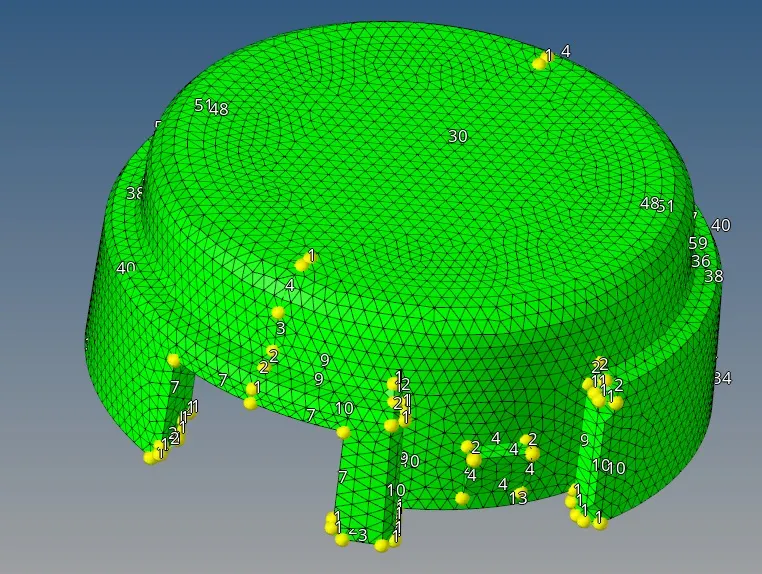
3. Go to 3D and select tetramesh - elements - displayed - mesh to generate tetramesh.
4. Delete the 2D elements.
5. Check for tet collaps using tools - check elements - 3-d - tet collaps and fix the tet collaps by remeshing or manually adjusting the height of the tet using distance option so that tet collapse is eliminated.
6. Repeate the above procedure for the other component and the result is as shown.
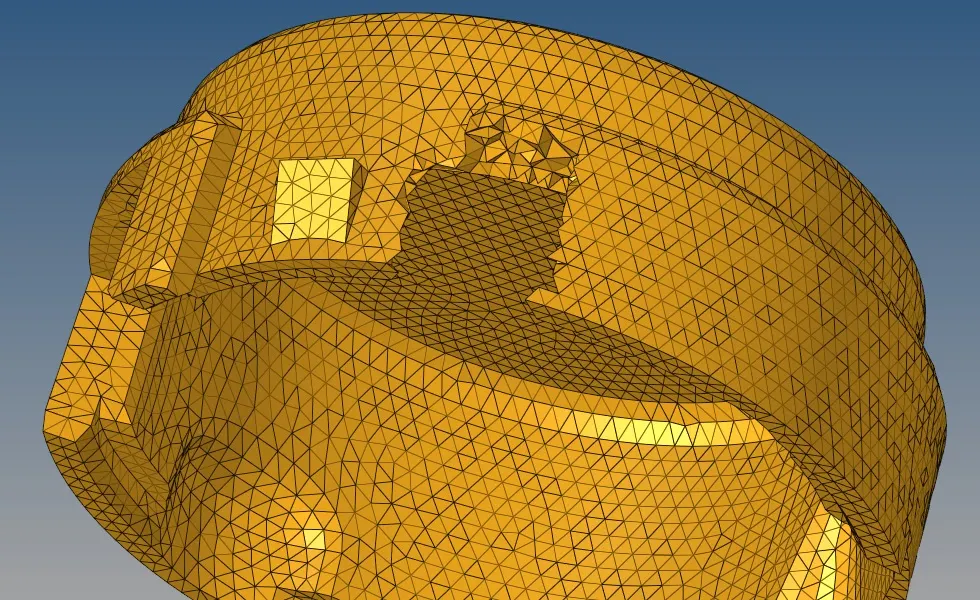
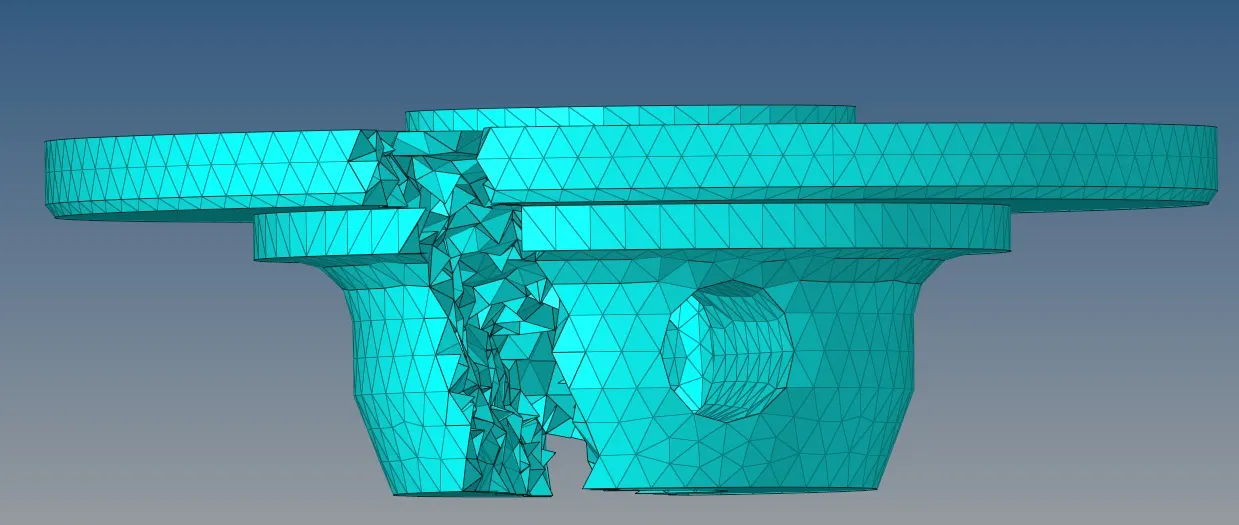
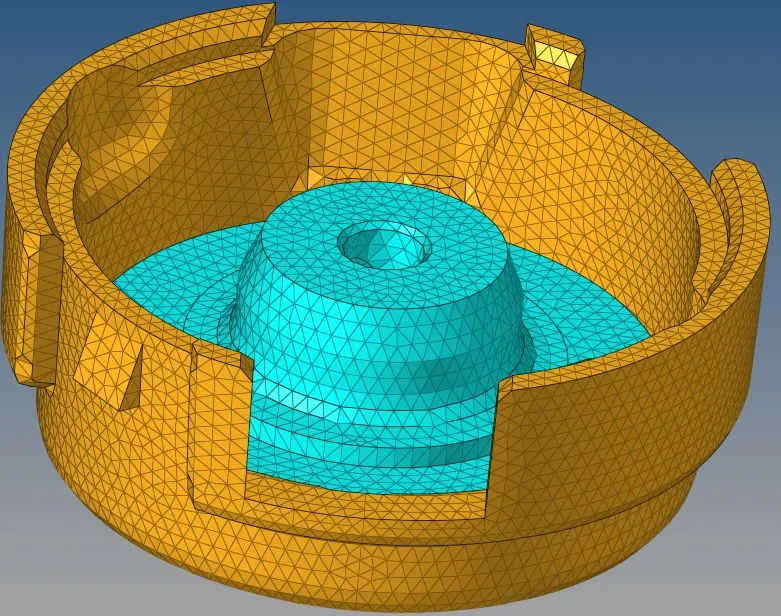
Chassis Assembly:
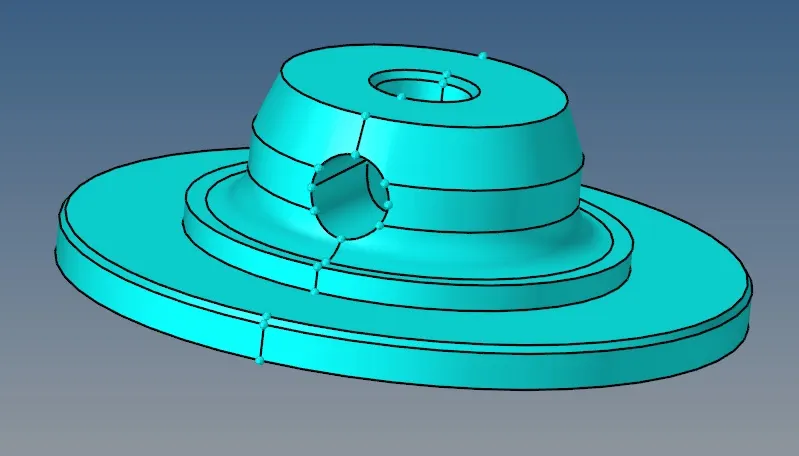
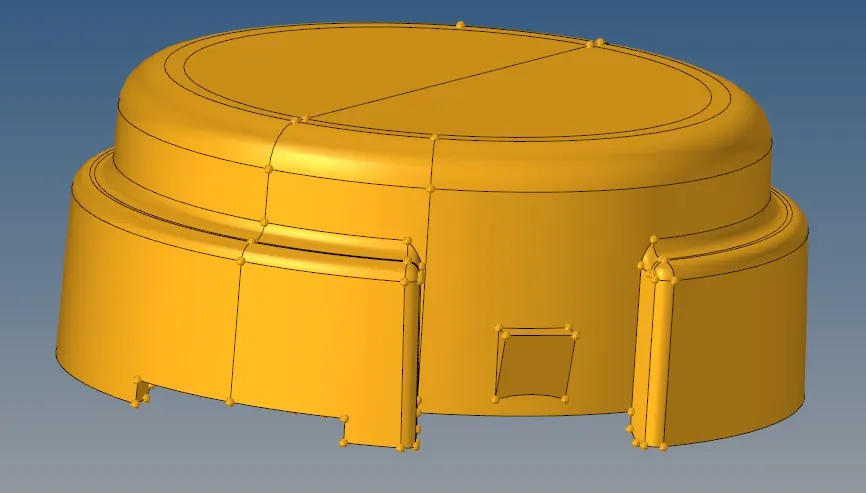
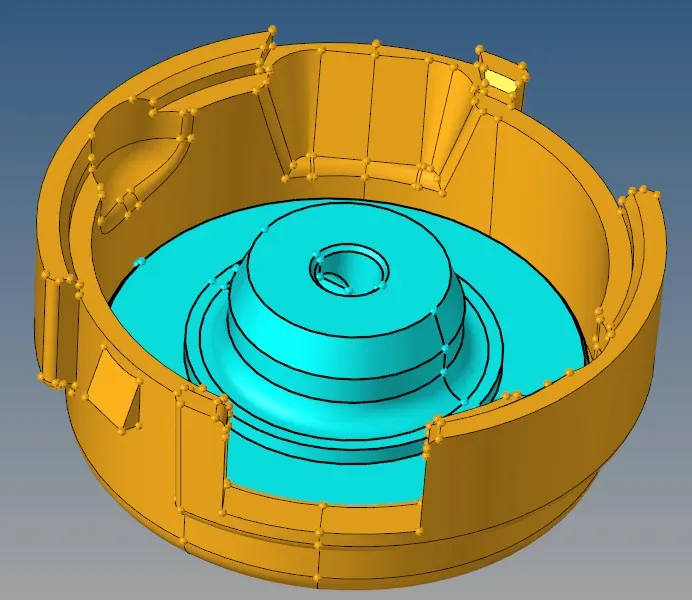
The components of the chassis assembly will be meshed using volume tetra meshing.
1. Check the geometry and perform geometry cleanup if required.
2. organize components which is in same collector to a different collector.
3. Go to 3D - Tetramesh - Tetramesh parameters and enter the required values as shown.

4. Go to Volume Tetra and enter the parameters as shown.

5. Choose the solid and mesh to generate tetramesh as shown.
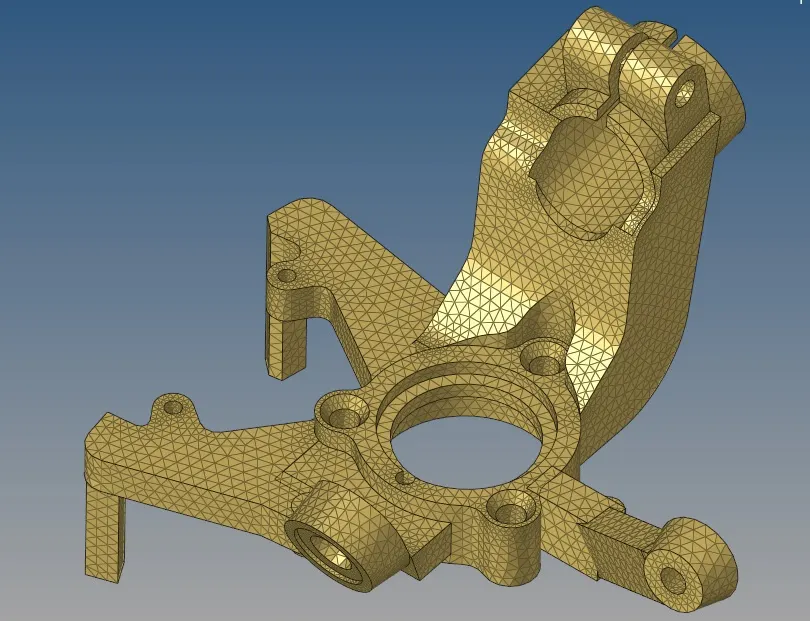
6. Check for tet collapse and fix the elements as per quality criteria by remeshing or using translate .
7. Repeate the above procedure for other components as shown.
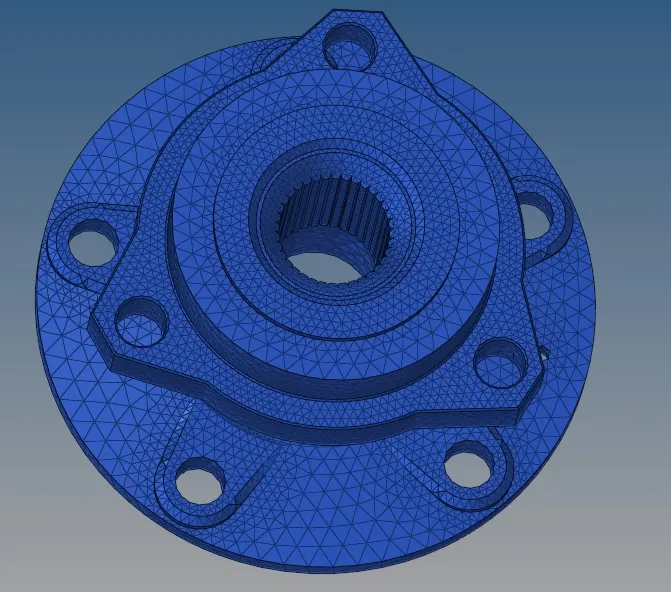
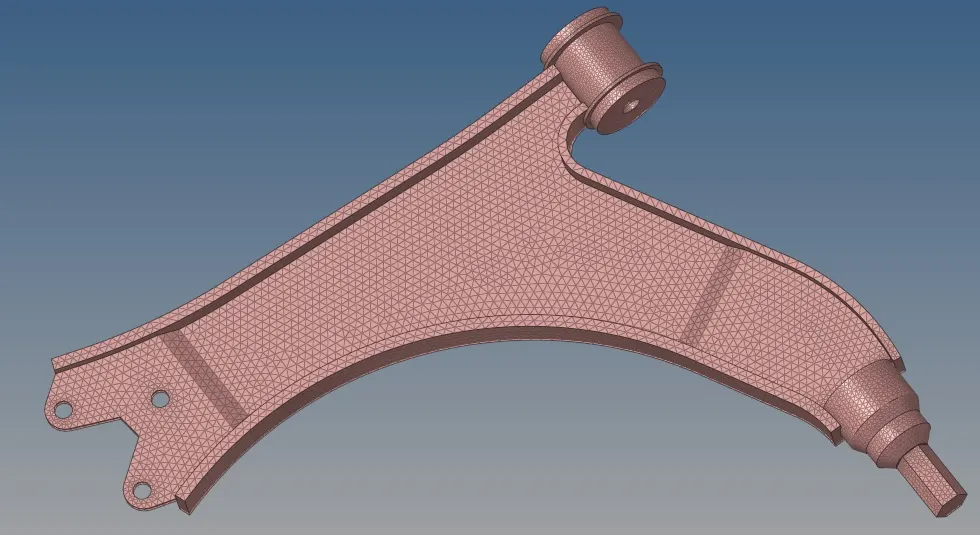
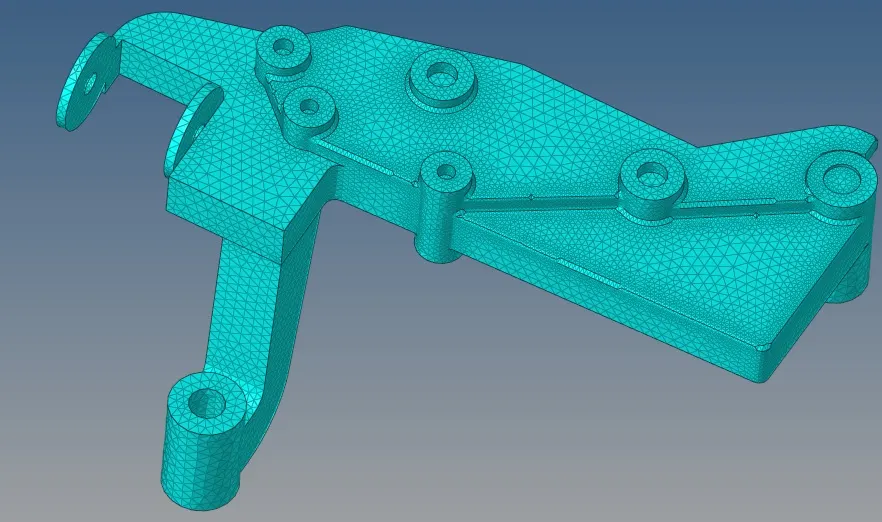
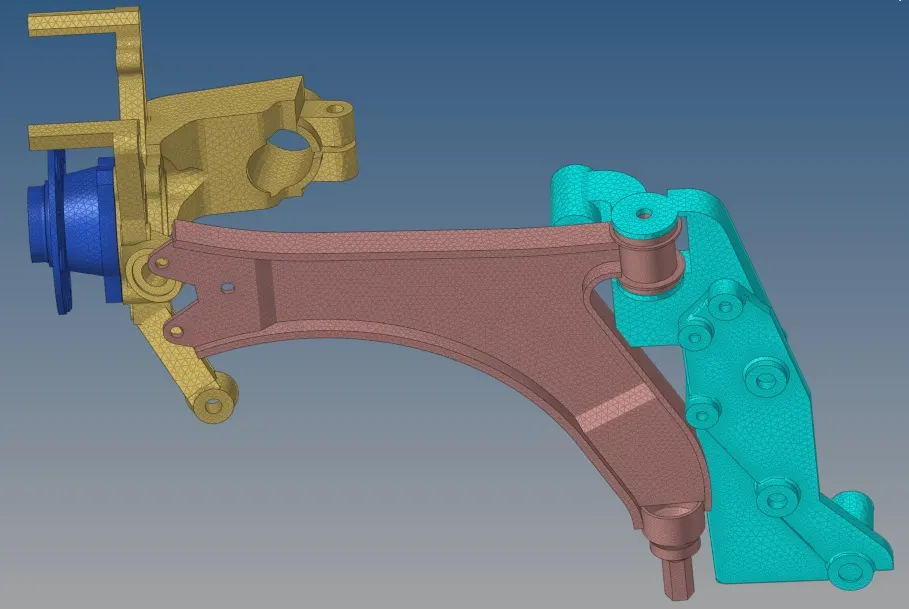
Crank Housing:
The Crank housing will be meshed using the quick tetra in the utility command.
1. Check the geometry and perform geometry cleanup if required.
2. fo to Utility as shown.
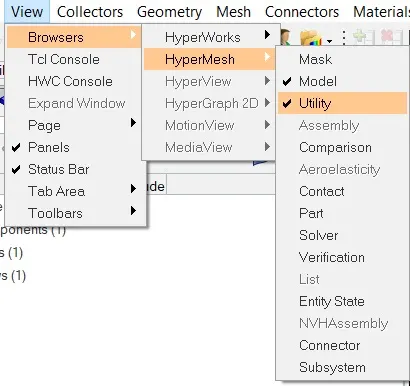
3. In utility choose Geom/mesh - Mesh tools - Quick Tetramesh option.
4. Choose the component and enter the required mesh size and choose the mesh style and mesh the component as shown.
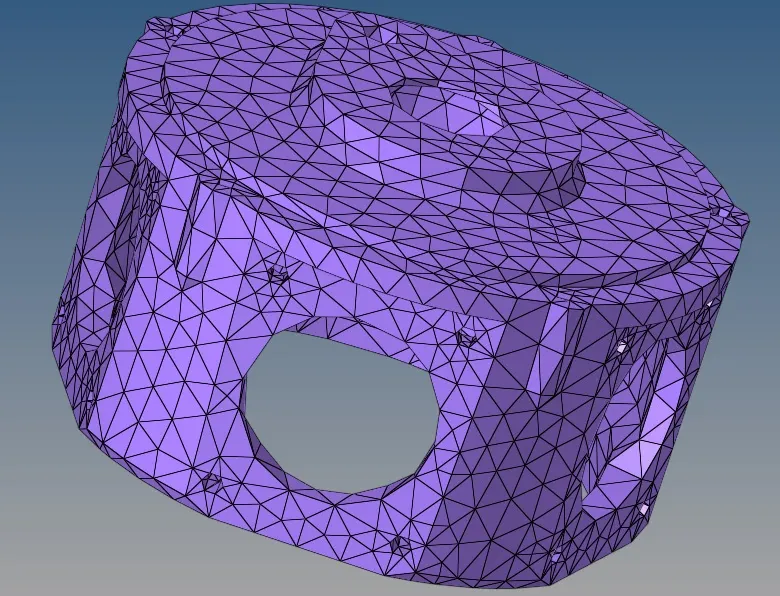
6. after the mesh is generated delete the 2D elements and organize the tetra mesh to the crank housing.
5. Check for tet collapse and fix the elements as per quality criteria by remeshing the failed elements.