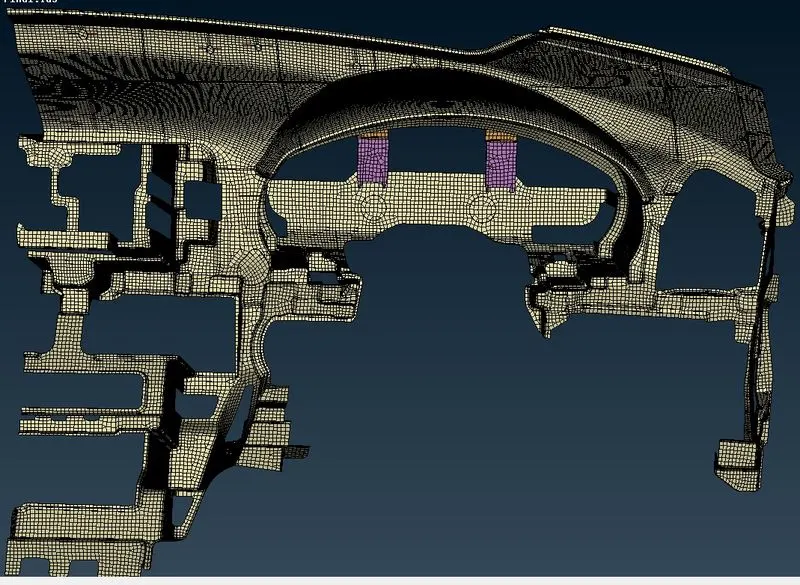
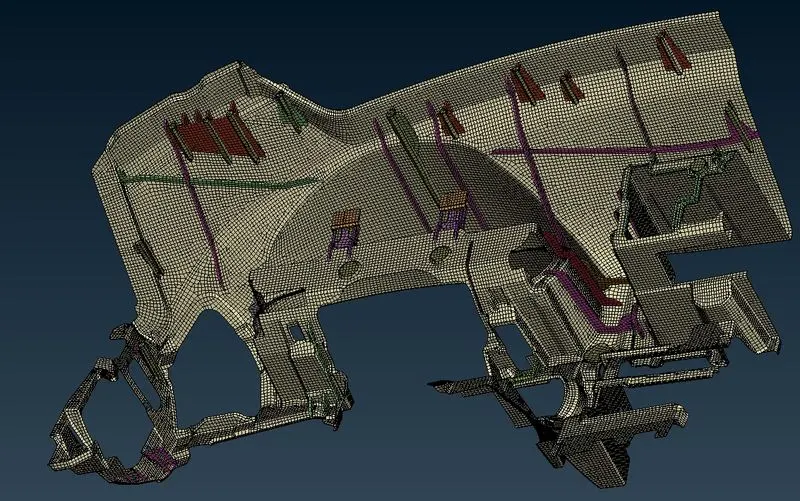
IP Trim Mid-surface Extraction and Meshing
Aim: To Perform geomerty cleanup, Extract the midsurface and Mesh the given IP Trim as per the given quality criterion.
|
S.No |
Quality Criteria |
Value |
|
1 |
Target/Average length |
4 |
|
2 |
Minimum Length |
2 |
|
3 |
Maximum Length |
6 |
|
4 |
Aspect |
3 |
|
5 |
Warpage |
15 |
|
6 |
Skewness |
45 |
|
7 |
Jacobian |
0.7 |
|
8 |
Minimum Quad Angle |
45 |
|
9 |
Maximum Quad Angle |
135 |
|
10 |
Minimum Tria Angle |
30 |
|
11 |
Maximum Tria Angle |
120 |
|
10 |
Tria Percentage |
15 |
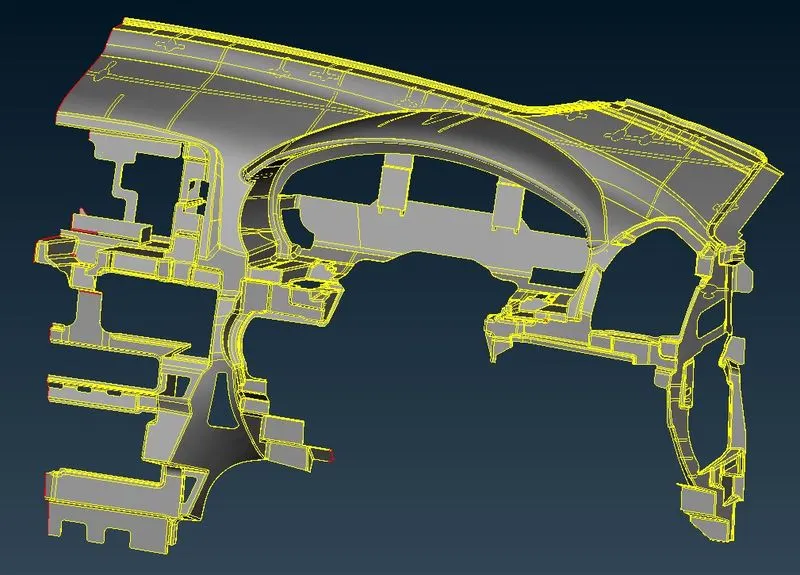
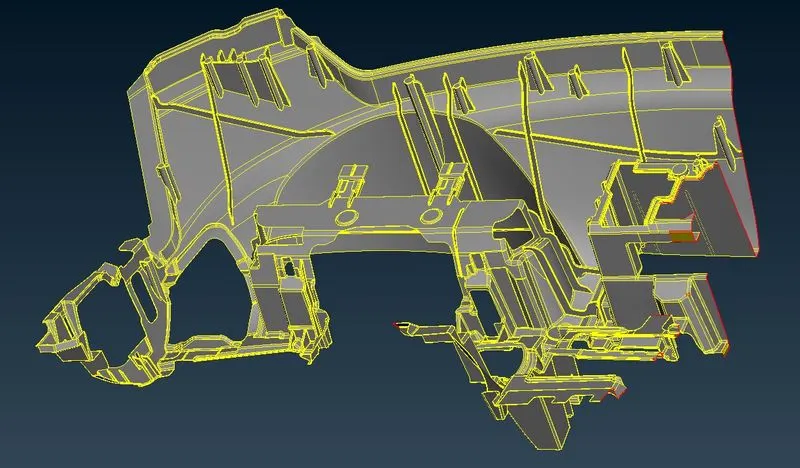
Model:
Procedure:
1. Import the model perform TOPO and check for geometry as shown.
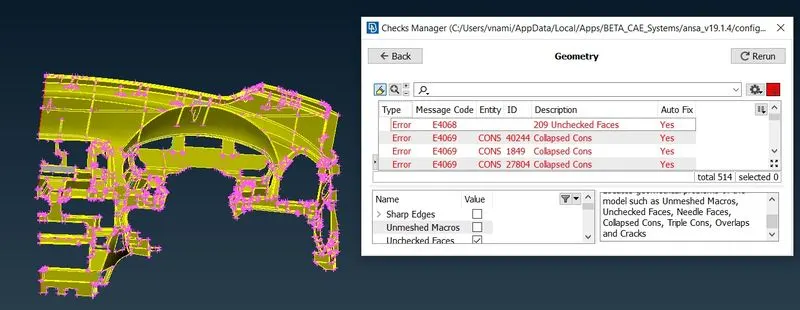
2. Fix the Geometrical issues using autofix and ensure there are no errors.
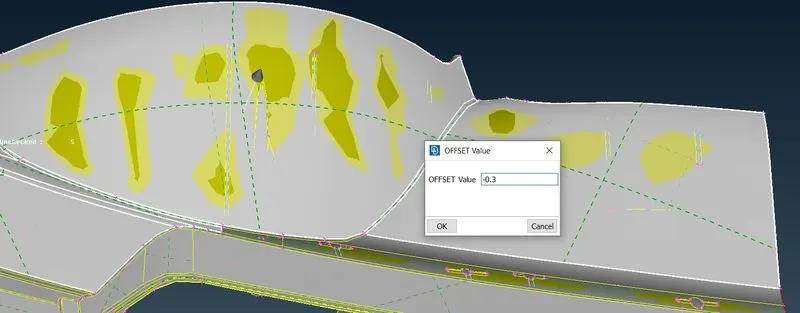
3. Measure the component thickness to extract the midsurface using Faces - Offset - Select the face as shown.
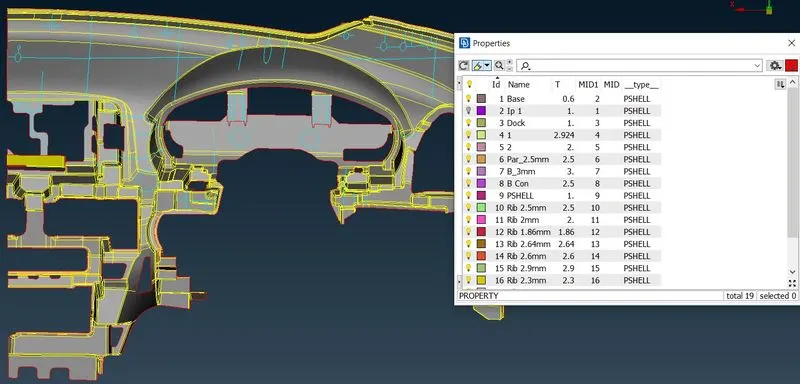
4. Assign New PID for the midsurface and assign the thickness as per mesuurement as shown.
5. Few extracted surfaces have to be extended using Faces - Extend or Faces - Intersect to create connectivity between surfaces. Surface extension is done for Ribs and Dock Houses as shown.
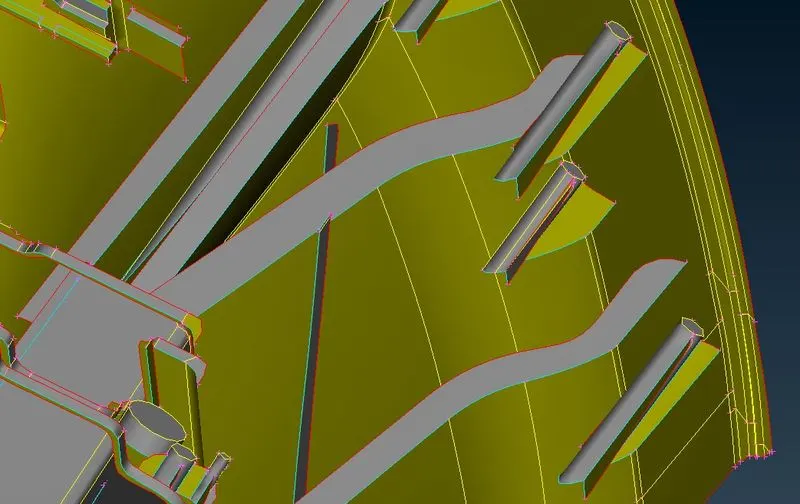
6. Extend all the nessary surfaces as per the parent geometry and the final extracted midsurface is as shown.
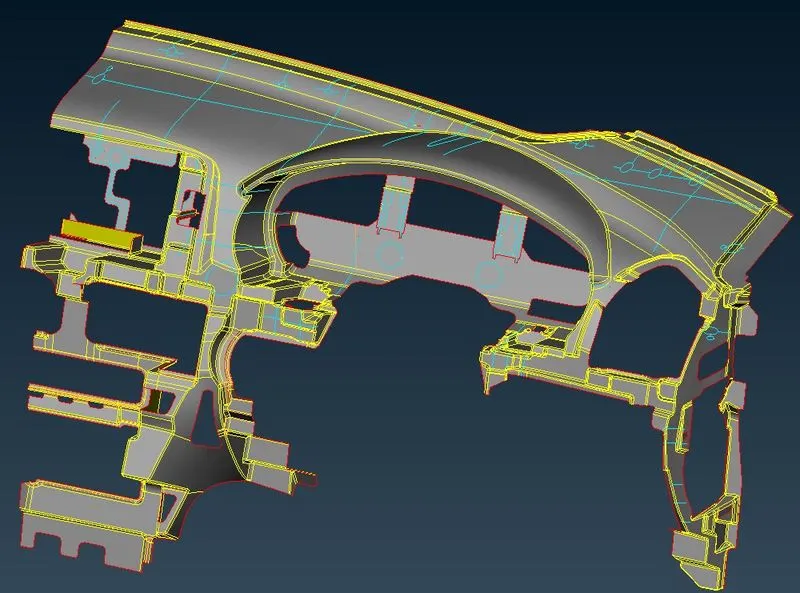
7. Enter the mesh and quality parameters as provided in the quality criteria and set the perimeter length for the middle surface.
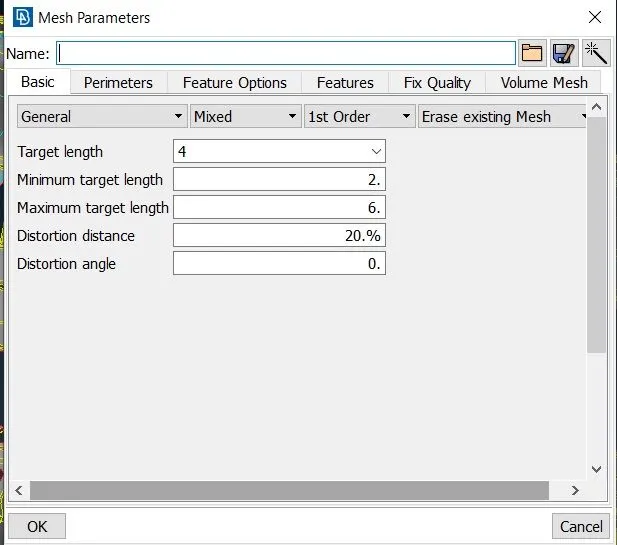
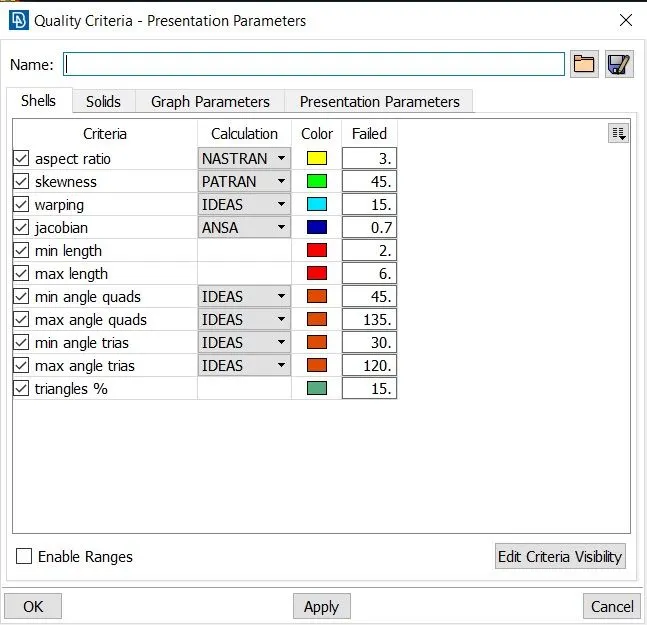
8. Mesh the Entire surface as per quality parameters and maintain proper mesh flow by remeshing and smoothing operations.
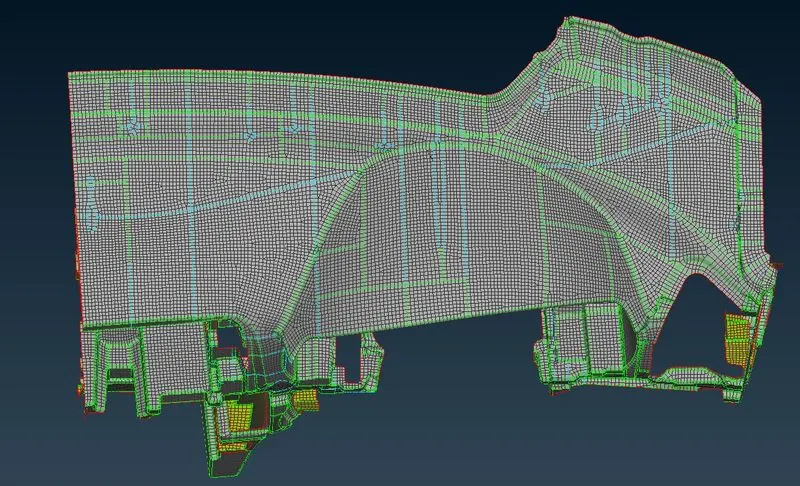
9. Check for quality and fix elements failing for the given quality criteria.
10. Click on quality criteria and enable draw shell as solids to show the assigned thickness as shown.
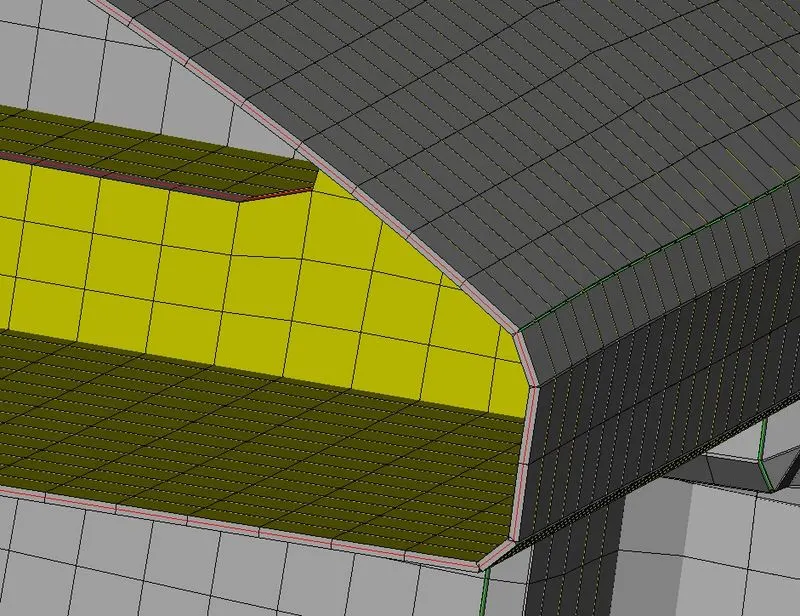
Conclusion:
The IP Trim Component is meshed as per quality criteria and thickness is assigned.