Crash Box Simulation
Aim: To perform crash simulation for the given meshed crash box model using different thickness.
Assigning Cards to perform Simulation:
The provided keyword file consist of only the part. The other necessary cards are required to perform the simulation and to obtain results.
Material:
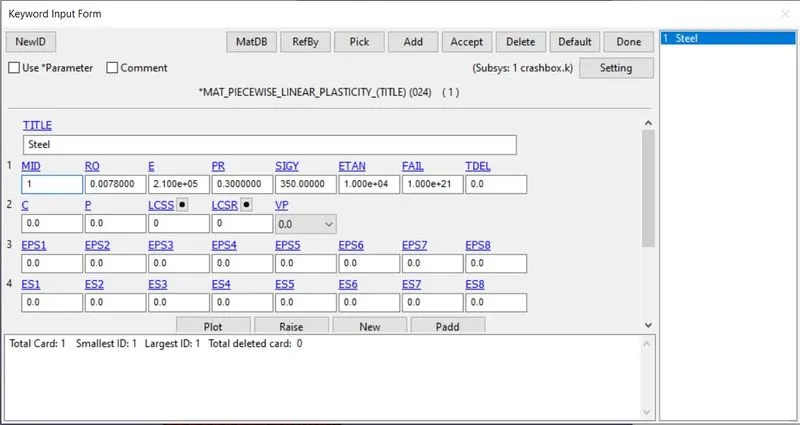
*MAT_PIECEWISE_LINEAR_PLASTICITY_(24) is used for the Crash box by selecting card under the MAT Keyword.
Section:
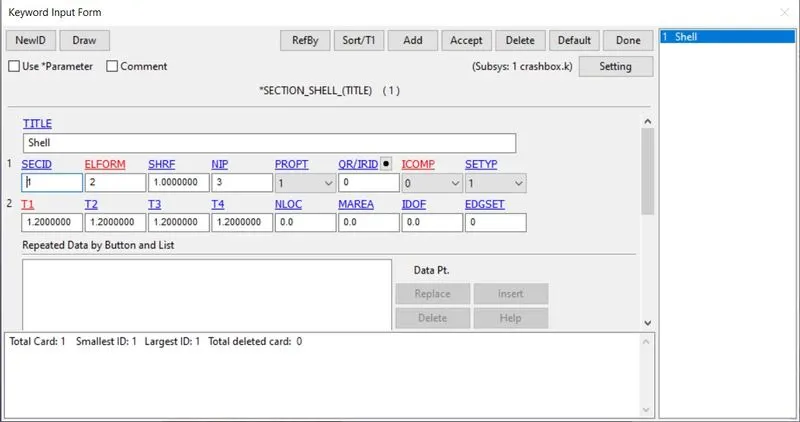
Section card defines the properties of the elements by selecting SECTION_SHELL.
Rigid Wall:
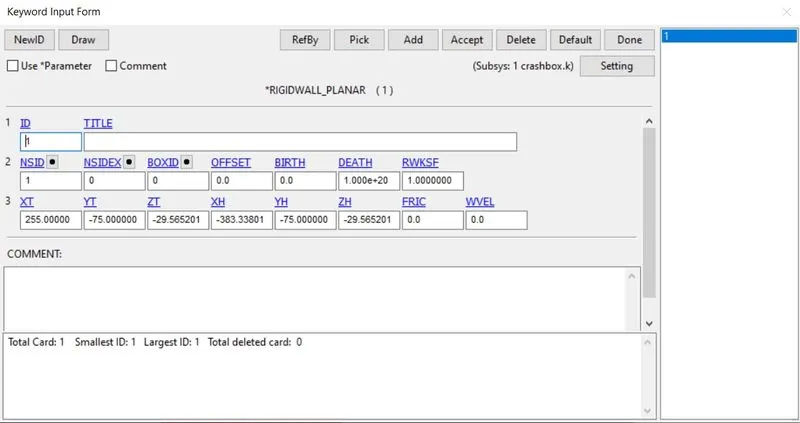
*RIGIDWALL_PLANAR keyword is used to define the wall for the crash box to hit.
Contact:
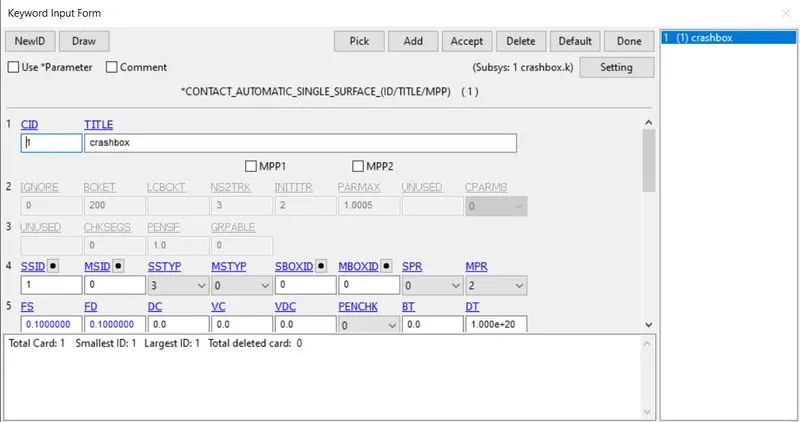
AUTOMATIC_SINGLE_SURFACE keyword is used to defing the contact for the crash box.
Velocity:
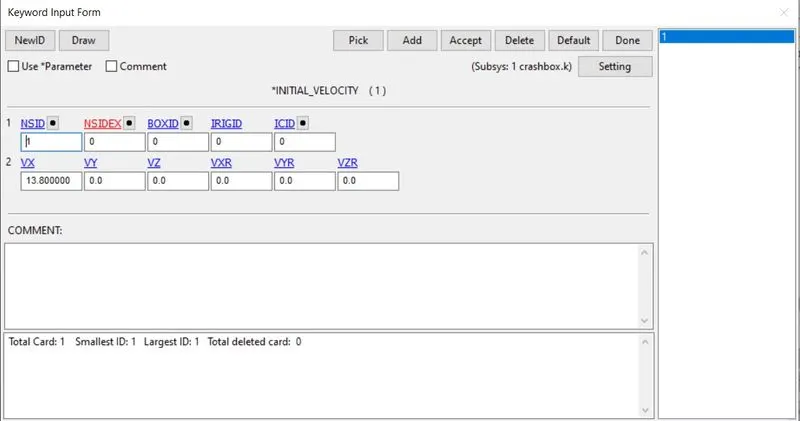
Initial velocity 50 kmph when converted becomes 13.8 mm/ms is required for the impact simulation. *INITIAL_VELOCITY keyword is used.
Control:
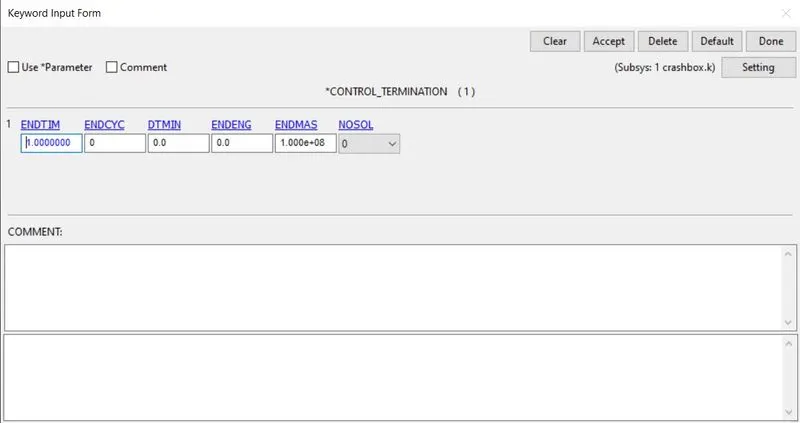
To define the end time of the simulation *CONTROL_TERMINATION keyword is defined.
Database for output:
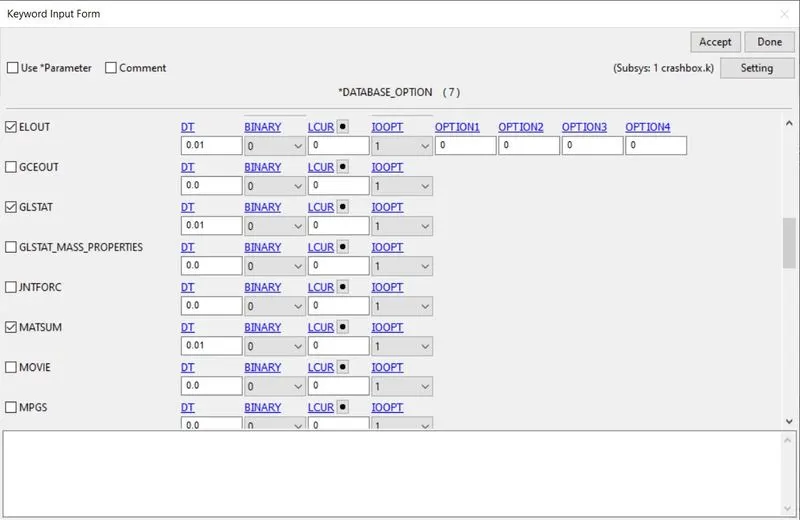
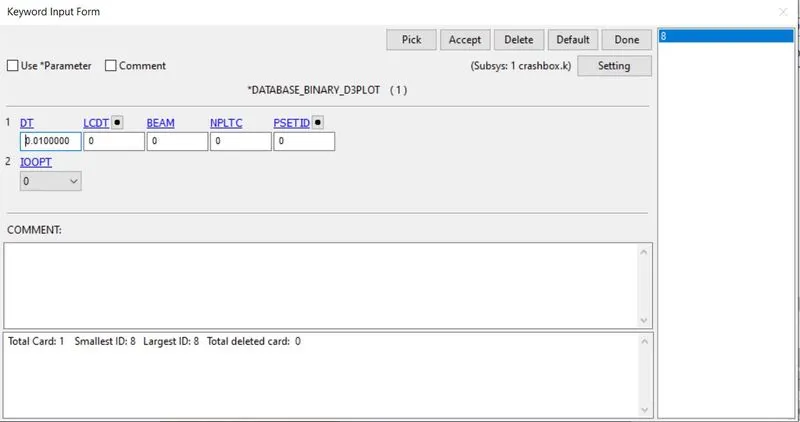
To view the output Database keyword is defined with the required output.
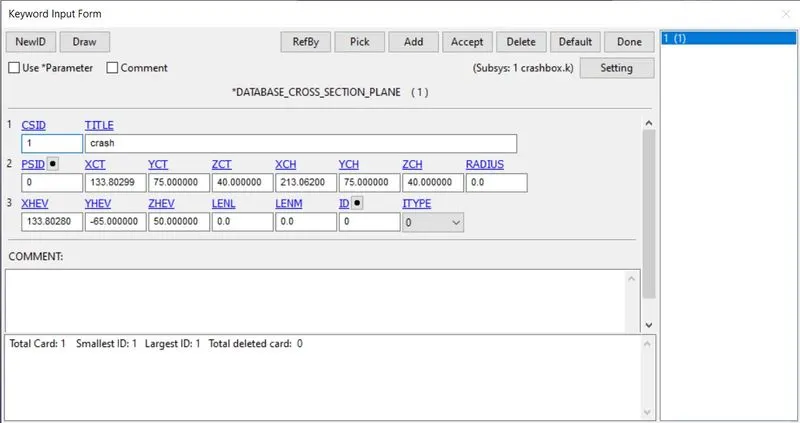
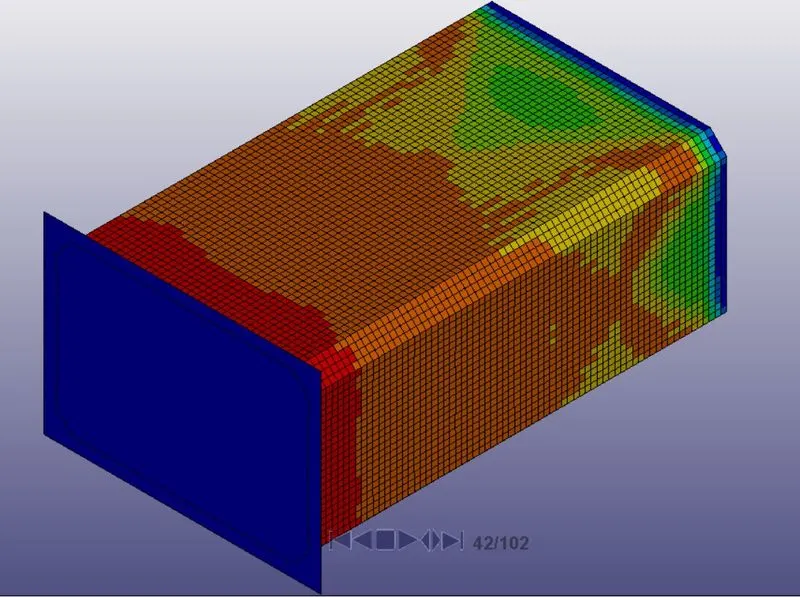
Results for T 1.20mm:
Von-Mises Stress:
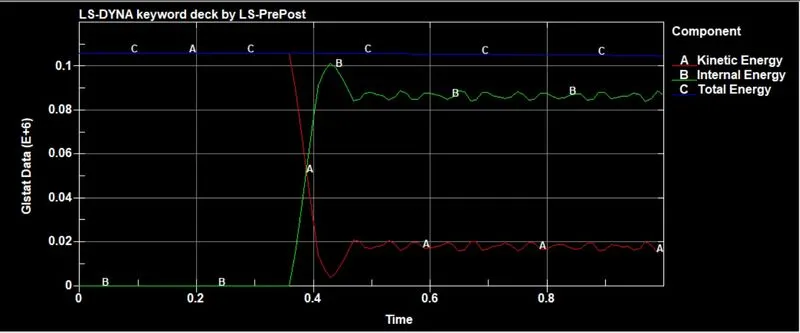
Energy Graph:
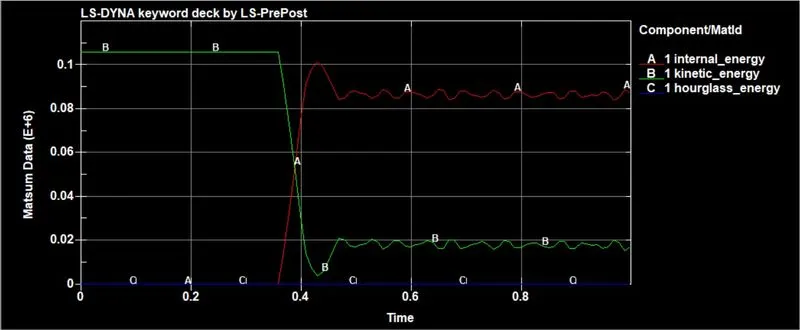
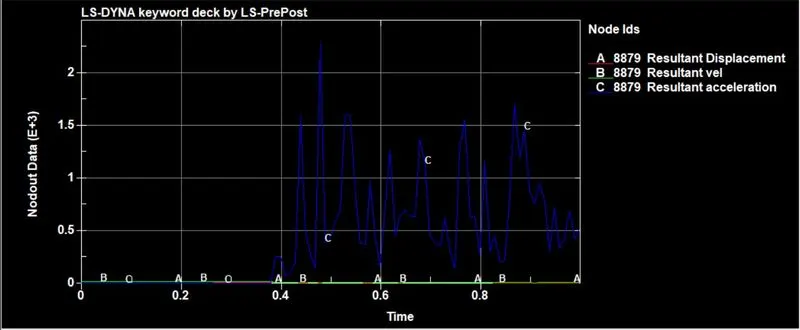
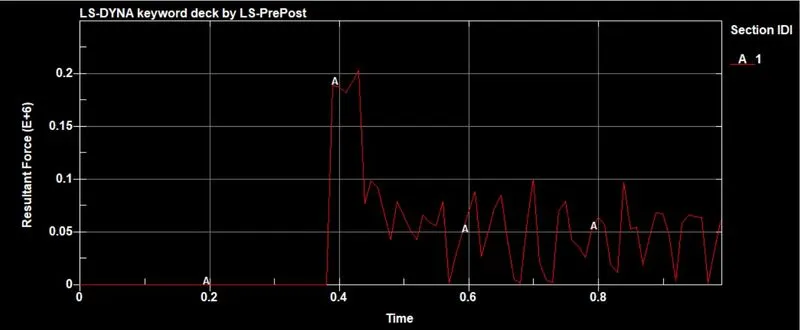
Results for T 1.5mm:
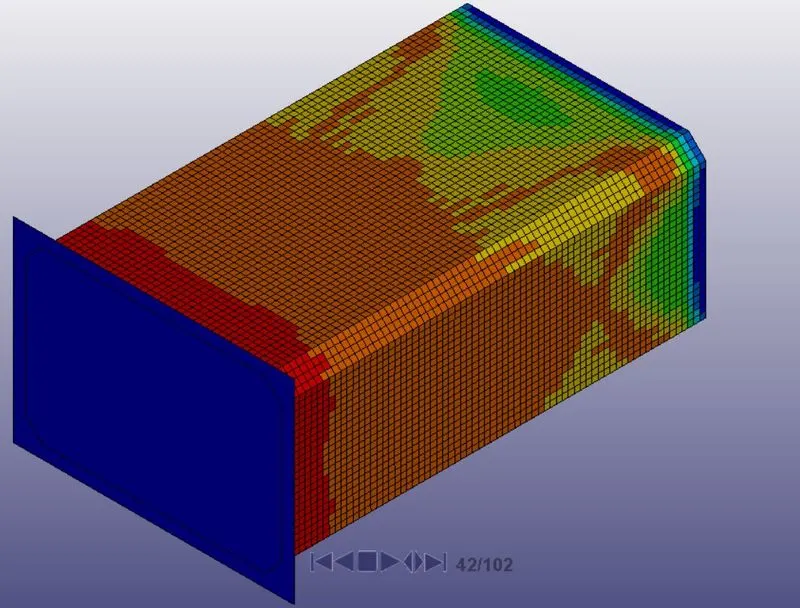
Von-Mises Stress:
Energy Graph:
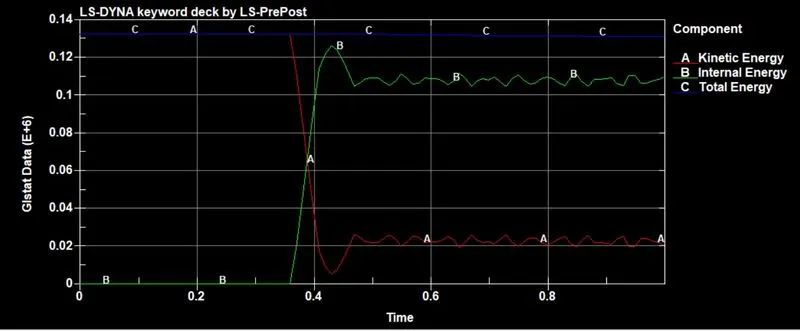
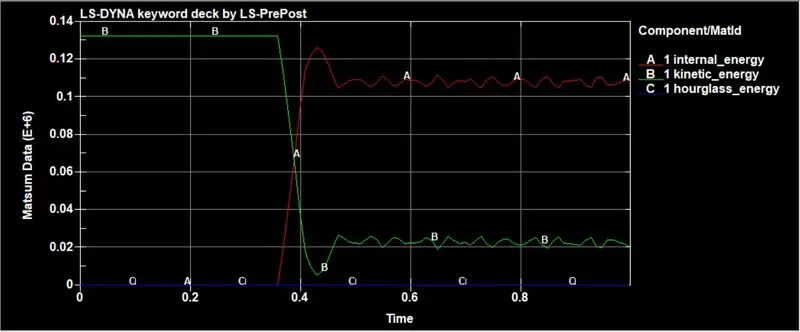
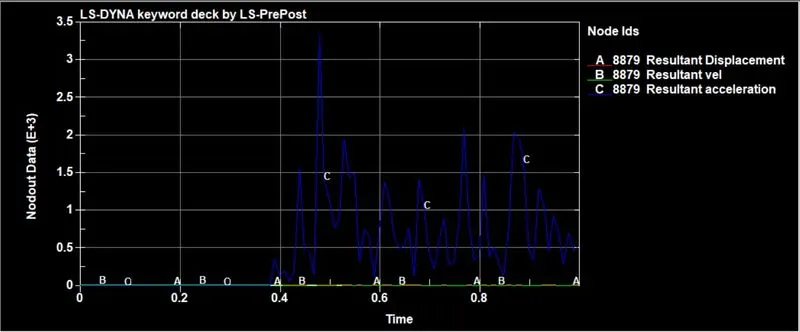
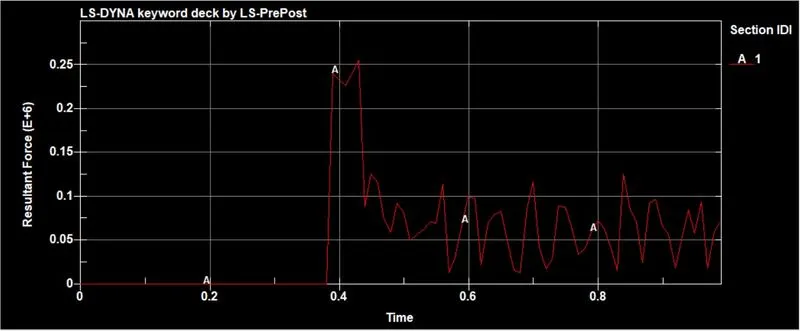
From the above results we can see that the stress is higher for the thickness 1.5mm.
Conclusion:
The simulation was performed on Crash box with different thickness and infer that crash box with thickness 1.5 mm showed better analytical results compared to crash box of thickness 1.2 mm.