Week 12:Project-1-Meshing of Door Inner Panel Challenge
Aim - To extract mid surface from the given plastic component create a Mesh model of the component.
Quality criteria -
| S.N | Quality Criteria | Value |
| 1 | Aspect Ratio | 5 |
| 2 | Skewness | 45 |
| 3 | Warping | 15 |
| 4 | Taper | 0.5 |
| 5 | Min. Length | 2 Units |
| 6 | Max. Length | 6 Units |
| 7 | Min angle Quad | 45 |
| 8 | Max angle Quad | 135 |
| 9 | Min angle Tria | 20 |
| 10 | Max angle Tria | 120 |
| 10 | Tria % | 10 |
Target element size - 4
CAD model -
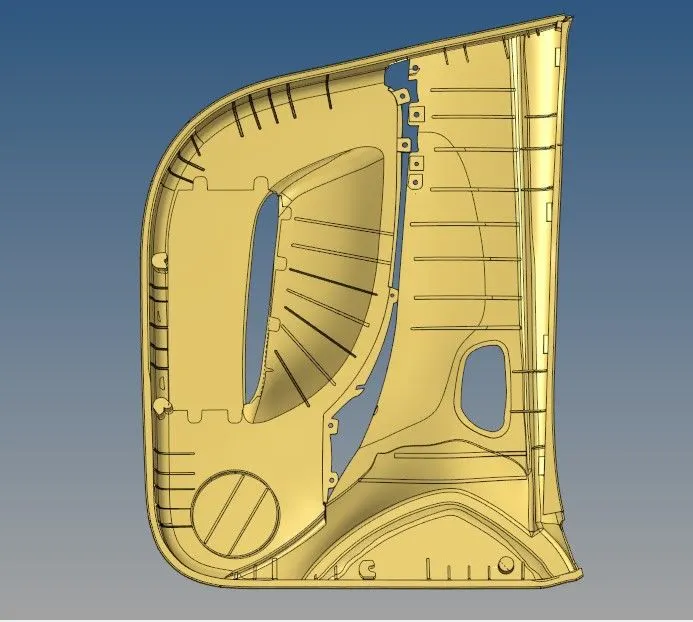
Theory -
- Plastics componet have varible thickness through out the geometry which makes it extremly difficult to extract the mid surface with automesh option. To over come this option we have to extract the surface manually.
- Check the thickness of the component using distance option or press F4 shortcut key.
- we will select the surface with least number of features as it will reduce the amount of work we need to do on the component mid surface.
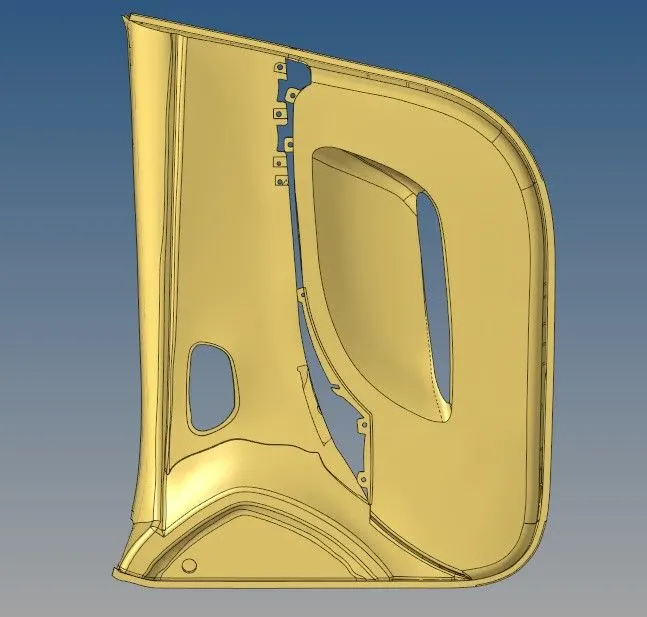
- In this component we will extract the mid surface from the above mentioned side.
- the thickness is 2.8 units, So, we will keep the mid surface thickness to be 1.4 units.
- Create a new component and Goto>surface edit>offset>select by face> enter offset value>check normal and offset the surface.
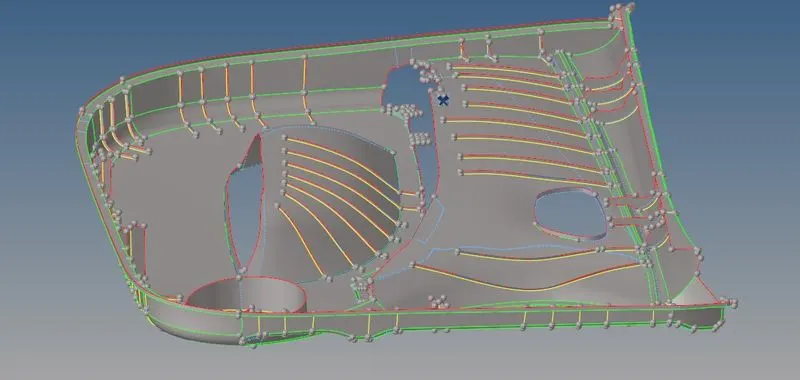
Note - Duplicate the selected surface in the current component before offseting it.
- For ribbed part we have to extract the surface of eact rib seperatly to ensure proper geometrical outcomes.
- We can use various methods for the extraction of the geometry.
1st Method -
- Create a line using midline option in the line tool bar
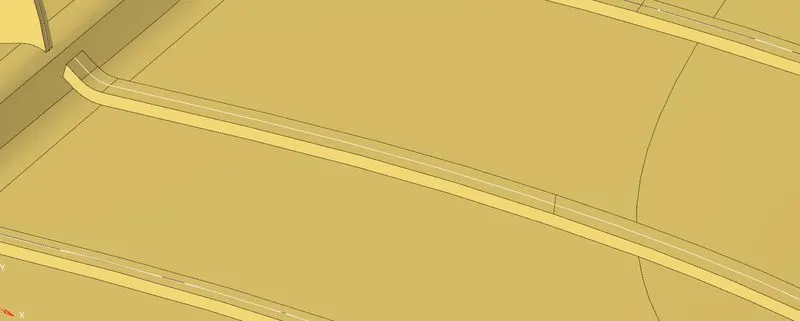
- Use the line to trim the surface using "trim with lines" option and create a new ruler surface.
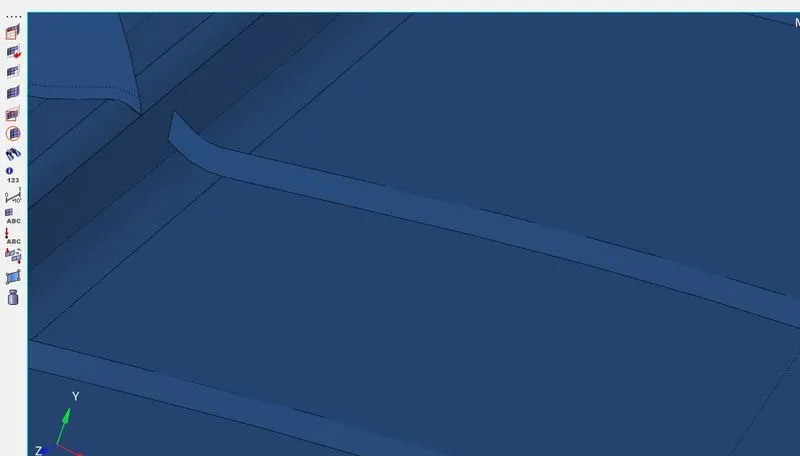
2nd Method -
- Go to > midsurface panel>Final edit tools>select the surface 1 & 2 respectively>ok

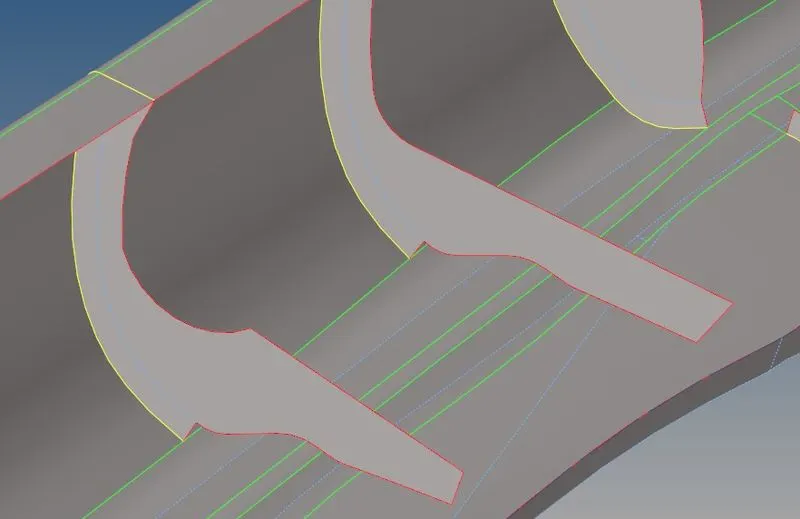
- Use the imprint option to create a joining edge between the surface or we can use extend option in the surface edit panel.
- after creating the midsurface check for any open edges in the component.
- Use a plus shapped surface to represent dog house areas.
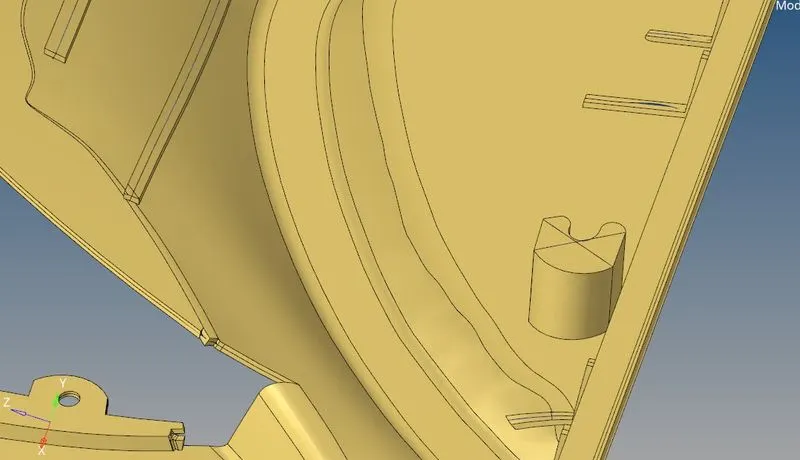
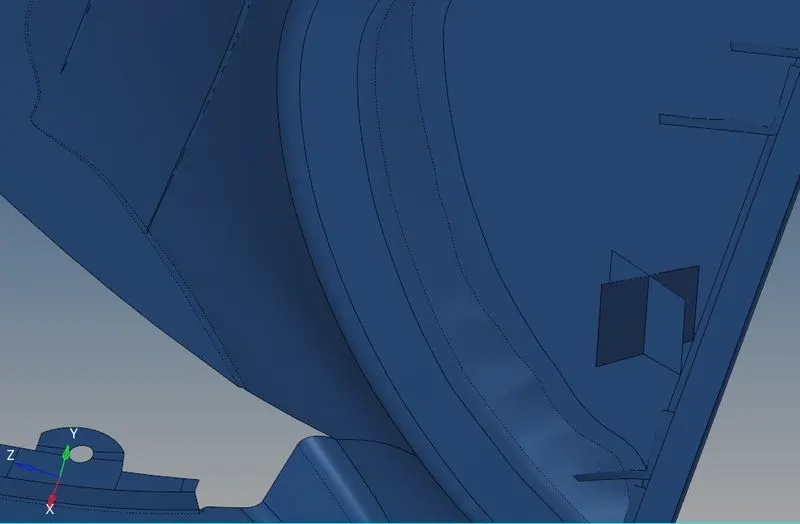
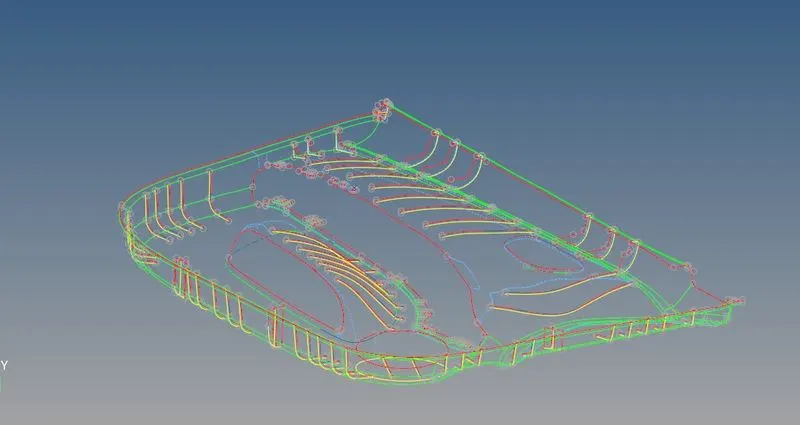
- Any free edge inside the surface must be removed properly. yellow color edge indicates a T joint area. in this case it is acceptable to have a yellow edge within the geometry.
- Mesh the surface and keep the elements in seperate collectors.
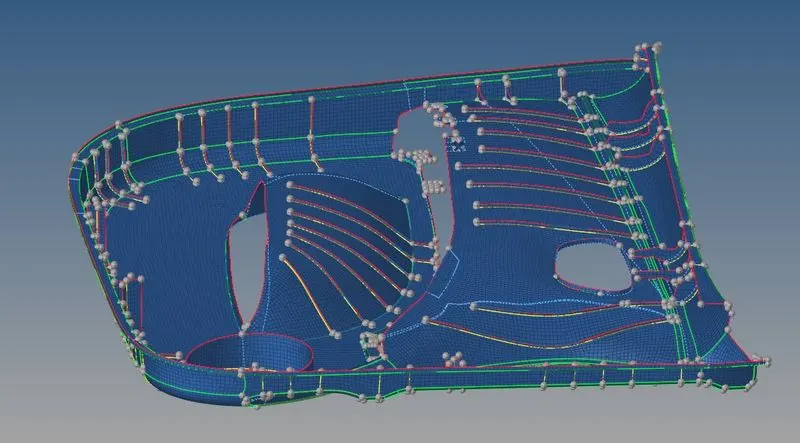
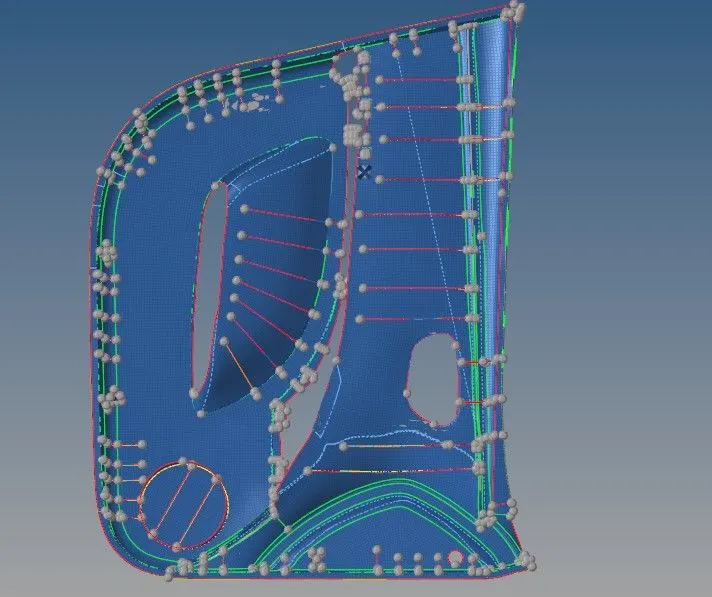
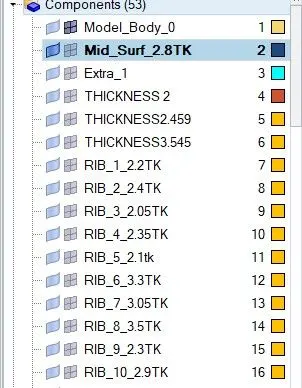
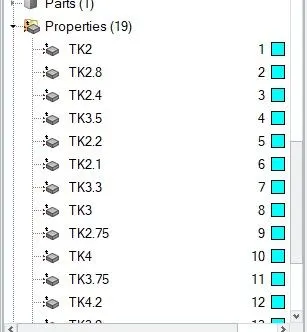
- Assign thickness to the repective collector.
- Check for open edges and normals using Egde and Normal option in tool sub panel
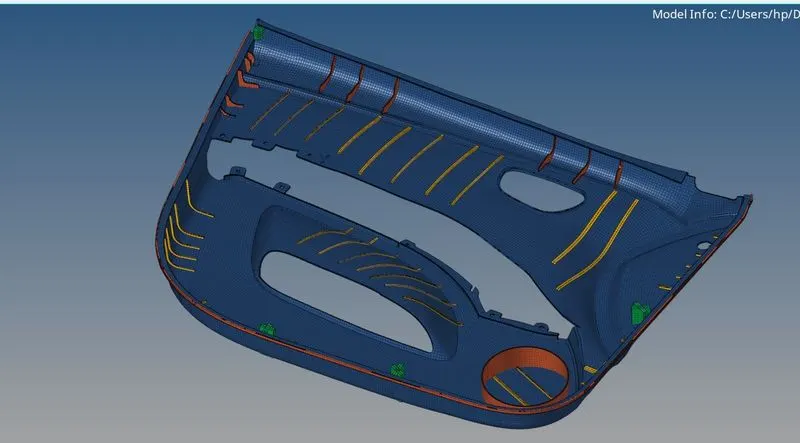
Conclusion -
- Modelling and mid surface extracction of the plastic Inner door panel was completed using Hypermesh tool.
- Manual geometry cleanup was performed on the component
- Mid surface of the component was extracted manually.