Week 4 - 2D Meshing for Sheet Metal
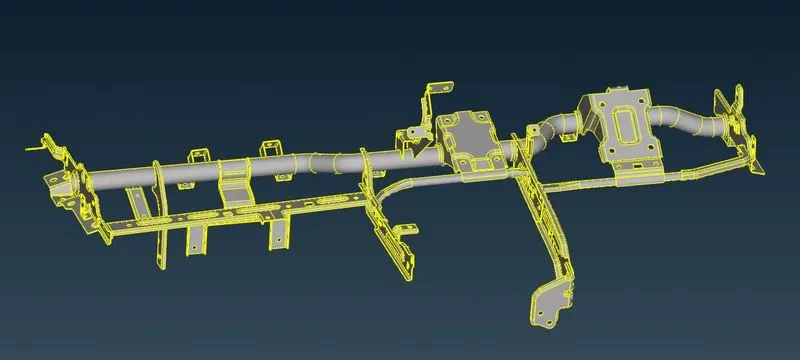
Aim - To Capture the shell mesh for a given component using the ANSA tool.
CAD -
Theory -
Procedure -
- Import the CAD(IGES) into the ANSA GUI using the "OPEN" option.
- Use Check > Geometry in the Tool Panel to Check for any geometrical errors or single cons.
- The list of Errors will be displayed on the Pop-up window using the "fix" option to fix the errors and for the remaining ones, we need to perform the manual cleanup.
- Check again for Errors.
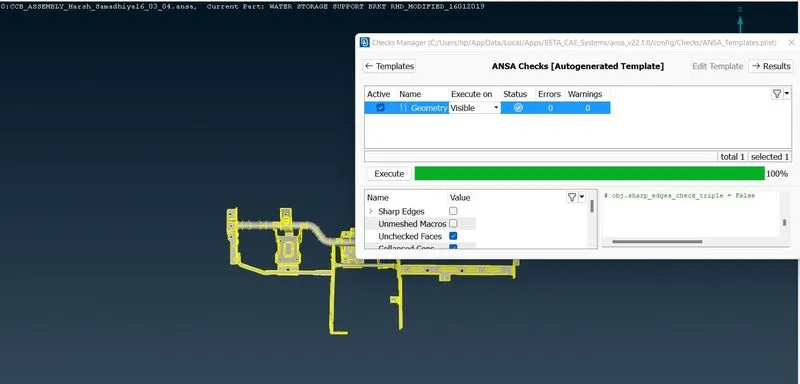
- As seen in the above image all the geometrical errors are resolved now.
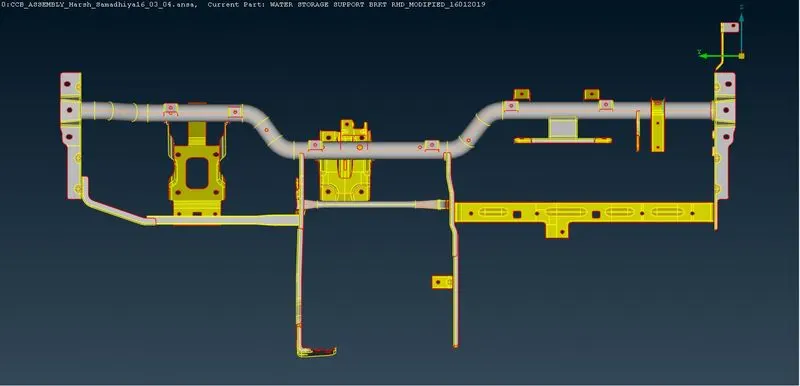
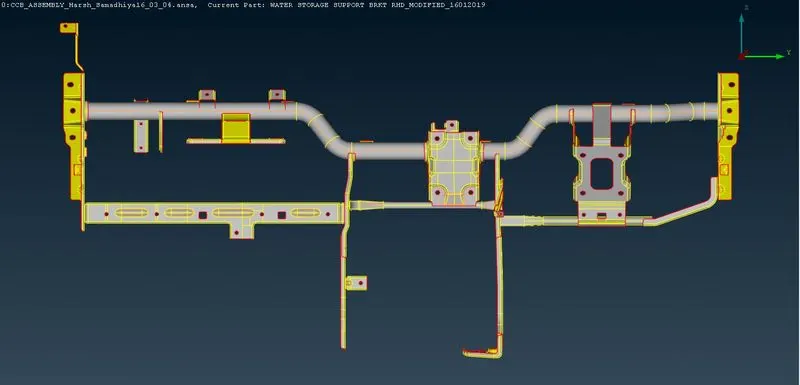
- We can now Extract the mid-surface of the above-said model.
Mid-Surface -
- We can extract the mid surface using the mid surface option in Topo mode > Faces > Mid-Surf
Or
- We can Extract it manually using Topo mode > Faces > Offset.
- Assign different properties to the mid surfaces of different components.
I have used the manual method to practice.
Criteria File Creation in Ansa -
- Click fn + F11 key to access the criteria file manager.
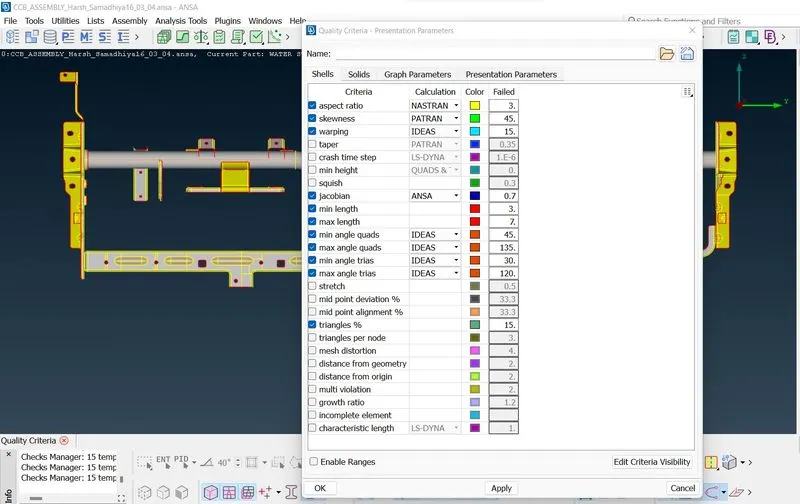
Meshing -
- Go To > Mesh Panel > Classic Mesh > Mesh Generator > Best > Select faces to mesh > Ok.
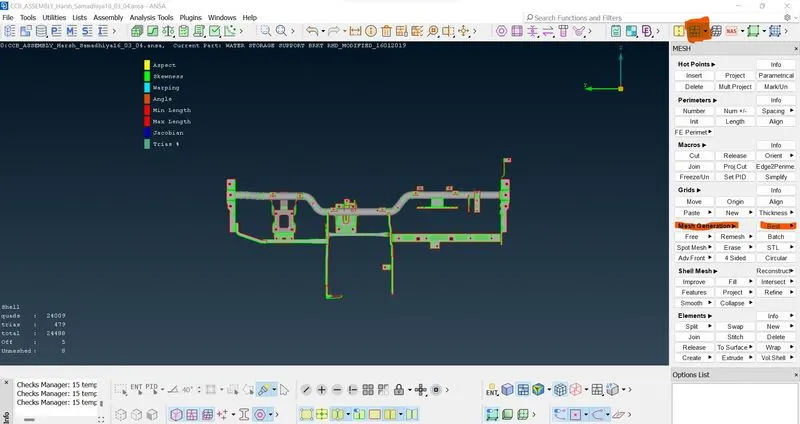
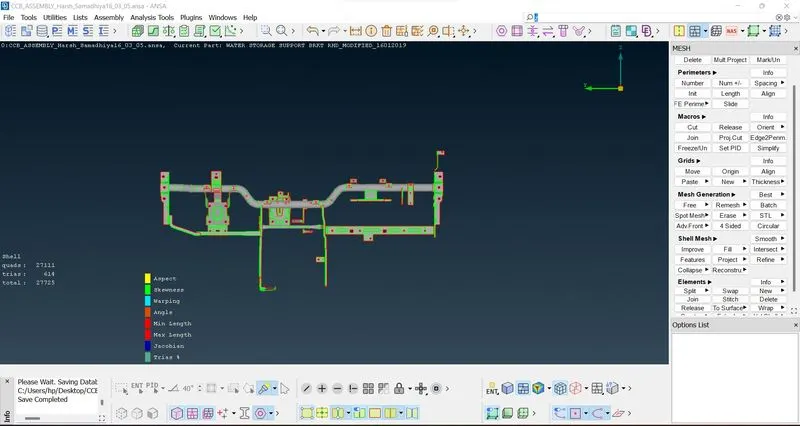
- Use Reconstruct option under the Shell mesh Subpanel to improve the Flow of the mesh
Conclusion -
The meshing of CCB Assembly was done using the ANSA tool with proper quality criteria.