Week 8-3D Tetra Meshing Challenge
Aim- To generate tetra mesh for the component using 2d to 3d conversion method.
Quality parameters -
Model 1
- Min size - 2 Units
- Max. Size - 7 Units
- Target element size - 5 Units
- Tet Collapse - 0.15 Units
Procedure -
- Import the geometry using the import option in Hypermesh. Go to > Import>Import geometry>select path>Import.
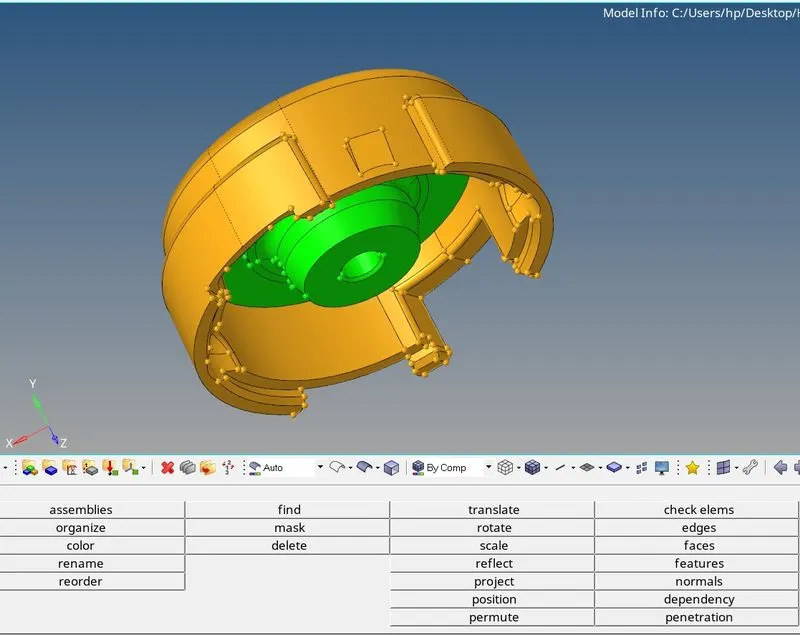
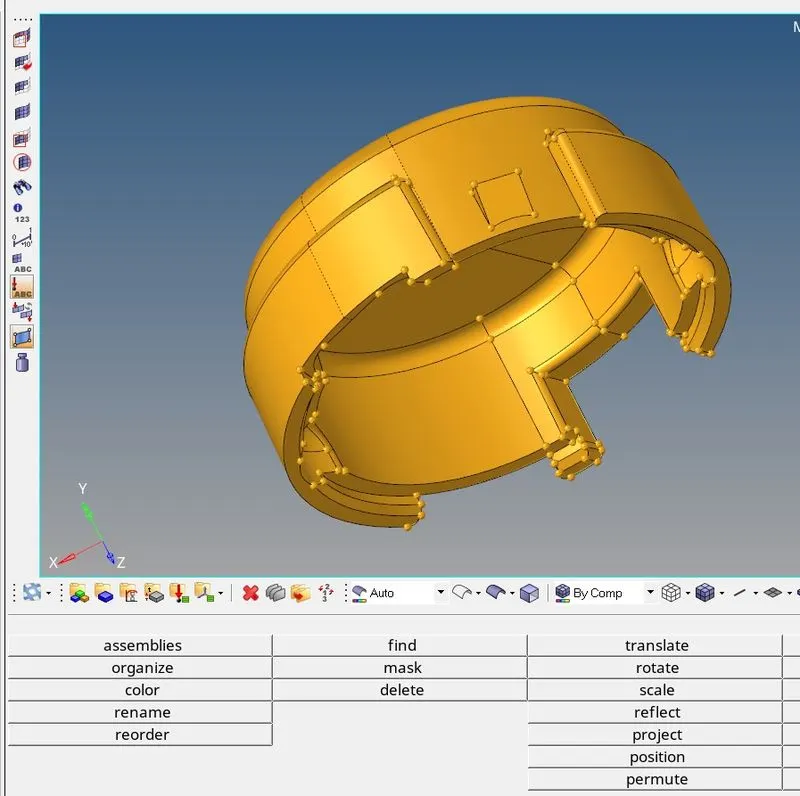
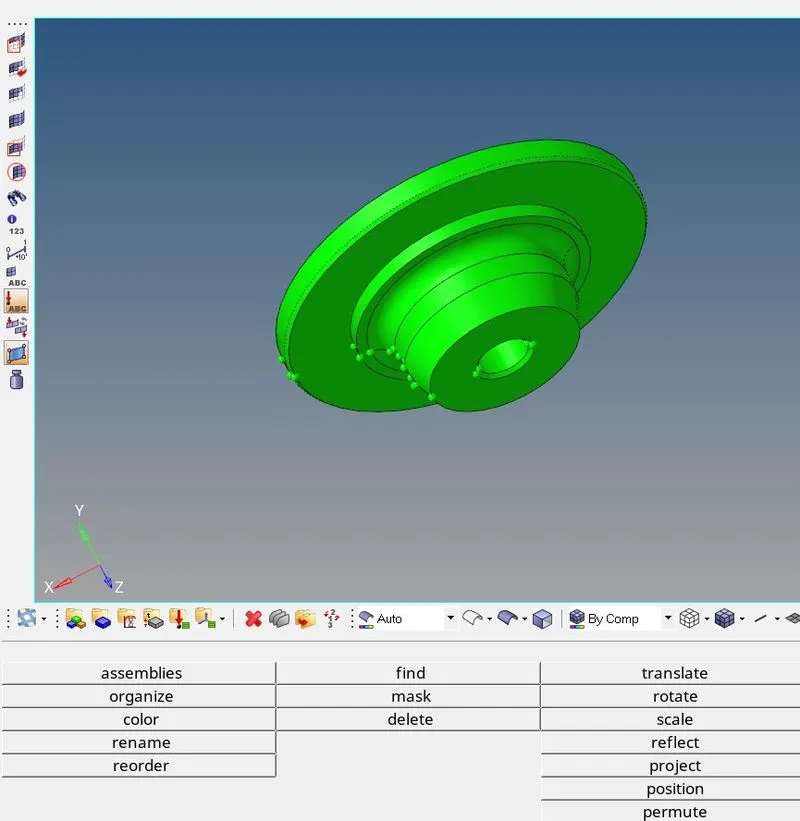
- Delete the solid part. Go to >F2>select solid>right click>displayed>ok.
- Clean up the geometry for min and max element size. using the defeature option.
- Clean up the edges and unwanted feature lines using the quick edit panel.
- using the quick mesh option in the 2D panel to create 2d tria mesh on the component surface
- Check element QC before creating tetra mesh and clean up any errors.
- Go to >3d>tetramesh panel>click on tetra mesh > in the fixed trias/quad option click on elements>mesh.
- use the F10>3D>tet collapse option to check for any tet collapse failure.
- Rectify the error using the F4 option or by simply re-meshing the failing elements.
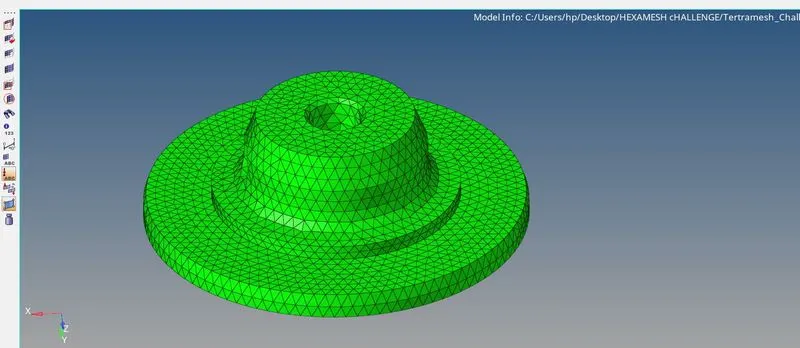
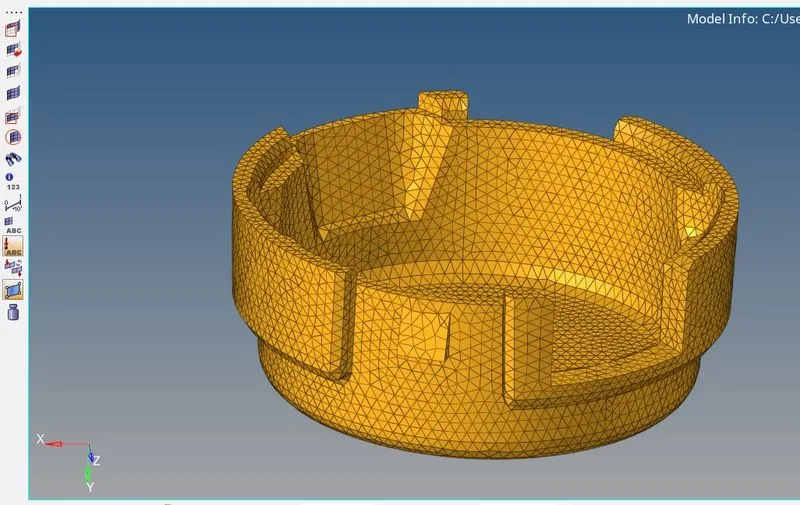
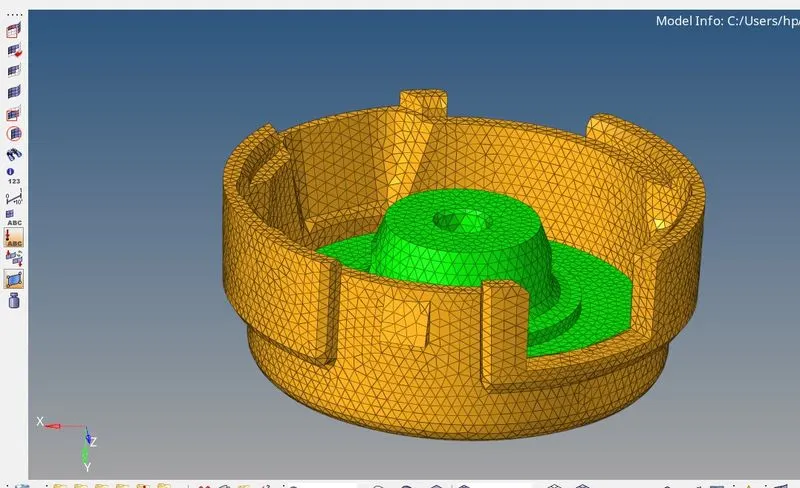
Model - 2
Quality parameter -
- Target element size - 3
- Tet collapse - 0.15
Method - Quick tetra mesh method
Procedure -
- Import the geometry as mentioned above.
- Delete the solid part using the F2/Delete option.
- Open the quick tetra mesh option using the utility browser option.
- Goto>view>browsers>hypermesh>utility.
- under utility>mesh>quick tetramesh.
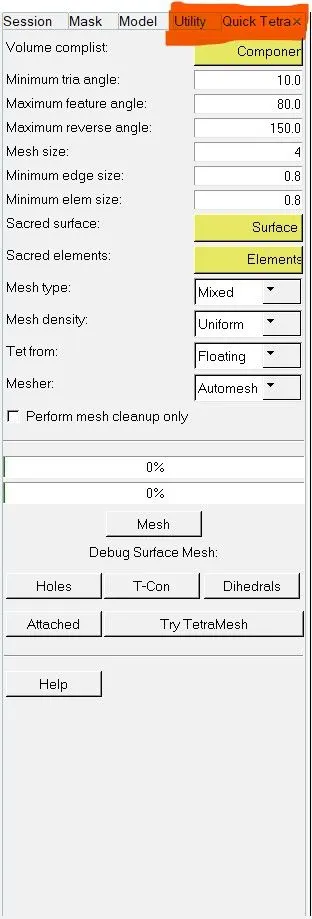
- Select The component> to enter mesh size> Select surface > under mesh type> trias>mesh.
The Hypermesh will automatically perform the Cleanup and create the tetra mesh. Check the tetra mesh for tet collapse and rectify the errors.
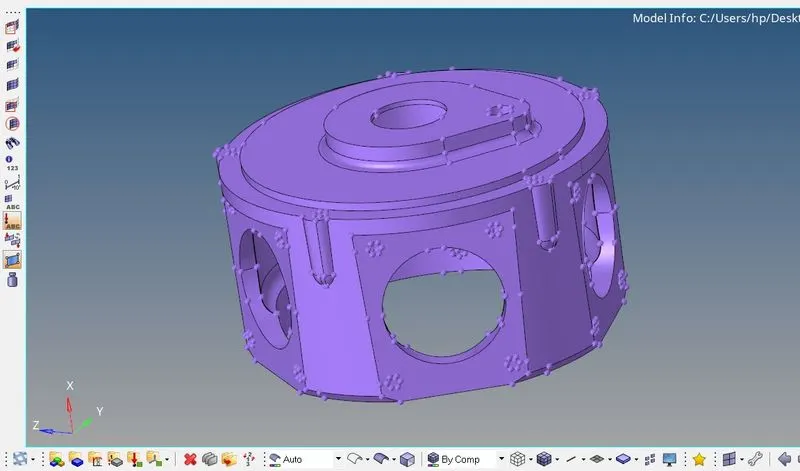
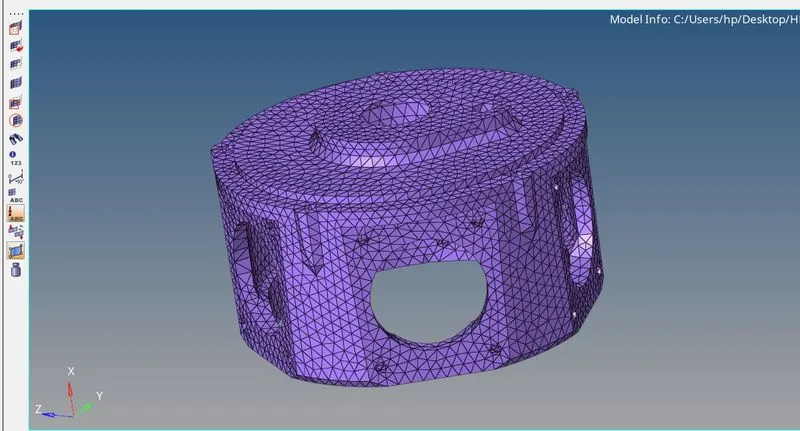
Note - In the quick tetra mesh option, the elements created will be stored in a different collector and needs to be moved into the original collector manually.
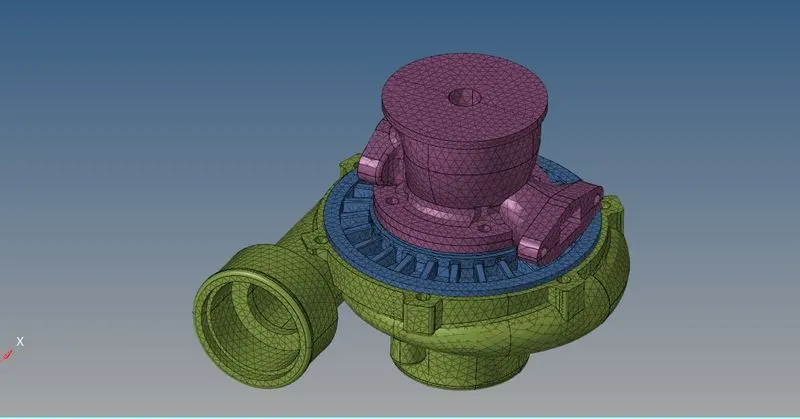
Model 3
Quality parameters -
- Element size - 4
- tet collapse value - 0.15
Method - Quick tetra mesh option
Result -
Conclusion -
- Various methods for creating tetra mesh were learned through the project
- techniques for Element optimization for proper quality parameters were also learned.
- Understood the difference between the different methods for 3d mesh creation.