Week 12:Project 2-Meshing of Rear Wheel Holder challenge
Aim - To extract the mid surface of the following component and perform meshing operation with given Quality criteria.
Quality Parameters -
Target element size - 5 units
| S.N | Quality Criteria | Value |
| 1 | Aspect Ratio | 5 |
| 2 | Skewness | 45 |
| 3 | Warping | 15 |
| 4 | Taper | 0.5 |
| 5 | Min. Length | 2 Units |
| 6 | Max. Length | 8 Units |
| 7 | Min angle Quad | 45 |
| 8 | Max angle Quad | 135 |
| 9 | Min angle Tria | 20 |
| 10 | Max angle Tria | 120 |
| 10 | Tria % | 10 |
Procedure -
- Goto>Import>Import geometry>Select the destination path>Click on Import, Follow the mentioned procedure to import the model of the wheel Holder.
- After importing the component measure the thickness of the part, as it is a sheet metal component the thickness is uniform throughout the component, i.e, 0.75 units.
- After measuring the component we have to extract the mid-surface of the component.
- Go to>Geometry panel>Auto mid surface>select surface>Select displayed option>ok.
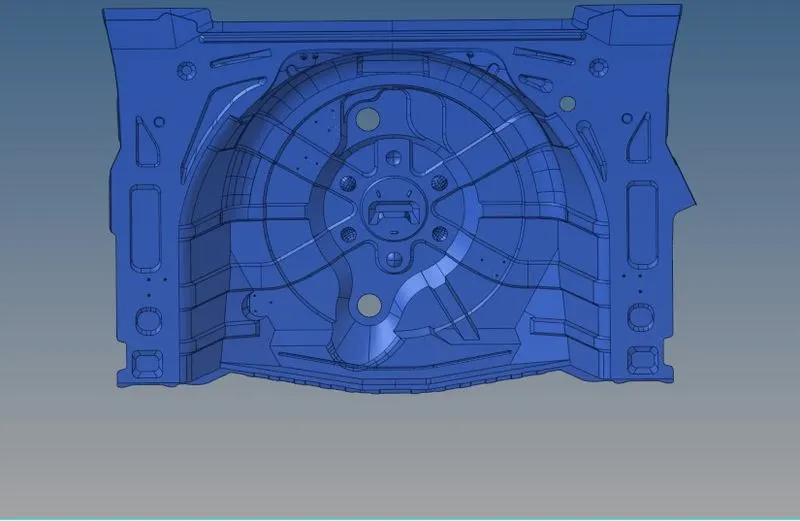
- After extracting the surface we need to find the geometrical errors and need to rectify them.
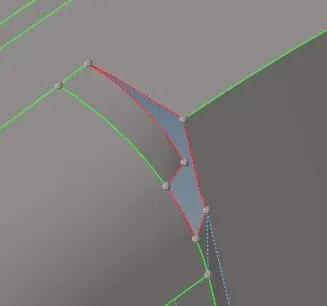
- As we can see in the image above there are a lot of distorted surfaces we need to repair before starting with the meshing operation.
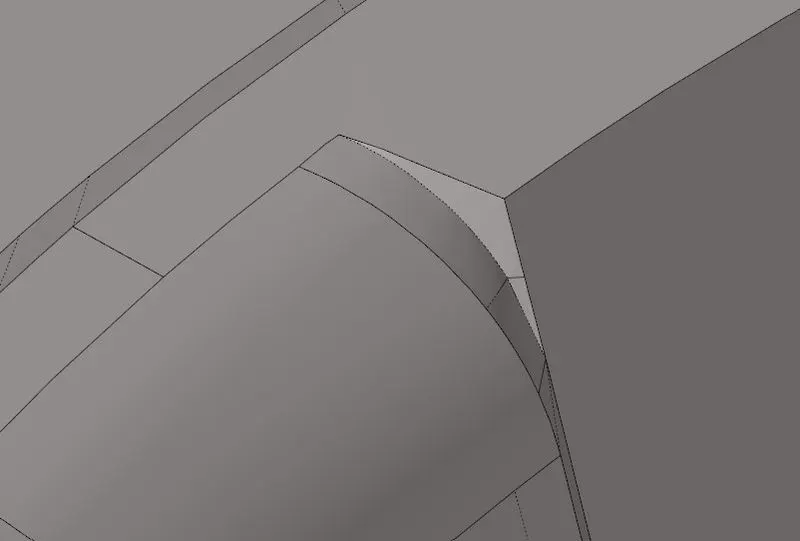
- Also, we need to remove certain features from the surface which are not suitable for meshing.
- Remove the features shown above to achieve proper mesh flow.
- using preferences to create a criteria file for the above-mentioned component.
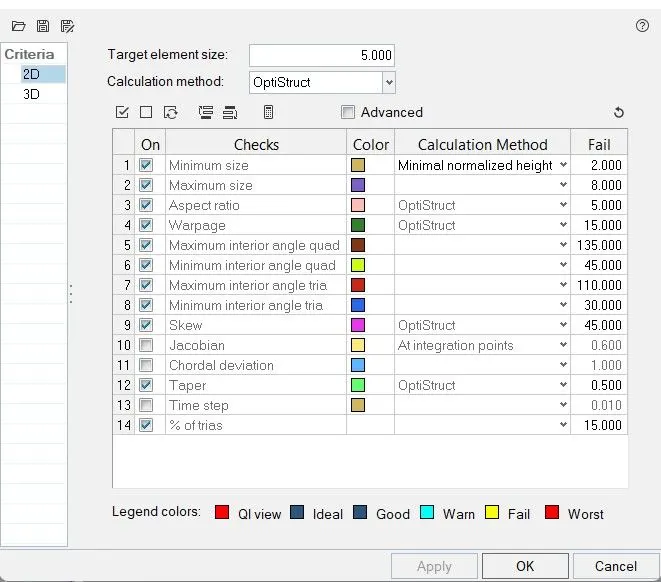
- We can use Manual as well as auto geometry cleanup options to remove any unnecessary edges.
- For manually removing the edges Go to > quick edit panel>select toggle edges options.

- For creating the mesh, Goto>2d panel>auto meshing>select parameter and quality criteria >ok.


- We can either select the whole component or we can select each individual feature separately.
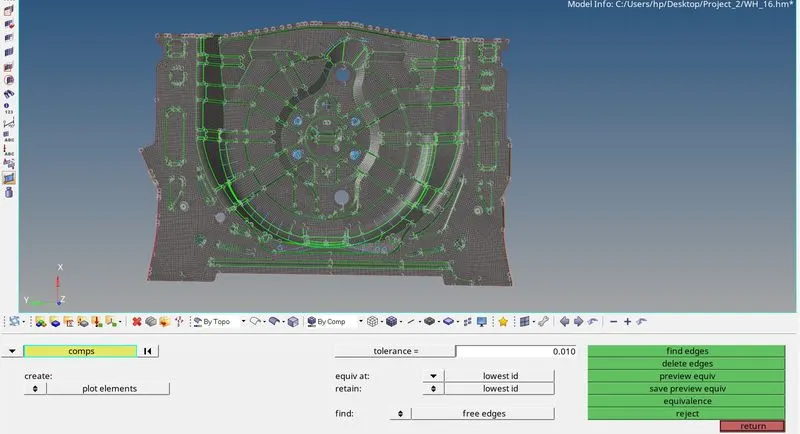
- After meshing the component check for normals and open edges.
- Go to>Tools>edges>find edges>ok

- Edges should not be present in between the meshed region
- Add thickness to the element using the property card option.
Conclusion
- We have now meshed the wheel holder part using the Hypermesh program with above mentioned QC