Week - 10 - Creating the midline and spot weld
Objective:
Part A:
- Create a macro to calculate the midline of a given tubular component
- Select one end of the lines using line by path
- Similarly, select the other ends using line by path option
- Now calculate midline for each pair
- Combine all these midlines to create a single midline.
Part B:
- Create a macro to create spot welds
- Select source nodes by the path from the user
- Select target nodes by the path from the user
- Create 1D spot welds for each node pair inappropriate component
Problem Statement:
1.To create the tcl command file for midlines and lines combined in part A and part B and spotwels for nodes-nodes.
2.Midline creation is fine, but merging them is a challenge.
Code:
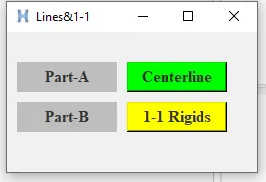
set a .window
catch {destroy $a}
toplevel $a -class toplevel
wm title $a "Lines&1-1"
wm geometry $a 250x140+100+200
label $a.01 -text "Part-A" -bg grey -font {times 12 bold}; place $a.01 -x 10 -y 30 -width 100 -height 30
button $a.02 -text "Centerline" -command {Centerline} -bg green -font {times 12 bold}; place $a.02 -x 120 -y 30 -width 100 -height 30
label $a.03 -text "Part-B" -bg grey -font {times 12 bold}; place $a.03 -x 10 -y 70 -width 100 -height 30
button $a.04 -text "1-1 Rigids" -command {spotweld} -bg yellow -font {times 12 bold}; place $a.04 -x 120 -y 70 -width 100 -height 30
proc Centerline {} {
*createmark comps 1 "Centerline"
set id [hm_marklength comps 1]
if {$id!=1} {
*createentity comps name=Centerline
}
*createmark comps 1 "Centerline"
set compid [hm_getmark comps 1]
*clearmarkall 1
*clearmarkall 2
*createlistpanel lines 1 "select first lines"
set firstline [hm_getlist lines 1]
*createlistpanel lines 2 "select second lines"
set secondline [hm_getlist lines 2]
set k 1
foreach i $firstline j $secondline {
*clearmarkall 1;*clearmarkall 2;
*createlist lines 1 $i
*createlist nodes 1
*createlist lines 2 $j
*createlist nodes 2
*linescreatemidline 1 1 2 2
*clearmarkall 1;
*createmark lines 1 -1
set p [hm_getmark lines 1]
if {$k>1} {
*linecombine $p $p1 1
*clearmarkall 1;
*createmark lines 1 -1
set p1 [hm_getmark lines 1]
} else {
set p1 $p
}
incr k
}
}
proc spotweld {} {
*createlistbypathpanel nodes 1 "select source nodes"
set source [hm_getlist nodes 1]
*createlistbypathpanel nodes 2 "select destination nodes"
set destination [hm_getlist nodes 2]
*createentity comps name=Spotweld
*createmark comps 1 "Spotweld"
*elementtype 5 4
foreach s $source d $destination {
*rigid $s $d 123456
}
}
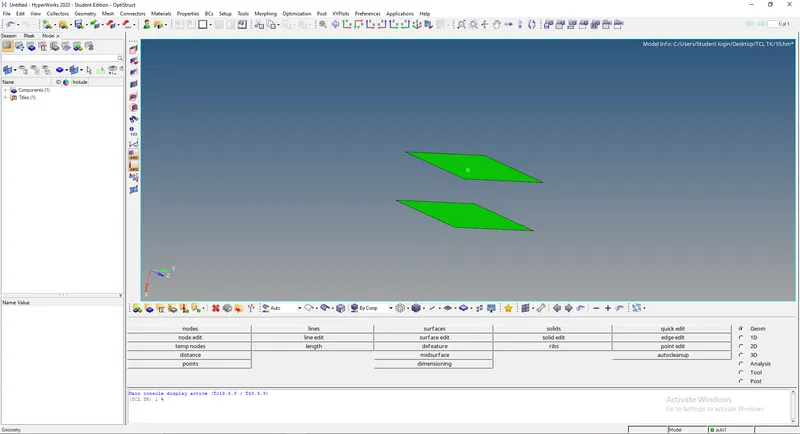
To perform the connections first create a two plane surfaces and mesh them as shown in the below fig.
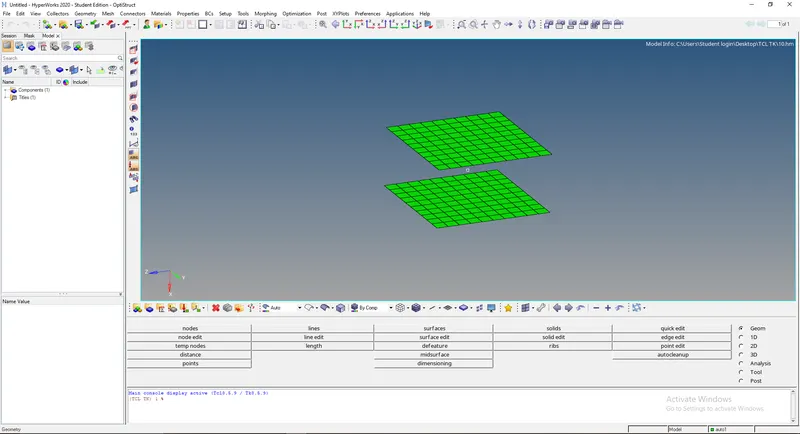
Now call the tcl script file to the hypermesh to make the connections between the two surfaces.
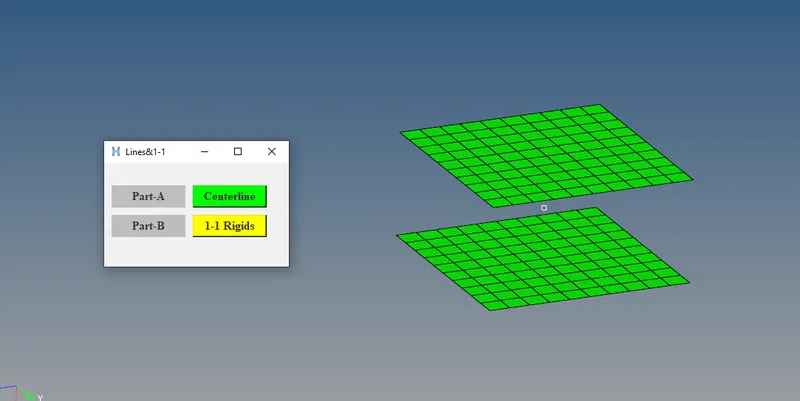
Now click on the 1-1 ridges to make the connections.On clicking on it, now it says we have to select the source node path and click on proceed and
then it will ask to select the destination node path.After selecting the both node paths then click on proceed button,then the spot weld connections
are formed between the two surfaces.
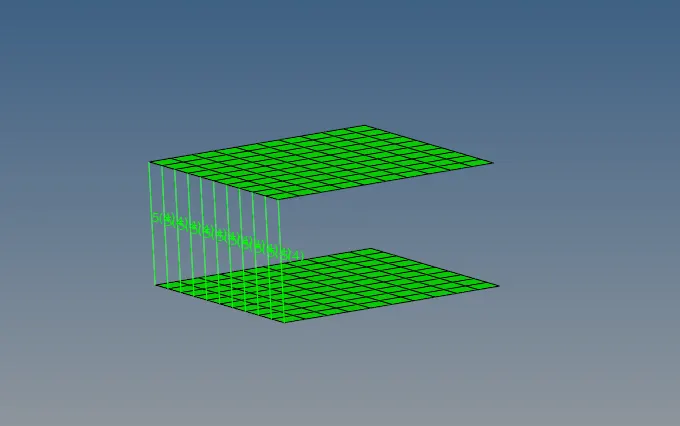
Now to perform the mid line operation we arw taking the same both two surfaces as shown in the above images.
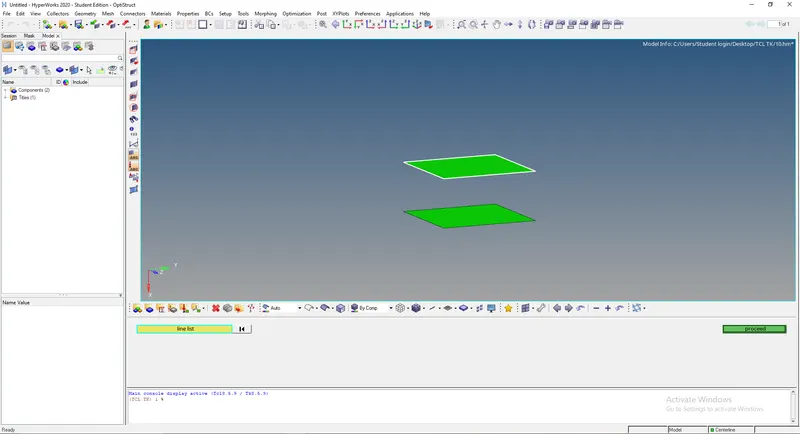
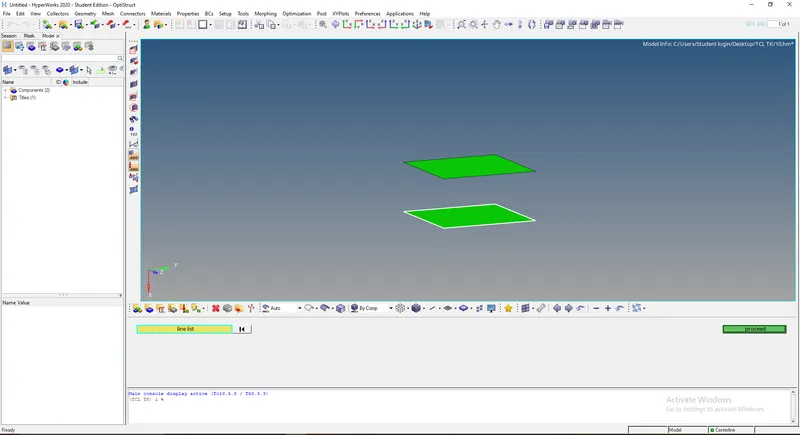
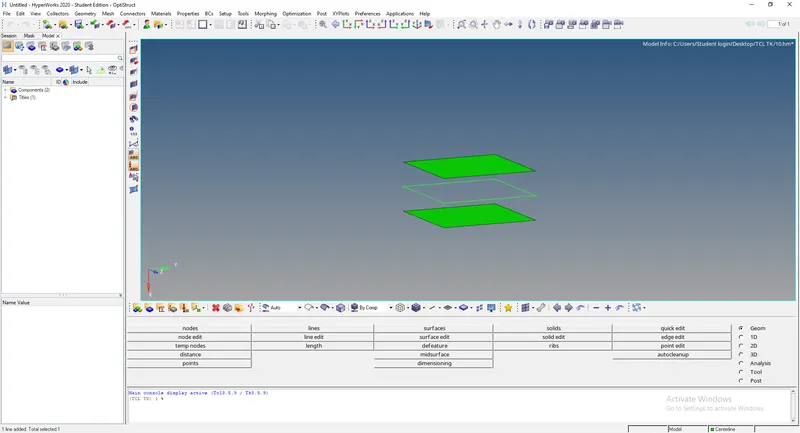
Now click on the centerline button to perform the operation.After clicking on the button it will ask to select the line list where the mid line have to
be created and it is done as shown in below images.
Conclusion:
Thus, i created the tcl of create lines and 1-1 rigids with widget and shown in above images.