MORPHING THE SHEET METAL COMPONENT USING ANSA
AIM: In this challenge we practice all the Basic Morphing techniques and write the report on Morphing and its uses in various industries.
PROCEDURE:
- IMPORT THE GIVEN GEOMETRY
- CLEANUP THE GEOMETRY
- MORPHING
IMPORT GIVEN GEOMETRY:
Import the given geometry
COMMAND: FILE-INPUT-OPEN-CHOOSE
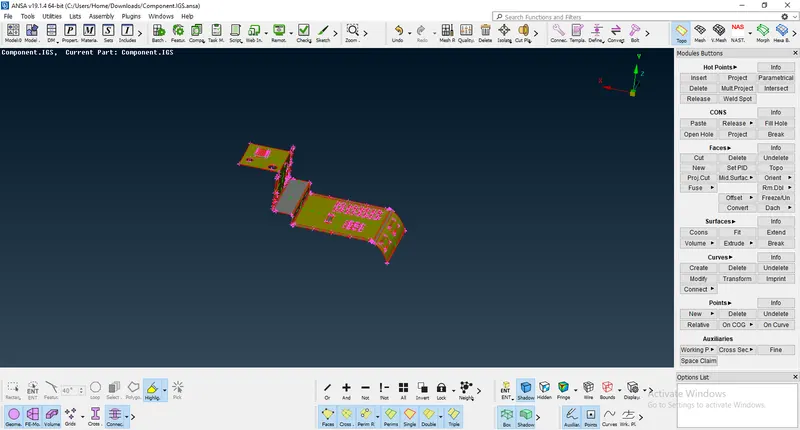
FIG.1 GIVEN GEOMETRY
CLEANUP THE GEOMETRY:
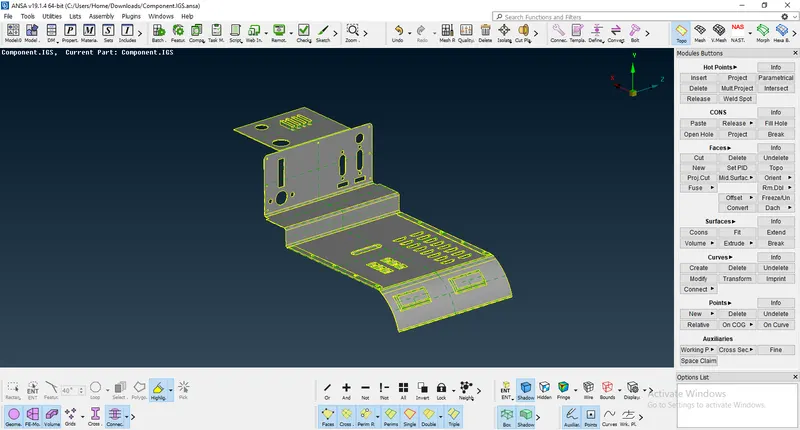
FIG.2 CLEANED GEOMETRY
The geometry has been cleaned and ready for Morphing
MORPHING:
BOX MORPHING: Box morphing can be done on both FE and CAD model, in this geometry morphed using different morphing techniques.
First choose Morph module,
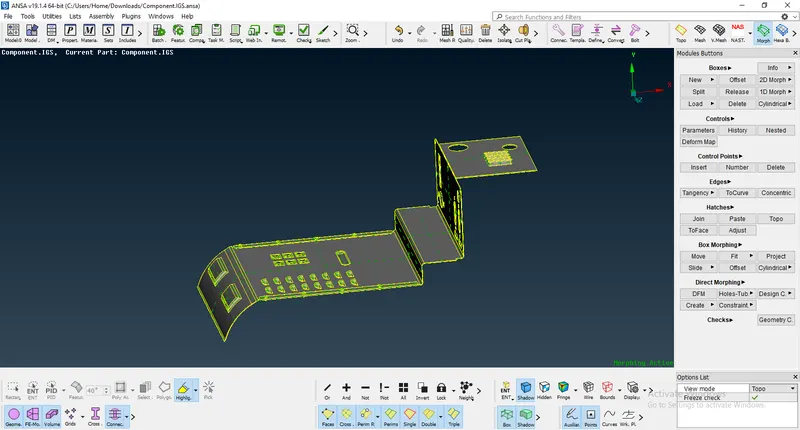
FIG.3 MORPH ACTIVE
we can see the MORPH ACTIE on the right side down, so we are in morph option.
before morphing we can make the box first to do morph, for box creating we go with the option NEW
COMMAND: MORPH-BOXES-NEW-ORTHO
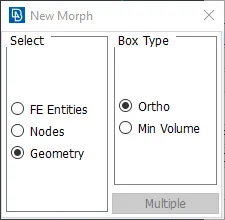
FIG.4 NEW MORPH COMMAND
Choose the box where you want to morph,
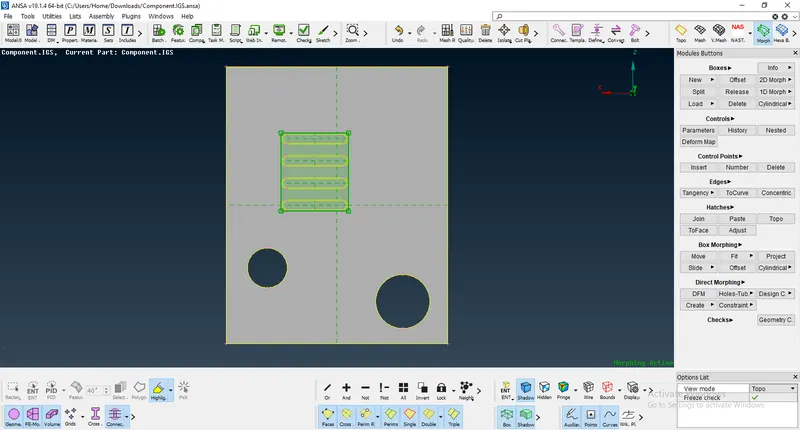
FIG.5 BOX CREATING BEFORE MORPH
by this result we get the box type of structure will be formed with control points at the edges, the control points can be used for changing the shape of the model.
Before morphing
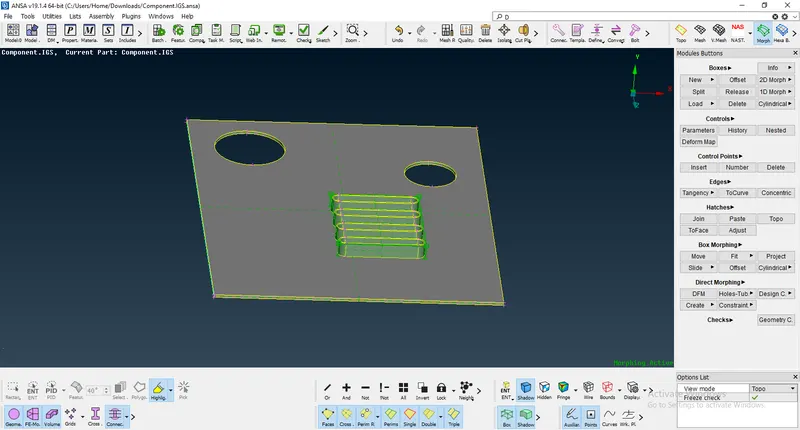
FIG.6 BEFORE MORPHING
COMMAND: BOX MORPHING-MOVE
The move option can use to change the entities shape to desired shape, Always swlect the control points for moving.
After Morphing
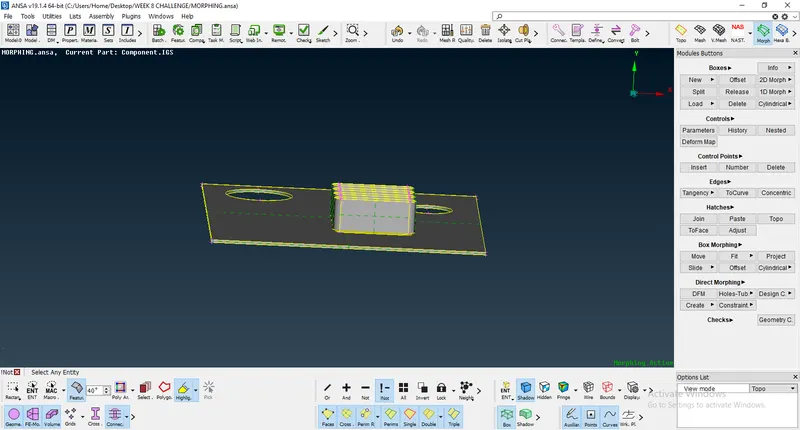
FIG.7 AFTER MORPHING
the above image are showes the difference from the parent image
similarly, all the components should be done on the same procedure as per our desired shapes,
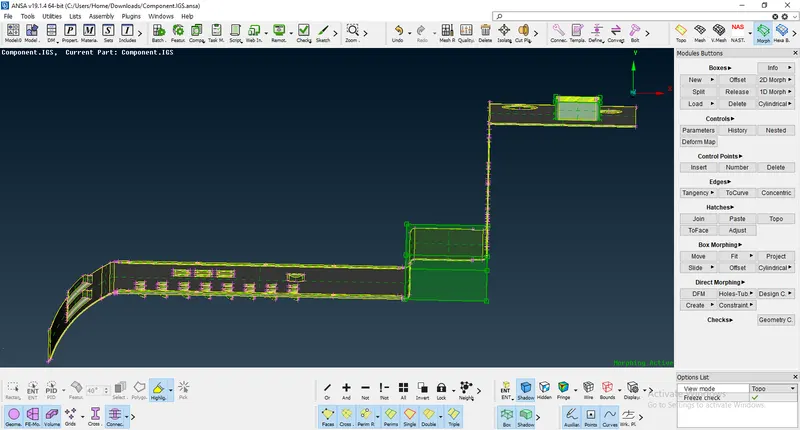
FIG.8 BOX CREATING BEFORE MORPH
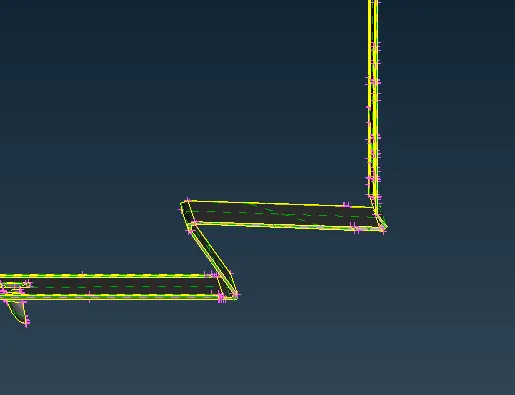
FIG.9 AFTER MORPHING
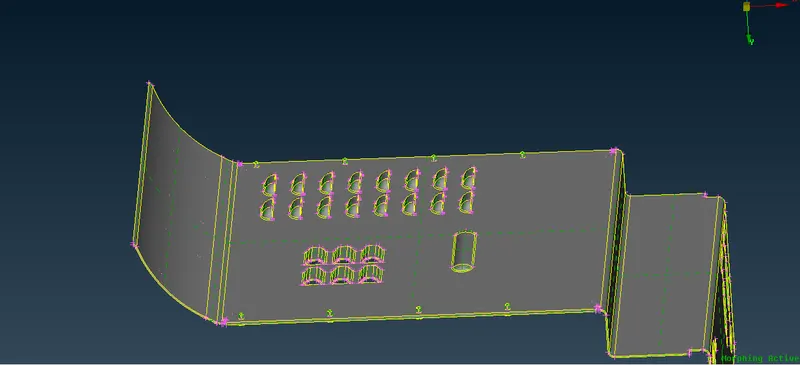
FIG.10 BEFORE MORPH
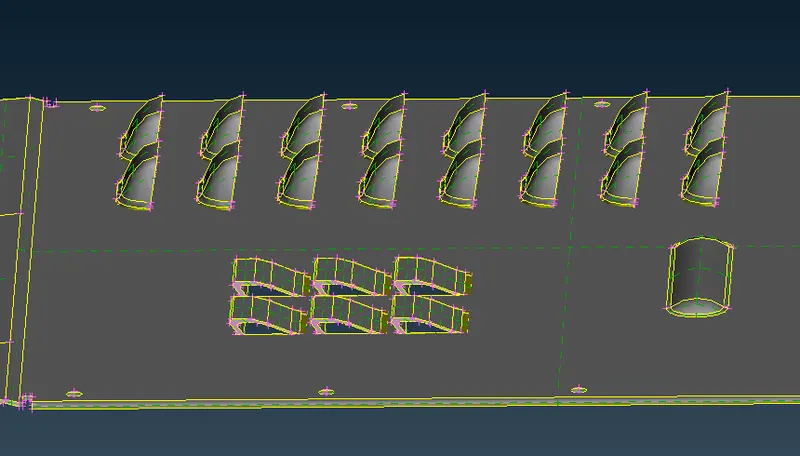
FIG.11 AFTER MORPHING
COMMAND:MORPH-BOXES-SPLIT
The split option can used to split the morph boxes,
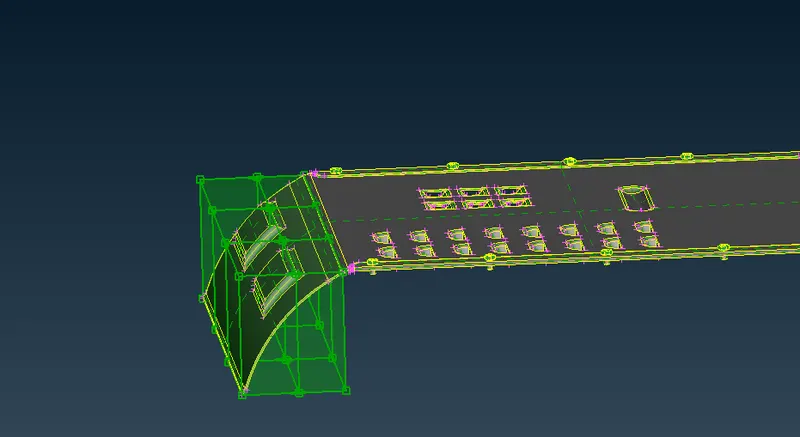
FIG.12 SPLITING BOX FOR MORPH
by using the split option we can chage the shape very effectively.
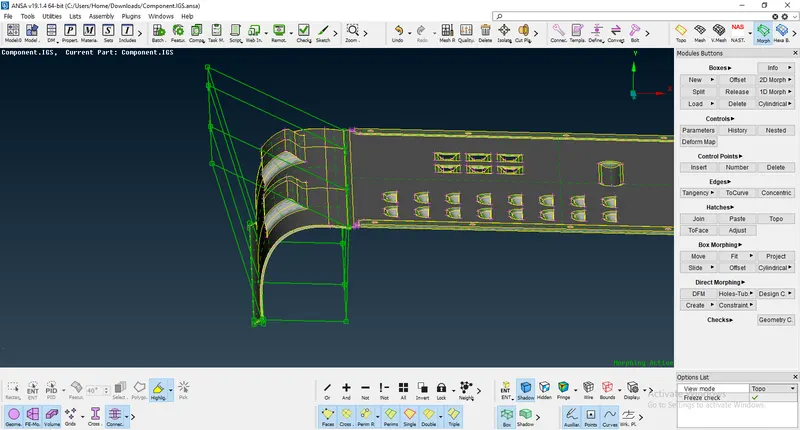
FIG.13 AFTER MORPHING
so finally we can get the model as per our new design
AFTER MORPHED MODEL
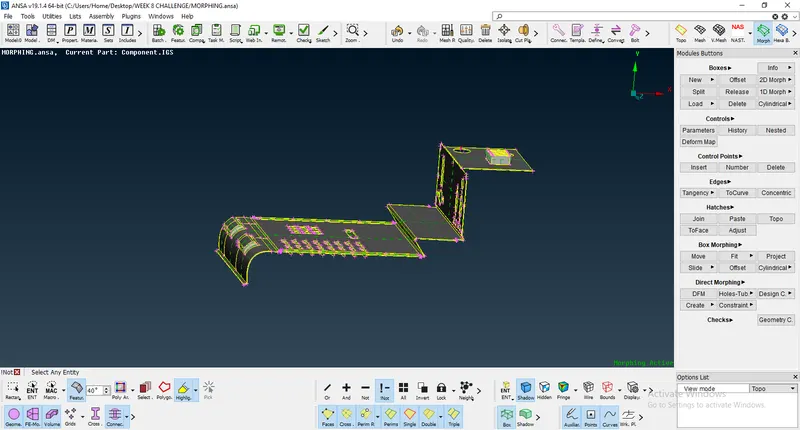
FIG.14 AFTER MORPH GIVEN MODEL
BEFORE MORPHED MODEL
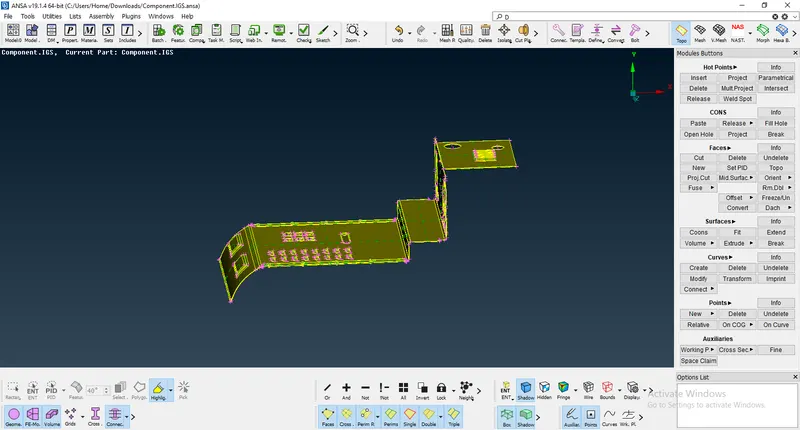
FIG.15 BEFORE MORPHING THE GIVEN MODEL
MORPHING USED INDUSTRIES:
AUTOMOBILE CARS
- FORD FIGO(HATCH BACK)-- FORD FIGO (SEDAN)
- SWIFT (HATCH BACK)-- SWIFT DESIRE (SEDAN)
- HYUNDAI i10 (HATCH BACK)--HYUNDAI XCENT (SEDAN) ETC..,
AIRCRAFTS
- SMART DOOR NOSE
- SMART HTP
- SMART TAILING EDGE ETC..,
LEARNING OUTCOMES:
In this challenge learned how to do morphing using different methods.
Used box morphs, split morphs.
CONCLUSION:
Model imported, geometry cleaned and done morphing using different morphing techniques, and also learned about where morphing are used in various industries.
DRIVE LINK: