EXTRACTING MIDSURFACE ON THE BOTTLE CAP COMPONENT AND MESHED USING ANSA
AIM: For the given component, check for the geometrical errors and mesh with the given element Quality criteria. After meshing the component the thickness has to be assigned.
PROCEDURE: The following steps are used to perform mesh on the geometry.
- Import the Geometry.
- Cleanup the Geometry.
- Extract the Midsurface.
- Setup the PID's for the midsurface.
- Mesh the model according to the given quality Criteria given.
- Assigining thickness
STEP 1: IMPORT THE GIVEN MODEL
To import the given model into ANSA,
COMMAND: FILE-OPEN-CHOOSE FILE TO IMPORT (BOTTLE CAP)
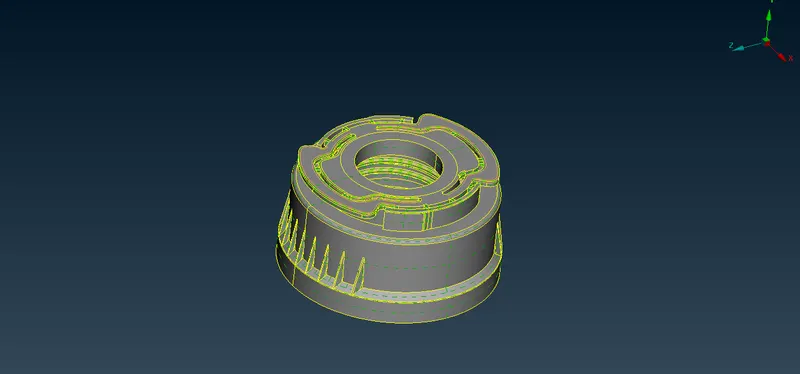
FIG1.1 IMPORTED GEOMETRY
STEP 2: CLEANUP THE GEOMETRY
Before extracting the midsurface we make sure the geometry should be clean.
for the we have to go to checks, here there will be less failing faces, so we can fix it automatically.
COMMANDS: CHECKS-GEOMETRY-EXECUTE
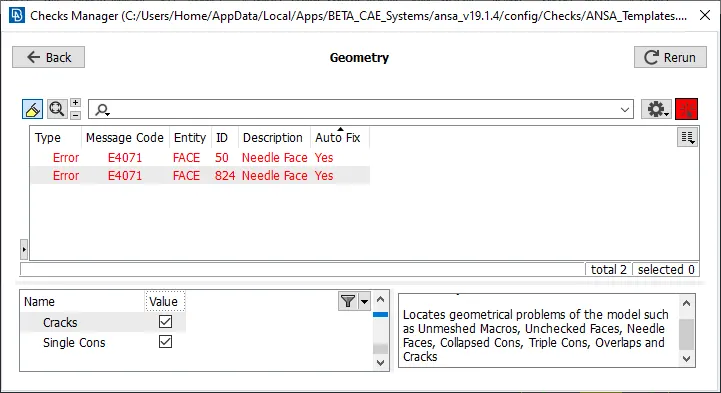
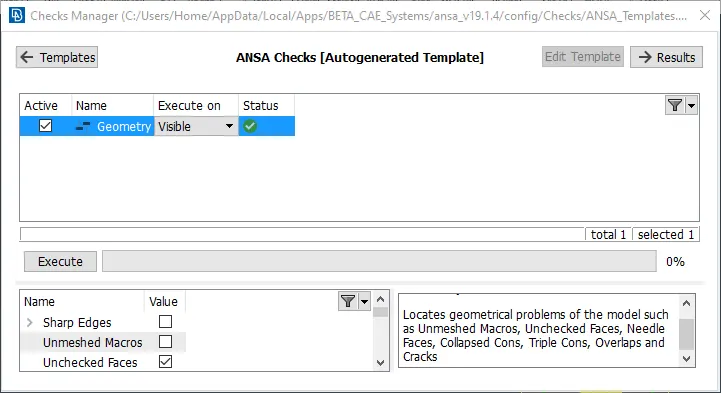
FIG2.1 BEFORE AND AFTER CHECKING TOPO CLEANUP
the above images shows the before and after clean geometry. now the model is free from Topology.
STEP 3: EXTRACTING MIDSURFACE
There are different ways for midsurface extraction, like auto midsurface and manual midsurface.
for complex geometry we always prefer Manual midsurface for accuracy.
before extracting the midsurface we need to measure the thickness for each part with multiple sides.
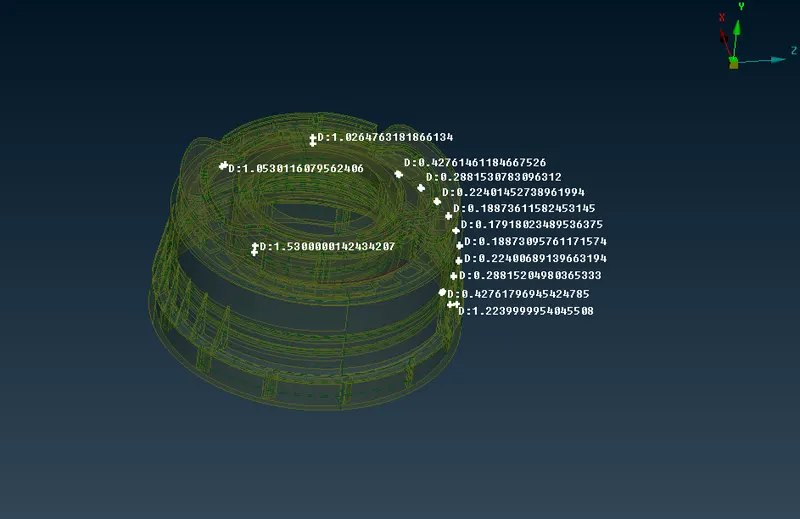
FIG3.1 MEASURING THICKNESS
For outer flat surfaces with equal thickness we can go with Offset option.
COMMAND: TOPO-FACES-OFFSET
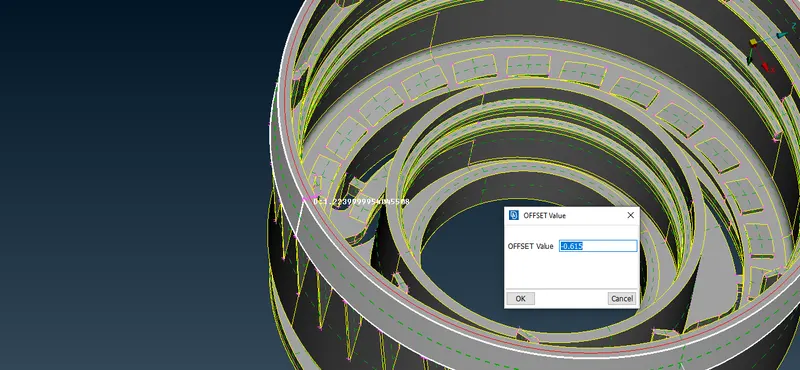
FIG3.2 MIDSURFACE USING OFFSET OPTION
some components like ribs are extracted using middle option.
COMMAND: TOPO-FACES-MIDDLE
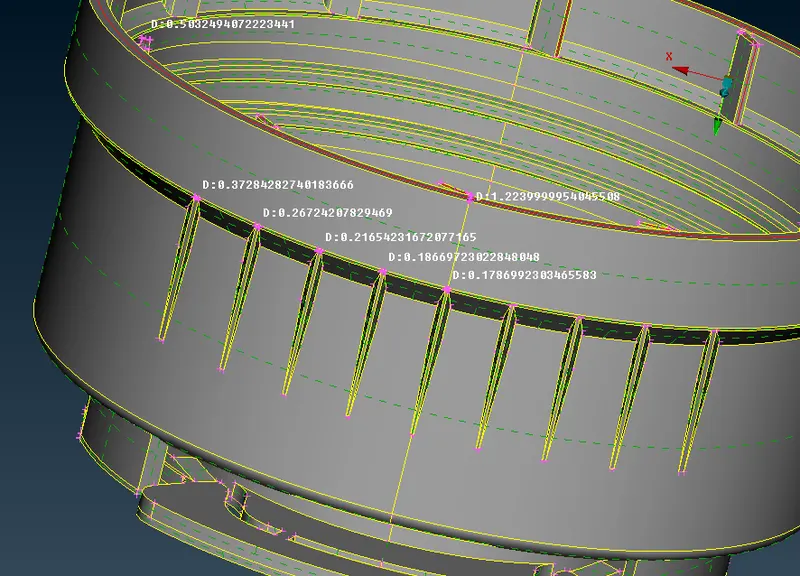
FIG3.3 MEASUREMENTS ON RIBS
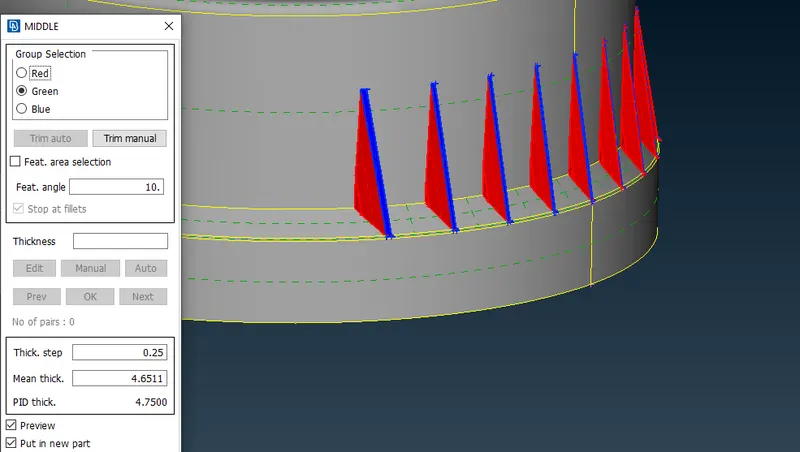
FIG3.4 MIDSURFACE EXTRACTION USING MIDDLE OPTION
To extract the midsurface for the threads, we can use curve middle option.
COMMAND: TOPO-CURVES-MIDDLE
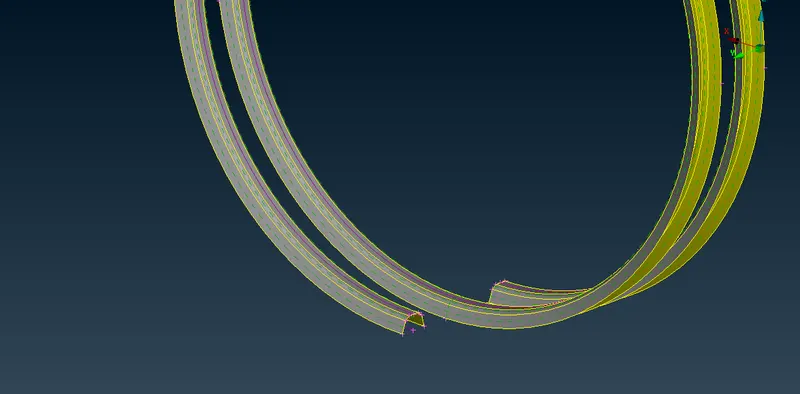
FIG3.5 CURVE MIDDLE OPTION FOR MIDSURFACE ON THREADS
After creating curve the middle we can create the coons usig coons option.
COMMAND: TOPO-SURFACES-COONS
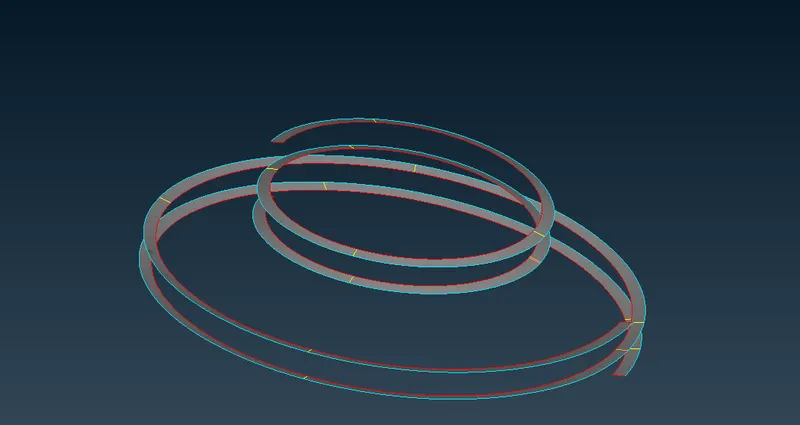
FIG3.6 CREATING COONS ON CURVE MIDDLE
after that we can project or intersect the surfaces to surfaces,
COMMAND:TOPO-FACES-INTERSECT/EXTEND
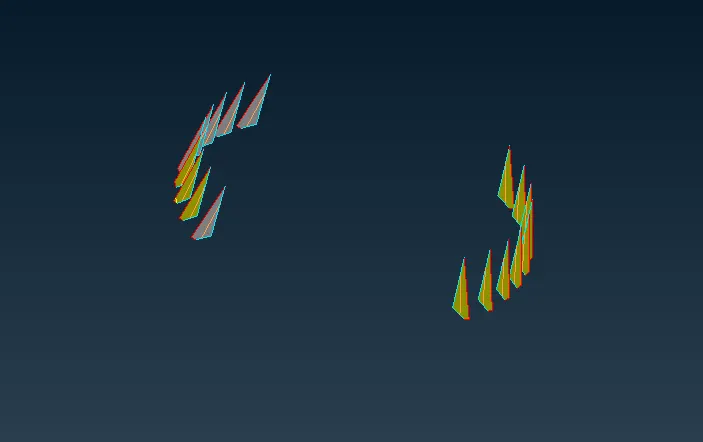
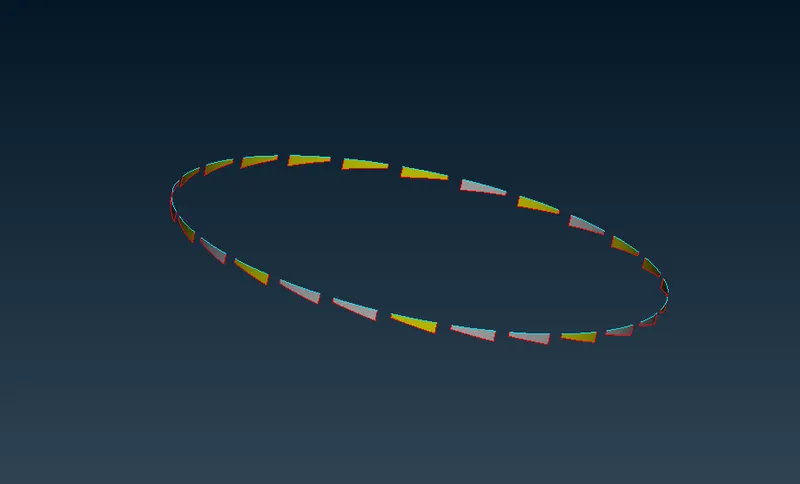
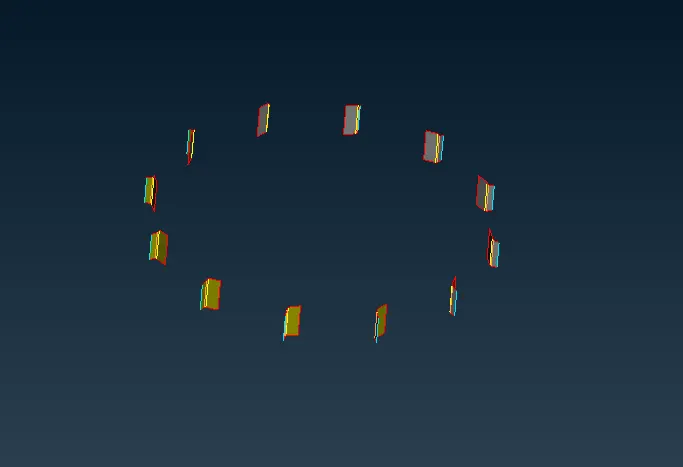
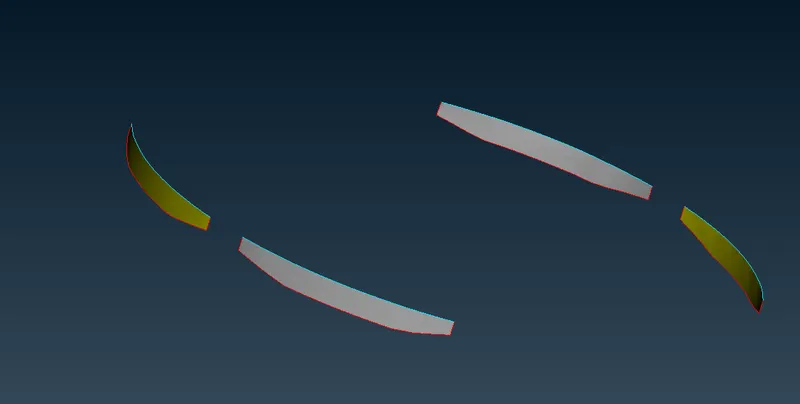
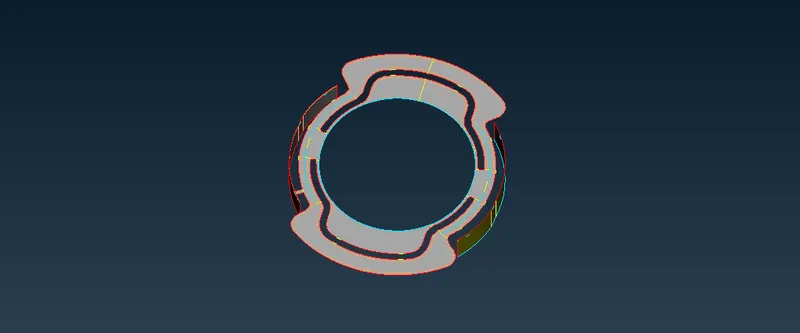
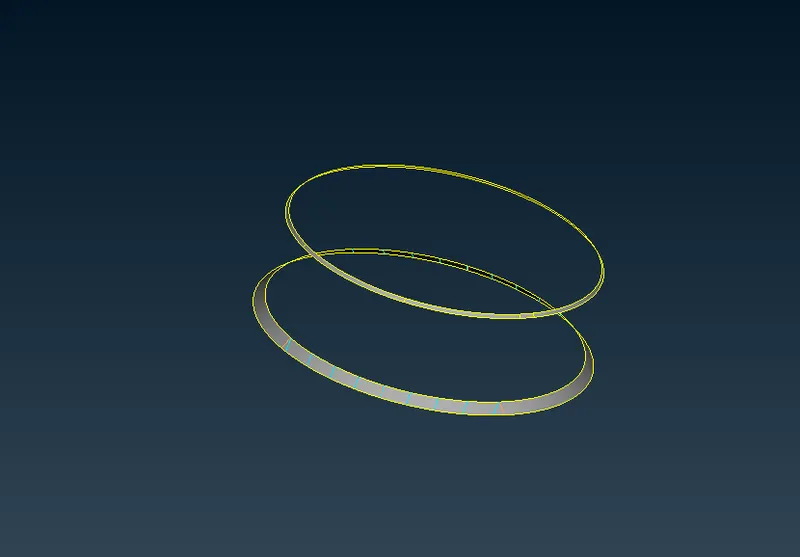
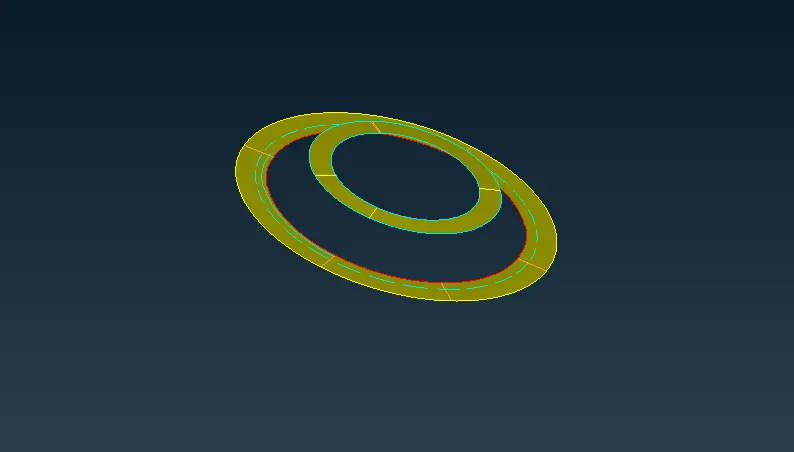
FIG3.7 ABOVE FIGURES ARE EXTENDS / INTERSECTED
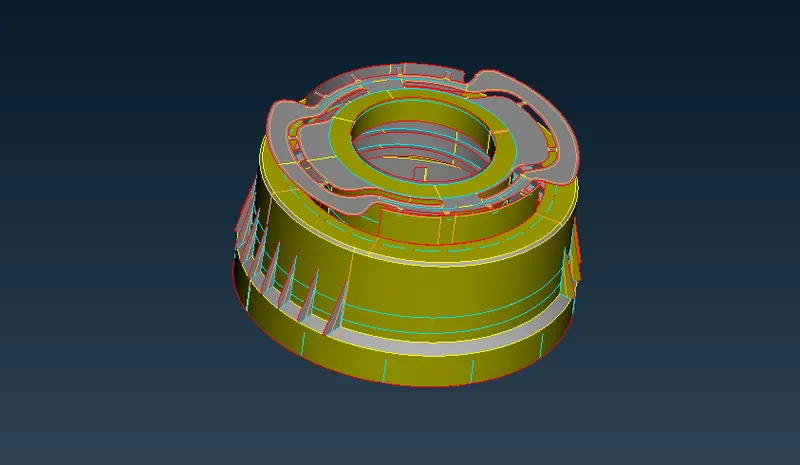
FIG3.8 MID SURFACE EXTRACTED FOR BOTTLE CAP
STEP 4: ASSIGNING PID's FOR EACH COMPONENTS AS PER THE THICKNESS
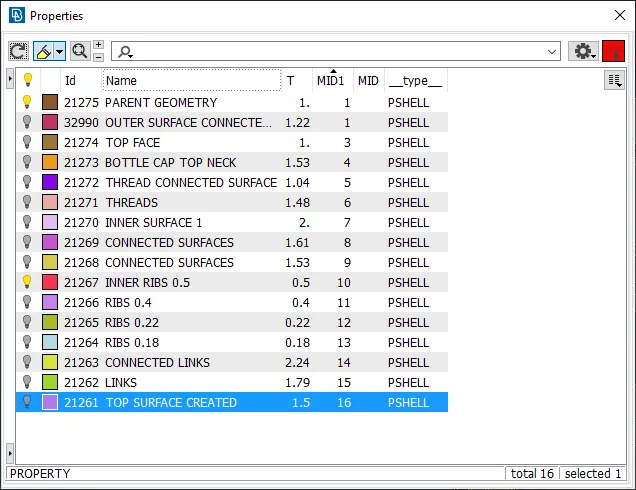
FIG4.1 PID's FOR EACH COMPONENT
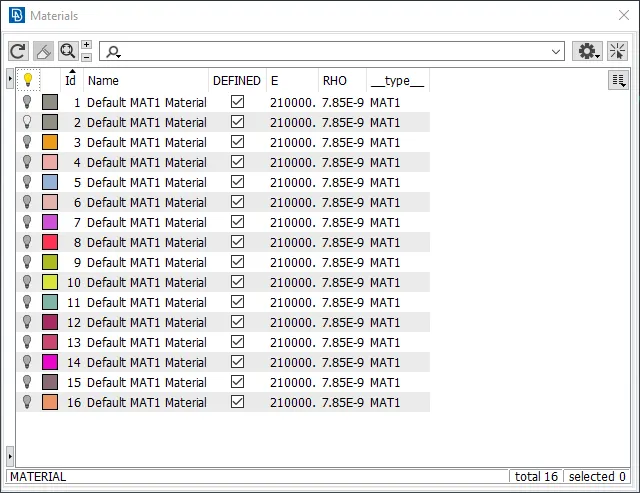
FIG4.2 MATERIAL FOR PID's
STEP 5: MESHING
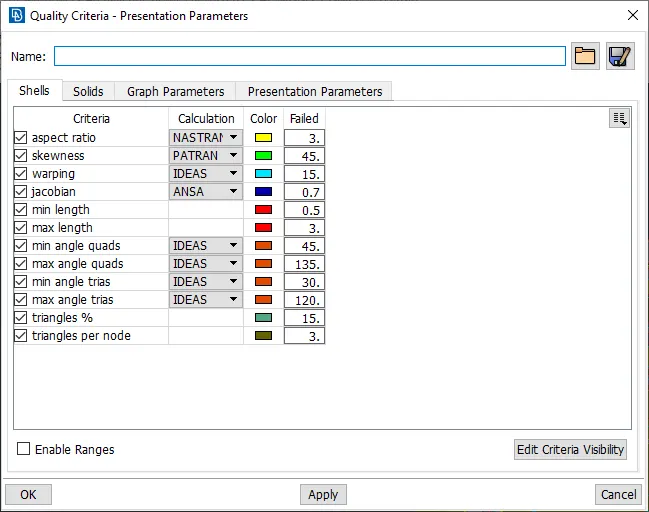
FIG5.1 MESH QUALITY PARAMETERS
Before meshing the surface we need to set perimeters and macros to target length to having good mesh flow.
COMMAND: MESH-PERIMETERS-LENGTH
Mesh path by path for better flow.
to generate mesh ,
COMMAND: MESH-MESH GENERATION-BEST
Prefer BEST for good results in ansa algorithams. after generting the mesg we can go with reconstruct if needed.
COMMAND: MESH-SHELL MESH-RECONSTRUCT
after that check the draw shell as solids option in presentation paramerers.
COMMAND: QUALITY CRITERIA-PRESENTATION PARAMETERS-CHECK DRAW SHELL AS SOLIDS
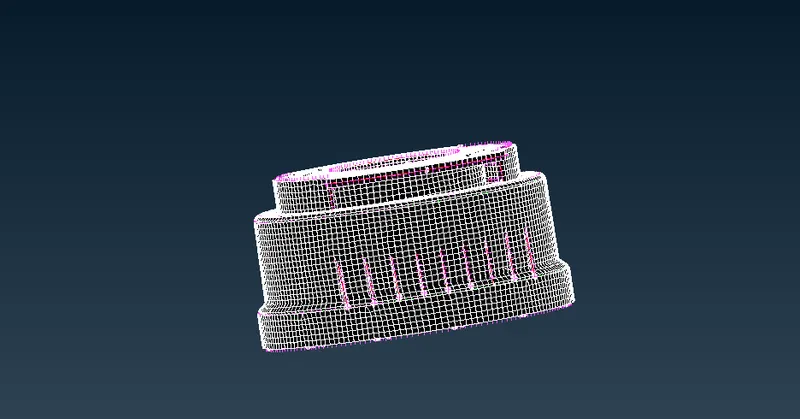
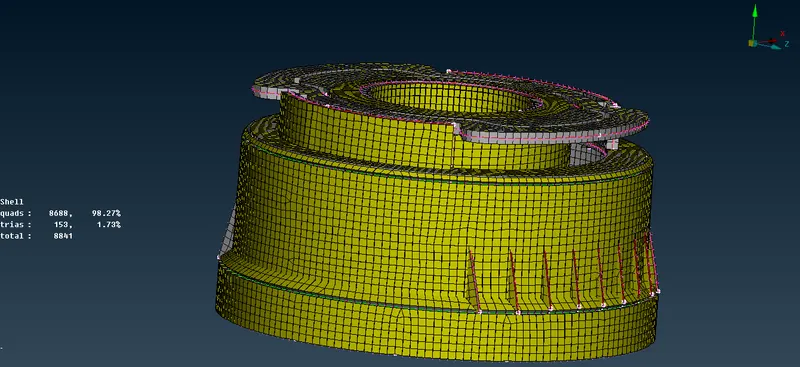
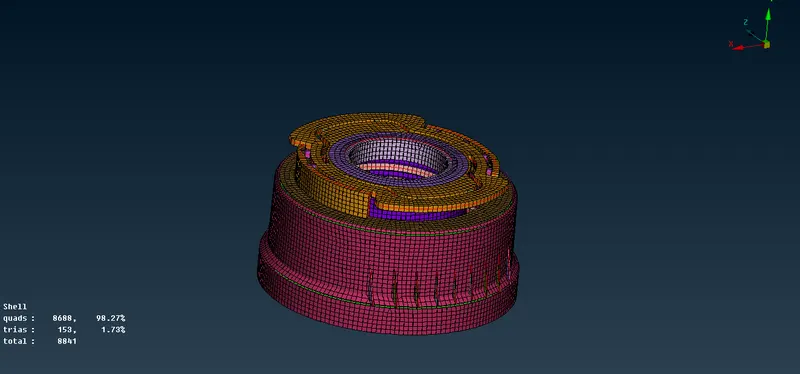
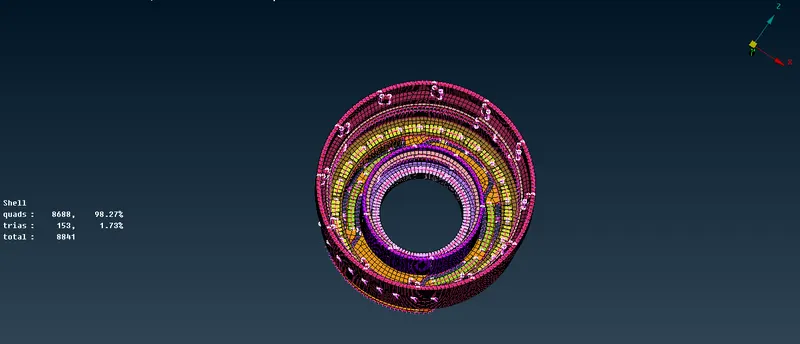
FIG5.2 DIFFERENT VIEWS OF MSHED BOTTLE CAP IN SHELL AS SOLID MODE
STEP 6: ASSIGINING THICKNESS:
Already we have assigned the tickness for all components according to the parent geometry.
LEARNING OUTCOMES:
In this method have learnt different methods of midsurface extraction. like middle, middle curve, offset, middle-multiple.
Meshing in different complex areas.
CONCLUSION:
we have meshed the Bottle cap component with low tria concentration and proper mesh flow.
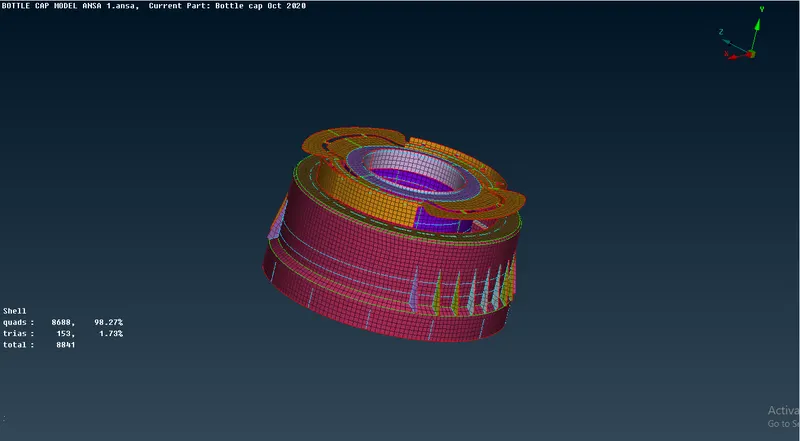
FIG 6 FINAL MESHED BOTTLE CAP
DRIVE LINK
https://drive.google.com/file/d/1DBaSGj9iQv7sH63ooNZvzCxYGdcXyFeC/view?usp=sharing