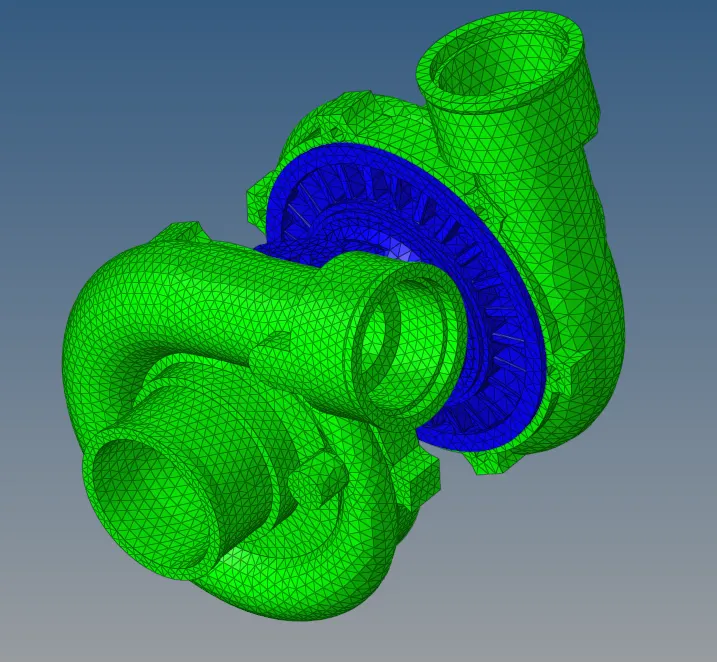
Week 8-3D Tetra Meshing Challenge
OBJECTIVES:
The main objective of the challenge is to perform the 3D mesh on the given 3 models with the required element size and Tet collapse in hypermesh
GIVEN DATA:
Model 1:
Element size as Min-2, max-7, Target-5, and Tet collapse - 0.150
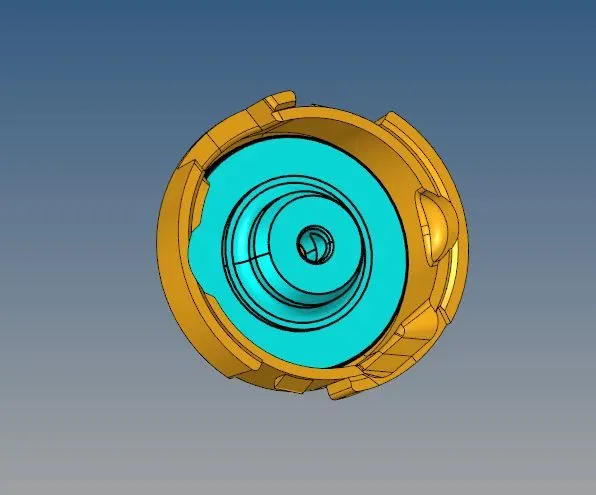
Model 2:
Target as 3 and Tet collapse - 0.150
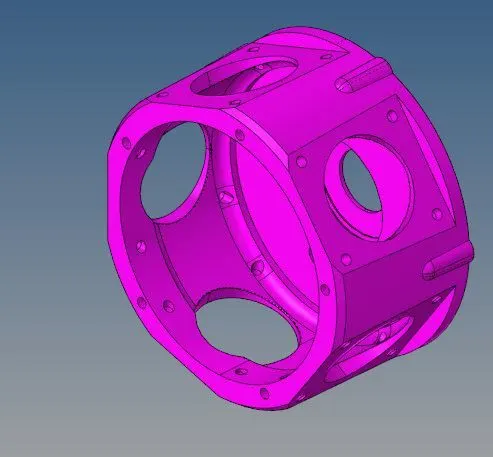
Model 3:
Target as 6 and Tet collapse - 0.150
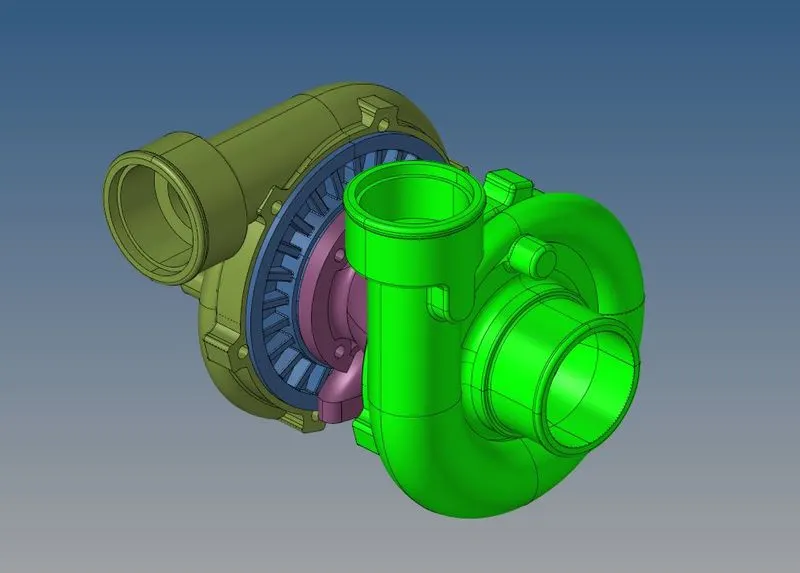
PROCEDURE:
- Import the 3 model files on the hypermesh
- There are three methods available for making the 3D tetra mesh
👉Model 1 using the Surface method(2D Mesh Needed):-
- Delete the solid if any present in the model
- Delete >>> Solids

- 2D mesh the surface of the component with the given element size
- 2D >>> Automesh >>> Using trias
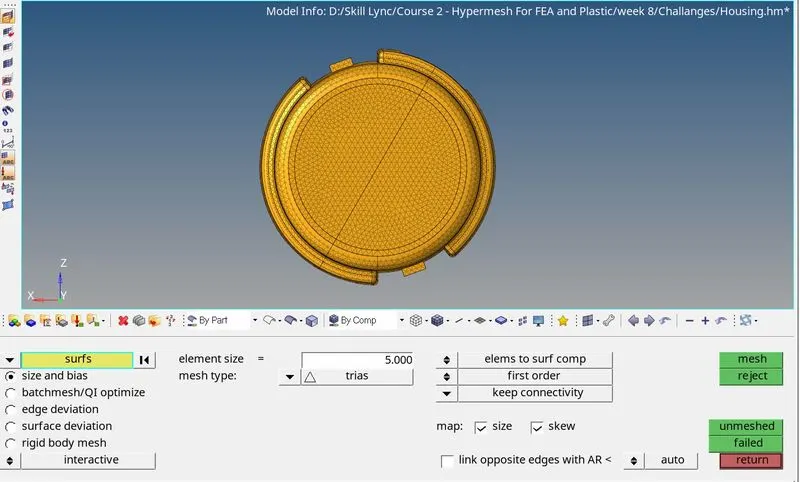
- Check the elems size in the 2D mesh

- Perform the 3D tetra mesh - 3D >>> Tetramesh >>> Mesh
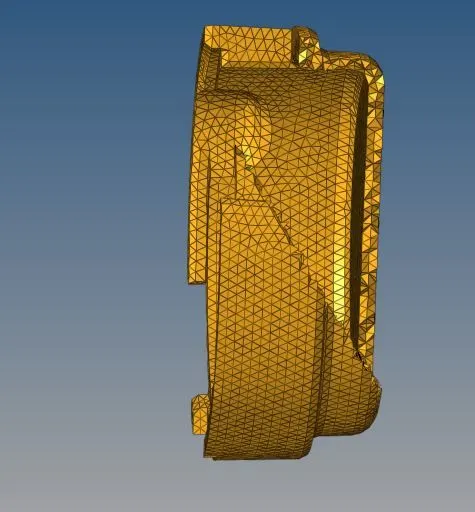
- Check the elem failure of Tet collapse in 3D tetra mesh and clear if any present

- Finally do forgot to delete the 2D mesh - Delete >>> Element >>> by Config >>> Tria3
👉Model 2 using the components method(No need of 2D Mesh):-
- Delete the solid if any present in the model
- Delete >>> Solids
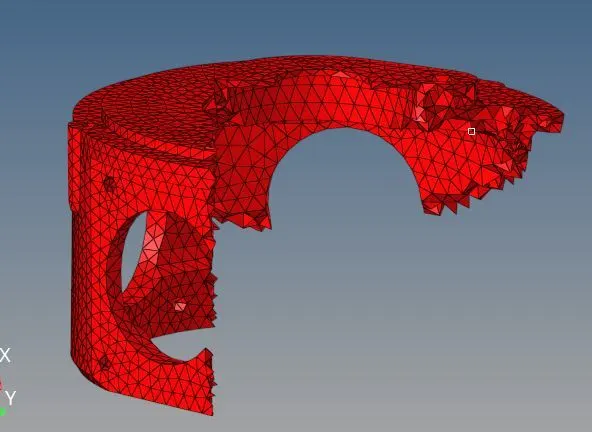
- Try to create the 3D tetra mesh by using the following steps - 3D >>> tetramesh >>> Tetramesh >>> Comps >>> Mesh
- If an Enclosure error came then go with - View >>> Browser >>> Hypermesh >>> Utility
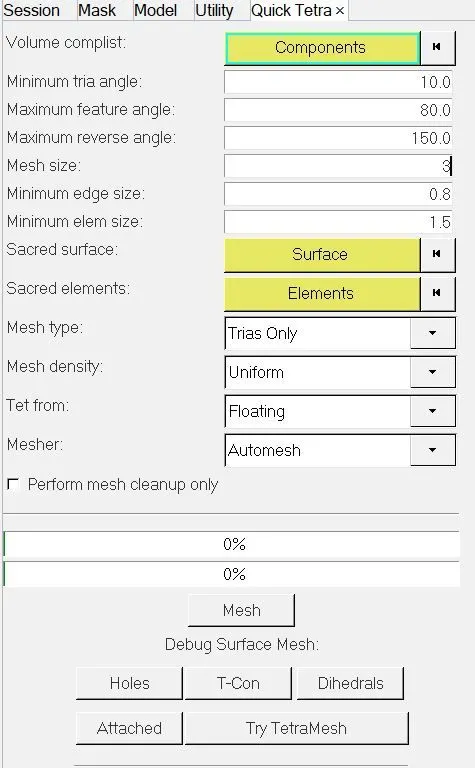
- In the Project tree - Utility >>> Goem/Mesh >>> Quick Tetra mesh >>> Comps >>> Mesh
- Fix the issue, If any Tet collapse is present in the mesh
👉Model 3 using the Volume Tetra mesh(No need of 2D Mesh):-
- Parts present in the Model are Hub, Casing (2Nos), Central Hub
- This method is used to form 3D tetra mesh directly using solid/surf, we don't have any control over the mesh
- 3D >>> tetra mesh >>> Volume tetra >>> Surf >>> mesh
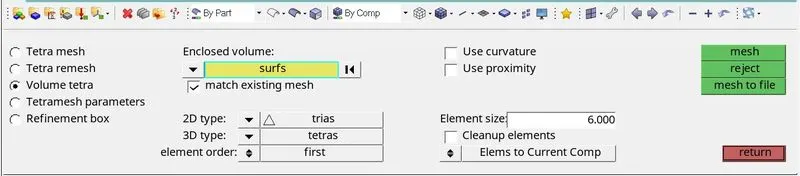
- Input the element size as 6 unit
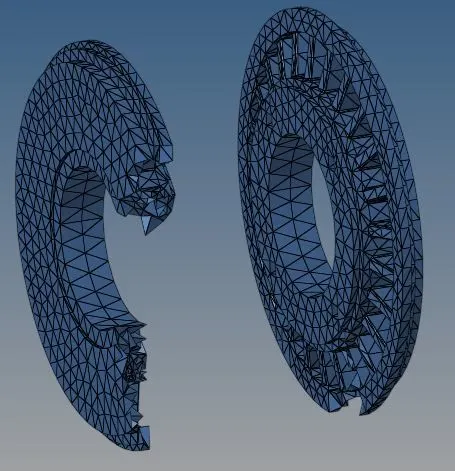
- Fix the tet Collapse, if any present
RESULT:
Hence, the three models have successfully meshed as the quality criteria and I learned a lot about how to form the Tetra mesh by various methods.
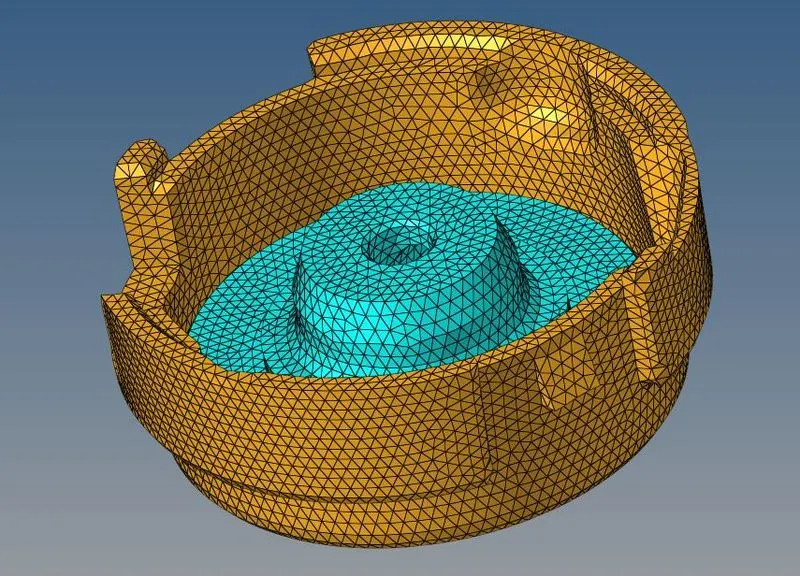
Model 1:
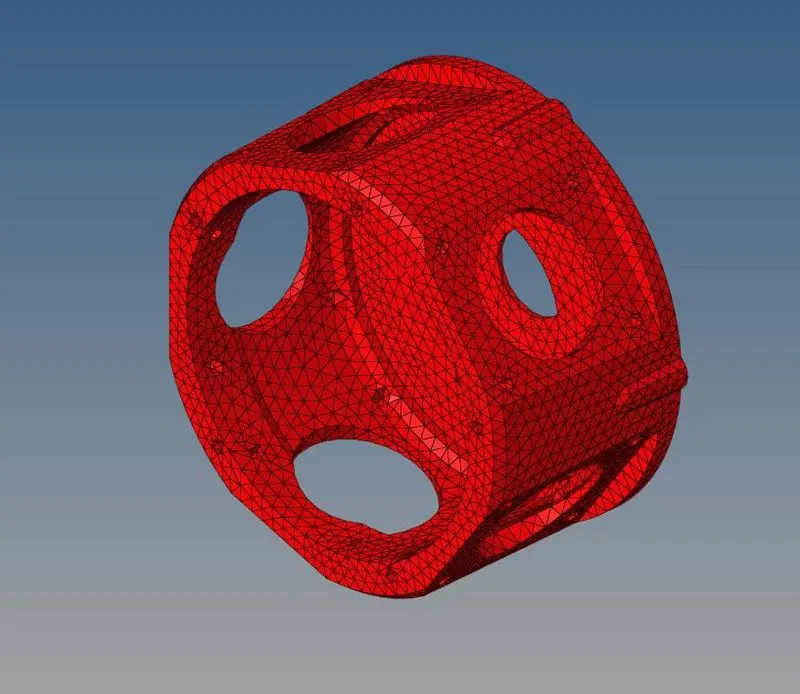
Model 2:
Model 3: