Performing Volume mesh on the Rearview Mirror
AIM:
The main objective of the Challange is to perform the Volume mesh on the given CAD – Rearview Mirror under the given Quality criteria.
PROCEDURE:
- Open the latest version of ANSA software in your system.
- Import the given sheet metal cad geometry file (.step) in the ANSA, it will automatically change their file extension into ANSA readable file(.ansa).
- Identify the topo errors present in cad geometry, by the way, check > geometry present in the top.
- The topological errors are notified as a single con, triple cons, cracks, overlapping faces, and many more.
- Understand the reason for the error and perform the actions to resolve it.
- Material identities(MID) and part identities(PID) should be set before doing the meshing operations.
Importing :
Open the latest version of ANSA on your Pc/Laptop. Import the cad geometry files through file > open or Ctrl + O.
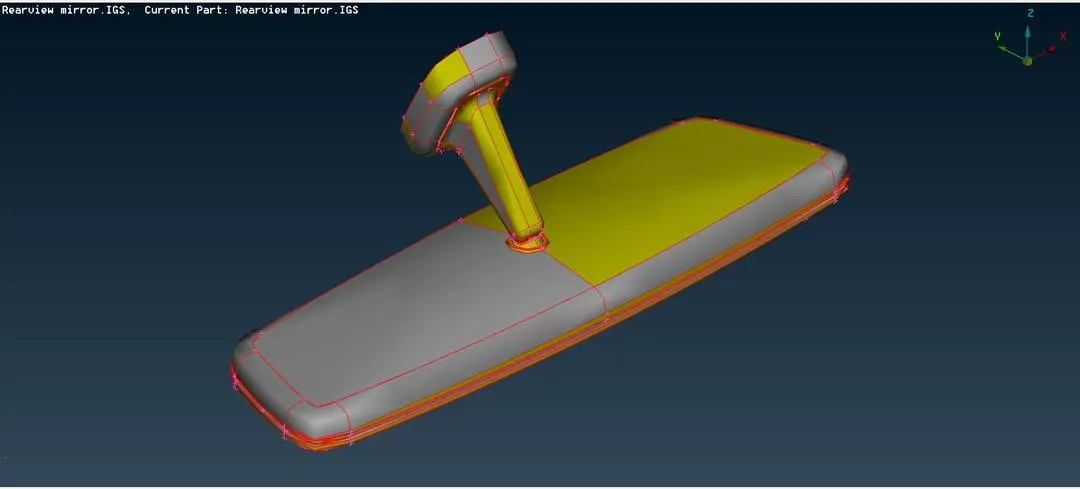
Geometry check :
Topological errors have to be checked for the given Hood Assembly component through the following steps – Tools > checks > geometry.
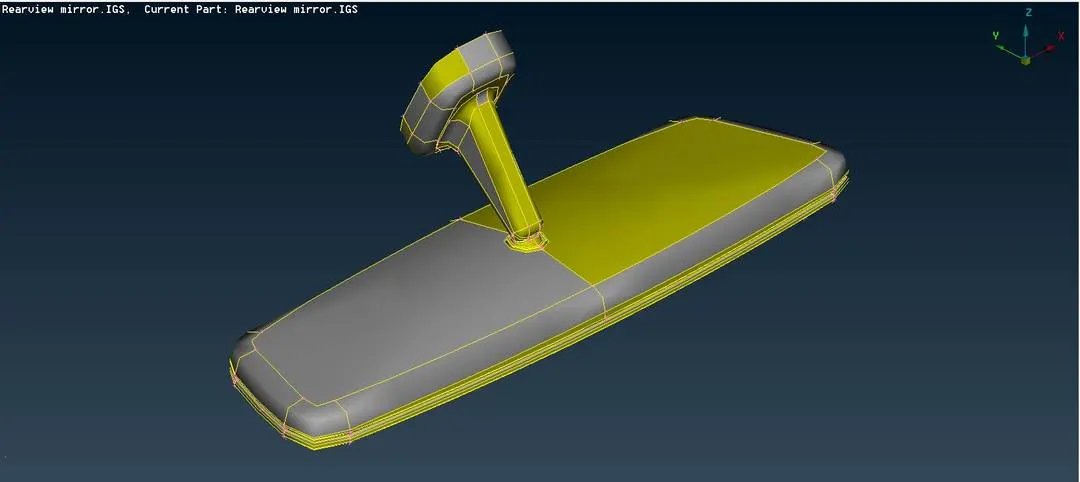
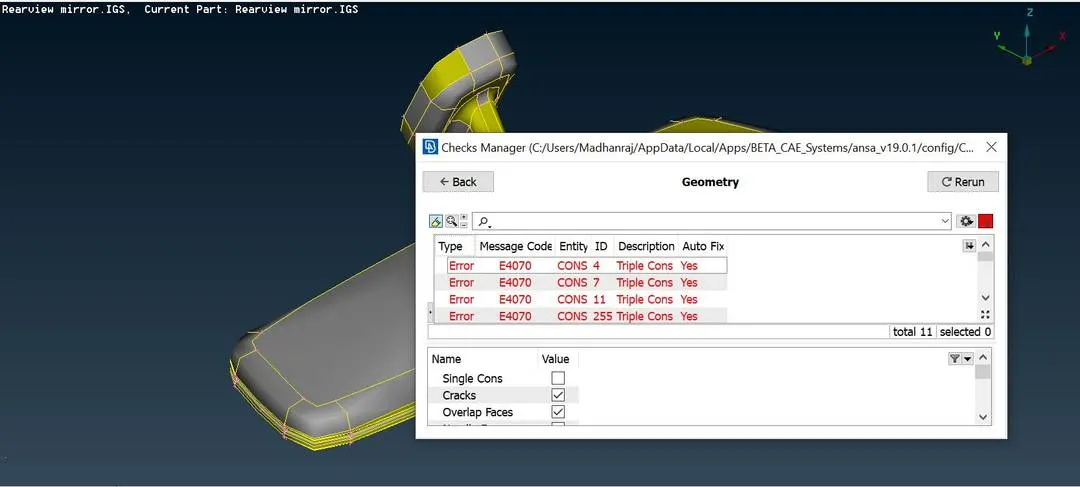
After checks, the geometry, If there is an error is present then the check bar will show the error with its type, message code, entity, ID, and reason like cracks, triple cons, collapsed cons, needle face, etc., and also shown if the error has been by auto fix itself that’s a great advantage for us.
If the error has been able to clear with the use of auto fix then,
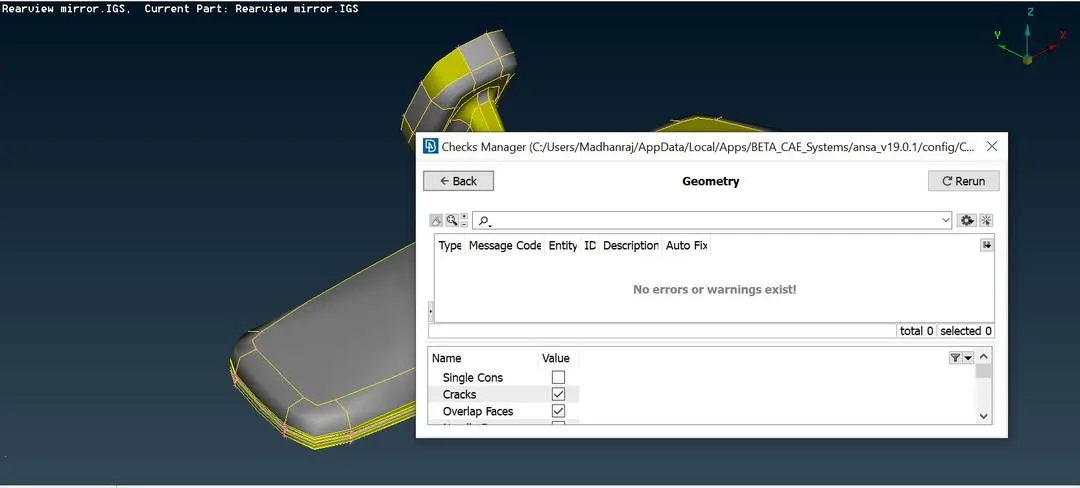
We have to done with ~ ctrl+A to select the whole errors then right-click the mouse and fix it. After the problem has been resolved then the check manager will be shown the execution is 100% like below.,
Meshing :
Identify the parts,
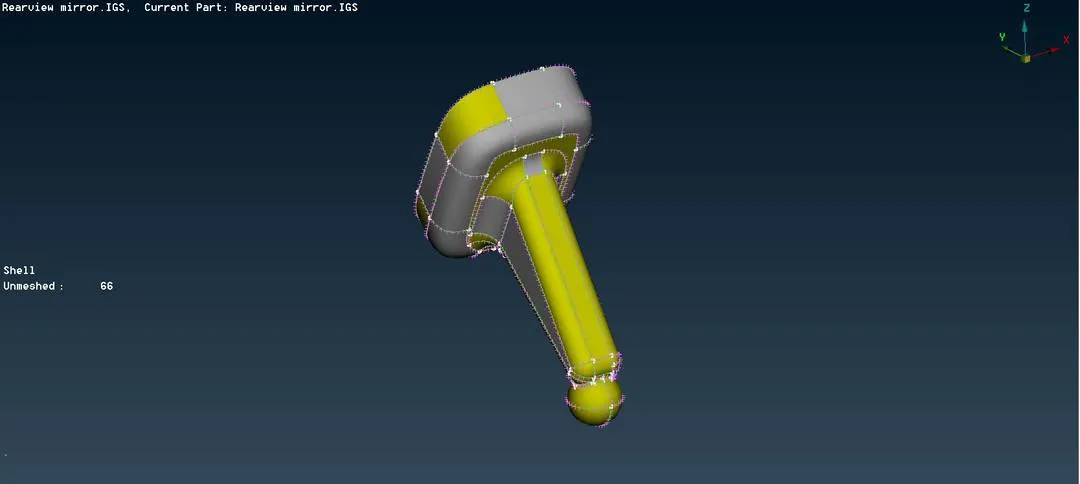
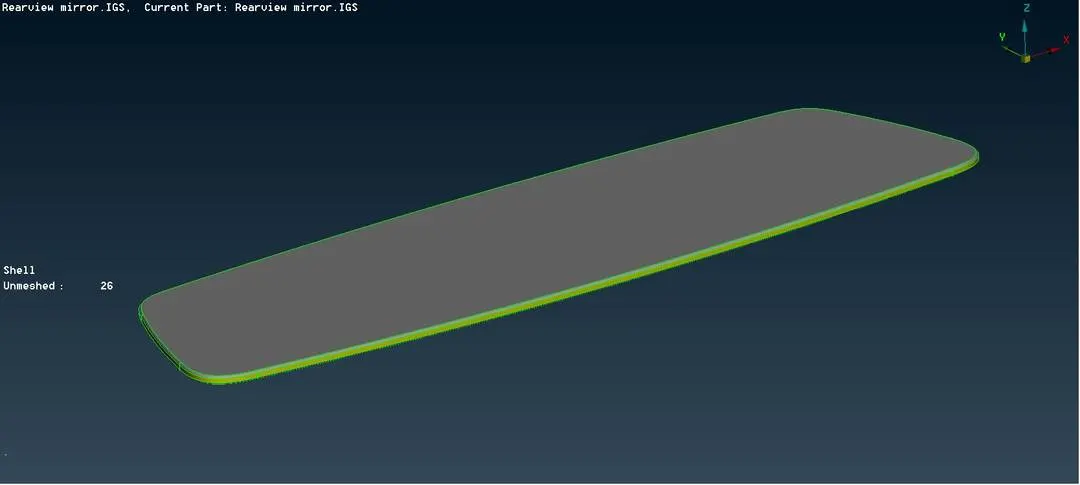
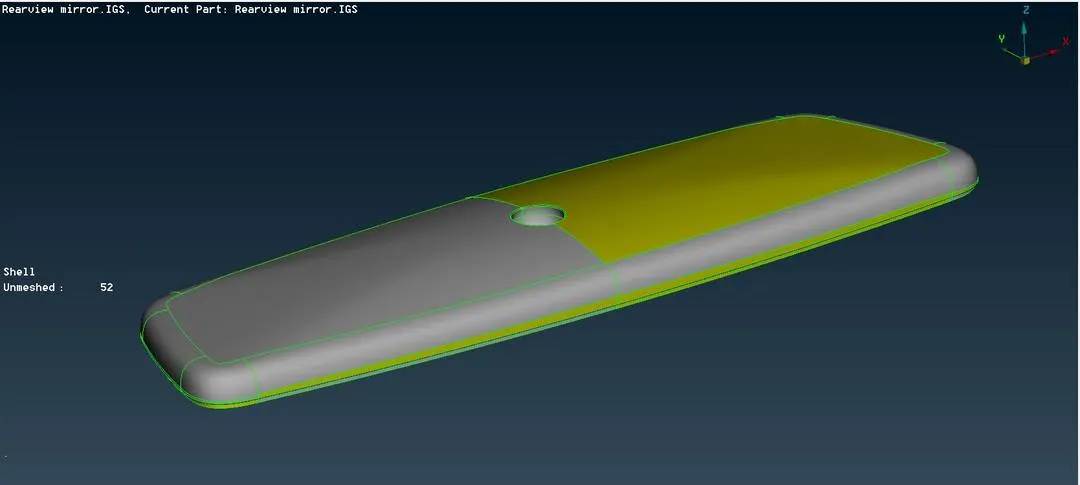
Set PID & MID :
Setting PID (property ID) and MID (material ID), which is most important thing that we don’t forget to perform ~ Topo > Module buttons > Faces > Set PID
First, we select the surface and the property bar will open like this
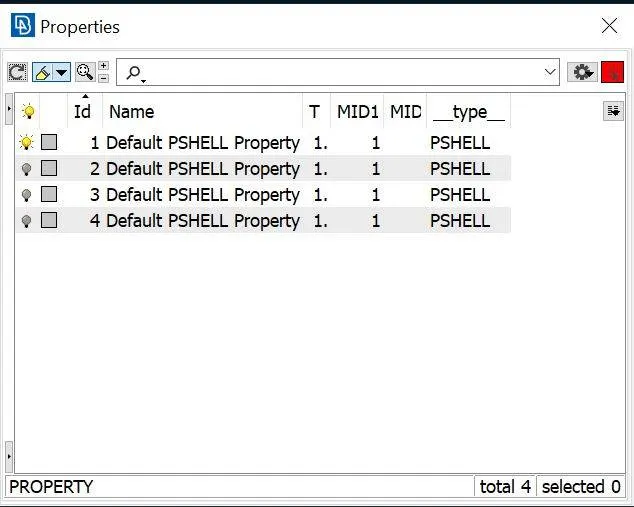
We can develop the mid surface for every part and assign the property ID to all. Double click the property of the part.’ T’ which indicated the values of the thickness and ‘MID’ which indicates the material ID(shift +?) to get the material details to be sure er need to get the tick in the box.
Quality Criteria :
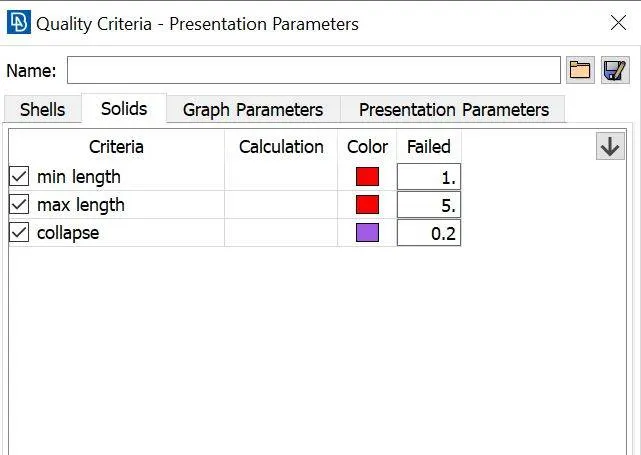
Apply the quality criteria as per the given in our challenge like this
Meshing :
Meshing has to be done on every single part. here in this challenge, we got 4 parts as per the geometry.
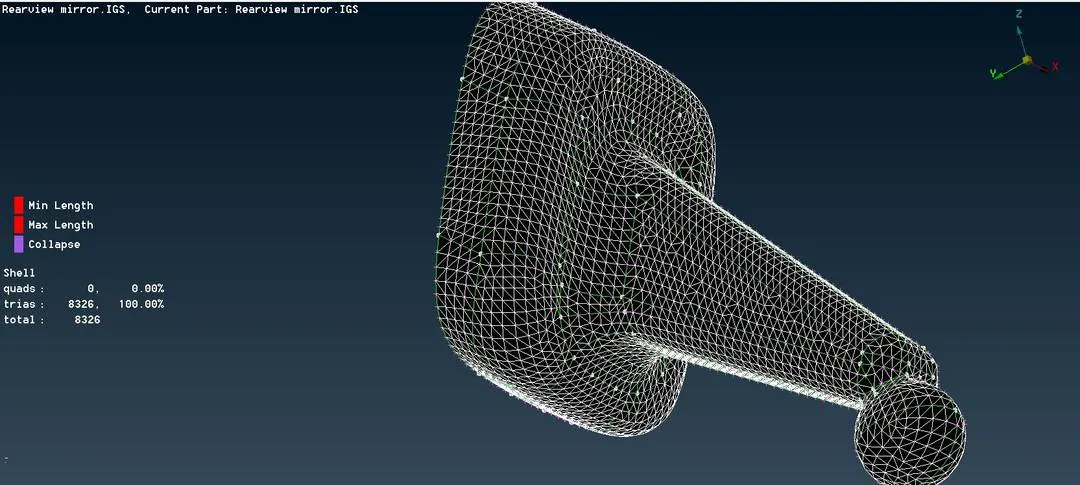
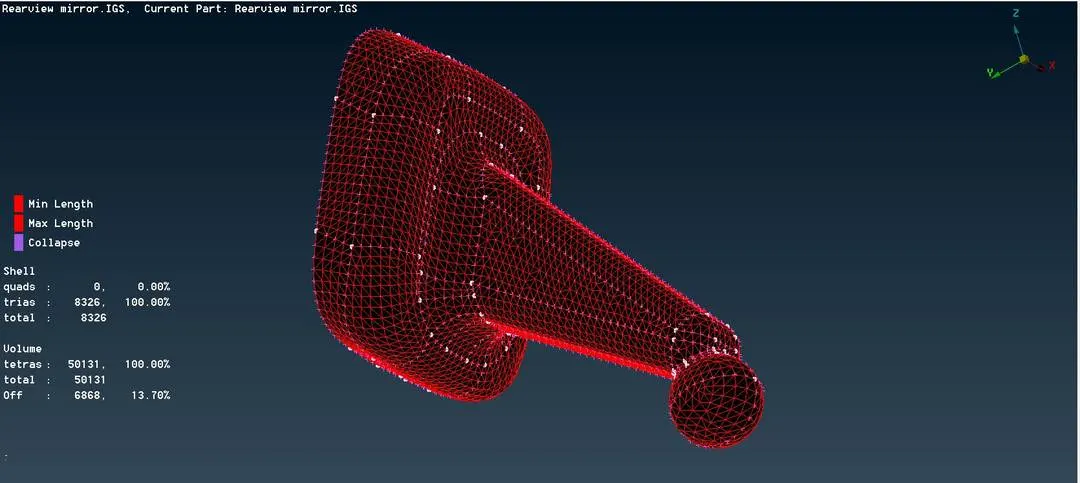
- First, we have to define the volume in the volumes list after that we have given the tetra mesh there itself in the dialogue box.
- When we click on the mesh it will prompt tetra rapid or tetra FEM there we can select based on our requirement
- There are four different PIDS we can use four other types of mesh based on our requirement.
- Before going through the volume mesh we have to enable the TET collapse in the quality criteria goes to solids there we can get.
Learning Outcome :
- How to perform volume mesh on a part.
- where to use normal trias and ortho trias.
Conclusion :
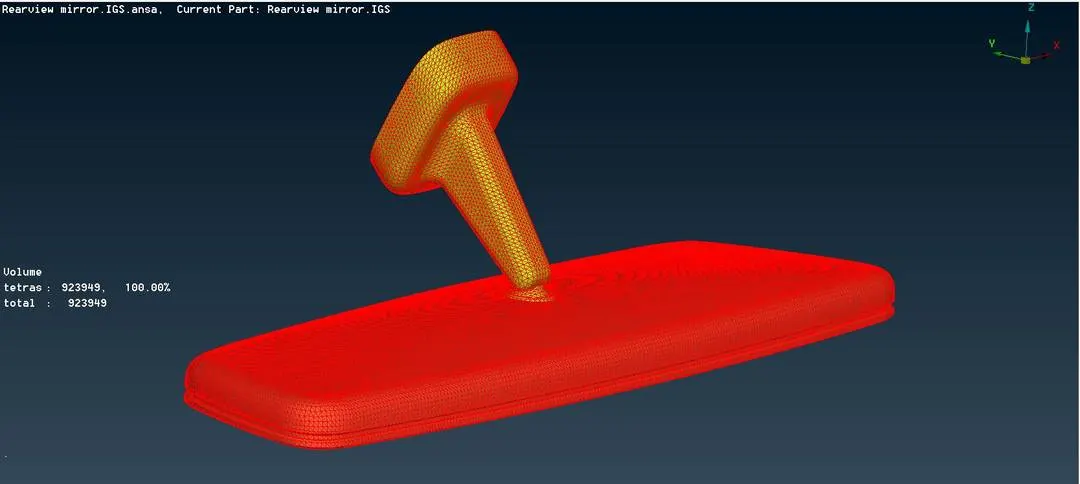
The Rearview Mirror has been successfully meshed as per the given criteria.
Google Drive:-
https://drive.google.com/file/d/1DHcnQ-TvNCSB7uRsBqhDMUfpq560Buen/view?usp=sharing