Morphing on a Sheet metal Component
AIM:
The main objective of this challenge is to make some morphing changes on the given sheet metal component.
Morphing:
Morphing is an advanced CAE technique, which is used to change the shape of the mechanical parts or assemblies without the need for a CAD system. The function of the Morphing menu can be used to efficiently re-shape both FE and geometry-based models.
Procedure:
- Import the ANSA file.
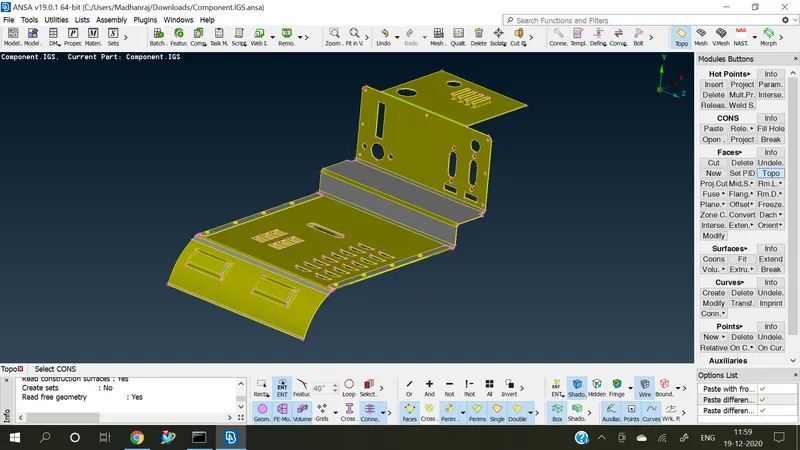
- Perform TOPO on the given sheet metal model.
- Check geometry for the given model.
- Perform the Morphing technique on the given model.
Import:
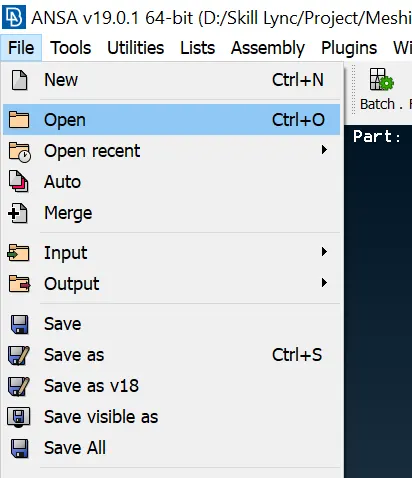
Open the latest version of ANSA. Import the cad geometry files through file > open or Ctrl + O.
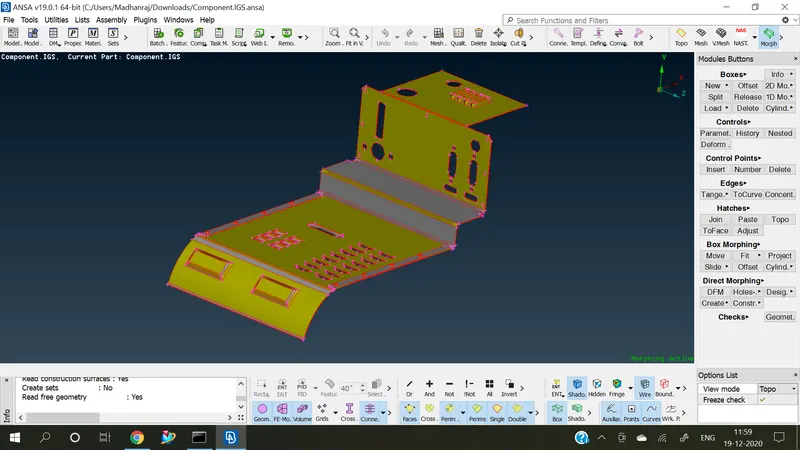
Given Model:
Before TOPO;
After TOPO;
Morphing in ANSA:
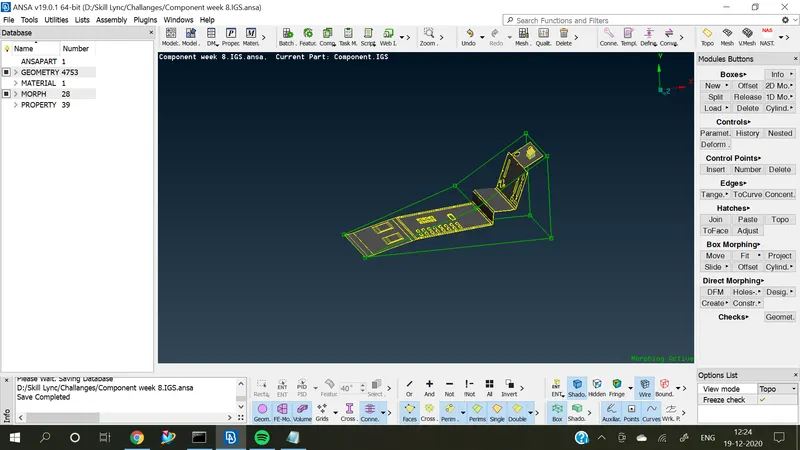
- Change TOPO into Morph on the Module bar.
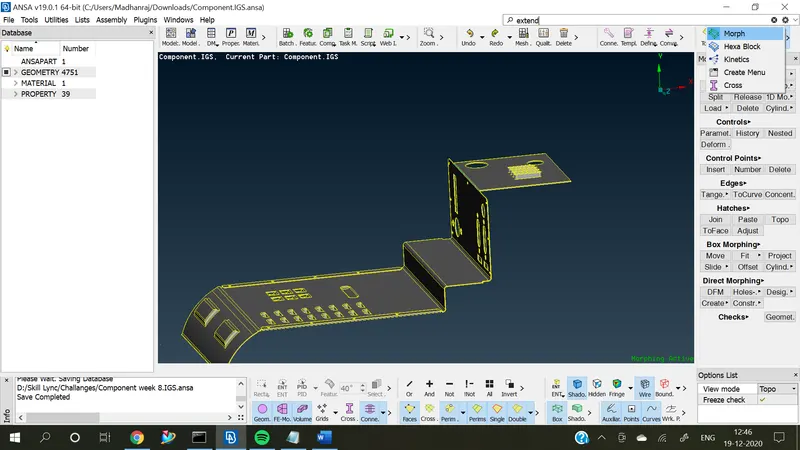
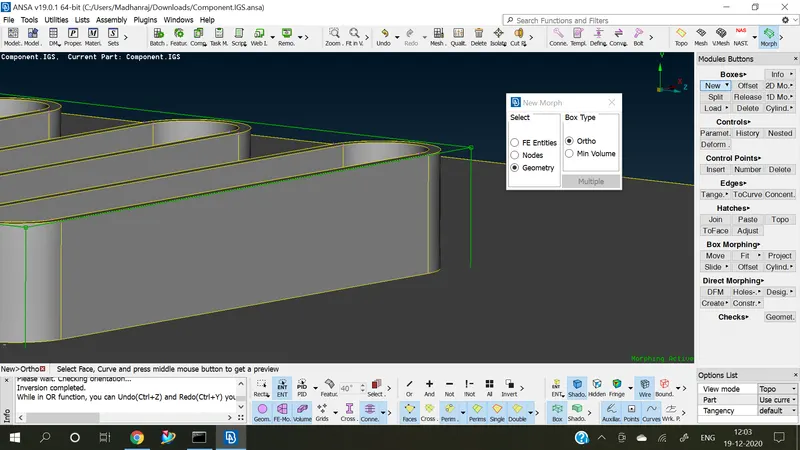
- Use the new function in the Boxes Module.
- Select the Geometry and the type of box.
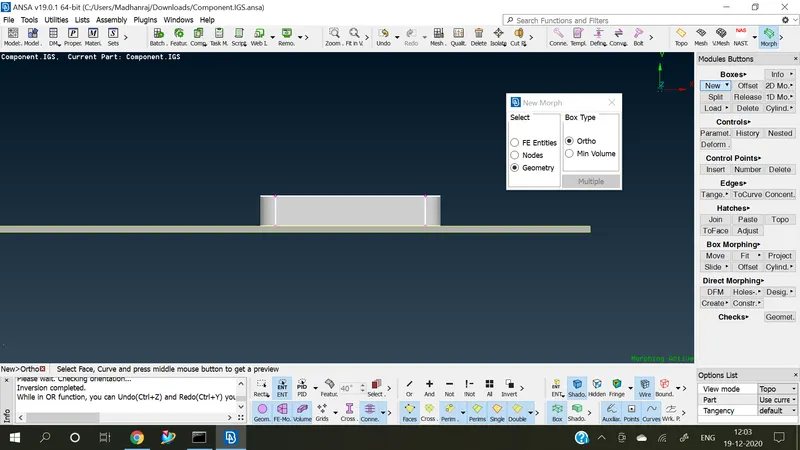
- Green colour Box is created over the selection area.
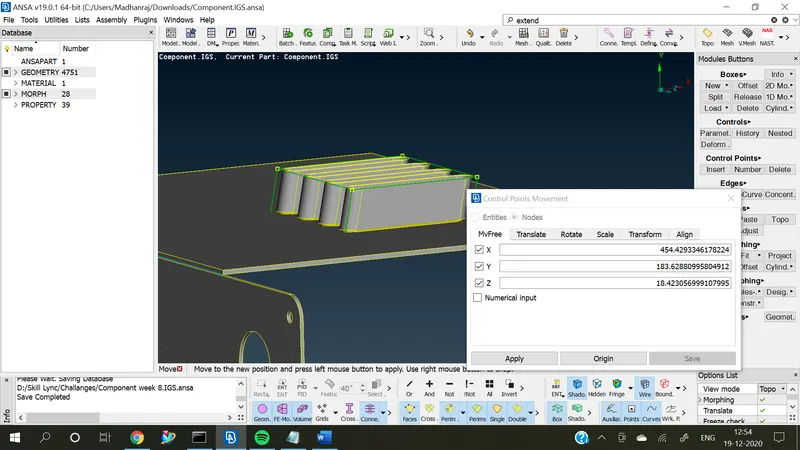
- Use the move option in the Box morphing tab.
- Select the nodes, then only we can reshape the object.
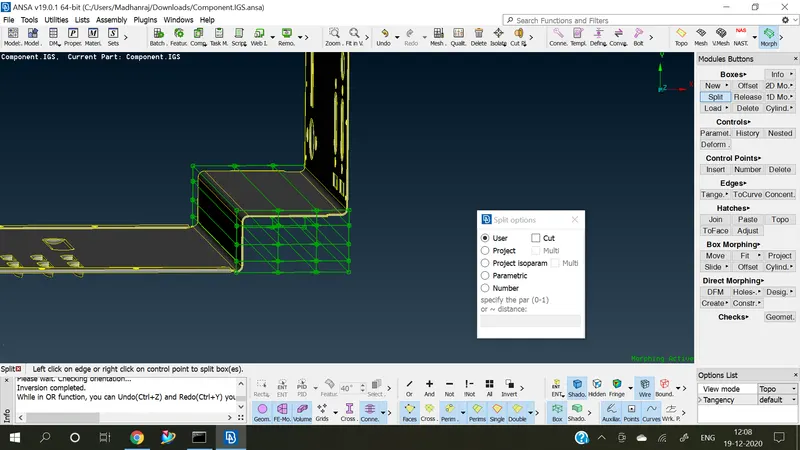
- Use split option to get very small deviation/Re-shape in the CAD model.
CONCLUSION:
The Given sheet metal model has been successfully Re-shaped by using the Morphing Technique in ANSA software.
Learning Outcome:
- Understand a lot about the Morphing and its tools.
Google Drive link:
https://drive.google.com/file/d/1ZfcgkzCNtPADwcTE4T8rmTzk1CwlJYff/view?usp=sharing