Preprocessing on Door Inner Panel Using Hypermesh
OBJECTIVE:
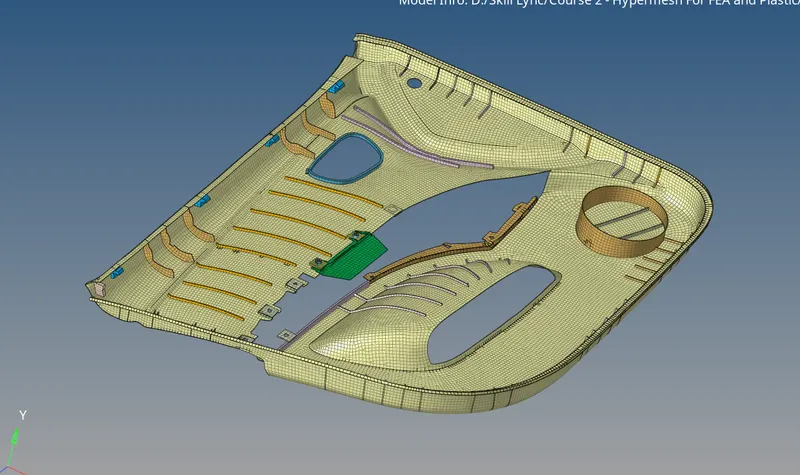
To generate the mid surface, clean up geometrical errors and assign properties to the materials of a given car door plastic panel as per the quality parameters.
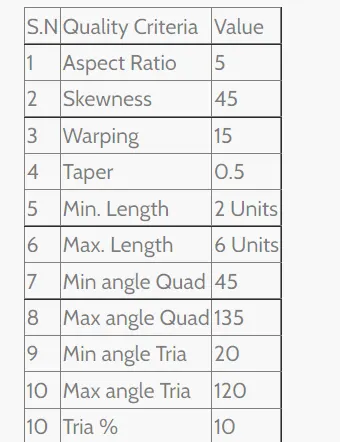
MESH QUALITY CRITERIA:
Target element length = 4mm
CAD MODEL:
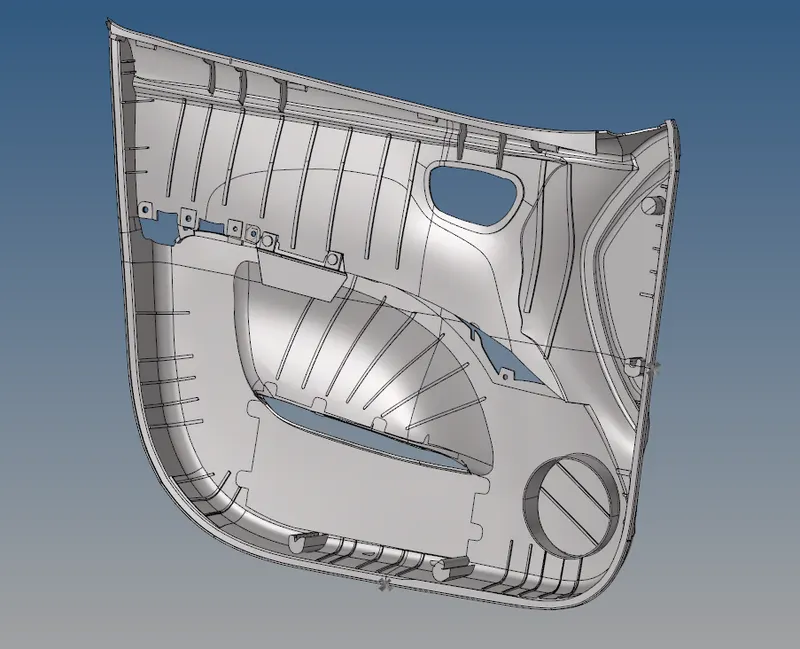
The part is the inner portion of the car door, which is made of plastic.
PROCEDURE:
- The side door component file is imported
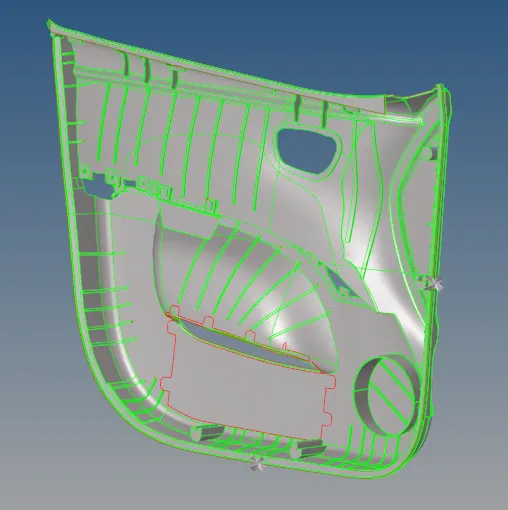
- Deleting the solid surfaces, if any solid surfaces are present by selecting the full model and deleting.
- Geometry clean up has been done as there are a lot of fillets which has been removed by using defeature > surf fillet option and using the quick edit option like if any lines are too close so that we can't satisfy the minimum element size that lines are toggled or merged to one line by toggle edge.

- Some lines are not connected using the toggle edge option or ruled or spline option is used and the edges are connected.
- After geometry clean up the mid surface is extracted separately for each surface. Some surfaces are failed to generate the mid surface using the auto-mid surface option in that case the offset option is used to create the mid surface.

- The surfaces after offsetting are connected using the replace point or toggled lines.
- We can use an extended option the solve the connectivity issues.

- Using the 2D automesh option mesh is created on each part separately and in each part, meshing has been done separately for each surface so that if any elements fail we can clear that easily step by step.

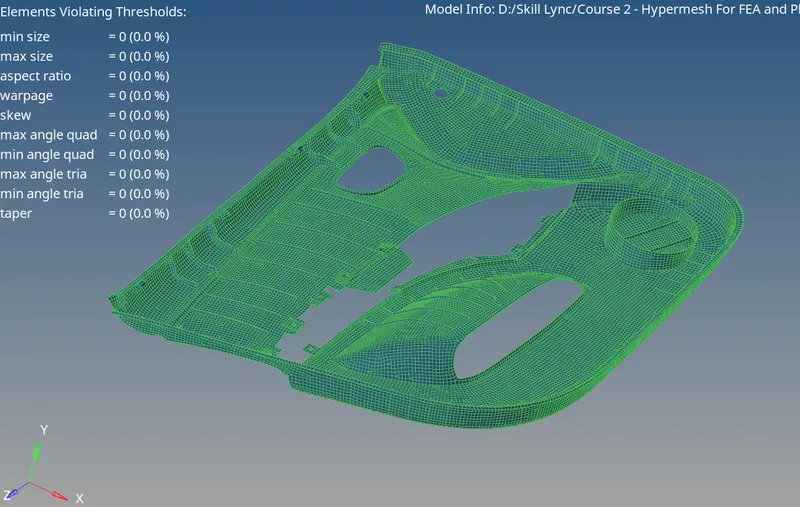
- After meshing each part using quality index option elements failed are checked and correcting the mesh by clean up tools like element optimize, place node, dragging the tria elements or splitting the quad elements, etc.,

- While meshing, these are the things I followed, there should be zero elements failure according to the given quality criteria, feature capturing, mesh flow.
- Other than the above criteria the main thing is the management of trias like no tria should be on the corner or edges of geometry, no opposite trias, no back2back trais, no rotational quads, no trias should share with any of the features, etc.,
- By following the above steps all the parts are meshed with given quality criteria
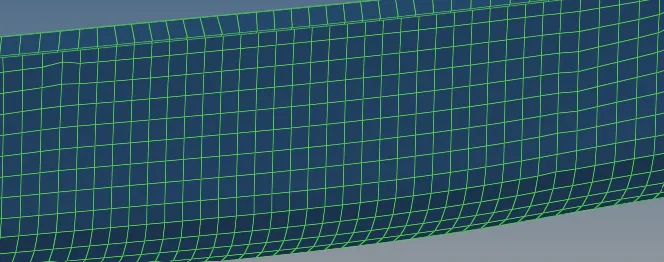
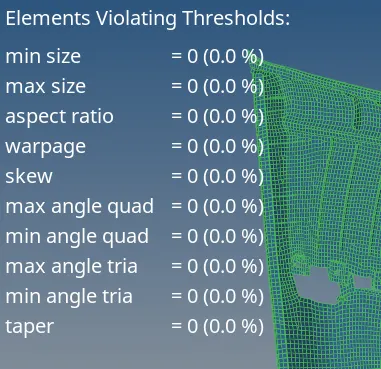
- After meshing the edges are checked for nonconnectivity elements using the tools > edges option.

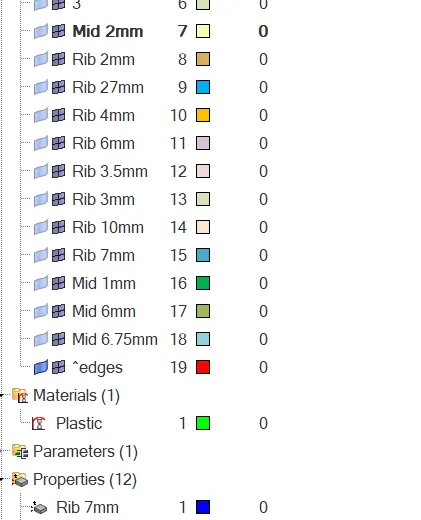
- For assigning the thickness, we first create the property of required thickness and assign the property according to the thickness of the surface.
CONCLUSION:
By satisfying all criteria, the Car door model has been successfully meshed and checked as per the given criteria by using the Hypermesh student version.