Week 9 - Attachment Feature Creation - Challenge 2
First we have to make Solid body/closed body before creating the doghouse.First step is to create the tooling axis.
CREATING THE TOOLING AXIS
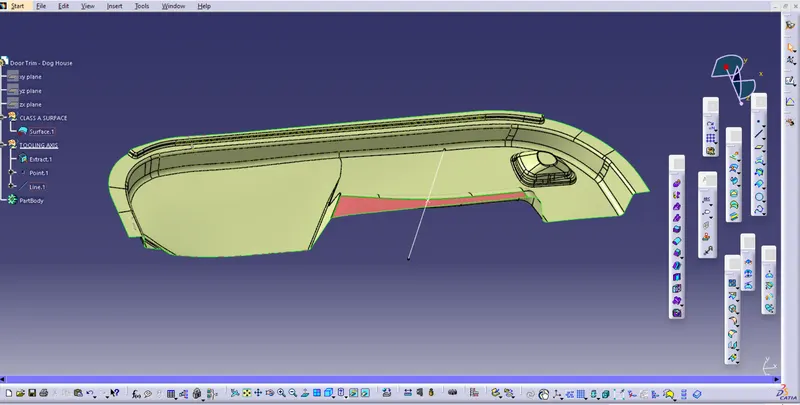
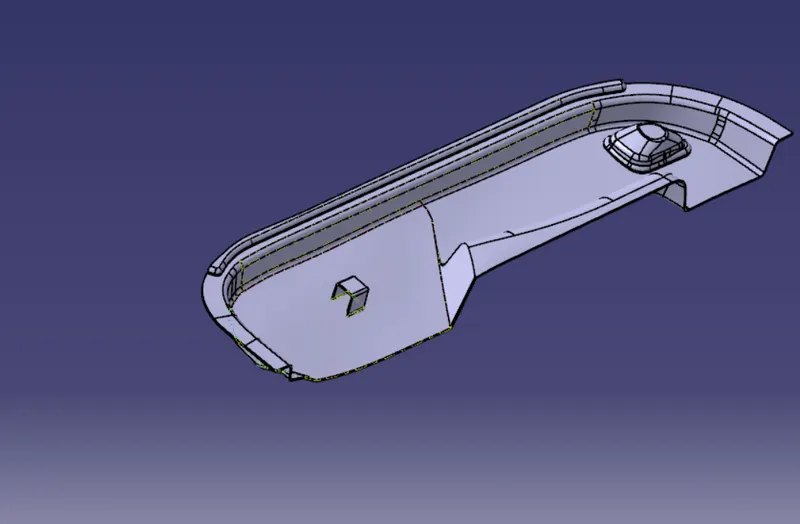
The above figure is our Class A surface.We want to select a flat surface from it.
So here we are selecting the highlighting surface as the flat surface.We have to put a point on the surface and give line normal to surface on it.
PERFORMING THE DRAFT ANALYSIS
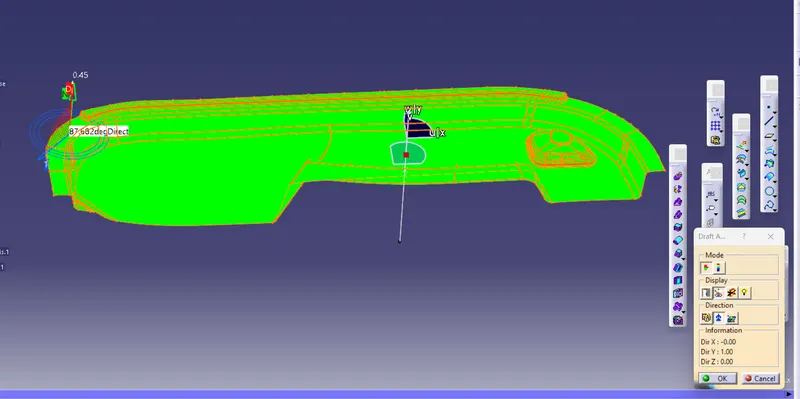
For that click on the draft analysis,and put the compass into the tooling axis.Make sure that tooling axis and the compass are perfectly alligned.Click on anywhere on the surface.If it is appearing the greenline it is confirmed that draft is cleared.Then we can proceed to next step.Our class A is perfect and our tooling axis is perfect.
CREATING THE B SURFACE
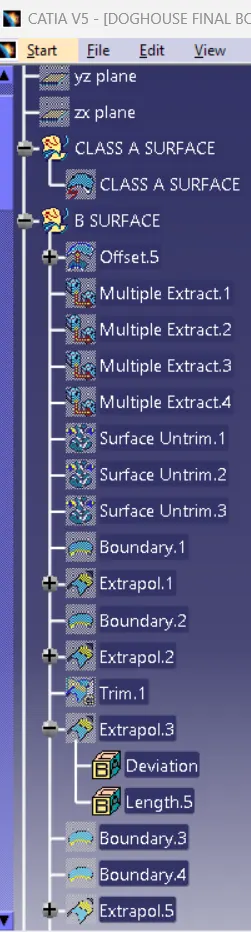
For creating the B surface first we have to offset for 2.5mm.So,some patches will appear in the surface as shown in below
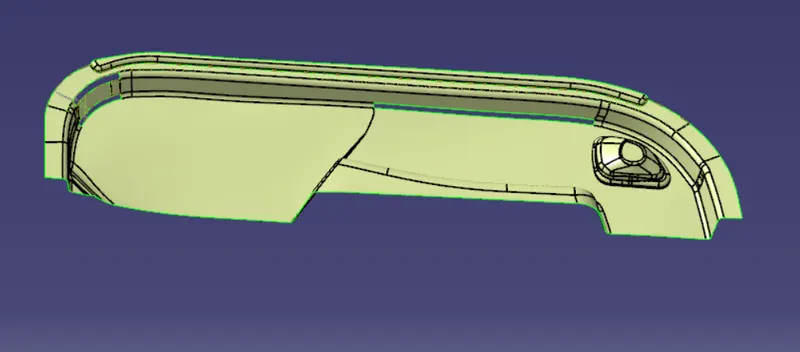
Inorder to clear this patches,firstly extract the flat faces.The surface will be very irregular after the extract.So we can provide the untrim option here.The surface will be expand itself.Then use the extrapolate command and trim it together to form the final surface.
After working in the flat surfaces,then we have to extract the sidewalls.Extrapolate the side walls and base walls,trim it off and finally gave the fillets.Like wise do these procedure for all the walls and finally do the trim and give fillets
CREATING THE C SURFACE
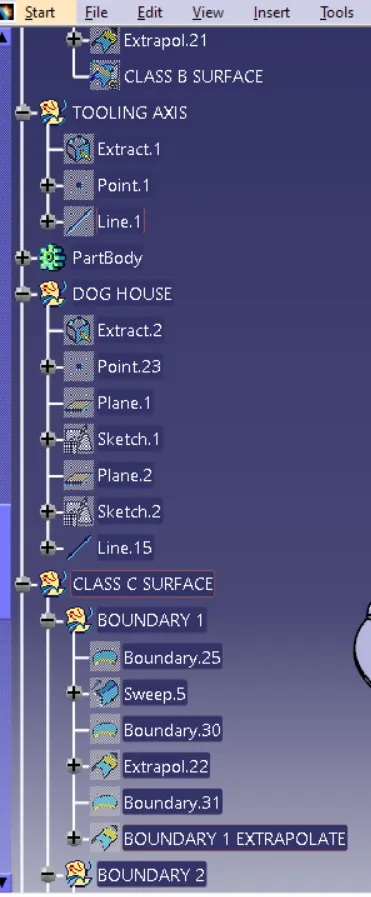
For creating the C surface,I took the sweep as refernce surface as the option.Divide it into the two boundaries and make the sweep.Some edges cannot sweep directly.There we must use the Multisection surface as the option
MAKING THE SOLID BODY
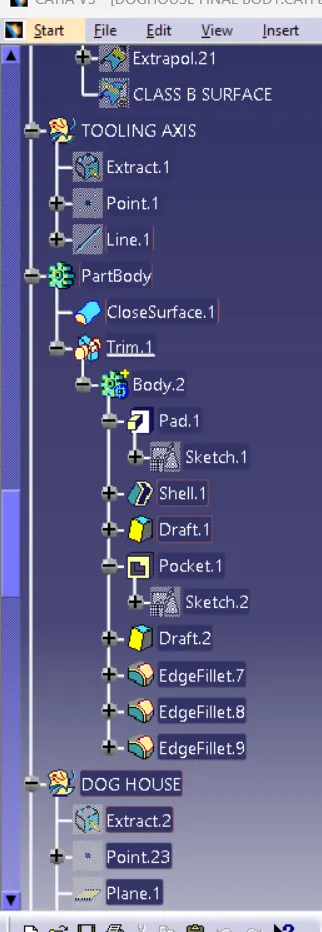
The next step is making the solid body.For making the solidbody we have to join the A surface and the C surface and trim the A+C surface with the B surface.After trimming,make it in partbody and form the closed body.
CREATION OF THE DOG HOUSE
Design rules for creating the Doghouse are
- Height : 20 to 25mm
- Draft : 0.5 to 1.5 degree
The outer faces can be drafted along the main tooling axis and the draft provided there is about 1.5 degree
The inner faces can be drafted along the sidecore axis and the draft that is generally provided there is 0.5 degree.The length of the inner side core is between the 3 - 6mm.
For creating the doghouse,Extract the surface and make a plane as shown in the below figure
Pad the sketch and apply the shell.Provide the draft withrespect to tooling axis for all outer walls
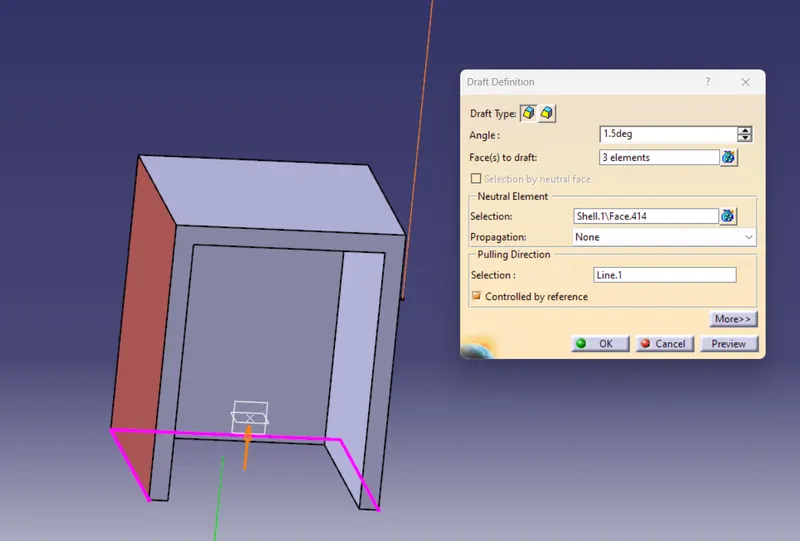
For drawing the inner side core,select the front plane.Draw rectangle,take 1mm thickness from each side,give a height about 6mm and apply the pocket feature
Create a side core axis by selecting the point withrespect to the x axis
Provide the draft withrespect to the side core.The draft provided must be about the 0.5 degree.Select the inner walls to provide the draft feature and finally givess the fillet.The fillets given must be 3 mm for the outersides and 1 mm for the innersides.
Finally do the draft analysis.While doing the draft analysis the outer surface must be check along the main tooling axis and the inner sides must be check along the sidecore axis.
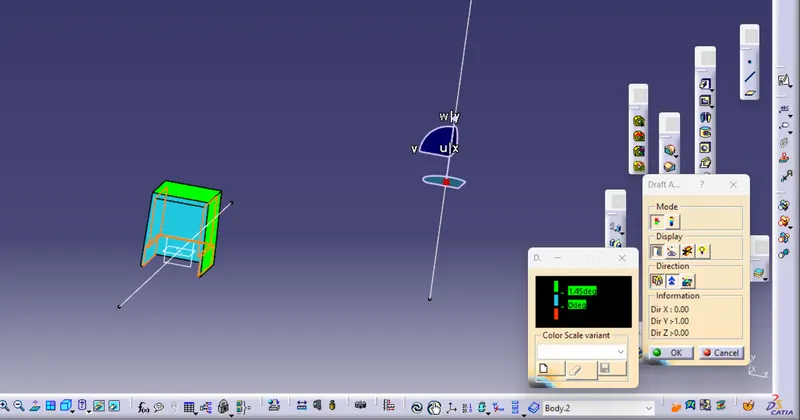
fig 1: Draft analysis of the outer phase
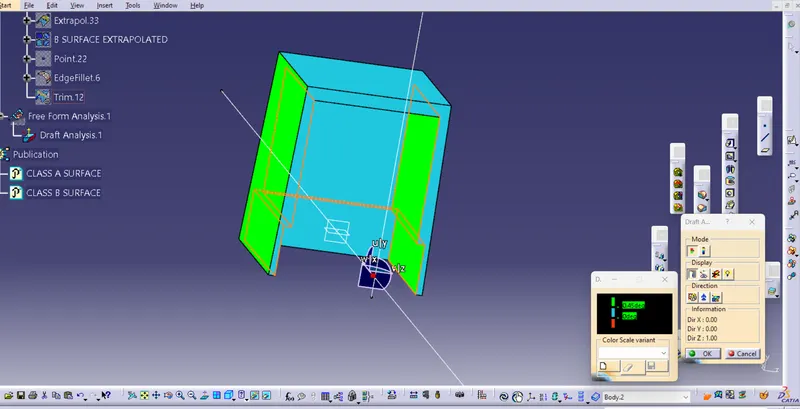
fig 2:Draft analysis for the inner phase
FINAL BODY