Week 8 - Challenge 4 - Bumper
BUMPER DESIGN
AIM: to make a model from the provided class-A surface.
INTRODUCTION:
Tooling Axis:
we have tried bisecting method for calculating the tooling axis many times in previous challanges this time while finding the tooling axis i had found the amazing trick which i want to share with you.
- First i created any random point by creating the flate surface on the given class A surface.prefer generaly the center of gravity of the body.
- Than from the given point draw a line in the direction of X axis in this case otherwise select any axis which is normal to surface approximately.
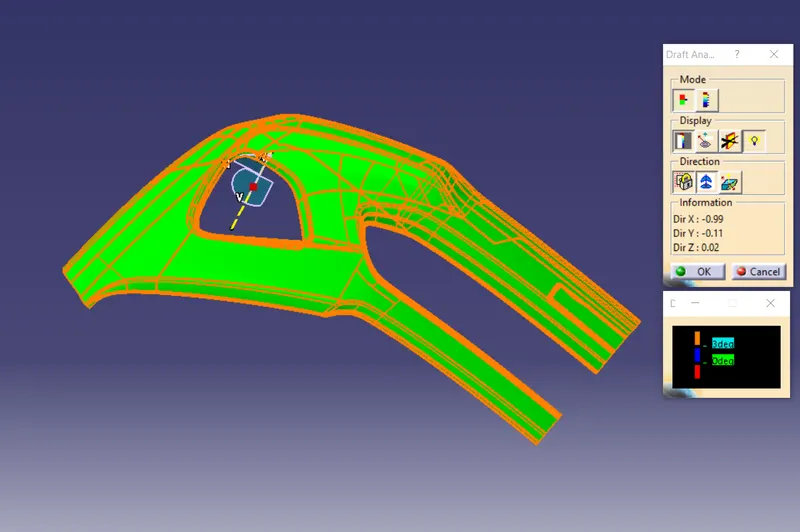
- Than finding the draft analysis by adjusting the axis on that line than it shows some unwanted color pattern on class A surface as shown below.
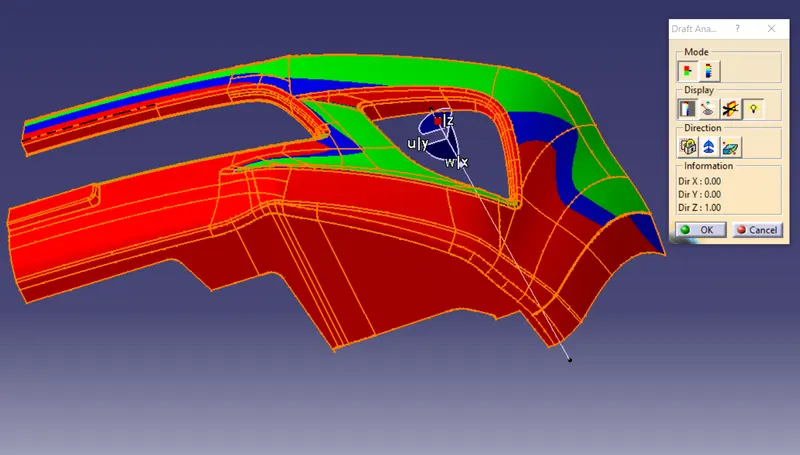
- Now hold the axis compass and tilt it angularly so that the class A surface becomes green and note the coordinate values in the information section of draft analysis as shown below
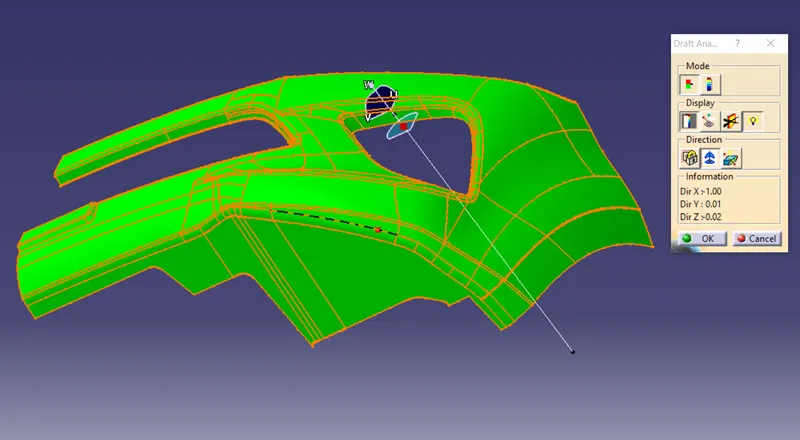
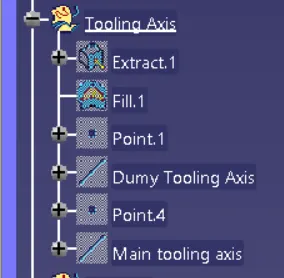
- Now create a point with reference to previous point having the new coordinate valus.
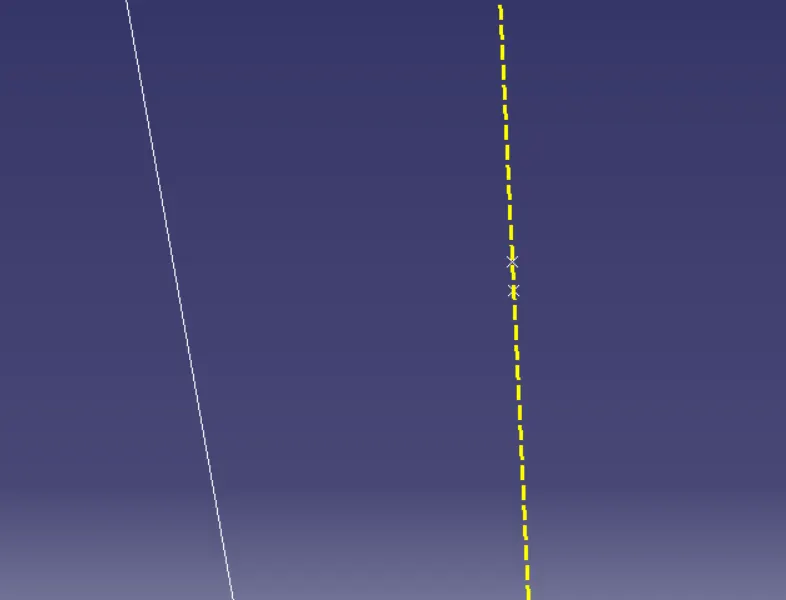
- make a line from newly created point to previous point this is our main tooling axis as shown below.
CLASS-A SURFACE: a surface made by the designer which is given as an input to the plastic modeler to work on. It is aesthetic surface and the outer most surface.
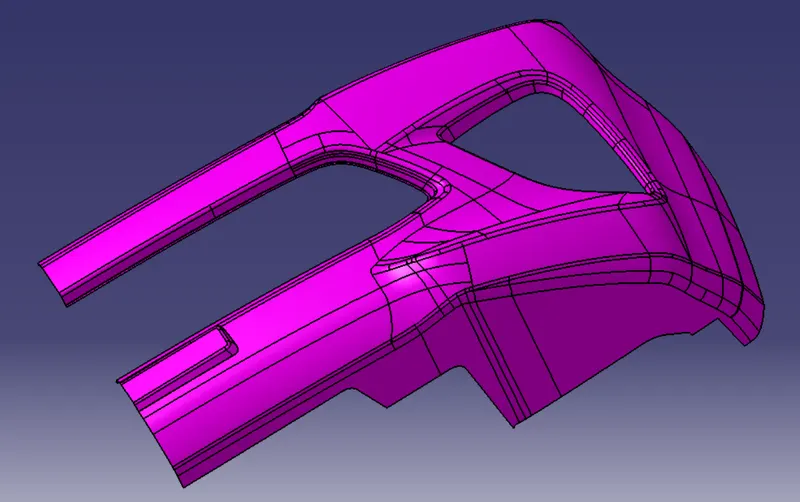
FOR CLASS-B SURFACES:
Making a class B surface is a challange for us in this challange .
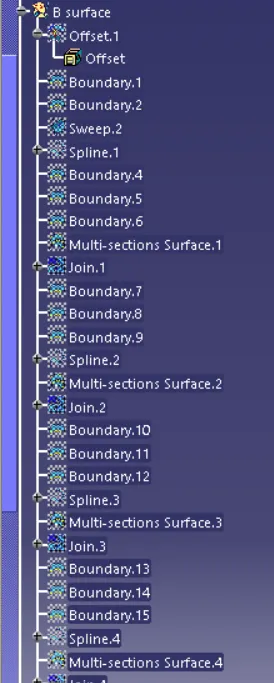
- first took the offset of class A surface.
- than fill the leftout patches by using sweep command try o avoid fill and blend.first create a boundry using smooth curve command and inside that select create boundary. than slect curvature in smooth curve and click ok.
- after creating all the boundry select sweep command and fill the gap
- every time after filling the patch try to join the surface from the offset surface with the merging distabce of 0.001.if not merge properly than increase it to bigger value but not going beyound 0.003.
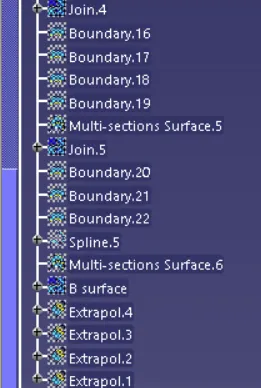
- do this for all the patch and than join all the surfaces together this creates class B surface.as shown below.
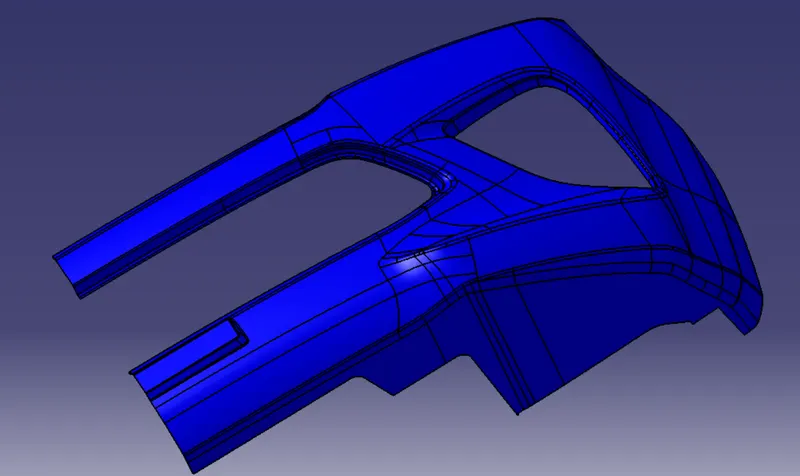
FOR CLASS-C SURFACES
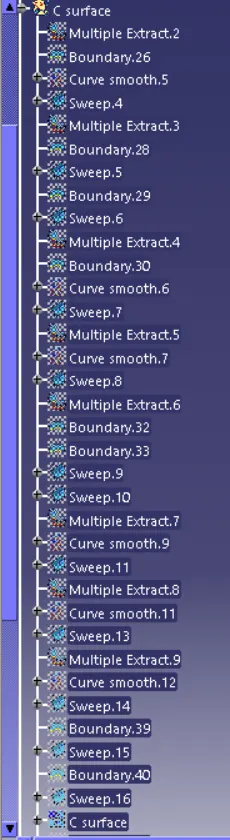
- First exract the surface near to outer boundry of the class A surface.not using multiple extract for all the surface instead of using for all the surface use it for group of similar surface so that it will not create any error for creating a surface.
- than create a boundry to the extrate surface.
- after creating boundry use sweep comand and select reference to surface select the extracted surface and give 90 degree as an angle and and select the inward direction as direction of sweep.
- do all the above procedure for the inside boundry also.
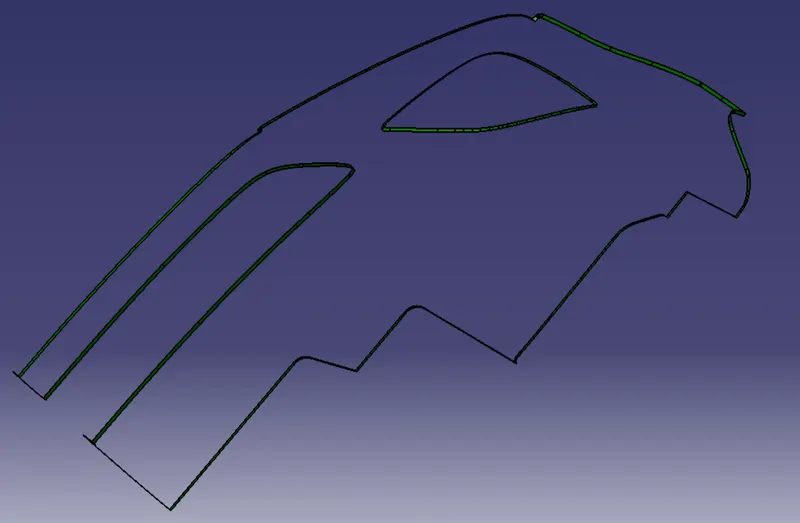
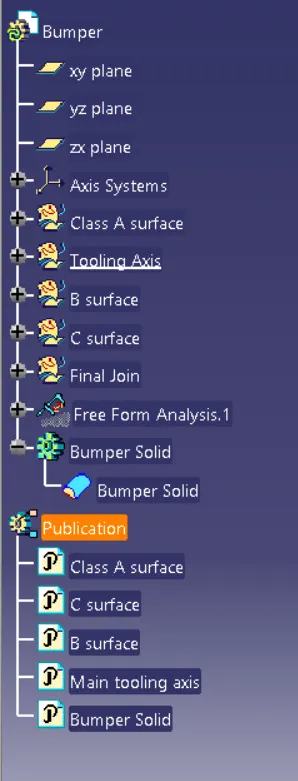
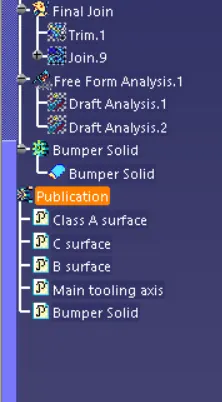
After creating all the surface trim class C surface and class B surface and than join all the class A,B, and C surface together this will create a surface as shown below
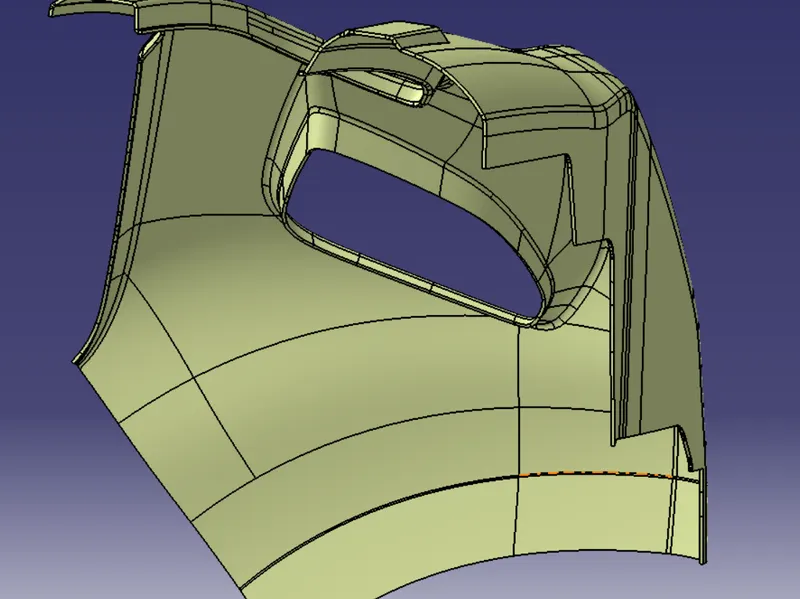
now to part workbanch and cobine the join and make it as solid body.
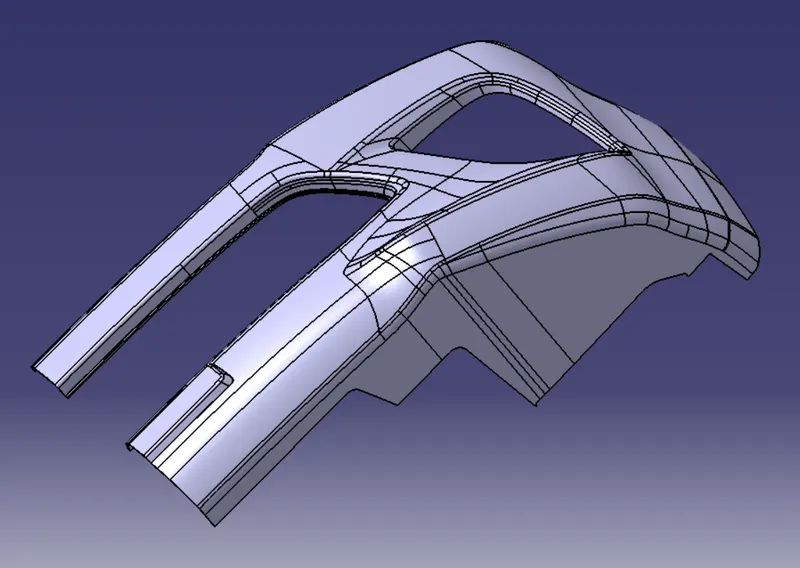
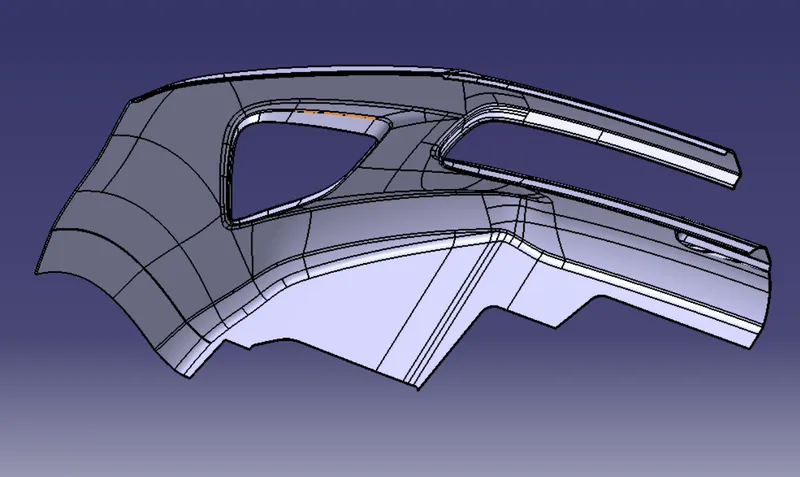
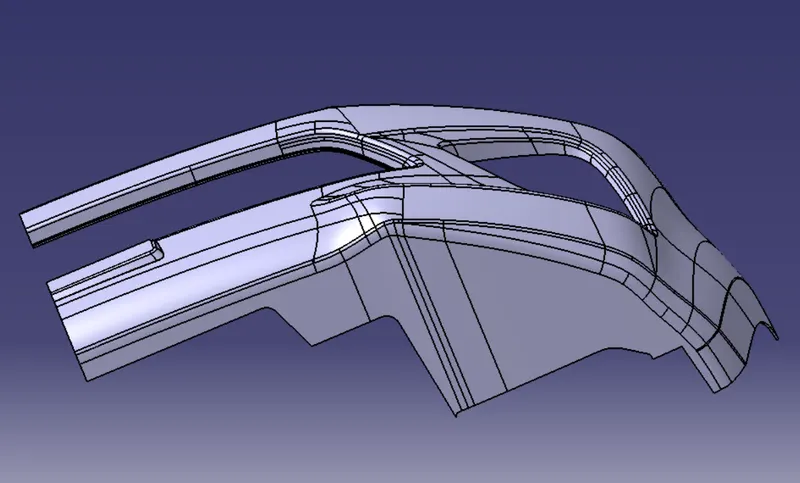
Draft analysis
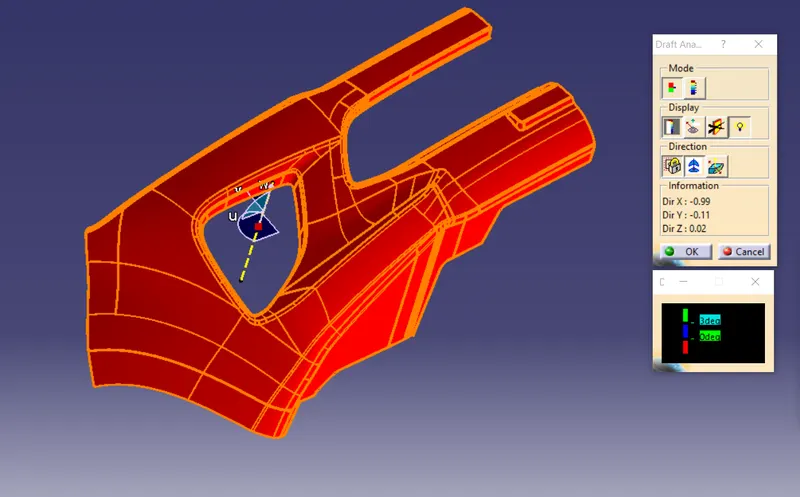
For class A surface.
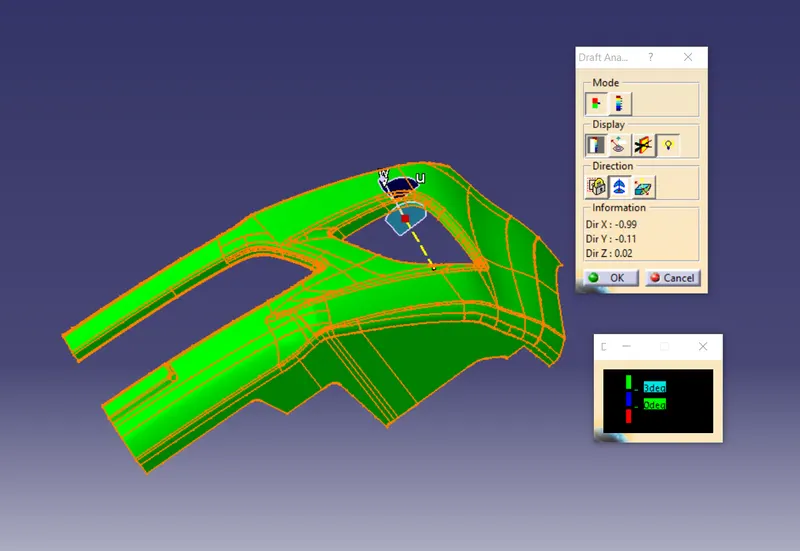
Draft analysis for bumper solid