Week 8 - Challenge 2 - Base Bracket Design
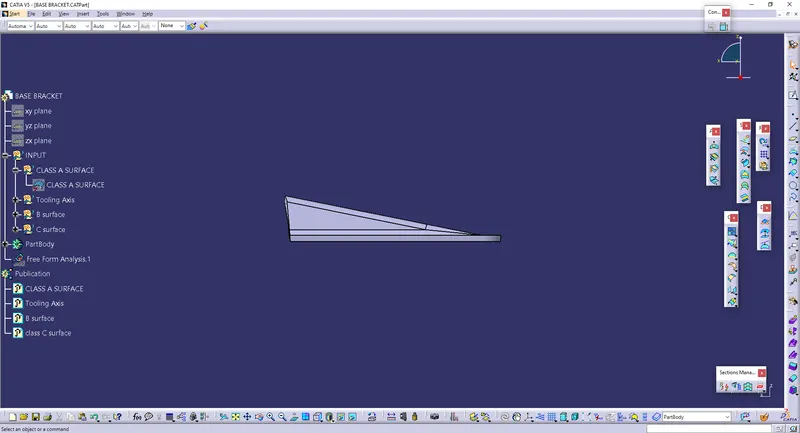
Steps in base bracket draft analysis:
1) Highlight the surface that may create problem while making of the class-A surface so that a required draft angle can be provided to those surfaces.
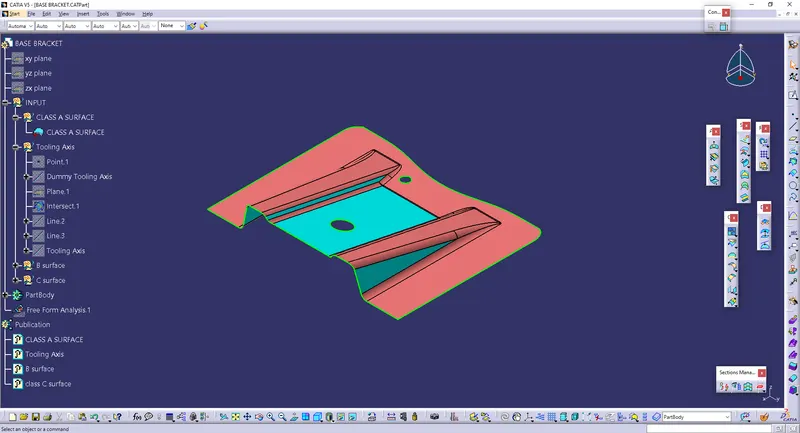
2) Creation of the dummy tooling axis: - Create dummy toooling axis in the direction in whcih we assume that the surface will be clear.
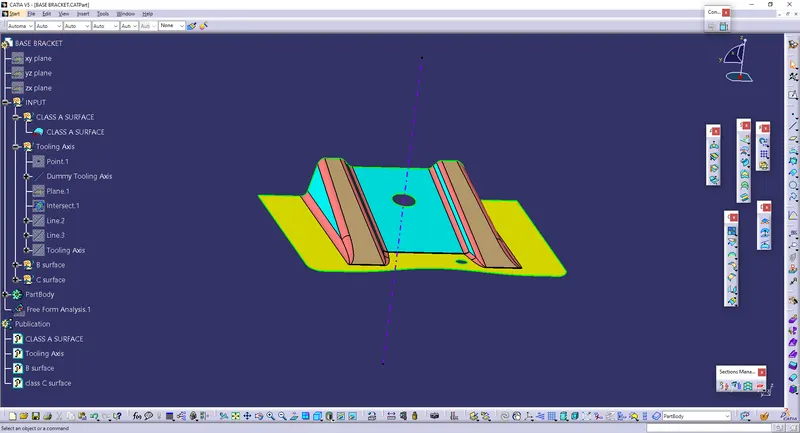
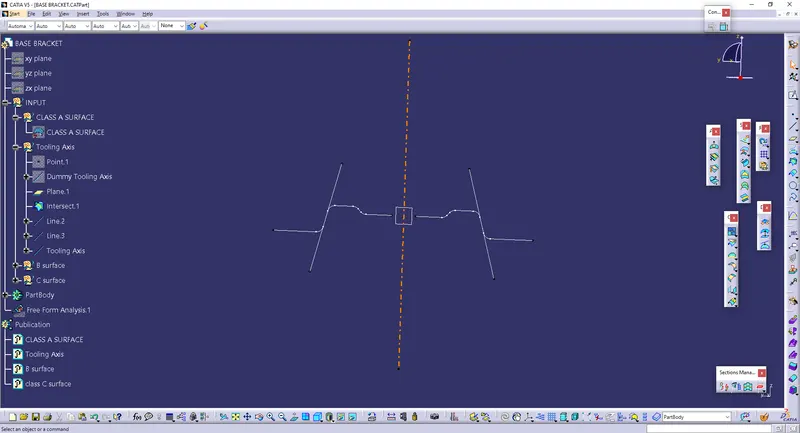
3) Bisecting method for creation of tooling axis: - Select the profile in which lines seem to be parallel. Then with the help of dummy tooling axis draw the bisecting line for those parallel lines. thsu we will achieve our main tooling axis.
4) Do the draft analysis: - Select draft analysios from "insert - analysis - feature draft analysis". Drag the compass on the tooling axis of the surface.
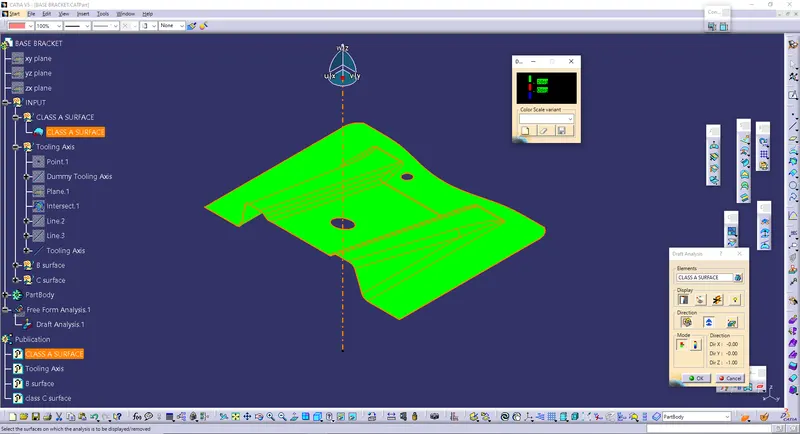
5) If there is a large flat surface or hole in the surface then take normal of this component as tooling axis.
6) When there is hole in surface then first fill that hole and draw a dummy tooling sxis through it.
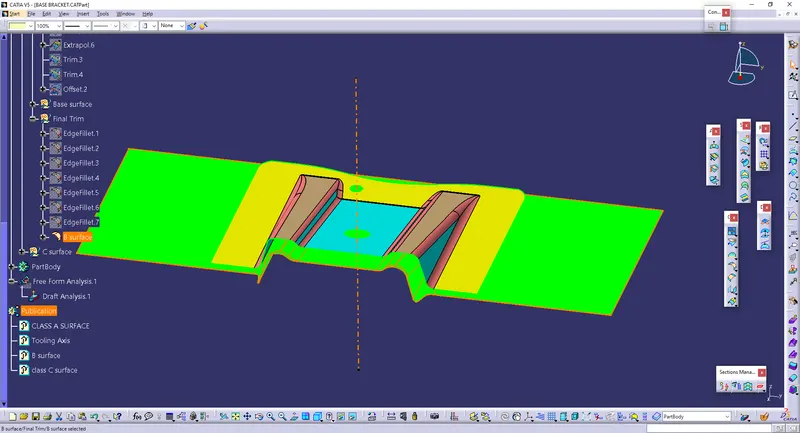
7)Creation of B-surface : - B-surface refers to the surface that includes all the engineering feature.So we can conclude that class-A surface refers to aesthetic feature and B-surface refers to engineering features. Create B-surface inside the class-A surface.
8) Creation of C-surface :- To build C-surface use command "sweep". Select the outer profile of B-surface and give the command sweep. Thus we will get the bosy of required thickness and degree. Then trim this body with class-A surface and in part design close the surface using "close surface" command.
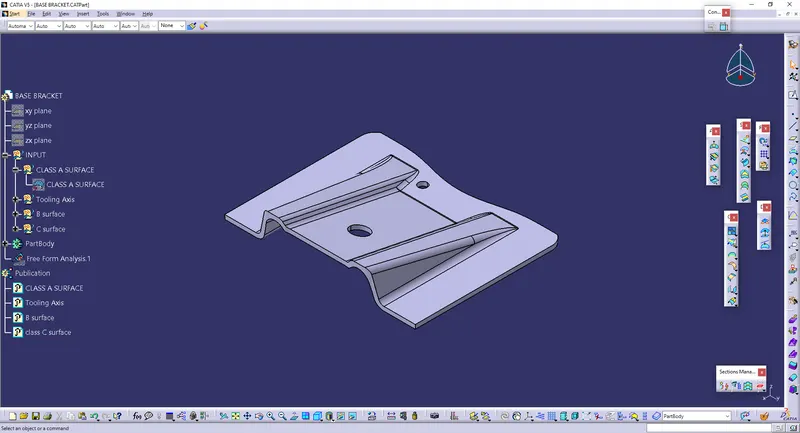
Isometric view
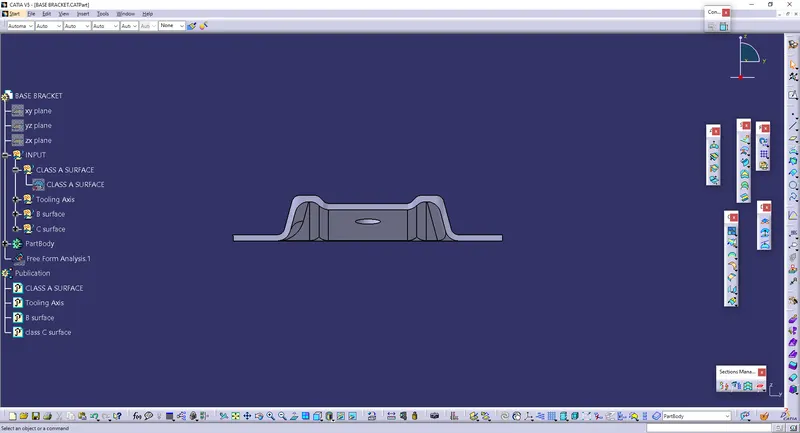
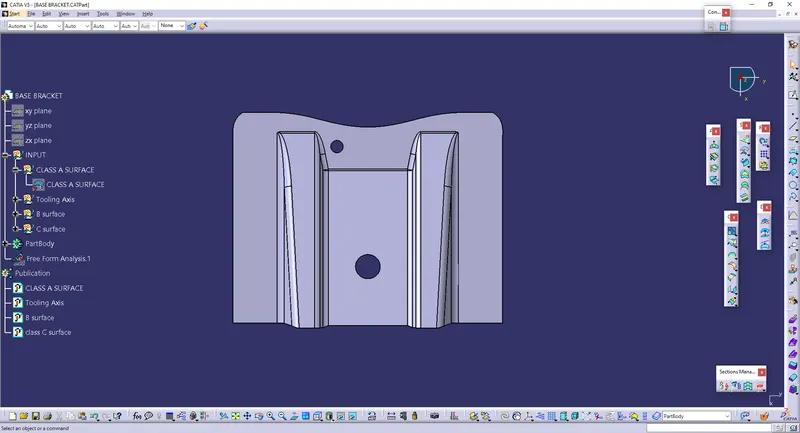
Front view
Top View
Side view