Week 8 - Challenge 4 - Coin Holder Design
Steps in the Draft Ananlysis of Coin Holder design :-
1) Check the boundary of the coin holder using the 'boundary command'. And when we disassemble this boundary then we get two main domian of the boundary.
2) Creation of Tooling Axis :-
Extract the base surface. Insert the axis system in the middle of the surface.Now take the intersection between Class A surface and bisecting plane. Create normal line thrrough the mid of the base. Split the entire surface into different patches.
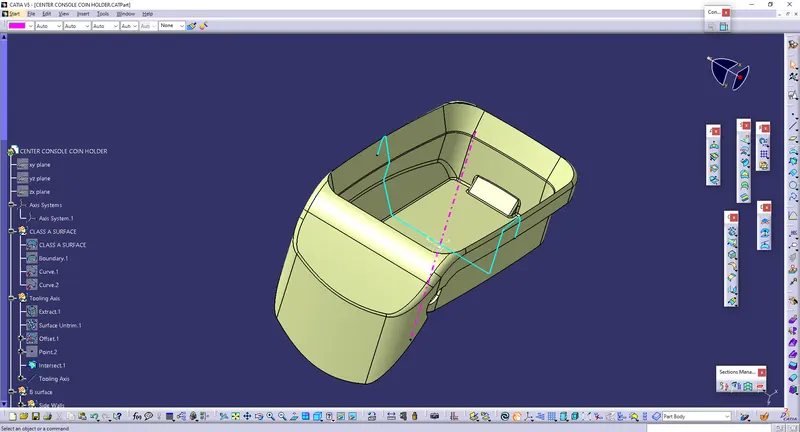
3) Creation of B surface -
Extract the side walls of the class A surface. Now do untriming, extrapolating and trim operations and give offset of 2.5mm. Now untrim the base and rim it with side walls. Now extract top walls and carry out offset and trim operations on it. Give the fillet values. Do the same operation on overhanging portion and finally trim with rectangular bracket to get B surface.
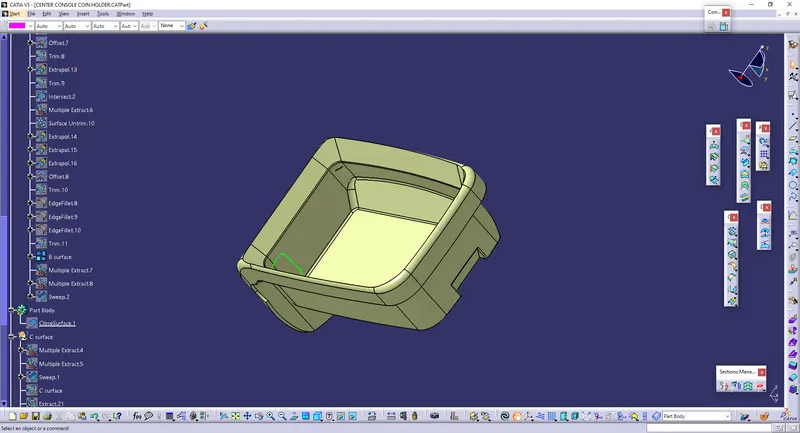
4) Creation of C surface :-
In this coin holder design we cannot sweep in downaward direction since it will cause cusp with the surface. so we need to sweep in perpenndicular direction to the surface. So extract the boundary of C surface and also extract ther surfaces that are adjacent to the curve which we extracted. Now go to "sweep with reference surface" select the boundary and the surface. We need perpendicular to the surface, therefore take 90 degree. Now give the edge fillets and join this C surface with A surface.
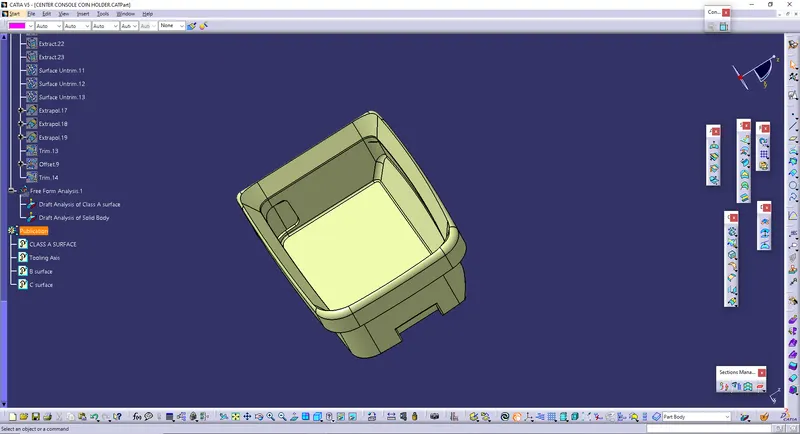
5) Creation of slot :-
Extract the boundary of the slot. Then select the "sweep-witrh reference surface" and then trim it with C surface.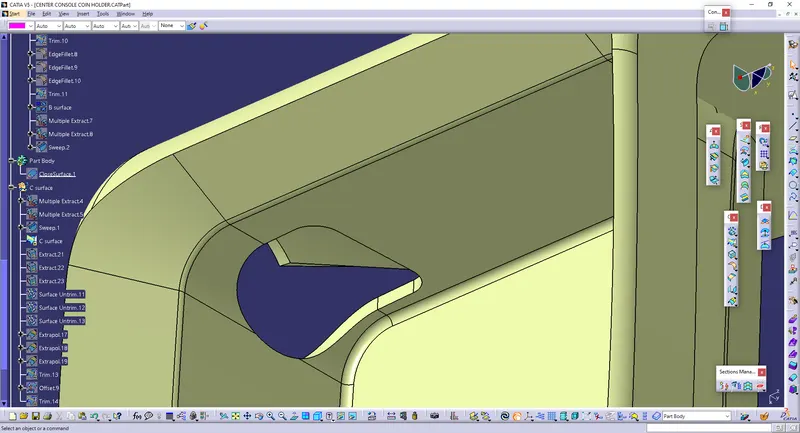
6) Publication - Publish the Class A, B, C surface and Tooling Axis.
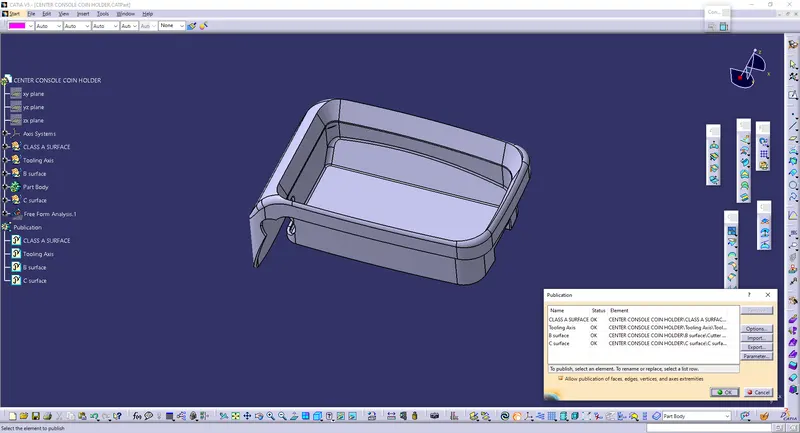
7) Creation of Solid Body :-
Once the final product is produced in the surface modelling then go to the part design and select "closed surface".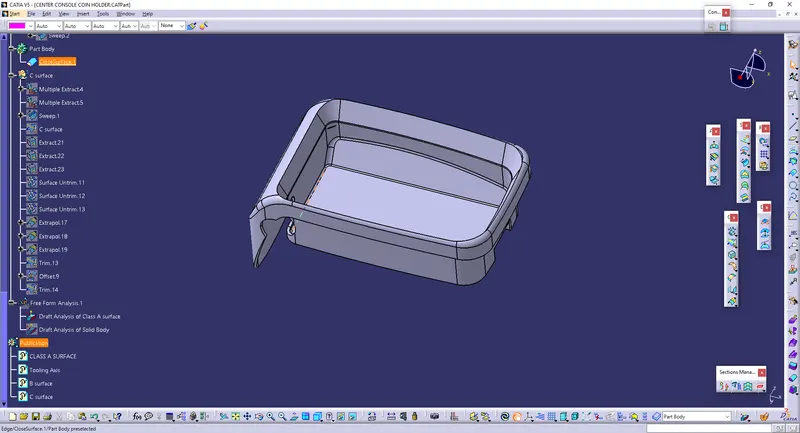
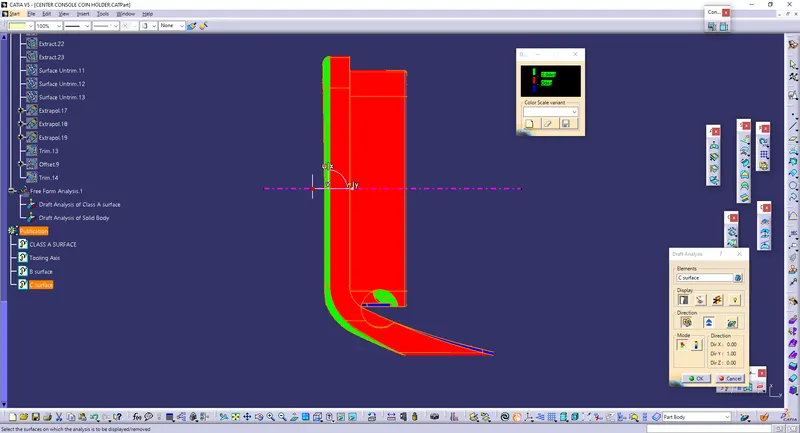
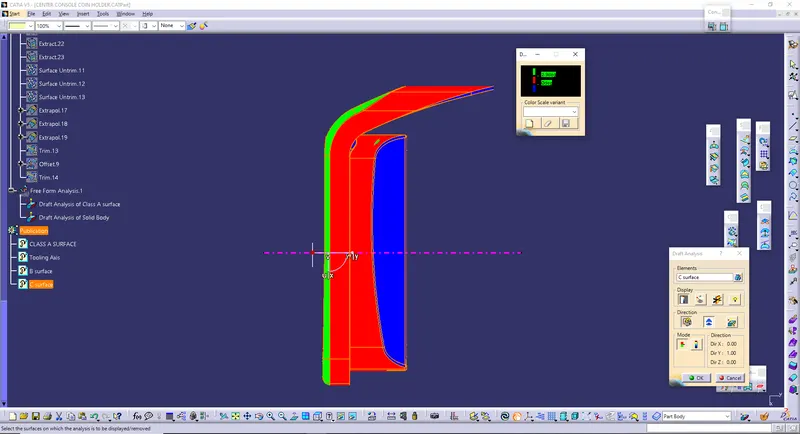
8) Do the Draft Analysis on the solid body to check the proper draft. Go to "Insert-Analysis-Feature Draft Analysis". Make sure that in 'customize view parameter', 'material' is selected. Then locate the compass on the tooling axis and click on the surface to get the colored draft analysis.
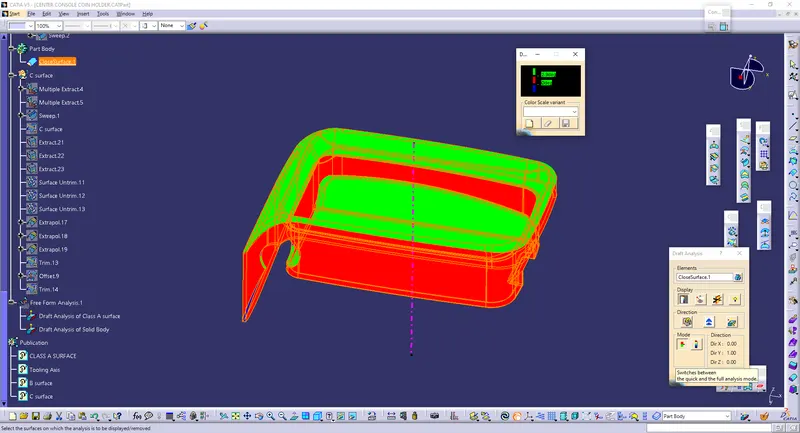
Draft Analysis of Class A surface
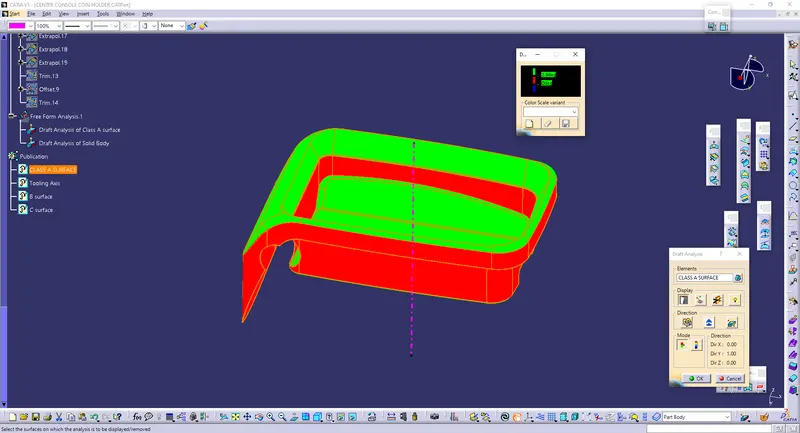
Front View of Solid Body Draft Analysis
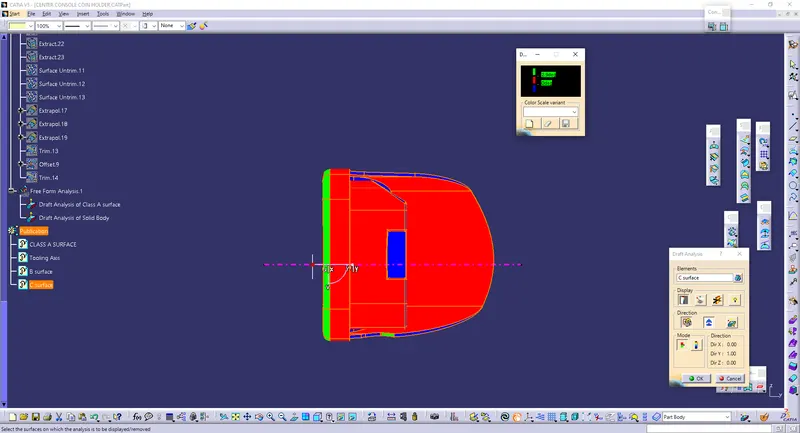
Side View of Solid Body Draft Analysis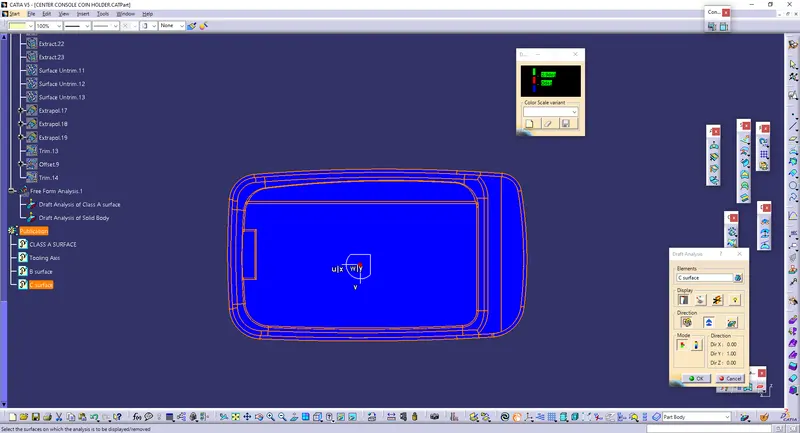
Side View of Solid Body Draft Analysis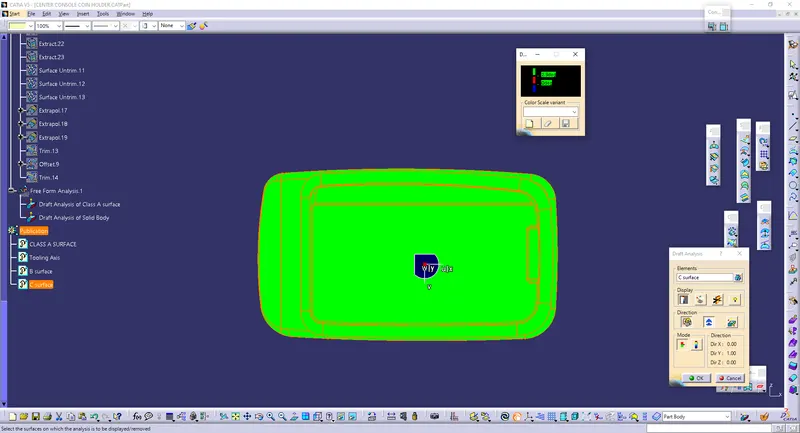
Top View of Solid Body Draft Analysis
Bottom View of Solid Body Draft Analysis