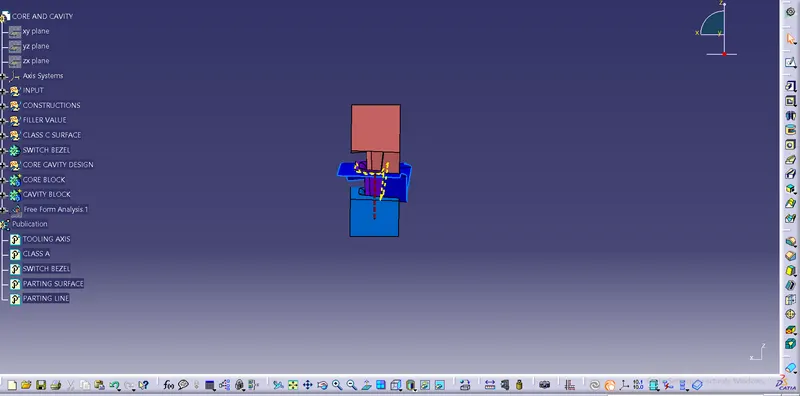
Core & Cavity Design
AIM:-
To create the Core and Cavity blocks for the switch bezel.
Draft Analysis:-
Draft Analysis is basically done on the plastic component or product to ensure that the component or product is feasible to manufacture or not.
Basically we take draft angle between 0 to 3 degrees which appear to be in green colour and it defines that product is feasible to manufacture.
If blue colour appears means the angle is 0 degree and if red colour appears it means it is in negative degrees.
So , the product should always appear in Green colour.
Tooling Axis:-
Tooling axis is used for draft analysis and is used in that part of component where its easy to locate the lines and bisecting lines and then through draft analysis we calculate the area.
Tooling axis can be created on easy steps:-
1) Find the proper surface through which all walls are visible and can easily be used to make Tooling Axis.
2) Now take the extract of that portion of surface.
3) After this take the intersection of the selected walls and draw the lines on them.
4) Through this draw a Bisecting lines considering both the lines,
5) The line that obtained, passing through the origin of point is called tooling axis.
IMAGES:-
3D Model of:-
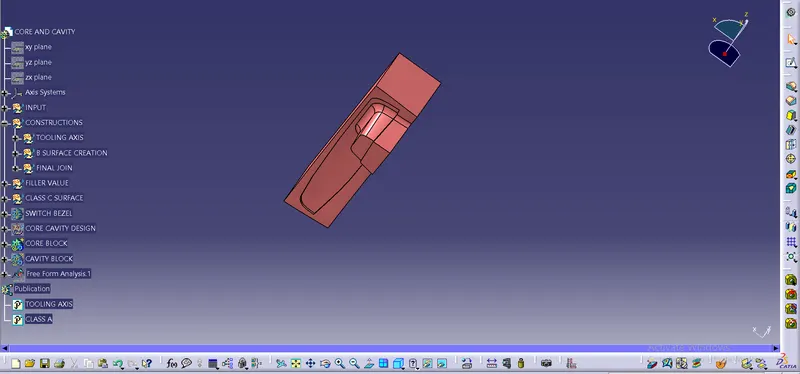
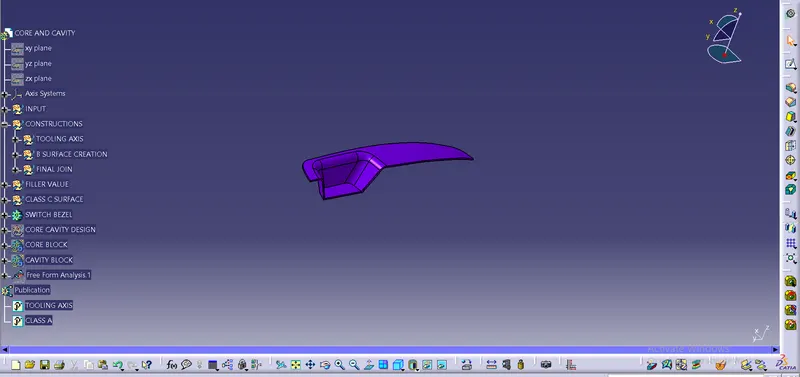
CORE, CAVITY, PARTING SURFACE, PARTING LINE, COMPONENT
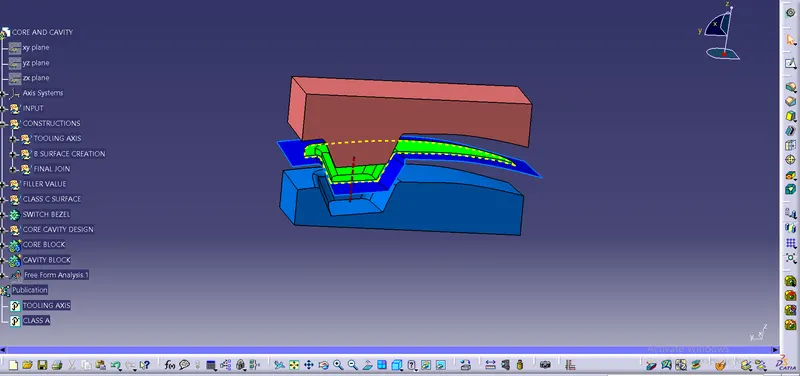
Core Block
Component view
Cavity Block
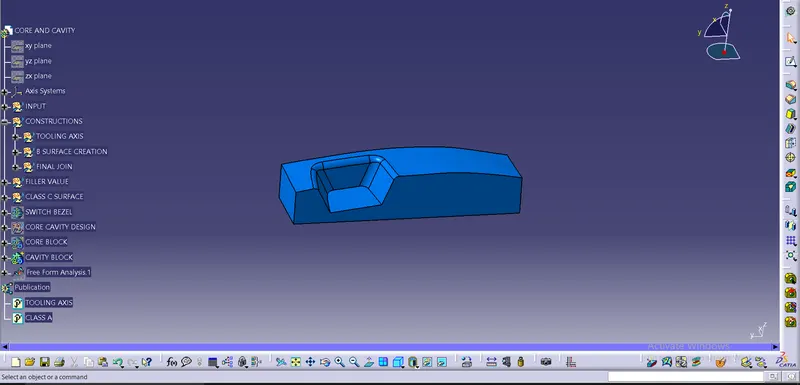
Parting Line and Parting Surface
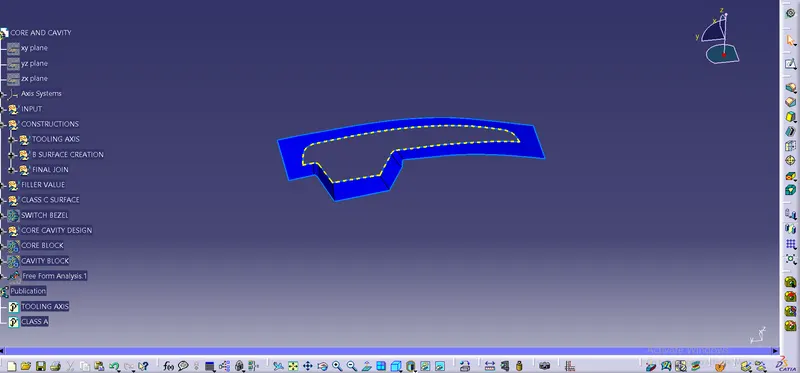
TOP VIEW:-
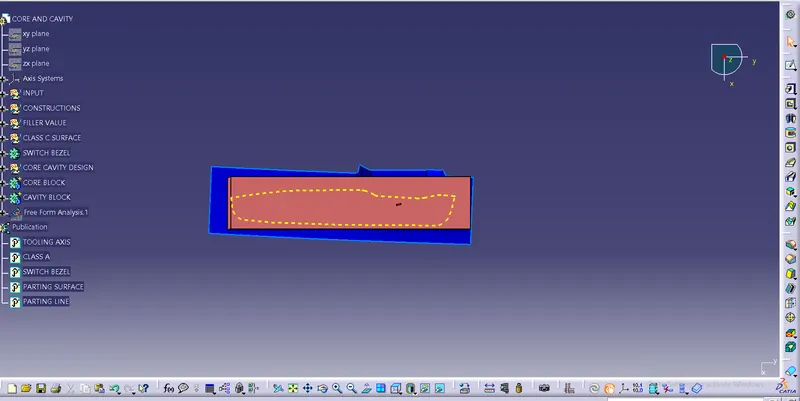
RIGHT VIEW:-