Performed the geometry cleanup,mid surface extraction and generating the good mesh flow over given Back door model with given Quality criteria.
AIM: Performing the geometry cleanup, mid surface extraction and generating the good mesh flow over given Back door model with given Quality criteria.
Given Quality criteria:
| S.N | Quality Criteria | Value |
| 1 | Aspect Ratio | 5 |
| 2 | Skewness | 45 |
| 3 | Warping | 15 |
| 4 | Taper | 0.5 |
| 5 | Min. Length | 3mm |
| 6 | Max. Length | 7mm |
| 7 | Min angle Quad | 45 |
| 8 | Max angle Quad | 135 |
| 9 | Min angle Tria | 30 |
| 10 | Max angle Tria | 110 |
| 10 | Tria % | 15 |
Car Back door model basically has two main parts
1.Inner Extract
2.Outer Extract
Given Model:
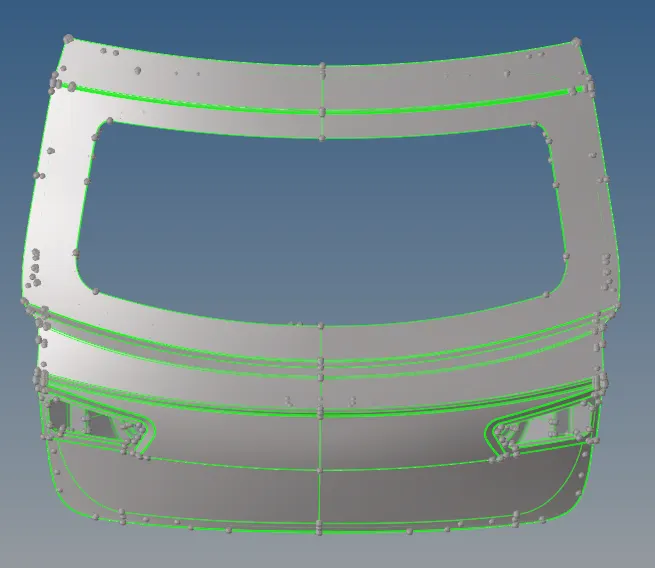
There are various steps before going to the meshing procedure:
- Import the CAD model
- Geometry cleanup
- Mid surface extraction and assign the thickness
- Meshing process
Import the CAD model :
- First import the CAD model for that go>import model>then check that which format(IGES, STEP etc.)>then import.
Outer Extract:
Inner Extract:
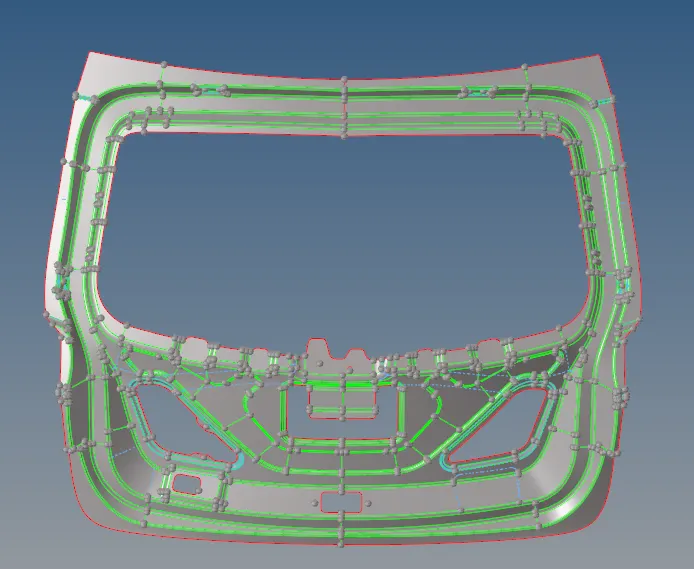
Geometry cleanup:
- After importing the model put it on the topo mode and check the geometry is fine or not, If not we can first clear the geometry then move on to meshing.
- we can check the geometry using the check geometry under the toolbar when we click on it it will show the errors like unchecked faces, needle faces, shraps edges,triples, single cons etc.
- For Clearing the geometry we should use the required options like geometry>Qucik edit shown below image.

Mid surface extraction:

- We should extract the midsurface for the whole component, first, go through the individual component then extract the midsurface for that go to midsurface>auto midsurface>use Extraction options as per our requirement.
- If it not coming properly, use different options to obtain the better mid surface.
- After extracting give original thickness to the elements for that goto>property>thickness>then that property is assigned to the components.
Outer Extract Midsurface:
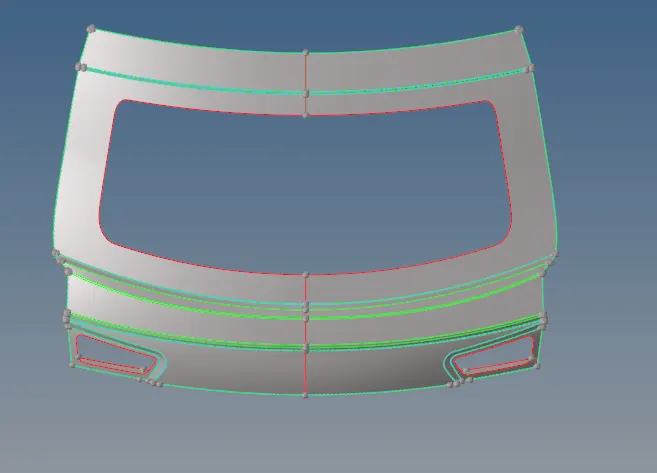
Inner Extract Midsurface:
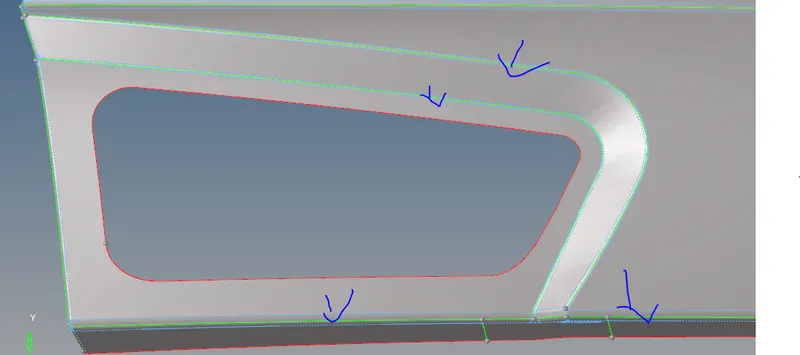
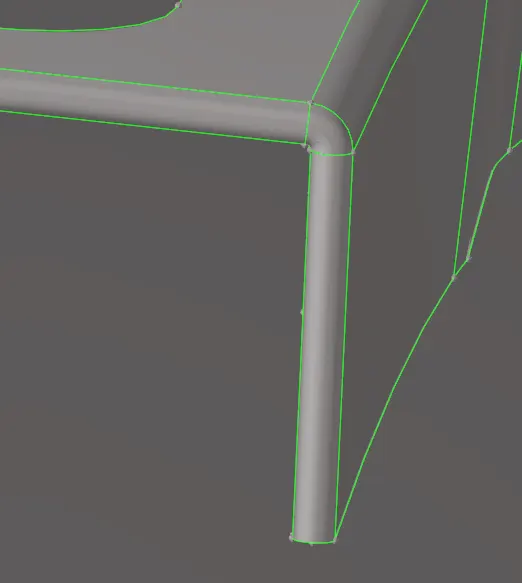
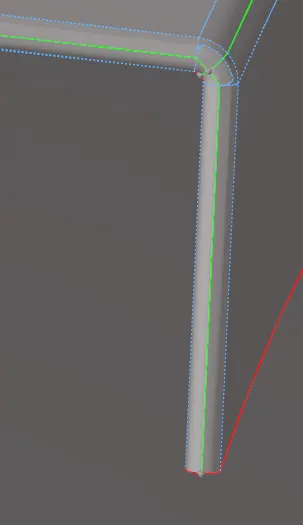
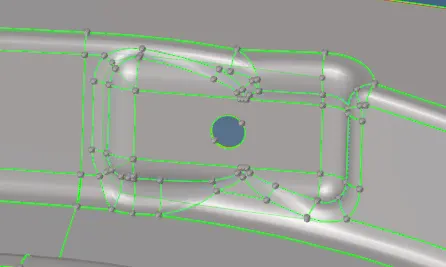
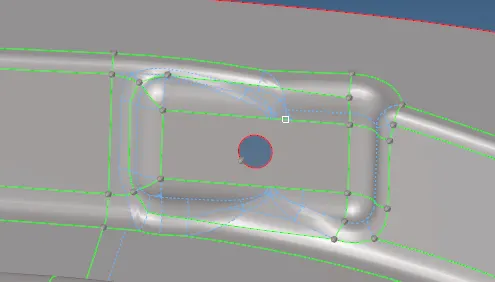
Defeaturing:
Defeaturing is the removal of details in the geometry in order to make the shape of the part simpler. Surface fillet, Pinholes, Edge fillets or we have to compromise on the one feature to save another feature.
| Before defeaturing | After defeaturing |
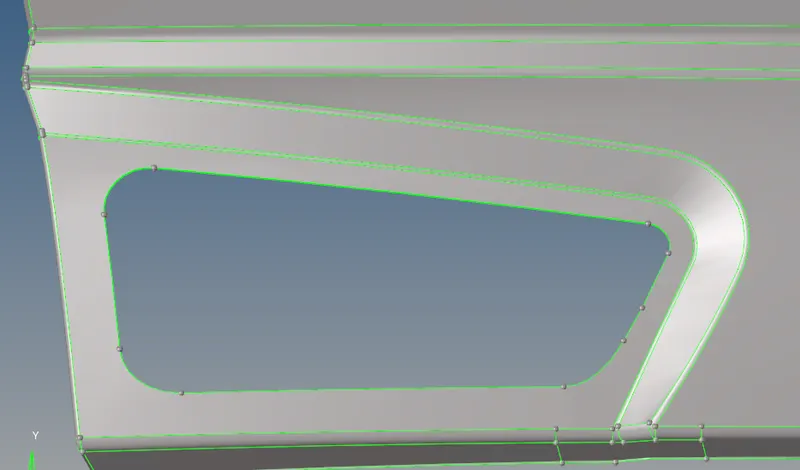 |
 |
 |
 |
 |
 |
Meshing:
A mesh is a network that is formed of cells and points it can have almost any shape of any size and is used to solve partial differential equations. each cell of the mesh represents an individual solution of the equation when combined with foe whole network results in a solution for the entire mesh.
Inner Extract meshing:
- Here what we can do is delete the half portion of the component, after meshing is done on the part we can easily reflect the other side it will reduce our work.
- After deleting the half portion, we can delete the unwanted construction lines and hot points in the model and keep checking the fillet regions and small regions remove those unwanted lines in order to get the better mesh flow.
- We can create a new construction line perpendicularly in some area which we can define the area to get the better mesh to flow over there. In the fillet area, we can compromise on the trais because in that area we avoid those trais over there.
- Then we can go with the best mesh option in mesh generation box, the mesh is done by area by area to get good mesh if any quality issues are coming we can go with the reconstruction option and after reconstruction uses the smooth option to smooth the mesh.
- We can remove the trais using the rebuild, move node option and swap option to element the trias and make sure that there no tria elements in the edges of the component we can swap the trais using the swap option.
- After the clearing all quality issues we can reflect the other side of the component using the transform option -symmetry-3 points plane as shown below images.
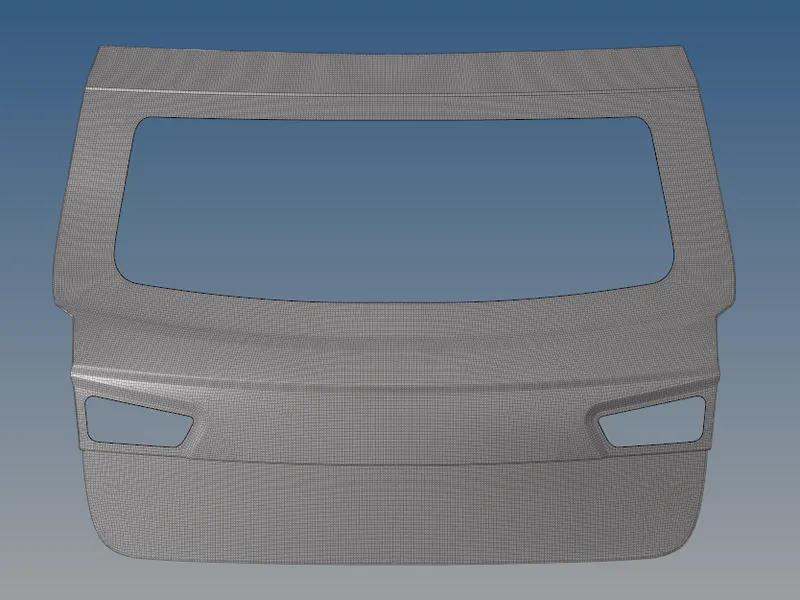
Outer Extract Meshing:
Inner Extract Meshing:
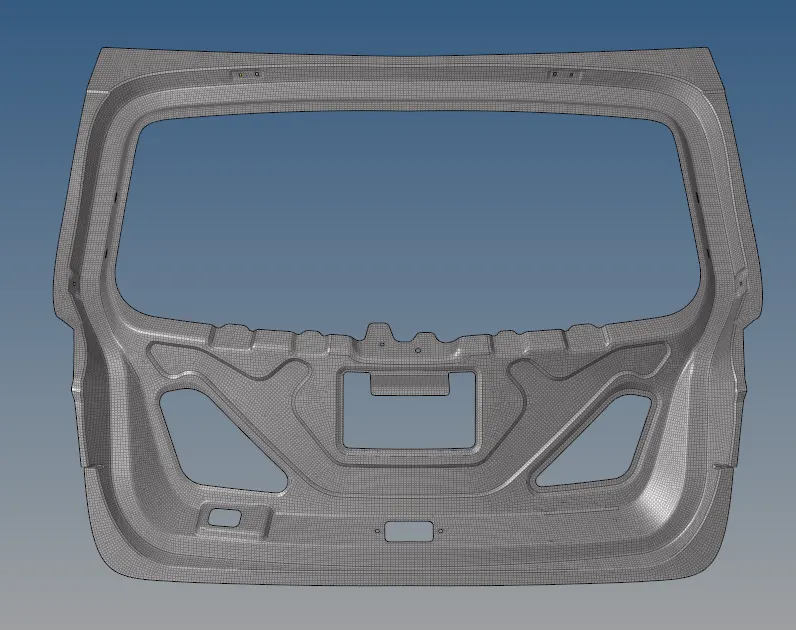
Note: Here we are doing half part mesh and reflecting on the other side of both inner and outer extract as following the previous assignments.
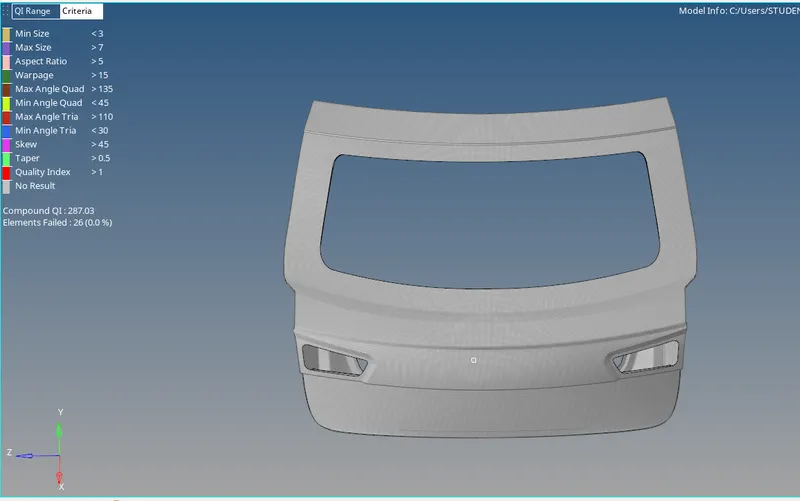
CONCLUSION:
The given Back door model is checked for the geometrical errors and taken the mid surfaces of component, it meshes with mixed elements Quads and Trais with given quality criteria.
Learning outcomes:
- In this challenge, I am able to understand how to obtain better mesh flow over some critical areas on fillets and also eliminating the trais by using the split, swap, rebuild options.
- In was able to understand the doing the midsurface of a component using both auto midsurfacing and manual midsurfacing with options midsurface and offset.
- I have got an idea about the hood model and how to perform a better mesh flow over the sheet metal components.