Menu

Executive Programs

Workshops

Projects

Blogs

Careers

Student Reviews


More

Academic Training

Informative Articles

Find Jobs

We are Hiring!


All Courses

Choose a category

Loading...

All Courses

All Courses

logo

Week - 8 - Morphing

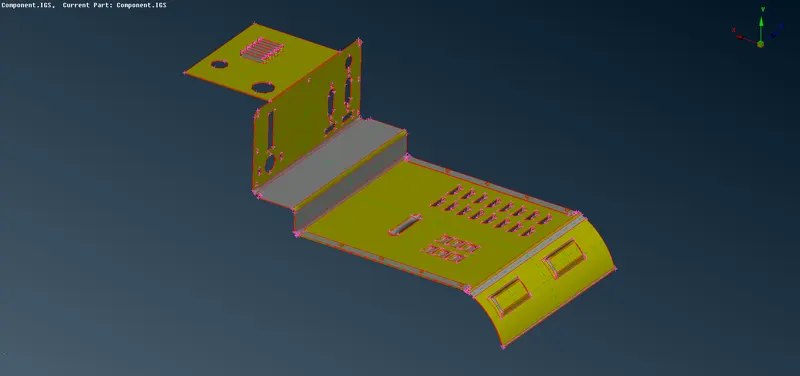
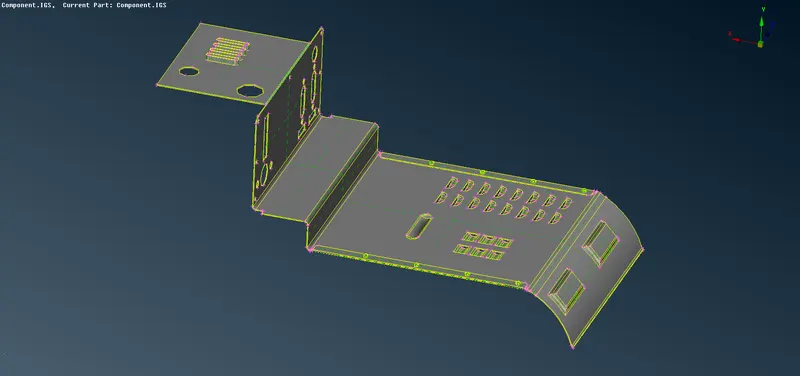
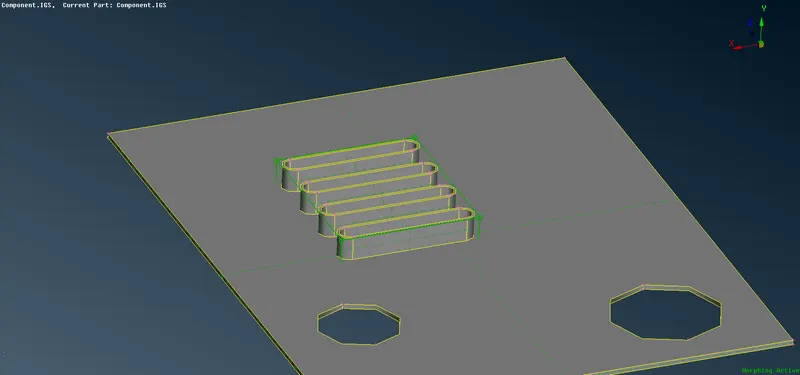
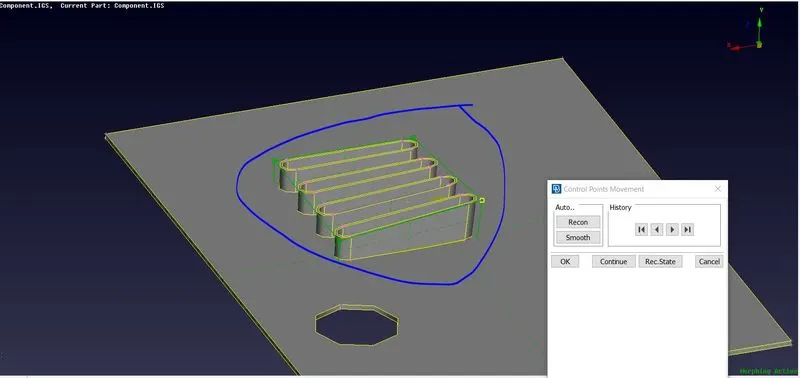
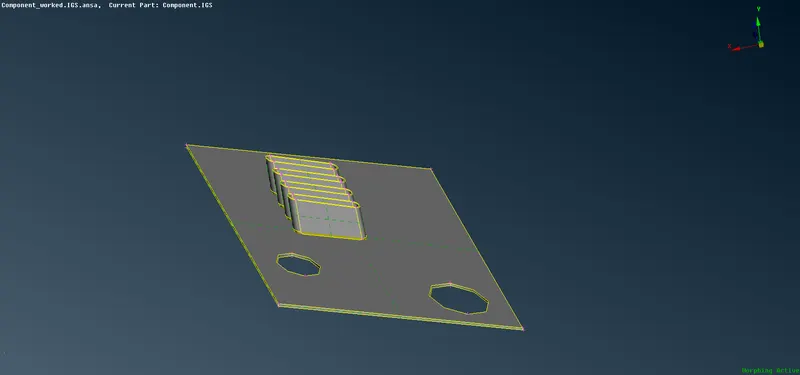
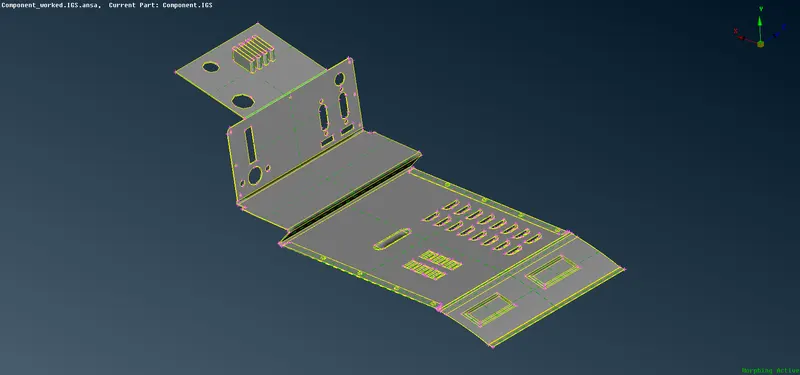
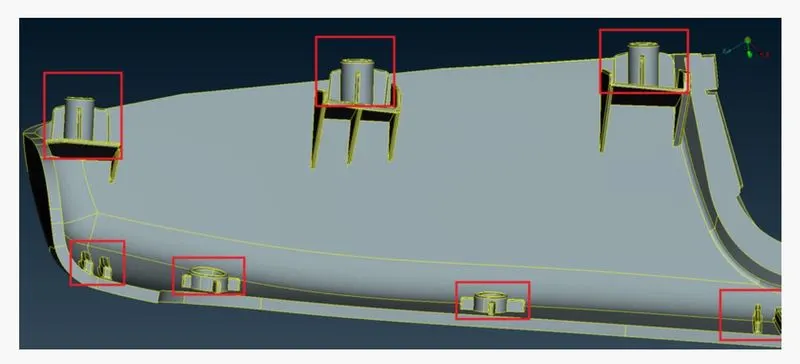
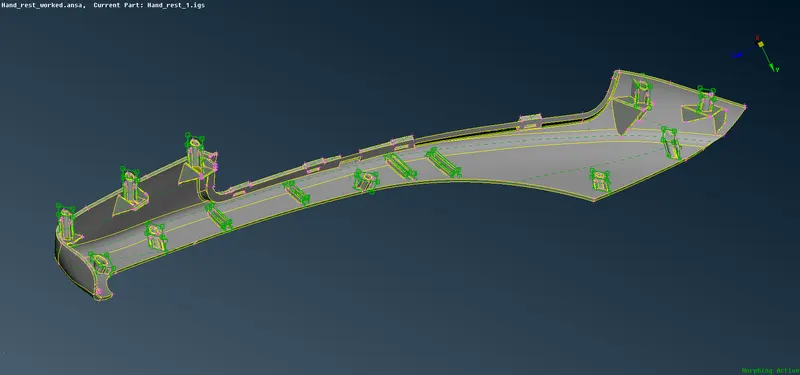
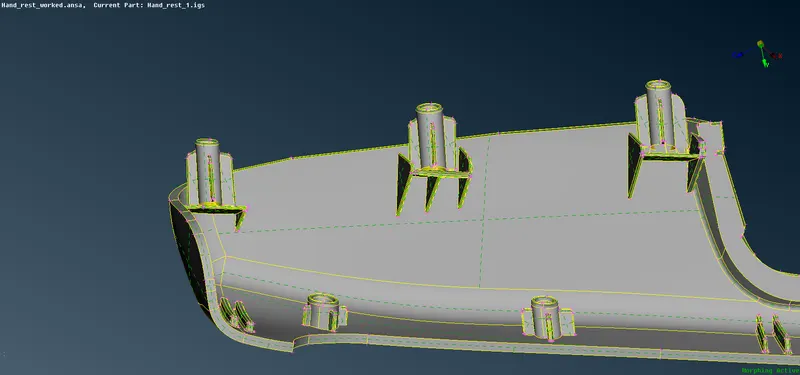
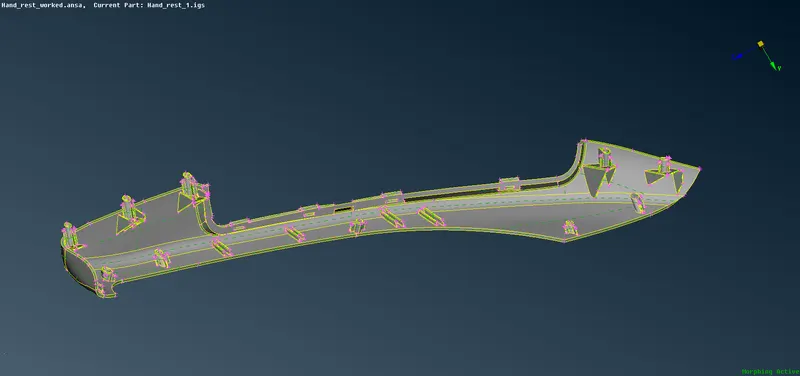
Objective: To perform the morphing technique on the given two models. 1. Component.IGES File 2. Hand_rest.ansa File   Procedure: Firstly, open the Ansa software, select and import the model into the software. Import the component.Iges file to work and perform the morphing technique. Import the model and make sure…

    Project Details

    Loading...

    Leave a comment

    Thanks for choosing to leave a comment. Please keep in mind that all the comments are moderated as per our comment policy, and your email will not be published for privacy reasons. Please leave a personal & meaningful conversation.

    Please  login to add a comment

    Other comments...

    No comments yet!
    Be the first to add a comment

    Read more Projects by Sanjay Merugu (18)

    Project - 2 - Meshing on the suspension Assembly

    Objective:

    I'm uploading the google drive link for the model because the model size is too high it is not getting upload in the mentioned area. I have tried multiple times to load it in the specified area to upload the model but it is not happening.   Link for the model: https://drive.google.com/file/d/1JYYLWczvqzzGBHpZ92fDewbOSCsFl9A_/view?usp=sharing…

    calendar

    14 Oct 2021 08:17 PM IST

      Read more

      Project 1 - 2D meshing on the instrumental Panel

      Objective:

      I'm uploading the google drive link for the model because the model size is too high it is not getting upload in the mentioned area. I have tried multiple times to load it in the specified area to upload the model but it is not happening.   Link for the model:   https://drive.google.com/file/d/1449UBTW34BmH7GGWlQP4M3UNnoQaIck_/view?usp=sharing…

      calendar

      13 Oct 2021 07:47 AM IST

        Read more

        Week 6 - Creating connection for Rear door

        Objective:

        Objective:  For the given model, create and Apply different PIDs for different components. By using the same technique and the elements as shown in the video, Perform suitable connections.   Procedure: Firstly, import the given FE model into the Ansa software. After importing the FE model, set Property ID for different…

        calendar

        11 Oct 2021 11:40 AM IST

        • ANSA
        Read more

        Week - 8 - Morphing

        Objective:

        Objective: To perform the morphing technique on the given two models. 1. Component.IGES File 2. Hand_rest.ansa File   Procedure: Firstly, open the Ansa software, select and import the model into the software. Import the component.Iges file to work and perform the morphing technique. Import the model and make sure…

        calendar

        03 Oct 2021 06:58 AM IST

          Read more

          Tool Test 1

          Objective:

          Time is taken for Model 1 - 12 hrs Time is taken for Model 2 - 18 hrs

          calendar

          22 Sep 2021 03:10 AM IST

            Read more

            Week- 5 - Solid meshing

            Objective:

            Aim:  For the given Rearview mirror component, check for the geometrical errors and mesh the Surfaces with the given 2D element Quality criteria given below.   Procedure: Open the Ansa software and import the given Rearview Mirror component. After importing the model, click on the Topo option in the Faces tools…

            calendar

            26 Jun 2021 08:24 PM IST

              Read more

              Tool Test-2

              Objective:

              It took me 24hrs to complete the Tool test-2.

              calendar

              25 Jun 2021 05:25 PM IST

                Read more

                Week - 4 - 2D meshing for Plastic components

                Objective:

                Aim: Mesh the given Bottle cap model with the given quality criteria and assign proper thickness to it   Tools used: In Topo Mode Hot points - Insert, Project, Delete & Info tools. Cons          - Paste, Release & Fill hole tools.  Faces        -…

                calendar

                19 Jun 2021 07:52 PM IST

                  Read more

                  Week 3 - 2D meshing for sheet metal

                  Objective:

                  AIM:  For the given Hood model, Take the mid surface for all the components after checking the geometrical errors and mesh the mid surface with the given element Quality criteria and also apply proper thickness.   Tools used:  In Topo mode Hot points  - Insert, Project, Delete. Cons     …

                  calendar

                  18 Jun 2021 08:48 PM IST

                  Read more

                  Assignment 7-Side Pole Crash Simulation Challenge

                  Objective:

                  Objective: To perform the side crash analysis on the given model. Check unit system and either follow [Mg mm s] or [Kg mm ms]. Create an appropriate interface, friction 0.2 and recommended parameters. Make sure of no penetration and intersections. Create a rigid wall with friction 0.1 as per the reference model. Compare…

                  calendar

                  22 Mar 2021 06:29 AM IST

                    Read more

                    Assignment 6-Frontal Crash Simulation Challenge

                    Objective:

                    Objective:  To perform the frontal crash on the given model within the given parameters. Frontal crash-BIW Check unit system and either follow[Mg mm s] or [Kg mm ms]. Create an appropriate interface, friction 0.2 and recommended parameters. Make sure of no penetrations and intersection. Correct rigid bodies if any…

                    calendar

                    21 Mar 2021 11:00 AM IST

                      Read more

                      Assignment 5

                      Objective:

                       Objective: Create the mesh for bumper assembly, mesh size should be 6mm.  Run the crash tube model as it is. Change the Inacti=6 and run. Create the type 11 contact and run. Remove both notches and remove boundary condition on rigid body node then run. Create a new notch in the middle, select the whole section…

                      calendar

                      31 Jan 2021 01:49 PM IST

                      Read more

                      Assignment 4

                      Objective:

                      Objective:   Run the model as it is. Name it as Law2_epsmax_failure.   In FAIL/JOHNSON, change Ifail_sh=1, Dadv=1 & Ixfem=1. Run the model as Law2_epsmax_crack.   Delete /Fail/JOHNSON card. Run the model as Law2_epsmax_nofail.   Delete the value of Eps_p_max and the run the model with name Law2.…

                      calendar

                      20 Jan 2021 08:23 AM IST

                      Read more

                      Assignment 3

                      Objective:

                      Objectives:   Comparison of results with base simulation and improved shell element properties 1.Using the crash beam file from the previous assignment, change the run time to 55 ms. 2. Change the number of animation steps during simulation to a minimum of 25 and maximum of 60. 3. Run the base simulation without…

                      calendar

                      10 Dec 2020 07:40 AM IST

                        Read more

                        Assignment 2

                        Objective:

                        Objective:   1. Check the material properties of the rail component and calculate the speed of sound in steel rail=______ 2. The length of the rail is about 1000 mm. calculate the time takes for a shock wave to travel from one end of the rail to the other. 3.Time for sound to travel length of rail=______…

                        calendar

                        09 Dec 2020 12:17 AM IST

                          Read more

                          Assignment 1

                          Objective:

                          Objective:  Carry out the geometry cleanup operation on the given 3 files. Practice  Clip Repair Mounting Bracket There should not be any free edges, convert all of them into a refined geometry. Clean the geometry. Extract midsurface. Clean midsurface geometry. Ignore holes less than dia 5mm. Create a 2D…

                          calendar

                          07 Dec 2020 11:49 AM IST

                            Read more

                            Project 2

                            Objective:

                            Aim: To generate a midsurface, perform the geometry cleanup on the extracted component and also to generate the mesh on the midsurface component and to assign thickness to the component within the given quality criteria    Tools used: The Automesh in the 2d panel The Auto cleanup in the geometry panel The…

                            calendar

                            30 Sep 2020 11:54 AM IST

                              Read more

                              Week 9-Challenge

                              Objective:

                              Aim: Attaching various parts of the given model by creating different connectors available in the hypermesh    Tools used: Auto mesh in the 2D panel Smooth in the 2D panel connectors in the 1D panel   Procedure: Firstly, import the component into the hypermesh window and select the profile as "Optistruct" Change the geometry…

                              calendar

                              13 Sep 2020 02:32 PM IST

                                Read more
                                Showing 1 of 18 projects