Week 8 - Challenge 2 - Switch Bezel Design
OBJECTIVE:
To create the Base Switch Bezel component through the given Class-A surface.
DESIGN METHODOLOOGY/APPROACH:
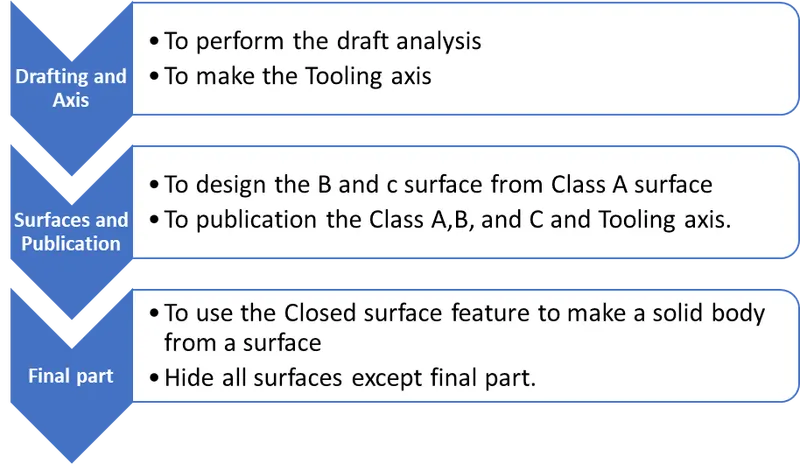
Draft Analysis:
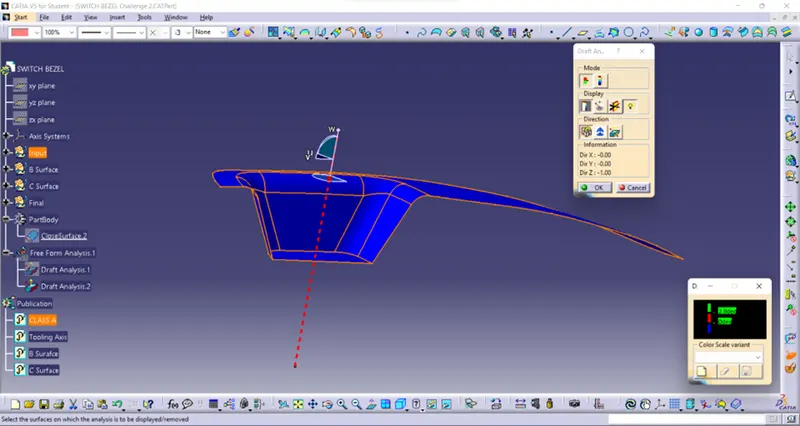
Draft analysis is the analysis to examine whether the designed part is exit from the mould smoothly or not. Generally, 3 degrees from the Class A surface to be drafted. In the below diagram draft analysis is performed by given Class A surface.
Draft Analysis of Class A:
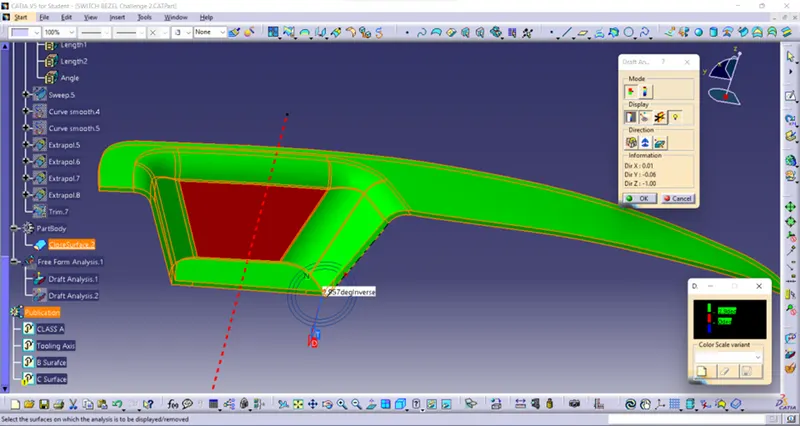
Draft analysis of final part:
Tooling axis:
Axis which drafts the part from certain angle is called tooling axis. Initially the part is checked in all direction for tooling axis, the suitable direction for tooling to be selected considering reduce the mould cost. In this part considering all axis Y axis is best for tooling. But there is Axis system is insert in the base surface with point create the line which is parallel to Y axis, then using of intersect command intersect the given class A surface draw the line from centre with angle and made the bisecting line by created two lines. Finally, the tooling axis line by using bisecting line and points.
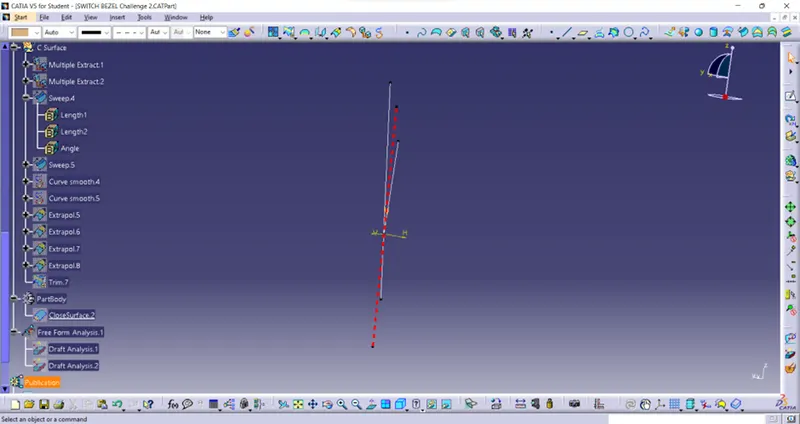
The drawn tooling axis is shown below.
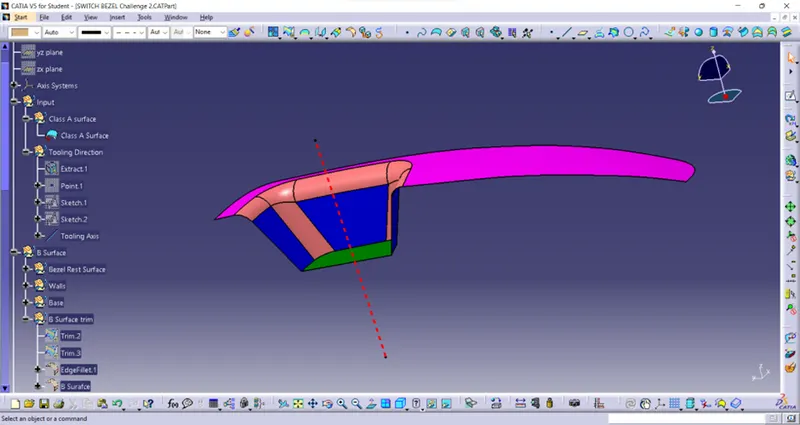
B Surface:
Bezel rest surface, Wall, Base:
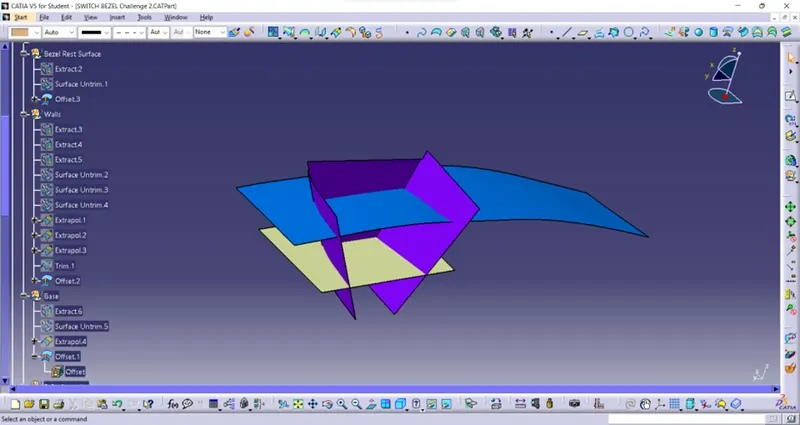
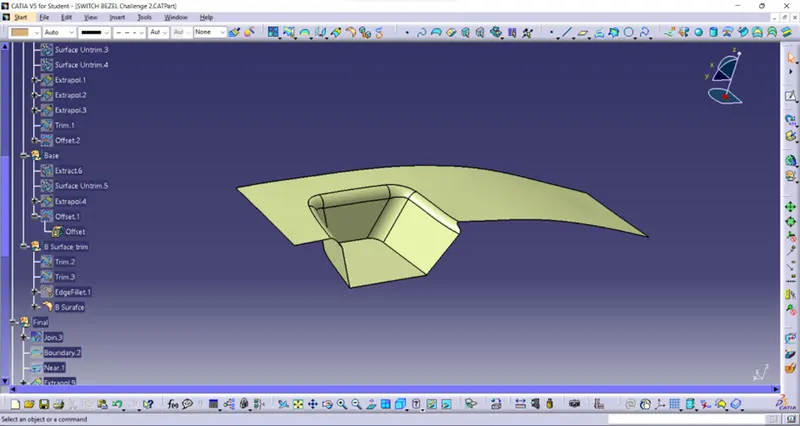
class A surface divided into 3 Bezel rest surface, Wall and Base surface. These three are individually extracted, untrimmed, extrapolate and trimmed as per required surfaces individually. And finally, they are offset by 2.5mm. The following image are shown how the making of B surface.
Drafted surfaces:
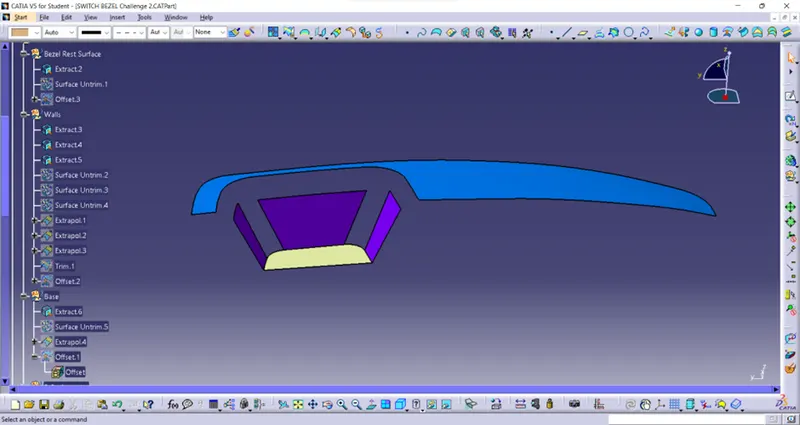
Untrimmed surfaces:
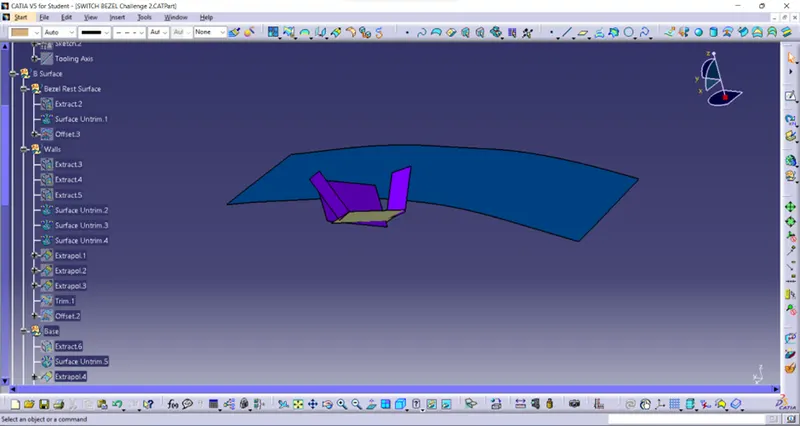
Extrapolate surfaces:
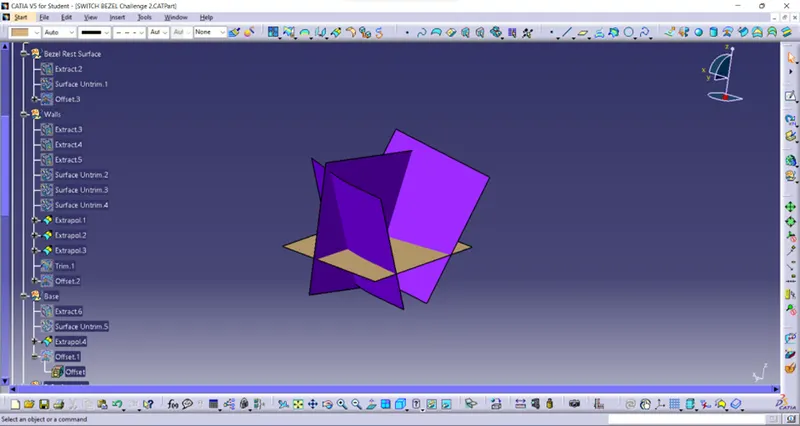
Offset surfaces:
B Surface with trimmed and fillet:
C Surface:
Surface which connects the A surface and B surface is called C surface. It is done by initially make the Multiple extract in the Class A surface later replaced by Curve smooth command.
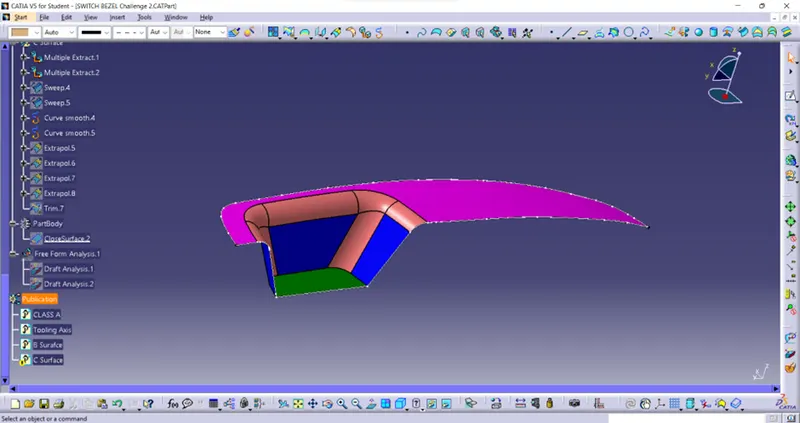
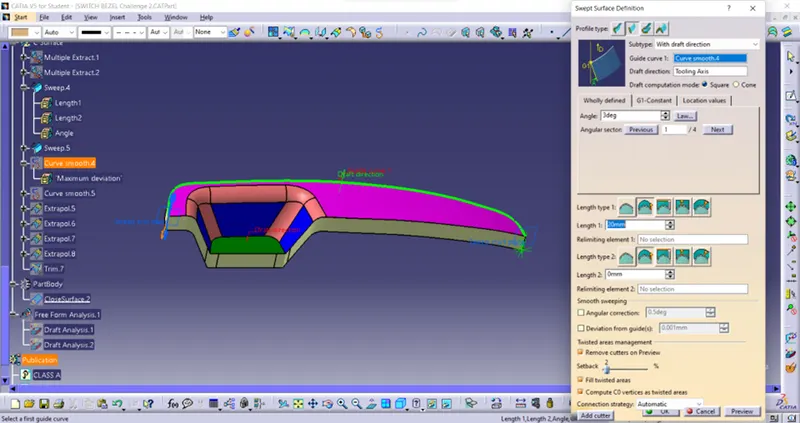
The next step is by using sweep command subtype as with draft direction adding angle 3-degree, draft direction is Tooling axis downward direction Sweep is done which shown in below figure.
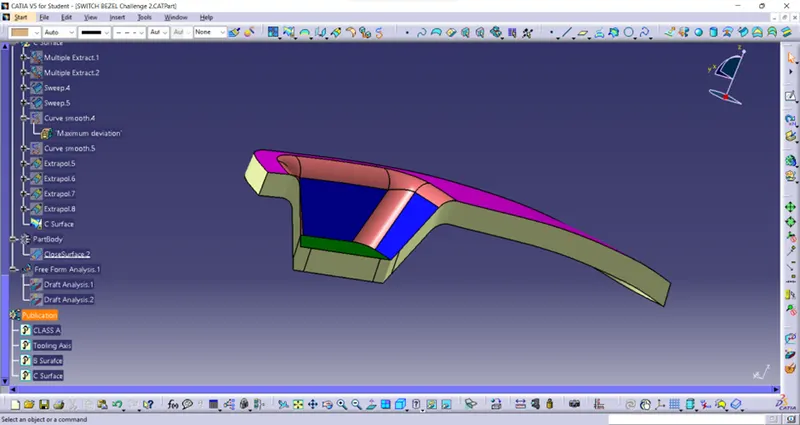
After sweep there is a gap between them so they are extrapolating and trimmed to merge the gaps. The final C surface is shown in below.
Final part:
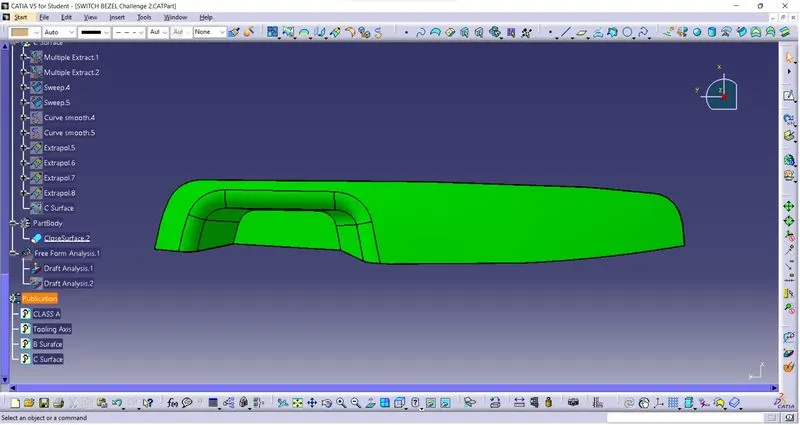
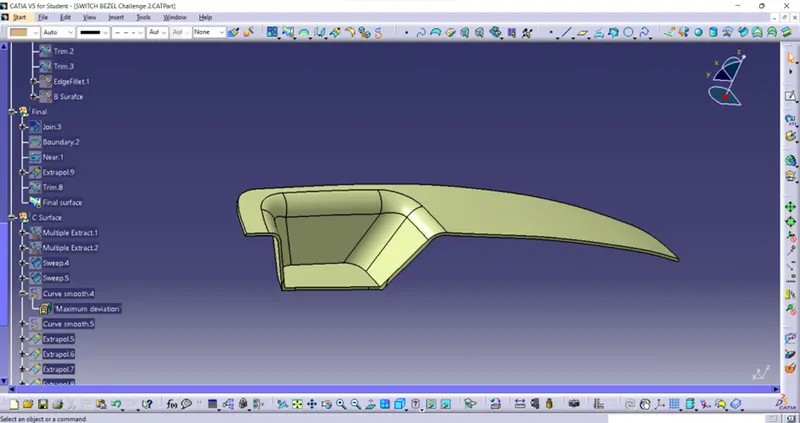
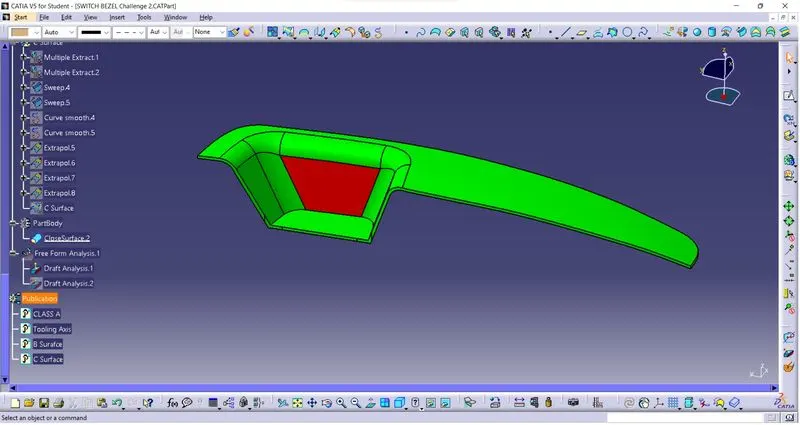
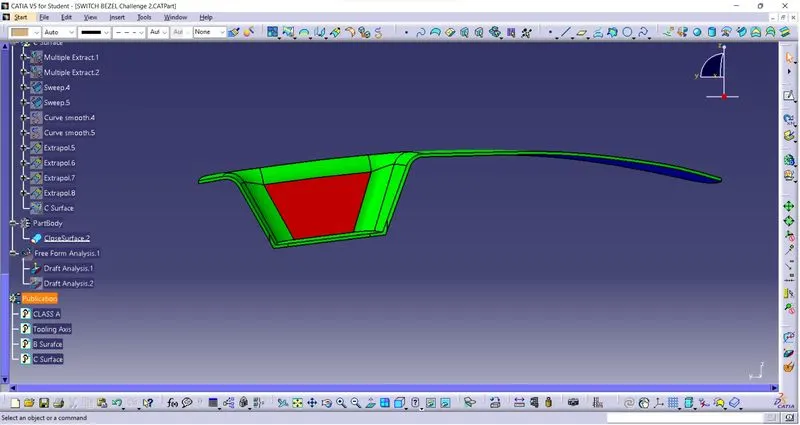
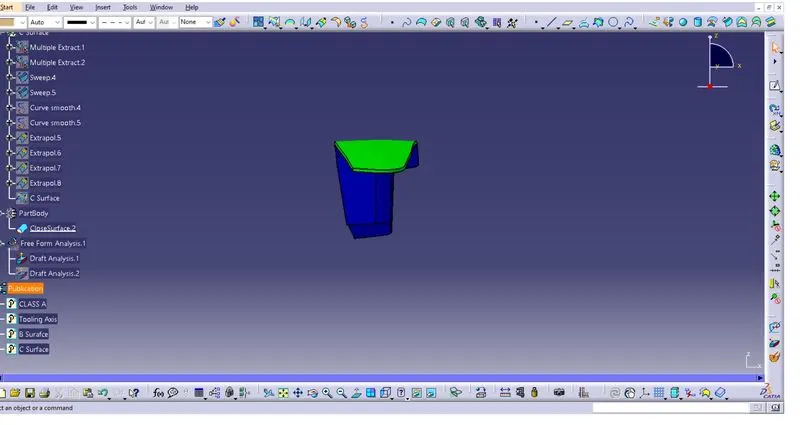
It is done by using the trim command in B surface and C surface. The final part is shown below.
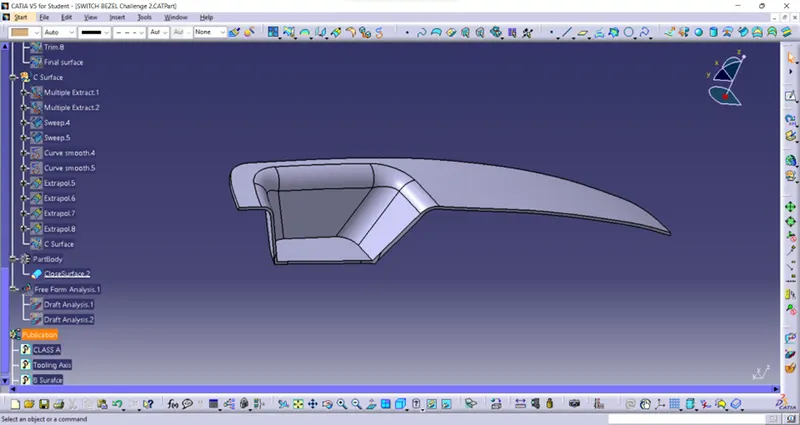
And define the part body then the surface is made into solid body by using Closed surfaces which is shown in below.
Then the Class A surface, Tooling axis, Surface B and surface C is published in feature tree.
Conclusion:
So, by using above method B and c surfaces are made from Class A surface and final part is made.
Expanded tree structure 1:
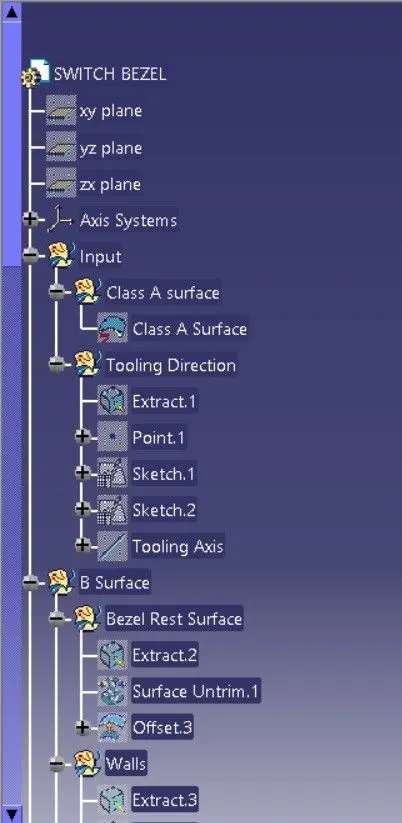
Expanded tree structure 2:
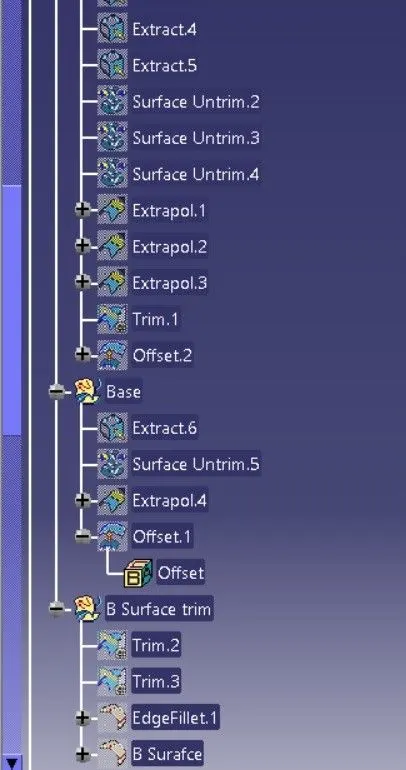
Expanded tree structure 3:
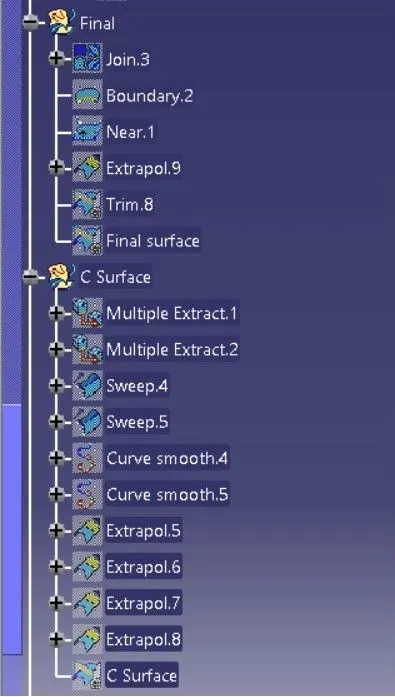
Expanded tree structure 4:
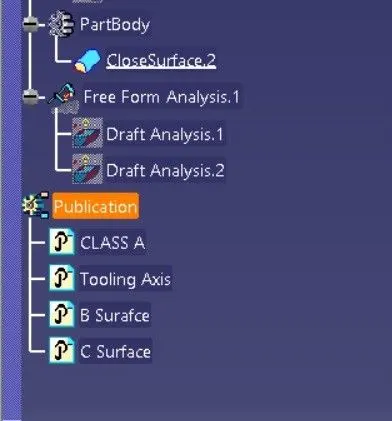
Isometric view:
Front view:
Side view:
Top view: