Week 7 Challenge
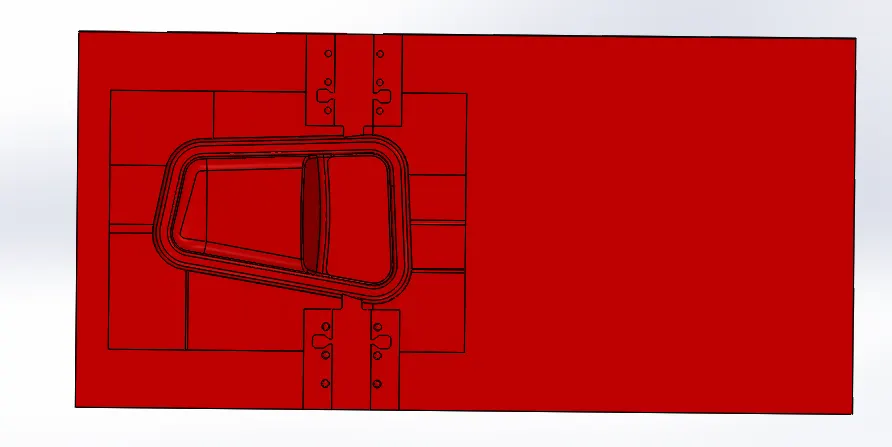
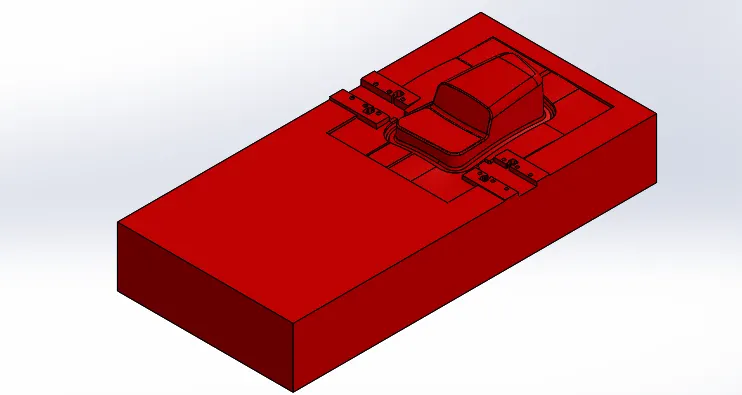
Aim: - This week’s assignment, I have to continue working on the door bezel mold blocks created in this assignment. I have to create 2 sliders for the 2 undercuts present in the model.
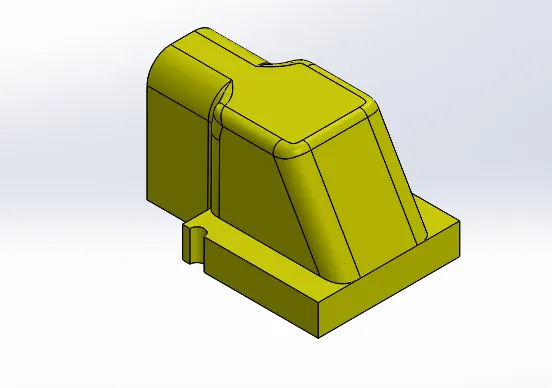
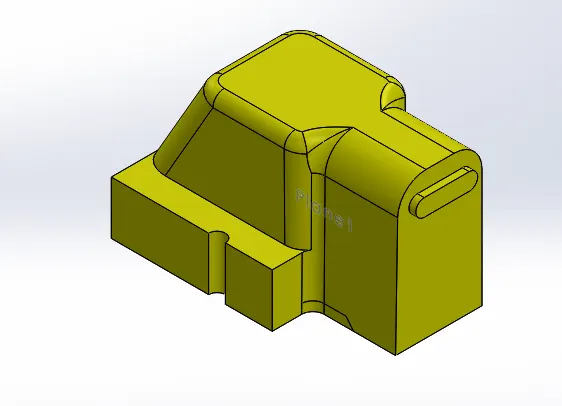
Slider:- first of all change the transparency of cavity block then create a plane use reference geometry with the help of line and point. After that create a sketch use convert entities.
Use split command for separate into two solid body slider and cavity. But it is not yet completed removed extra material and give proper shape. Top wedge should be at least 16mm.
Before use combine command save slider as a separate part file (Parasolid XT).
After that edit the cavity block to match the slider block and cavity.
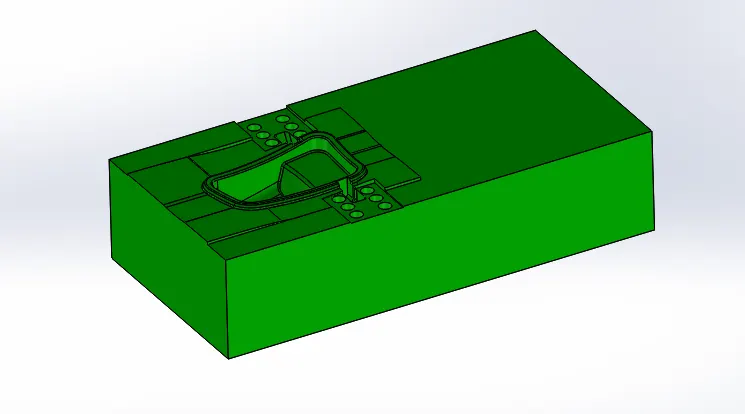
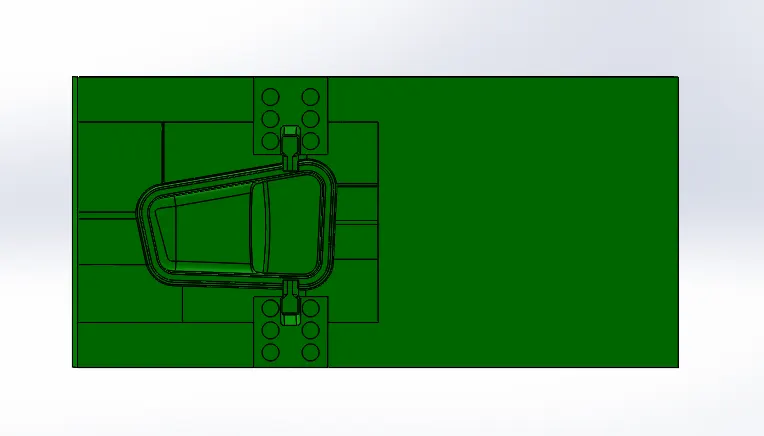
Then create a guide rail for slider, add material to core block. For that create a sketch and extrude.
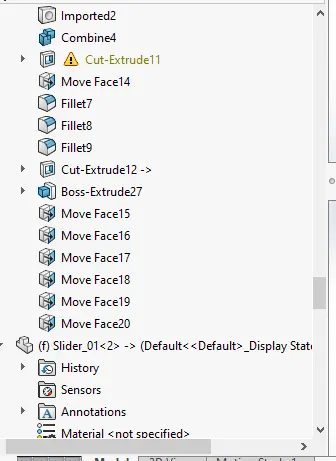
Edit core block remove overlap material from slider. Add fillet on the slider block, cavity block and core block.
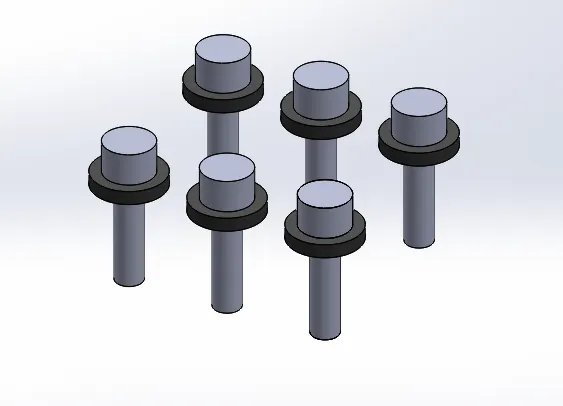
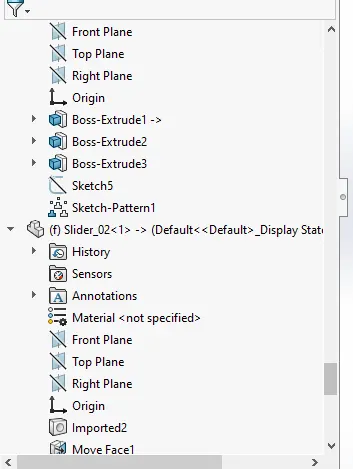
Create washer and bolt, add new part file and create a sketch and extrude. Use sketch pattern for another bolt and washer.
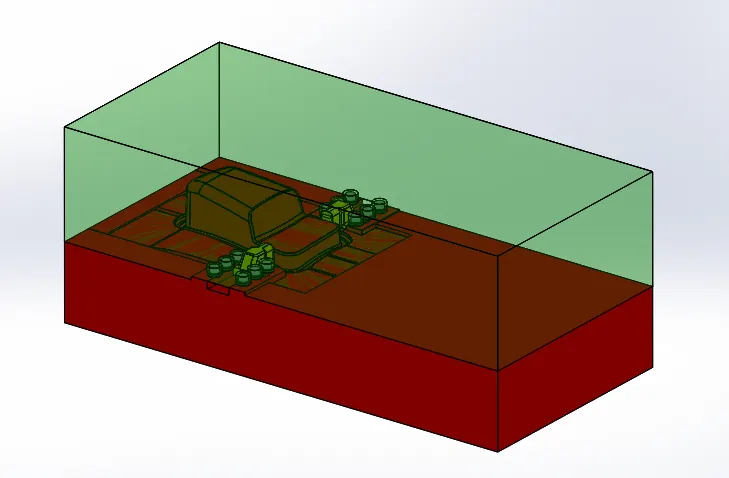
After that cut concentric circle in cavity block for bolt head
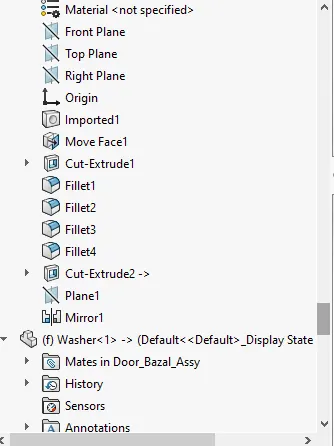
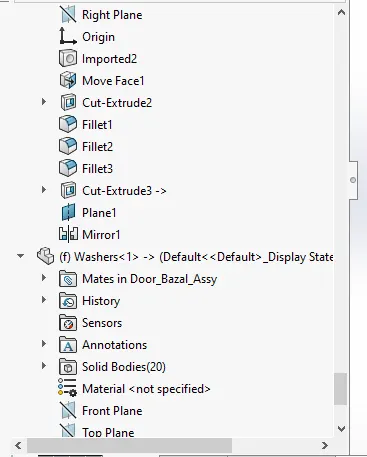
Now I proceed to core block use hole wizard. Then make a locking mechanism, use extrude cut command and mirror.
same procedure followed for slider 2.