Project 1
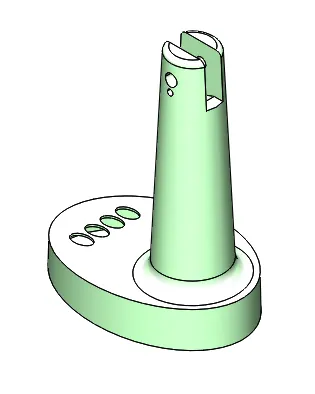
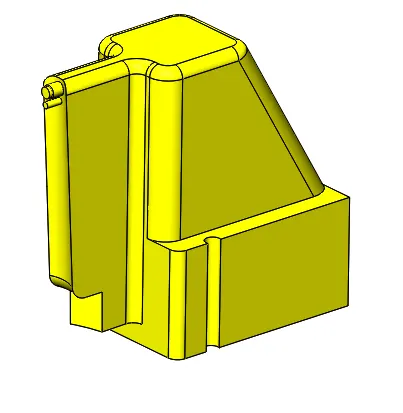
Aim: - In this project, i will have to create a proper mold for the Fan Base model. Assume the material to be ABS (shrinkage - 0.6%).
Objective: - Know about the draft analysis, shrinkage allowance, parting line, shutoff surface, create core-cavity surface and blocks, assembly and relief, Slider, ejector pin and inserts.
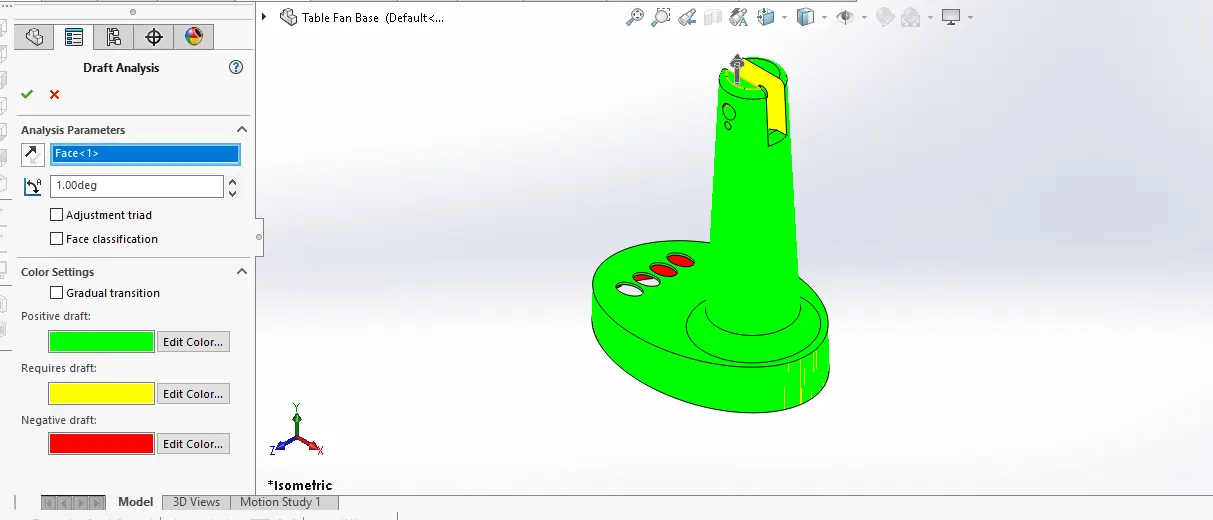
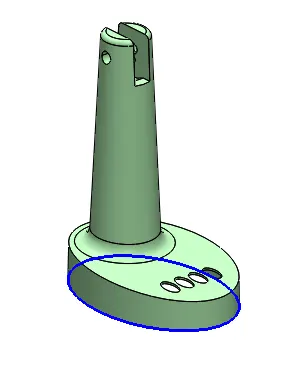
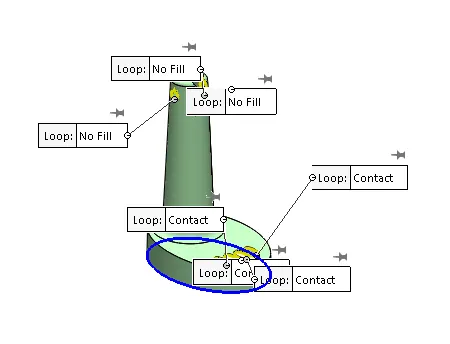
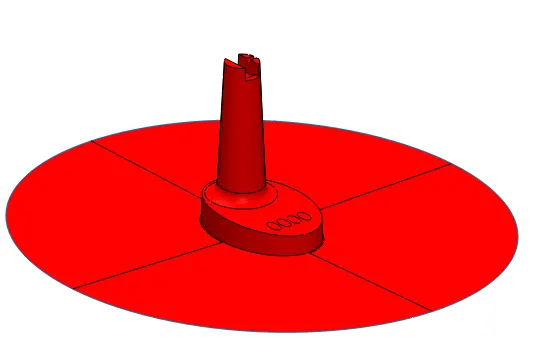
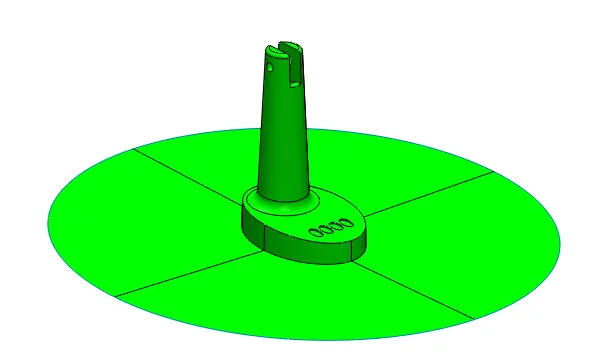
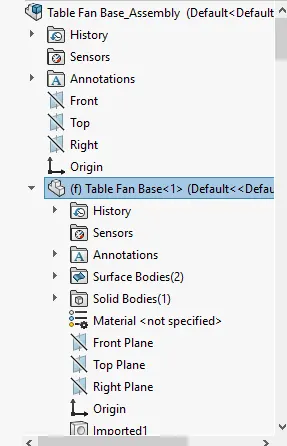
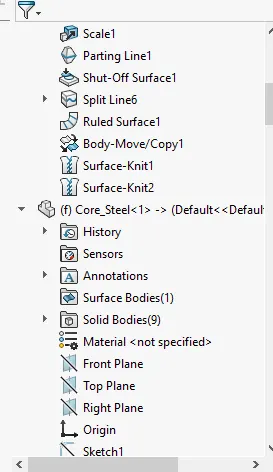
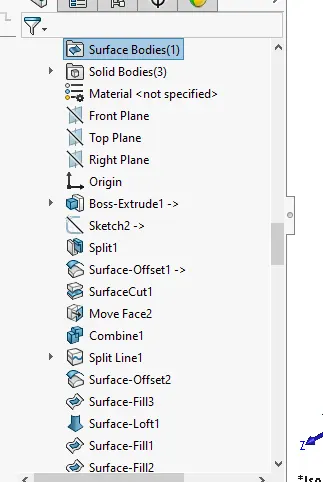
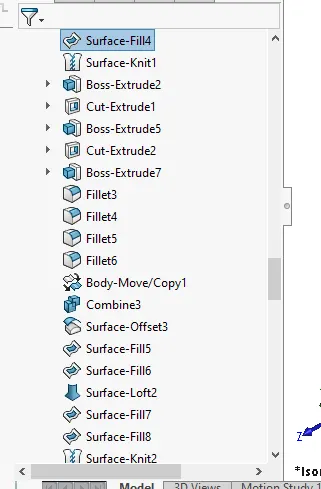
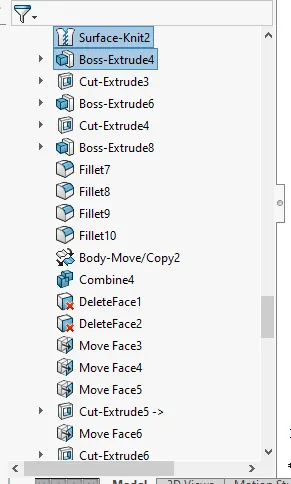
Procedure: - Firstly check the draft analysis of the given fan base component. after that used scale command to increase size of the model to according for the shrinkage then go for parting line command used to create the parting line the core-cavity separation, however used shutoff surface to close the holes for created the core-cavity surface, then used ruled surface command to manually create the parting surface and merge the parting surface with core-cavity surface to created final core & cavity surface.
Before that keep a copy of parting surface then used Knut the core-cavity surface with planer surface individually. With the help of this procedure made the core-cavity surface.
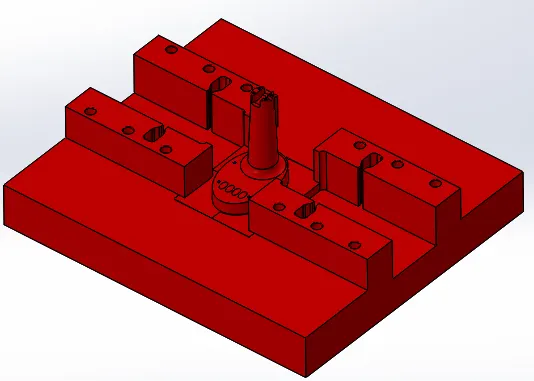
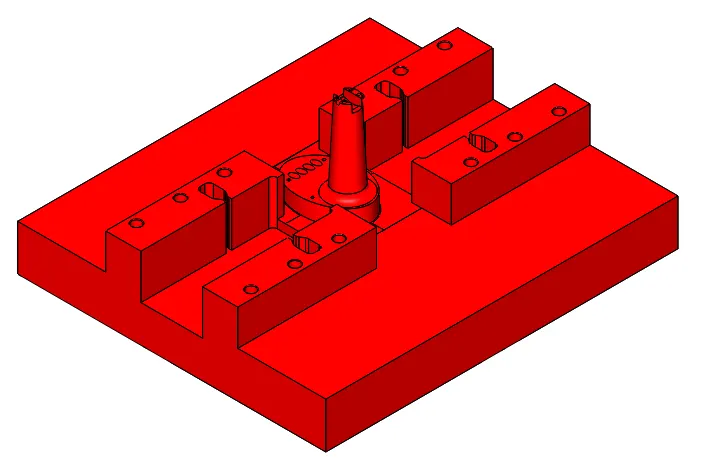
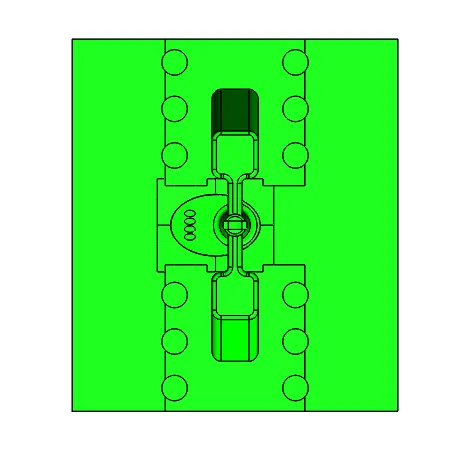
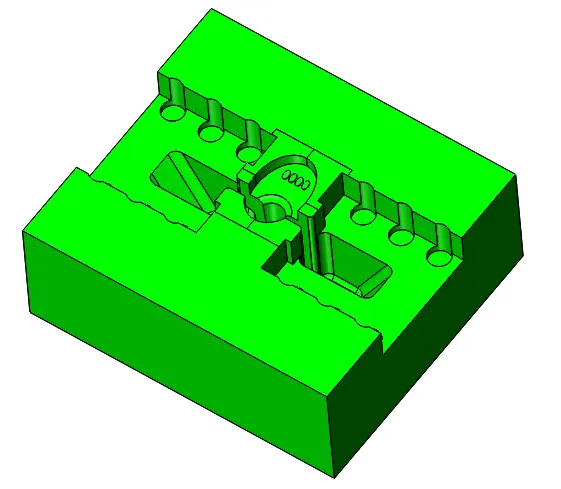
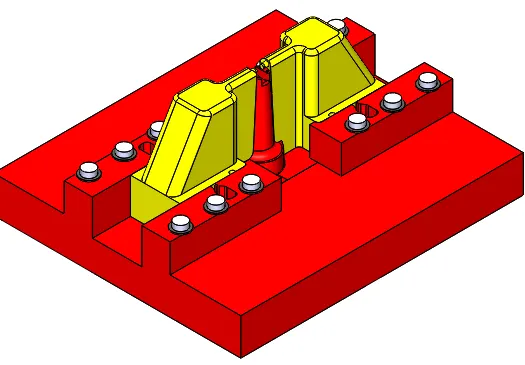
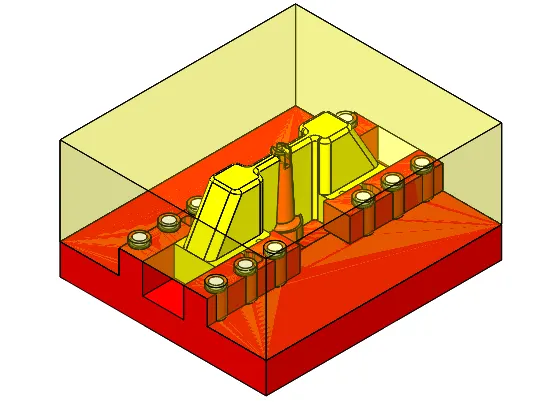
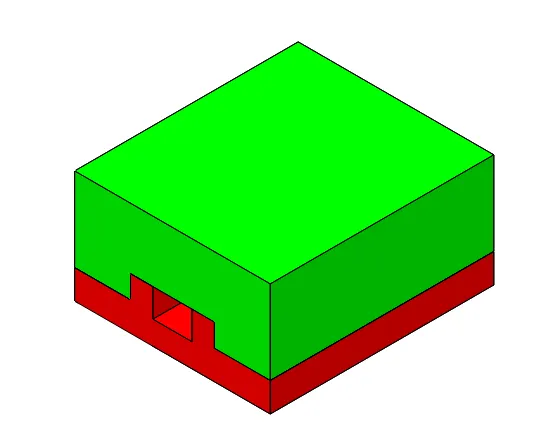
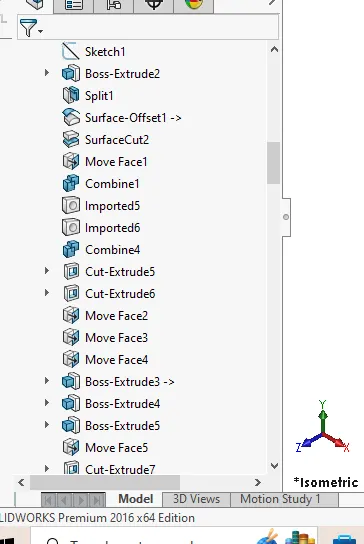
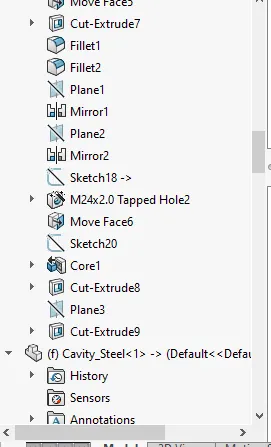
Assembly:- Made new part Core and cavity steel block: firstly set the alignment of spruce then used the top plane for create a sketch and extrude, again make a top plane sketch and split into two solid part. After that used offset command for cut with surface block. And correct according to standard dimension of the block. In the end create a core-cavity block and provide relief in the cavity block.
In this model two undercut present, so I started with cavity block firstly transplant all the side area, so I can see undercut area.
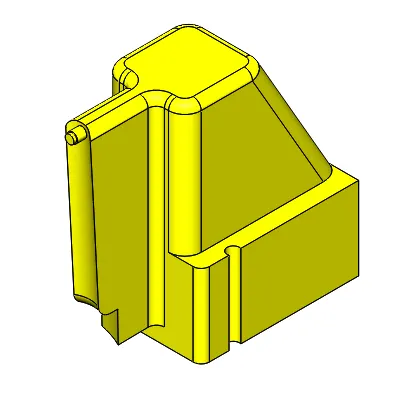
Create a sketch and split line then according to slider face offset all required faces for slider after that fill the gap faces and used Knut command after that used combine command for subtract the body. Assign the colour so easily to differenced, added extra material to slider to alien the undercut. For slider wedge first fixing the material so alien the slider way.
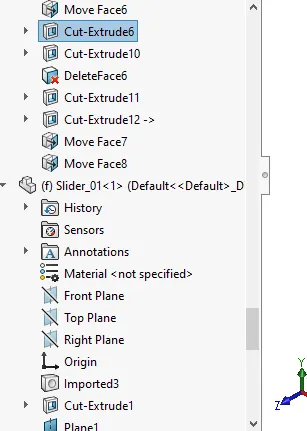
Frist I added the material side of the slider to make a collar is the area where washer will be added and after that I will remove the extra material, in the add fillet. Then subtract slider from the cavity block, then saving the separately slider part file.
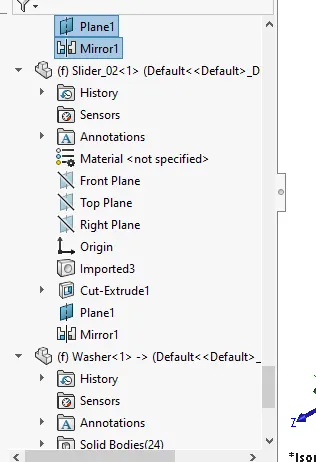
And also same in the assembly file add new part file as slider_01 and slider_02.
Edit core block – firstly import the parasolid xt slider file and remove material so clear the slider way and added material for the washer, the final things is left is edit the core block so I added some remaining area material, then remove the overlap material from slider by used combine command.
Edit core block – cutting according to the slider, clear the path for slider.
Edit cavity block – import slider so fill extra gap then remove with the slider.
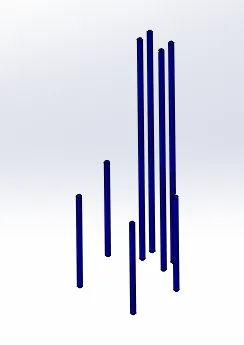
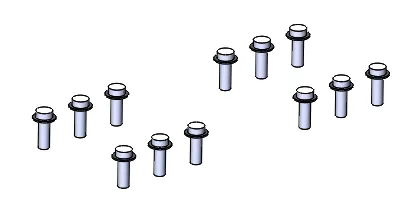
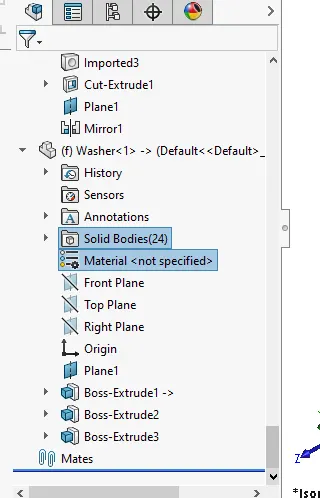
Now created a new part file as bolts and washer, for that choose top plane and create a sketch and extruded for washer and also followed same procedure for bolt, for bolts fitment edit the core and cavity block.
In the end used core command for inert creation as per fan base model.