Week 11 - Final project
AIM: Creation of CAD model considering following inputs as like in OEM and tier1 companies
- a) Class A surface
- b) Nominal thickness: Refer to master sections
- c) Attachment strategy :
Use Pushpin with Dog house for Lower substrate – Door panel attachment
Use heat stakes for a part to the part attachment.
ABSTRACT:
The project deals with the explanation of steps and procedures followed while developing the Door Trim Panel of a car using CATIA V5. Using the given class A surface tooling axis, class B surface, class C surface were created, and after forming the solid body from that the flanges and the B side features such as Dog house, push pins, Heat stakes, etc were built. And finally, the draft analysis is also done on the components to check the manufacturability of the components.
INTRODUCTION:
Front Door Panel
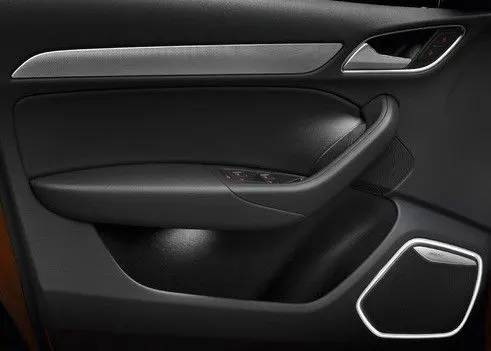
Door panels serve as an interface between the interior of the car and the inner workings of the door, and between vehicle occupants and the door. They are expected to meet a variety of design specifications regarding safety, aesthetics, and functionality. In addition, they are expected to continue the material theme of the dashboard and pillars while concealing intricate electrical and mechanical components for operating locks, windows, and other features.
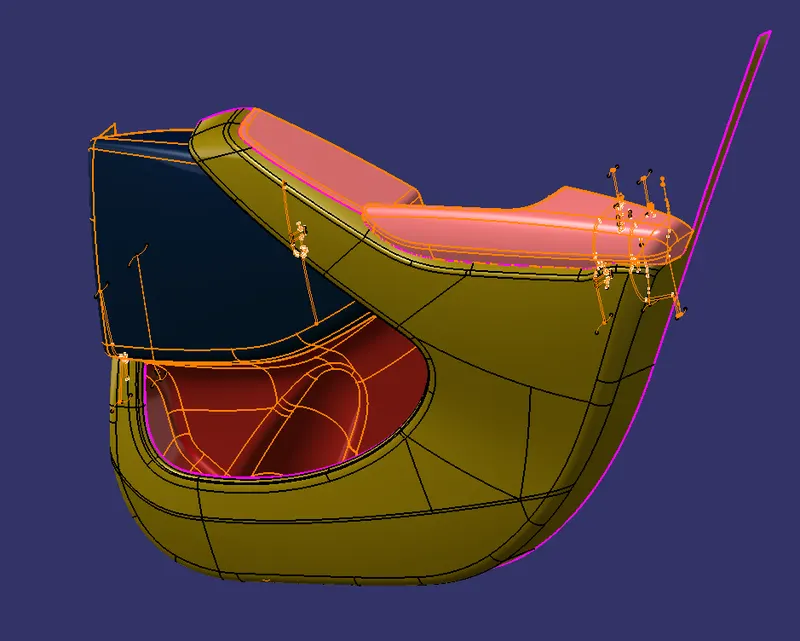
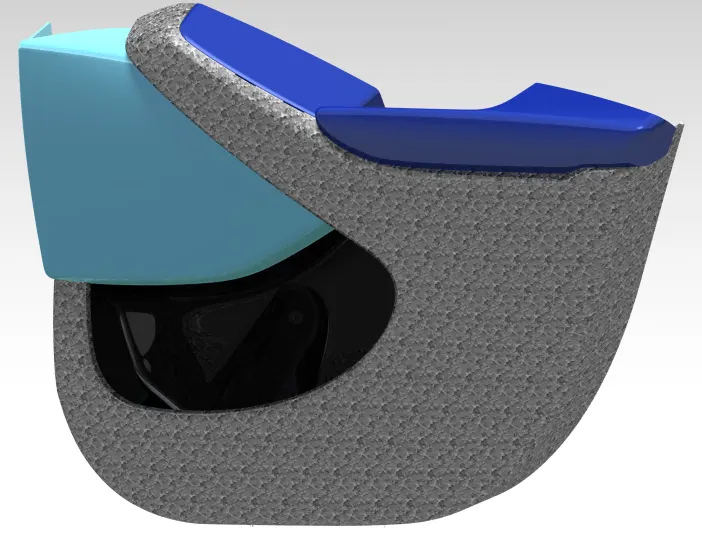
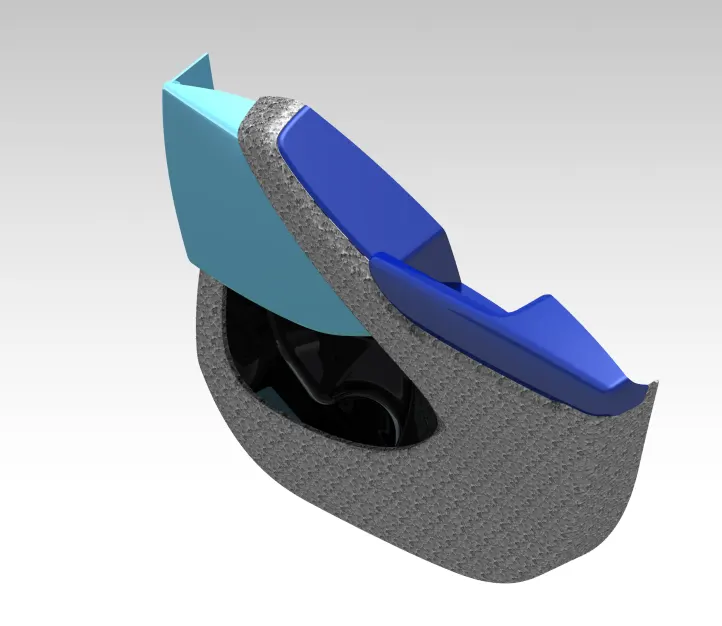
In this project, an inner car door panel is given with class A surface, to create the door trim panel it is divided into sub-parts namely, a lower substrate, inner map pocket, outer map pocket, and door armrest.
Given input:
Sub Division:
Dividing the given surface into 4 parts to prepare each part individually for manufacturing and then assembling. The parts are created according to the master section given along with input.
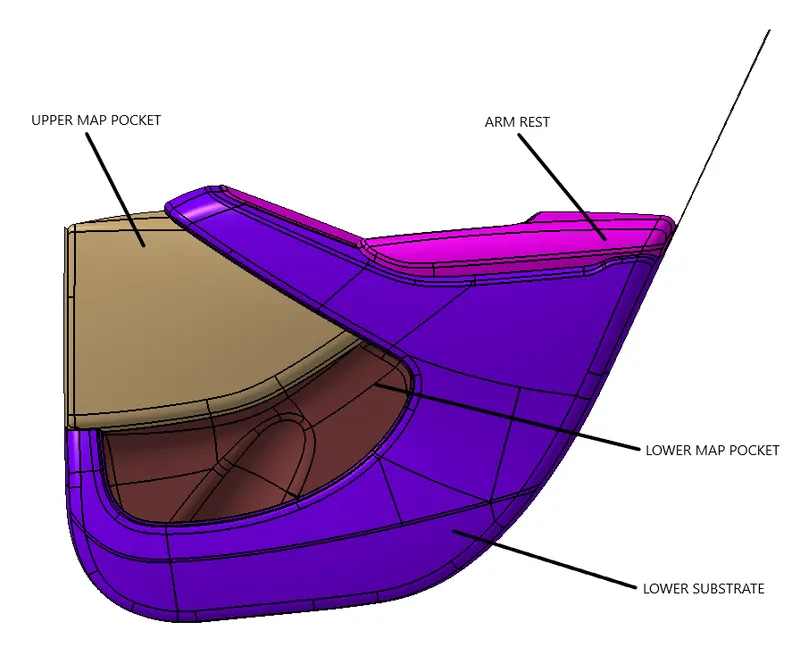
1. LOWER SUBSTRATE:
Class A and Tooling axis:
Multiple extracted the subparts of the surface for lower substrate and using join command created a single class A surface. Some parts were not properly aligned so by joining command and sub-elements to remove that part and using multi-section surface to create a class A surface with no defects.
- Create a point on the class A surface to move the main tool for component creation on the base surface.
- Mask an axis over the point created with the same directions as the main axis
 .
. - Using Intersect command from Generative Shape design select the YZ plane as the first element and the class A surface as the second element
 .
. - After creating the intersecting lines select the Line command and join the vertices which show the most possible draft angle manufacturable.
- Bisect those two lines over the axis point we created

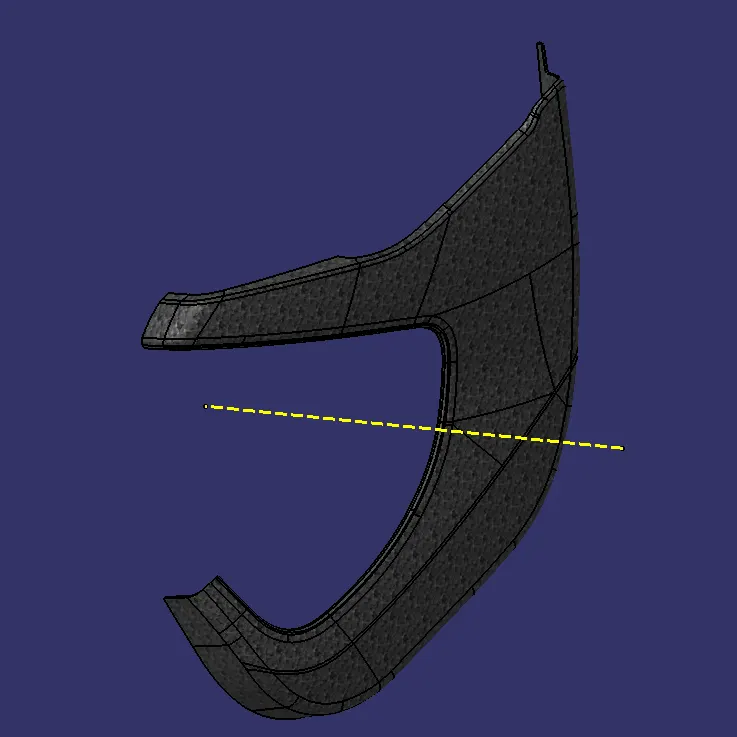
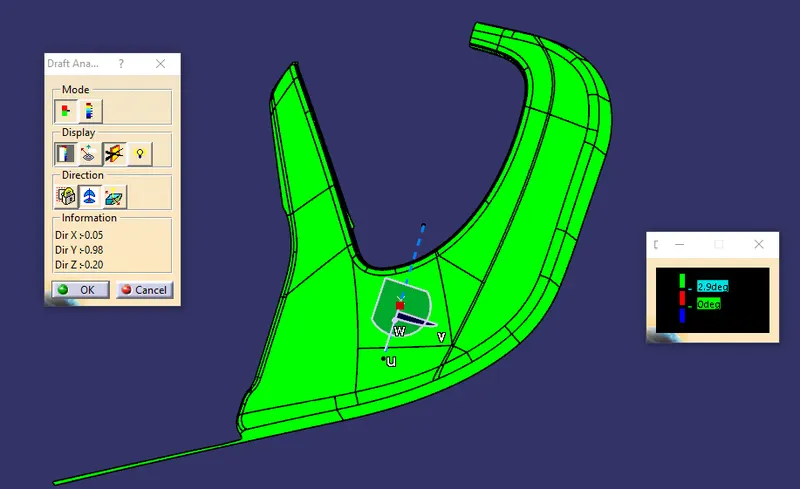
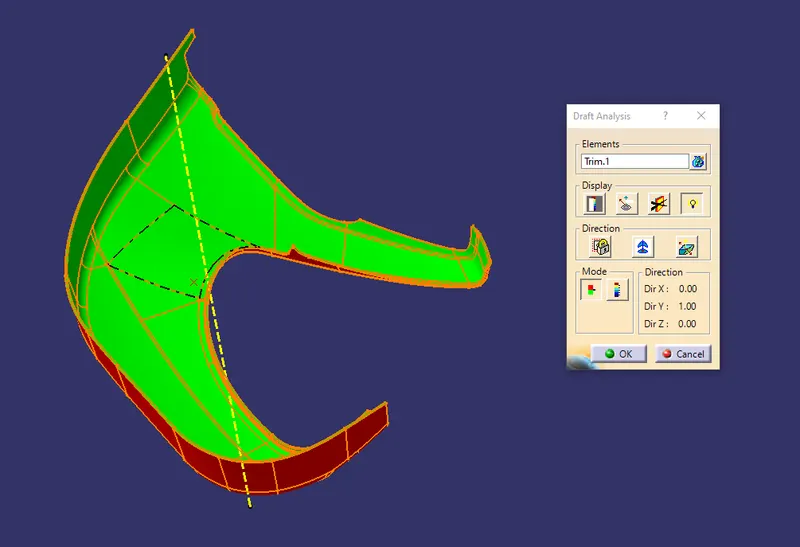
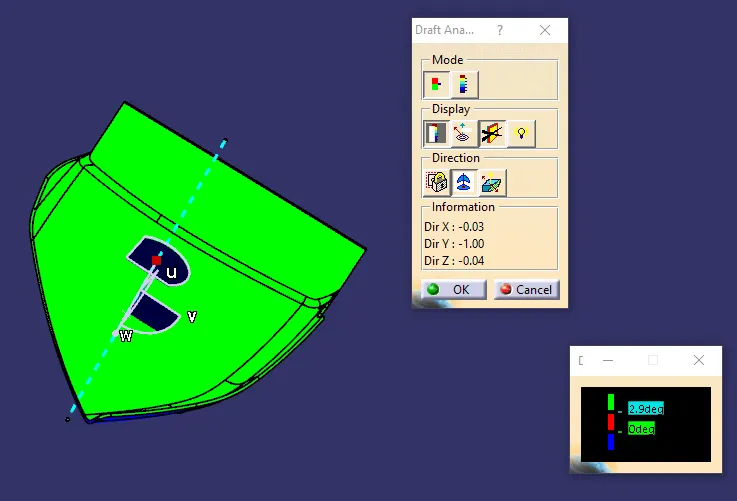
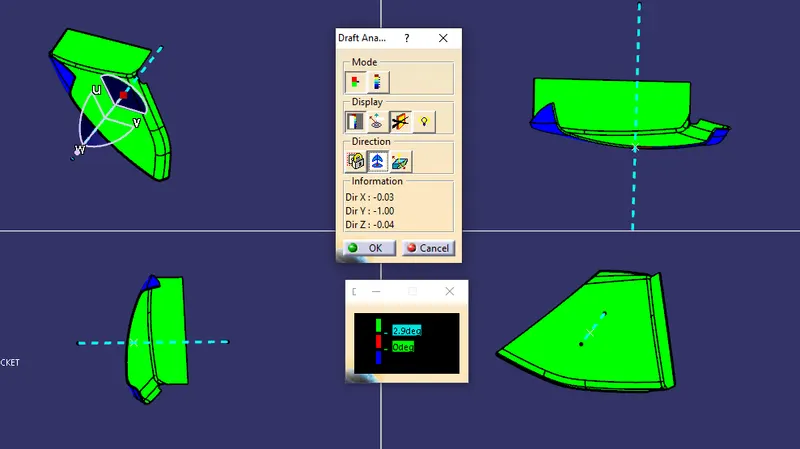
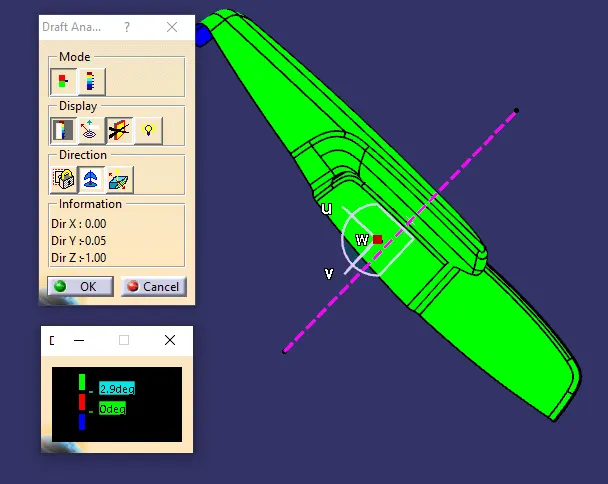
Draft analysis:
- After Tooling Axis Select the Feature Draft Analysis option from the Insert Option
 .
. - Select the element to analyze.
- Next click on Use the compass to define the new current draft direction option and make it align with the tooling axis by dragging it to the axis
 .
. - If the color appears blue just click the invert option on the right side of the draft direction axis button
Class B:
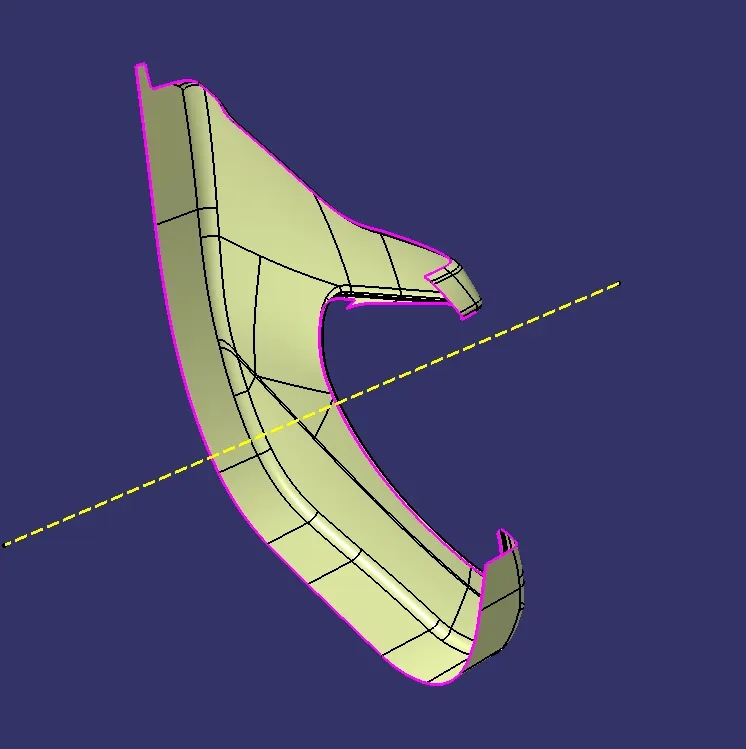
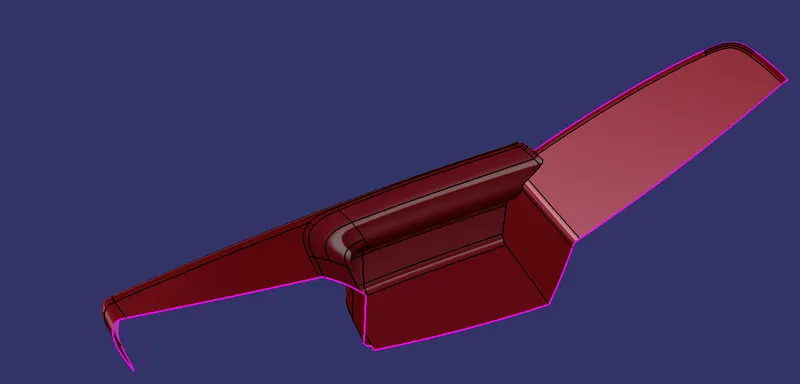
Using the Offset command and taking reference from the master section provided an offset of 2.5mm is given for the thickness of the part.
Since fillets were creating problems for surface creation so by using the multi-section surface command the remaining surfaces were created.
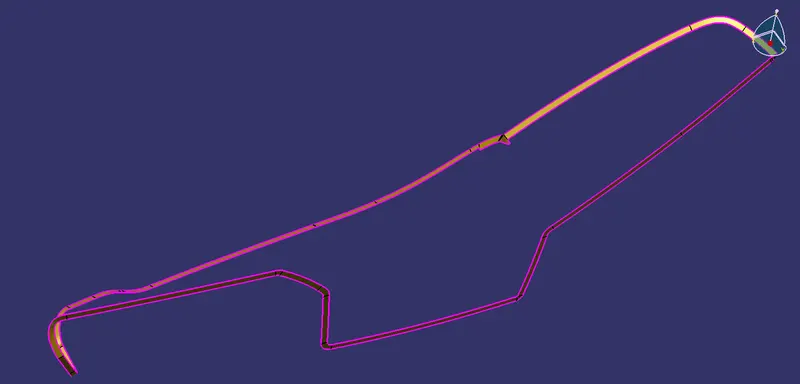
Class C:
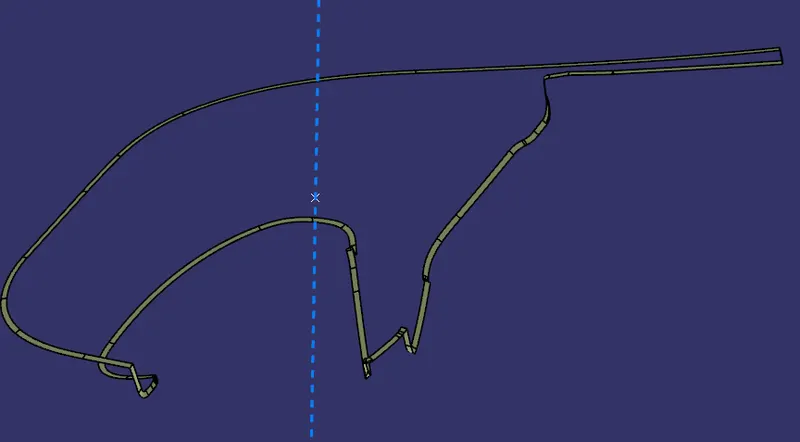
Here all the outer boundaries are extracted according to the requirements.
Using sweep command with the draft direction of 3 degrees we get the CLASS C surface.
the sweep was created in patches as connectivity error was occurring each sweep was extrapolated and trimmed together to create one single class C surface.
Final trim:
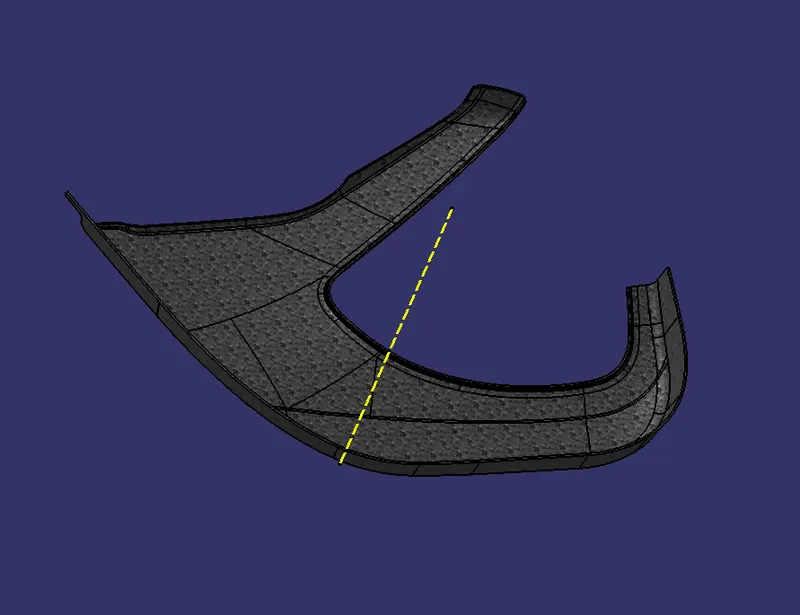
Finally, all surfaces were trimmed together as shown below
Draft analysis
Above class A was draft analyzed here also after creating a closed surface body, the draft analysis is done.
Similar to the above process all class A, tooling axis, B, C and, Final trims are created for all the other surfaces.
2. OUTER MAP POCKET:
Class A and tooling Axis:
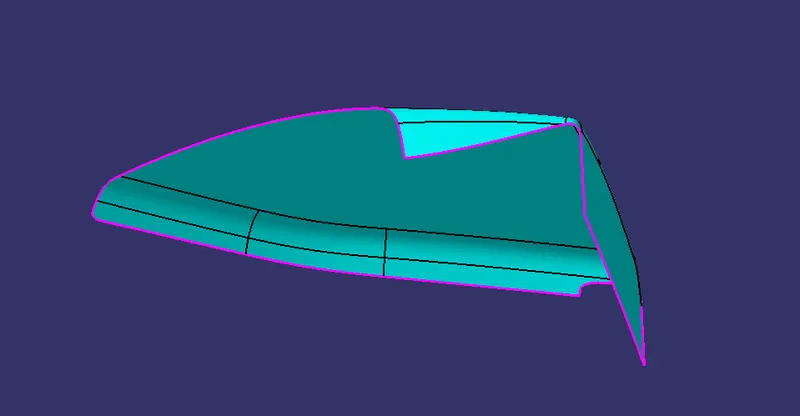
Draft analysis of class A
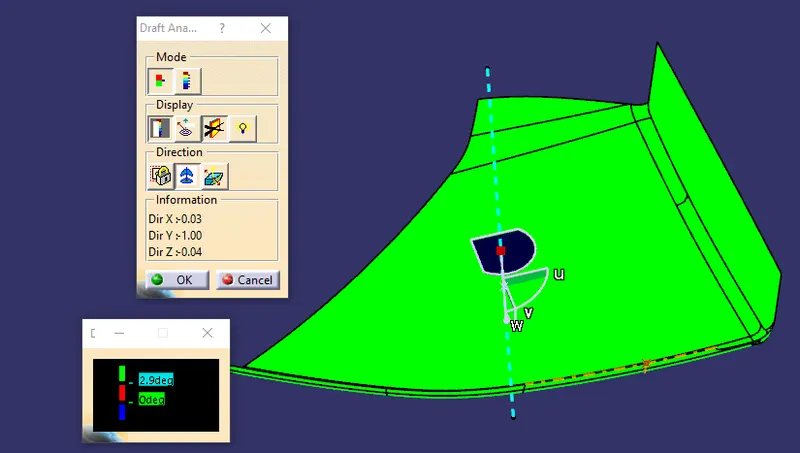
Class B
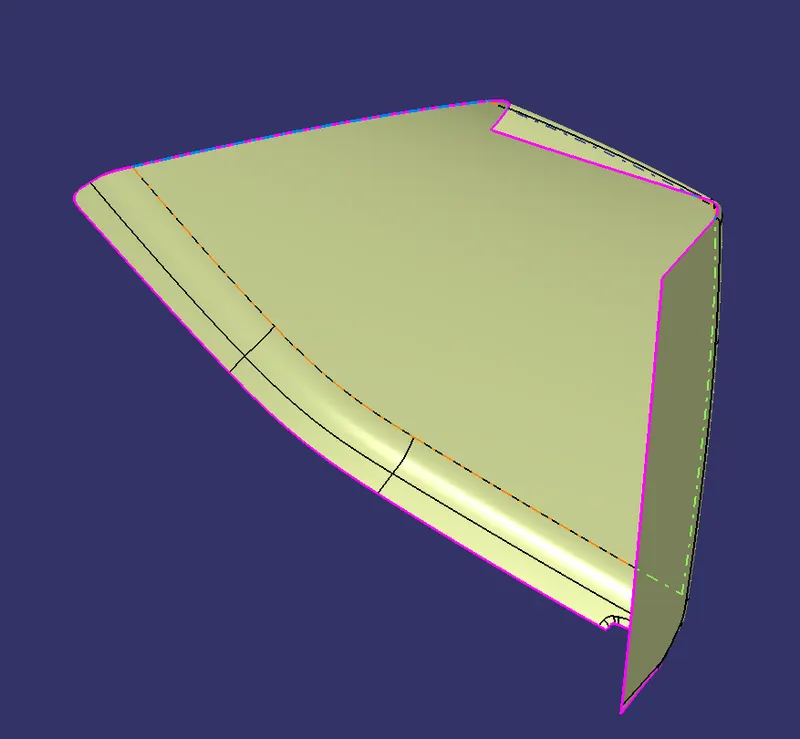
Class C
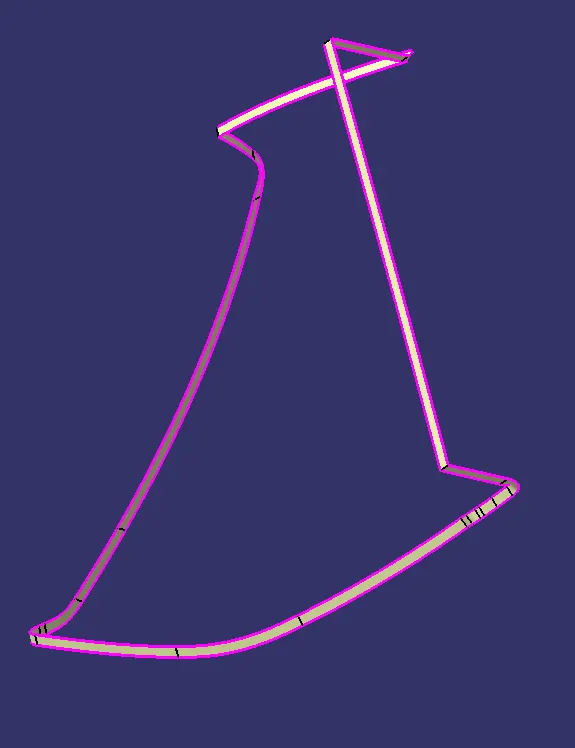
Final trim:
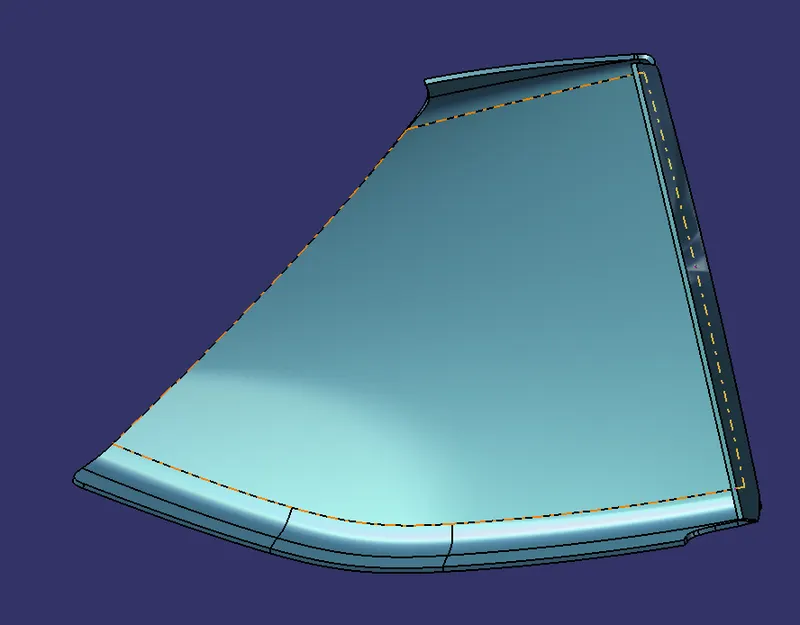
Draft analysis:
3. INNER MAP POCKET:
Class A and tooling axis:
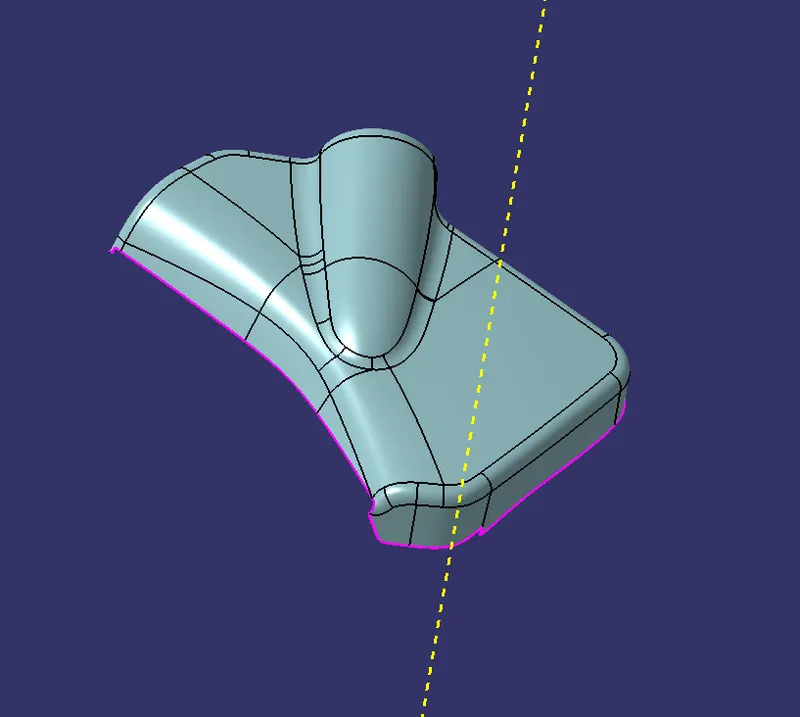
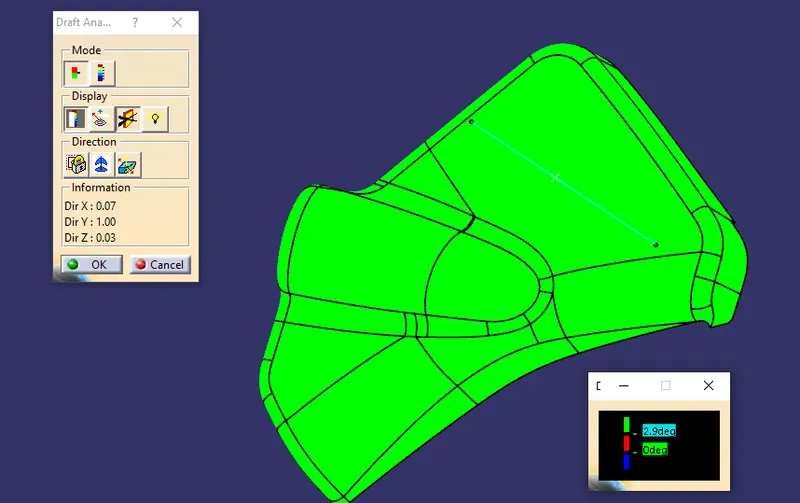
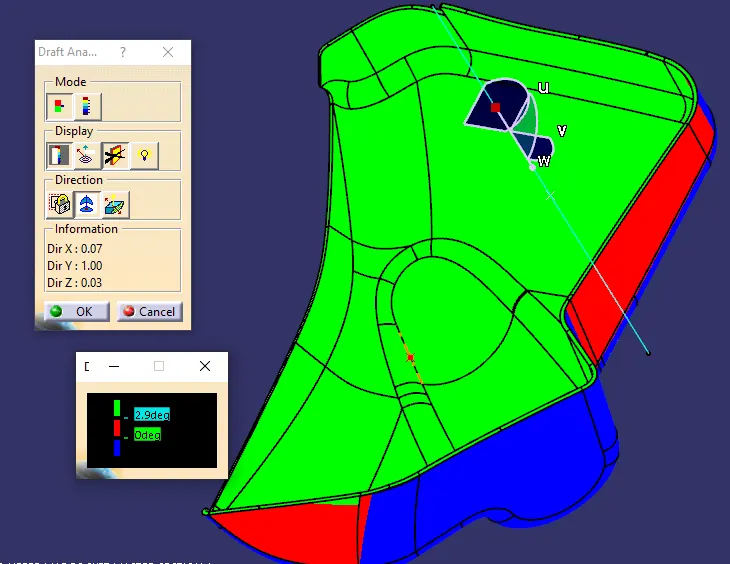
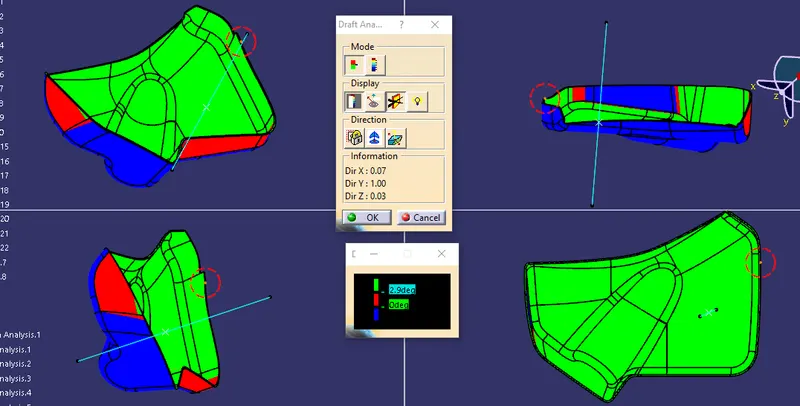
Draft analysis:
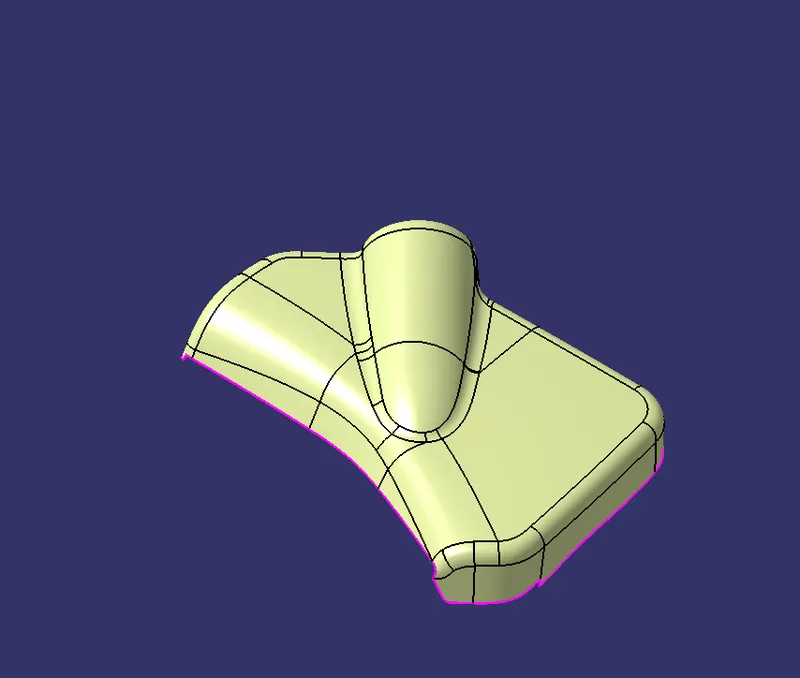
Class B
Class c
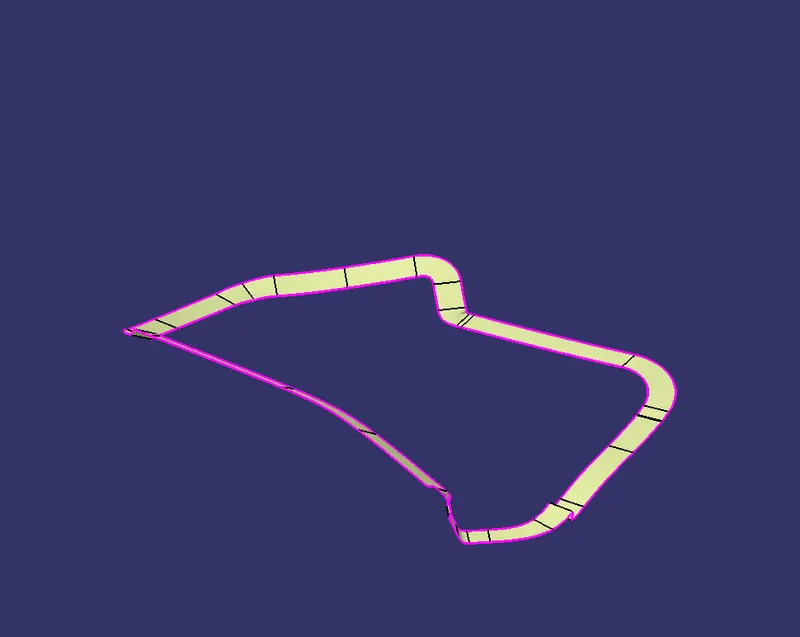
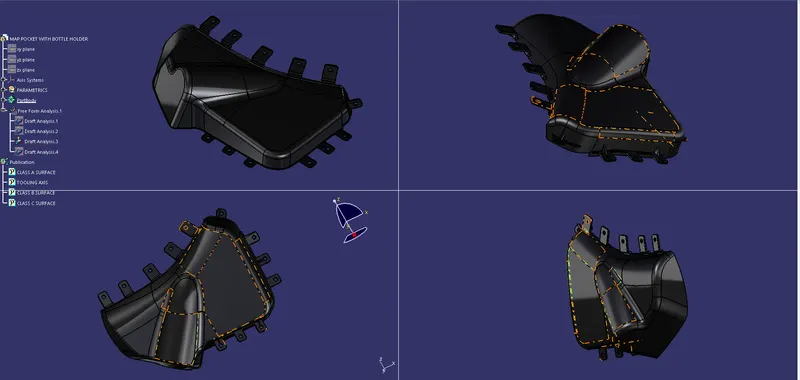
Final Trim
Draft analysis
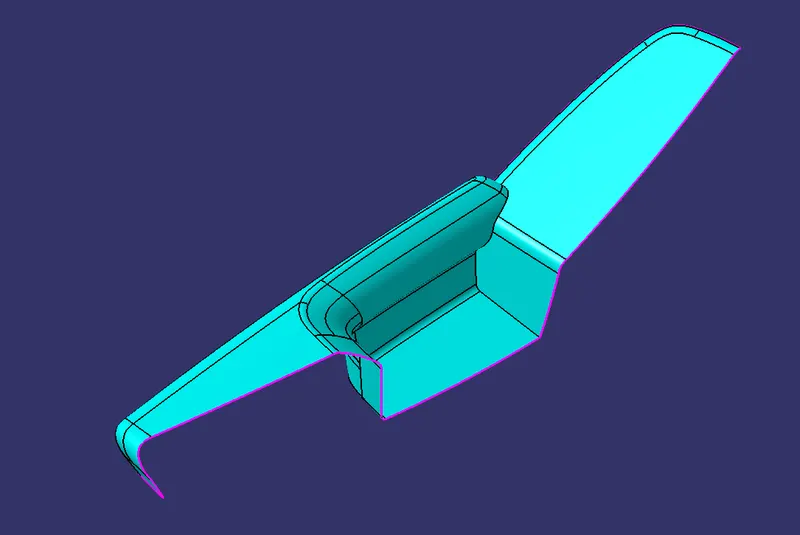
4. DOOR ARMREST:
Class A
Draft analysis:
Class B
Class C
Final Trim:
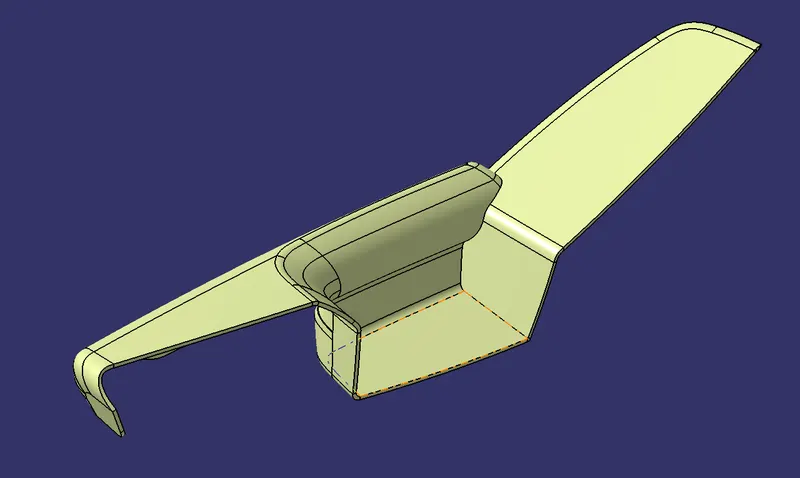
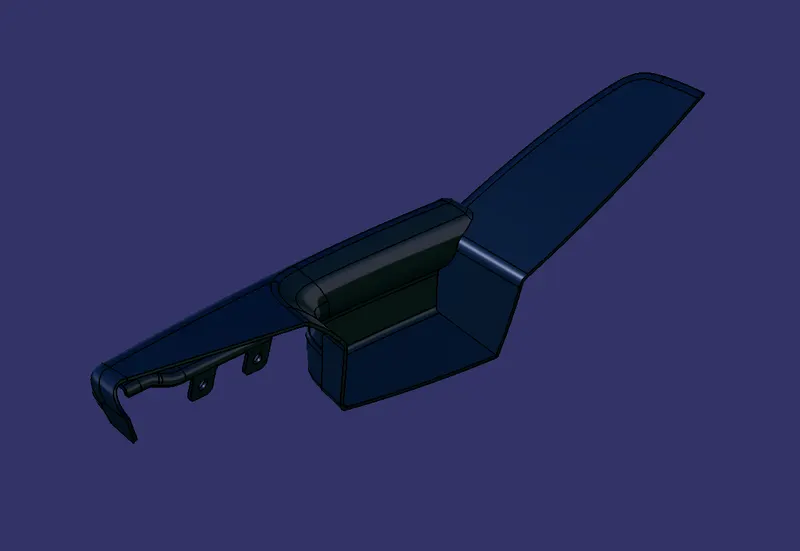
Draft analysis
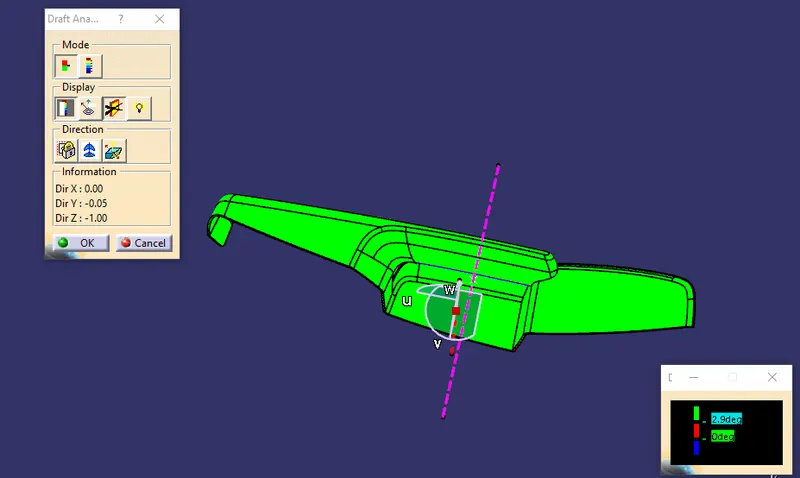
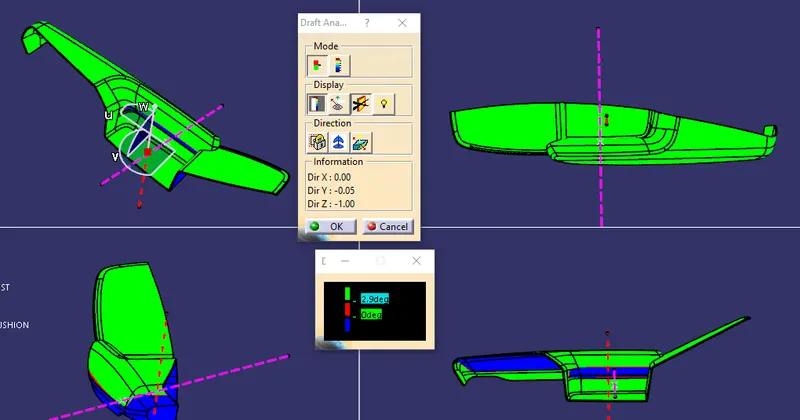
MOUNTING FEATURES AS PER DESIGN GUIDELINES:
FLANGES:
A flange is a protruded ridge, lip, or rim, either external or internal, that serves to increase strength (as the flange of an iron beam such as an I-Beam or a T-beam); for easy attachment/transfer of contact force with another object.
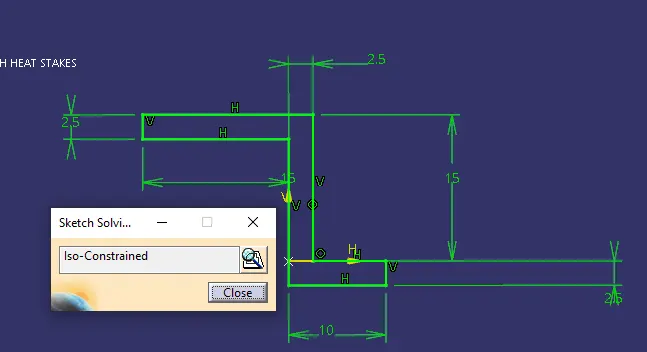
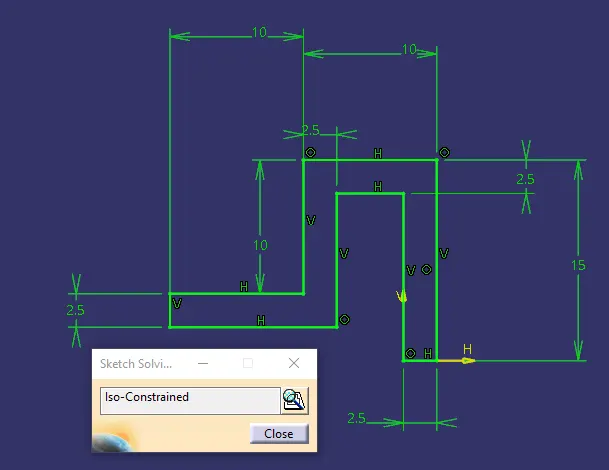
Below is the Sketch for the two flanges I selected for plastic parts joining.
According to the design rule and master, the section provided the flange thickness should be equivalent to the plastic component for rigidity and strength.
A minimum draft of 0.5 degrees and fillets of a minimum of 1 mm is given as per the master section.
SKETCH:
PART BODY:
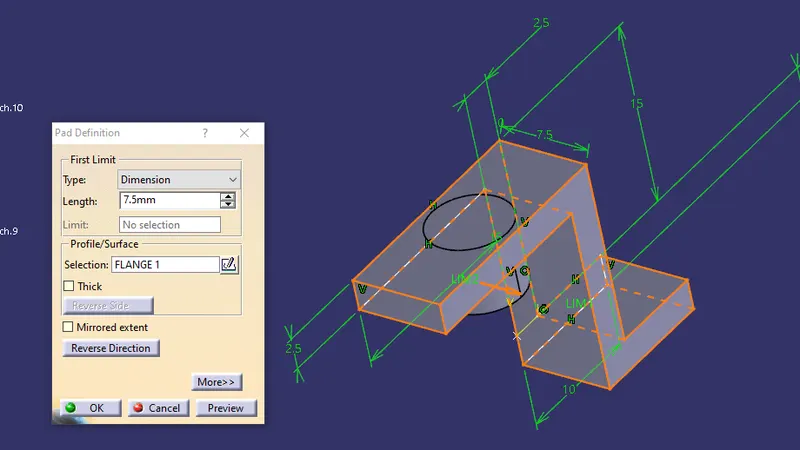
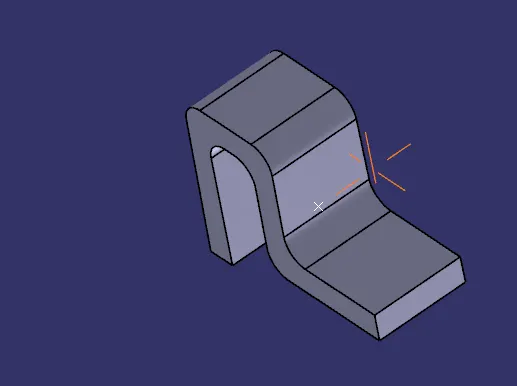
Pad extrusion of 7.5mm is given to both types as shown below after all design guidelines are followed.
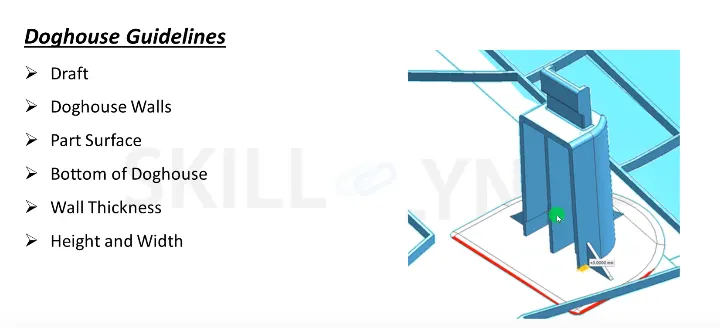
DOG HOUSE:
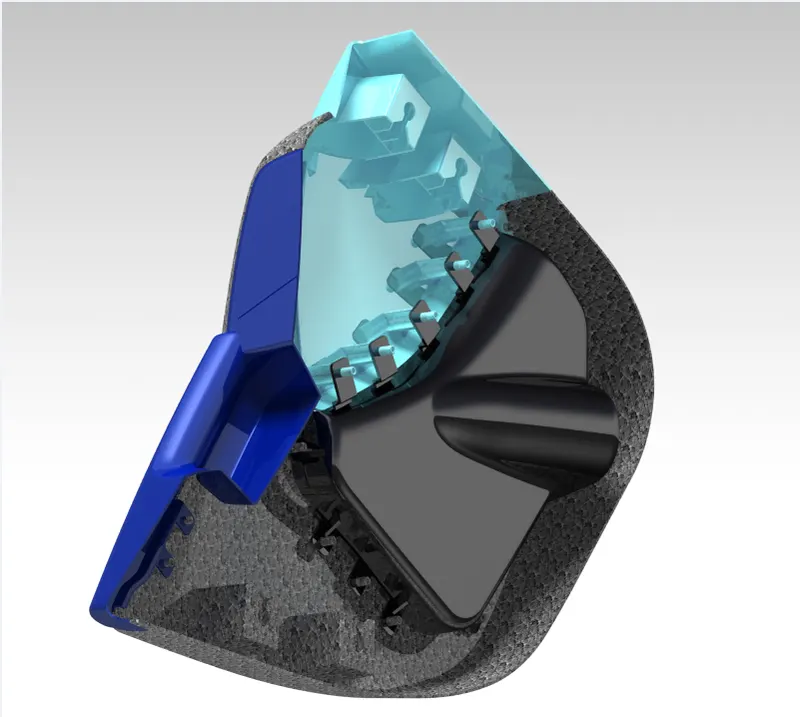
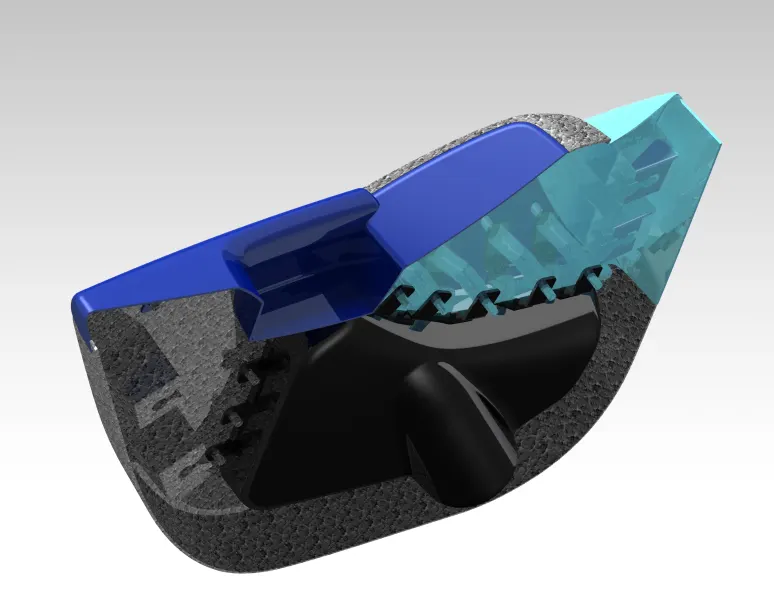
The dog house is an engineering feature used in the plastic trim design. Dog houses are used as supporting features. Sometimes other engineering features like snaps; locators, etc. are mounded on them to increase their strength.
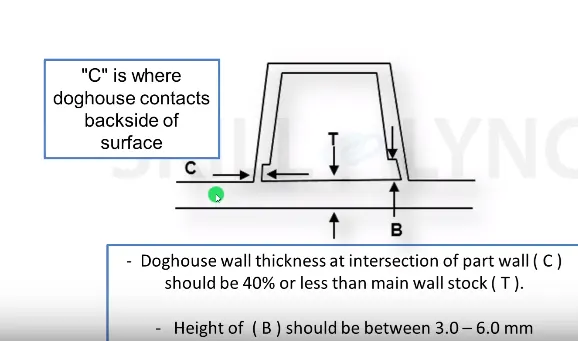
- Draft 1.5 degree on all walls
- Intersection of part wall Thickness= 0.4* T
- Height =3<->6mm
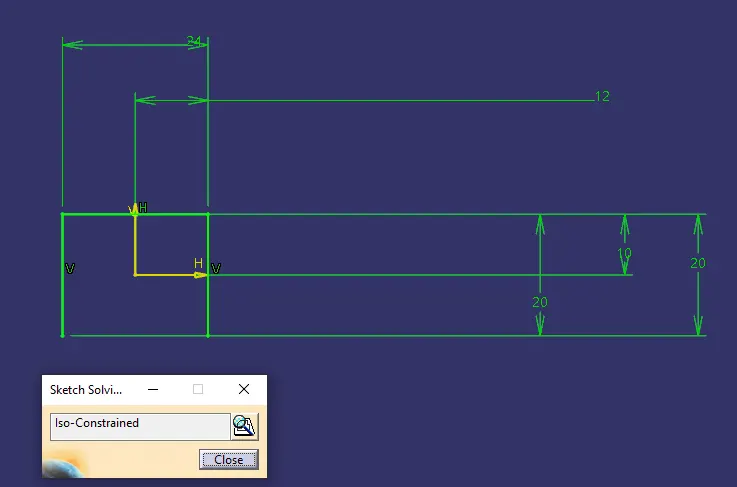
- Width of dog house =12 mm
- Fillet value 0.25mm
SKETCH:
PART BODY:
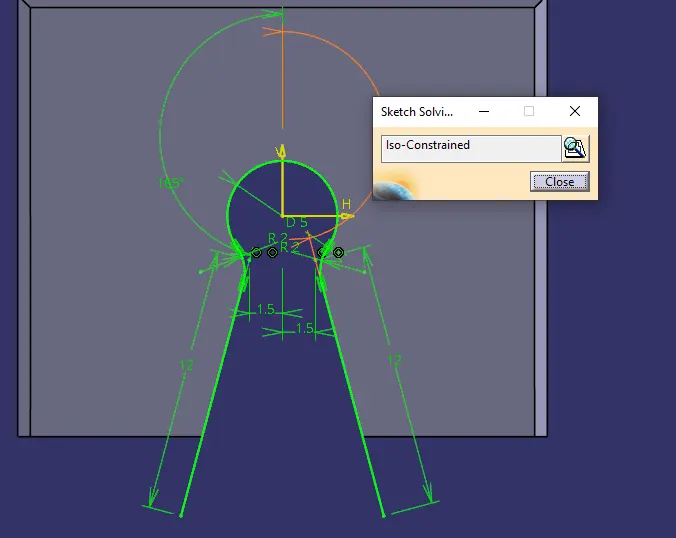
The sketch is swept in the draft direction with 1.5 degrees.
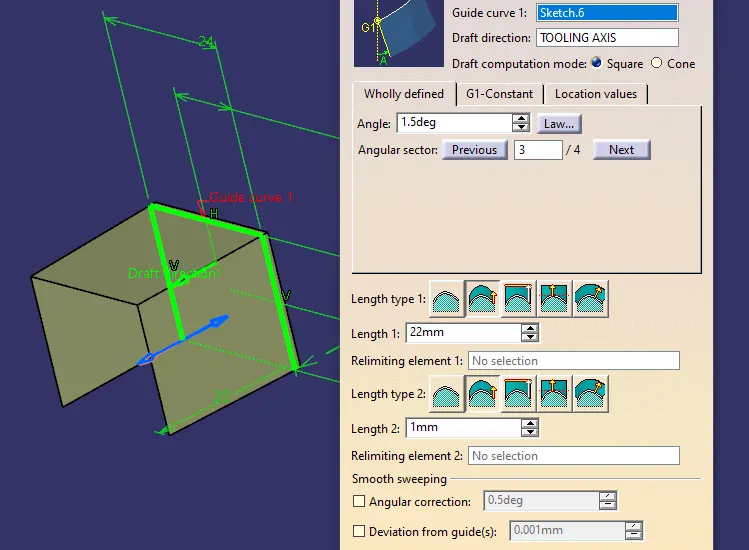
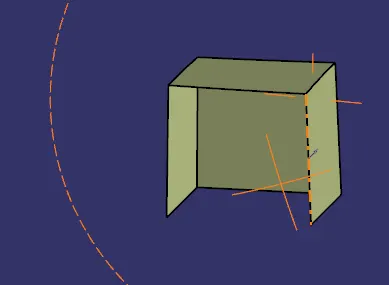
The base surface is offset and trimmed to form a cube with no front face.
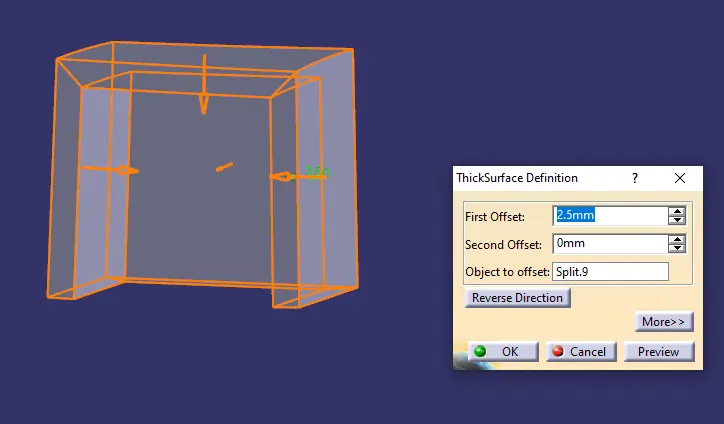
A thick surface is given in Part design.
Fillets 1mm are given according to the height of the dog house.
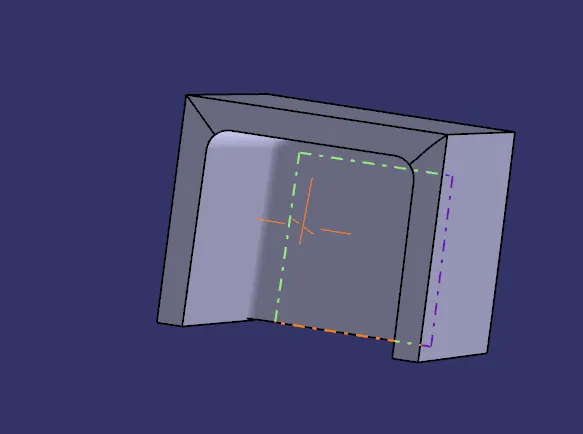
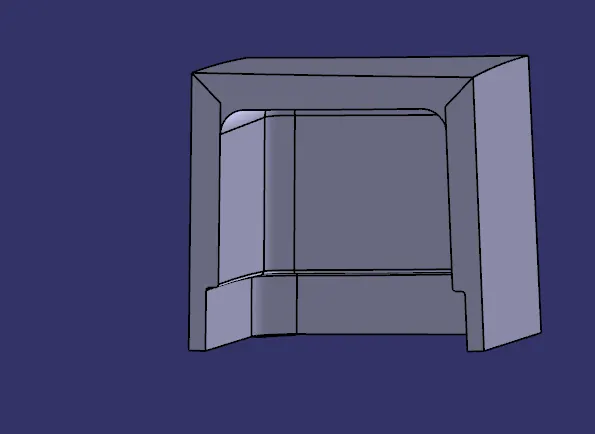
To create coring 1mm width and 4mm height is selected inside the dog house created.
Offset the base to 3mm and trim it with the original sweep to create a box.
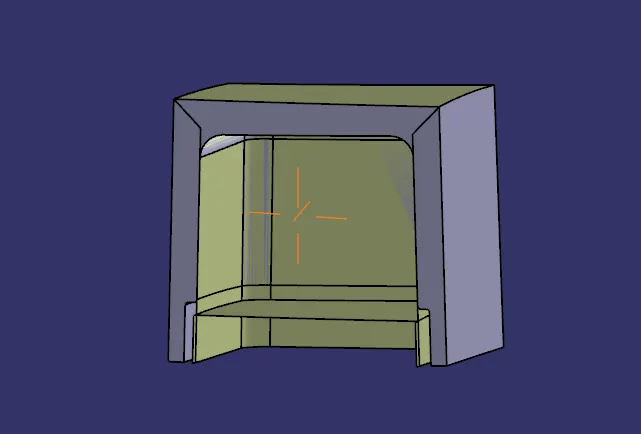
Using a thick surface gives 1 mm outward extrusion, and using the remove command cut the part from the main dog house body.
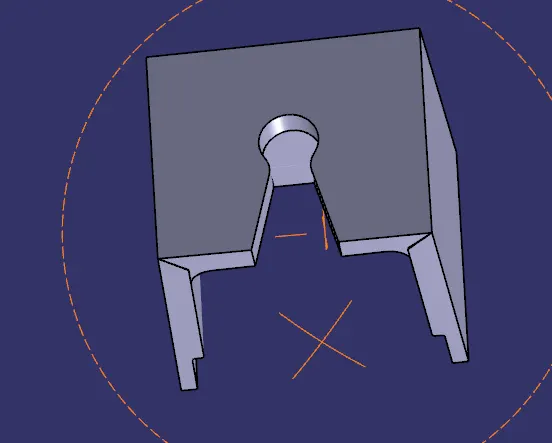
A hole for pushpin is needed so according to the sketch the surface is extracted and split with the dog house to create the hole for push pin fit.
HEAT STAKES:
Heat Staking is a pulsed-heat process to join two or more parts out of which one at least is made of plastic. The process is to deform the plastic material using heat and force at a set process time. The bond is made by partially de-forming the plastic part to fix the other.
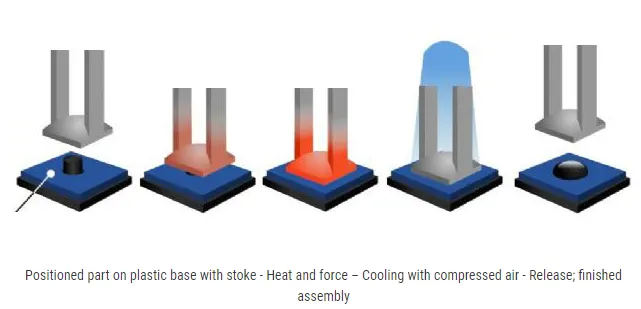
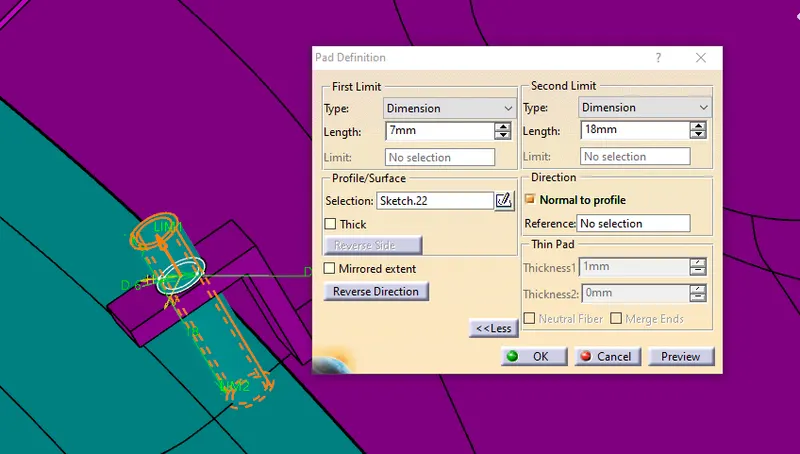
According to the design rule, a raft of 0.5 degrees is given to the heat stake and a height of 7mm should be there with the component it is to be molded.
By the flange I created and the thickness given the radius of my heat stake 3mm and 2.25 mm for outer and inner.
SKETCH:
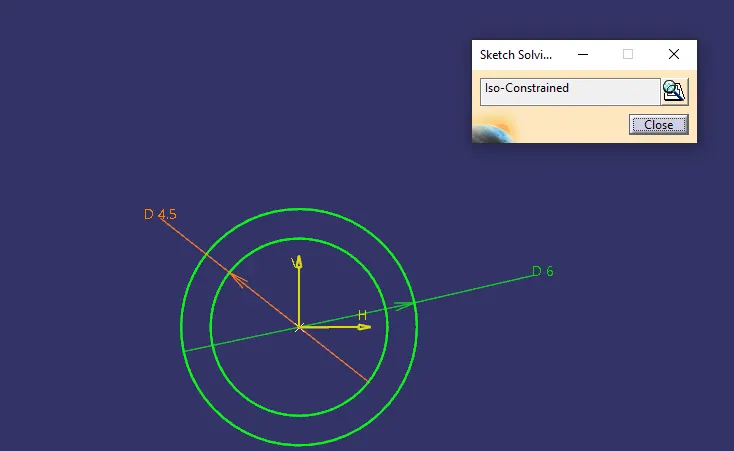
Then using pad definition I extracted the circles up to 7mm above flange and rest below up to the main part body.
3-2-1 Principle:
To locate a part to be machined and restrict its motion to accurately do the machining and constraint its motion 3-2-1 principle of location is used.
To completely specify the position in space of a three-dimensional
object (such as the cube that’s shown), we refer to six coordinates:
- Translational position along the X-axis
- Translational position along the Y-axis
- Translational position along the Z-axis
- Rotational position about the X-axis
- Rotational position about the Y-axis
- Rotational position about the Z-axis
It is a 3 step process of introducing 3-2-1 point locators in a plane for best support and constraint.
For example, let's say we use 3 points at the bottom of the cube above, which restricts the translational motion along Z(Z+ and Z-), Rotational motion along Y and X(7, 8, 9, 10) This way three degrees of motions have been restricted.
Now we use 2 points from the Y+ direction of the cube to restricts the Translational motion along with Y(Y+ and Y-), Rotational motion along with Z. This way two degrees of motion are restricted.
Finally to restrict motion along the only remaining degree of freedom that is the Translational motion along the X(X+ and X-) a single point is used along the X+ direction of the cube to restrict all the motion.
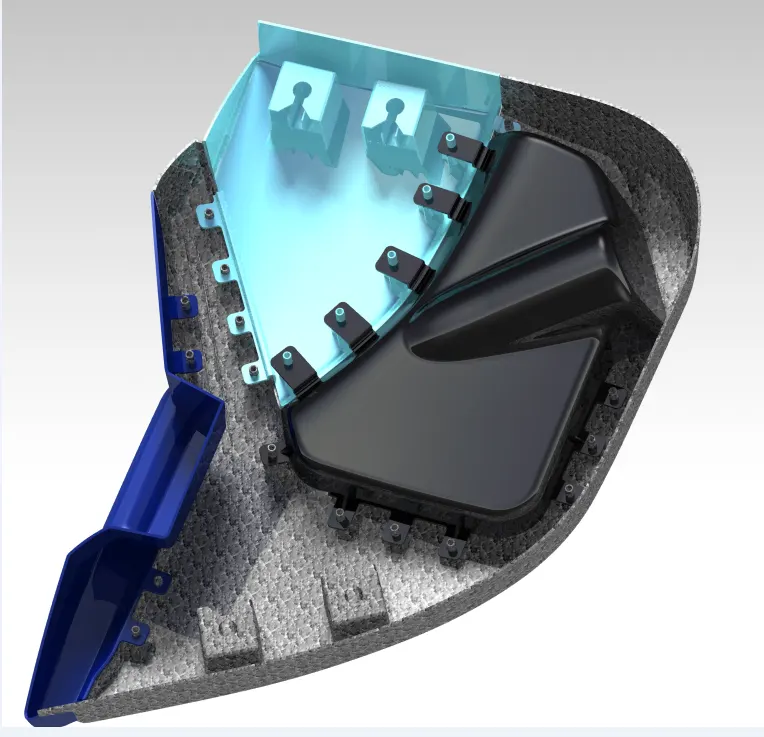
According to the above principle and using it as the base for creating points for perfectly restricting any movements of parts in the body when attached to the main door panel, I placed required flanges and heat stakes along the body.
For attaching the flanges to the body, I used the add command with translation and rotation command to fix the two parts.
LOWER SUBSTRATE :
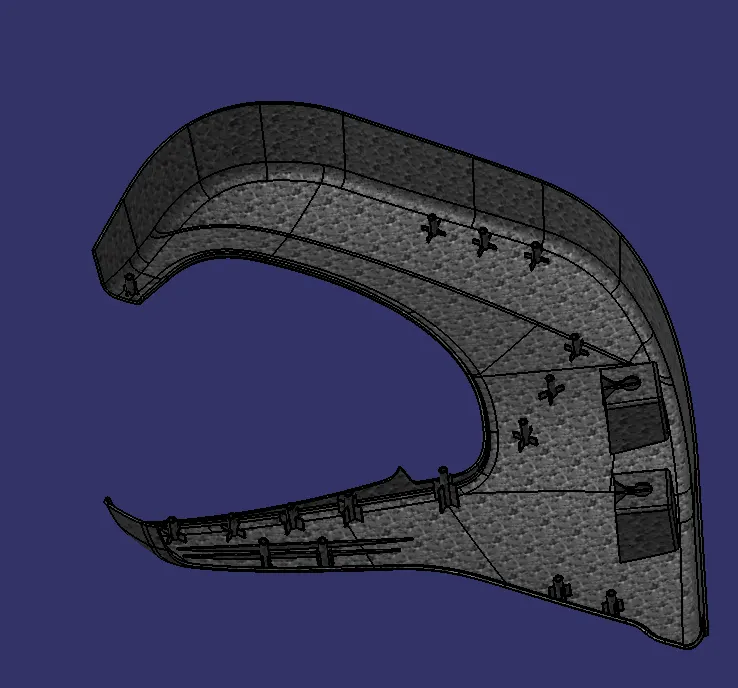
Here I used three doghouses with pushpins to firmly attach the lower substrate to the metal body of the door by creating a triangle that restricts the degree of freedom in 3 axes, furthermore, the pushpins totally lock the remaining degrees of freedom.
DOOR ARMREST:
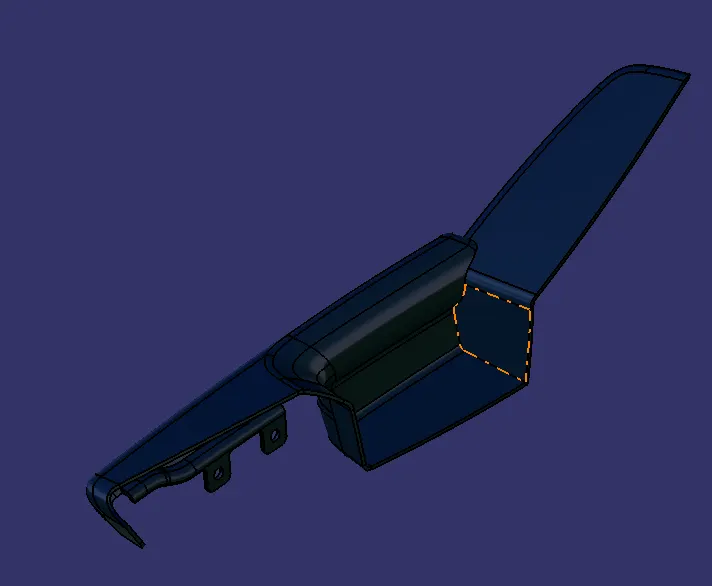
According to the master section given I need to use 2 flanges to attach the door armrest to the lower substrate and since I don't need to design the upper substrate, therefore, the flanges for them are not shown in the figure.
INNER MAP POCKET:
Following the principle of 3-2-1, I used 5 critical locations for attaching the inner map pocket to the other parts with 3 flanges to the inner map pocket and 2 parts to the lower substrate of the door panel. Since no dog house is needed, the part is supposed to be attached to only plastic parts via heat stakes only.
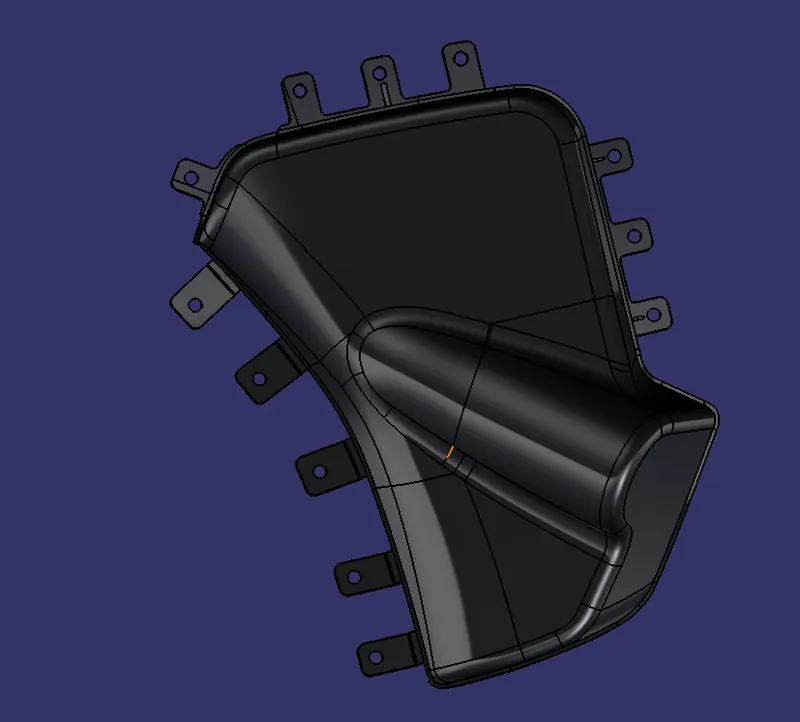
OUTER MAP POCKET:
For the outer map pocket since already 3 attachments were provided via the inner map pocket but as the only part that is going to be joining to the main door panel is the lower substrate so we need to strategize accordingly so I created 4 flanges to join the part to the lower substrate so that the vibrations while driving is minimized as low as possible.
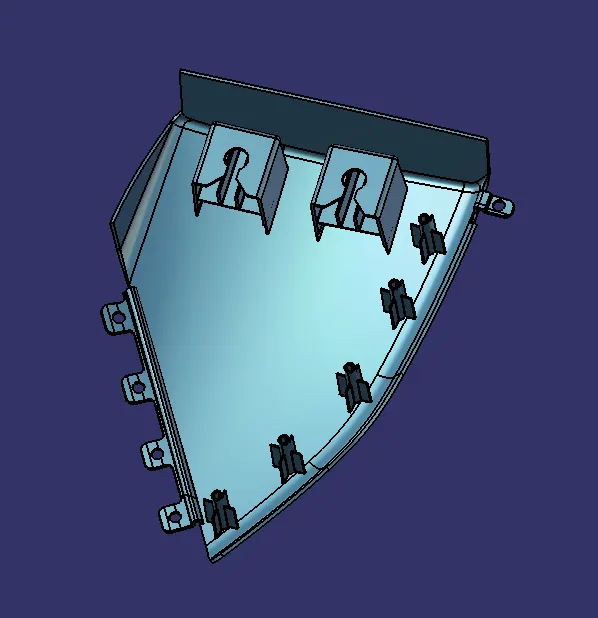
FINAL BODY WITH ALL FEATURES:
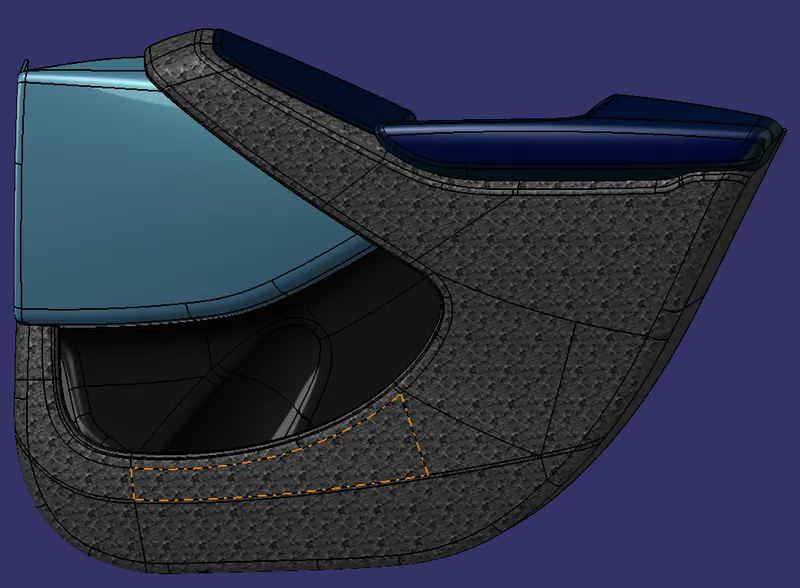
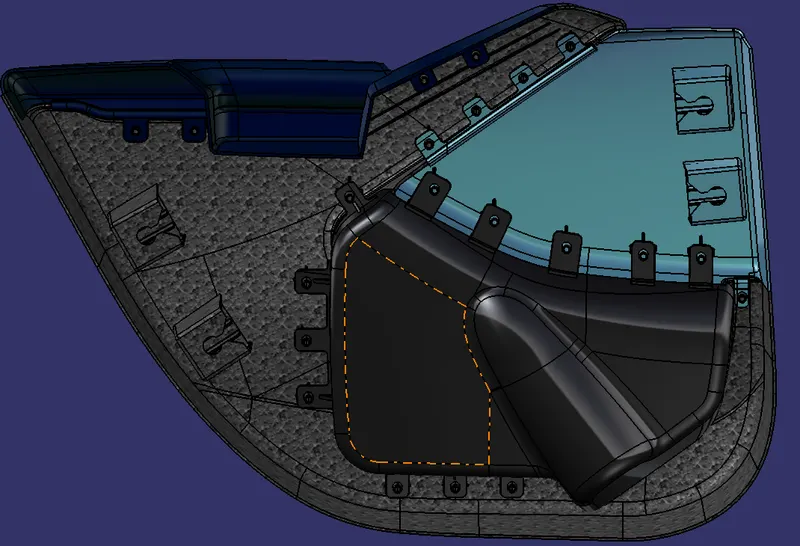
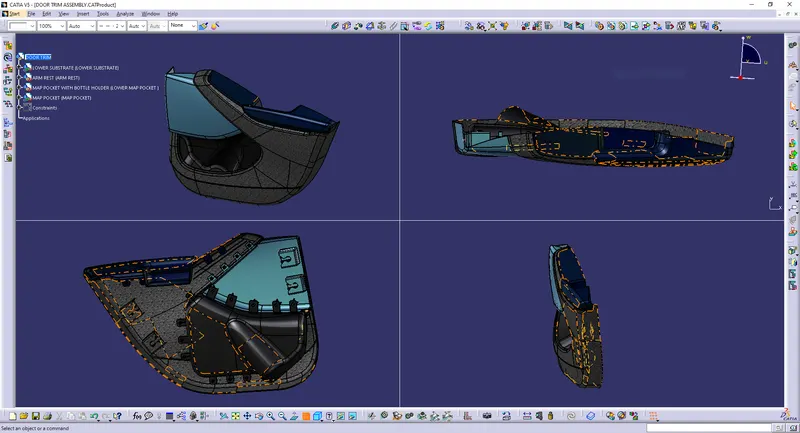
Finally, I created holes in the flanges with a 0.5 mm gap for the heat stakes and made 7mm height above the flange according to the design rule of heat stake. Below is the full body with all features on class B.
 .
.
CONCLUSION:
The door trim panel was successfully created with all the design rules taken into considerations for feature attachment and the main part was created using the master section provided with the input class A.