Photo Realistic Rendering
AMERICAN CHOPPER NAGENDRAN
OBJECTIVE
To design the parts of the American chopper and assemble in SOLIDWORKS also finally render the assembled American chopper.
INTRODUCTION
Solidworks is one of important designing tool in CAD. In this we have to know about how I design the part of American chopper such as Engine, Chassis, Front wheel, Front fender, Front fork, Rear fender, Rear wheel, Pedal brake, Kickstand, Chain, Transmission belt, Gas tank, Oil tank. After design all the parts assembled them in their respective positions. Finally render the assembled part.
DESIGN METHODOLOGY/APPROACH
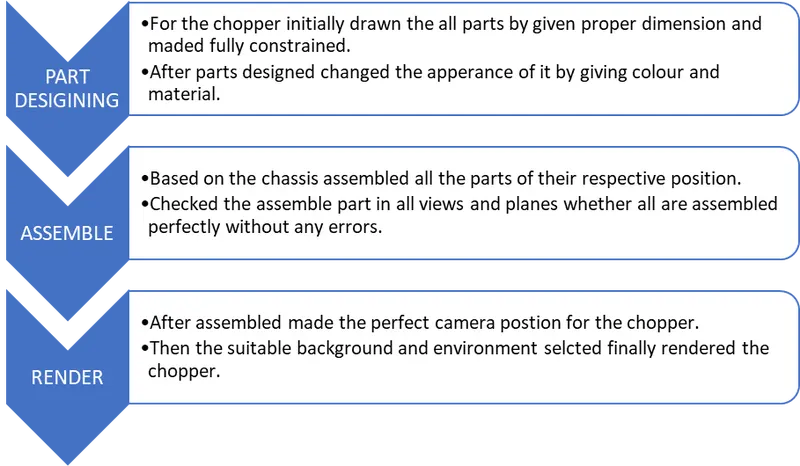
DESCRIPTION
There are many sketch tools and feature in Solidworks. For this Chopper most of them used in all parts. Some basic tools such as Sketch, trim, entities, extrude base, extrude cut, loft, Revolve, fillet, chamfer. By using these parts are designed as mention below.
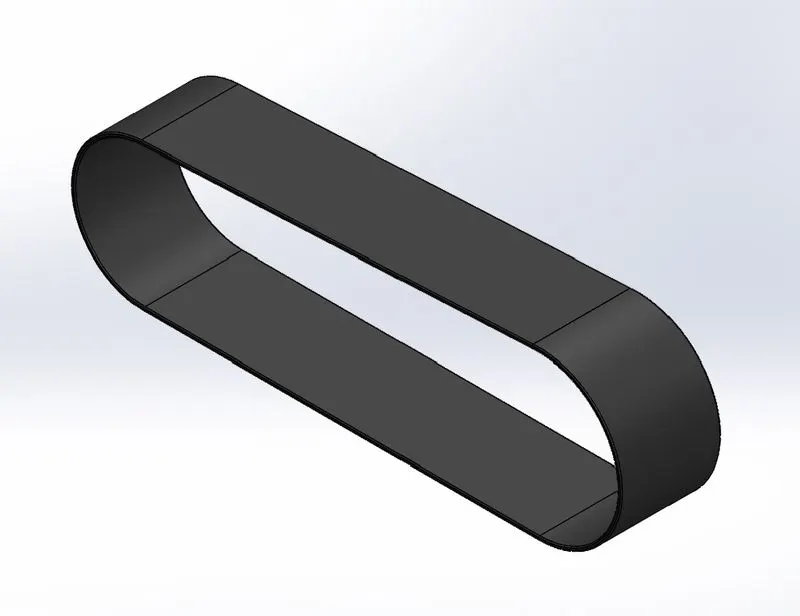
Transmission belt
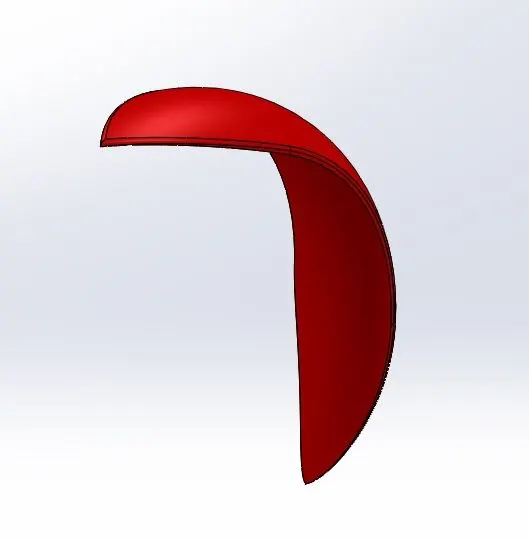
Front fender
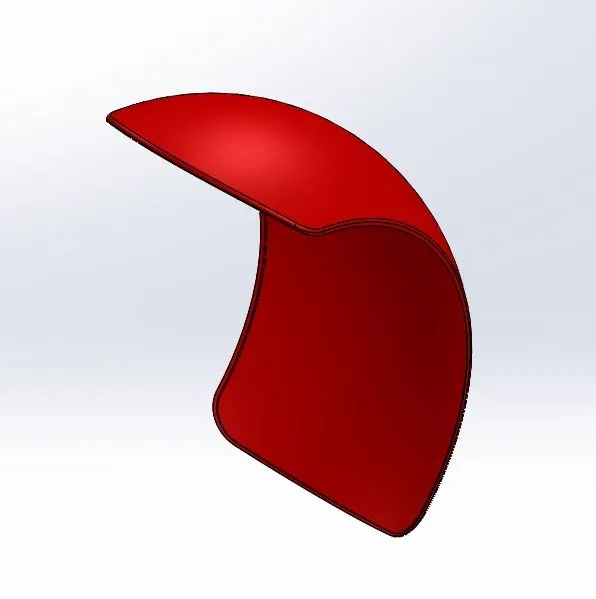
Rear fender
Kick stand
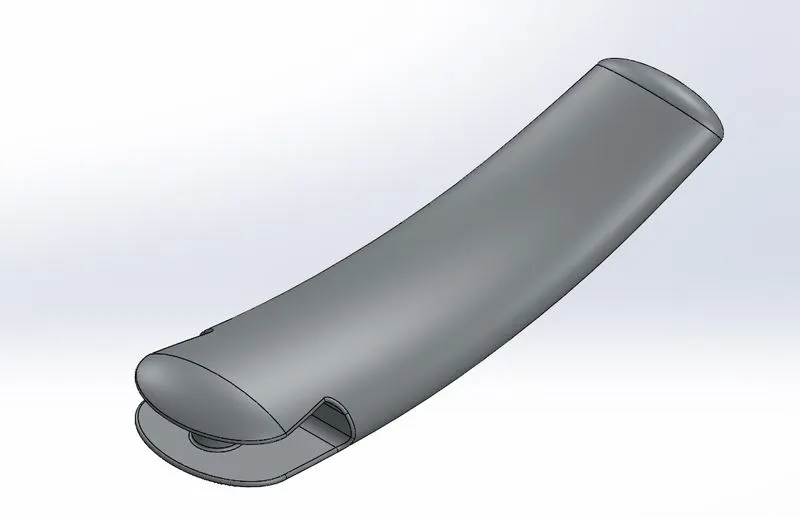
Brake pedal
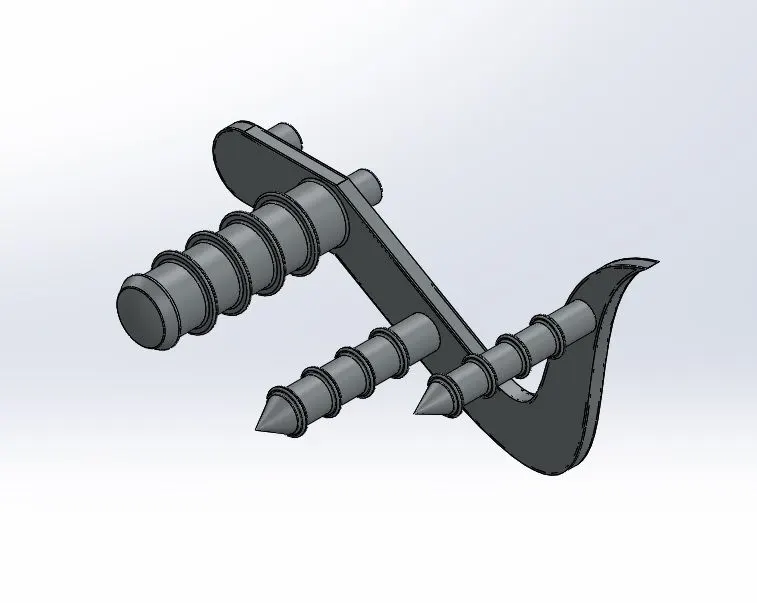
Patterns feature such as linear pattern, circular pattern are used in following part with also used above mentioned features.
Chain bracket
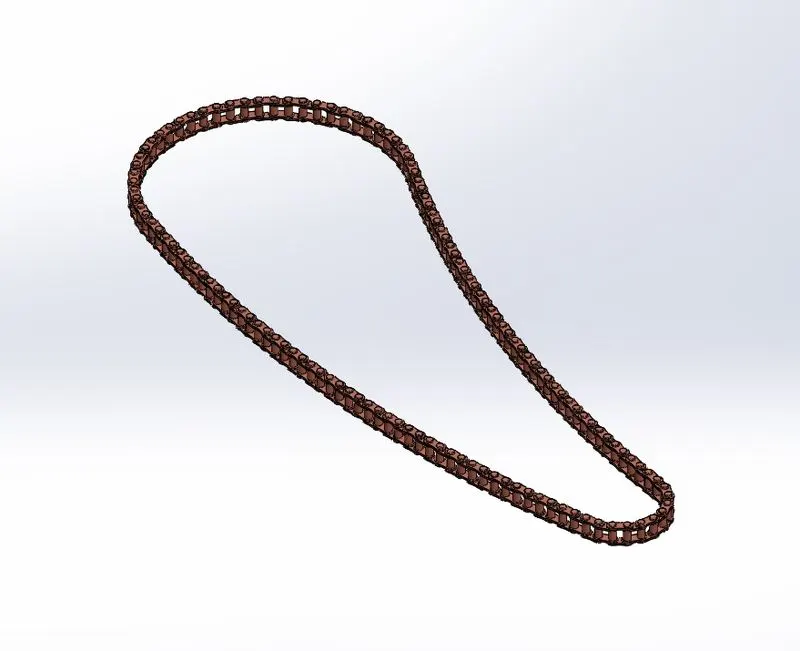
Combine feature is used here to combine two solid bodies and made required shape also shell feature used in below part.
Oil tank
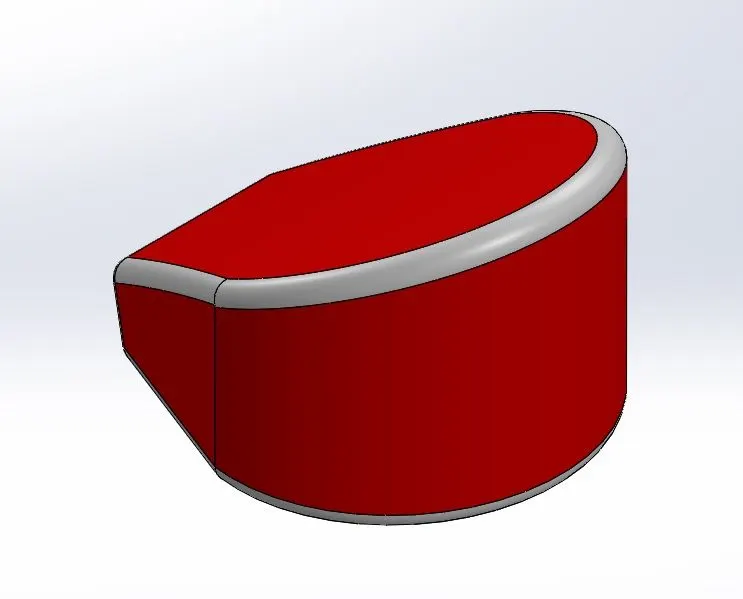
Offset and mirror features are used with above mentioned feature in the below parts.
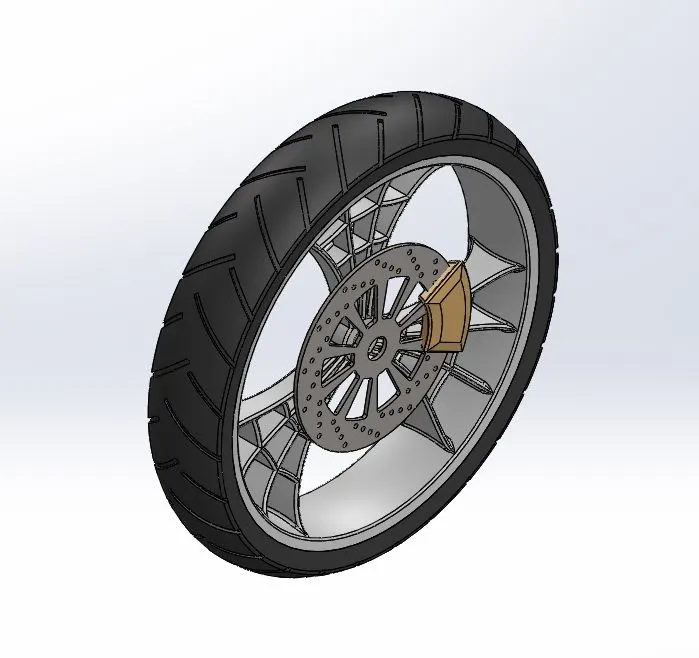
Front wheel
Rear wheel
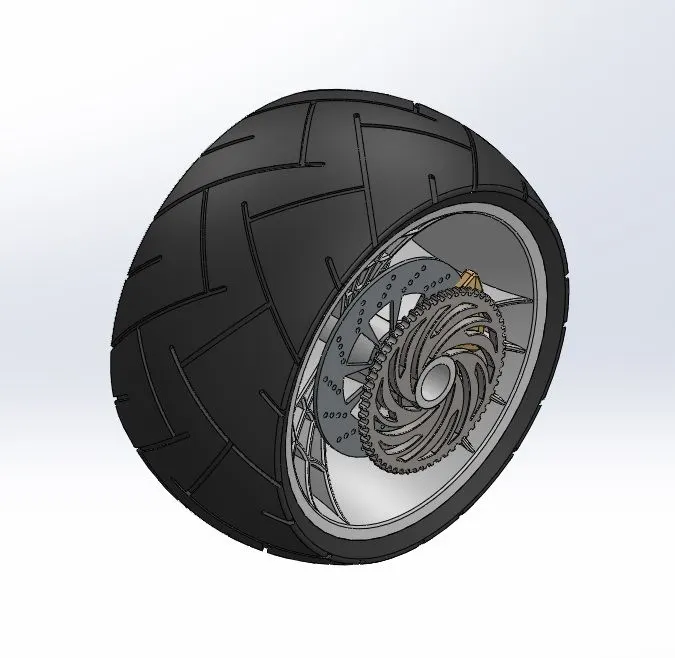
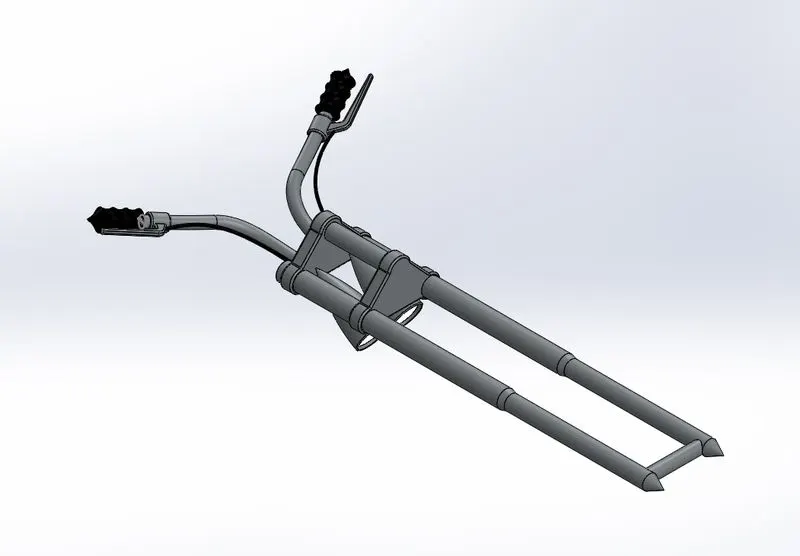
Combined curve feature is used here to combine the two curves from different position, sweep feature and light properties are made in below part.
Front fork
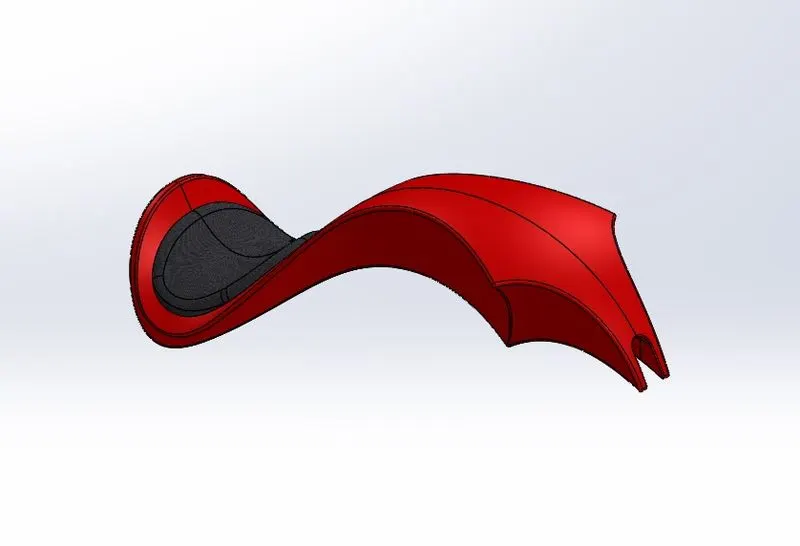
By using surface tab adding features like knit the below part is designed.
Gas tank
By creating new plane in the required place by the reference of the basic planes some sketches are drawn and Dome, Split feature are used in this model. The remaining parts are designed using above all features are mentioned below.
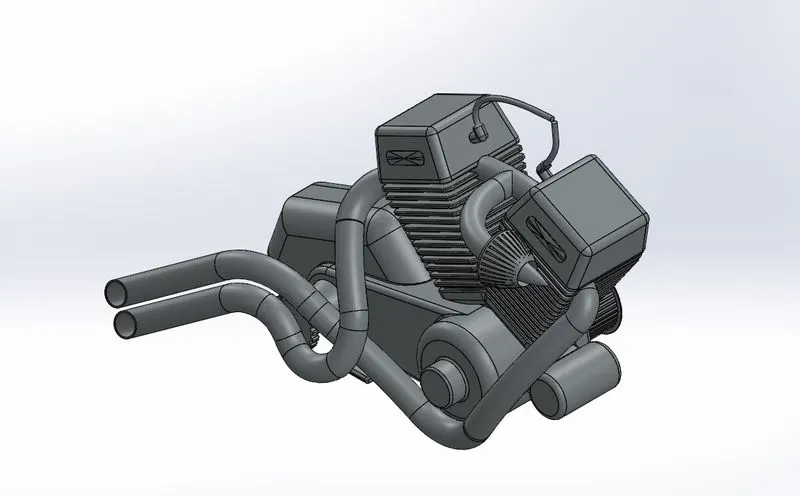
Engine
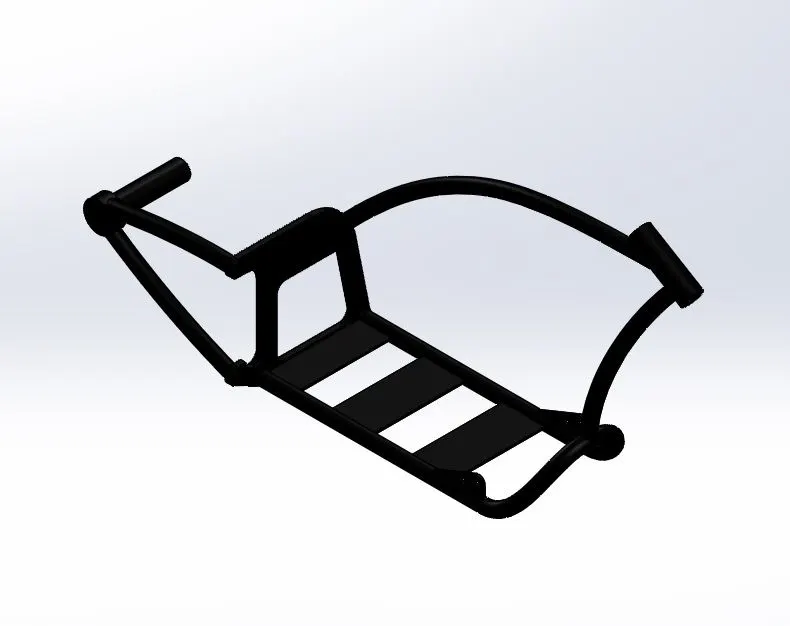
Chassis
For every part their appearance has added to their respective materials such as for tyre and handle grip given rubber, for seat given fabric and other for other parts given metals. After all the parts are designed next step is assembled has done by using planes of them based on chassis by made relationship such as coincident, concentric, parallel, angle distance, tangent, distance.
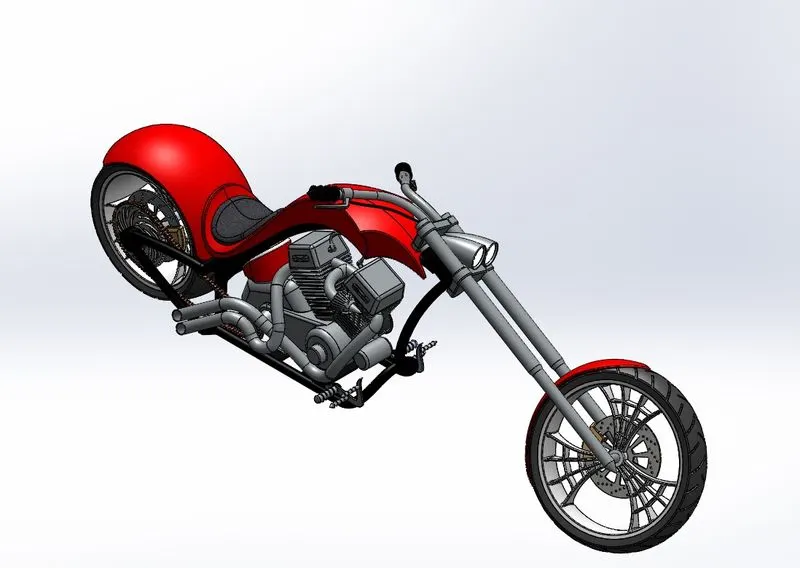
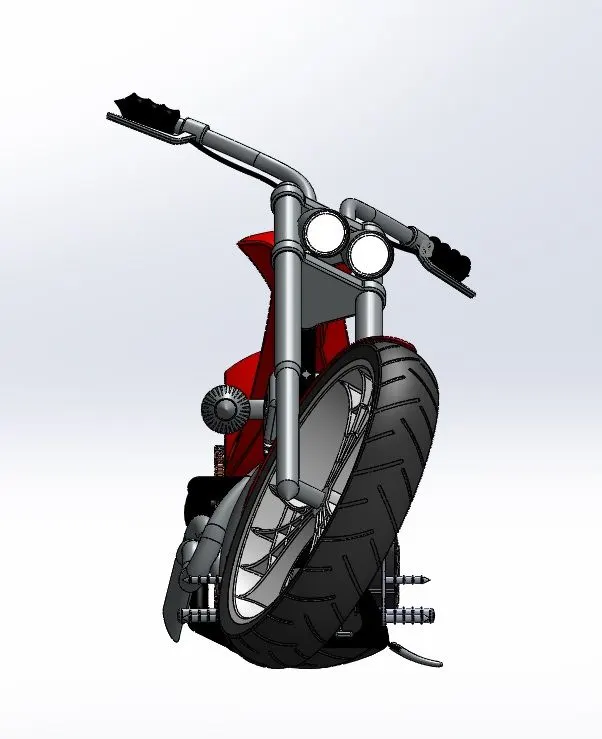
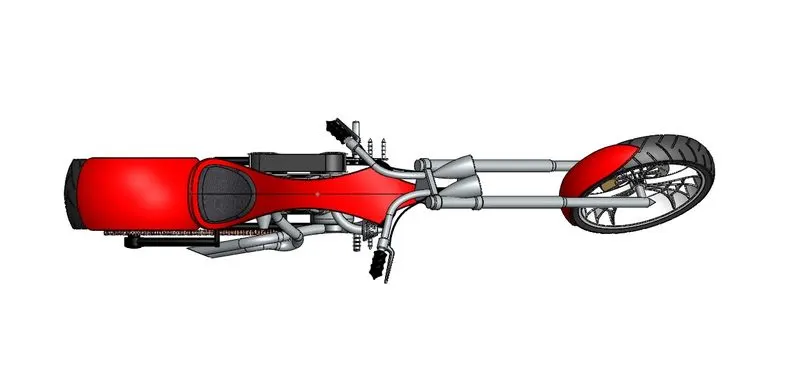
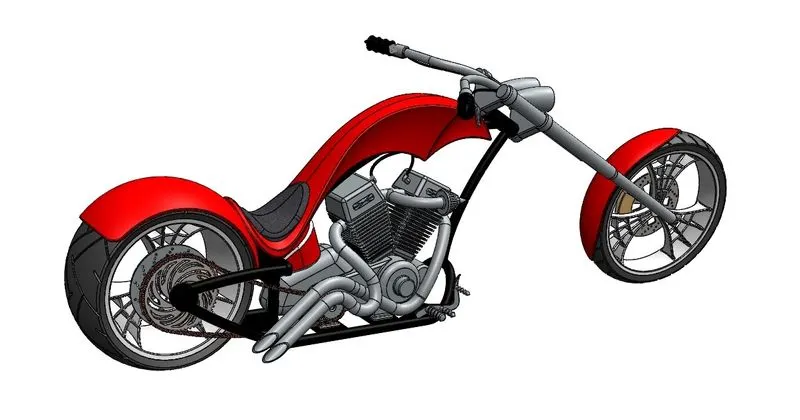
Assembled chopper finally checked if all the parts is mated perfectly and made as fix for rendered in future, assembled chopper is shown below.
Assembled chopper
Isometric view
Front view
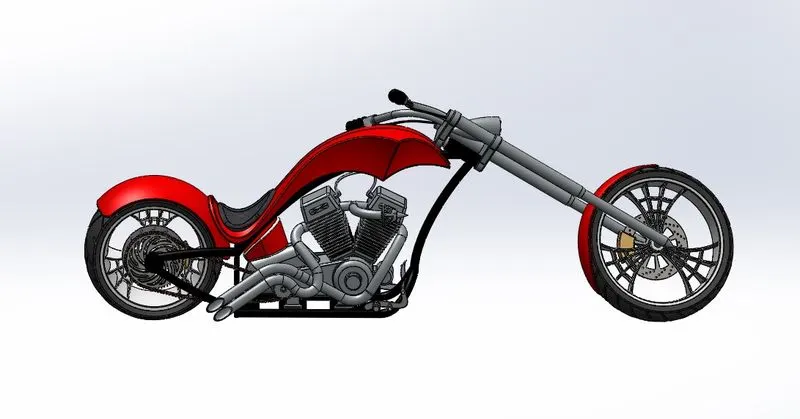
Side view
Top view
Camera view
RENDER
Render is the tool that is used to create the photo-realistic of our designed part in image format. It is done by giving suitable scene such as Background and environment in the part file or assembled file. Also set the camera view by giving required position, angle, aspect ratio, bloom, brightness and whatever required.
This chopper assembled part had proper scene and camera so it is rendered in Solidworks Visualize professional. Initially located the perfect position for the chopper and taken first preview of render. Then the render is satisfied so after made the all setting Such as pass count, format, quality final full render is made.
Rendered American chopper
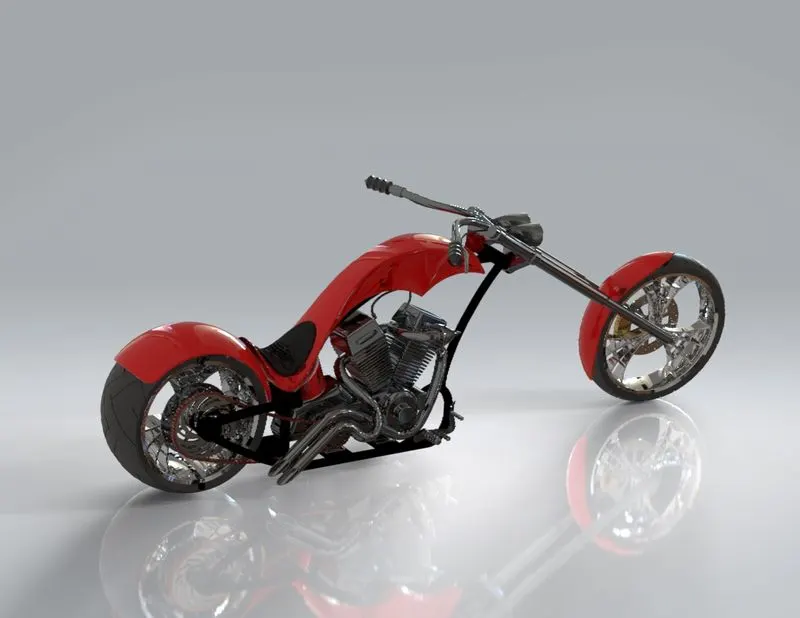
Front view
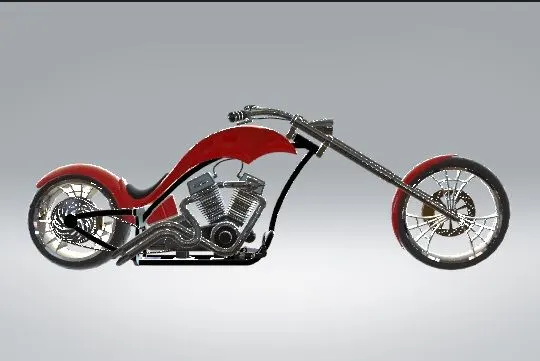
Isometric view
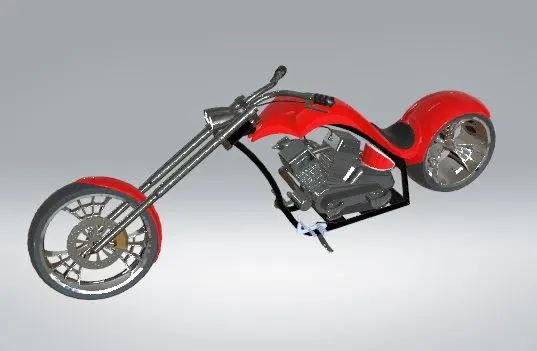
Top view
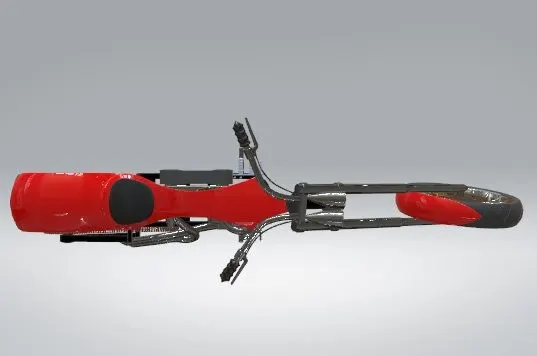
Side view
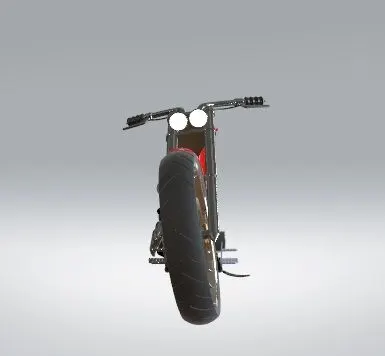
Camera view
CONCLUSION
So, these are the steps that I had taken to finish the American chopper project by using Solidworks. By this project I studied about several and easy ways to design the part with minimum time and maximum accuracy.