Casing Design in Siemens NX CAD
Advanced Sheet Metal Design Using NXCAD (Challenge 1 Casing Design)
Objective:
This challenge aims to create a “Casing Design” using different types of tools/features.
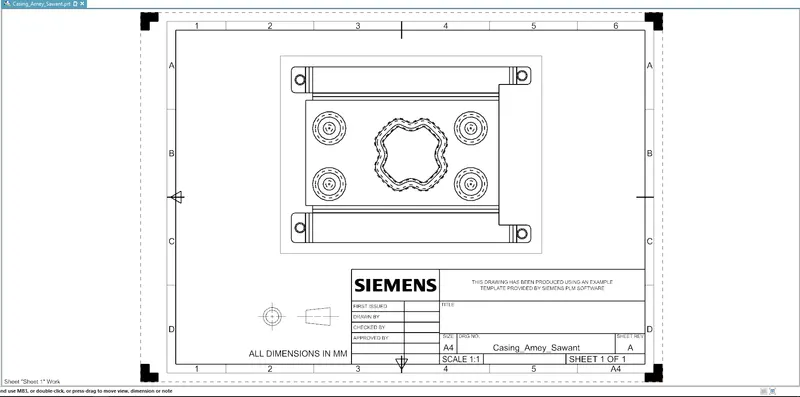
Later creating a detailed drawing sheet of it as well.
What is NX CAD?
NX CAD is an advanced high-end CAD/CAM/CAE software used for designing models etc. It was formerly known as Unigraphics owned by Siemens PLM Software.
What is Sheet Metal?
Sheet metal is a thin and flat piece of metal formed by rolling or hammering, sheets are available in many different metals, namely aluminum, copper, brass, steel, gold, silver, etc.
Tools used to create the Casing:
- Sketch
- Tab
- Flange
- Bend
- Normal Cutout
- Unbend
- Dimple
- Bead
- Rebend
- Break Corner
- Flat Pattern
Below are the images of Casing Design
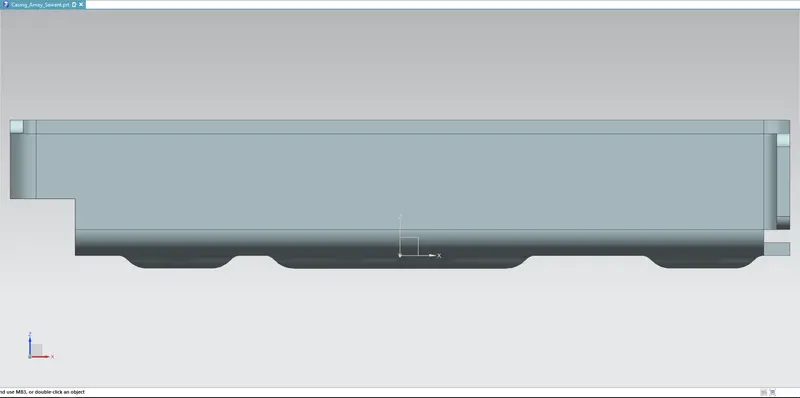
FRONT VIEW
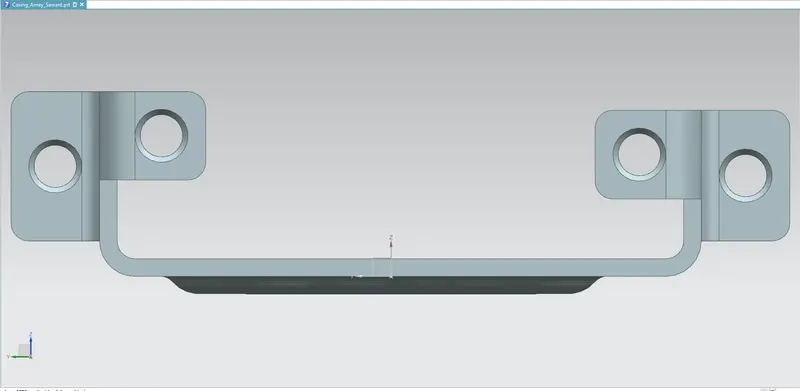
SIDE VIEW
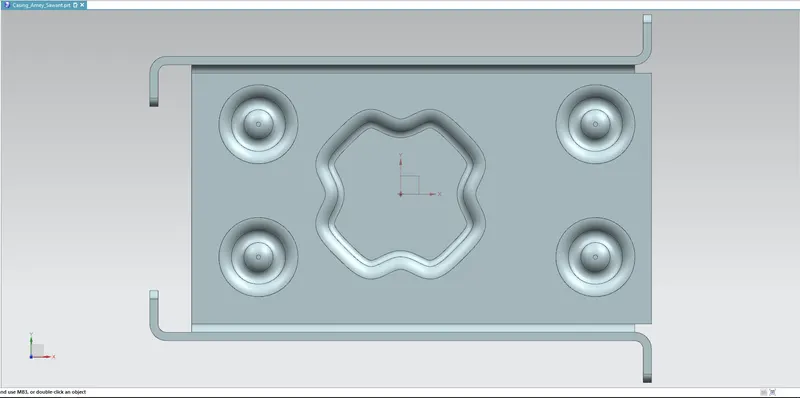
TOP VIEW
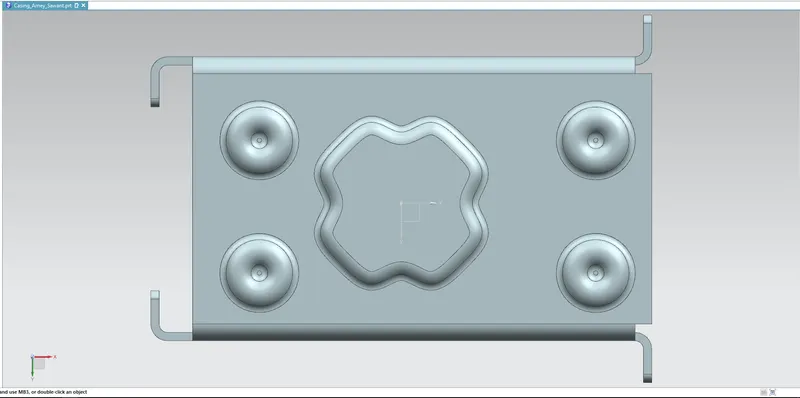
BOTTOM VIEW
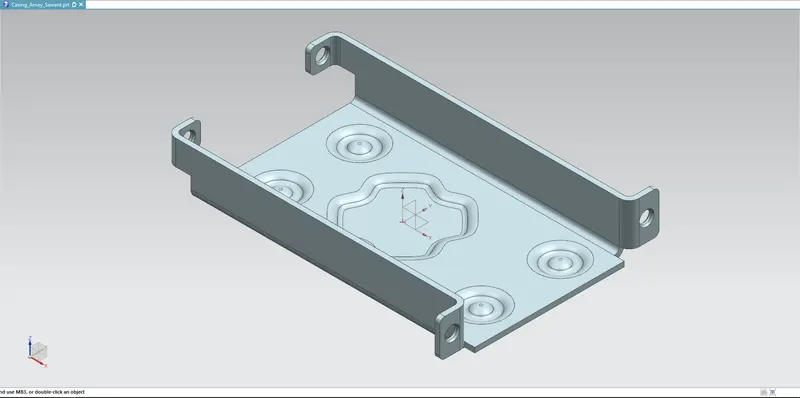
ISOMETRIC VIEW
Detailed Drawing Sheet
Conclusion:
- This report concludes that the “Casing Design” is created by using various tools/features mentioned above using the NX CAD software.
- And a detailed drawing sheet has been attached to the report as well.