Week 8 - Challenge 2 - Base Bracket Design
Base Bracket Design (Challenge-2)
What is Generative Shape Design?
The Generative Shape Design provides an extensive set of tools for creating and modifying mechanical surfaces used in the design of complex shapes or hybrid parts, Its feature-based approach offers a productive and intuitive design environment to capture and reuse design methodologies and specifications. It helps to design advanced shapes that are based on a combination of wireframe and extensive multiple surfaces which includes high-level features with full specification capture and reuse.
What is Draft Analysis?
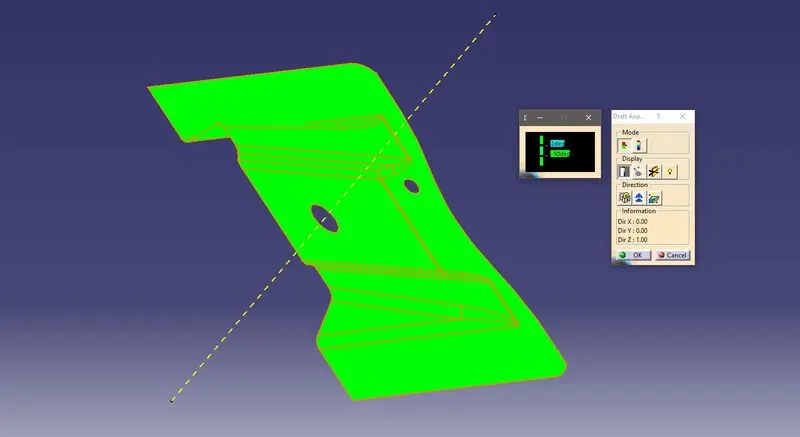
The Draft Analysis command enables you to detect if the part you drafted will be easily removed, this type of analysis is performed based on color images identifying zones on the analyzed element where the deviation from the draft direction at any point corresponds to specified values.
No parts can be ejected from the tool if it is having a straight 90-degree profile from its base surface, a small draft angle is provided to each area of the component to get easy removal of the component from the tool. The draft analysis technique is used to analyze whether our part model created in cad is manufacturable based on the draft condition applied.
In the molding process, the molded parts have to eject from the die so there are some issues while removing the molded parts it may get sticky with the die, or while removing the chances to get damaged, so we need to set up is the draft angle this draft angle helps the molded part to eject from the die easily.
What is Class A, Class B, Class C Surfaces?
Class-A Surface: Surfaces made by the designer which is given as an input to the plastic modeler to work on, it is aesthetic surface and the outermost surface.
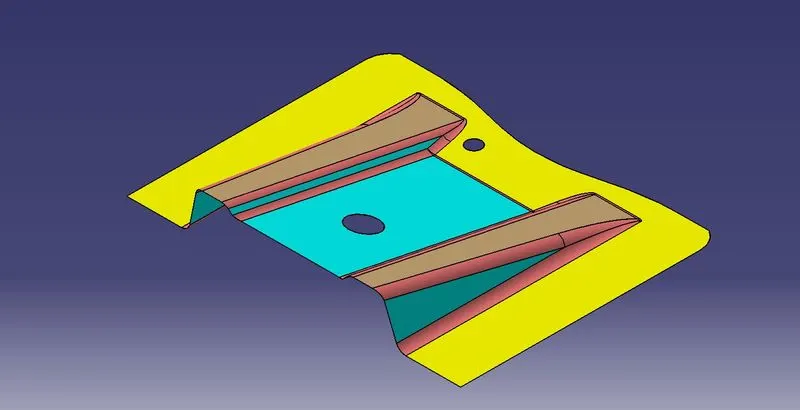
Class-B Surface: Surfaces made below a certain thickness from the Class-A surface is Class-B surface. This is the surface that contains engineering aspects of the model.
Class-C Surface: Surfaces that join Class-A and Class-B surfaces is Class-C surface.
Methodology
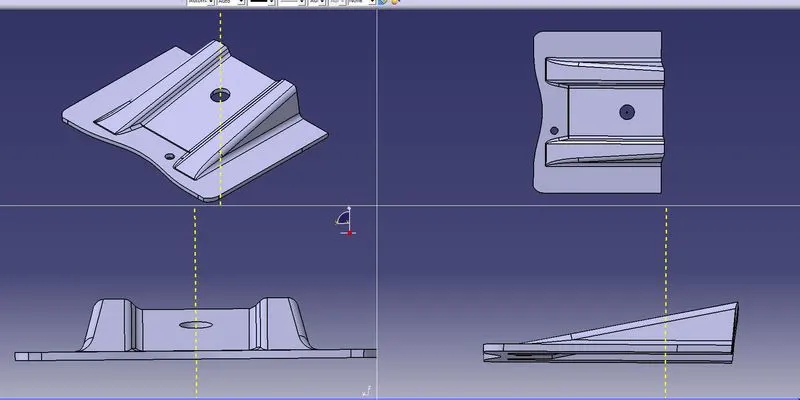
In this Base Bracket creation, we have the CLASS A surface given to us, so we focused on few things:
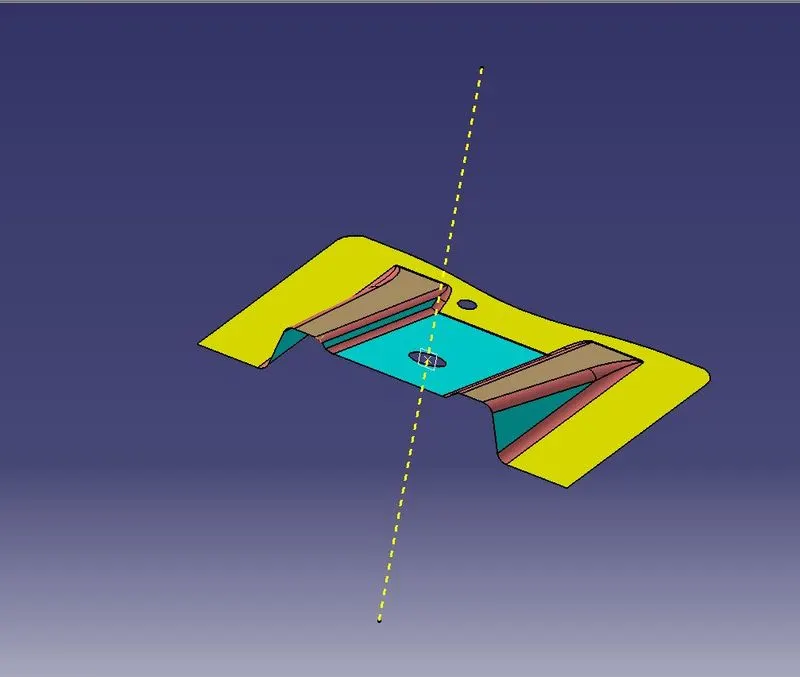
- Tooling Axis:
- Create an intersection of Class-A surface with the ZX plane and form the intersection to create the tooling axis.
- Create a bisecting line using the lines we created before
- This is how the tooling axis would look at the end of our creation of the tooling axis.
- Draft Analysis:
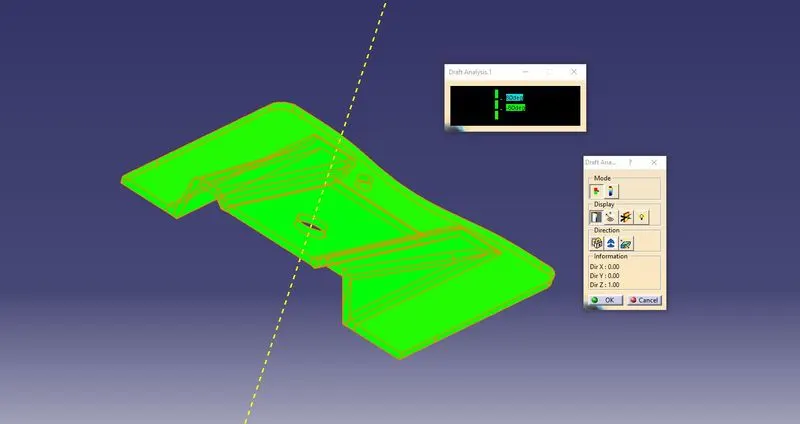
The Draft analysis for a 3 Degree draft is done on the Class A surface, so can be seen all the surfaces are more than 3 Degree of the draft.
- Class-B Surface:
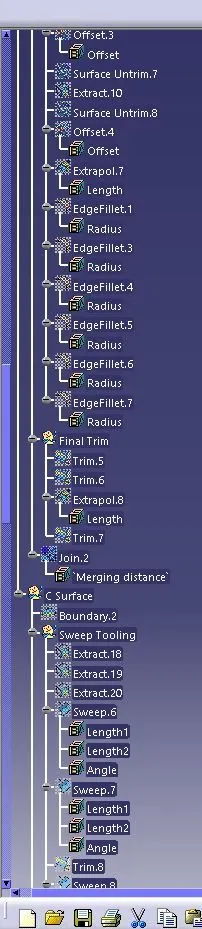
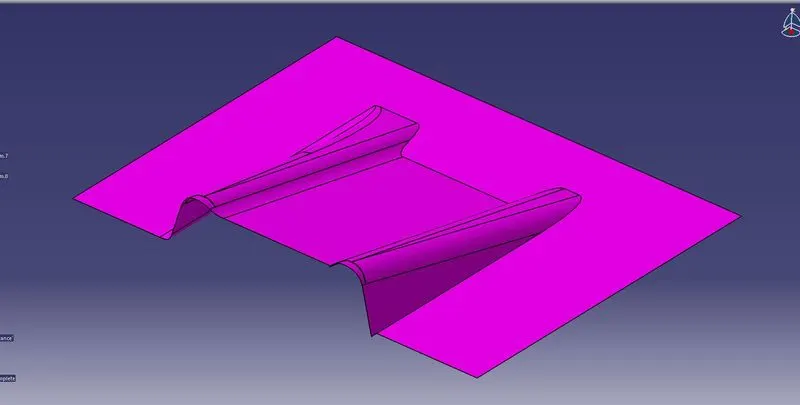
- For Class-B surface creation, we have extracted surfaces from Class-A and untrimmed them to obtain the original parent surface.
- These surfaces are offset to the required thickness.
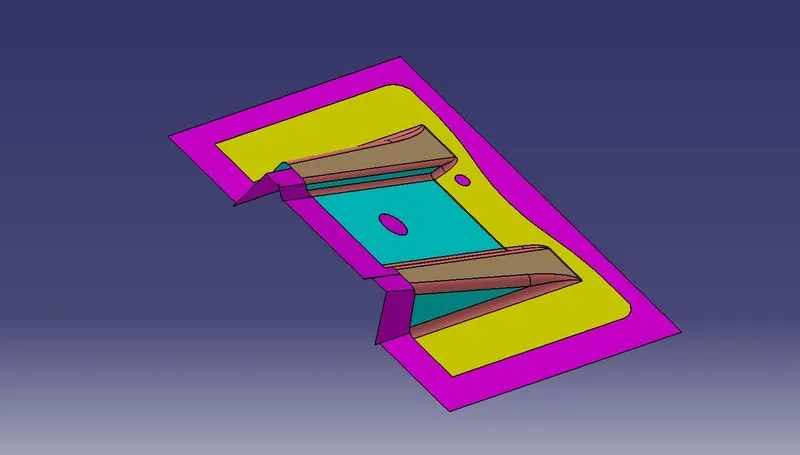
- After offsetting, all the surfaces are trimmed into the required shape.
- Required fillets are given to the surfaces.
- Class-C Surface:
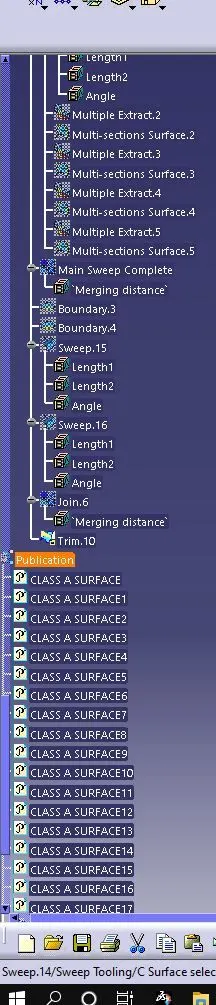
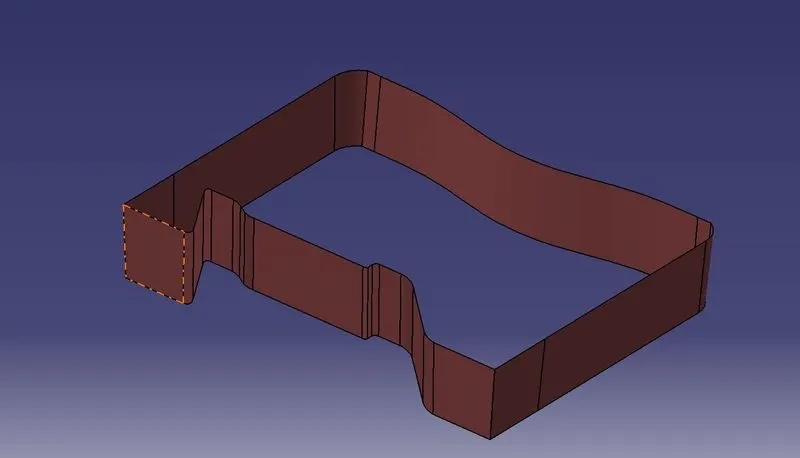
- For creating this surface, we have extracted the boundary of Class-A using multi-extract and then converted it to a smooth curve.
- Now, this smooth curve is swept along the draft direction with a 3-degree draft.
- Final Trims:
CLASS A + CLASS C:
To make sure that there is not any open boundary between class A and class C, we used the join option to create a single body, this is done to make sure that the parting line doesn’t lie between these two surfaces.
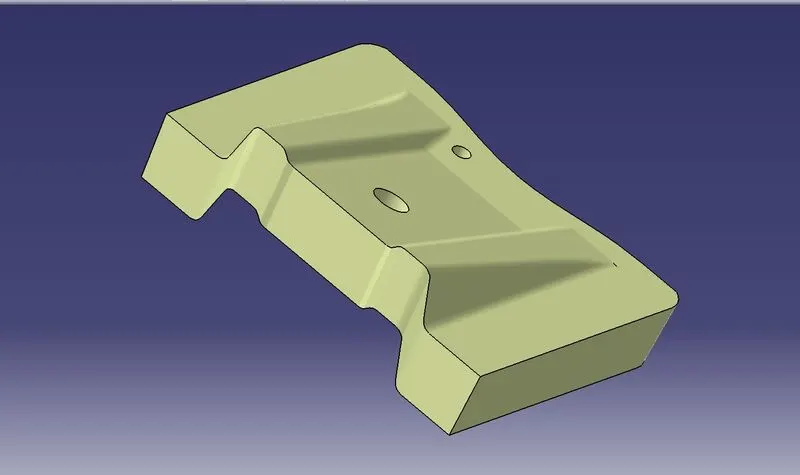
CLASS A + CLASS B + CLASS C
In this last step, we have trimmed the above-shown surface with the Class B surface using the trim feature.
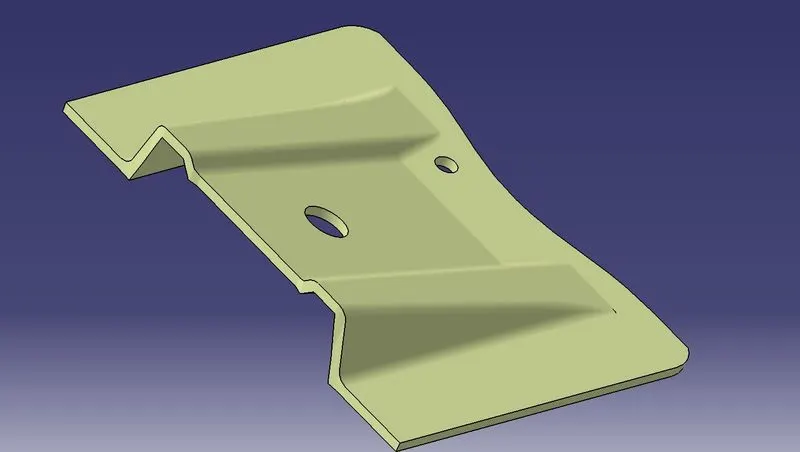
- Making a solid model from the surface:
After completing the previous step, go to PART DESIGN, and use the closed surface feature to close the model.
- Draft Analysis on the Final Component:
For the analysis of the final component the main tooling axis is taken as a reference and analysis is done as shown below
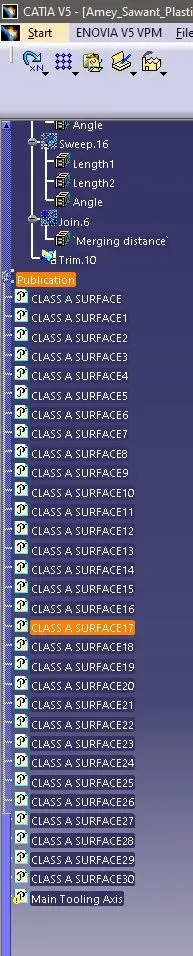
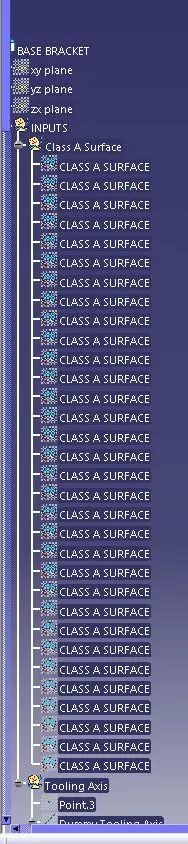
TREE