Sunseeker Predator Yacht
Sunseeker Predator Yacht Using Solidworks
- Objective:
- The objective of the Sunseeker Predator Yacht is to create models of different parts of the Yacht using
- Later to assemble all the create part models to complete the project.
- What is Part Modelling?
Part Modelling is a process of creating a virtual prototype of an object or any component by modelling each part separately through different sketch tools and 3D tools to help attain the required part in graphical form. This type is called Part Modelling.
- What is Surface Modelling?
Surface Modelling is a method of showing or presenting solid projects.
It requires you to convert between different 3D modelling types, such as procedural surfaces, and apply smoothness.
- Parts to be Modelled are:
- Propeller
- Radar
- BluePrint
- Hull
- Garage Door
- Front Seat
- Middle Seat
- Rear Seat
- Super Structure
- Radar Mast
Propeller: A mechanical device for propelling a boat or aircraft, consisting of a revolving shaft with two or more broad, angled blades attached to it.
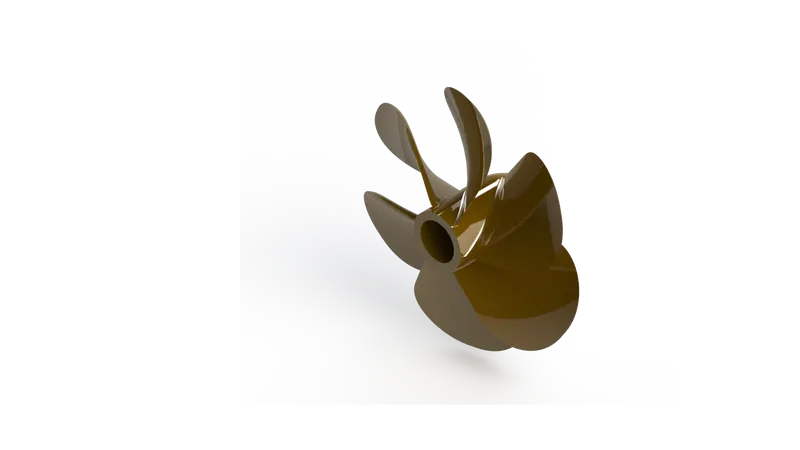
Tools used to create the Propeller
- Sketch
- Revolve
- Cut Extrude
- Loft
- Fillet
- Circular Pattern
Here,
- Sketch: It is a 2D representation of the model concerning the
plane/surface/view from the outside of the model.
- Revolve: It is a tool that creates a 3D object using the revolve tool by selecting one or more profiles and revolving them on an axis or a centreline.
- Circular Pattern: This tool is used to create multiple instances of one or more features that you can space uniformly around an axis. This is as same as the Linear Pattern but its patterns in a circular form and on a circular axis.
- Loft: Loft is surfaces generated by multiple 3D Curves or existing edges creating smooth tangency.
Radar: a system for detecting the presence, direction, distance, and speed of aircraft, ships, and other objects, by sending out pulses of radio waves which are reflected off the object back to the source.
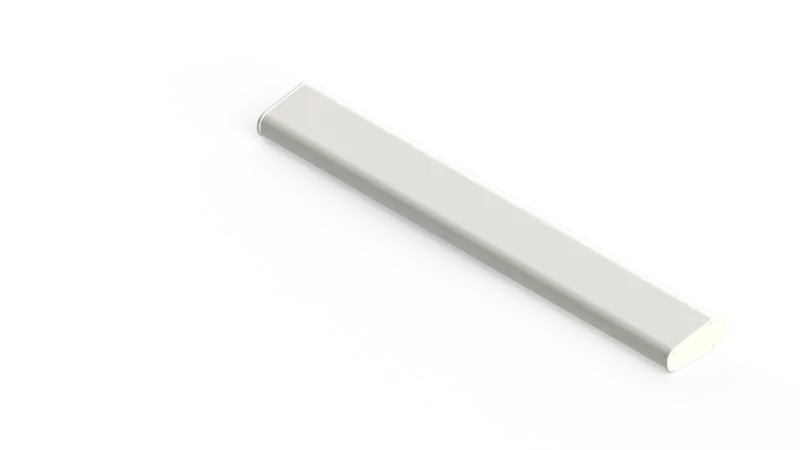
Tools used to create the Radar
- Sketch
- Extrude
- Mirror
- Cut Extrude
- Fillet
- Sketch Driven Pattern
Here,
- Extrude Cut: It is the same as the Extrude Boss/Base but in the opposite direction it helps to Cut/Remove material from a 3D Object, it is used mostly for creating holes, channels, slots etc.
- Mirror: It is a tool used to create a mirror against a particular Axis/Plane.
- Sketch Pattern: Using this tool by selecting sketching points within a sketch, you can specify a feature pattern on a particular axis/plane, you can use sketch driven patterns for holes or other features instances.9
- Split Line: It is a tool used to project entity such as sketch, solids, surfaces, face, planes or surface spline onto surfaces, or curved or planar faces. You can split curves on multiple bodies with just one command.
Hull: The main body of a ship or other vessel, including the bottom sides, and deck.
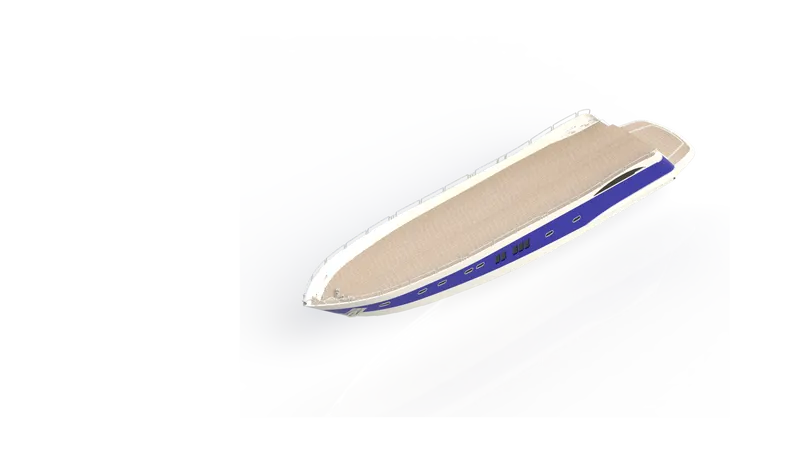
Tools used to create Hull
- Sketch
- Project Curve
- Swept Curve
- Loft Surface
- Extended Surface
- Extend Surface
- Surface Knit
- Extrude
- Mirror
- Cut Extrude
- Fillet
- Pattern
- Split
- Shell
Here,
- Project Curve: It is a tool that can take any sketch and transfer it over to another sketch or face. You can then use that sketch for creating features to even split a body.
- Fill Surface: This tool constructs a surface patch with any number of sides, within a defined boundary (sketches, curves or edges), this feature can be used to fill the gap in the model.
- Surface Extrude: By using this tool extruded surfaces can be created from models that have 2D as well as 3D faces.
- Shell: The name says for itself it is used for creating hollow bodies with particular thinness or thickness.
- Surface Extend: This tool is used to extend surfaces by selecting the edges, multiple edges or faces.
- Dome: This is a tool used to create a curved formation or structure, it is shaped like half of a sphere.
- Helix/ Spiral: This tool is used to create a spiral or helix based on the same reference sketch.
- Delete Face: This command is used to delete faces that are not needed or unnecessary, it just does not delete but can do multiple tasks like delete a face, delete and patch, delete and fill.
- Combine: This command is used to create a single body from multiple bodies.
Garage Door: The name suggests it is used as the door for the garage enclosure.
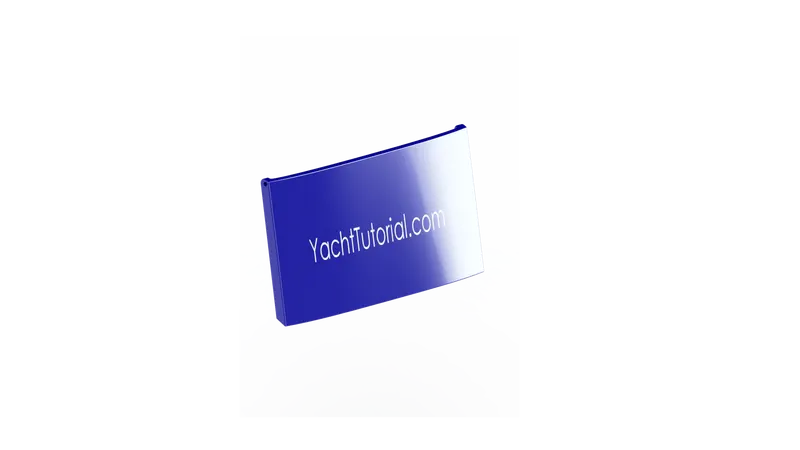
Tools used to create Garage Door
- Insert
- Shell
- Text
- Split
Here,
- Insert: This tool is used to insert a particular part in another part document.
- Text: This tool is used to insert text on a particular part, sketch, surface, or body etc.
- Split: This tool is used to create multiple parts from a single part by splitting them into multiple ones.
Front Seat: This is located on the front part of the Hull.
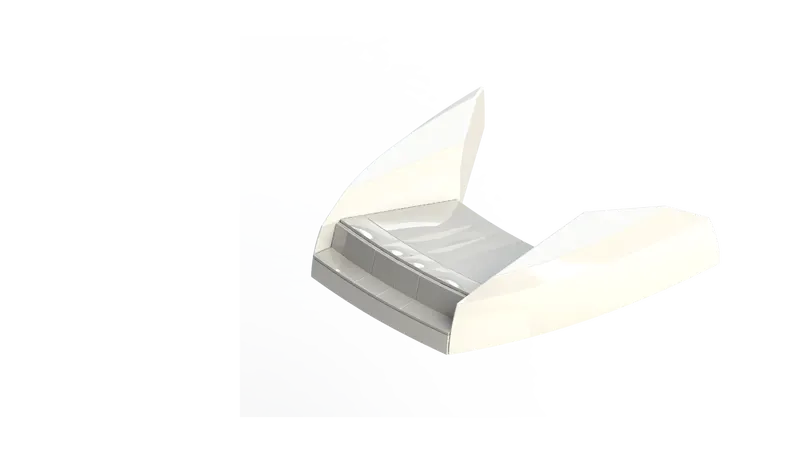
Tools used to create Front Seat
- Sketch
- Project Curve
- Swept Surface
- Loft Surface
- Ruled Surface
- Extend Surface
- Surface Knit
- Extrude
- Mirror
- Cut Extrude
- Fillet
- Pattern
Middle Seat: This is located under the superstructure.
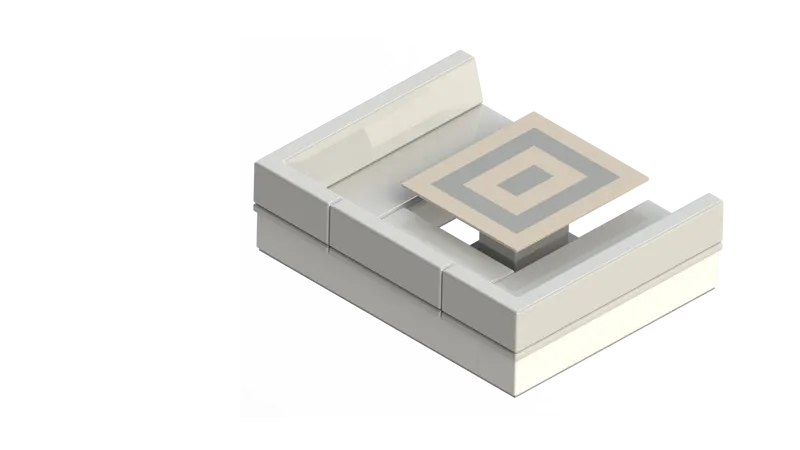
Tools used to create Middle Seat
- Sketch
- Extrude
- Chamber
- Fillet
Rear Seat: This is located at the back most end of the Hull.
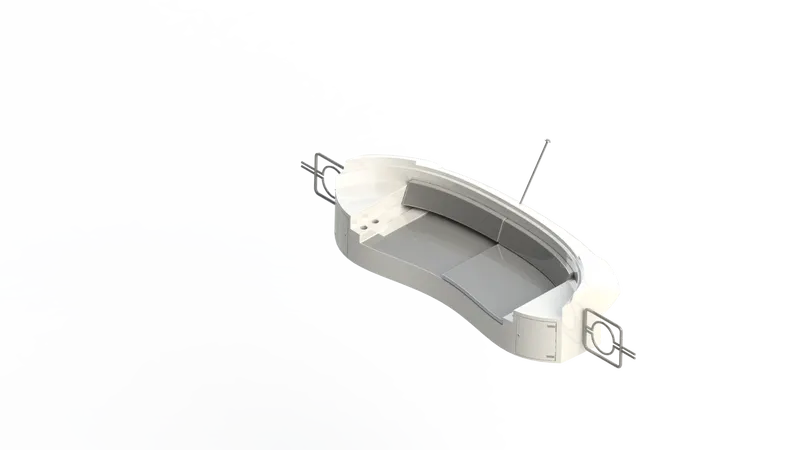
Tools used to create Rear Seat
- Sketch
- Project Curve
- Swept Surface
- Loft Surface
- Ruled Surface
- Extend Surface
- Surface Knit
- Extrude
- Mirror
- Cut Extrude
- Fillet
- Pattern
Here,
- Surface Offset: Creates Offset surfaces using one or more contiguous faces.
- Ruled Surfaces: The ruled surface is built by creating a swept surface using selected edges as guide curves.
Super Structure: It is known in this boat definition has a part attached to the above surface of the hull as a deck.
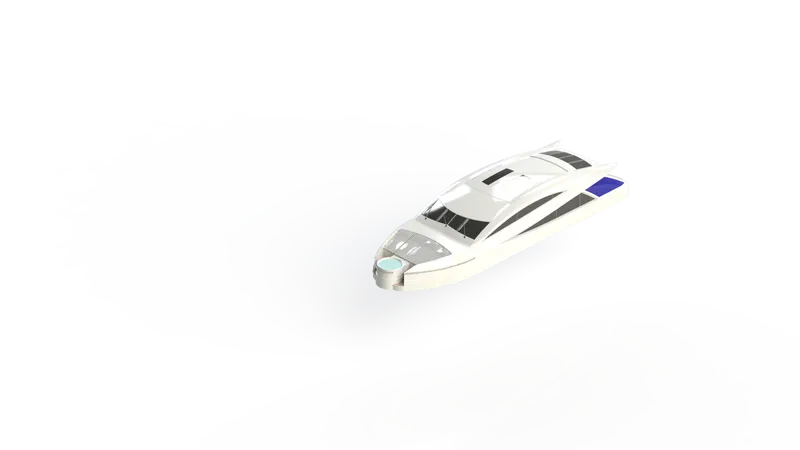
Tools used to create a Super Structure
- Sketch
- Project Curve
- Swept Surface
- Loft Surface
- Extruded Surface
- Extend Surface
- Fill Surface
- Surface Knit
- Surface Trim
- Delete Surface
- Extrude
- Mirror
- Cut Extrude
- Fillet
- Pattern
- Split
Radar Mast: The definition of a mast is a tall pole used for support of the sails on a boat.
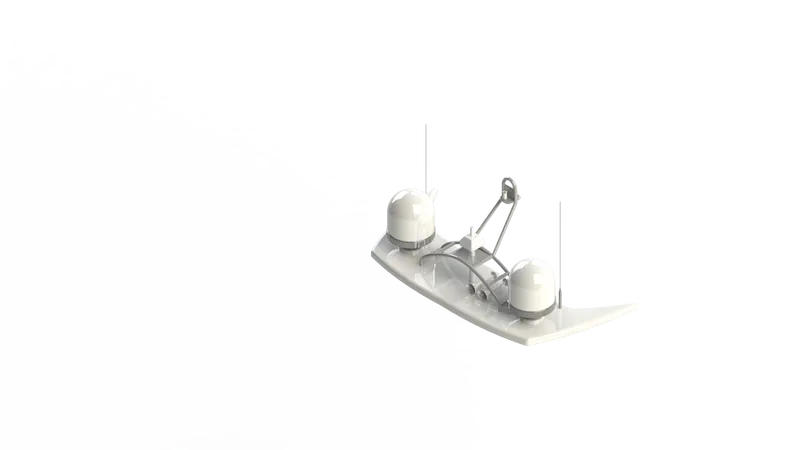
Tools used to create Radar Mast
- Sketch
- Extrude
- Revolve
- Sweep
- Cut Extrude
- Fillet
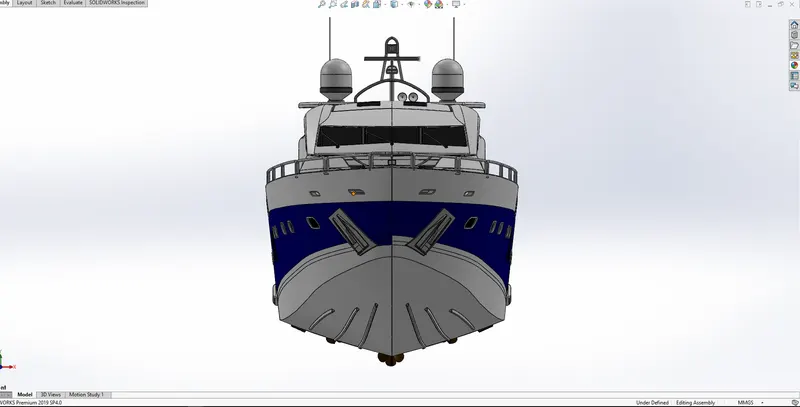
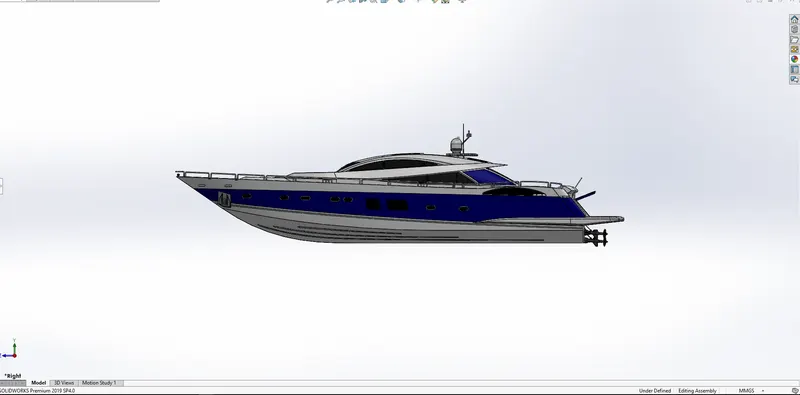
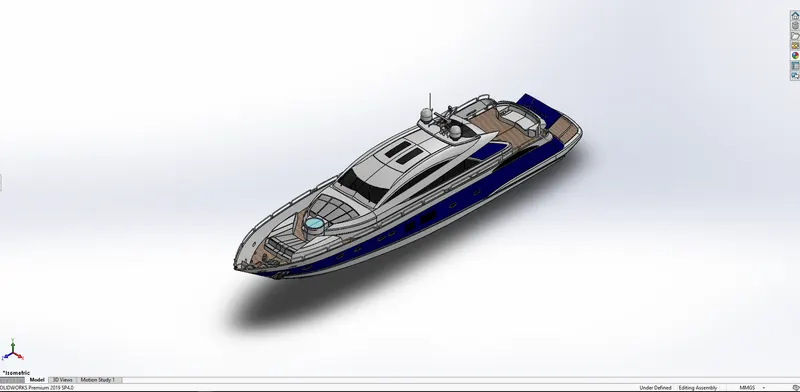
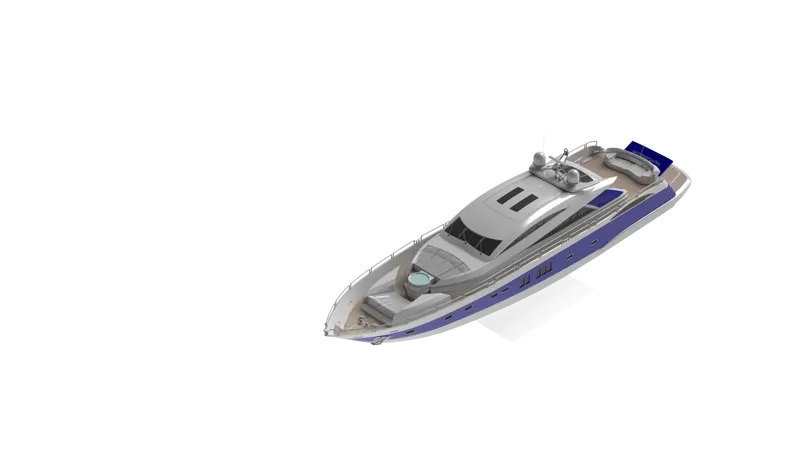
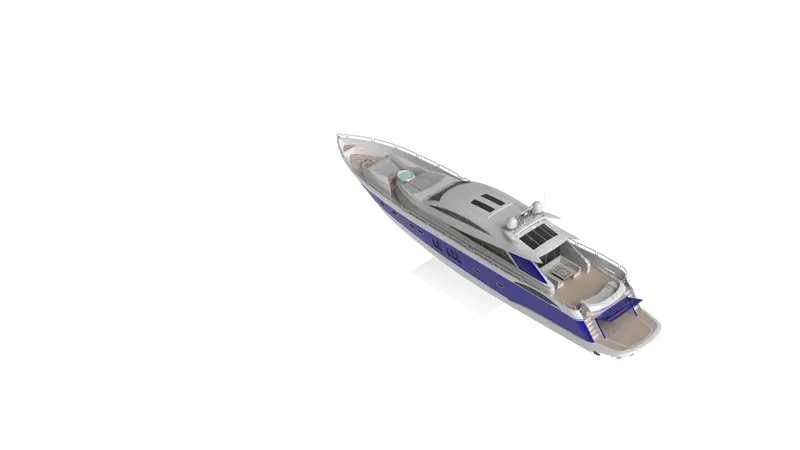
Assembly of Yacht:
- All the part models are inserted one by one in the assembly
- Then, Hull is added and fixed to a particular axis, and Superstructure is added to the top face of the Hull and fixed
- Radar Mast is added and fixed to the top surface of the Superstructure and the Radar is added on to the Radar Mast.
- Lastly, the Propeller and the Garage Door is added to the designated position and everything is fixed to the particular axis.
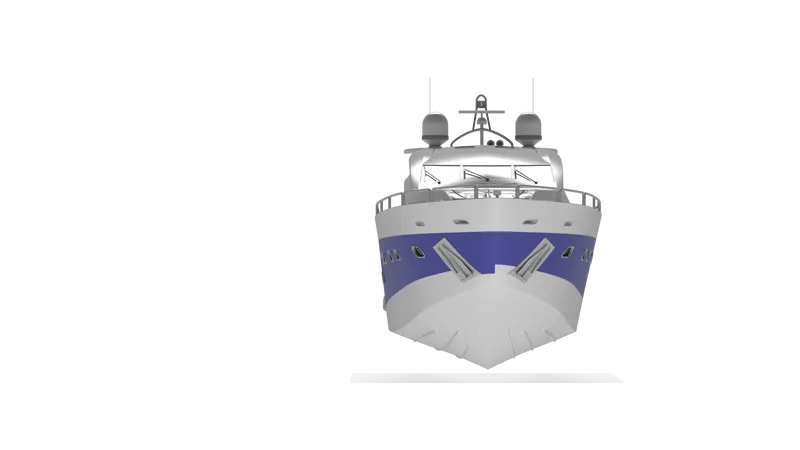
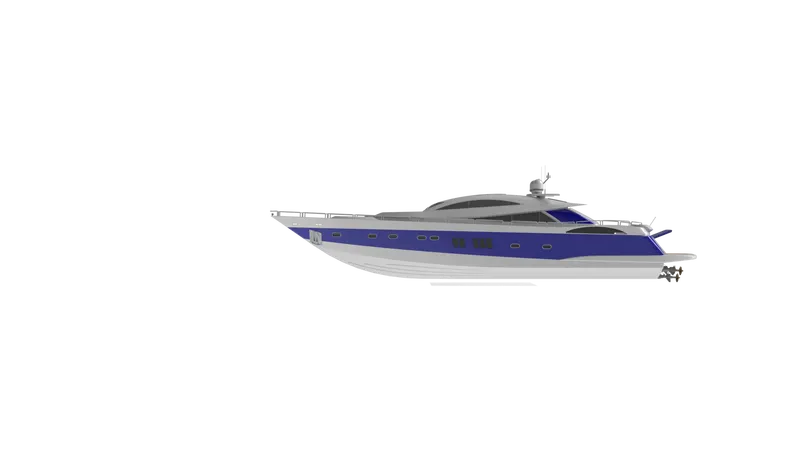
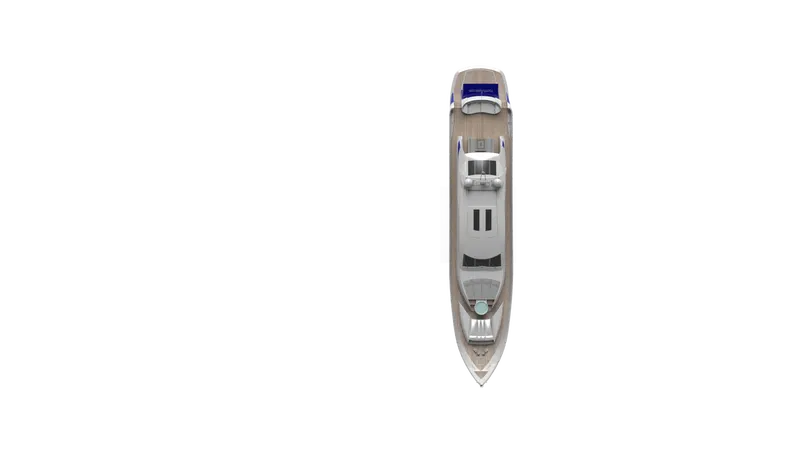
- Below are the images of the assembly of Sun Seeker Predator Yacht
- Below are the Rendered Images of the Sun Seeker Predator Yacht.
-
Conclusion:
- This report concludes that the Sun Seeker Predator Yacht parts are created using various Solidworks Tools and Features in Solidworks.
- The same parts are later taken into a single environment and created as a whole assembly with the help of mates.
- And lastly, the assembly was then rendered into high definition images using PhotoView 360.