Wiring harness design in CATIA V5 - 3D modeling Week 4 Challenge
AIM:
Route the following harness layout in Electrical workbench. Make assumption for harness bundle diameters. Use Following connectors as shown in layout diagram.
Add protective covering on all branches connected to DT06-2S & DT06-4S connectors. Keep end extremity at 30mm (from connectors end)
Download connector 3D data from www.te.com
- DT06-4S
- DT06-6S
- DT06-2S
- DT06-08SA
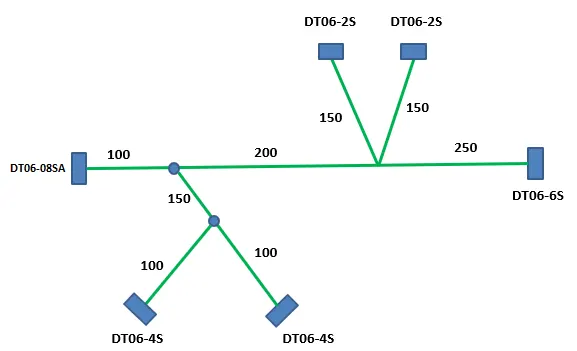
Steps:
1. I have visited the website and download the necessary connectors
- DT06-4S
- DT06-6S
- DT06-2S
- DT06-08SA
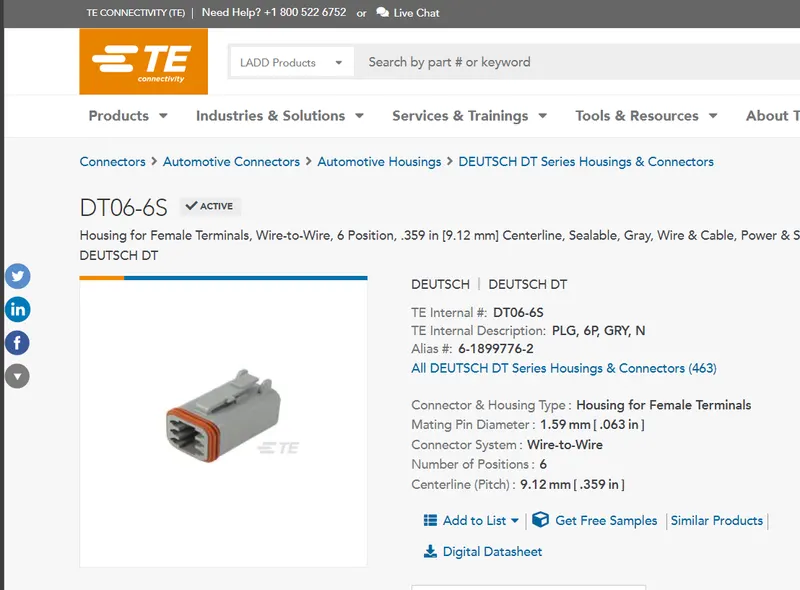
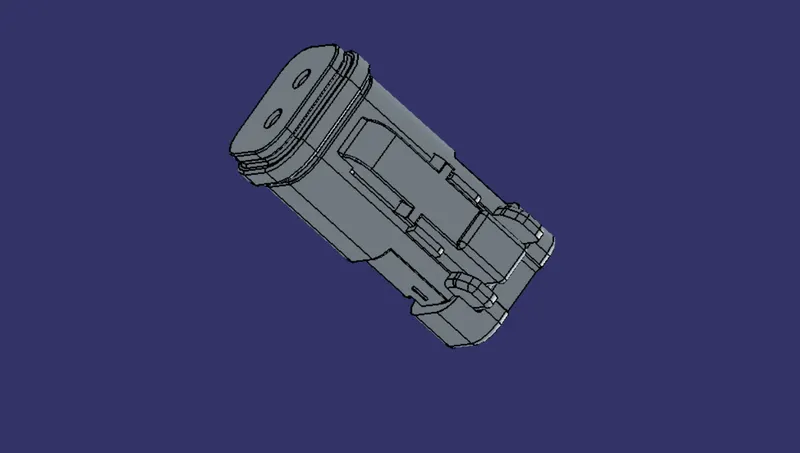
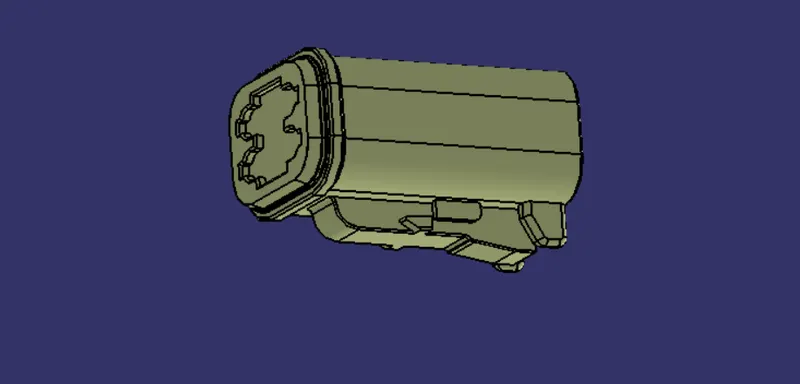
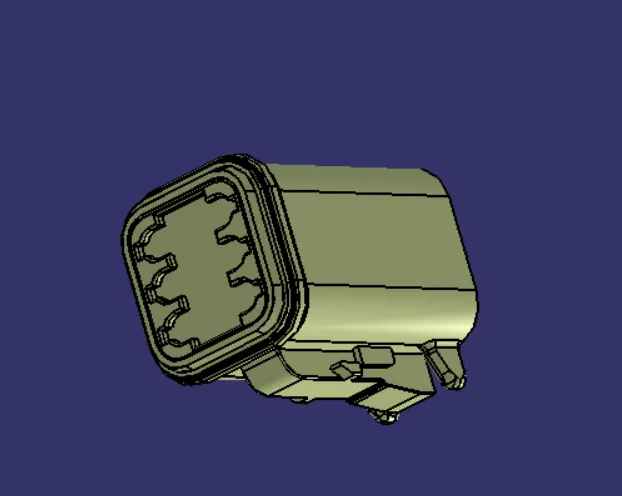
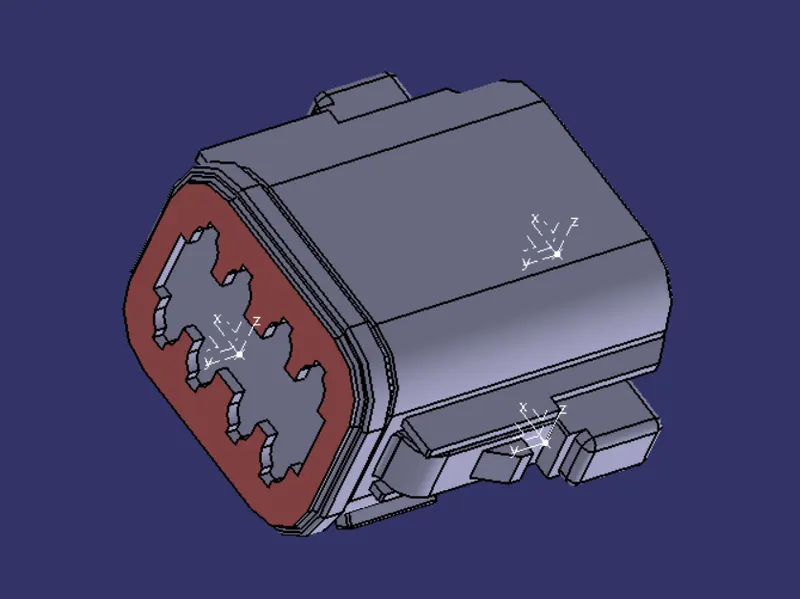
2. After downloading the parts in the website te.com open the cad file and position to define it as connector electrically
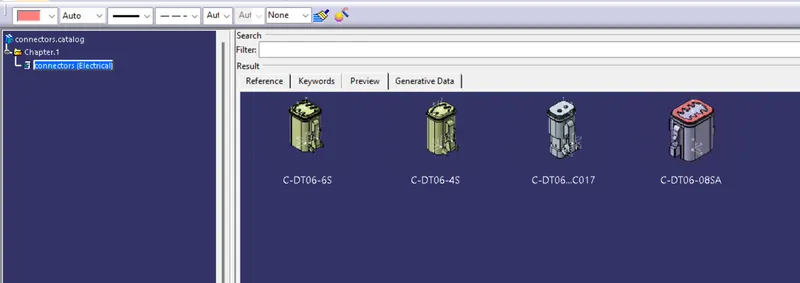
we already done that on before challenges and we have add that all in catalogue as connector for future use.
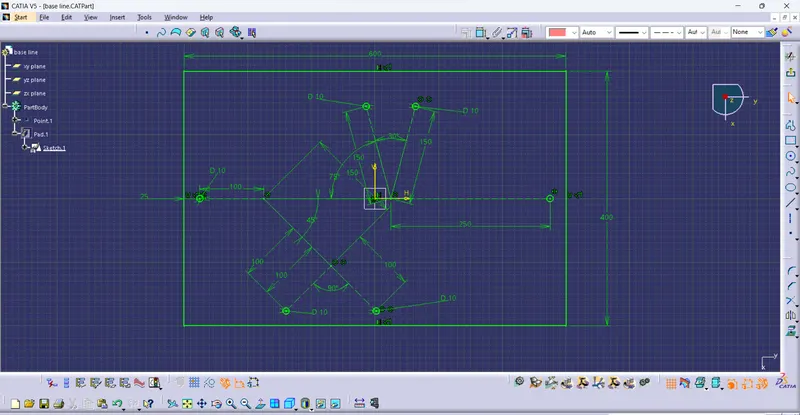
3. And then I have sketch the sheet pad for placing the connector in necessary places and extrude it.
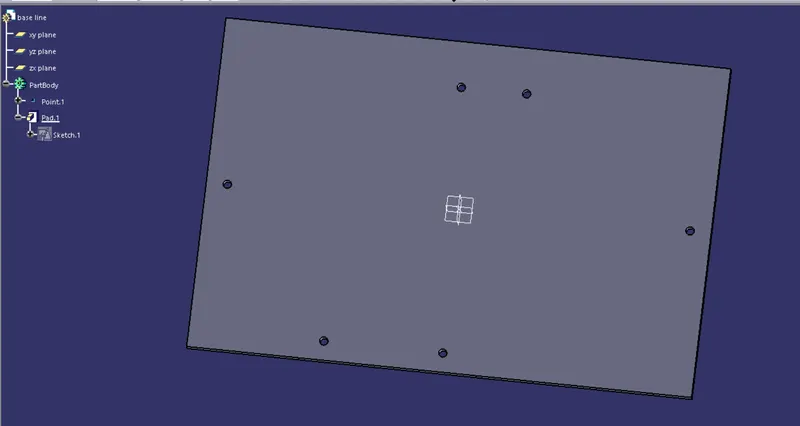
4. Insert the clips on the Hole using assembly workbench.
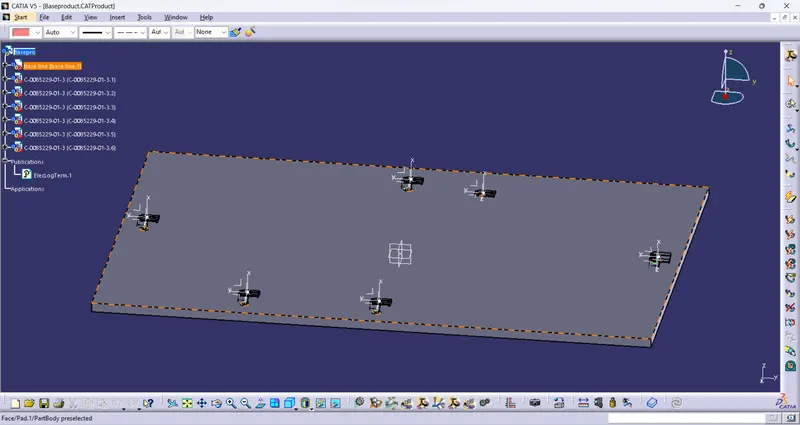
5.and the attache the connector using connect command in electrical assembly workbench
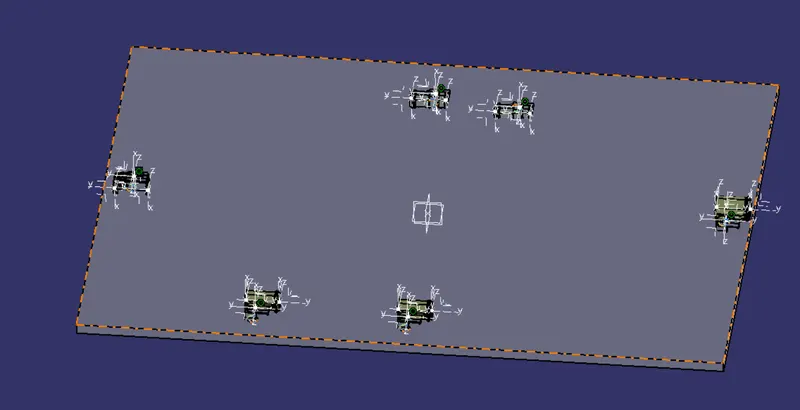
6. I have created separate product for this assembly
and add with main assembly on electrical harness assembly
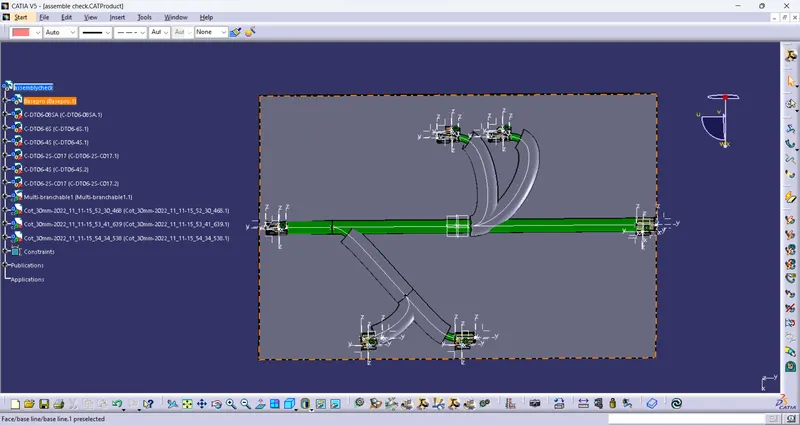
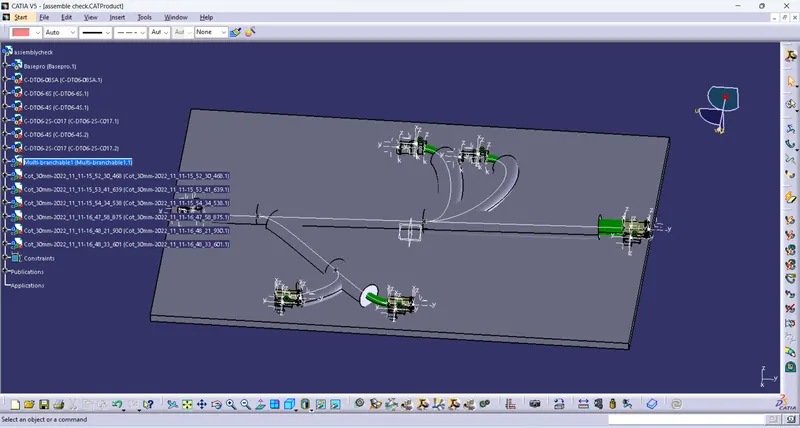
7. By using multiple branchable document command to creat the bundle
8. Creating the bundle with 20mm in main bundle and 10 mm for sub bundle
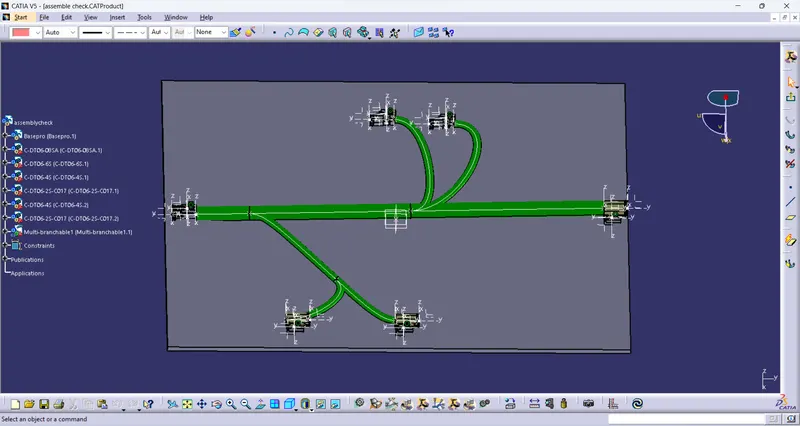
9. Finally we cover with Cot protection cover 30mm with 30 mm extremity.
Conclusion:
Thus, the Wiring Harness Layout has been designed with the given inputs and the protective coverings also added on the required branches.