Week 9: Project 1 - Surface preparation and Boundary Flagging (PFI)
INTRODUCTION:
SURFACE PREPARATION AND BOUNDARY FLAGGING.
It is very important steps before we go case setup. these terms are related to converge software only in CFD domain we can call surface preparation as geometry clean up. in simple language, surafce preparation is process to detect the error in CAD model and solve the them, if one goes negligence he will definitely end simulation with erong results. boundary flagging is a procedure in which we assign the suitable names to the boundaries because CFD software does not have intelligence to do the same.
Surface preparation and boundary flagging are major step to begain any simulation one has to be very careful about steps otherwise it will ruin the simulation in this section we will see the major type of error and their diagnosis , species to converge software only. converge automatically highlights the error by magenta colour after check but have to look at the reason behind the errors then only we can remove them.
INTERSECTIONS:
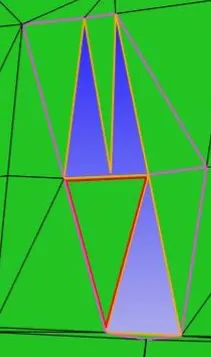
As the name suggest that intersection of the plane of one traingle to another plane traingle. areas and angles less than specified valves will be also considered as intersection error
NONMANIFOLD:
It arises when an edges that is shared by more than two traingles or a vertex that connects two otherwise disconnected pieces of geometry.
OPEN EDGES:
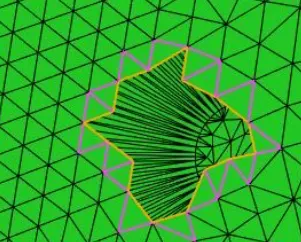
This occur when there is an open edges since converge works on the volume so its does not allow open edges. ,make patch or stitch traingles to remove this error
OVERLAPPING TRAINGLES:
Traingles taht meet othertraingles at an angle less than the specified value in degree
NORMAL ORIENTATION:
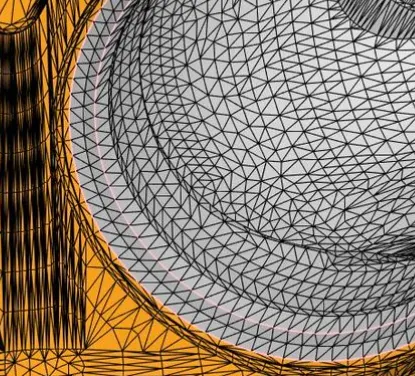
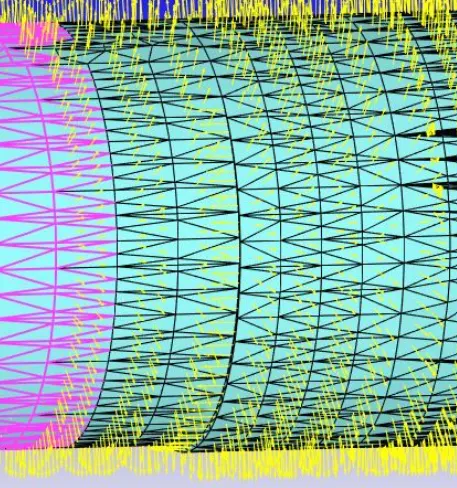
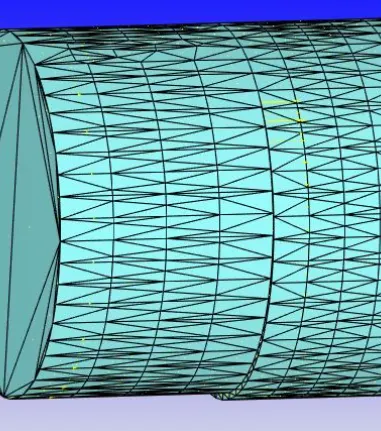
when a traingle have orientation of normal than its adjacent one. this error can be removed easily by translating the normal.
PROCEDURE
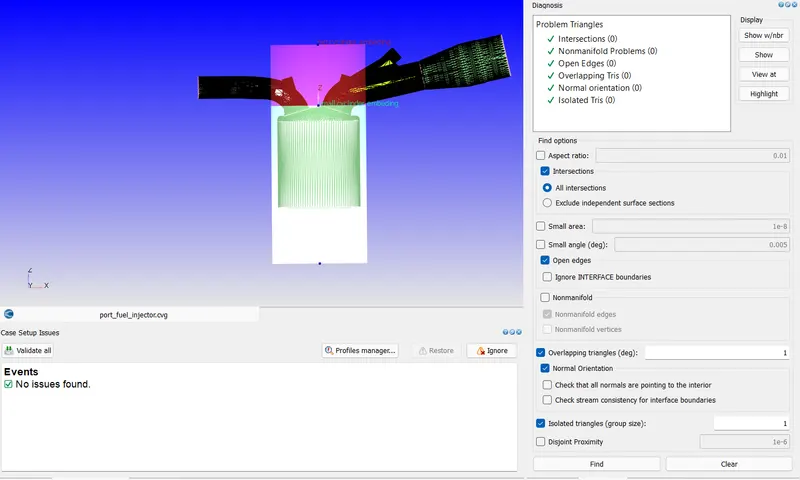
-Importing the CAD model and go to diagnosis menu and check for the errors.
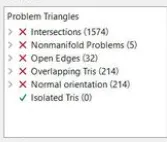
converges show the error when there are non manifold problems or any others as shown above.
After solving the all errors again check it should be zero
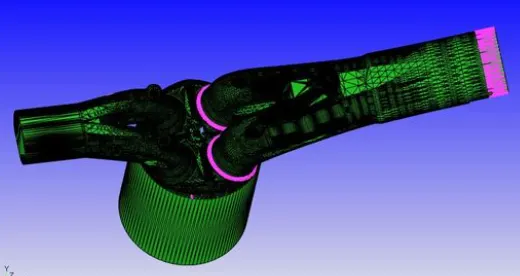
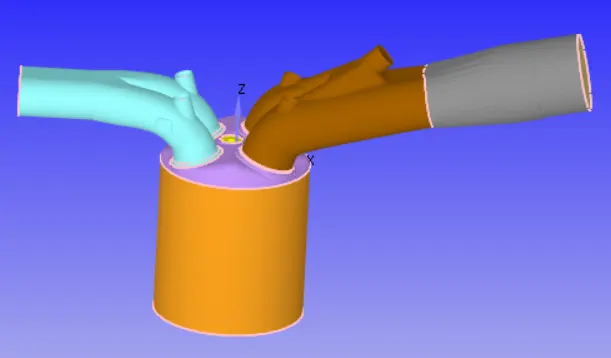
piston:
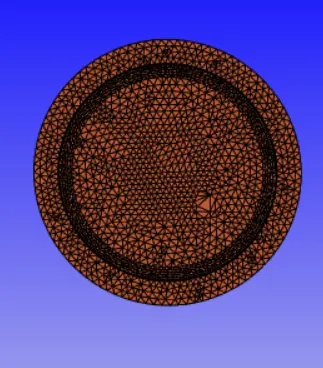
limear:
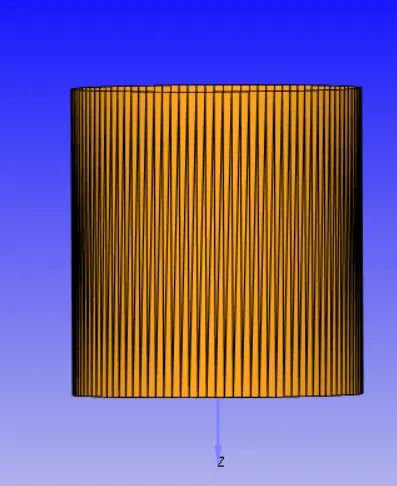
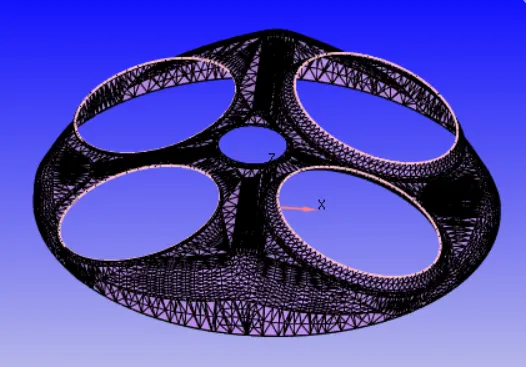
cyclinder head:
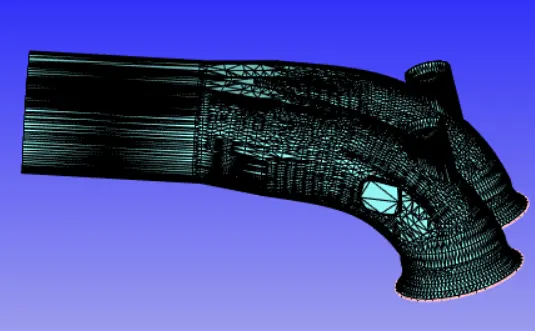
exaust port:
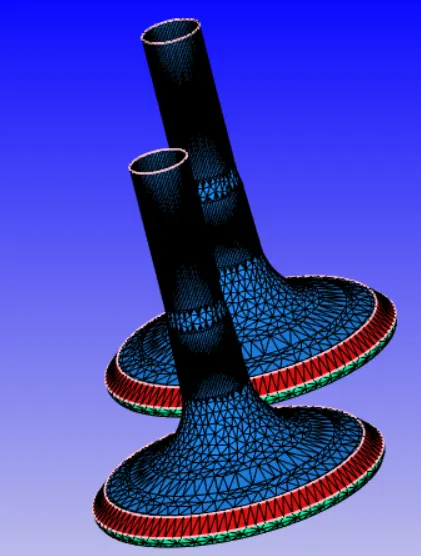
exaust top wall, exaust angle wall, exaust bottom wall:
extra piece which belong to exaust port boundary layer:
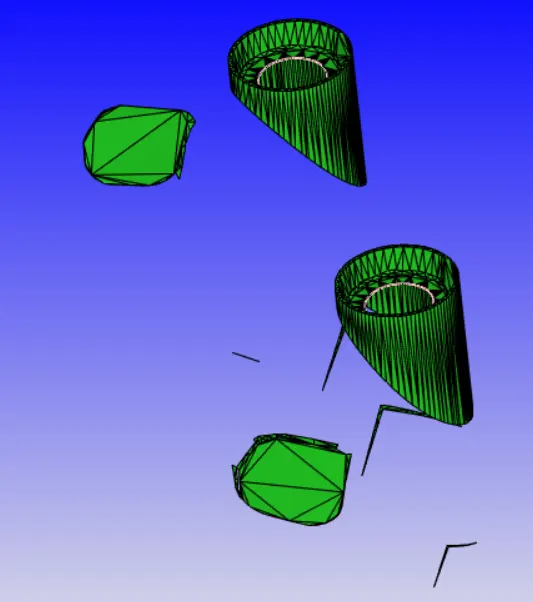
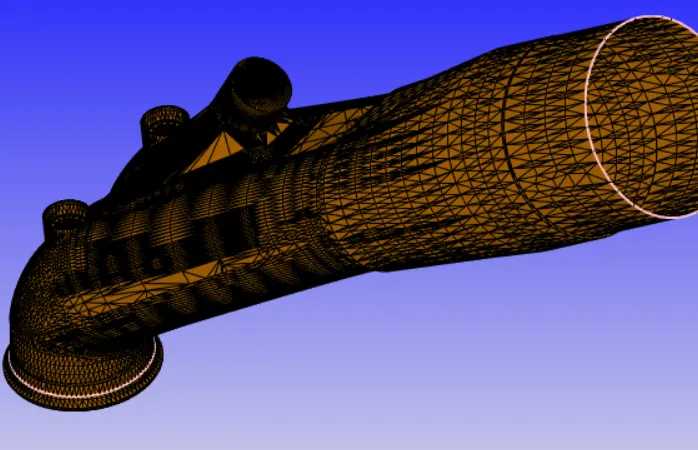
intake port:
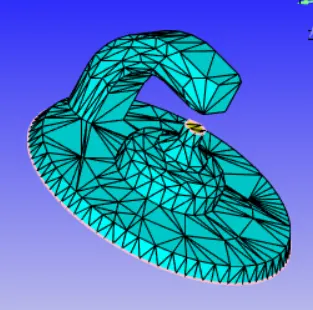
spark plug, terminal:
open adjes were removed using patches and stich option
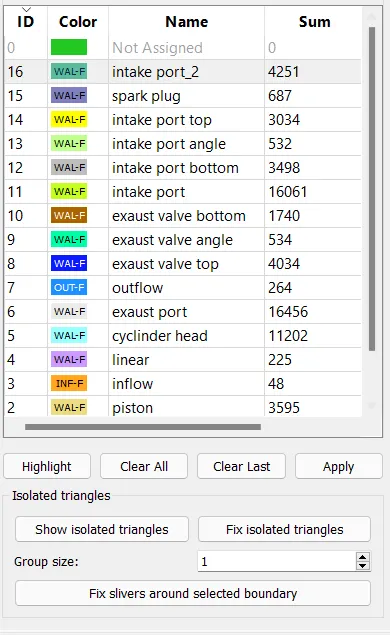
after that boundary flagging is done:
Inlet valve moved on its normal direction with 1mm distance to solve this problm.
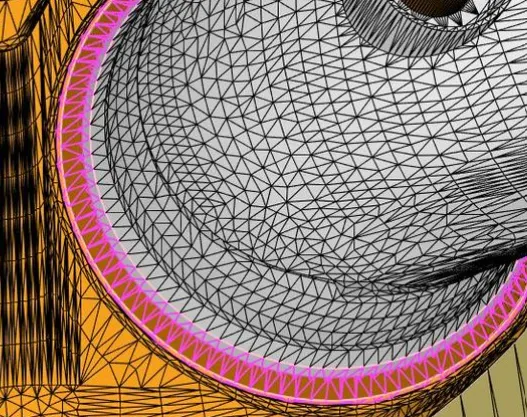
to this
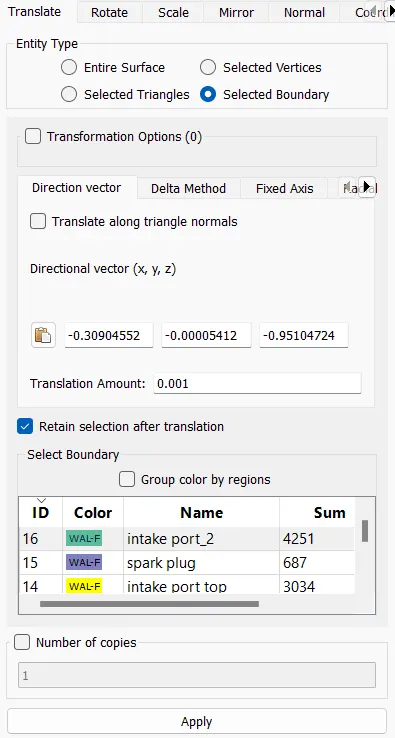
Normal orientation were transformed inward
to this
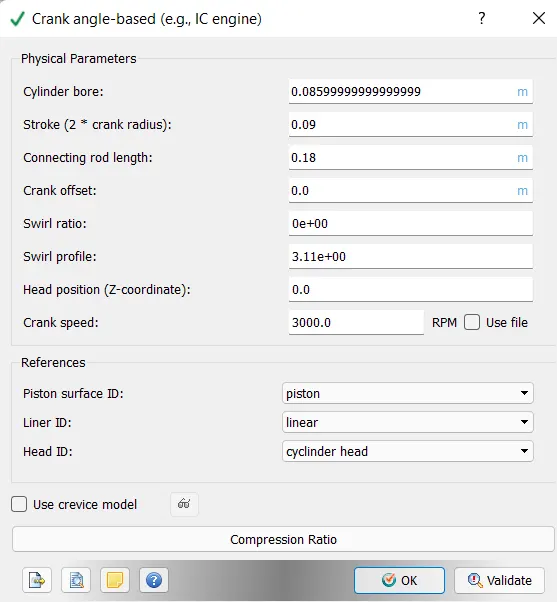
-In the case setup we started with crank angles based IC engine as application type. in crank angle bsed menu some parametrs were defined as shown in images:
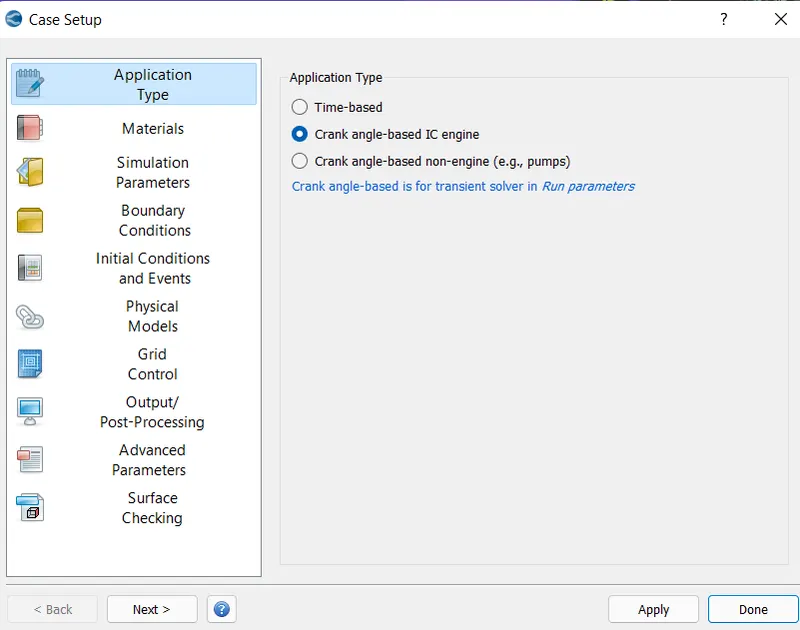
In gas simulation parameter therm.dat file was imported which contains gas thermodynamic data specifically related to IC engine.
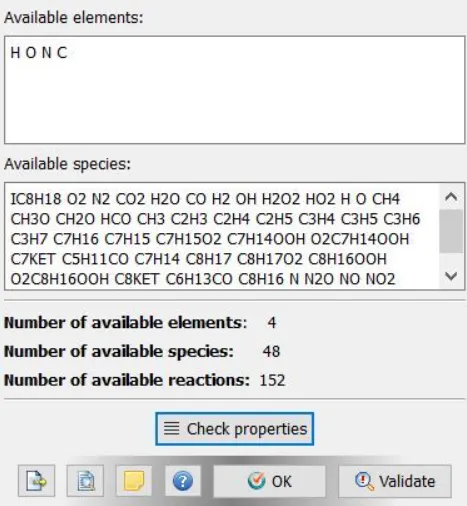
in reaction mechanism windows properties were checked to see the available species, which were imported bybtherm.dat file:
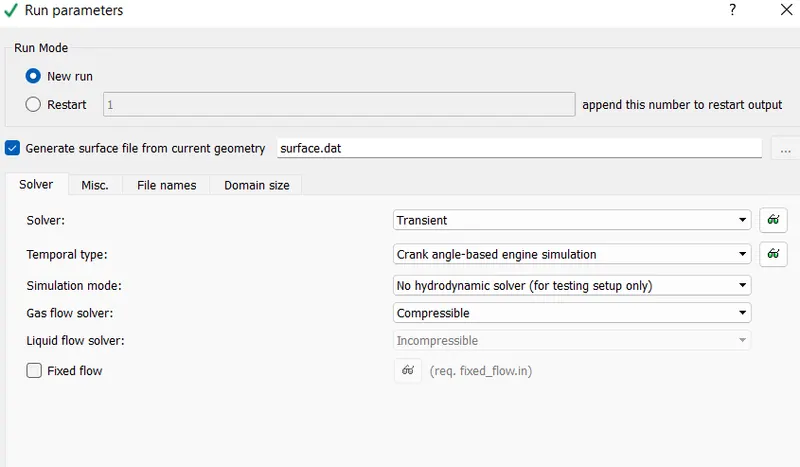
In rum parameter transient was choosen as solver type with no hydronamic simulation mode because we wanted to see mesh movement only without the effect of fluid.
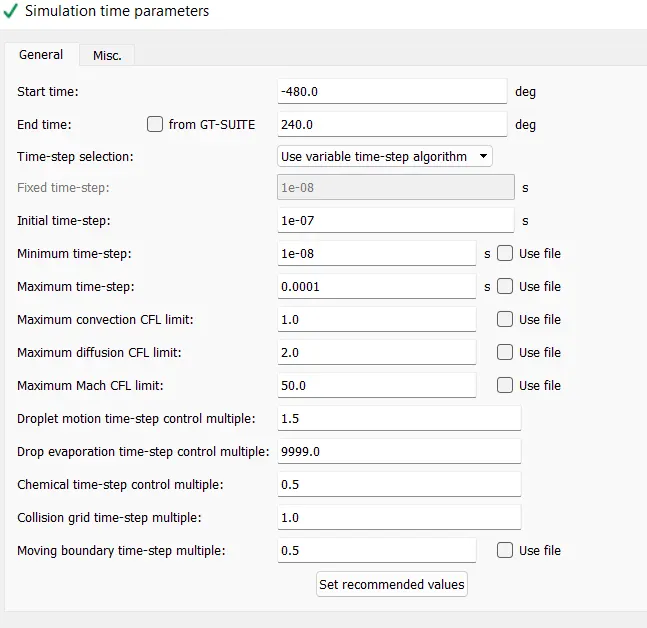
In simulation time parametr start and end time were specified in degrees.
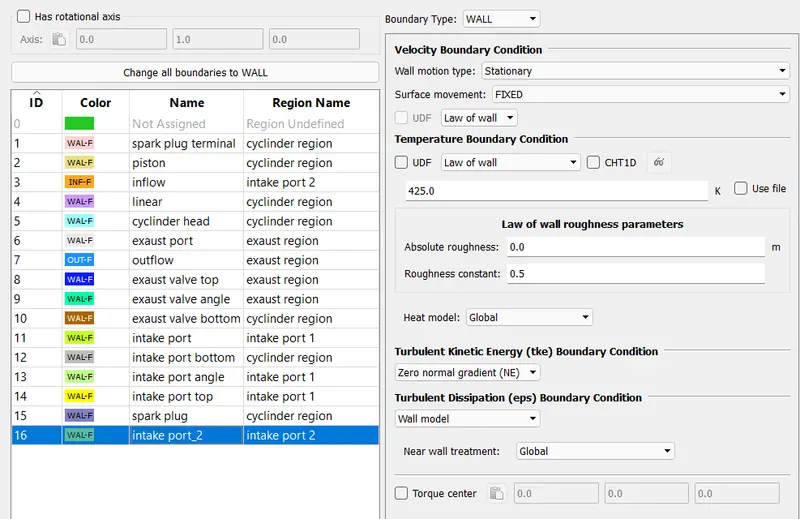
these were the boundaries created in flagging process.
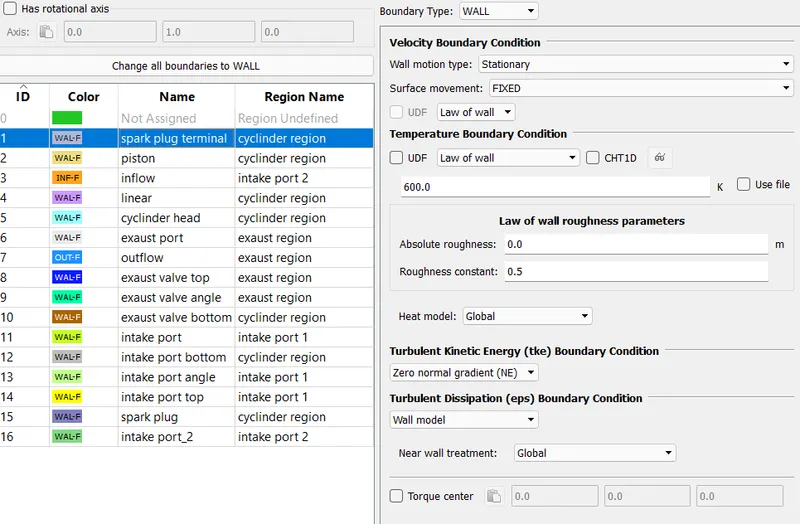
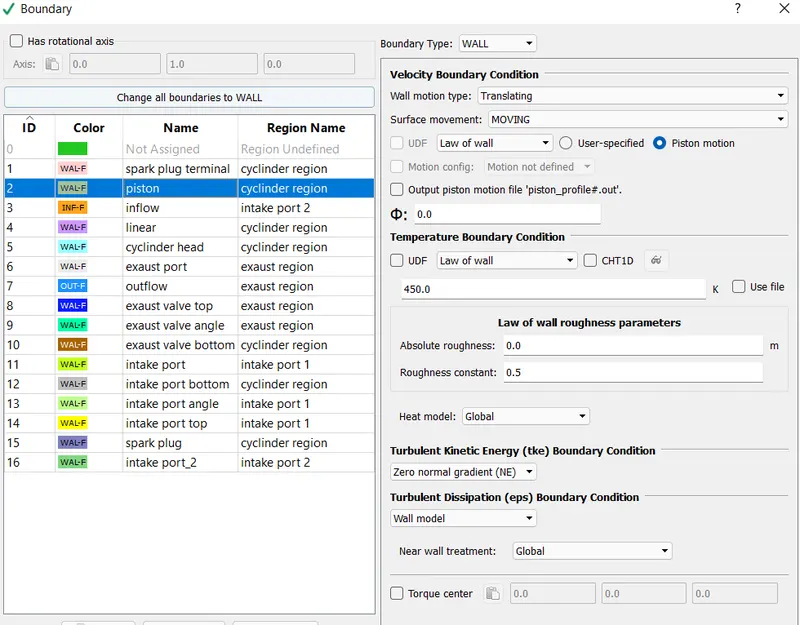
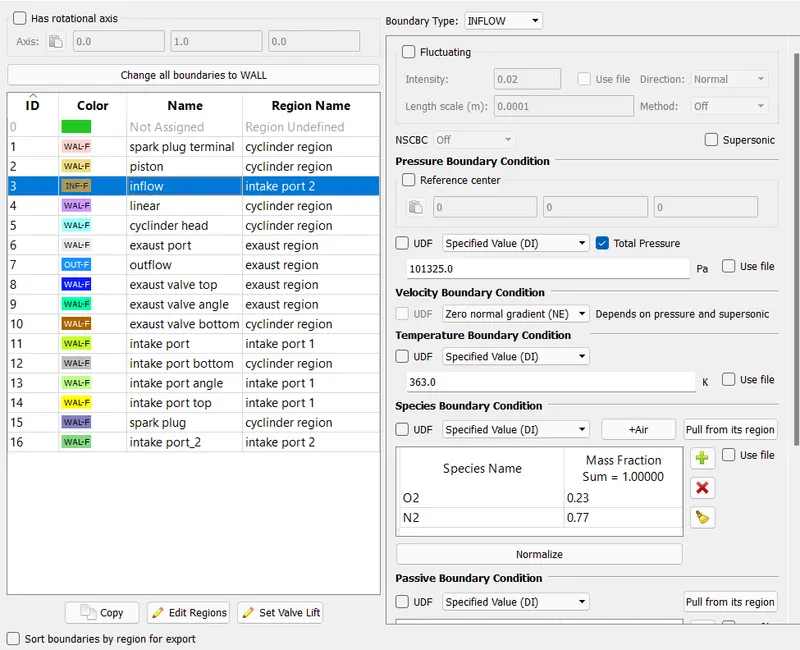
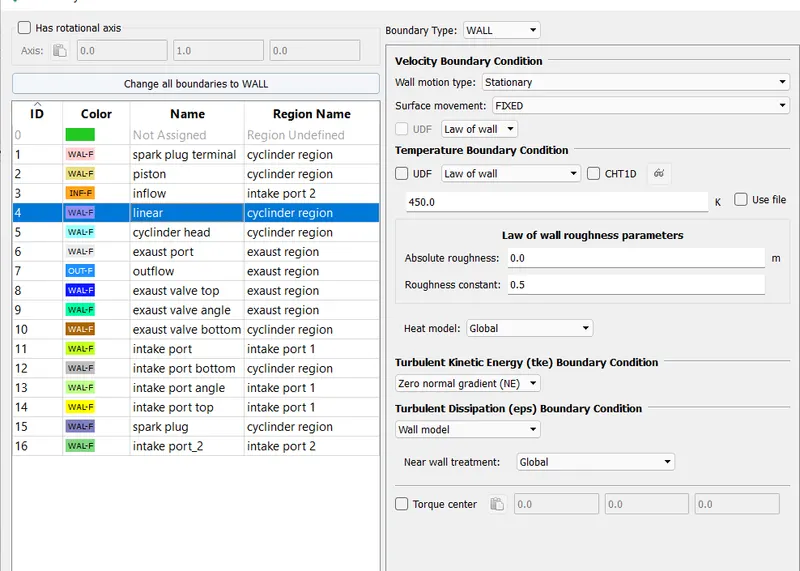
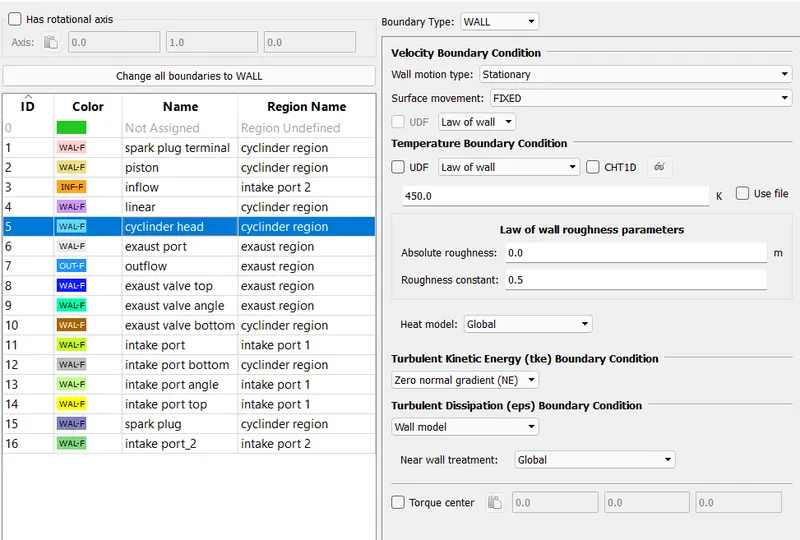
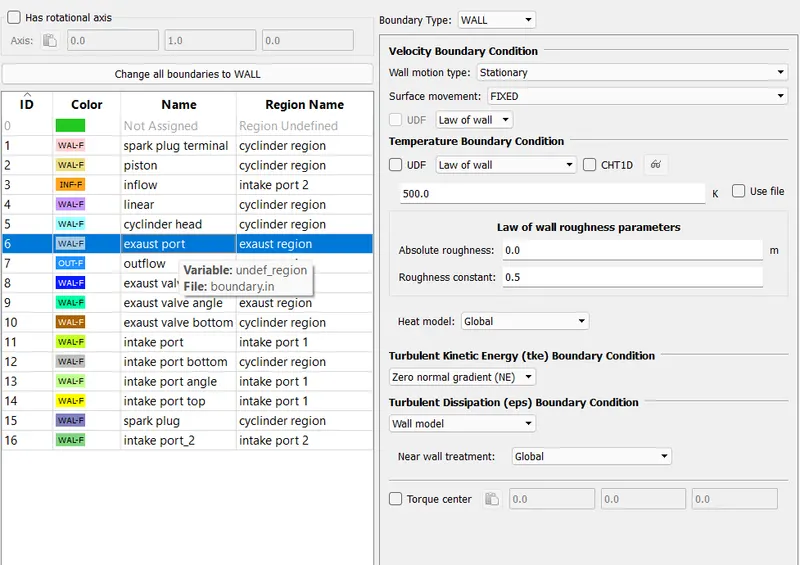
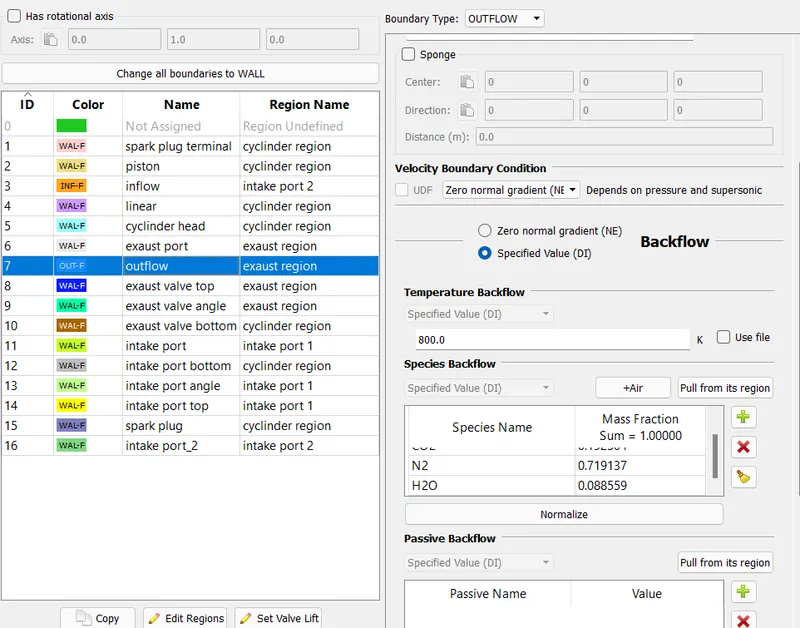
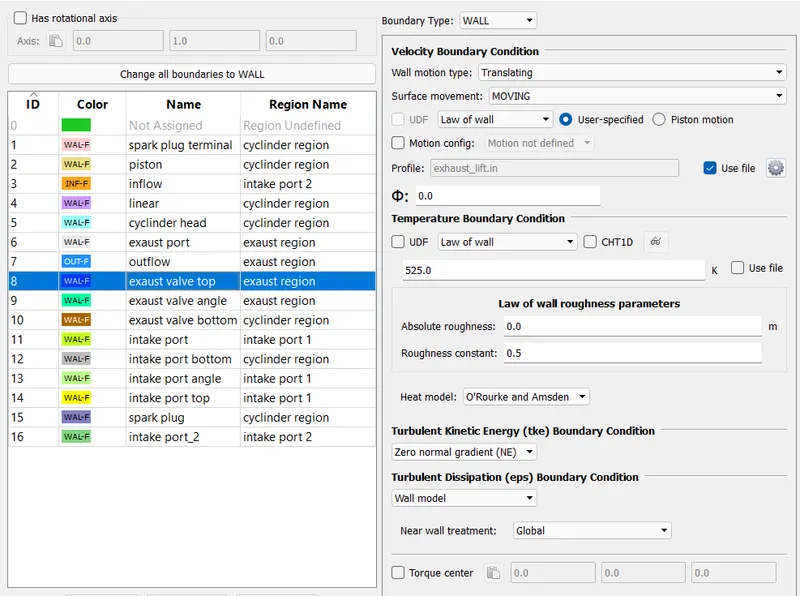
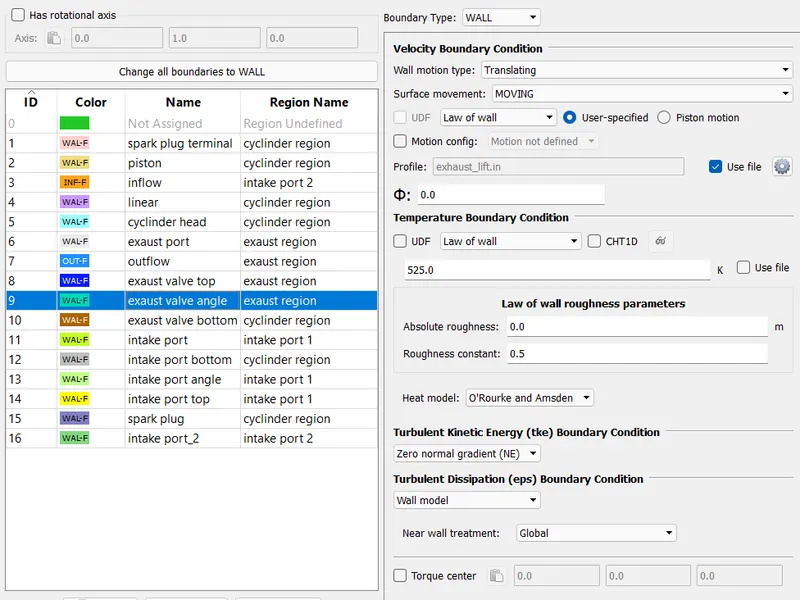
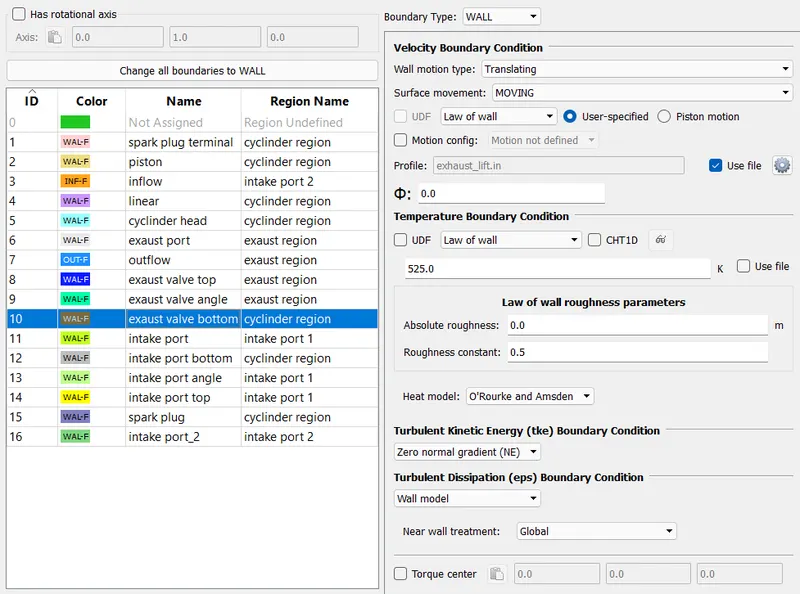
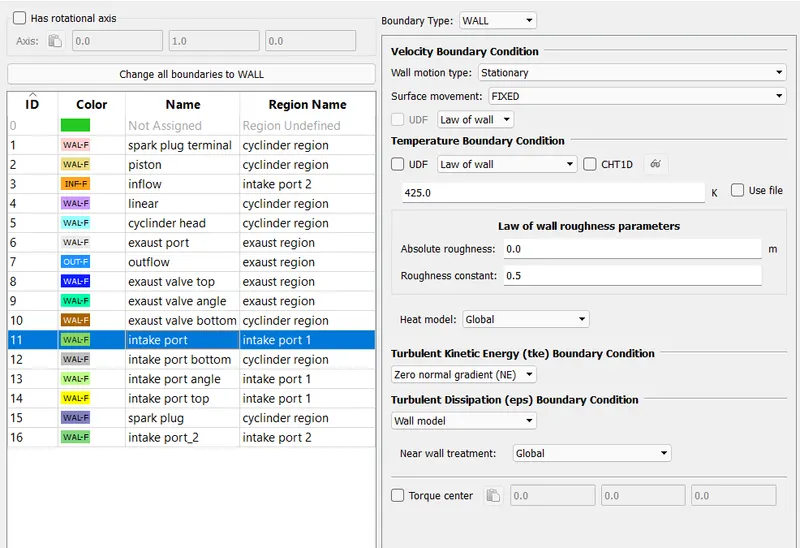
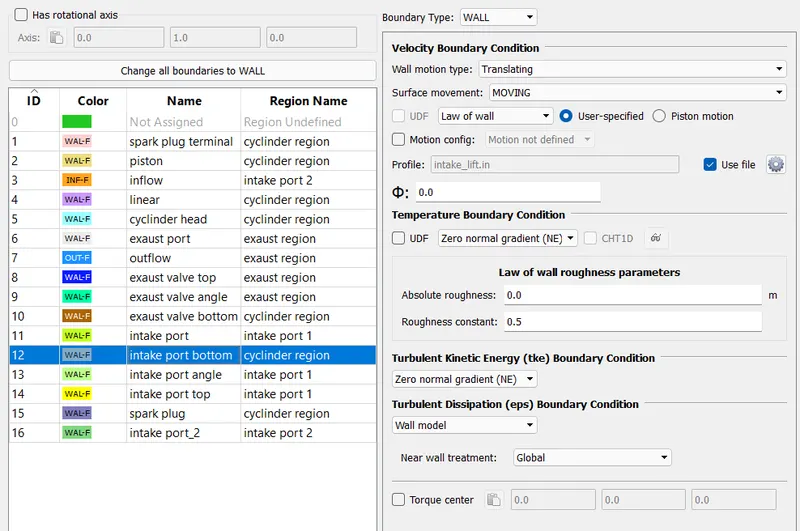
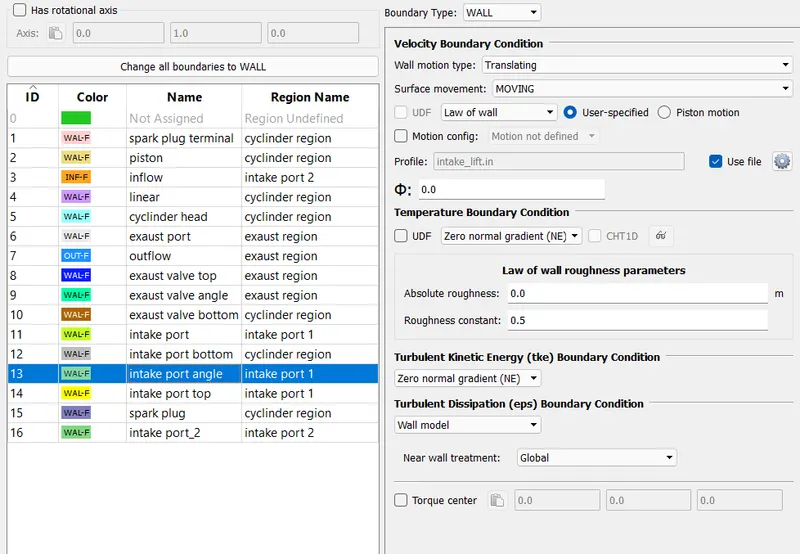
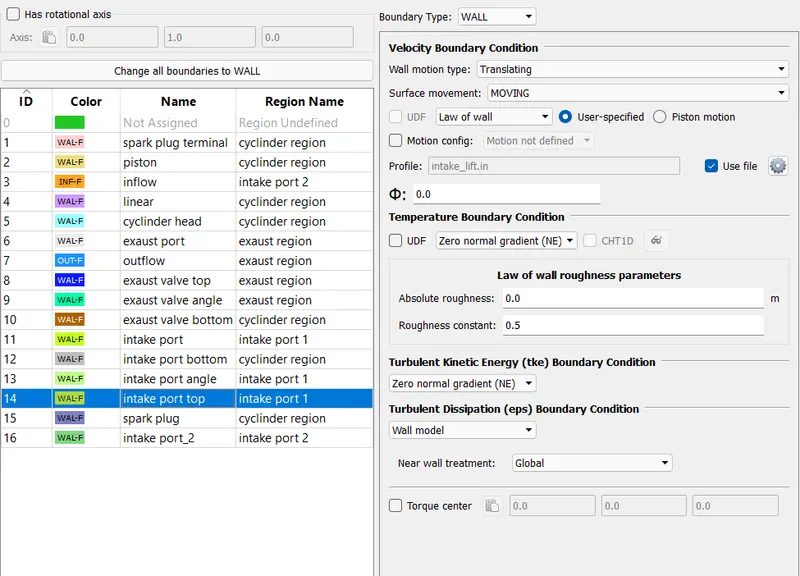
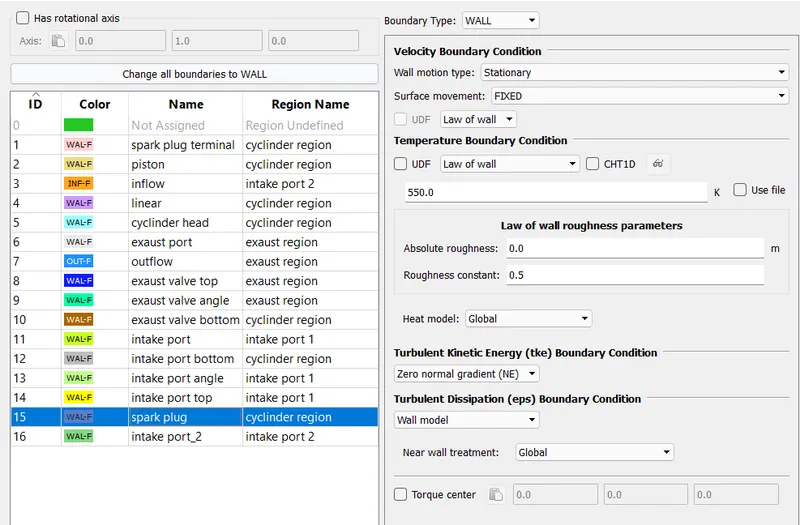
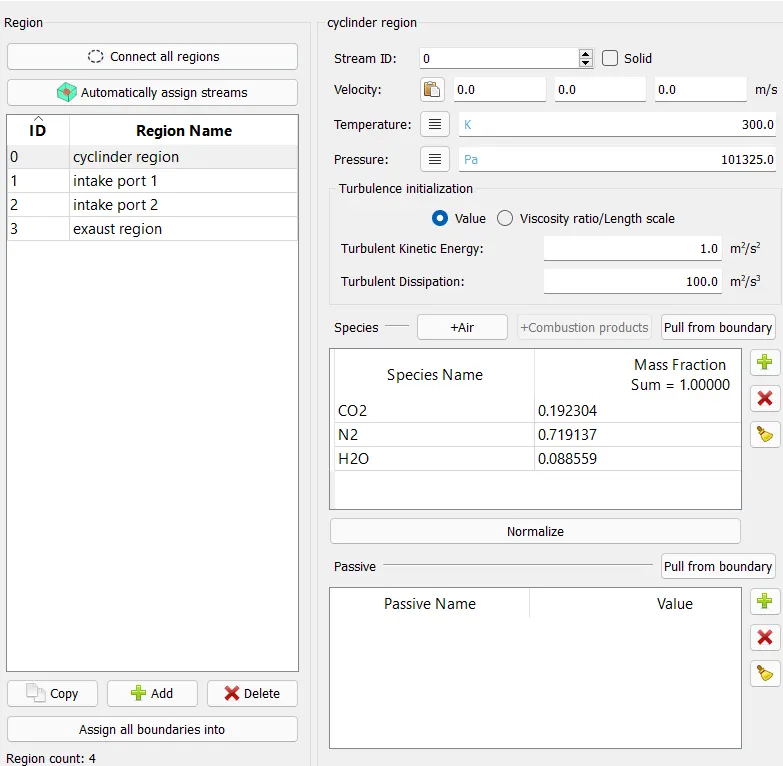
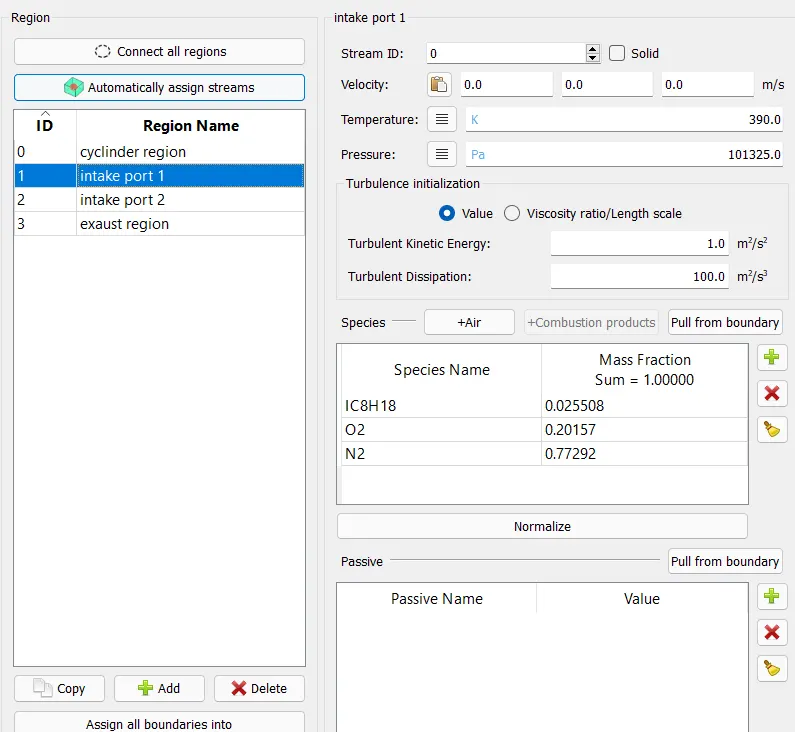
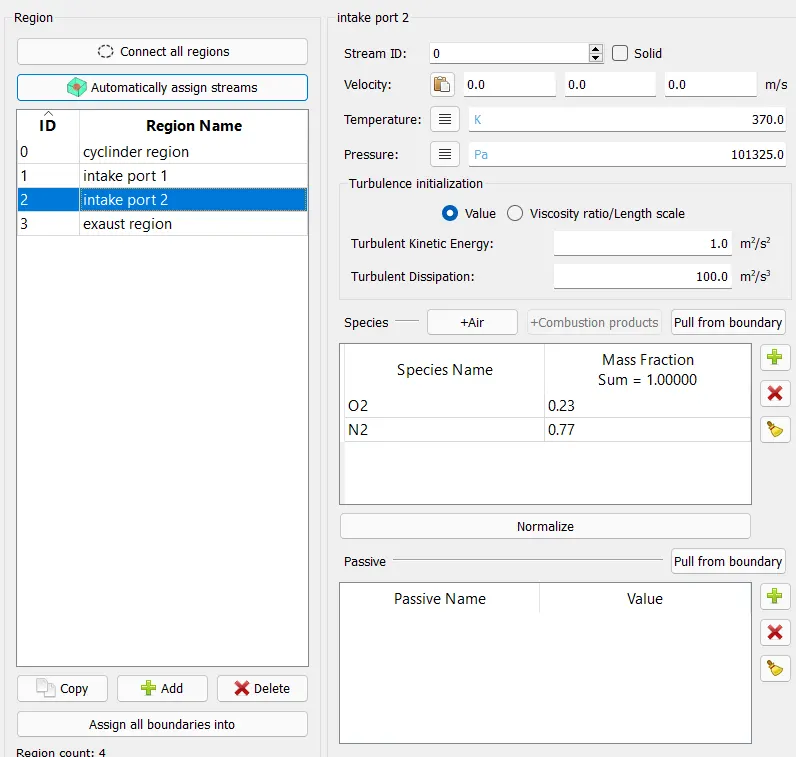
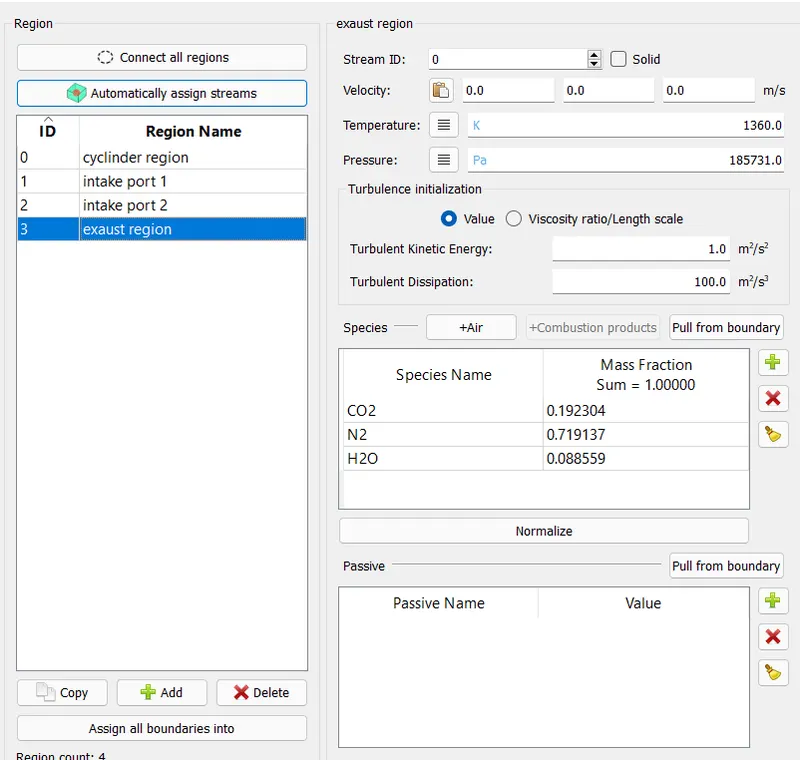
Four major region were defined:
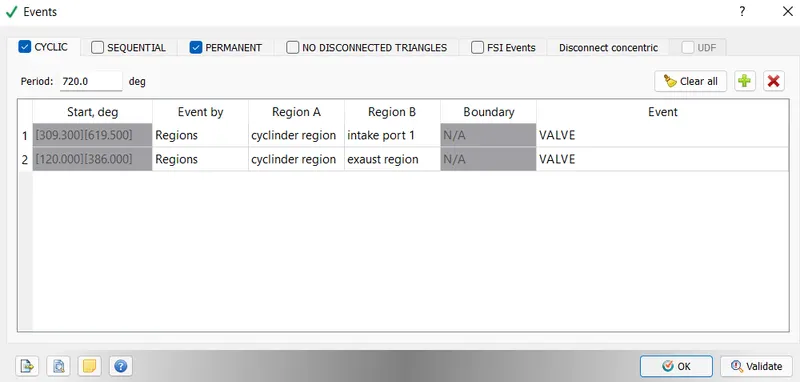
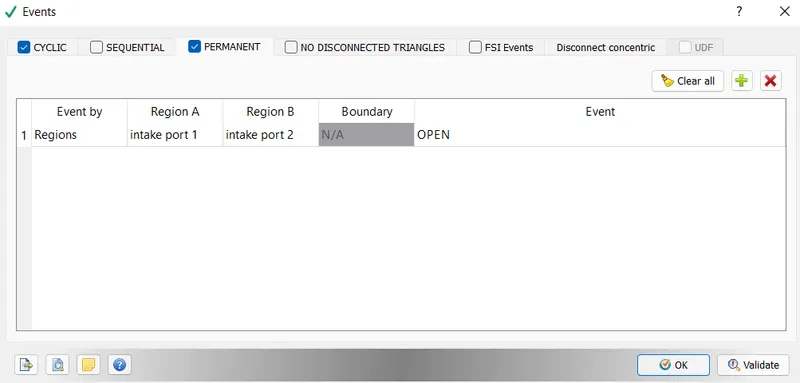
Event were nabled in initial condition and even option and we specified three events, two were cyclic which would replicate value movement and one event was perment which specified no barrier between intake port 1 and intake port 2.
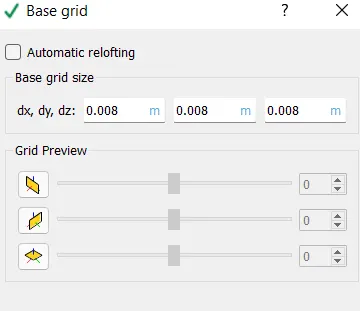
We chose k-epsilon turbulent model and base grid was chosen as 0.008m because we were performing no hydrodynamic simulation and these paraetrs does not have any effect on simulation.
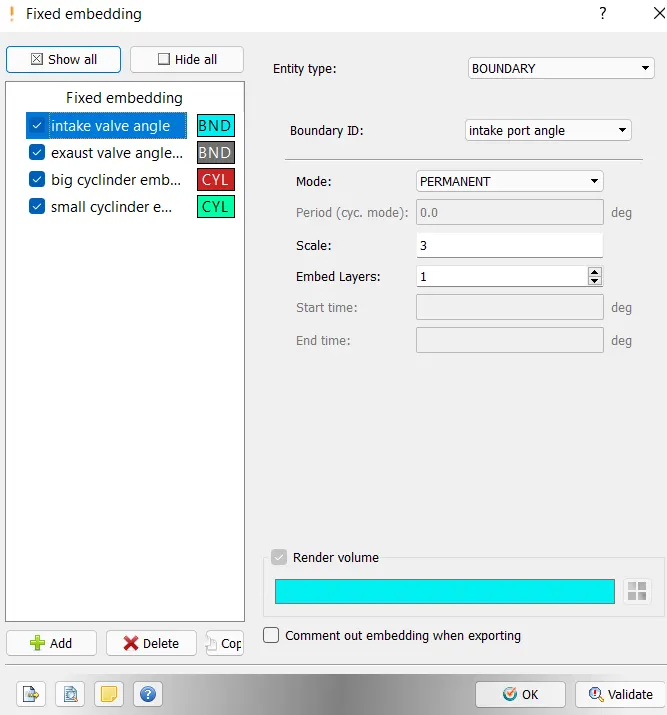
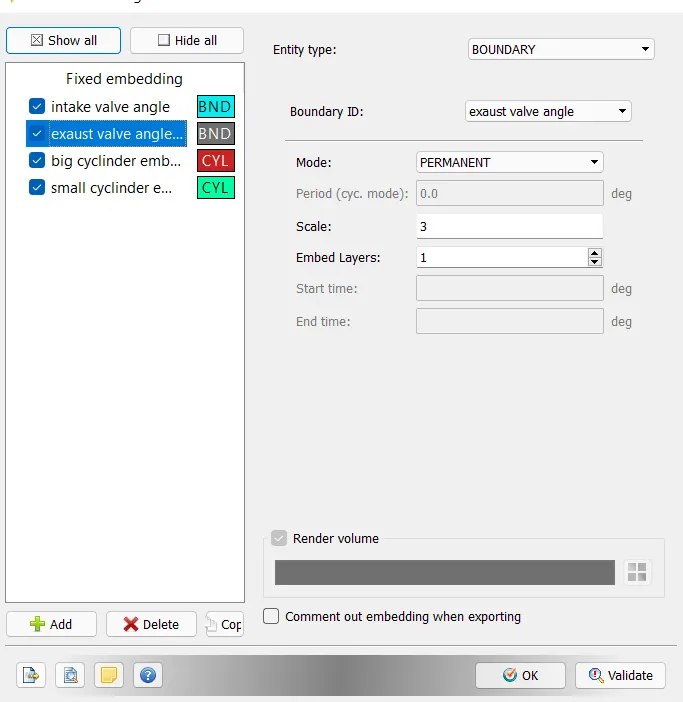
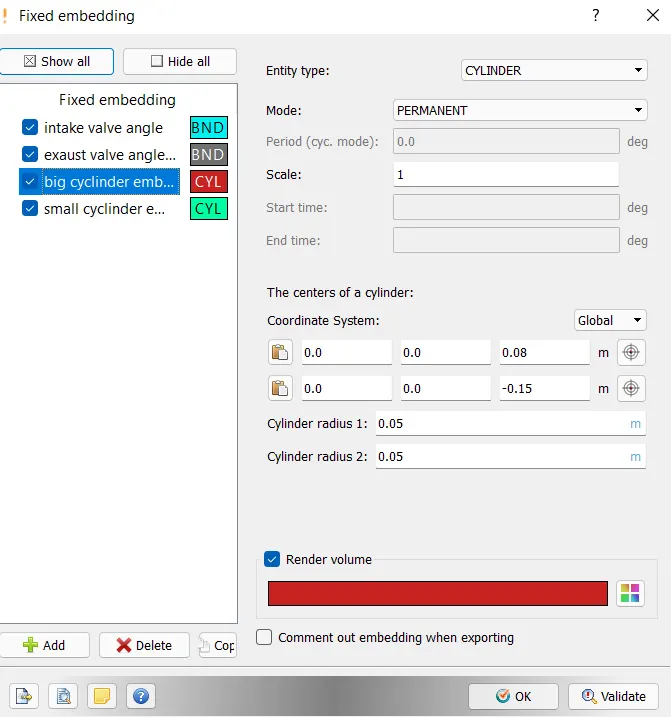
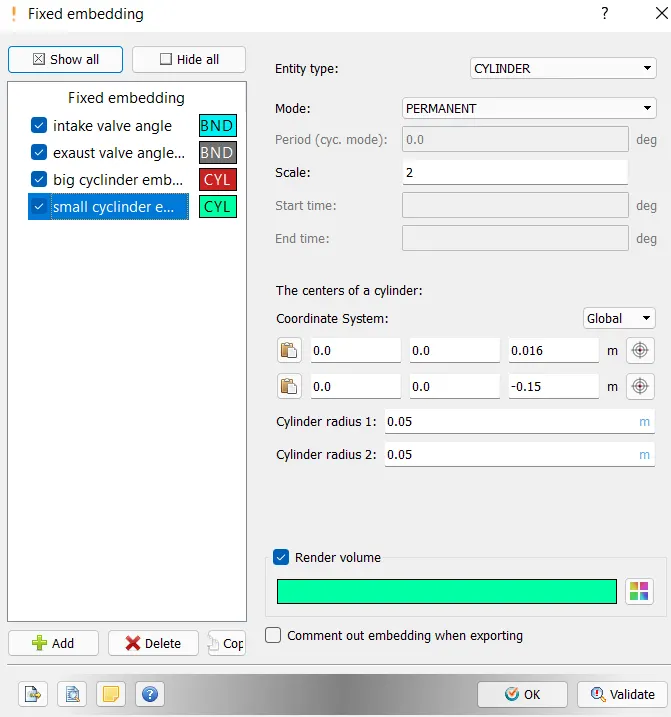
fixed embedding option was enabled to get finer the parameters was given are
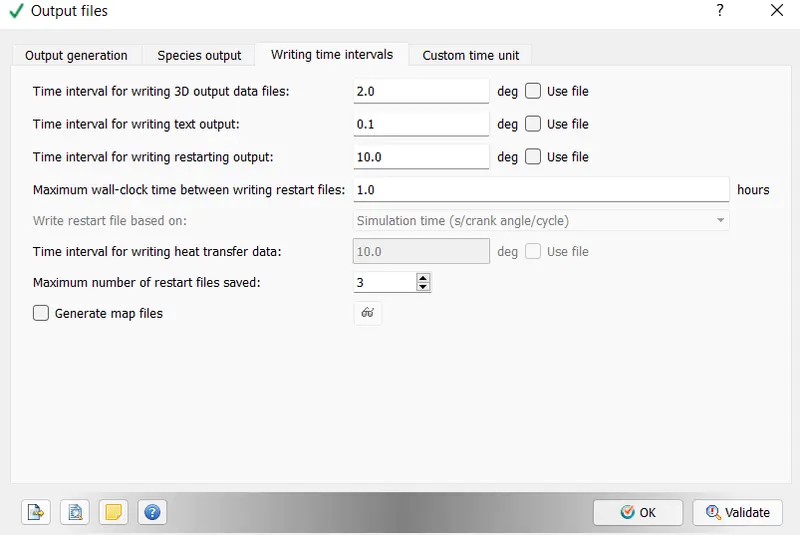
we went with default output parameters in outer file menu:
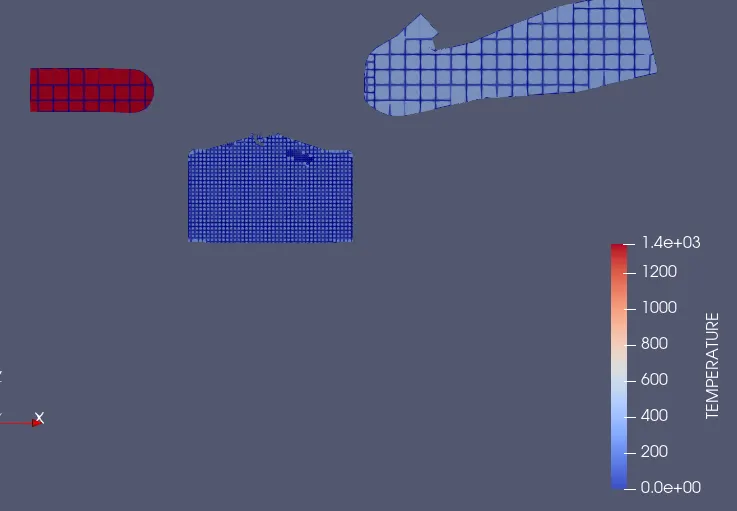
at time step 100
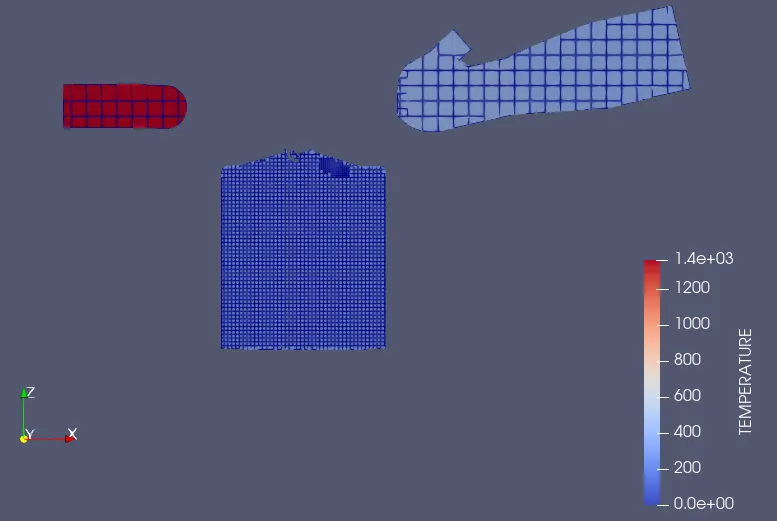
at time step 150
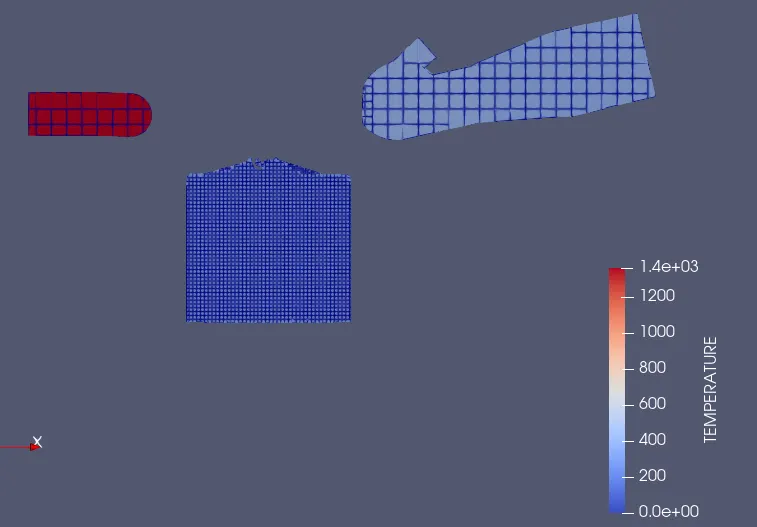
at time step 300
CONCLUSION:
The main aim was of this study to run surface flagging, mitigate errors and run no hydronamic simulation to capture mesh movements. converge provides special feature fo IC engine simulation, we can enable piston, valve movements simply we dont need to tell converge how piston moves in cyclinder it automatically put motion in piston after we enable piston motion in boundary condition and it is similar for vale movement also. such preparation and boundary flagging has succesfully done and afters case setup we created an animation to see valve and piston movement which can be seen by following link.
video link: